Create Availability Form
Whether you’re scheduling meetings, planning shifts, or booking appointments, Jotform’s availability forms make it easy to gather schedule information in minutes. Share online, track every submission in real time, and use automated workflows to turn responses into actionable schedules without the back-and-forth emails.
Templates
Ready-to-Use Availability Form Templates
Start quickly with templates for employee shift planning, volunteer scheduling, client bookings, or event RSVPs. Add fields for specific dates, time ranges, and notes.
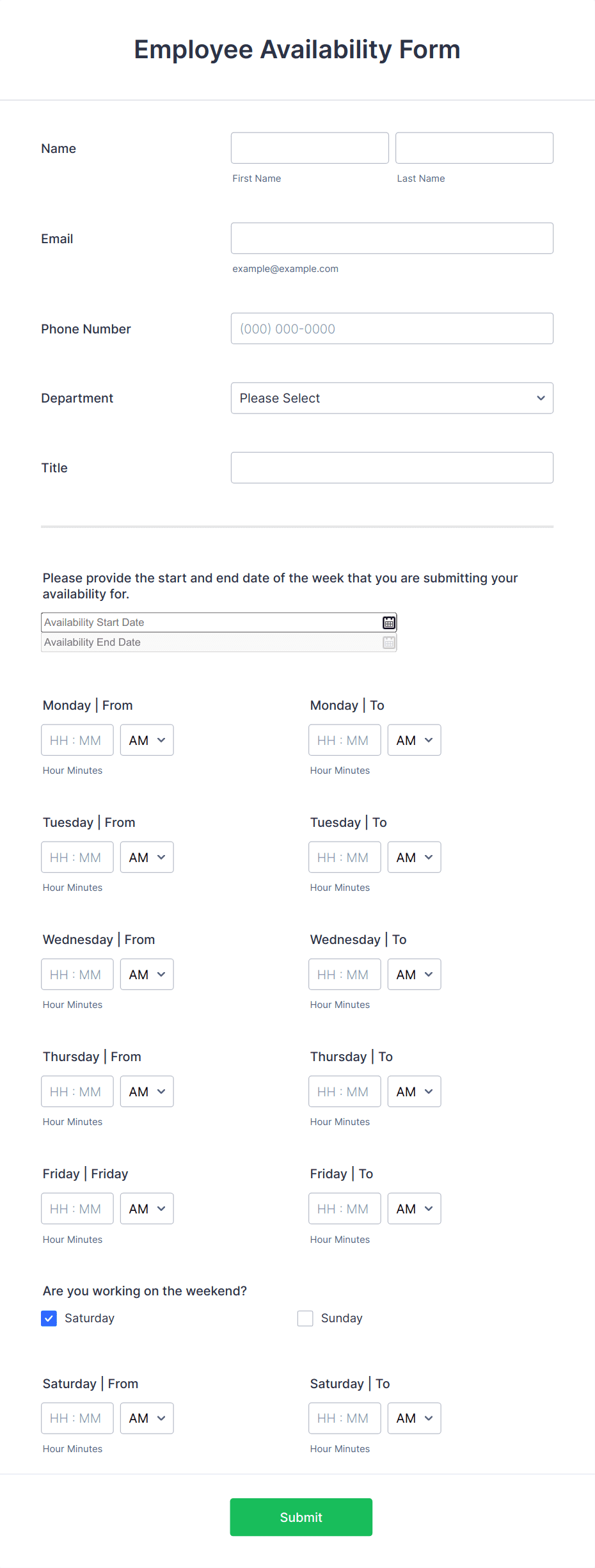
Employee Availability Form
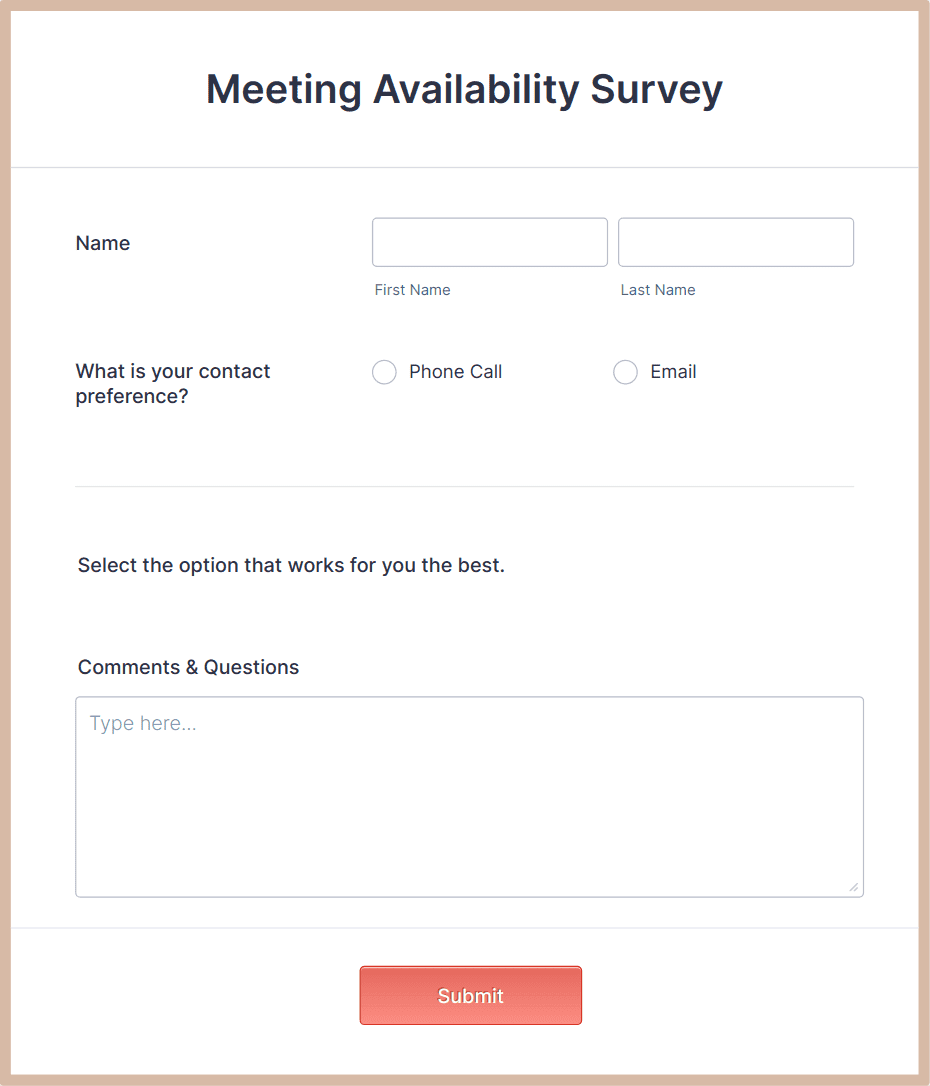
Meeting Availability Survey
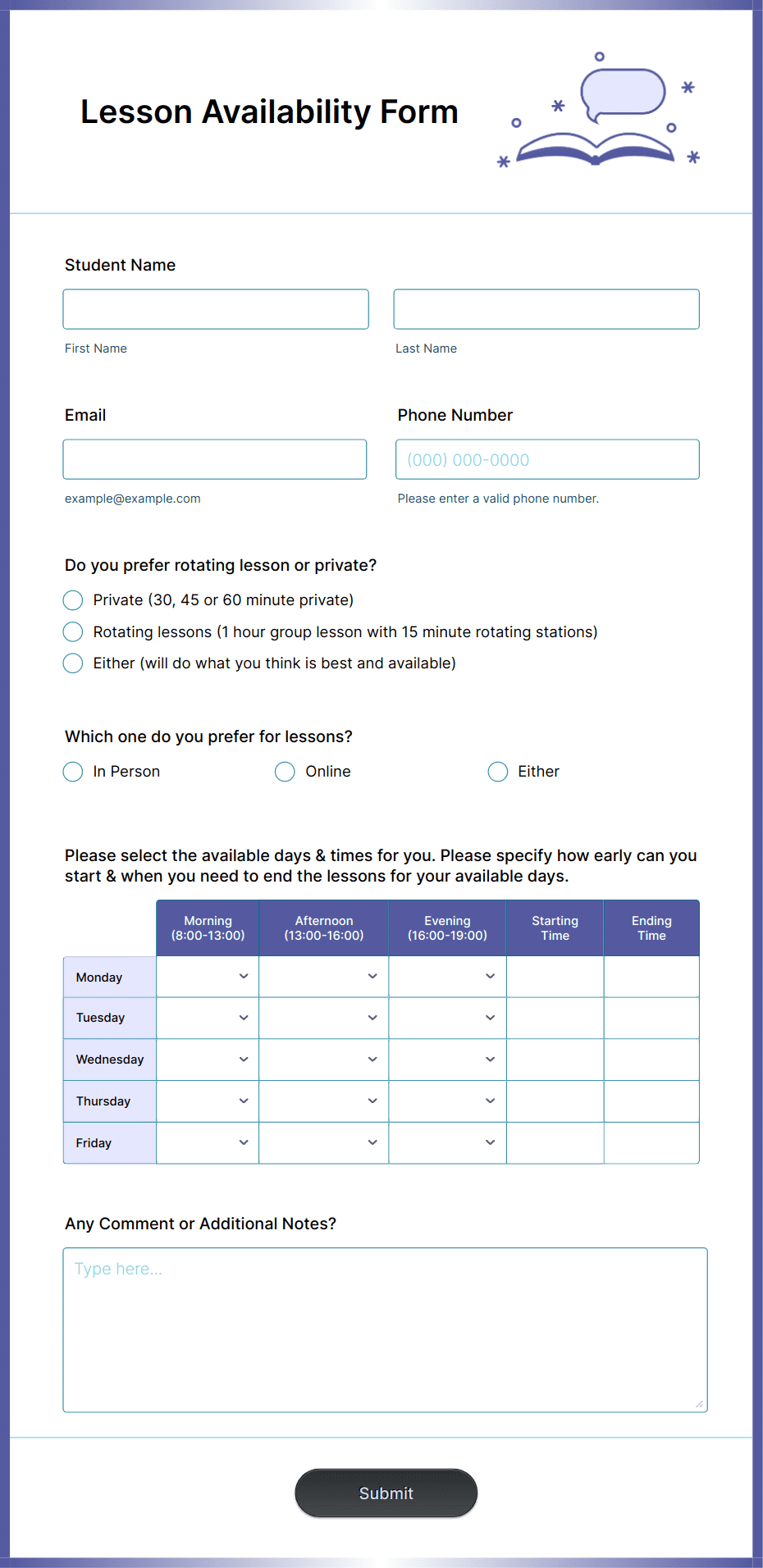
Lesson Availability Form
Benefits
Why Use Jotform for Availability Forms?
Customizable for Any Scheduling Need
Design your form to match your exact process — from collecting general availability to confirming specific dates. Add calendars, dropdowns, or checkboxes for time slots. With Jotform’s drag-and-drop builder, you can brand your form, simplify responses, and ensure you get complete and clear availability details from every respondent.
Centralized Response Tracking
Every availability submission flows directly into Jotform Tables, giving you a sortable, filterable database. Create views for different teams, departments, or event days. This ensures that all availability data stays organized, easy to search, and ready for schedule creation at any time.
Automated Scheduling Actions
Use Jotform Workflows to automatically send responses to managers, book time slots, or update a master calendar. Build conditional steps to assign shifts or send confirmation messages instantly, removing the need for manual coordination and speeding up the scheduling process.
E-Signature for Confirmations
Add Jotform Sign fields for respondents to confirm their submitted availability formally. This is ideal for situations like employee schedules or volunteer commitments where you need a signed acknowledgment that the availability is accurate and binding.
Accessible Anywhere and Secure
Availability forms are fully mobile-friendly and protected with SSL encryption. Optional HIPAA-friendly features are available for sensitive scheduling in healthcare or confidential projects. Your team can review availability from anywhere, ensuring faster coordination and fewer scheduling conflicts.
Testimonials