Automate your Salesforce Intake process with Jotform
Seamlessly collect lead information and configure customer Intakes in your Salesforce database with comprehensive intake forms from Jotform. Start from scratch or use one of our ready-made templates to build a custom intake form to gather important intake data and auto-generate Intakes in Salesforce.
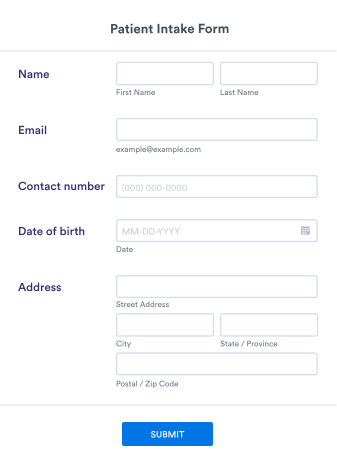
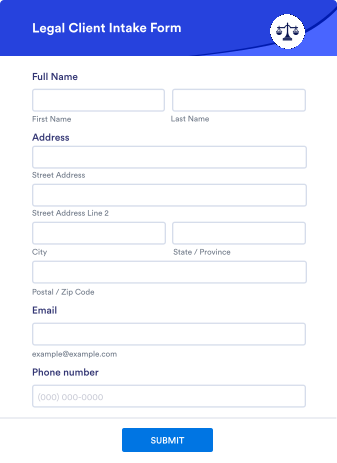
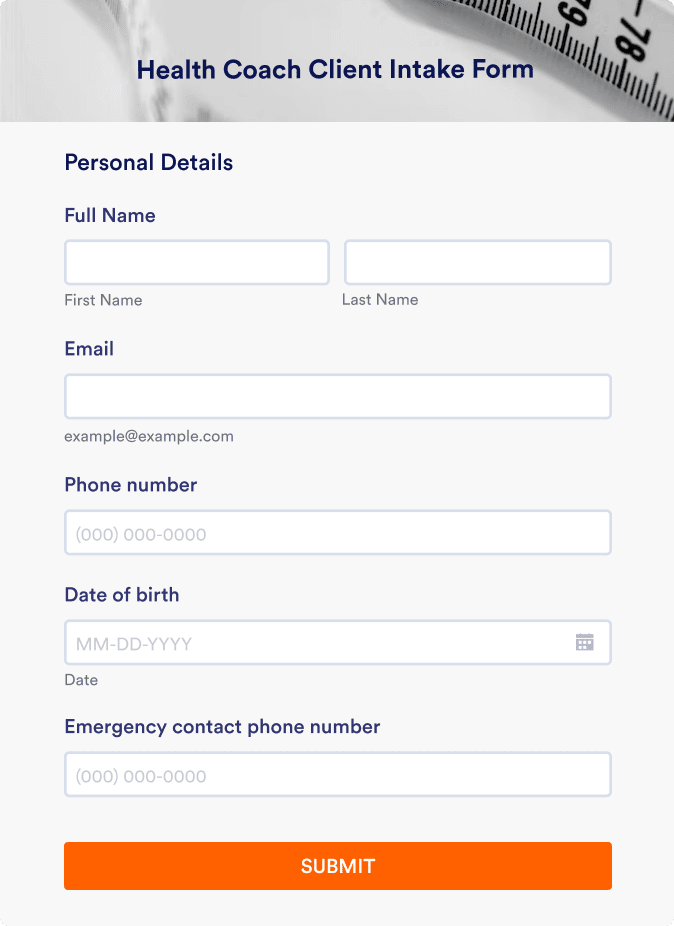
Explore Intake Form Templates
With Jotform's robust form template gallery, you can find the perfect intake form for your needs.

Formulir Pendaftaran Medis
Formulir Pendaftaran Medis adalah templat formulir yang dirancang untuk mengumpulkan informasi lengkap tentang riwayat medis pasien, operasi sebelumnya, genetika, dan gejala.

Formulir Pengambilan Data Kesehatan Mental
Lakukan pengambilan data pasien secara daring. Kumpulkan riwayat medis, dokumen pendukung, dan pembayaran biaya. Lindungi data pasien dengan kepatuhan HIPAA opsional.
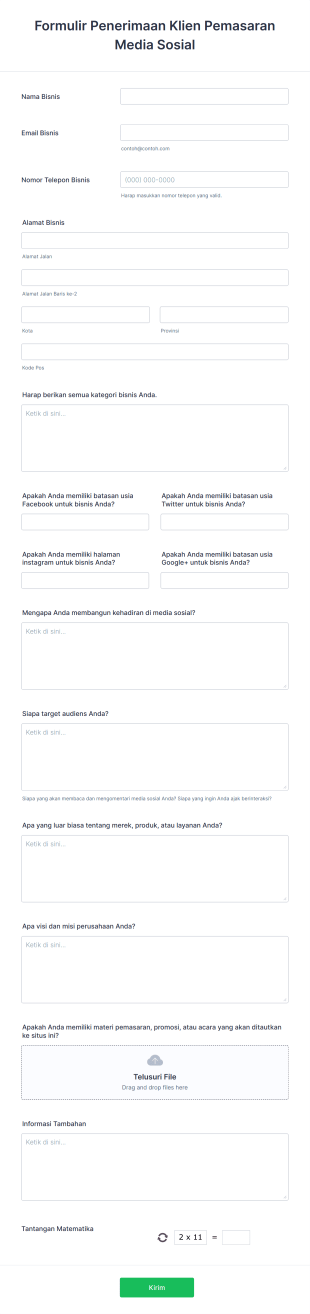
Formulir Penerimaan Klien Pemasaran Media Sosial
Formulir penerimaan klien pemasaran media sosial mengumpulkan informasi tentang kebutuhan, persyaratan, dan harapan calon pelanggan. Sesuaikan dan bagikan secara online.

Formulir Penerimaan Klien Salon Rambut
Gunakan Formulir Penerimaan Klien Salon Rambut ini untuk mengumpulkan informasi yang relevan tentang kondisi klien dan layanan tata rambut yang dibutuhkannya. Template ini mudah digunakan dan dapat disesuaikan dengan mudah.

Formulir Penerimaan Klien Spa
Hindari kerepotan bagi pasien Anda dengan menggunakan Formulir Penerimaan Klien Spa ini yang dapat diisi sebelum sesi terapi yang dijadwalkan. Formulir ini mudah digunakan dan dapat diakses melalui perangkat apa pun.

Formulir Penerimaan Pelatih Kehidupan
Formulir Penerimaan Pelatih Kehidupan adalah templat formulir yang dirancang untuk menyederhanakan proses pelatihan bagi pelatih kehidupan.
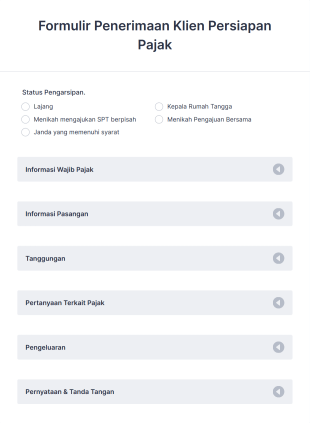
Formulir Penerimaan Klien Persiapan Pajak
Gunakan Formulir Penerimaan Klien Persiapan Pajak ini sebagai panduan saat Anda mengajukan pengembalian pajak tahunan. Formulir penerimaan ini berisi semua pertanyaan yang akan membantu Anda mengajukan pajak dengan akurat.
Salesforce
Easily integrate Jotform with Salesforce
Jotform is now part of the Salesforce AppExchange! You can use the integration on the AppExchange platform or in Jotform’s form builder. In just a few minutes, seamlessly transfer data between Jotform and Salesforce for better, faster, more efficient lead generation and sales.
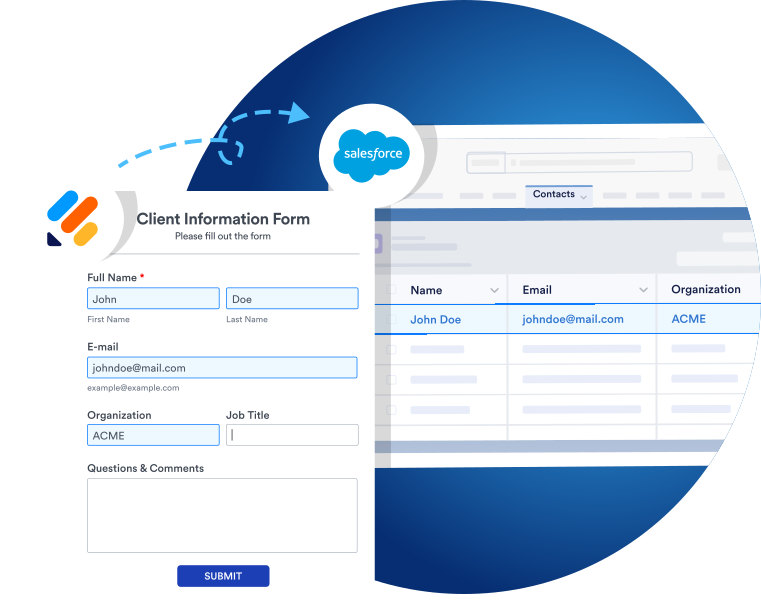
Bagikan atau Sematkan
Share and embed your forms in seconds
Anda dapat membagikan formulir Anda melalui tautan, email, kode QR, atau di akun media sosial Anda dalam hitungan detik. Selain itu, Anda dapat menyematkan formulir di situs web Anda hanya dengan beberapa klik cepat untuk segera mulai mengumpulkan data prospek. Bagian terbaik? Tidak diperlukan pengodean.
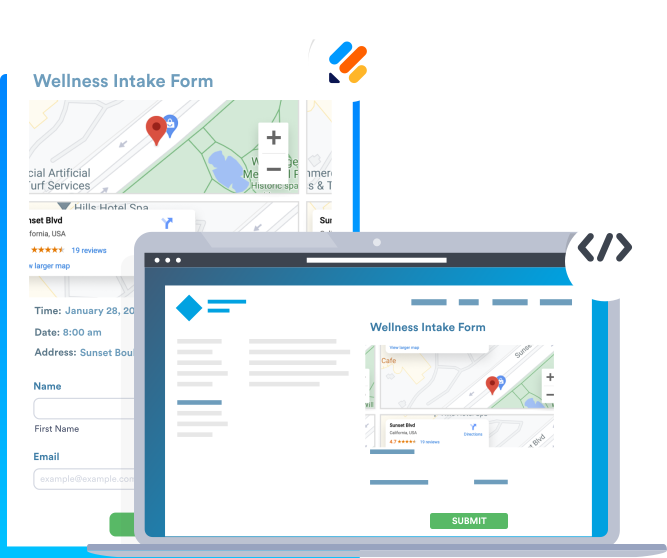
Formulir Prefill
Prefill forms with your Salesforce data
With Salesforce Dynamic Prefill, you can retrieve the latest client data from your Salesforce account and dynamically pre-populate forms for a more seamless user experience. No more toggling between platforms to pull important client information.
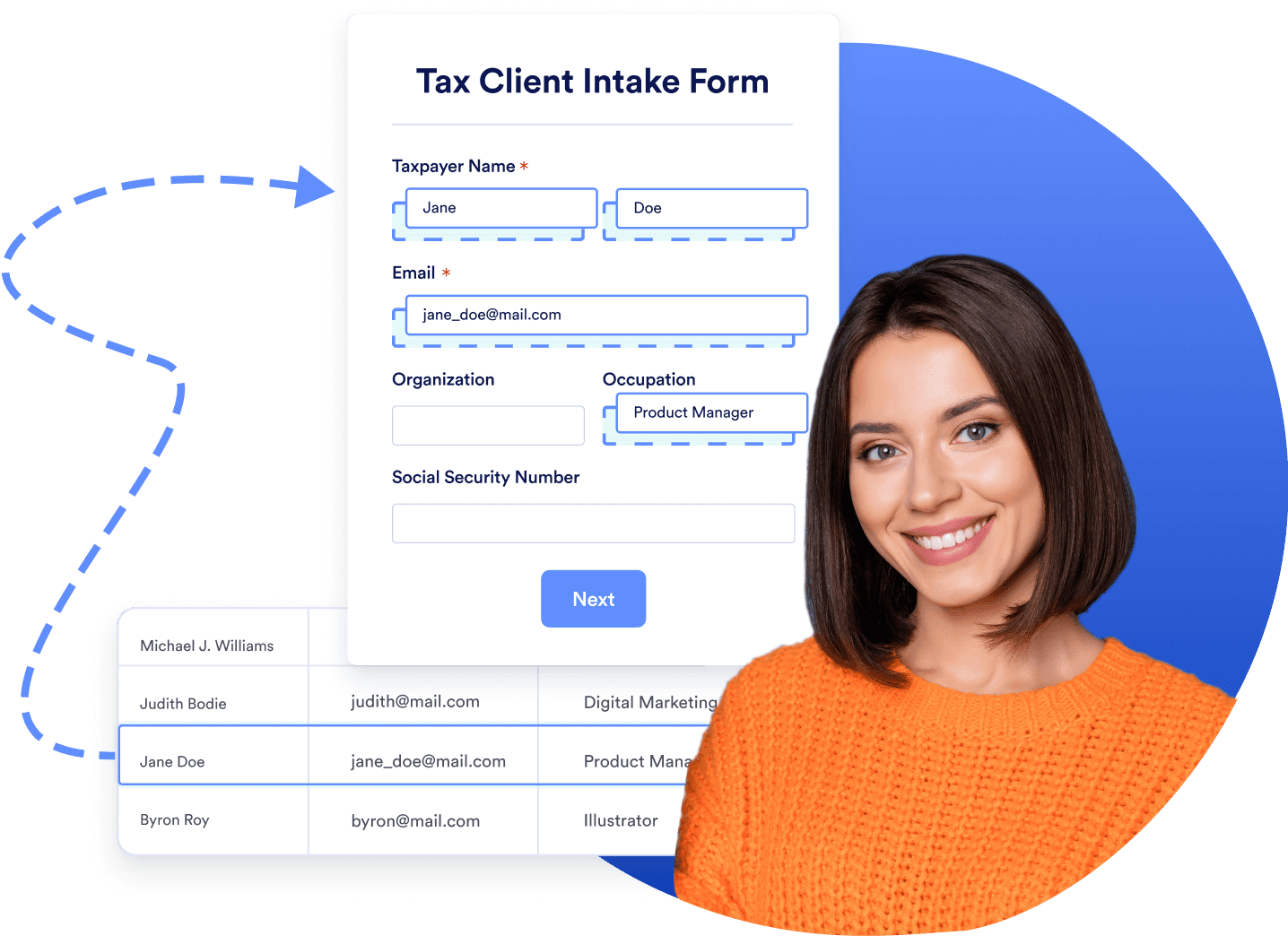
Learn how to use Jotform for Salesforce

Apa yang dikatakan pengguna kami tentang Jotform
“Jotform is the cornerstone of my lead generation and e-signature needs. It’s the easiest yet most powerful tool for creating questionnaires that make a difference in my daily occupations in just a few minutes. Jotform is also fully customizable, so it delivers what I need it to. I’m delighted about the many updates throughout the years. Thank you to the team who supports us to succeed!”
Alexandre Bérubé, Managerial
Economist at Le Docteur des Profits
FAQ
-
What is an Intake in Salesforce?
A Salesforce Intake is a collection of data about leads and their entire customer journey, including contact, program engagement, assessment, and case objects. You can use the Intake feature to gather information about potential clients and determine the best course of action to serve them.
Intakes track leads all the way from initial inquiry to enrollment in a Salesforce program. You can even track Intakes past this point to monitor their status over time.
-
How do I create an Intake in Salesforce?
You can create Intakes in Salesforce from the Intakes tab or from an Inbound Referral.
From the Intakes tab, click New and give the Intake a name. You’ll be prompted to fill out a set of details about the Intake. Click Save to complete the process.
To create an Intake from an Inbound Referral, click the Cases tab followed by the case number of an Inbound Referral. Then select Create Intake, edit the name, and click Save.
Note that editing an Intake also edits the object record to minimize the amount of data upkeep you need to do.
-
What are the different stages of the Salesforce Intake process?
The default Intake Stages are
- Belum Mulai
- Sedang berlangsung
- Awaiting Client Input
- Sedang Ditinjau
- Not Approved
- Disetujui
Keep in mind that you can edit, remove, or add new Intake Stages by visiting the Setup tab in Settings.
-
Why is the Intake Checklist important?
The Intake Checklist in Salesforce is a useful module that lists all the steps required to complete the Intake process. This checklist helps ensure that no action is skipped. The Intake Checklist is also helpful for navigating Intake records in a specific order and guiding users through necessary tasks like completing assessments and collecting personal information.
Intake Checklists use Action Plan templates to build individual checklists that are meaningful to your organization. They are also customizable so that users can add them to Intake records using your organization’s guidelines.
-
Which information do you need most in a Salesforce Intake?
The most critical information in a Salesforce Intake is client information, including client name, email, phone number, position, company size, etc. However, some Intakes may also require industry-specific information, so you should be careful with each Intake you create.
-
Which industries need Salesforce Intake forms the most?
While Salesforce Intake forms are applicable to many different industries, any type of business that uses lead generation will find intake forms to be a game-changer. These businesses include B2B and B2C, real estate, insurance, technology, consulting, financial services, and much more. Additionally, the healthcare, nonprofit, and education industries use intake forms on a regular basis.
-
How do I create an intake form using Salesforce?
Salesforce offers several native solutions for building intake forms. You can also use handy third-party form builders that offer Salesforce integrations — such as Jotform. Jotform’s no-code online form builder enables you to build custom forms in no time so that you can streamline your lead generation.
Jotform is now available on the Salesforce AppExchange. Without leaving your Salesforce account, you can customize a form template however you like and share the form with your clients and customers in seconds. Alternatively, you can create a form on Jotform’s platform and integrate it with Salesforce.