Online Interview Form Maker
Whether you’re hiring for one role or managing multiple openings, Jotform’s interview forms help you collect candidate information, feedback, and ratings in one place. Customize your form, share it instantly with your team, and track all responses securely — all without paper or spreadsheets.
Templates
Ready-to-Use Interview Form Templates
Start with pre-made templates for job interviews, panel evaluations, and candidate feedback. Customize fields for ratings, notes, and skill assessments. Add file upload options for resumes or portfolios.
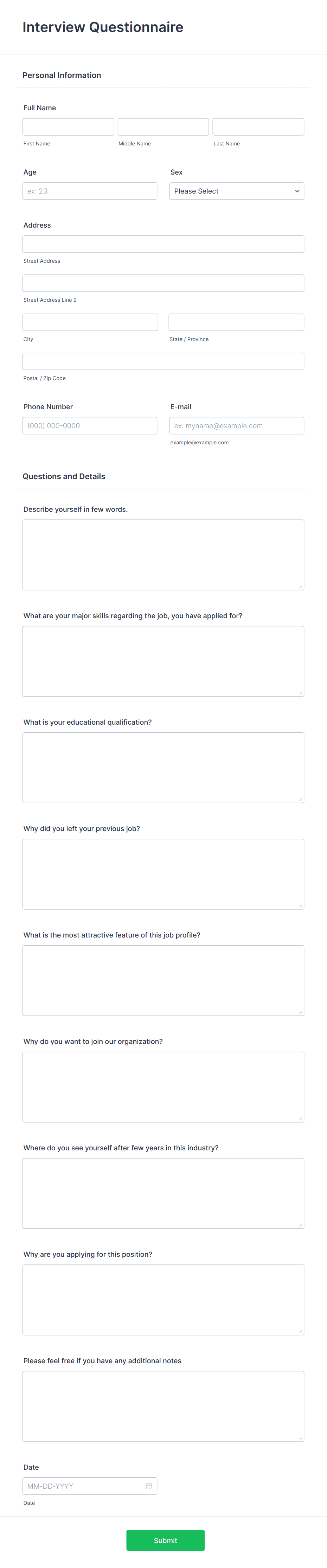
Online Interview Questionnaire Form
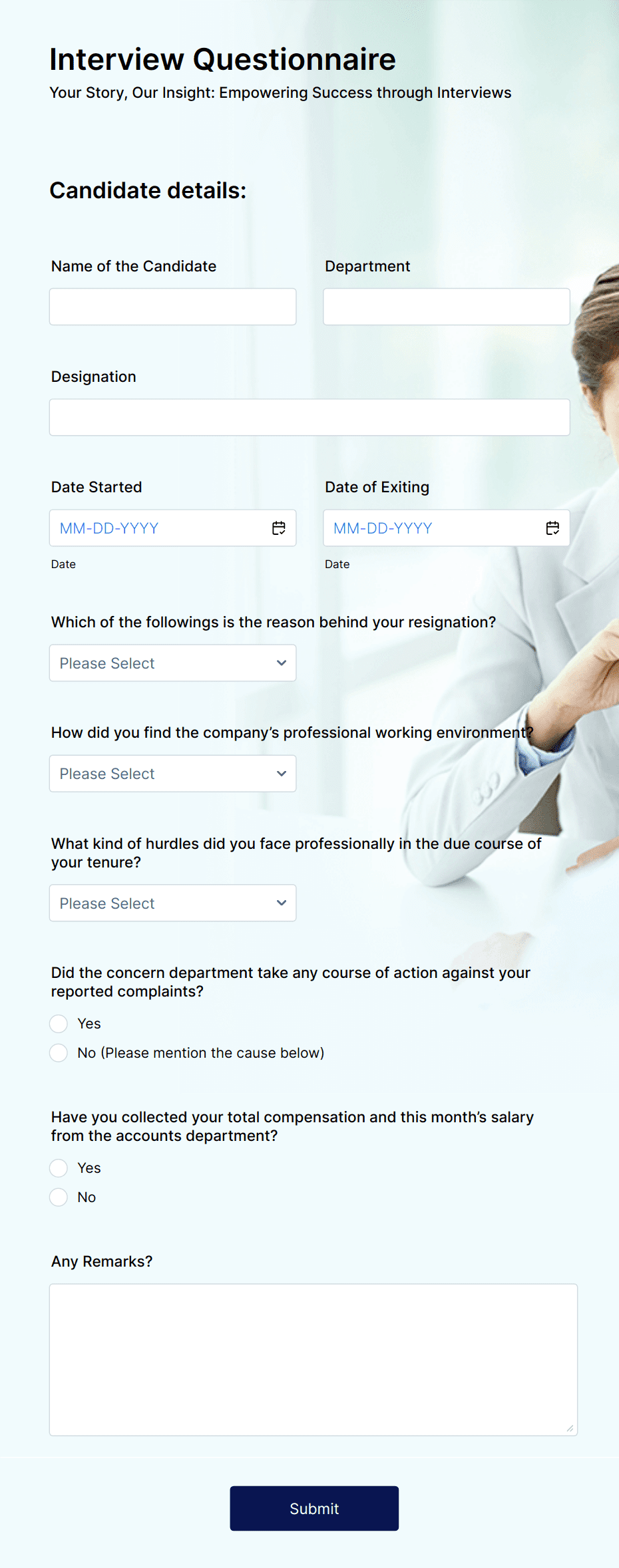
Exit Interview Questionnaire Form
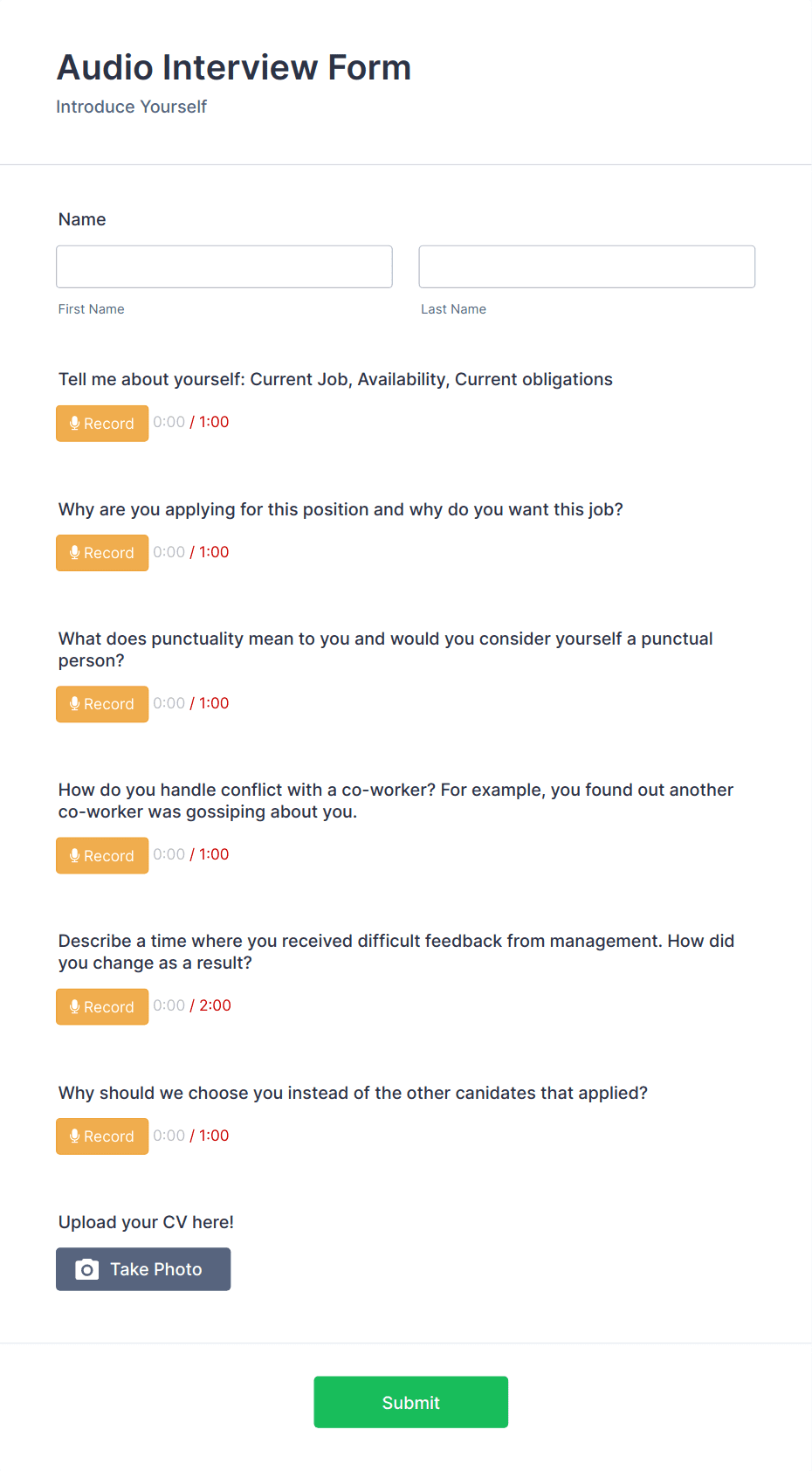
Audio Interview Form
Benefits
Why Use Jotform for Interview Forms?
Customizable for Any Role or Industry
Design interview forms tailored to your hiring needs, whether for corporate roles, creative positions, or specialized industries. Add rating scales, competency checklists, and open-text feedback fields. With Jotform’s drag-and-drop editor, you can build forms that match your process and ensure every interviewer collects consistent information.
Centralized Candidate Data
Store all candidate details and interview feedback in Jotform Tables for quick reference. Filter, sort, and compare applicants side-by-side. This eliminates scattered notes or lost paper forms, giving your hiring team a single, organized hub for decision-making.
File Upload Capability
Allow candidates to submit resumes, portfolios, certifications, or cover letters directly through the form. Attachments stay linked to the candidate’s profile, making it easy to review credentials during evaluation. This creates a complete candidate record without juggling multiple tools.
Automated Notifications
Set up instant email or in-app alerts for hiring managers when a new interview form is submitted. You can also send confirmation emails to candidates, letting them know their application or feedback has been received, keeping everyone informed and engaged throughout the process.
Secure and Mobile-Friendly
Every form is mobile-responsive, so interviewers can fill them out during or immediately after an interview from any device. All data is protected with SSL encryption and optional HIPAA-friendly features for roles requiring sensitive information handling. This ensures both accessibility and privacy.
Testimonials