Online Transfer Form Maker
Whether it’s a student moving schools, an employee changing departments, or a client shifting accounts, Jotform makes the transfer process seamless. Collect personal details, transfer reasons, and supporting documents — all from one secure online form. With an intuitive drag-and-drop builder, you can create a professional transfer form in minutes without technical skills.
Templates
Ready-to-Use Transfer Form Templates
Save time with professionally designed templates that are easy to customize for your exact needs. With Jotform’s no-code editor, you can modify fields, add your branding, and launch your form in minutes — making it effortless to start collecting transfer requests online.
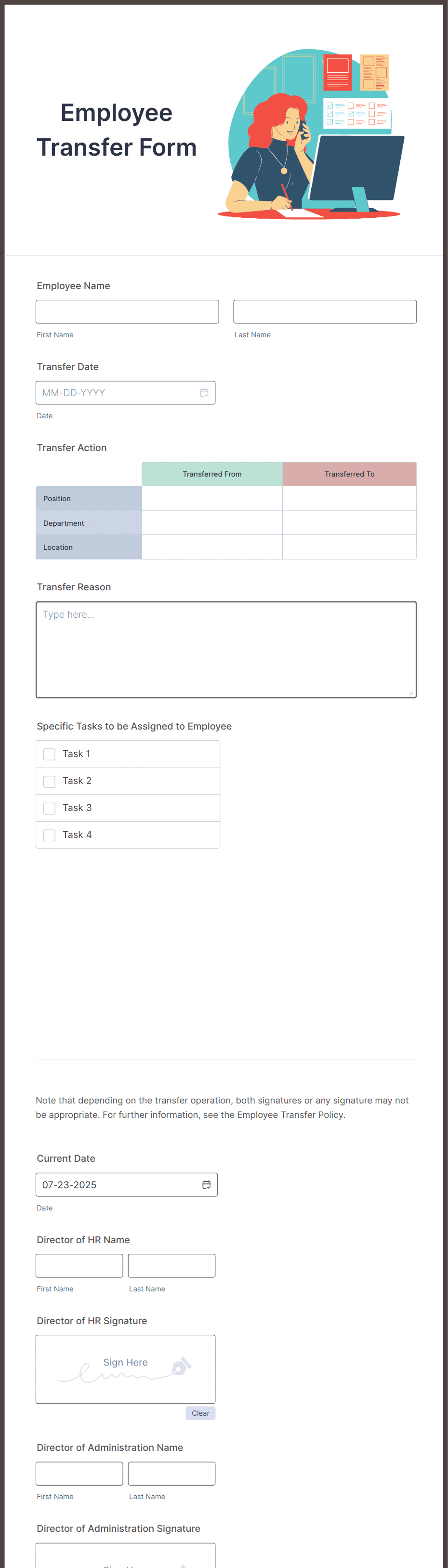
Employee Transfer Form
Vehicle Transfer Form

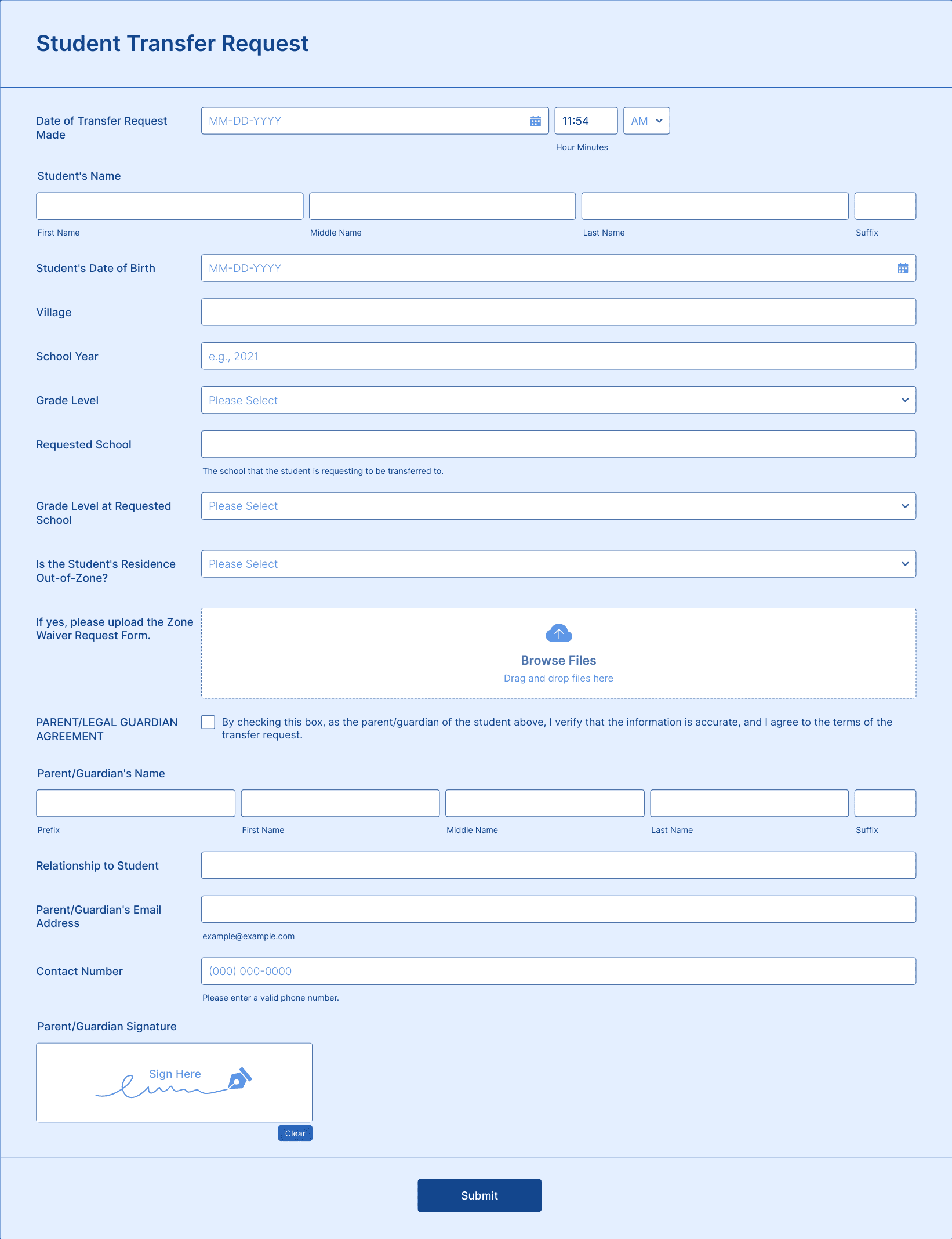
Student Transfer Request Form
Benefits
Why Use Jotform for Transfer Forms?
Customizable for Any Transfer Type
Adapt your form to handle student, employee, property, or account transfers. Add text fields, dropdowns, file uploads, and e-signature elements — all with a drag-and-drop interface. Every field can be tailored to meet your organization’s policies and workflows.
Secure Document Collection
Allow users to upload proof of eligibility, IDs, or related paperwork directly in the form. Files are stored securely in Jotform and can be shared with authorized reviewers instantly, ensuring the transfer process is well-documented.
Digital Signatures
Add digital signature fields so all parties can confirm and approve the transfer. Each signature is time-stamped, securely stored, and easy to manage from the tables.
Automated Approval Workflows
Set up conditional routing so submissions go directly to the right manager, principal, or department head. Approvers can review requests and documents instantly, reducing delays and communication gaps.
Centralized Tracking and Reporting
All transfer requests are saved in Jotform Tables, where you can track status, filter by type, and generate reports. This makes it easy to monitor transfer trends and maintain accurate records.
Testimonials