JotformのDiscordフォームツールは、Discordサーバーと連携するフォームを作成できるノーコードソリューションです。このDiscordフォームを設定すれば、フォームが送信されると同時にDiscord通知を自動的に受け取れます。これにより、ワークフローを整理し、より迅速に対応できます。コーディング不要で強力なフォームを構築・カスタマイズし、送信データをDiscordに連携してリアルタイムで更新を受け取りましょう。
テンプレート
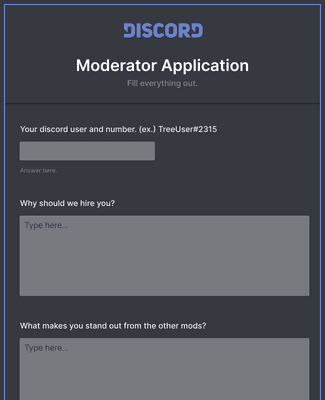
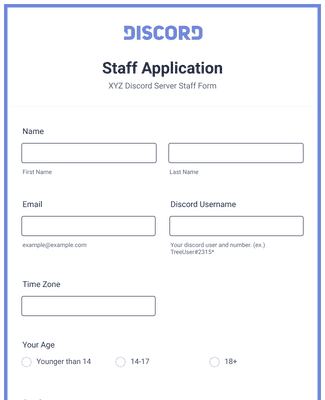
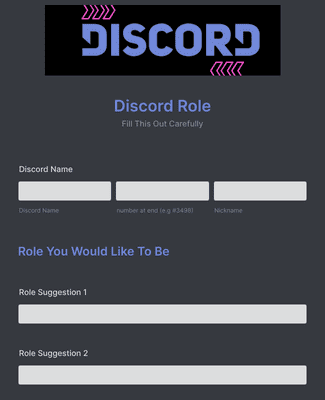
どこから始めればよいかわからない場合は、以下のすぐに使えるフォームテンプレートから選んで、ドラッグ&ドロップのフォーム作成ツールでコーディング不要でニーズに合わせてカスタマイズできます。
メリット
Jotformのドラッグ&ドロップ作成ツールを使えば、コードを書かずにDiscordフォームを素早く作成できます。ゼロから始めることも、無料のテンプレートを使うこともでき、ブランディング、フォント、カラー、ウィジェット、統合機能を追加できます。この柔軟性により、コミュニティに必要な情報を正確に収集できます。
Zapier経由でJotform Discord統合を使用すると、フォームが送信されるたびにDiscordチャンネルに通知を送信できます。トリガーとアクションを数クリックで選択するだけで、サーバーに最新情報を届けられます。
Discordチャンネルを指定すれば、フォームが送信されるたびに自動で通知を受け取れます。通知を自動化することで、すでに監視しているチャンネルに更新が届くため、チームはより迅速に対応できます。
Discord統合を設定すると、フォーム送信のアラートが選択したチャンネルに表示されるため、ツールを切り替えることなく新しい回答を常に把握できます。リアルタイムアラートにより、コミュニティマネージャーやチームは受信データを常に共有できます。
ユーザーの声