JotformのLeadpagesフォームを使えば、カスタムオンラインフォームを作成して、Leadpagesやランディングページにかんたんに埋め込むことができます。登録受付、フィードバック収集、リード獲得、決済まで、コーディング不要で実現できます。Jotformのドラッグ&ドロップフォーム作成ツールと20,000種類以上のテンプレートを使って、あなたのブランドに合わせたフォームをデザイン・カスタマイズしましょう。これらのフォームは40種類以上の決済ゲートウェイに対応しており、シンプルなコピー&ペーストで埋め込めるため、すぐに回答の収集を開始できます。
テンプレート
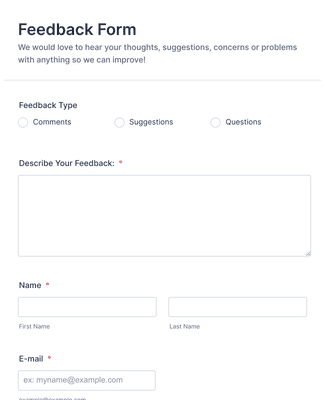
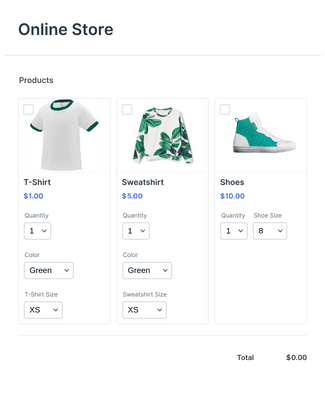
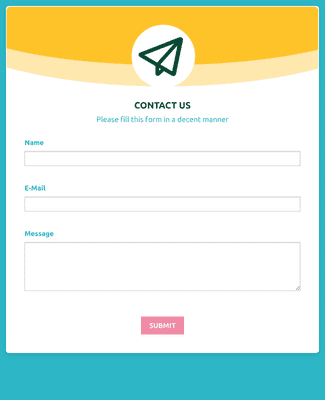
ゼロから作る必要はありません。Jotformでは、ワンクリックでインストールできる20,000種類以上のすぐ使えるフォームテンプレートをご用意しています。コーディング不要で、フィードバック、商品注文、オンライン決済を受け取るカスタムフォームを作成できます。
メリット
ドラッグ&ドロップで理想のLeadpagesフォームを作成できます。または、10,000種類以上のすぐ使えるフォームテンプレートから選ぶことも可能です。シンプルな埋め込みコードをコピー&ペーストするだけで、ウェブサイトやランディングページにフォームを設置でき、すぐに回答の収集を開始できます。
Jotformのフォームデザイナーを使えば、ロゴのアップロード、フォントやカラーの設定、フォーム要素のカスタマイズが簡単に行えます。カスタムスタイル を活用することで、フォームをLeadpagesのデザインやブランドイメージに自然に合わせることができます。フォーム設定やデザインの変更は、エディター上でリアルタイムに確認できます。
同じフォームで、リード情報・参加登録・その他のデータをまとめて収集できます。複数のツールを使い分ける必要がなくなります。新しい送信データはJotformテーブル で管理でき、スプレッドシートのような画面でデータの確認・並び替え・ 対応が行えます。必要に応じて支払いフィールドを追加すれば、対応している決済サービスを通じてフォームから直接支払いを受け付けることもできます。
Jotformのオンラインフォーム分析ソフトウェアで、フォームデータを分析し、ビジネスを成長させましょう。顧客の送信内容、デバイス、場所、ブラウザ、OSなどを確認することで、フォームがどのように利用されているかをより深く理解できます。
ユーザーの声