Free Outlook Forms
Jotform’s Outlook forms let you build custom online forms and connect them with Microsoft Outlook to automate tasks like creating calendar events, adding contacts, and sending email notifications from form submissions. Use Zapier or other integrations among 100+ to map form fields to Outlook actions without coding. Share your form via link or embed it to start collecting responses and organize your workflow.
შაბლონები
Free Outlook Form Templates
Not sure where to begin? Get started right away with one of Jotform’s free, ready-made form templates. Make any changes you need in seconds with our drag-and-drop builder. No coding required.
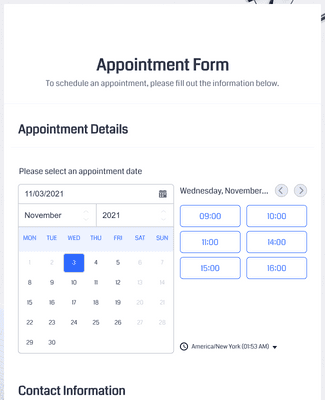
შეხვედრის ფორმა
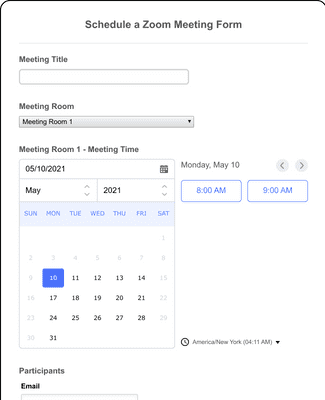
Schedule a Zoom Meeting Form
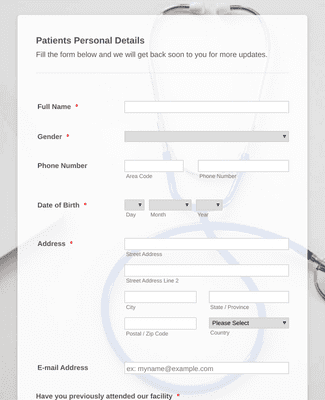
ექიმთან შეხვედრის დაჯავშნის ფორმა
Benefits
Instantly Create Outlook Forms
Build & Connect
Create a form from scratch or choose a fully customizable template for any occasion from our vast library of ready-to-use templates. Make your form as simple or as complex as you need it to be, and then use Zapier to integrate it with Outlook in minutes.
თქვენი სამუშაო პროცესის ავტომატიზაცია
Once your form is synced to Outlook, you can easily create automated processes to streamline your workflow. Configure this easy-to-use integration to automatically create new calendar events, add new contacts, and send notification emails as soon as someone submits a form.
Get Notified
Jotform comes with a built-in email notification feature that enables you to receive instant automated emails for any form activity. You can also configure your form to send automated reminder emails with customized content to form respondents.
ფორმების მიმაგრება
With Jotform’s assign forms feature, you can assign forms to colleagues and team members by sending email invitations or sharing a form link with an expiration date. Invited users can then view, edit, send, and save submissions from any device — even offline with Jotform Mobile Forms.
სარეკომენდაციო წერილები