
Today, 80 percent of companies use or plan to use chatbots to streamline their customer service. But there are many solutions to choose from, each with its own unique pros and cons. Understanding these differences is an essential step toward pinpointing which artificial intelligence (AI) chatbot tool is right for your business.
If you’re comparing LiveChat vs Tidio in 2026, you’re really deciding between two ways of running customer conversations. LiveChat is a purpose-built chat tool that streamlines human-first responses through marketplace integrations and an emerging AI assistance tool (LiveChat Copilot). Tidio focuses more on automating responses with Lyro AI agents, visual flow tools, and a unified inbox for multichannel support.
This guide compares the two chatbot tools across use cases, features, AI capabilities, integrations, setup complexity, scalability, and pricing approach. You’ll also discover how Jotform AI Chatbot for WordPress compares with alternatives and how it’s been built specifically for on-site conversions. But before we dive deeper, let’s take a brief look at Tidio vs LiveChat at a glance.
LiveChat vs Tidio: Quick comparison
 LiveChat |  Tidio | |
|---|---|---|
| Best for | Businesses prioritizing real-time, human-led chat with optional automation and ticketing via integrations | Businesses that want AI chat as well as automations and multichannel support with minimal manual work |
| Primary focus | Live chat widget and marketplace integrations; human agents are the focus, but AI is available as an add-on | AI-first customer service with automation flows and a unified inbox across channels |
| Channels | Web chat by default; extends to more channels via Marketplace apps | Web chat plus email, Instagram, WhatsApp, Messenger, and more in one dashboard |
| Ticketing/Help desk | Ticketing available via connected tools like HelpDesk and WordPress integrations | Built-in support for tickets, featuring a shared inbox across email, chat, and social channels |
| Automation/AI | Proactive greetings, canned responses, and Copilot for agent assist | More than 40 no-code automation templates with Flows, and Lyro for automated frequently asked questions (FAQs) and tasks |
| Knowledge base | Use dedicated knowledge base-style add-ons to power help center content | Lyro can draw on your site content and support resources; Flows can be built around FAQs |
| Setup complexity | Low, especially for simple website chat and WordPress installs | Low–medium; quick to start, with extra time needed to configure Flows and Lyro |
| Pricing approach | Per-seat live chat plans with a free trial available | Tiered plans, including a free tier, with Lyro and Flows availability varying by plan |
What is LiveChat?
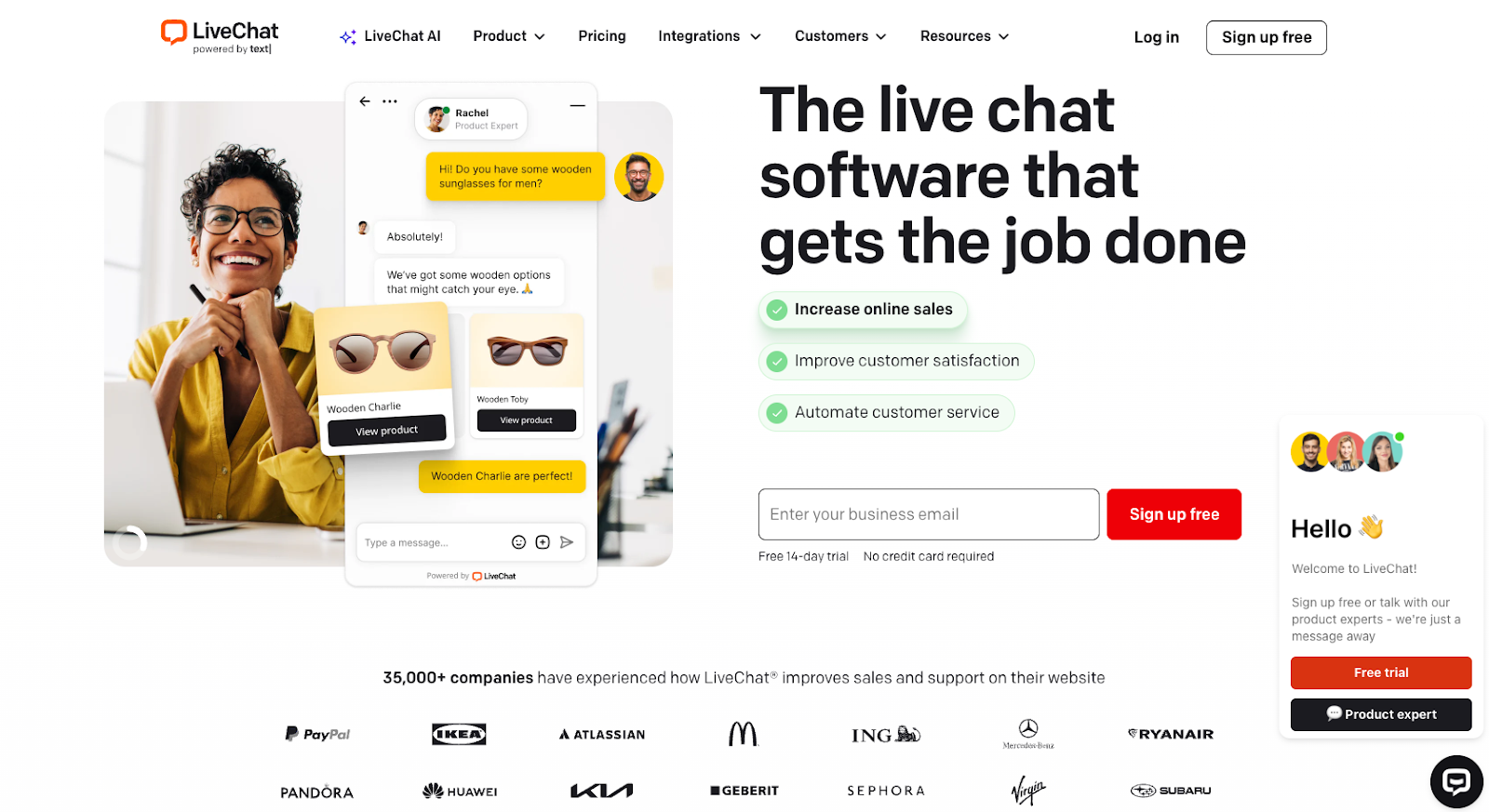
LiveChat is a real-time website chat platform that helps companies engage with website visitors from a customizable chat widget. Teams can use the tool as a unified system for answering questions and managing follow-ups.
The platform integrates with customer relationship management (CRM), e-commerce, analytics, and content management system (CMS) tools through its marketplace. This makes it easier to connect chat data to existing workflows.
LiveChat focuses on human-led chat but includes AI assistance through Text Copilot. This can help agents respond more efficiently with automated suggestions to customers’ inquiries.
Key features of LiveChat include
- A customizable widget and proactive greetings
- Pre-written (canned) responses to common questions
- Agent routing and simple automation
- Chat transcripts for data-based insights
- Integrations with other tools and platforms through a marketplace (CRM, e-commerce, analytics, CMS)
- Fast setup via a WordPress plugin
- AI assist for reply suggestions and support workflows
Note that, although LiveChat offers some automation, it’s designed to enhance human-led customer service processes. That differs from Tidio, which focuses more on automating foundational steps in customer service through AI agents.
What is Tidio?
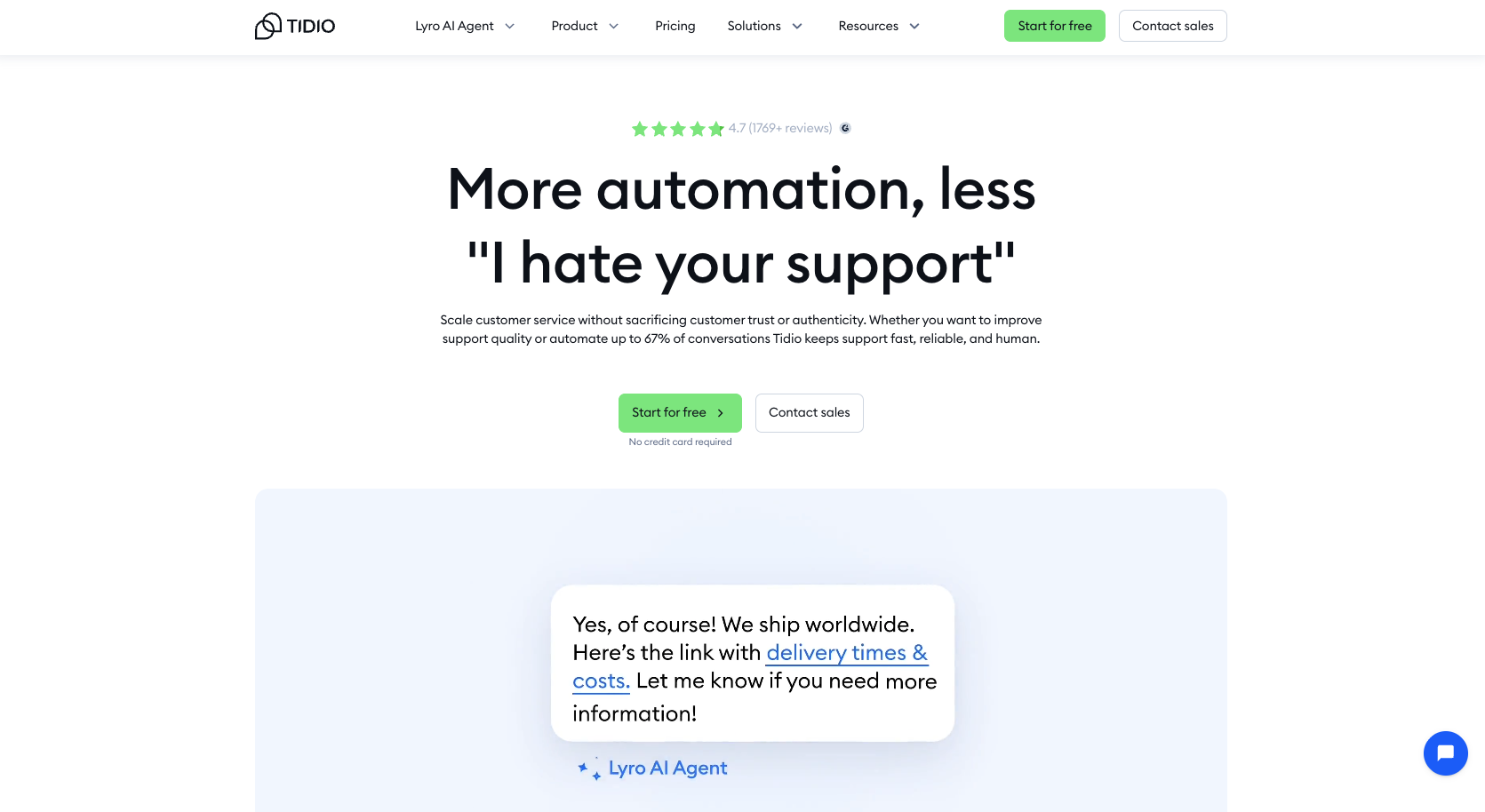
Tidio is an AI-focused customer service technology that combines live chat with automation and multichannel communication flows. Its built-in AI assistant, Lyro, will respond to common questions based on your support content. At the same time, Tidio’s Flows Builder tool supports no-code automation for tasks like lead qualification and appointment scheduling.
Tidio stands out by supporting communication across websites, email, and social channels from a unified inbox. This makes it easier for agents to manage conversations across touchpoints without jumping back and forth between tools.
Key features of Tidio include
- Lyro AI Agent to automate frequently asked questions
- A visual flows builder with no-code automation templates
- A unified inbox for chat, email, and social support
- Ticketing options to manage follow-up conversations
- WordPress and WooCommerce installation options
- Reporting and workflow insights to optimize conversations
Tidio (and platforms like it) help to scale customer support functions without increasing agent workload or headcount. Its automation tools engage visitors instantly, providing answers outside regular business hours and reducing response times for routine questions.
WordPress integrations of Tidio and LiveChat
If you’re evaluating live chat solutions, you’re probably doing so with WordPress in mind. Both LiveChat and Tidio offer plugins to help with this. You can embed chat functionality within a few clicks to connect with customers directly through WordPress.
LiveChat’s WordPress AI agent plugin offers functionality like:
- A customizable widget
- Proactive greetings
- Built-in ticketing workflows
- Configurable behavior settings
- Extended functionality across the LiveChat Marketplace
Tidio’s WordPress live chat plugin includes an automation library with over 40 zero-code templates. These can help with everything from WordPress promotional messaging to appointment scheduling and lead generation. The unified inbox also makes it easy to manage chat and other support messages from a single dashboard.
If you’re looking for an AI chatbot for WordPress, both options can work. LiveChat could be a stronger fit if you want human-led conversations, while Tidio is more aligned with teams looking for AI-driven support automation. Either way, you’ll get access to WooCommerce chat support as well.
You can also consider Jotform if you’d like extra support with lead capture, scheduling, intake collection, or transaction processing on WordPress. We pair on-site chat with the ability to embed Jotform forms in WordPress. This helps teams convert more of their conversations through more robust data collection and deeper insights into evolving customer behaviors. Here’s how the three weigh up against each other.
 Jotform AI Chatbot for WordPress | LiveChat for WordPress |  Tidio for WordPress | |
|---|---|---|---|
| Install and setup | No-code plugin from the WordPress Directory, create/manage in WordPress or Jotform builder, auto-trains on site content | Dedicated WordPress plugin and step-by-step tutorial, quick to launch | Quick start on WordPress, positioned as “complete customer service for WordPress” |
| Visitor experience | On-brand, multilingual AI chat on your site, routes visitors to Jotform forms/apps/payments, manage chats in WordPress dashboard | Control widget behavior (disable sounds, hide/show for mobile or non-logged-in users), eye-catchers and proactive greetings | Unified inbox for chat, email, Instagram, WhatsApp, Messenger; personalize with automation templates |
| Beyond chat | WooCommerce assist (product Q&A, order status, cart recovery), conversations visible in Jotform AI Agents inbox | Built-in ticketing and chat surveys, extend via Marketplace | Convert chats to tickets, start video calls from the widget |
LiveChat vs Tidio: Which one should you choose?
Among other factors, the choice between Tidio and LiveChat typically comes down to the type of customer service you’d like to deliver. Both tools support real-time messaging but are structured around different approaches to it. LiveChat is human-led, while Tidio offers deeper integration of generative ai in customer service. That means you’re essentially choosing between live chat vs a chatbot.
Choose LiveChat with Copilot if
- You prefer human-led customer service workflows.
- Your work relies on flexible integrations with an app-based marketplace.
- You prefer a simple live chat experience with a fast onboarding process.
- You plan to build custom live chat processes around your CRM or sales tools.
Choose Tidio if
- You want AI automations to process common questions and repetitive tasks.
- You prefer a single dashboard for managing all channels, including chat, email, and social.
- Your site is built on WordPress or WooCommerce and relies on e-commerce-ready workflows.
- You want a hybrid approach that combines human chat with automated support.
For companies that want to automate conversations directly in WordPress, Jotform and similar tools can help. They go beyond simple live chat to help teams embed WordPress forms, collect data, book appointments, and guide visitors through the next phase of your sales funnel.
Key similarities and differences of LiveChat and Tidio
Tidio and LiveChat were built to enhance different approaches to chat-based customer service. However, the platforms share many of the same capabilities.
Where LiveChat and Tidio overlap
Each AI live chat tool offers
- Website chat and visitor messaging
- Customizable designs and branding controls
- Proactive greetings to support engagement and lead capture
- Canned responses to answer FAQs
- Easy automation of basic and predictable tasks
- Integrations with CRMs, live chat for e-commerce platforms, CMS, and analytics systems
- Easy WordPress installation with setup guides
What makes each tool unique
LiveChat stands out for its marketplace-based modular support options. It has a robust ecosystem of partner apps that you can use to support human-led conversations in different ways.
Tidio differentiates itself by combining several useful tools in a single interface. It’s a unified platform for live chat, AI agents, and automation flows. Plus, Tidio features a multichannel inbox, so you can streamline support tasks across chat, email, and social.
If you want human-driven live chat powered by modular apps, choose LiveChat. But if you prefer a unified dashboard for managing all chats across channels and value automation, Tidio will be a better fit.
Tidio vs LiveChat: Pricing and value considerations
Both tools use different pricing models, too, which reflect their distinct approaches to customer service support.
LiveChat offers four plans:
- Starter ($19 per person per month, billed annually)
- Team ($49 per person per month, billed annually)
- Business ($79 per person per month, billed annually)
- Enterprise (custom pricing)
Features scale around reporting capabilities, collaboration options, and support workflows. Since LiveChat is a human-led support platform, costs typically align with the number of agents using it. You can try a free trial of LiveChat before committing.
Tidio uses a tiered plan pricing model, with packages including
- Starter ($29 per month)
- Growth ($59 per month)
- Plus ($749 per month)
- Premium (custom pricing)
These offer scaling access to automation volume, AI functionality, and analytical depth. Because Tidio is built around automation, plan costs typically depend on how much of your workflow you’d like to automate. Full details are available on the Tidio pricing page.
LiveChat’s pricing makes it a solid choice for human-led support teams with predictable AI agent workflows. Tidio may be a better fit for companies looking to reduce manual work through automation and generative AI tools.
Meet Jotform AI Chatbot for WordPress: Your AI-powered website assistant
LiveChat and Tidio are two popular tools for improving support on WordPress sites. LiveChat emphasizes human-led conversations supported by marketplace integrations, while Tidio focuses on AI automations and multichannel workflows. Jotform AI Chatbot for WordPress offers a third approach, combining on-site automation with interactive data collection.
Jotform AI Chatbot for WordPress helps site owners turn visitors into customers with instant, on-brand conversations. You can set it up in minutes without any coding and quickly enjoy benefits like
- Instant engagement: Answer questions 24-7 and guide people to forms, checkout, or booking — helping reduce drop-offs.
- Customizable branding: Easily align chatbot design with your website for more consistent branding, improved trust, and greater recognition.
- Multilingual support: Expand globally with agents that understand and respond in multiple languages.
- Auto-training: Jotform automatically crawls your website and updates responses as you edit content. No more manual refreshes to keep up with.
- Guided conversations: Chatbots automate the data collection process to reduce errors and improve form completion rates.
- Seamless WordPress management: Review conversations and jump in to add support directly from your WordPress or WooCommerce dashboard.
Jotform’s AI chatbot works alongside your Jotform AI Agents, using the same knowledge base, tone, and actions. This delivers more consistent communication and branding across channels.
Sign up for a free trial of Jotform today to see how it could transform your customer support function in 2026 — and beyond.
This article is for business owners, marketers, and support teams evaluating LiveChat vs Tidio who want to choose the right AI chatbot or WordPress solution for scalable, conversion-focused customer conversations.



























































Send Comment: