# AI Chatbot Agent | Intelligent Customer Support | Jotform

# AI Chatbot Agent

Turn your website into an interactive experience! Empower users with real-time answers and seamless form-filling assistance that aligns with your brand.

[Create AI Chatbot Agent](https://www.jotform.com/workspace/new?assetCreationType=ai-agent&initialChannel=chatbot)

Try Now!

![Image 1: Jotform AI Chatbot screen that has conversation with customer and real estate AI agent](https://cdn.jotfor.ms/image/r/aHR0cHM6Ly9jZG4uam90Zm9yLm1zL3AvYWktYWdlbnRzL2Fzc2V0cy9pbWctbWluL2NoYW5uZWxzL2NoYXRib3QvaGVyby5wbmc=/hero.png?w=1024&t=1)

Try AI Chatbot Agent

## How AI Chatbot Agent Works

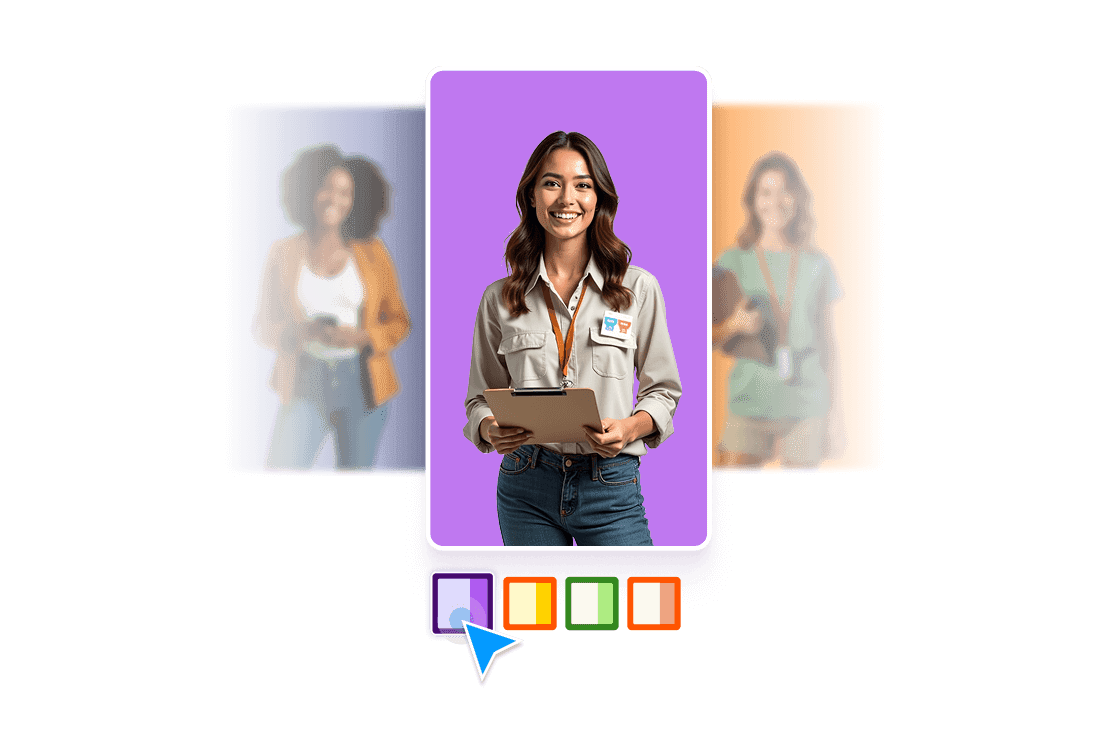
![Image 2: A woman is smiling and next to her there are blocks that indicates different customization options](https://cdn.jotfor.ms/image/r/aHR0cHM6Ly9jZG4uam90Zm9yLm1zL3AvYWktYWdlbnRzL2Fzc2V0cy9pbWctbWluL2NoYW5uZWxzL2NoYXRib3QvaG93dG8vMS5wbmc=/1.png?w=1024&t=1)

### Build & Customize

Start with a pre-designed template or create your chatbot from scratch using Jotform’s intuitive no-code builder. Customize its design and agent persona to match your brand.

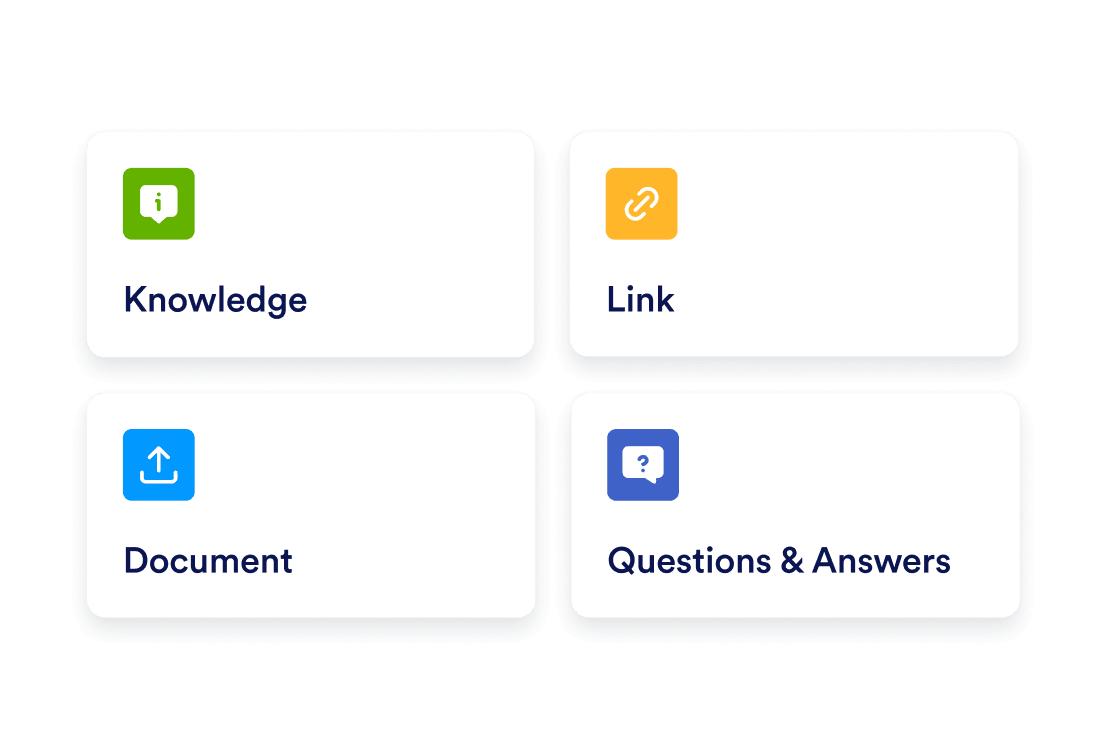
![Image 3: Four boxes indicates training options](https://cdn.jotfor.ms/image/r/aHR0cHM6Ly9jZG4uam90Zm9yLm1zL3AvYWktYWdlbnRzL2Fzc2V0cy9pbWctbWluL2NoYW5uZWxzL2NoYXRib3QvaG93dG8vMi5wbmc=/2.png?w=1024&t=1)

### Train & Enhance

Upload custom data and refine responses to ensure your chatbot understands user queries and delivers accurate, natural-sounding answers.

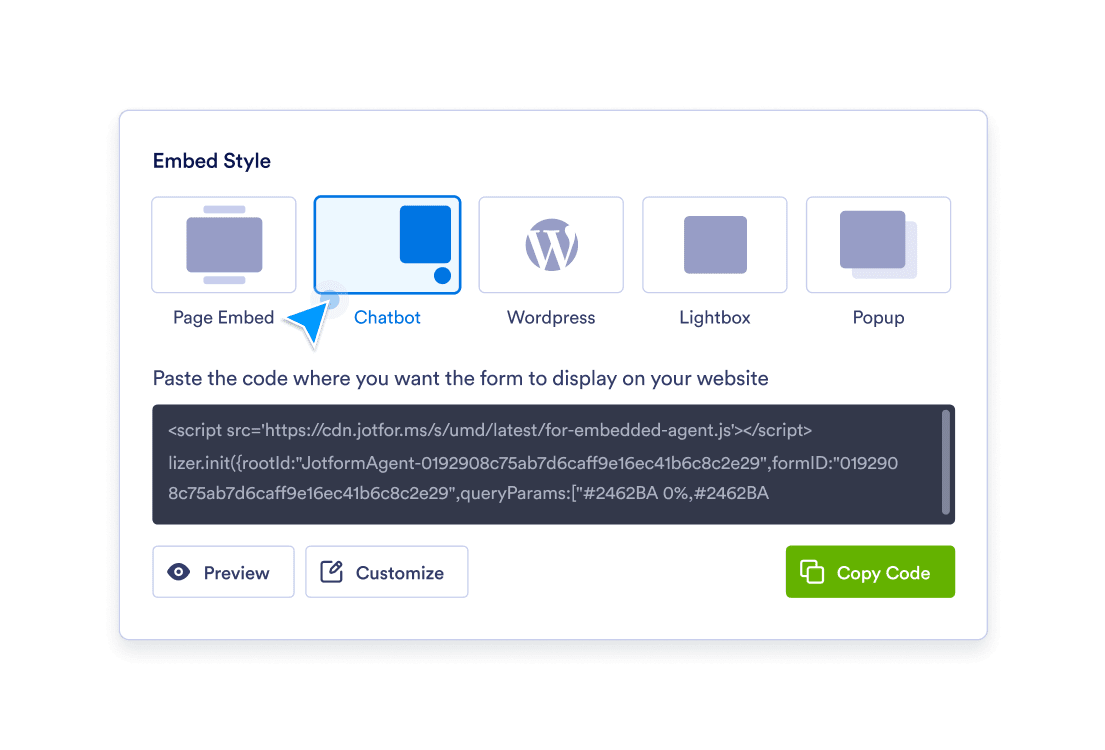
![Image 4: Embed options and embed code screen](https://cdn.jotfor.ms/image/r/aHR0cHM6Ly9jZG4uam90Zm9yLm1zL3AvYWktYWdlbnRzL2Fzc2V0cy9pbWctbWluL2NoYW5uZWxzL2NoYXRib3QvaG93dG8vMy5wbmc=/3.png?w=1024&t=1)

### Publish

Deploy your chatbot effortlessly on your website, chatbot, WordPress, or as a popup or embed—engaging customers across multiple platforms.

## Powerful Features of AI Chatbot Agent

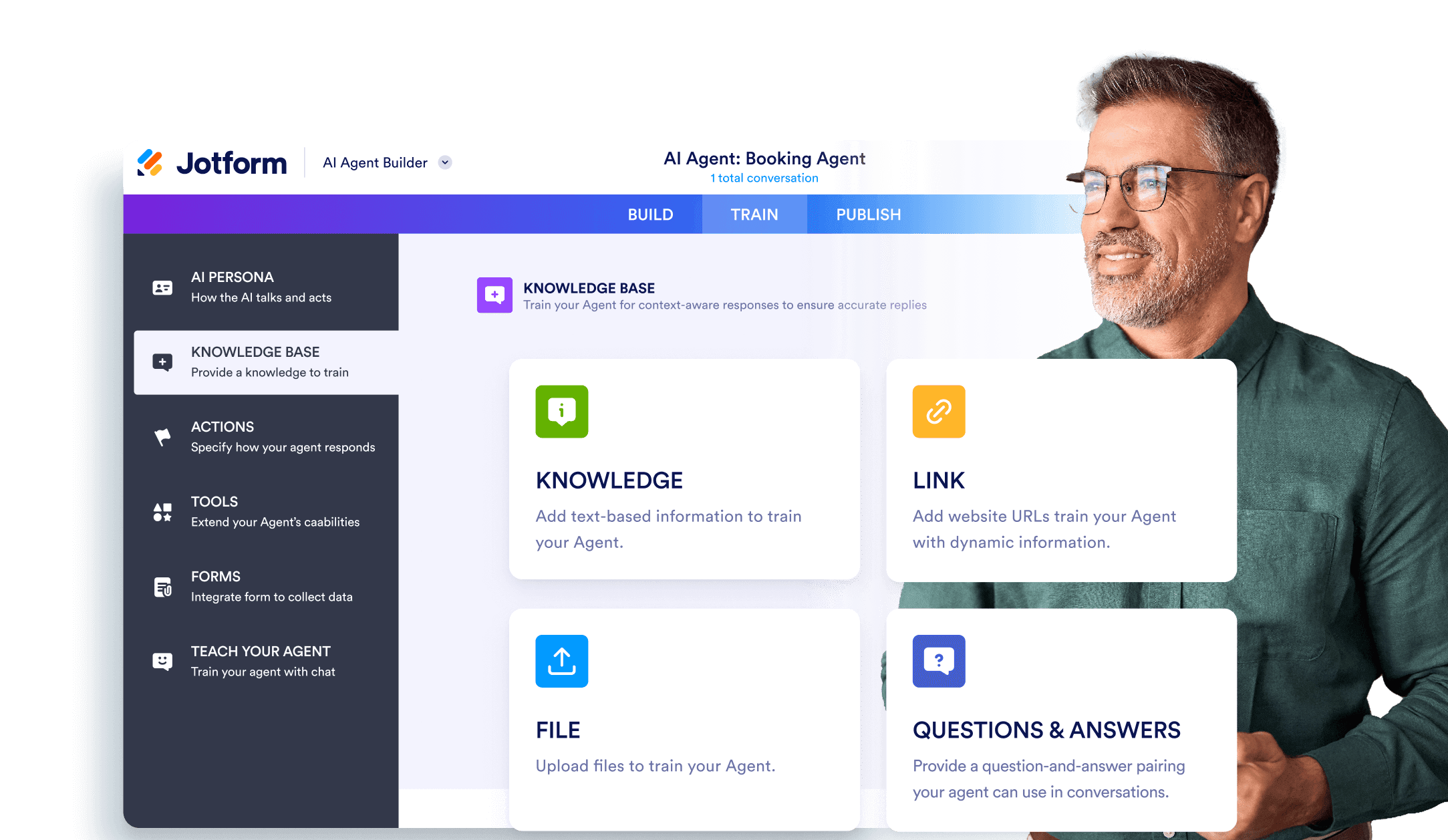
### Agent Builder for Advanced Customization & Training

Customize your chatbot’s responses, tone, and appearance with the Agent Builder. Train the chatbot with your own data, FAQs, and unique business insights to provide highly tailored interactions that align perfectly with your needs.

[Create AI Chatbot Agent Now](https://www.jotform.com/workspace/new?assetCreationType=ai-agent&initialChannel=chatbot)

![Image 5: A man looking at train your agent section on Jotform AI Agent builder](https://cdn.jotfor.ms/image/r/aHR0cHM6Ly9jZG4uam90Zm9yLm1zL3AvYWktYWdlbnRzL2Fzc2V0cy9pbWctbWluL2NoYW5uZWxzL2NoYXRib3QvYWdlbnQtYnVpbGRlci5wbmc=/agent-builder.png?w=1024&t=1)

![Image 6: Conversation boxes are showing customer asks questions to AI Agent](https://cdn.jotfor.ms/image/r/aHR0cHM6Ly9jZG4uam90Zm9yLm1zL3AvYWktYWdlbnRzL2Fzc2V0cy9pbWctbWluL2NoYW5uZWxzL2NoYXRib3QvaW5zdGFudC5wbmc=/instant.png?w=40&t=1)

### Instant Responses

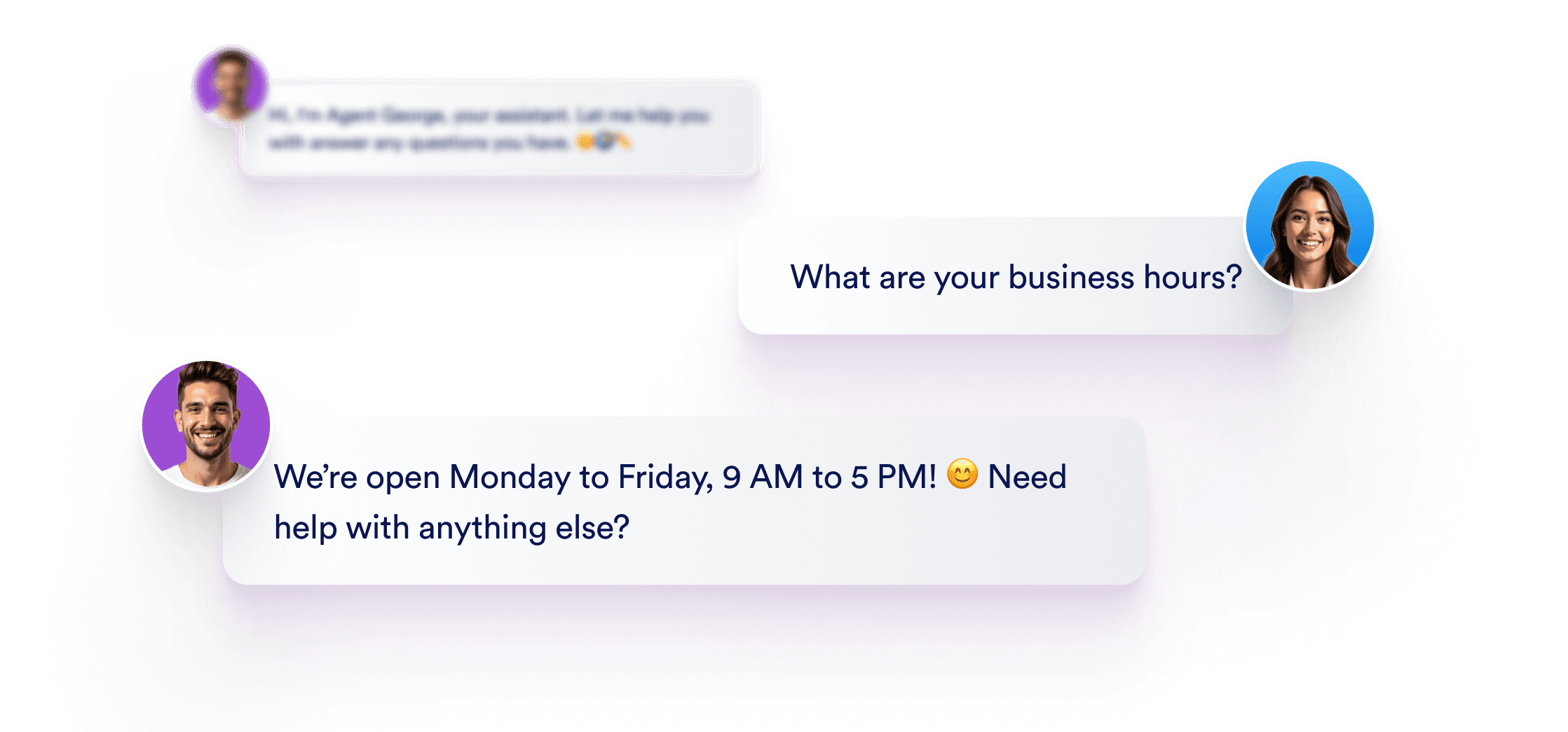
Provide quick, accurate answers to frequently asked questions, keeping visitors informed and engaged without delay. Whether it's business hours, product information, or policies, the Jotform AI Chatbot ensures users get the information they need immediately, improving satisfaction and reducing the load on your support team.

[Create AI Chatbot Agent Now](https://www.jotform.com/workspace/new?assetCreationType=ai-agent&initialChannel=chatbot)

![Image 7: Chatbot screen that indicates form assistance option](https://cdn.jotfor.ms/image/r/aHR0cHM6Ly9jZG4uam90Zm9yLm1zL3AvYWktYWdlbnRzL2Fzc2V0cy9pbWctbWluL2NoYW5uZWxzL2NoYXRib3QvZm9ybS1hc3Npc3RhbmNlLnBuZw==/form-assistance.png?w=40&t=1)

### Form Assistance

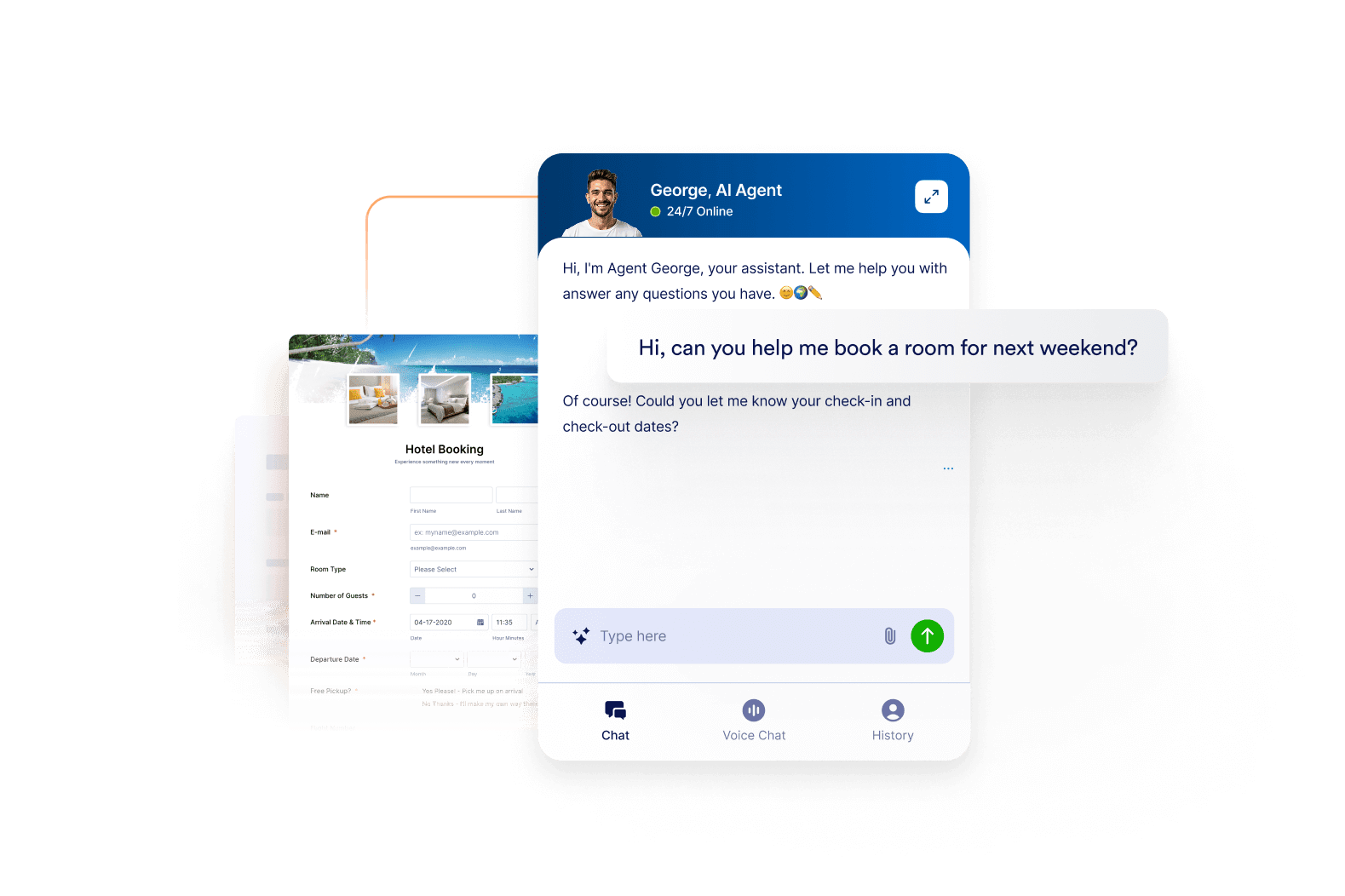
Guide users through form completion with a friendly, conversational flow, minimizing errors and ensuring all fields are filled out correctly. This process helps increase successful form submissions and improves the user experience.

[Create AI Chatbot Agent Now](https://www.jotform.com/workspace/new?assetCreationType=ai-agent&initialChannel=chatbot)

![Image 8: Chatbot screen that has customization options like font family and color](https://cdn.jotfor.ms/image/r/aHR0cHM6Ly9jZG4uam90Zm9yLm1zL3AvYWktYWdlbnRzL2Fzc2V0cy9pbWctbWluL2NoYW5uZWxzL2NoYXRib3QvY3VzdG9taXphYmxlLnBuZw==/customizable.png?w=40&t=1)

### Customizable Branding

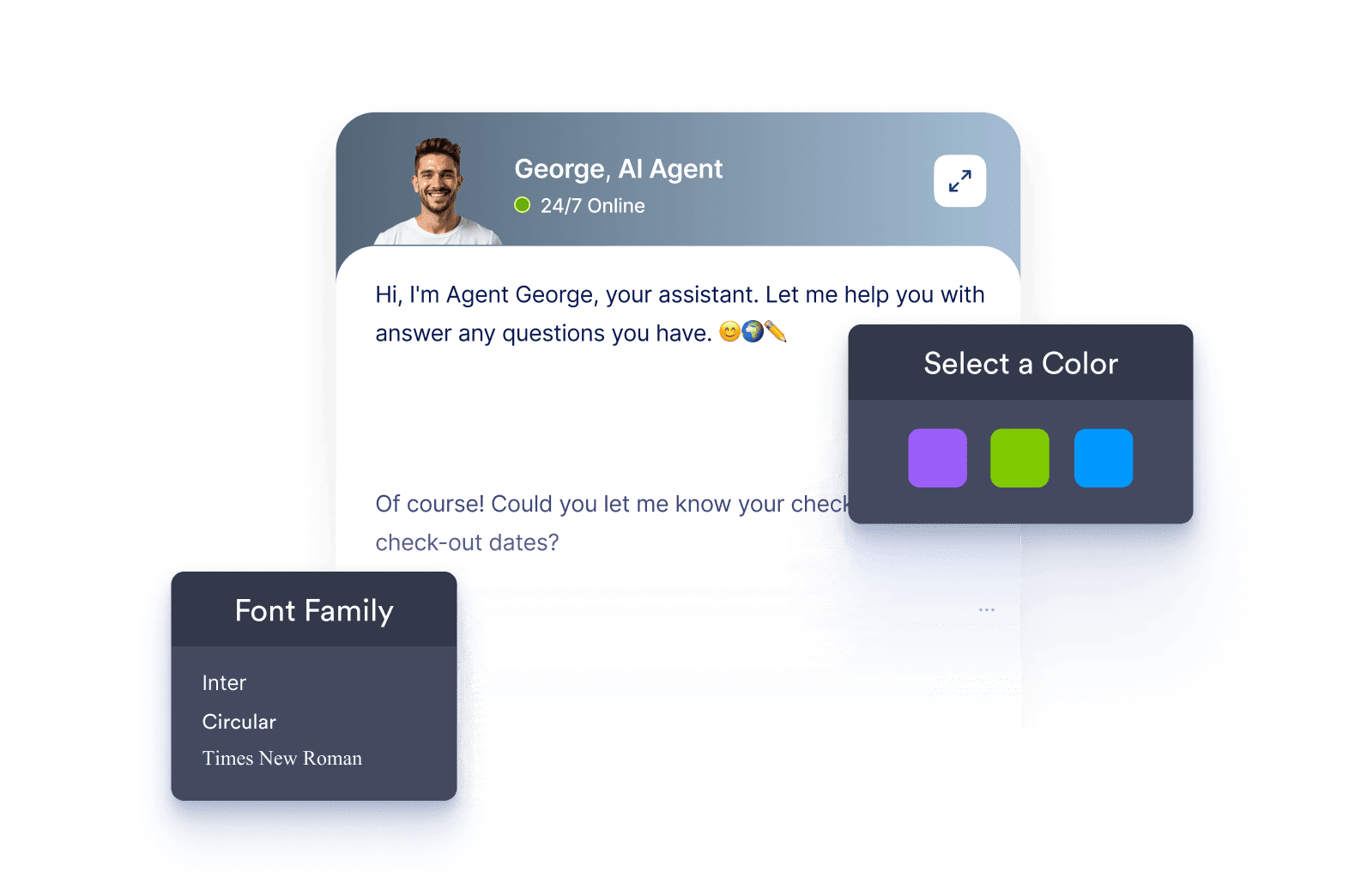
Create a cohesive experience by aligning the chatbot's look and feel with your website's branding. Adjust colors, fonts, and styles to match your brand identity, making the chatbot feel like an integrated part of your site.

[Create AI Chatbot Agent Now](https://www.jotform.com/workspace/new?assetCreationType=ai-agent&initialChannel=chatbot)

![Image 9: Embed code and AI Chatbot screen side by side](https://cdn.jotfor.ms/image/r/aHR0cHM6Ly9jZG4uam90Zm9yLm1zL3AvYWktYWdlbnRzL2Fzc2V0cy9pbWctbWluL2NoYW5uZWxzL2NoYXRib3QvZW1iZWQucG5n/embed.png?w=40&t=1)

### Embed Anywhere

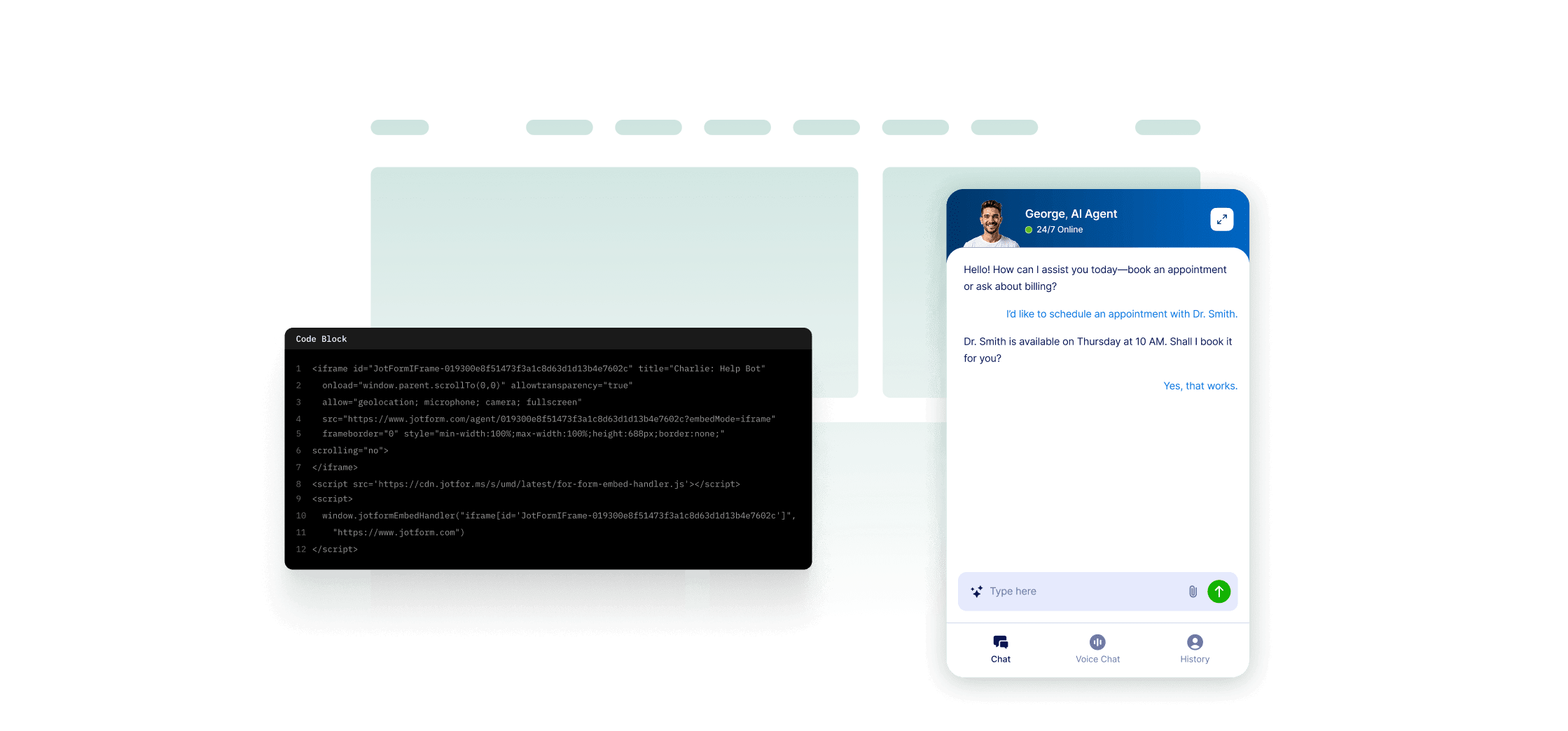
Integrate your AI Chatbot on any page of your website with a simple embed code. Place it where your visitors need it most—on landing pages, contact forms, or FAQs—to ensure accessibility and support exactly when and where it’s needed. With easy integration, you can offer assistance site-wide without complex setup.

[Create AI Chatbot Agent Now](https://www.jotform.com/workspace/new?assetCreationType=ai-agent&initialChannel=chatbot)

## Ready to Launch Your AI Chatbot Agent?

Start building your AI chatbot today to deliver instant, intelligent responses, enhance customer engagement, and create a seamless support experience.

[Create AI Chatbot Agent](https://www.jotform.com/workspace/new?assetCreationType=ai-agent&initialChannel=chatbot)[Compare Plans](https://www.jotform.com/ai/agents/pricing/)

## FAQ

*    
### What is Jotform AI Chatbot Agent? Jotform AI Chatbot Agent is a sophisticated, interactive digital assistant designed to enhance the user experience on your website by engaging visitors and providing real-time answers to their questions. It not only helps with answering general inquiries but also assists in filling out forms, making website interactions smoother and more intuitive. The AI chatbot agent is built to streamline website interactions by offering immediate support for visitors, answering common questions, and reducing friction during the form-filling process. With Jotform AI Chatbot Agent, businesses can automate customer interactions, eliminating the need for constant manual support while ensuring visitors always have access to the information they need. Whether it's handling queries about product details, providing operational hours, or assisting with customer service requests, the chatbot responds promptly and accurately. The chatbot can be tailored to reflect a company’s unique brand voice, ensuring a personalized user experience that feels integrated into the website's design. By leveraging artificial intelligence, Jotform AI Chatbot Agent learns and adapts to common user behaviors and can provide more accurate responses over time, improving customer satisfaction and site accessibility. This tool helps businesses stay ahead in terms of customer support efficiency, providing 24-7 assistance without requiring additional staff resources, ultimately enhancing both customer experience and operational efficiency.   
*    
### How does Jotform AI Chatbot Agent make form filling easier for users? Jotform AI Chatbot Agent transforms the traditional, often tedious process of form filling into a dynamic, user-friendly experience by guiding users through the process step-by-step. One of its core features is the use of conversational prompts, which interactively assist users in completing every field of the form, ensuring accuracy and minimizing the risk of errors. The chatbot asks questions in a natural, engaging tone, which not only makes the process less intimidating but also helps users feel more comfortable and supported. For example, if a user is filling out a contact form, the chatbot might ask for their name, email, and message in a conversational manner. It ensures that users don't miss any mandatory fields by prompting them to fill out missing information before submission. This reduces abandonment rates, which is a common issue with traditional forms where users often leave blanks or submit incomplete details. Furthermore, the chatbot can intelligently offer helpful suggestions or error corrections in real-time, making sure that the input is valid. This is particularly useful in situations where specific formatting is required, such as for phone numbers or email addresses. By making the form-filling process more interactive and intuitive, Jotform AI Chatbot not only speeds up submissions but also increases the likelihood of users completing the forms correctly, improving the overall submission rate.   
*    
### Can I customize Jotform AI Chatbot’s appearance and behavior? Yes, Jotform AI Chatbot offers robust customization options that allow you to tailor both its appearance and behavior to suit your website and branding needs. Through the intuitive Agent Builder, users can modify various aspects of the chatbot to create a cohesive experience that aligns with their brand identity. The chatbot’s appearance can be adjusted by changing its colors, fonts, and even its avatar to match the visual design of your website. Whether you want the chatbot to have a sleek, modern look or a more playful, casual vibe, Jotform provides the flexibility to make it fit seamlessly into your site's aesthetic. In addition to visual customization, you can fine-tune the chatbot's tone and response style to better reflect your company’s voice. For instance, if your brand communicates in a formal tone, you can program the chatbot to respond accordingly, providing consistency across all customer interactions. Conversely, if your brand is more casual and friendly, the chatbot can mirror that tone, creating a relaxed atmosphere for users. The chatbot’s behavior can also be adjusted to improve its performance and better cater to the specific needs of your users. You can set custom responses to frequently asked questions, personalize the questions the chatbot asks, and even integrate it with your business's internal data or knowledge base to provide highly relevant answers. Customization features ensure that the chatbot not only serves as an interactive assistant but also strengthens your brand’s presence online by making each interaction feel more personal and aligned with your company's ethos.   
*    
### How do I embed the Jotform AI Chatbot Agent on my website? Embedding the Jotform AI Chatbot Agent on your website is a straightforward process that requires minimal technical effort. Jotform provides an easy-to-use HTML code snippet that you can simply copy and paste into the appropriate place within your website’s HTML code. This makes the chatbot available on your site without any complex setup or coding knowledge required. To embed the chatbot, first, create your custom chatbot using Jotform’s Agent Builder. After customizing the chatbot’s appearance, tone, and responses to match your brand, you will receive the embed code. The next step is to copy this code and place it within your site’s HTML. Most website builders and content management systems (CMS), such as WordPress, Wix, or Squarespace, allow you to insert HTML code directly into the body of the page where you want the chatbot to appear. Typically, the code is added to the footer or within a specific section of the page to ensure it appears in the desired location. Once embedded, the chatbot will instantly become active on your website, ready to assist visitors by answering their questions and guiding them through form-filling processes. The chatbot can be placed on landing pages, contact forms, or FAQ sections, depending on where it will be most helpful to your users. The integration is seamless, allowing you to provide real-time customer support or enhance user experience without requiring additional software or tools.   
*    
### What types of questions can the chatbot answer? The Jotform AI Chatbot Agent can answer a wide variety of questions, offering dynamic support for both general inquiries and business-specific topics. At its core, the chatbot is designed to handle frequently asked questions (FAQs), which can be pre-programmed by the user or dynamically adjusted based on the context of the interaction. Whether it's providing basic information like business hours, shipping policies, or contact details, the chatbot ensures that visitors can get quick, accurate answers without waiting for human intervention. Beyond common questions, the chatbot can handle more specialized inquiries, such as product specifications, service offerings, and pricing details. By integrating with your business's existing knowledge base or FAQ section, the chatbot can provide tailored responses that reflect your specific offerings and help guide users through decision-making processes. For example, in an e-commerce setting, the chatbot can answer questions related to product availability, return policies, and payment options. In addition to factual questions, the chatbot can also be configured to assist with more complex interactions, such as troubleshooting, booking appointments, and assisting with form submissions. By using machine learning algorithms, the chatbot can learn from past interactions and continually improve its ability to answer increasingly specific or nuanced questions. This adaptability allows the Jotform AI Chatbot Agent to provide relevant, context-aware responses that go beyond simple FAQs, ensuring that users receive the most accurate and helpful information.   
*    
### What is the difference between an AI chatbot and a traditional chatbot? The primary difference between an AI chatbot and a traditional chatbot lies in their underlying technology and flexibility. Traditional chatbots are rule-based systems that operate on a set of pre-defined responses, typically responding to specific keywords or commands. They follow a rigid flow, meaning if a user’s input does not match one of the predefined triggers, the chatbot cannot provide an appropriate response. This limits their effectiveness in handling complex or unexpected queries. On the other hand, AI chatbots leverage advanced technologies such as machine learning, natural language processing (NLP), and artificial intelligence to provide more sophisticated interactions. These chatbots analyze user input more deeply, enabling them to understand context, handle diverse queries, and even learn from past interactions. As a result, AI chatbots can provide personalized, context-aware responses, adapting to different user inputs and engaging in more natural conversations. For example, a traditional chatbot might only respond to direct commands like "What are your hours?" with a pre-scripted answer, while an AI chatbot could understand related variations such as "When are you open?" or "Can I come by tomorrow?" Additionally, AI chatbots improve over time by learning from each interaction, making them better suited for dynamic environments where customer inquiries and expectations are constantly evolving.   
*    
### Who can use an AI chatbot agent? AI chatbot agents are versatile tools that can be used by a wide range of industries and organizations to improve customer interaction, streamline operations, and enhance the user experience. Businesses of all sizes, from small startups to large enterprises, can benefit from AI chatbot agents to automate customer support, improve engagement, and collect valuable data. For example, e-commerce stores can use AI chatbots to assist customers by answering product-related questions, processing orders, and handling inquiries about shipping and returns. Real estate companies can deploy AI chatbots to engage potential clients, qualify leads, and provide information about available properties, helping to streamline the lead generation process. In the healthcare sector, AI chatbots can be used for scheduling appointments, providing medical information, and even assisting patients with basic inquiries about services. Educational institutions can also benefit from AI chatbots by offering students real-time assistance with enrollment, course information, and administrative support. Nonprofits and governmental organizations can use AI chatbots to assist with information dissemination, event registrations, and volunteer coordination. Additionally, anyone running a website or an online service—whether it’s a blog, a SaaS product, or a community-driven site—can utilize AI chatbots to enhance site navigation, boost user engagement, and provide seamless customer service. In essence, AI chatbots are a valuable asset for any organization that wants to provide immediate, reliable, and personalized support to users across various industries.   
*    
### What are the benefits of using an AI chatbot agent? AI chatbot agents offer numerous benefits that can significantly improve customer engagement, streamline business operations, and enhance the overall user experience on websites and digital platforms. One of the key advantages of using an AI chatbot agent is its ability to provide instant, 24-7 support to website visitors, eliminating the need for businesses to rely on human agents for every inquiry. This reduces response time and ensures that customers always have access to the information they need, even outside of regular business hours. Another major benefit is the chatbot’s ability to handle a large volume of queries simultaneously. While human agents may become overwhelmed during peak times, an AI chatbot agent can process multiple conversations at once, ensuring that users are not left waiting for assistance. This scalability is especially valuable for businesses that experience fluctuating traffic or high customer service demands. Additionally, AI chatbot agents can be customized to fit the unique needs of a business, enabling them to offer personalized, context-aware interactions. By utilizing machine learning and natural language processing, the chatbot can understand user intent and adapt to a variety of inputs, providing tailored responses. For businesses, this means that the chatbot can help qualify leads, guide users through product selections, and improve conversions by offering the right information at the right time. Finally, AI chatbot agents can improve data collection and analysis by tracking user interactions, providing valuable insights into customer behavior, frequently asked questions, and other trends. This data can help businesses optimize their processes, refine their offerings, and improve overall customer satisfaction.   
*    
### Is creating an AI chatbot agent free? Yes, creating an AI chatbot agent with Jotform is free. Jotform’s free plan provides all the essential tools you need to design and deploy a fully functional chatbot directly on your website. With this plan, you can customize your chatbot to meet your specific needs, whether it’s for answering frequently asked questions, collecting valuable feedback, or providing essential support to your audience. The process is simple and requires no technical expertise, making Jotform an ideal choice for individuals and businesses looking to enhance their online presence. You can easily tailor your chatbot to reflect your brand’s personality and ensure a seamless experience for users. With no upfront costs, Jotform empowers you to boost engagement and streamline communication effortlessly.   
*    
### Does the AI chatbot agent provide multilanguage support? Yes, Jotform's AI chatbot agent provides multilanguage support, enabling businesses to reach a global audience and cater to users who speak different languages. This feature allows the chatbot to interact with website visitors in their preferred language, making it a valuable tool for businesses that operate internationally or have a diverse customer base. Multilanguage support is crucial for businesses that want to enhance user experience and ensure accessibility for non-native speakers. With Jotform’s AI chatbot agent, you can set up the chatbot to communicate in various languages, allowing users from different regions to engage with it without language barriers. Whether you're operating in Europe, Asia, or other regions with multilingual populations, this feature helps create a more inclusive experience for your users. For example, a user in Spain might interact with your chatbot in Spanish, while another user in France could engage in French. The chatbot seamlessly switches between languages based on the user's preferences, improving accessibility and satisfaction. Additionally, the ability to support multiple languages helps businesses expand their reach, as they can serve customers from different countries without the need to create separate versions of their website or support system.   
*    
### How can I create a custom avatar for my AI chatbot agent? Creating a custom avatar for your AI chatbot agent is a great way to personalize the user experience and make it more engaging. Jotform’s Agent Builder allows you to design a unique avatar that aligns with your brand identity and helps create a friendly, approachable interface for your users. To create a custom avatar, you can upload an image, choose from pre-made designs, or use design tools to craft one that reflects your business or website’s personality. The avatar can be anything from a simple logo or mascot to a more detailed character that embodies your brand’s values and aesthetics. This avatar will appear alongside the chatbot’s responses, making the interaction more visually appealing and building a stronger connection with your audience. For example, a retail business could design an avatar that looks like a helpful store associate, while a tech company might use a modern, sleek avatar that represents innovation. Custom avatars not only improve the visual appeal of the chatbot but also enhance brand recognition and make the chatbot feel like a natural extension of your website. Personalizing the avatar helps build trust and makes the chatbot interaction feel less mechanical and more human-like.   
*    
### Does Jotform offer premade AI chatbot templates? Yes, Jotform offers premade AI chatbot templates that allow users to quickly and easily set up a functional chatbot without starting from scratch. These templates are designed to serve various business needs and use cases, including customer support, lead generation, appointment scheduling, and more. By using a premade template, businesses can save time and effort in configuring their chatbot while still enjoying the benefits of a personalized experience. Jotform’s chatbot templates are fully customizable, so you can modify the design, content, and behavior to match your specific requirements. Whether you're looking for a simple FAQ bot or a more advanced assistant that can handle complex inquiries, there’s likely a template that fits your needs. These templates come with pre-set responses, logic flows, and integrations, making it easy to get started and deploy your chatbot quickly. For example, a healthcare business can use a pre-built appointment scheduling chatbot template, which is already equipped with logic to collect patient details and sync appointments with a calendar. Similarly, an e-commerce business can choose a template designed to answer common product-related questions, guide users through the checkout process, and even provide order tracking. Premade templates help businesses get up and running faster while still allowing for the flexibility to adjust the chatbot as necessary.   
*    
### Do you support voice-powered AI chatbots? Yes, Jotform AI Chatbot includes a speech-to-text feature that enhances user engagement by allowing visitors to interact with the chatbot using their voice. This feature is beneficial for users who prefer speaking over typing, such as those with disabilities, those on the go, or users who simply find voice interactions more convenient. With voice-powered chatbots, users can ask questions or provide input just by speaking, making the interaction more natural and accessible. The speech-to-text functionality works by converting spoken words into text, which is then processed by the chatbot’s AI system to generate responses. This makes it easier for users to get quick answers without needing to type, thereby improving the user experience, especially on mobile devices where typing can be cumbersome. For example, if a visitor has a question about your product, they can simply ask the chatbot, “What’s the return policy?” and the chatbot will process the voice input and reply with the appropriate response. This feature not only improves accessibility but also adds a layer of interactivity, making the chatbot feel more like a personal assistant. It’s particularly useful for environments where hands-free interaction is preferred, such as in retail stores, healthcare facilities, or public spaces.   

View More

### Chatbot Agent

### Voice Agent

### WhatsApp

### Standalone Agent

### Agent App

### Presentation Agent

### SMS Agent

### Kiosk Agent

### Messenger

### Instagram