As a Team Admin, you can change your Team’s timezone settings to set a default timezone for all activity within that team. That timezone will be used for all team-level timestamps, including submission times in team tables and reports, workflow and automation logs, approval request times, activity logs, and any scheduled or calendar-related actions connected to team assets. Setting the correct timezone ensures all team activity runs and displays at the right local time. Let’s walk through the steps for setting this up, together:
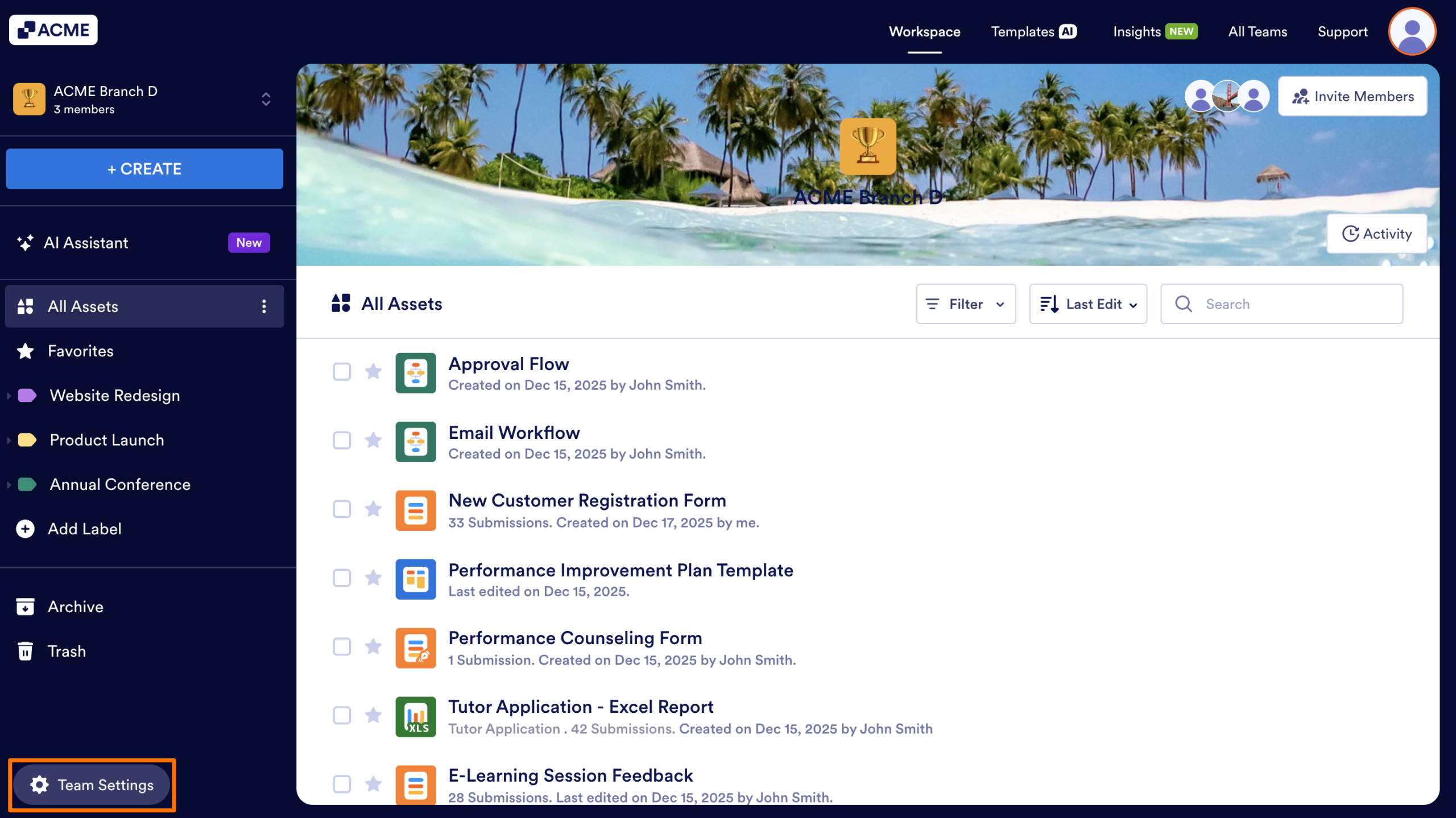
- In your Team Workspace, click on the Team Settings button in the bottom left.
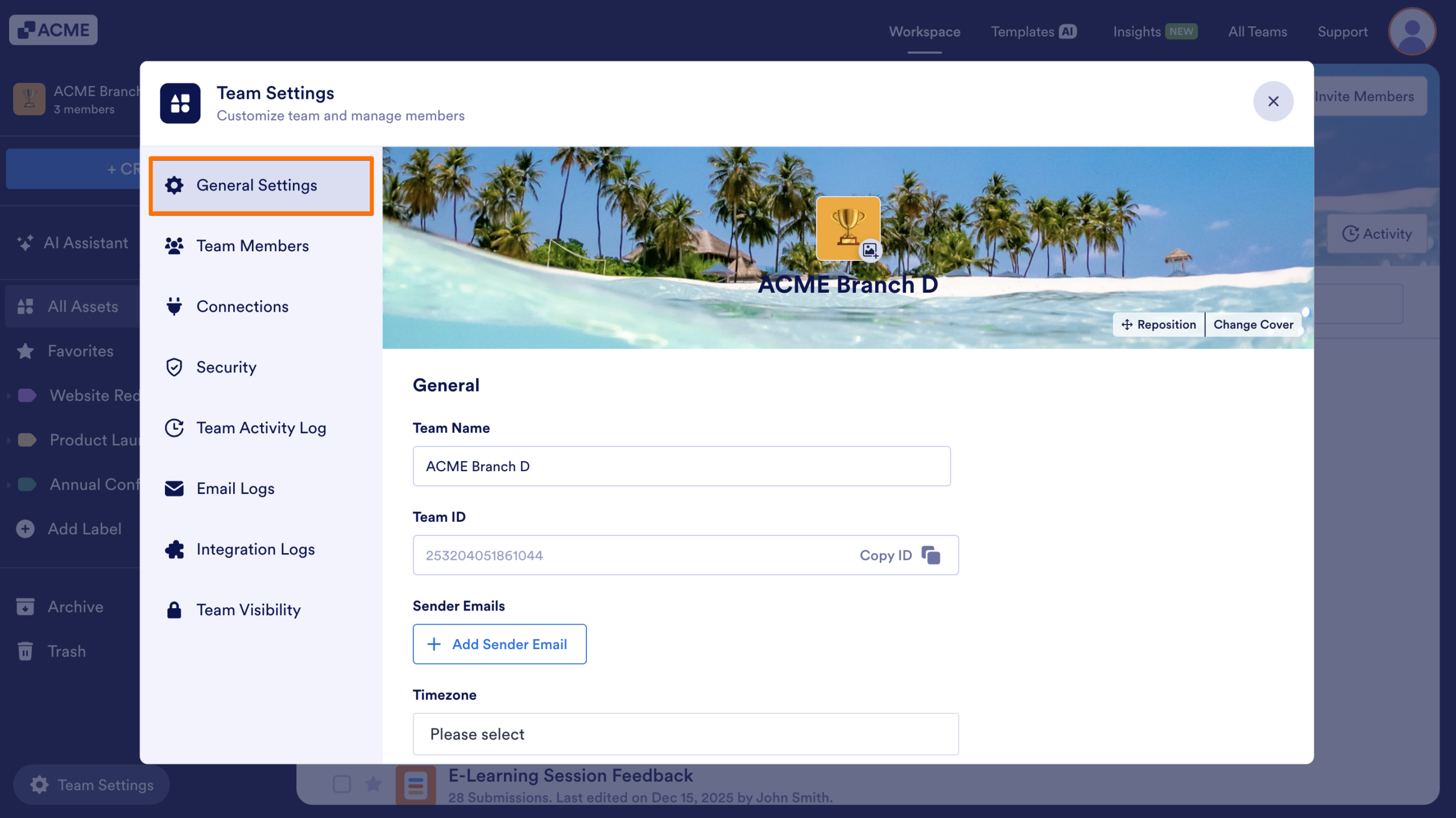
- Select General Settings in the menu that appears.
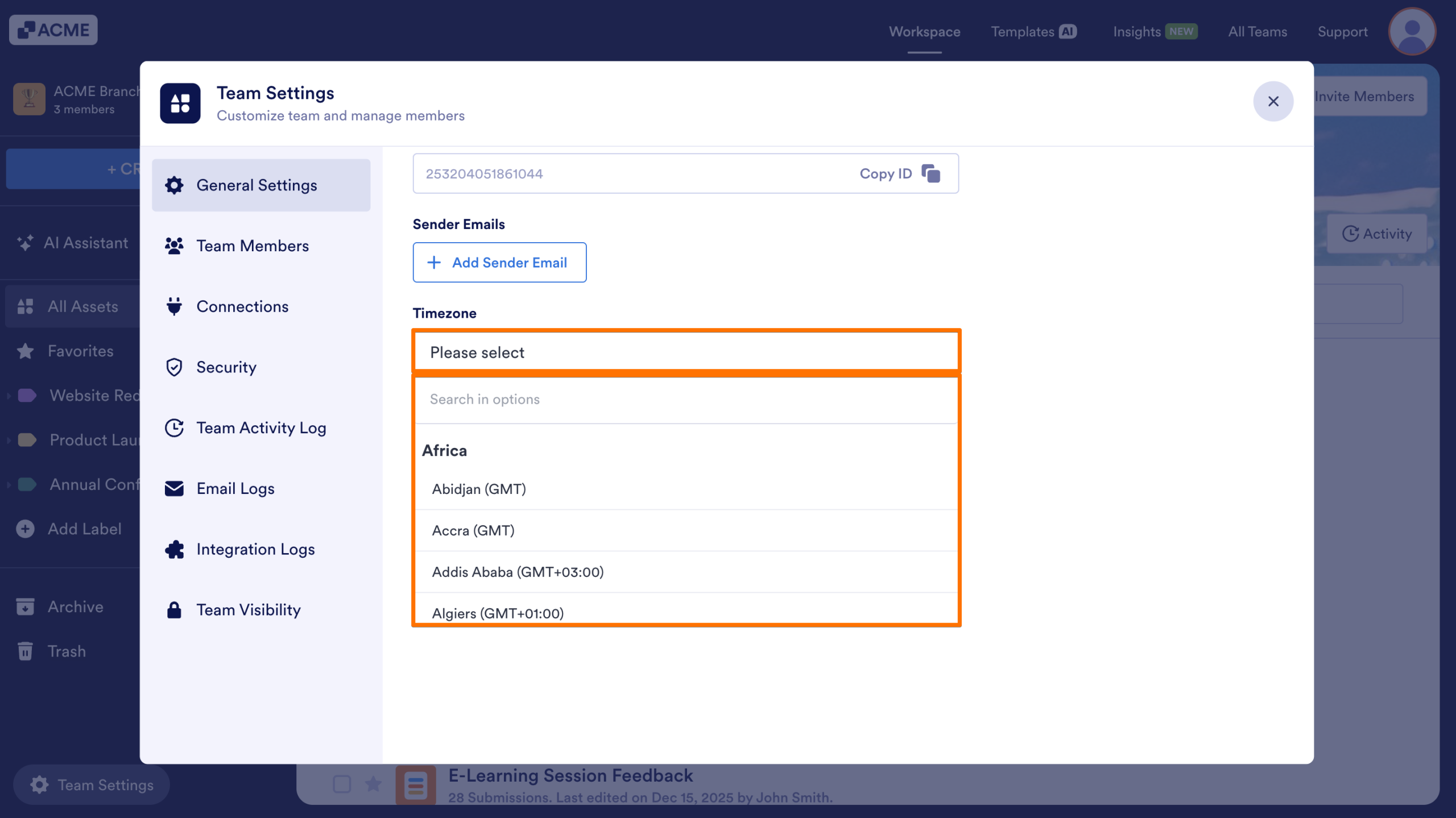
- Select your desired timezone for your team.
- Click Save Changes to lock in those changes.
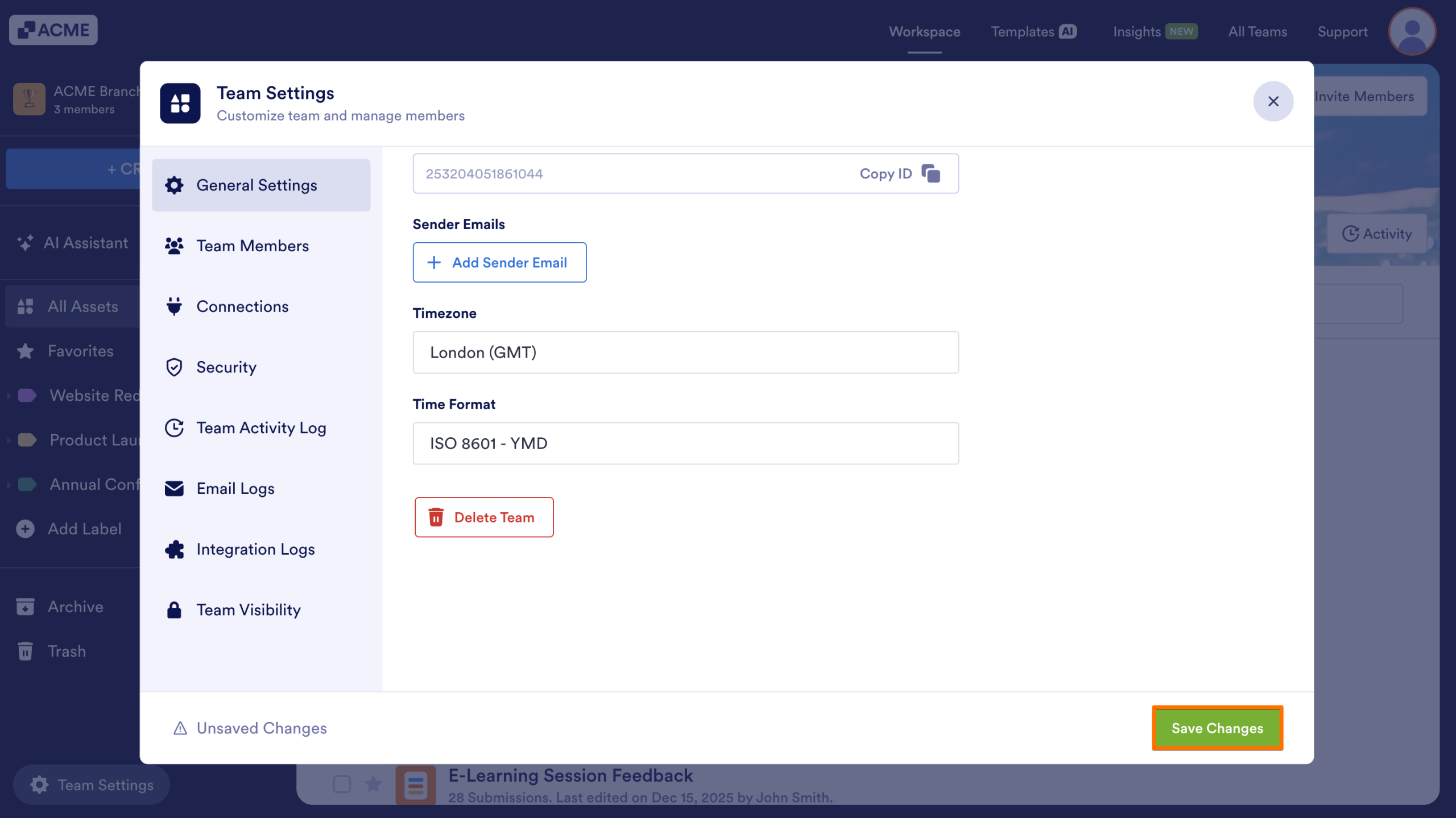
All team assets and logs will now reference the timezone you’ve selected.

Send Comment: