Creating an Asset within your organization’s workspace is simple and keeps everything organized. Whether you need a Form, AI Agent, Workflow, App, E-Sign Document, Table, Report, or Board, you can set it up in just a few clicks. With all your tools in one place, there’s no need to switch between tabs or search for what you need. Your organization’s platform makes it easy to create and customize Assets, allowing you to focus on your work without any hassles.
Creating Assets in Workspace is easy. Here’s how:
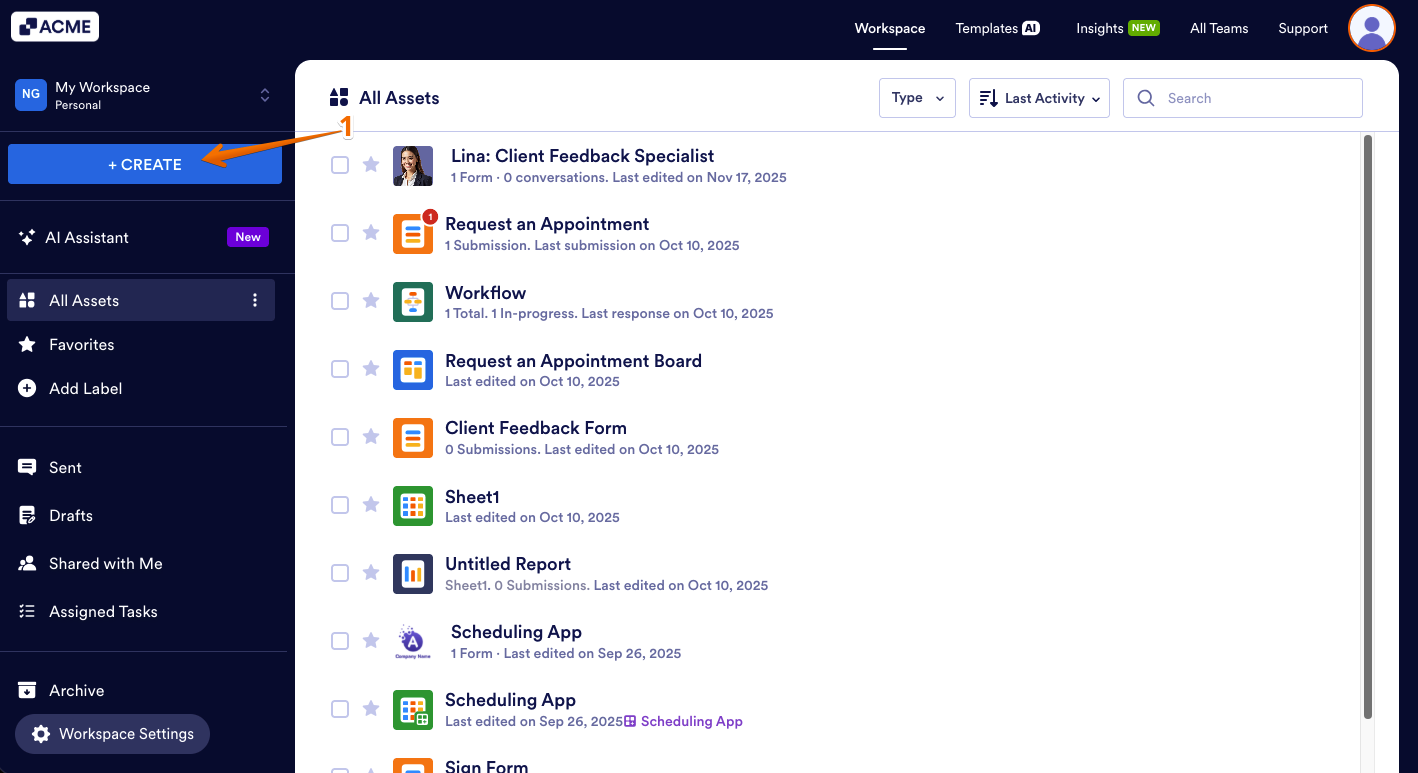
- On your Workspace page, click on Create on the top-left side of the screen.
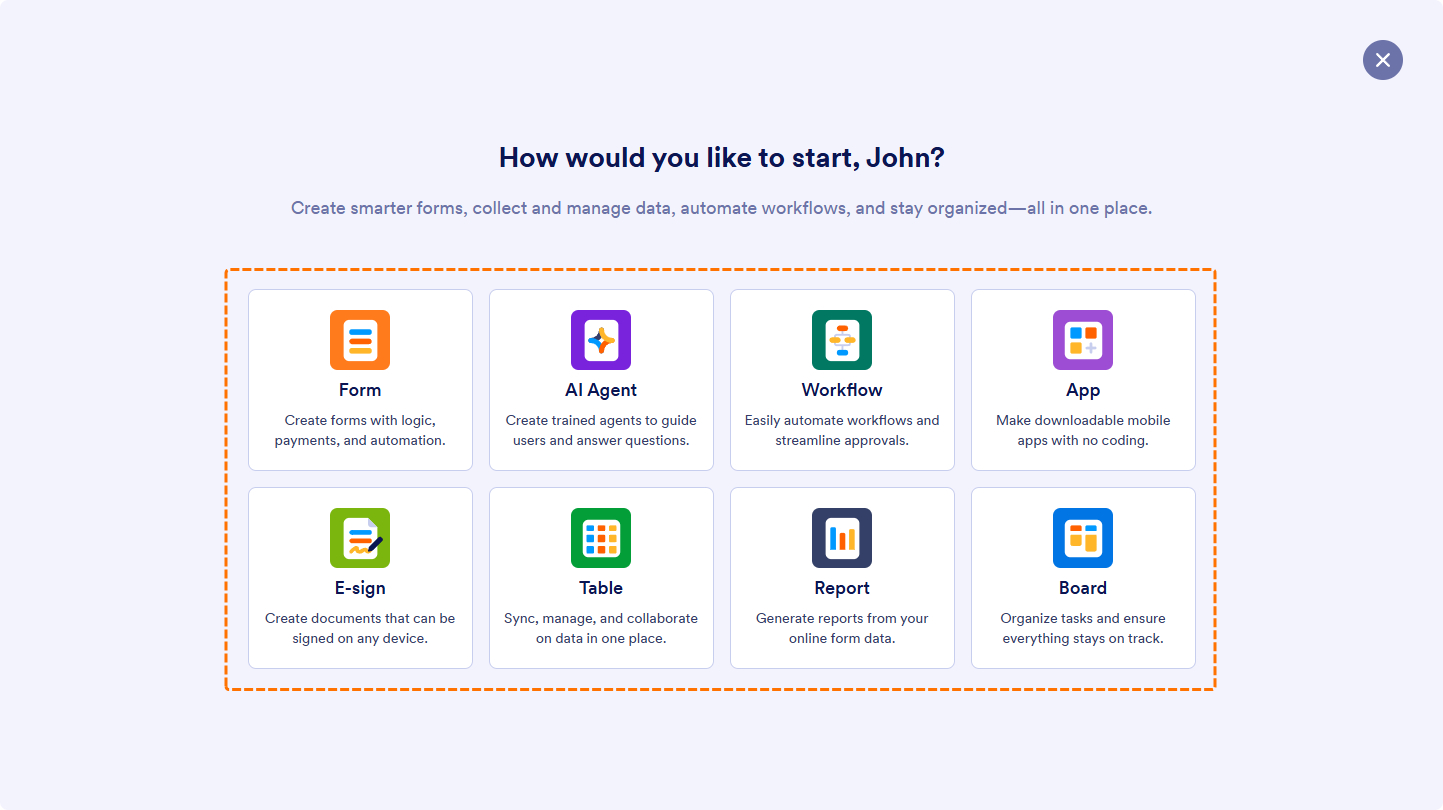
- Now, choose the Asset you want to create, and you’ll be redirected to its respective builder.
- Form — Create and customize forms to easily collect and manage information.
- AI Agent — Build intelligent agents to automate conversations and improve customer engagement.
- Workflow — Streamline processes and approvals through automated workflows.
- App — Design and build custom applications without any coding required.
- E-Sign — Send and sign documents electronically with speed and security.
- Table — Organize, track, and manage data in a dynamic, spreadsheet-style table.
- Report — Create visual reports to analyze, summarize, and share collected data.
- Board — Manage projects, track progress, and collaborate with your team using a kanban-style interface.
Once created, your Asset will be automatically saved and listed on your My Workspace page for easy access.

Send Comment: