You can collect legally binding electronic signatures for contracts, waivers, agreements, and more using Sign Documents. Create a document from scratch or clone an existing document directly from your workspace, or add Jotform Sign Automation to a form to start collecting signatures.
Create a Sign Document from the Workspace
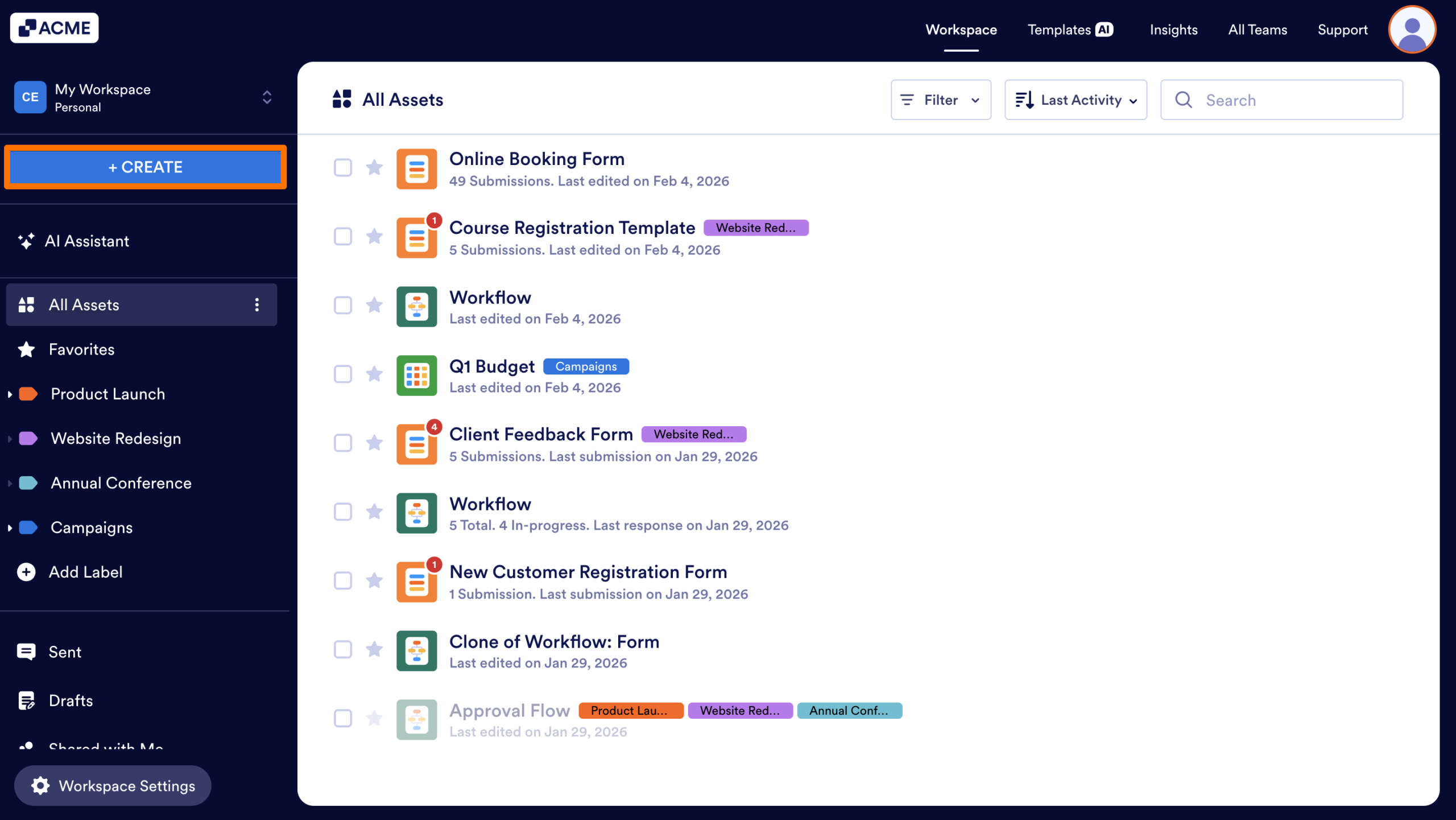
- In My Workspace, click the Create button in the upper left-hand corner of the workspace sidebar.
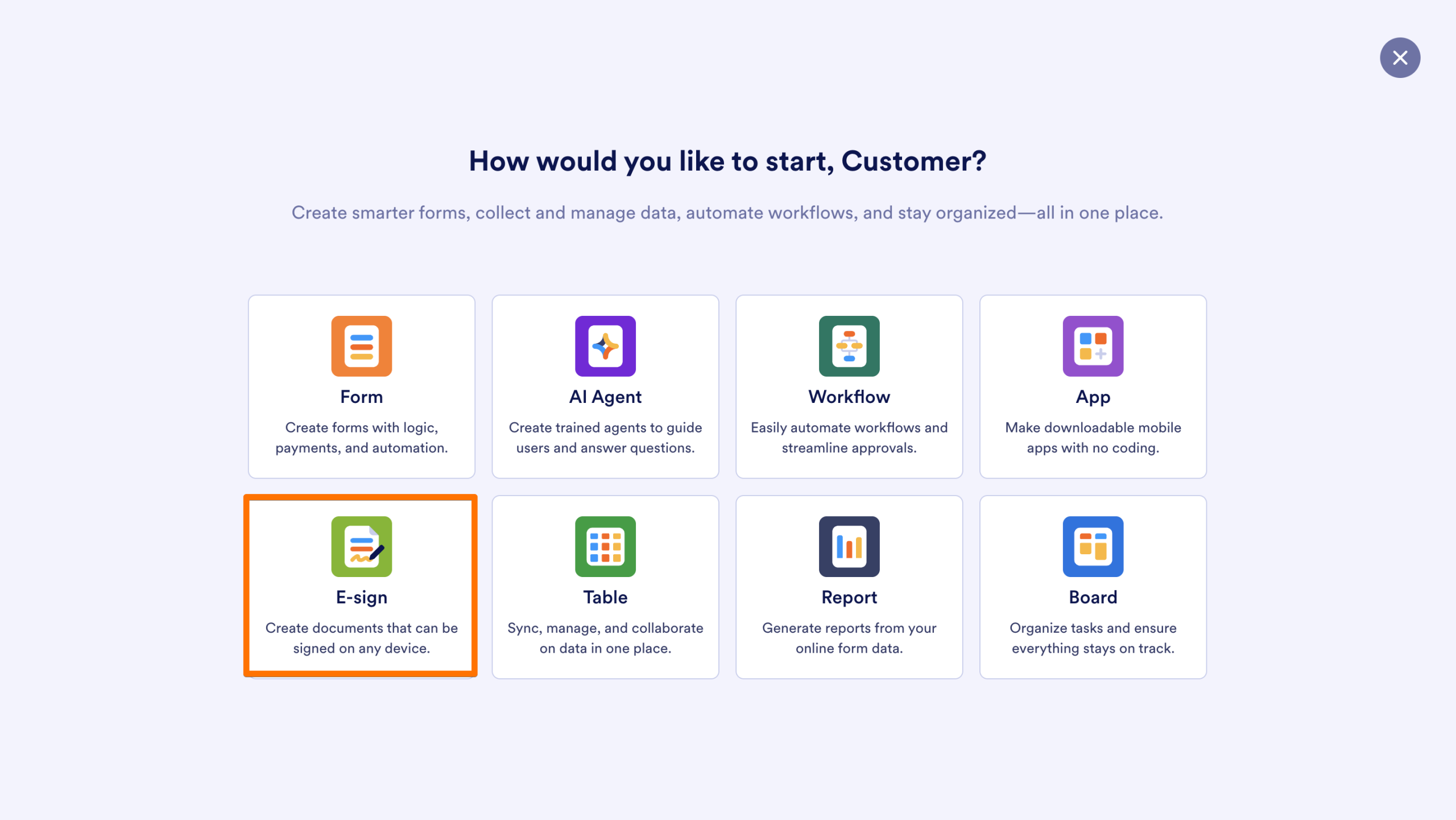
- Then, select E-sign.
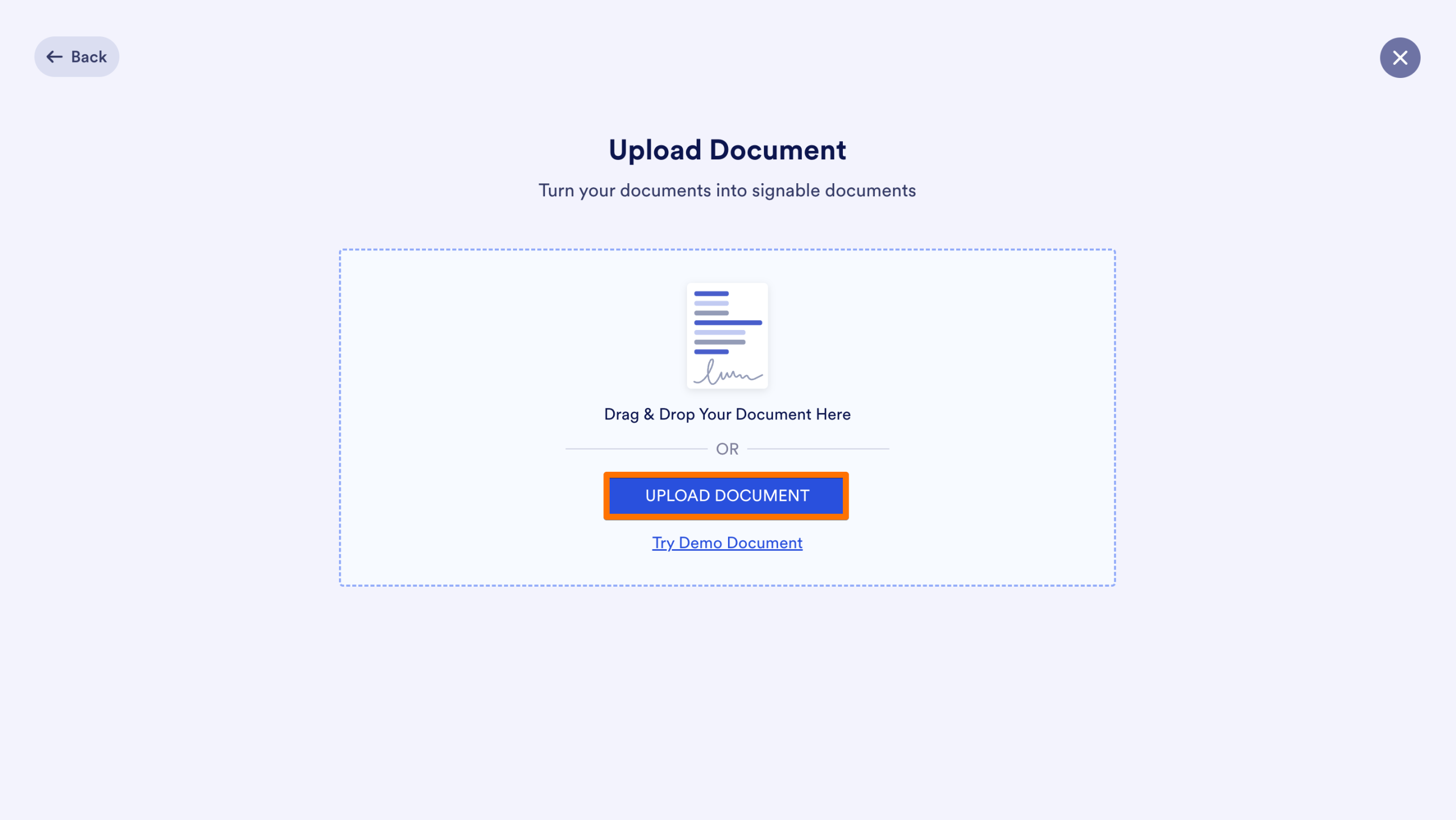
- On the next page, click on Upload Document and select the document you want to turn into a sign document.
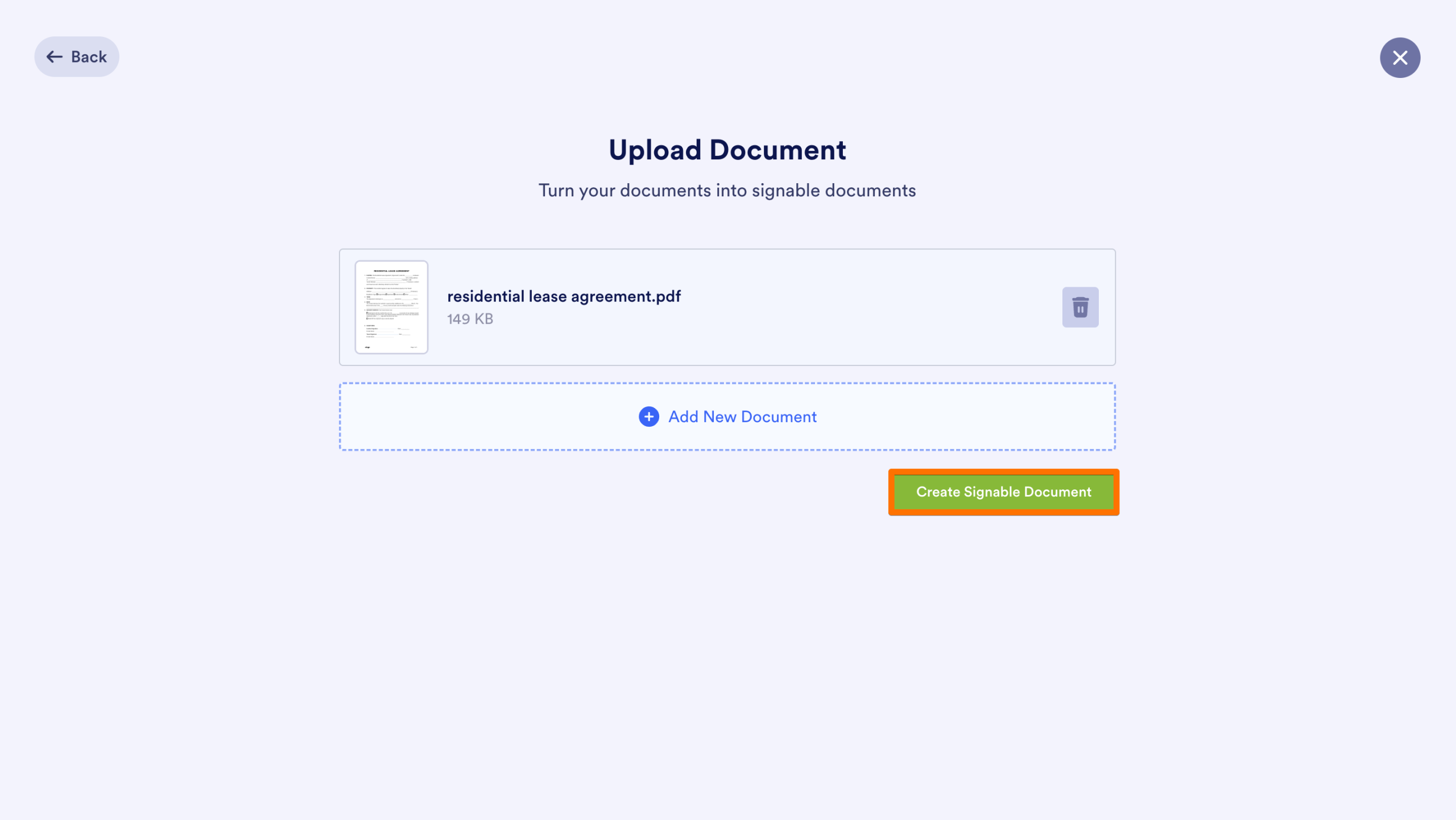
- Click Create Sign Document to convert the PDF to a Sign Document.
The new document will be added to your personal workspace.
Clone an Existing Sign Document
Cloning allows you to replicate an entire document structure and its signature fields so you can reuse the layout for a different recipient or project.
- In the Workspace where the document is located, hover over the Sign Document you’d like to copy.
- Then, click on More.
- Finally, select Clone.
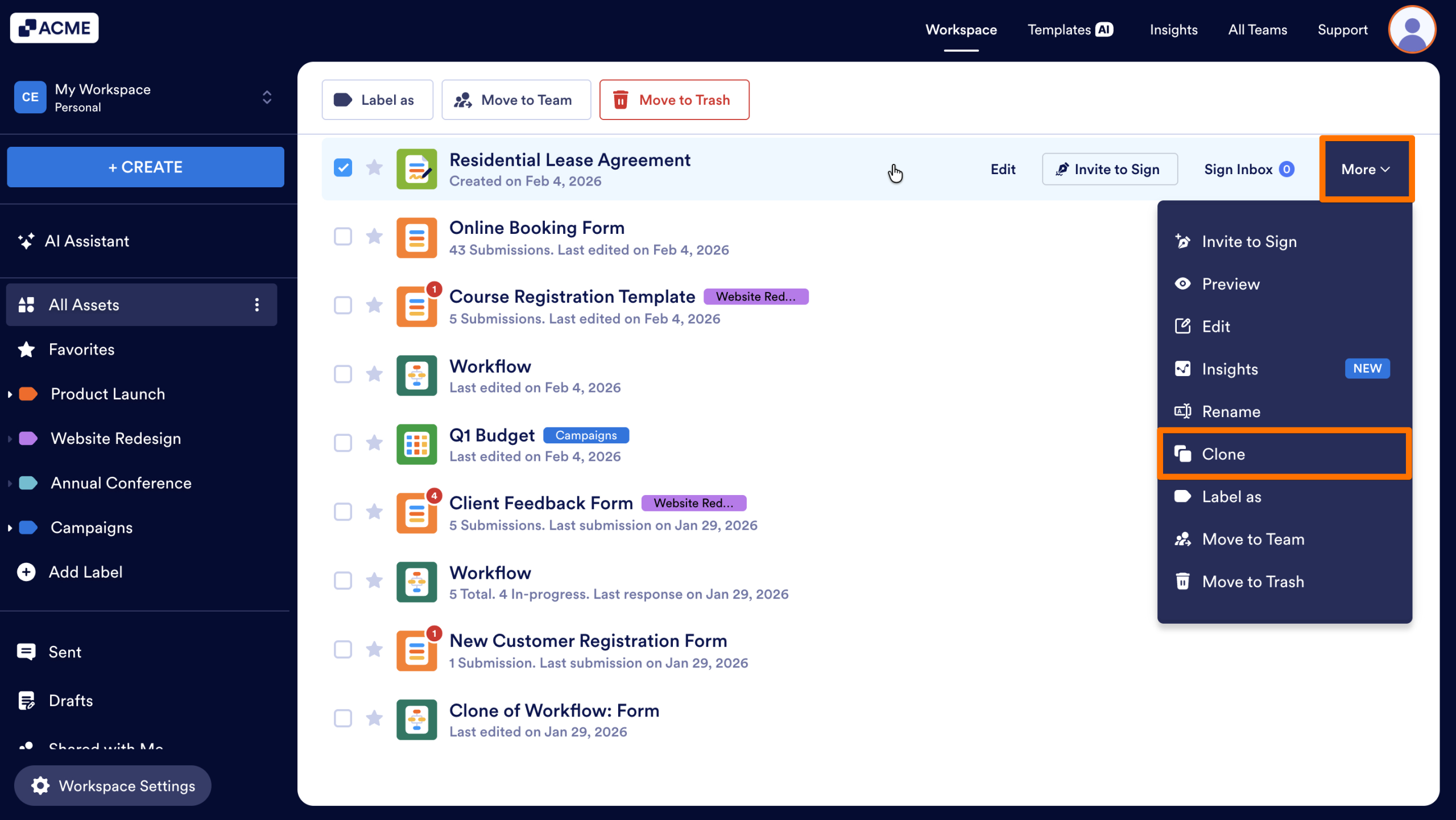
A copy of the document will be created in the same workspace and can be edited without making changes to the original.
Adding Sign Automation to a Form
If you are already working in the Form Builder, you can add legally binding signature capabilities to your standard form using the Jotform Sign Automation settings.
Note
Using these steps does not change the asset type from a Form to a Sign Document. The asset will remain a Form in your workspace, but will gain automated signature features. Standalone Sign Documents and Forms with Sign Automation function differently and offer different feature sets.
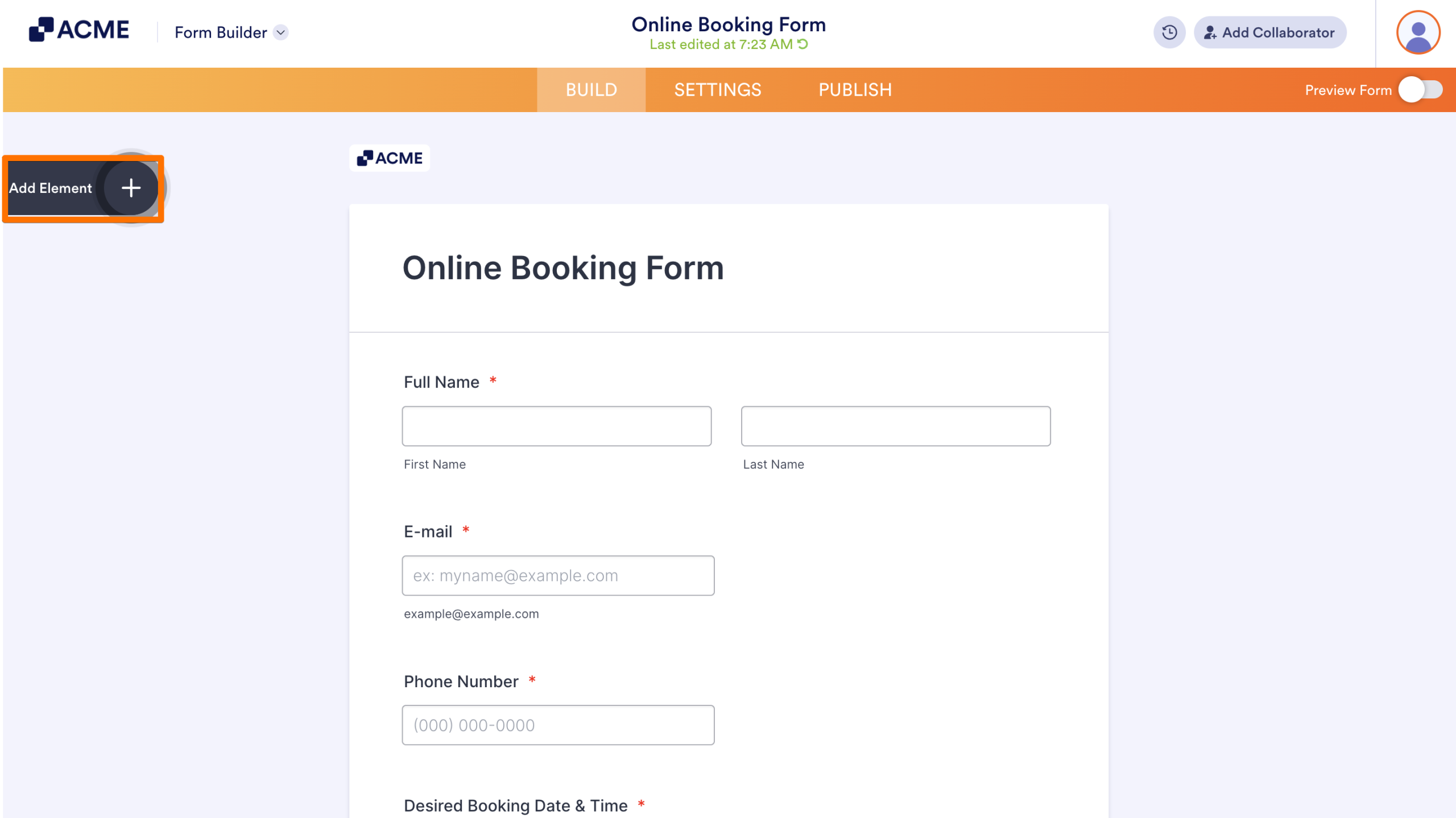
- In the Form Builder, click on the Add Element button on the left.
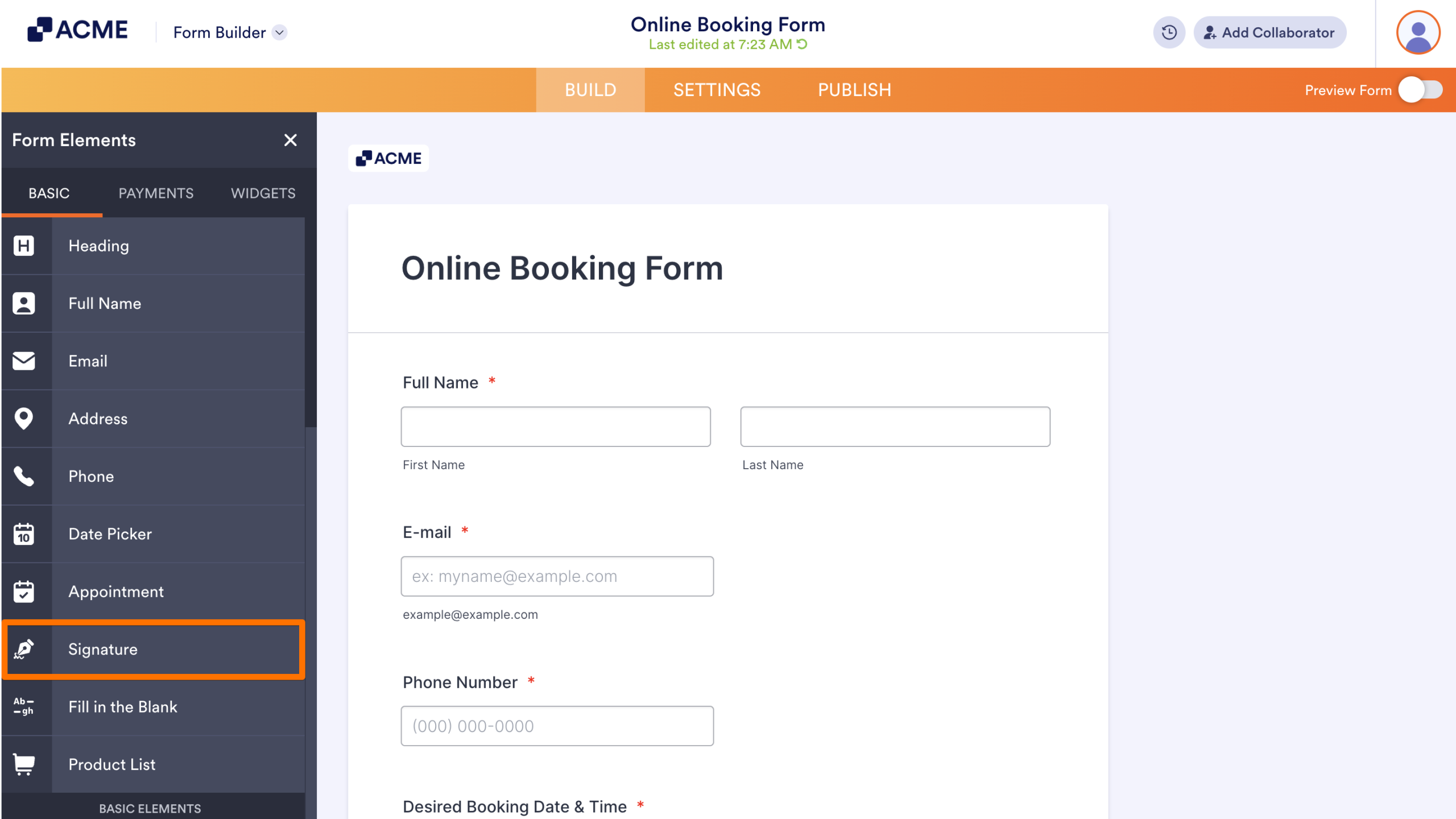
- Under the Basic tab, click on the Signature element to add it to your form.
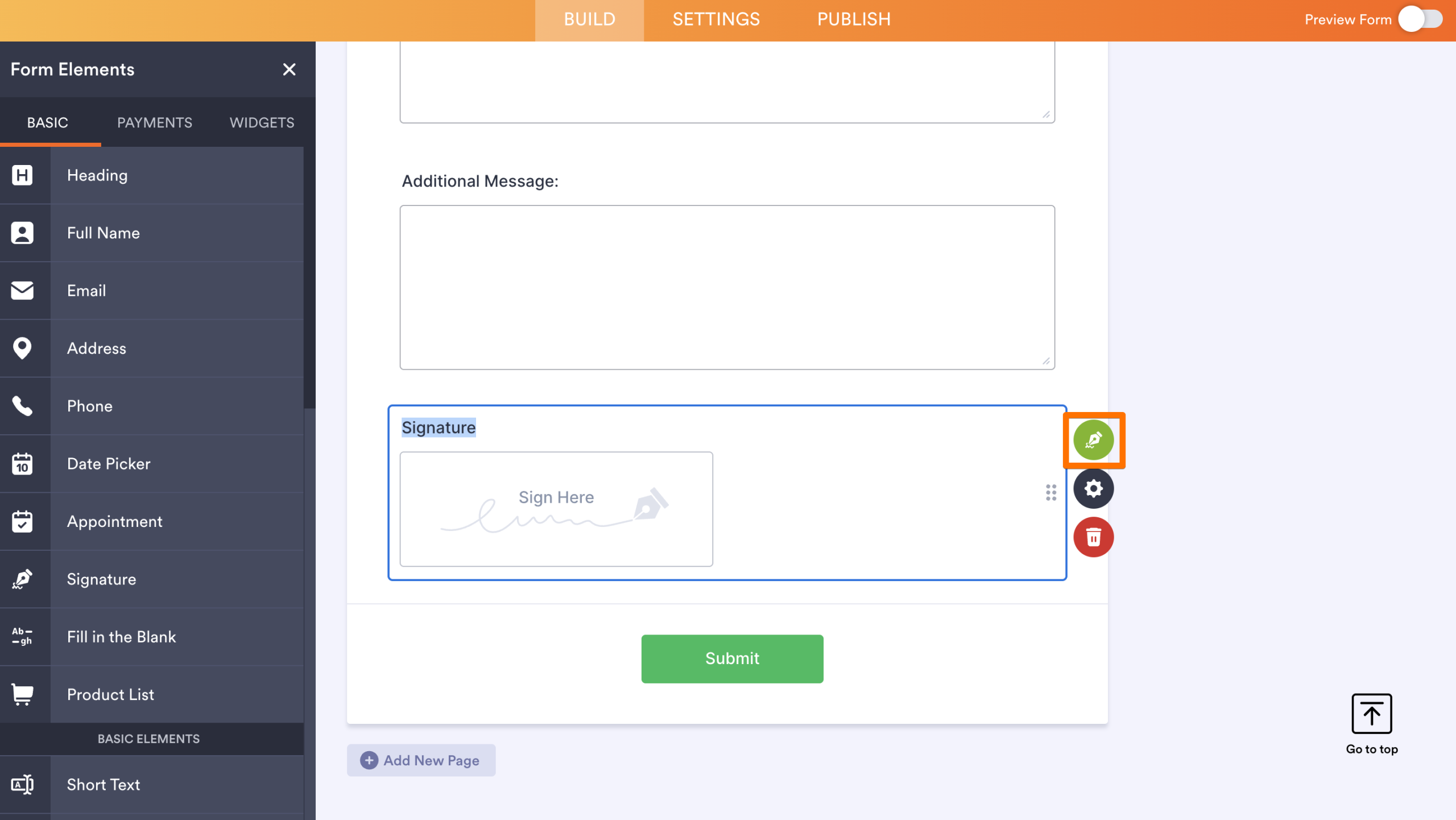
- Then, click on the green Sign icon on the right-hand side of the element to open Sign Automation Settings.
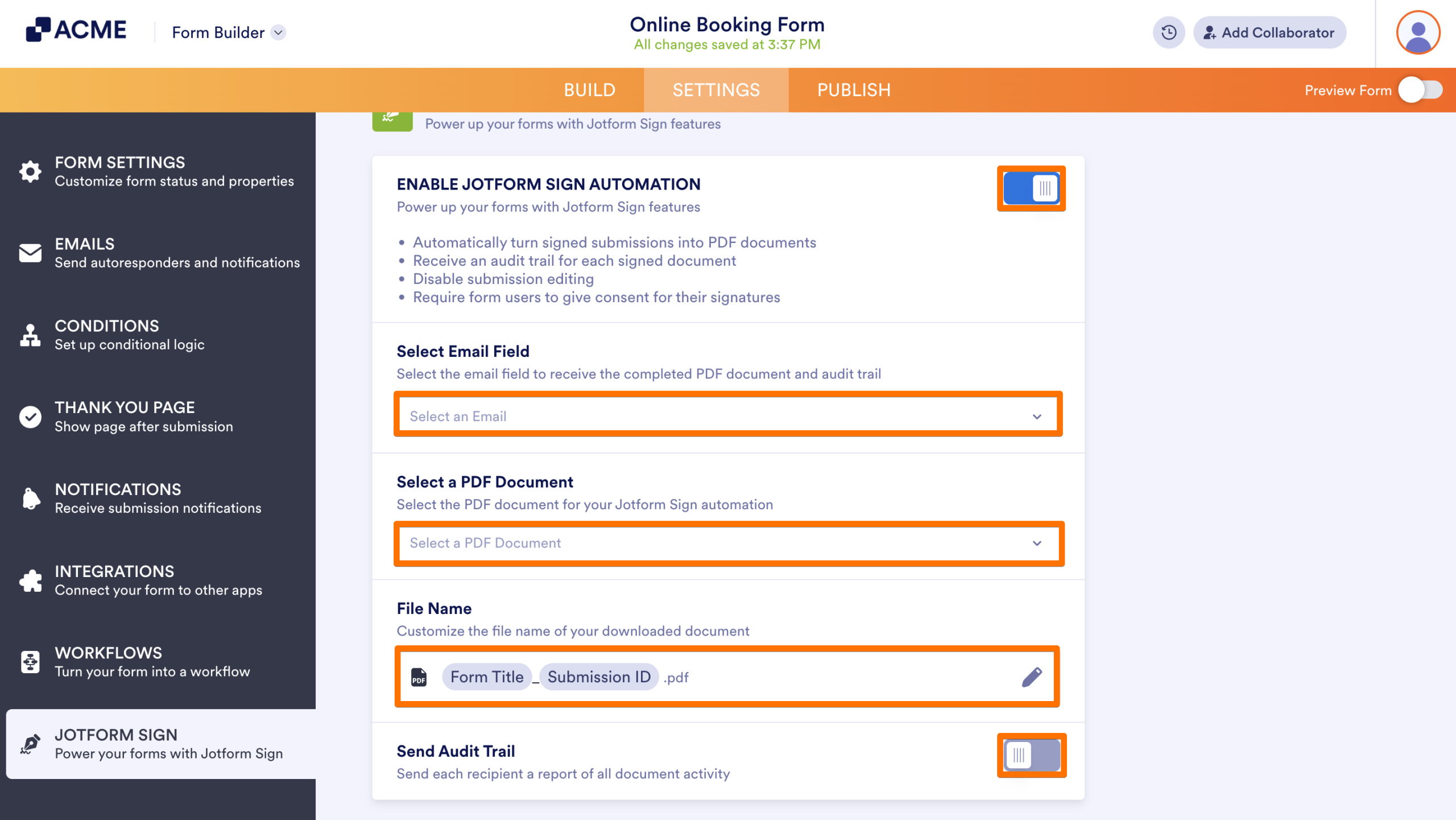
- Toggle On the switch next to Enable Jotform Sign Automation.
- Configure the settings by adding an Email field, create or add a PDF, and set up the Audit Trail, based on your needs.
Unlike standalone Sign Documents, your form will stay a form. Signatures collected will appear in the Submission Table, the Inbox, and the PDF Editor for the form.

Send Comment: