View, organize, and work with data in one place using tables. You can use standalone tables to manage custom data or use the tables automatically created from form submissions. This guide goes over the different ways to create a table, both in your personal workspace and in a team.
Create a Standalone Table from the Workspace
Standalone tables are created manually, aren’t tied to a specific form, can include custom data, and can be linked to multiple forms at once via tabs. Standalone tables can only pull data from forms owned by those in the workspace, the table owner, or collaborators on the table. Standalone Tables can be created using one of the three following options, whether it’s in a Team or a personal workspace:
Create a Standalone Table in My Workspace
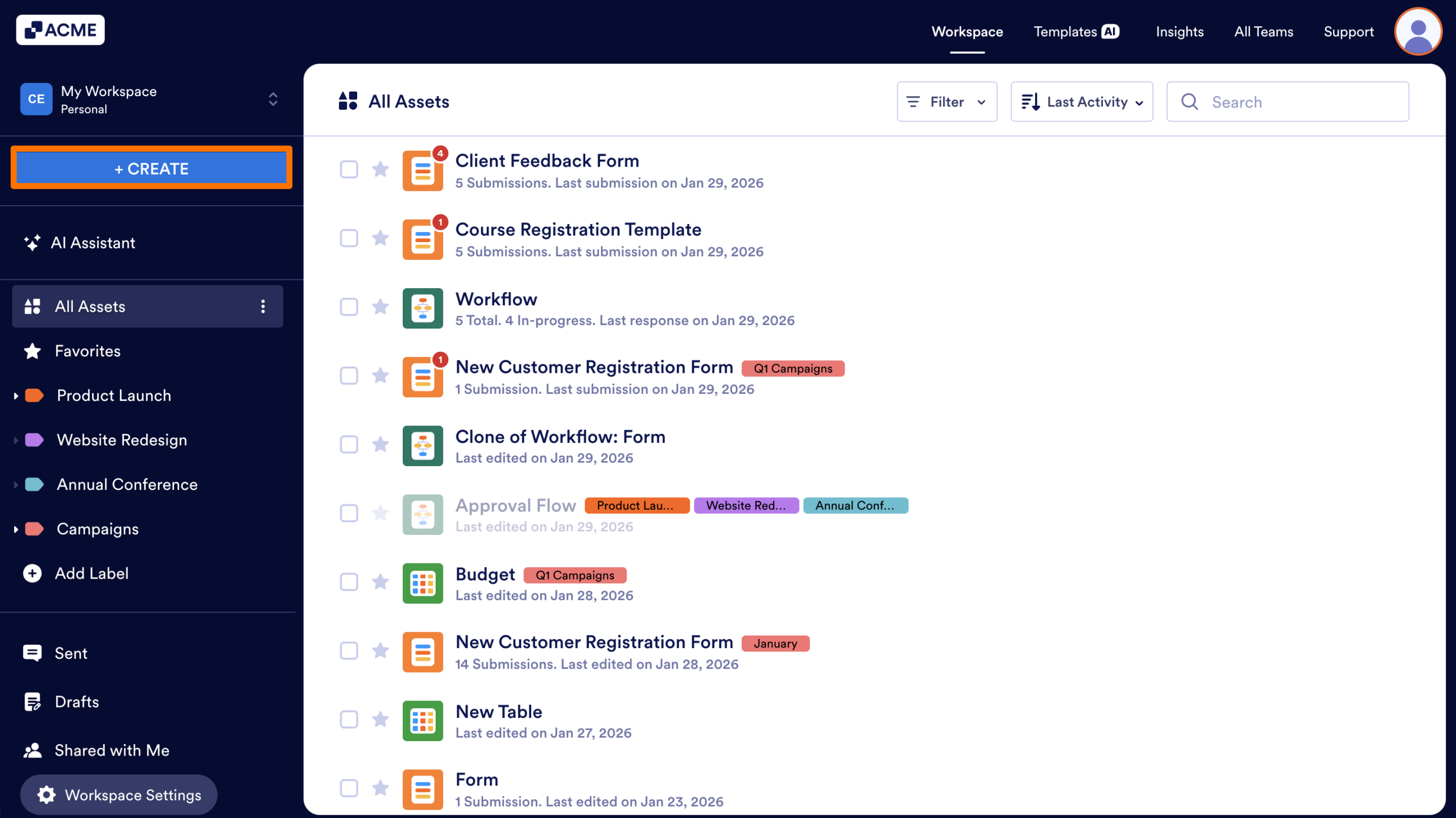
- In My Workspace, click on the Create button in the upper left-hand corner of the page.
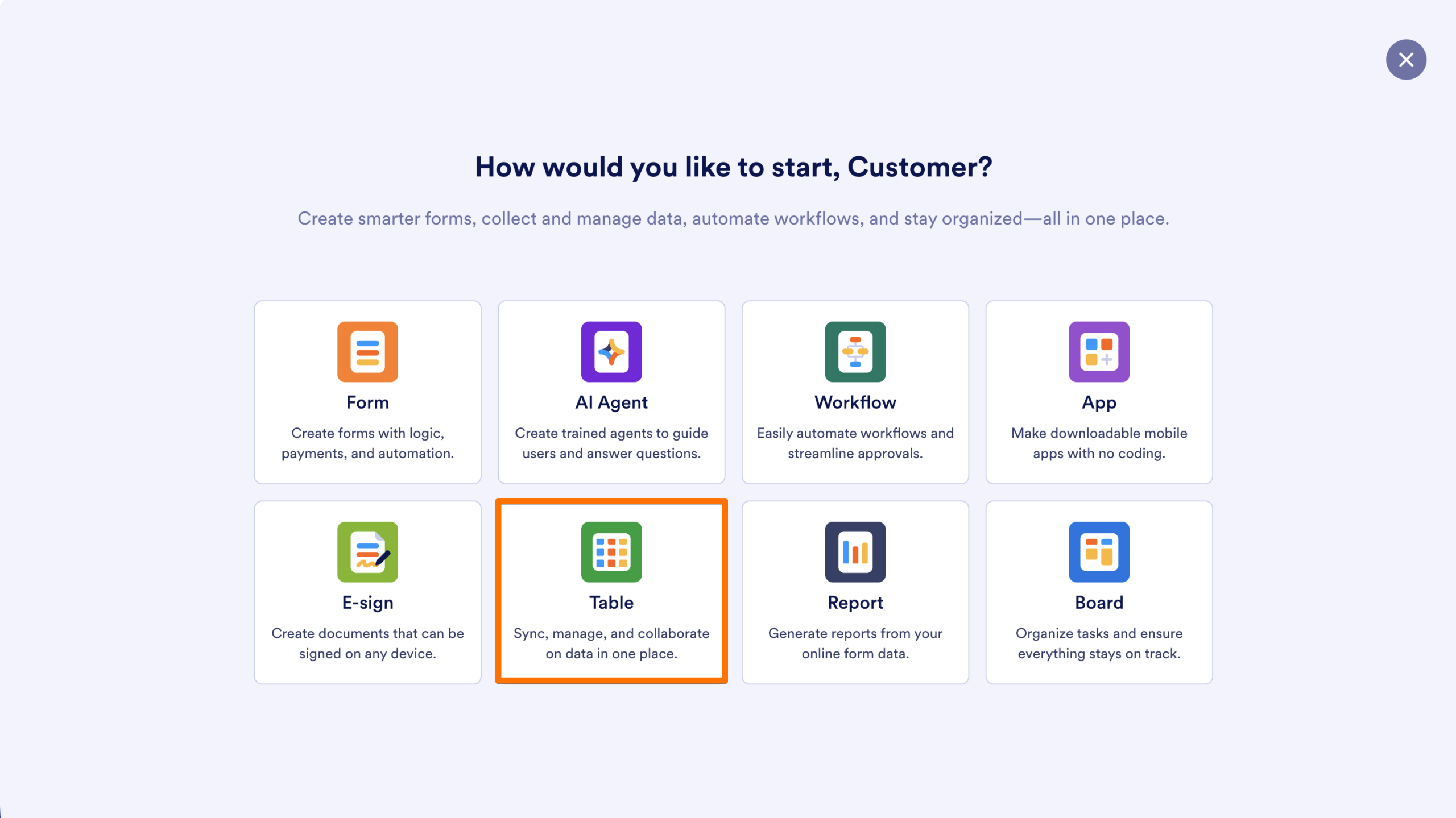
- Then, select Table.
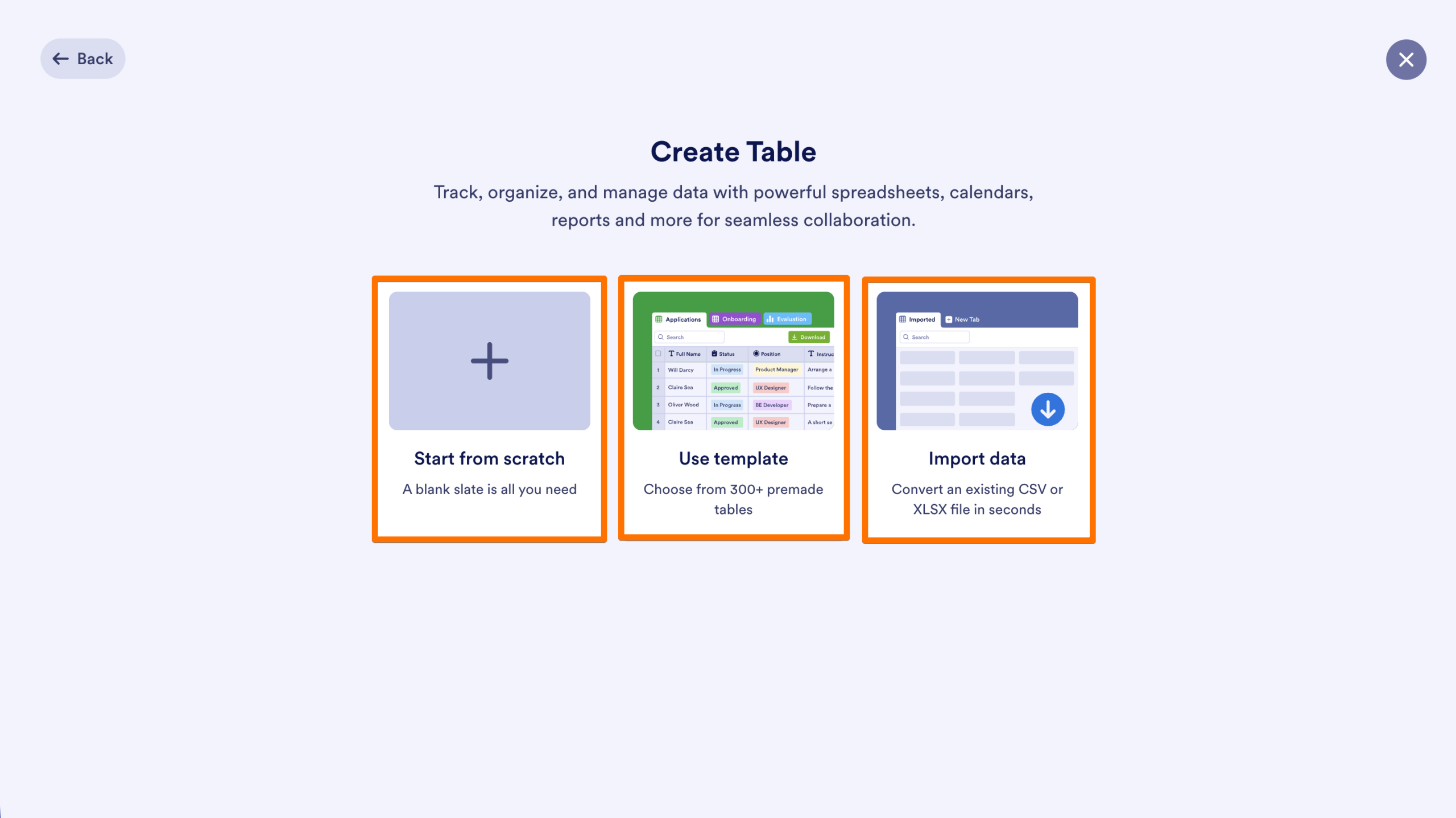
- Choose how you want to create the table:
- Start from scratch: Start with a blank table and add fields and data.
- Use a template: Build your table from hundreds of pre-made templates, then keep it as-is or customize it to suit your needs.
- Import data: Use a CSV or XLSX file to quickly build your table and autopopulate it with fields and data from the file.
The table will be added to My Workspace.

Send Comment: