This guide explains how to view Team Members, adjust roles, and remove users within a Team Workspace. Member management features are available to users with the appropriate administrative permissions. Depending on your organization’s configuration, this typically includes designated team-level or system-level administrators.
Managing Team Members Through the Team Workspace
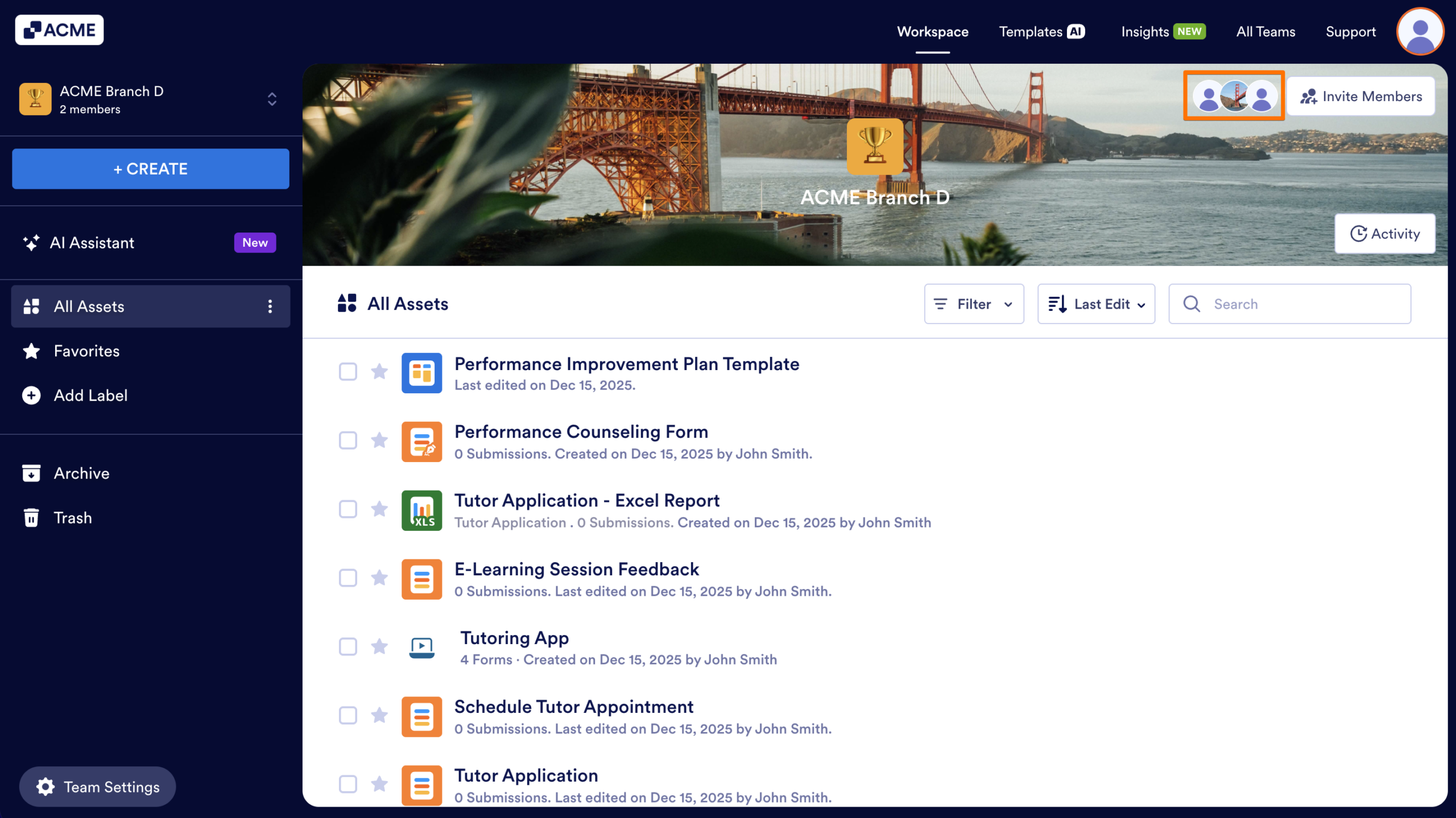
- First, in the Team Workspace, click on the profile pictures on the left of Invite Members.
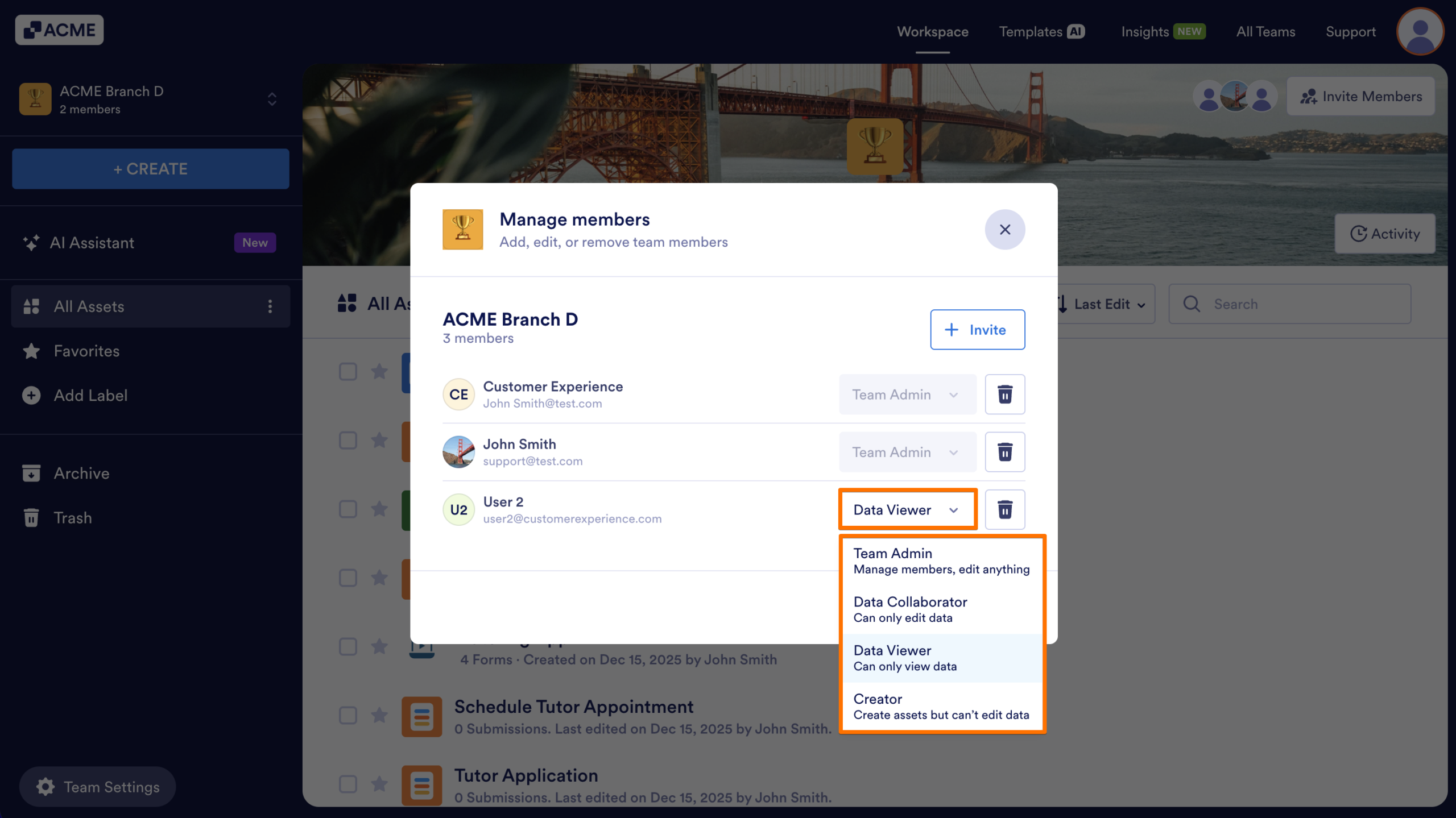
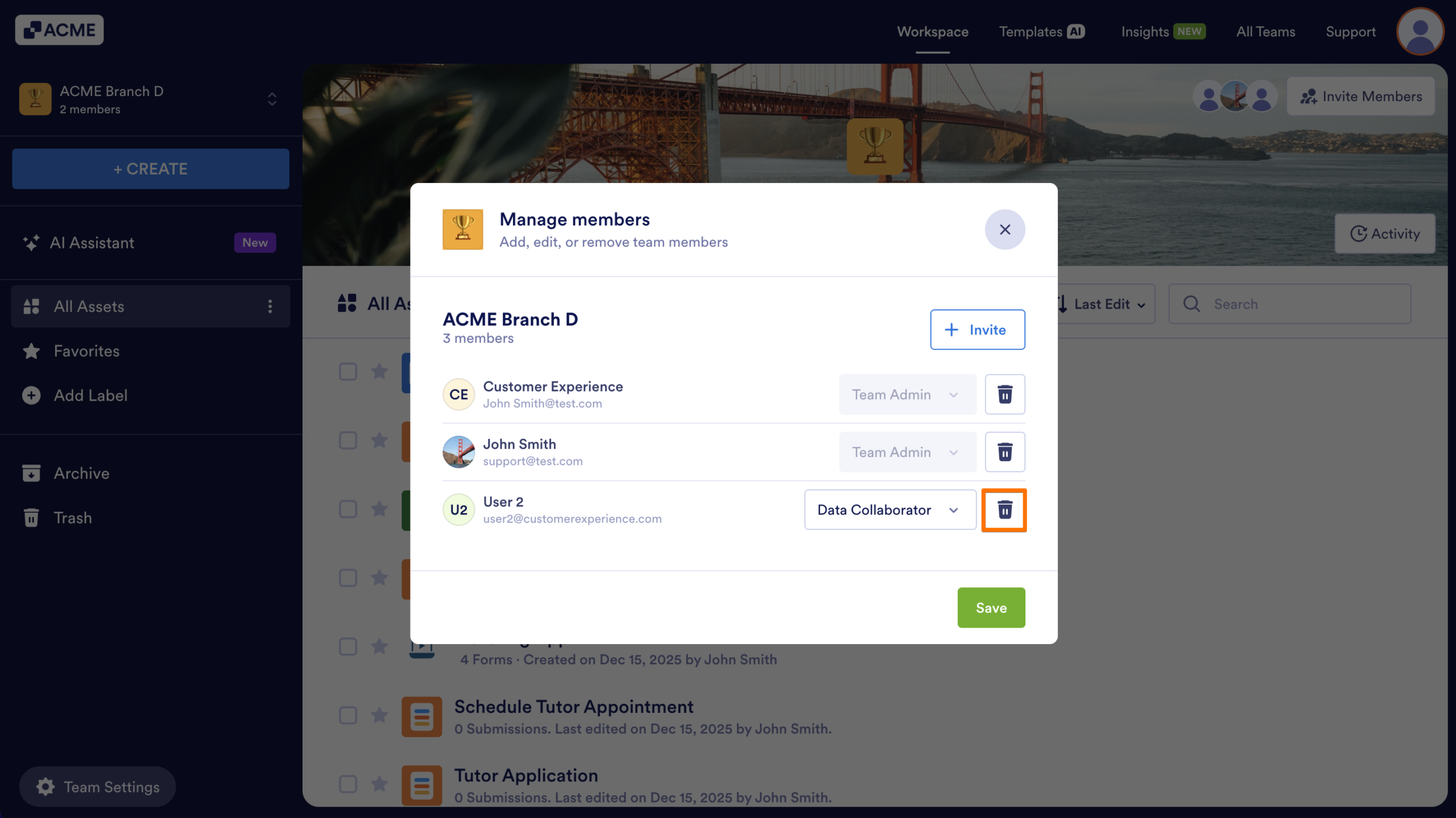
- Next, to change a member’s role, click their current role and choose a new one from the dropdown.
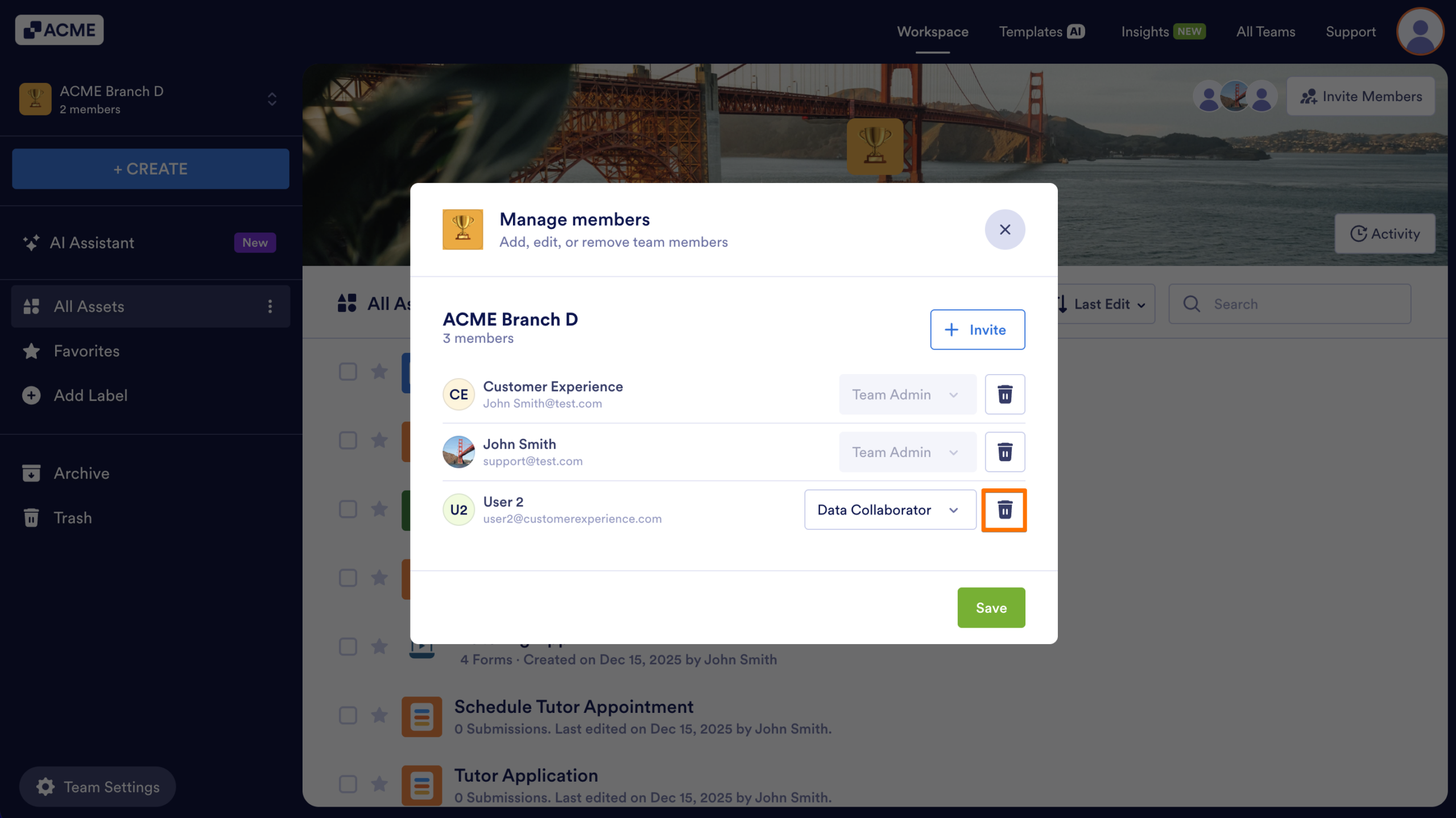
- If you want to remove a member, click on the Trash icon next to their name.
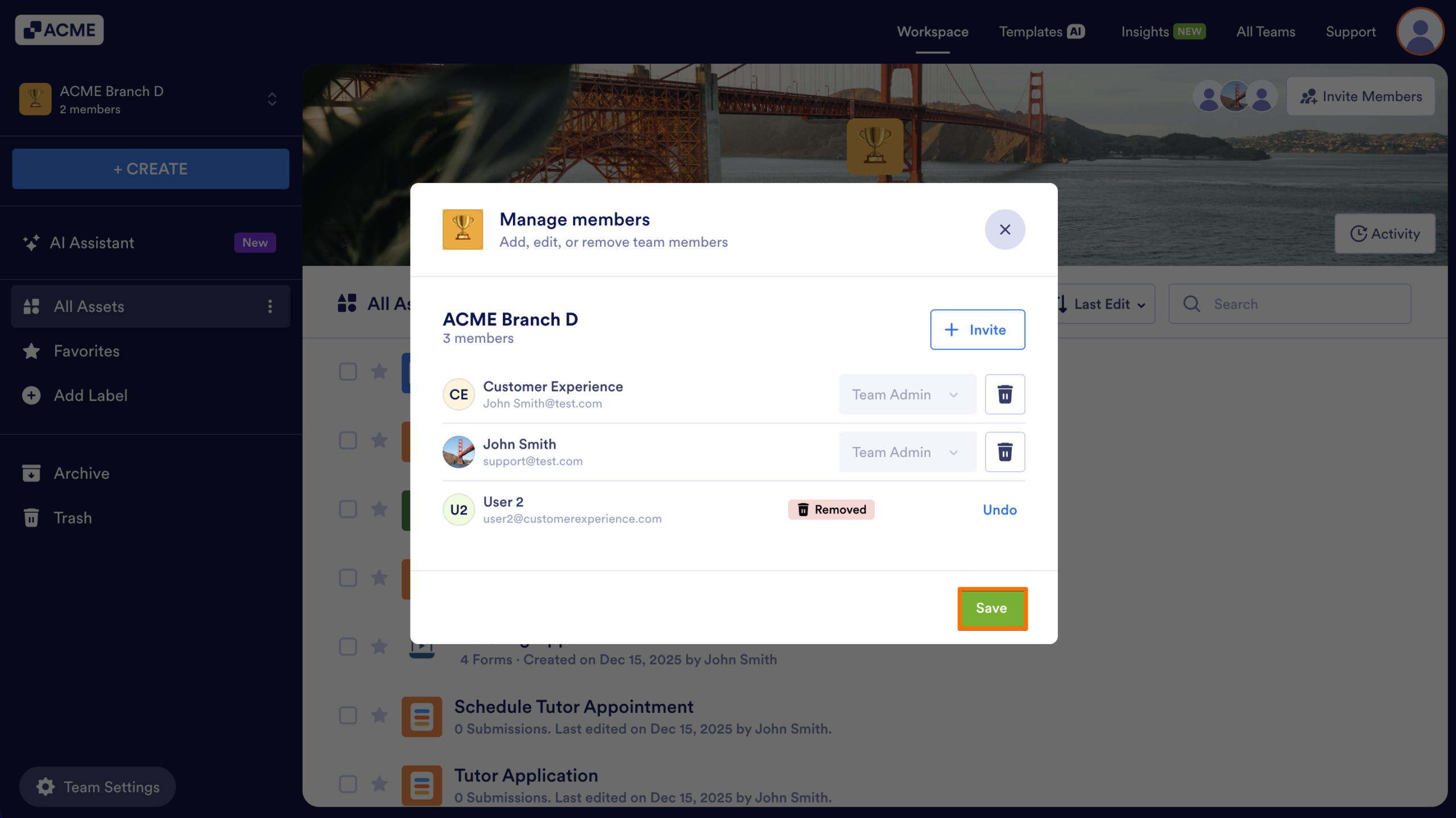
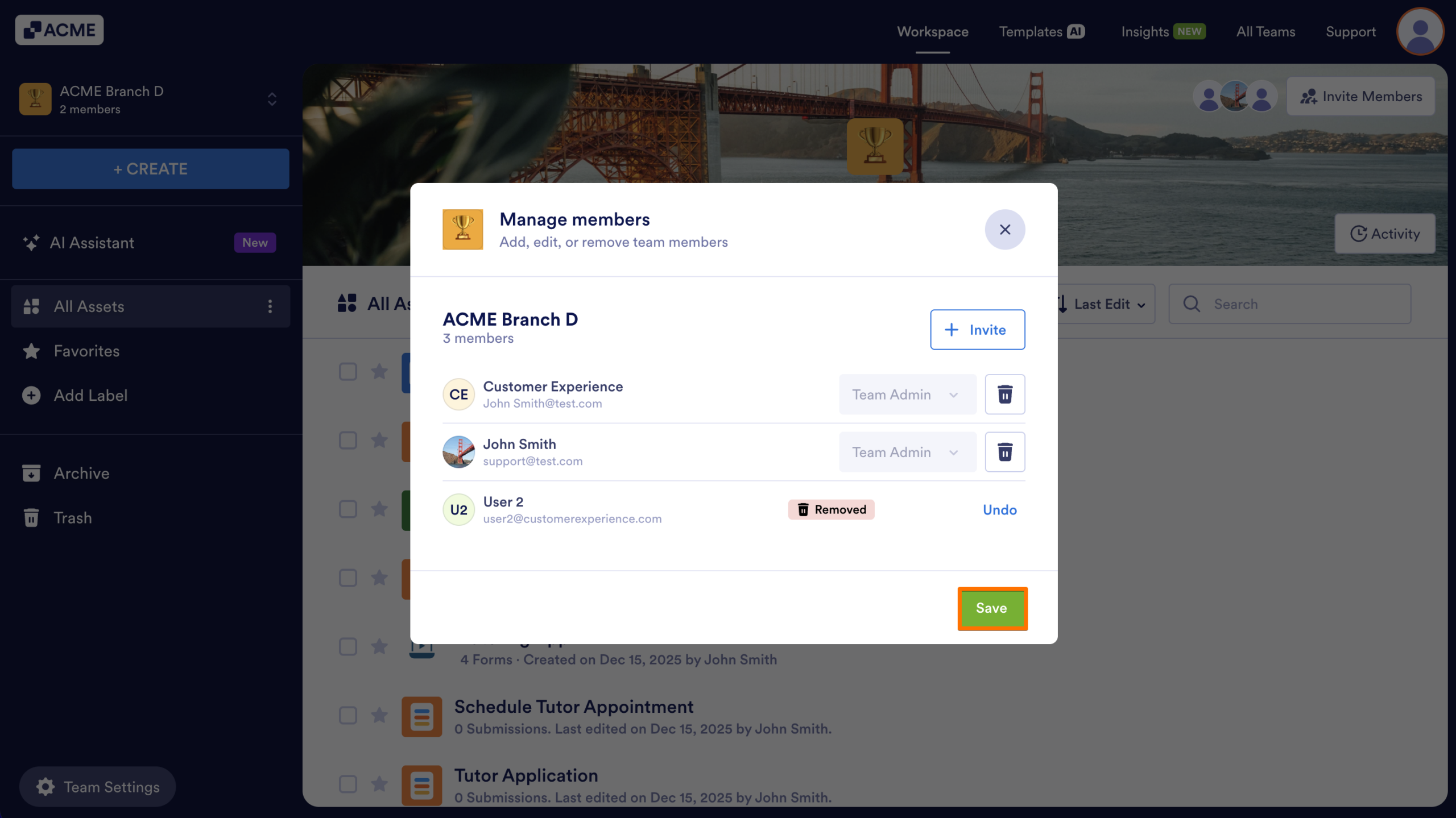
- Finally, click on Save.
Managing Team Members Through Team Settings
You can also manage your Team Members by opening the Team Settings panel directly. Here’s how to do it:
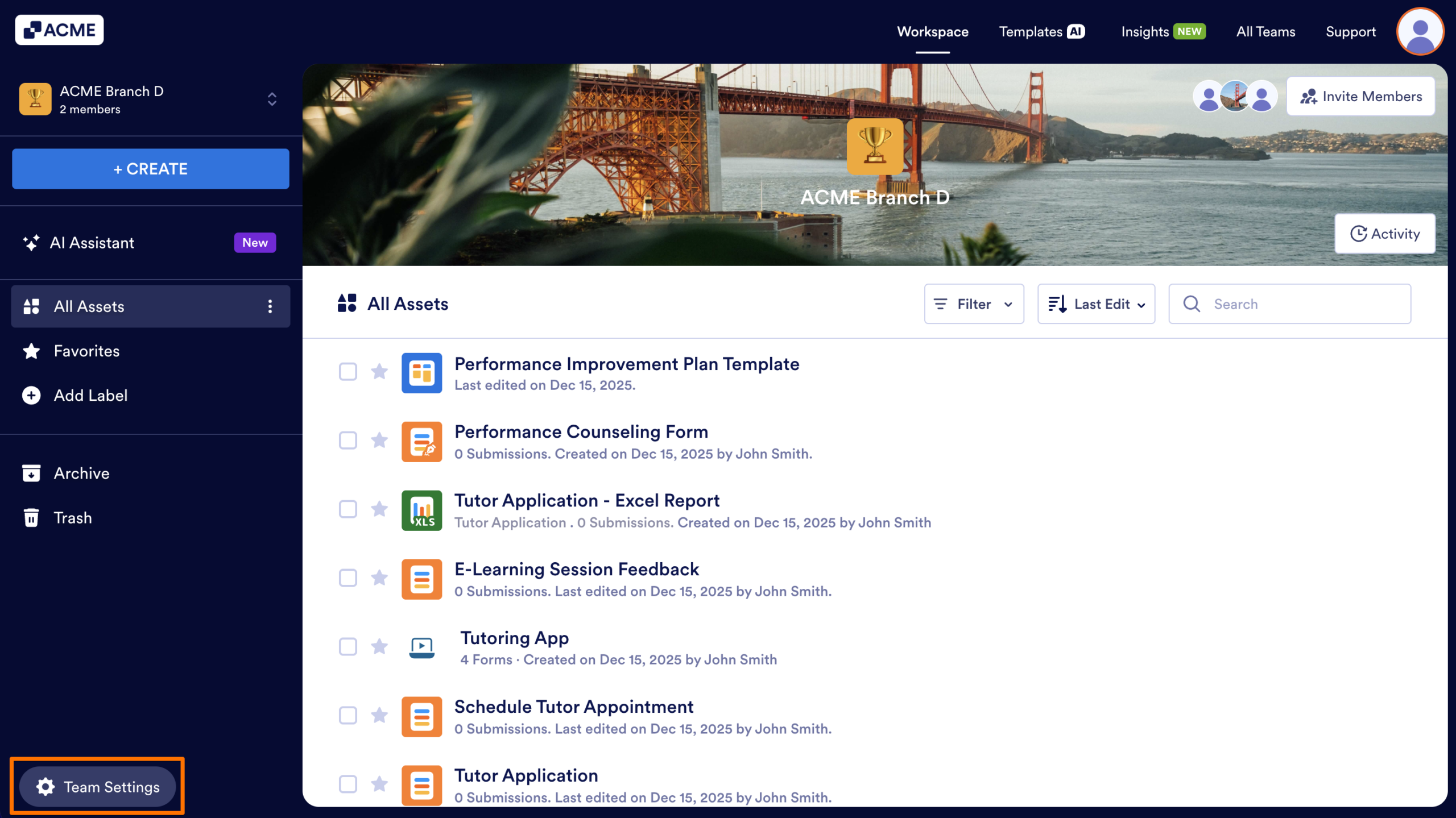
- First, in the Team Workspace, click on the Team Settings button in the bottom-left corner.
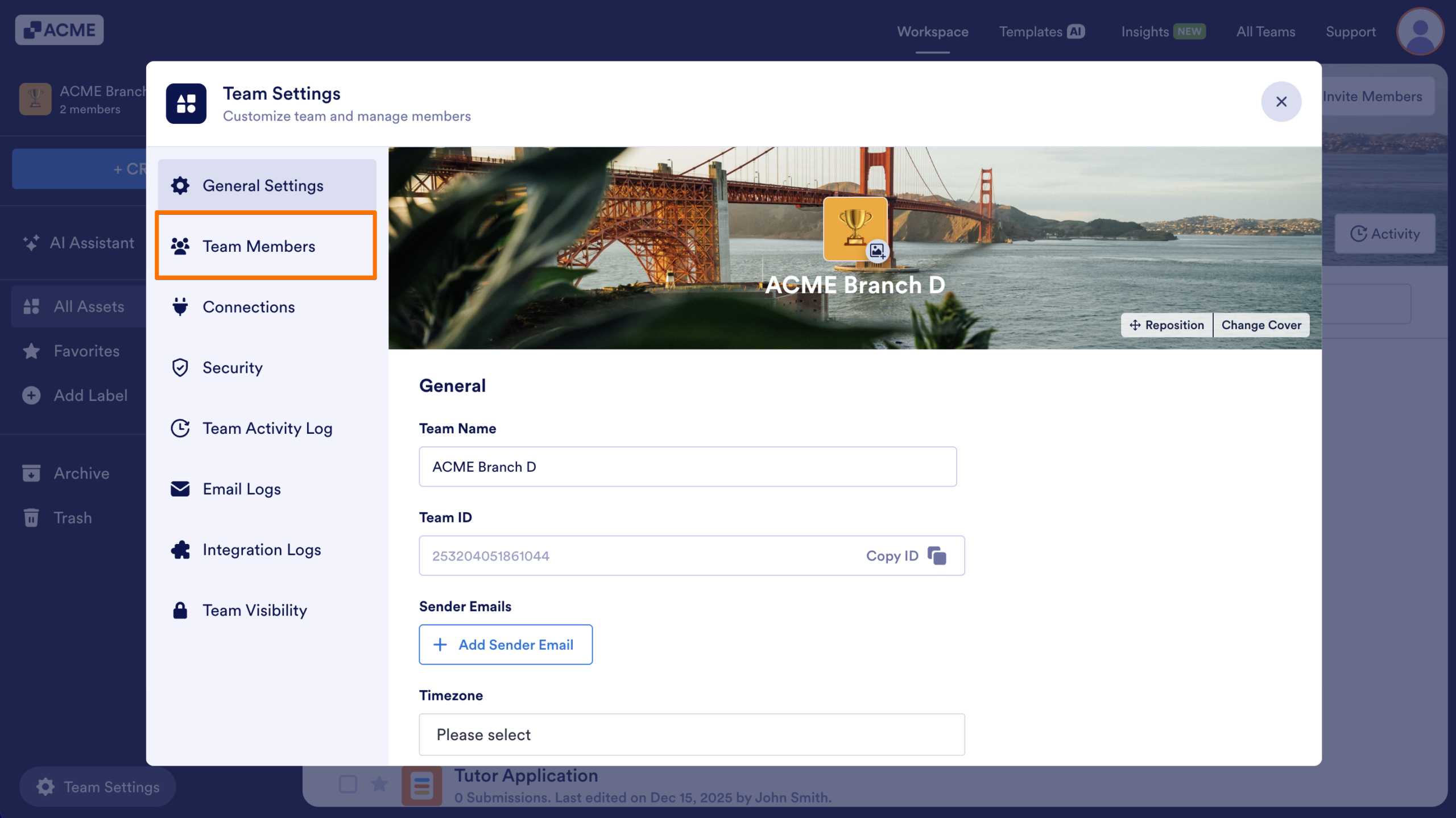
- Next, in the menu that appears, select Team Members.
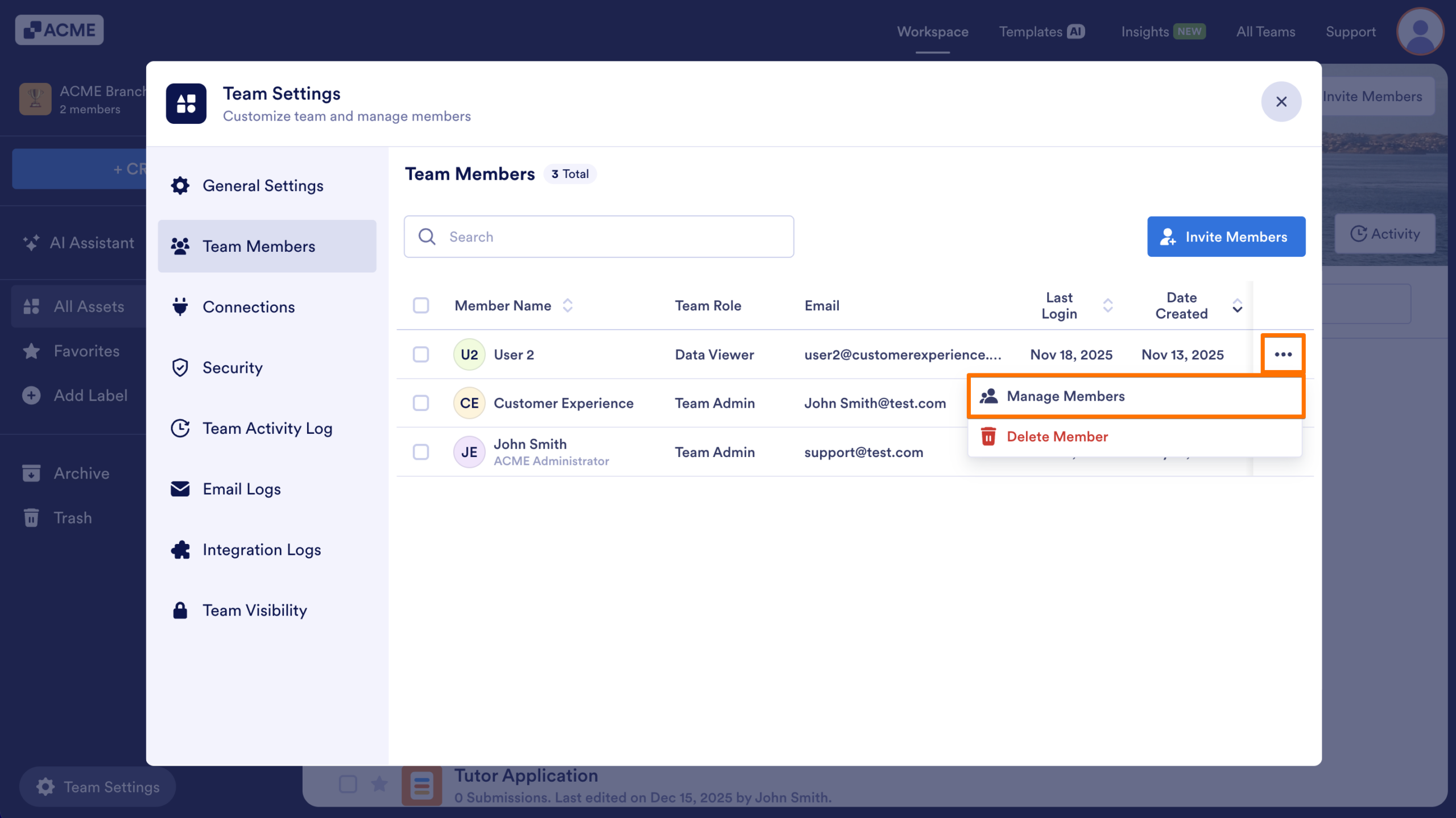
- Then, to update a user’s role, click on the Three Dots icon on the right.
- After that, select Manage Members.
- Next, to change a member’s role, click their current role and choose a new one from the dropdown.
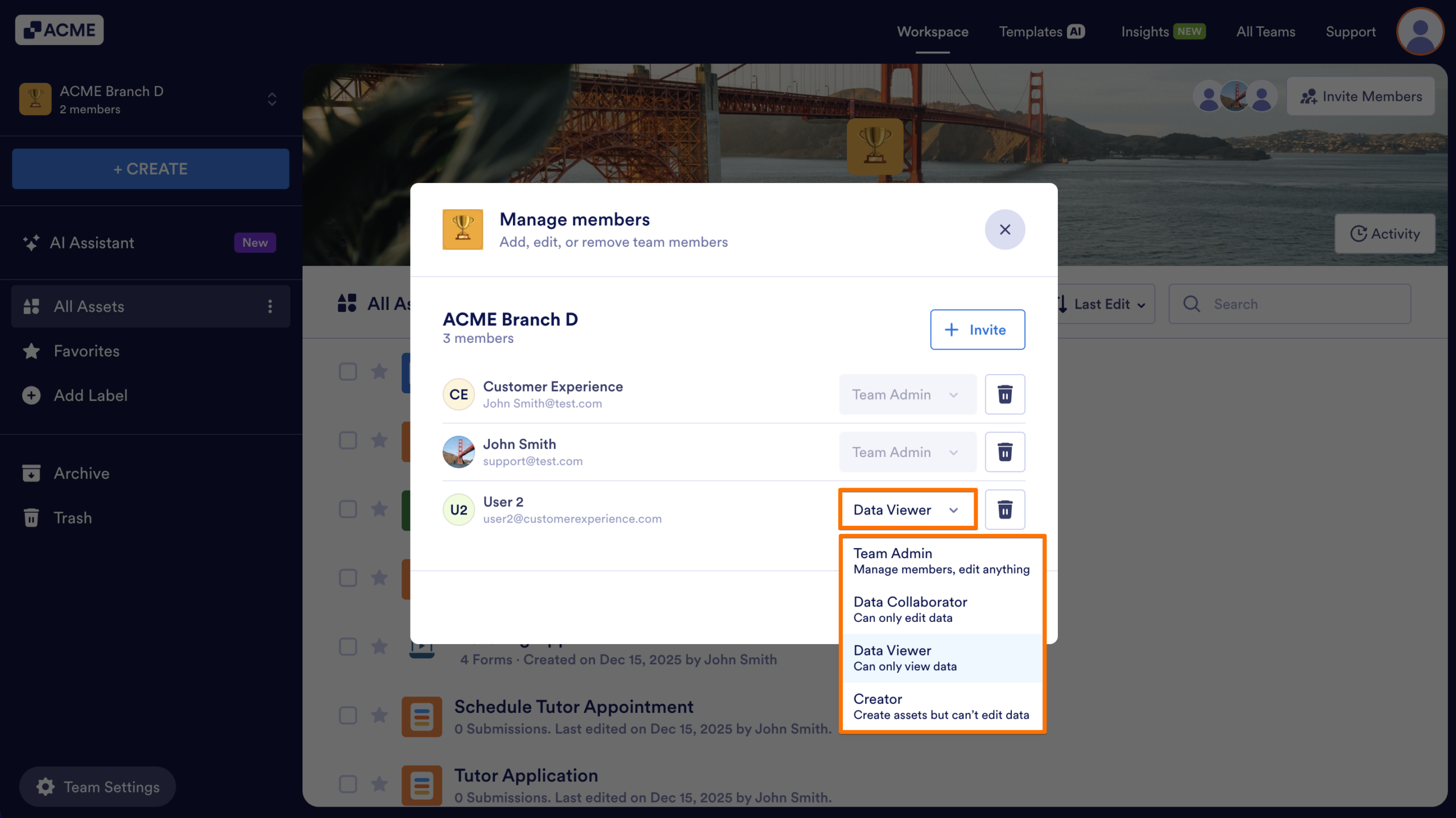
- If you want to remove a member, click on the Trash Can button next to their name.
- Finally, click on Save.

Send Comment: