A consistent organization system helps team members quickly find the assets they need. Below, we’ll go through a few recommended structures based on different ways of working,
Best Practices
Using labels, you and your team can organize assets based on projects, clients, departments, and more. To get started, check out our guide on How to Label Assets in the Team Workspace.
Organize by Project
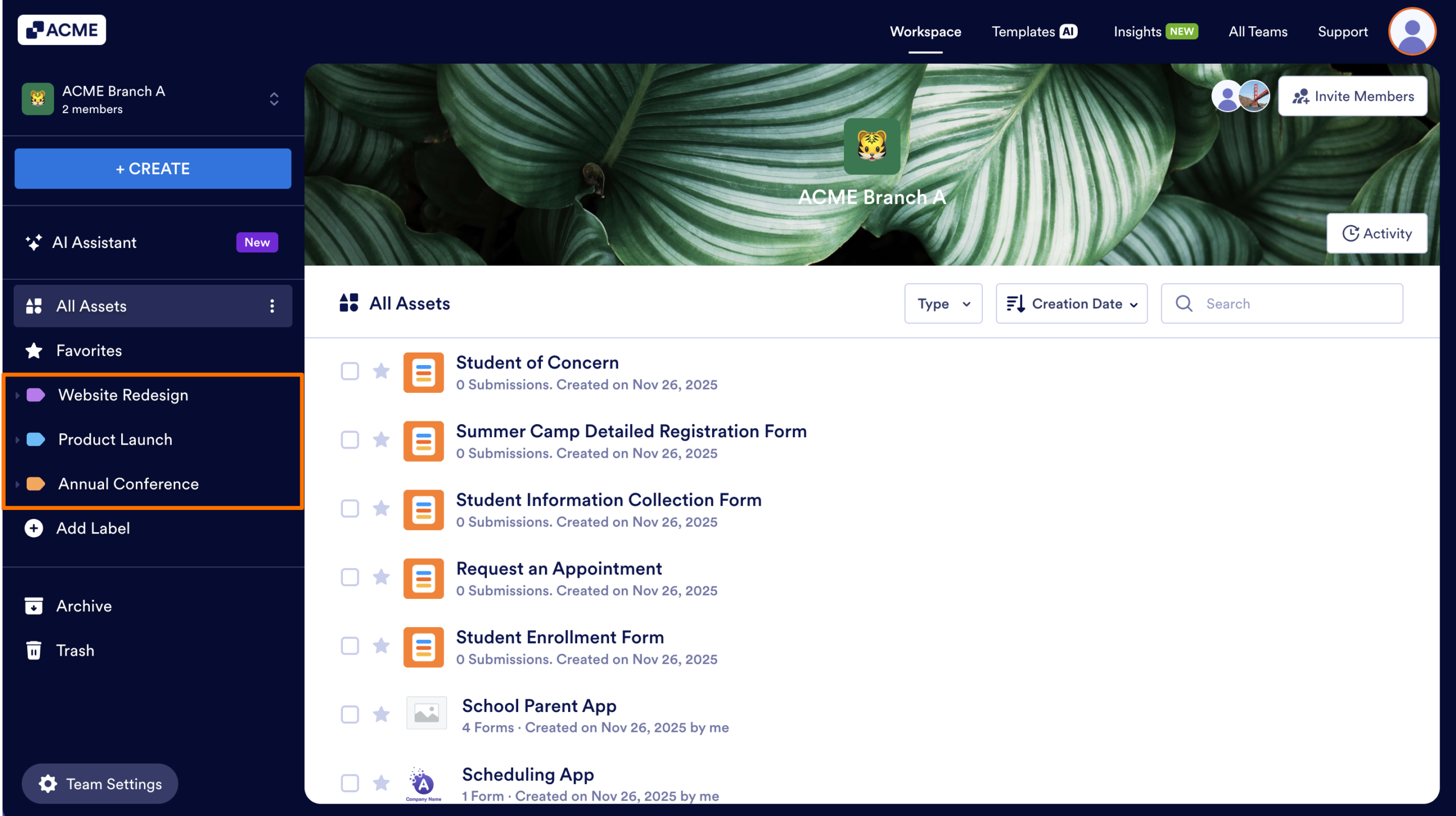
Use this approach when multiple assets belong to the same initiative or project. This is commonly used in marketing teams, product teams, IT projects, events, and research programs.
Examples: Website Redesign, Product Launch, Annual Conference
Organize by Client
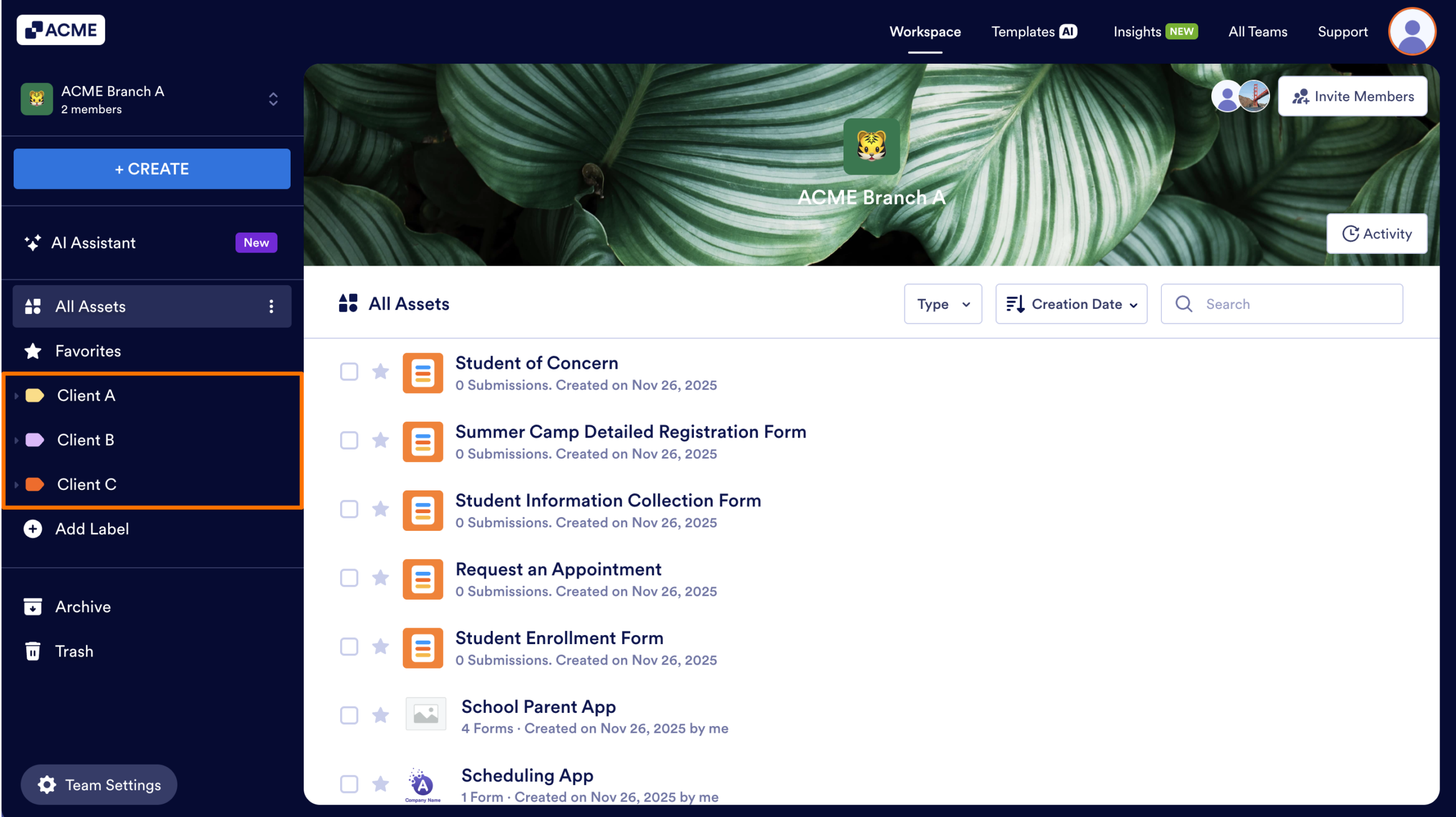
This approach is ideal for agencies, consulting groups, support teams, or any organization serving multiple internal or external clients. Using this method, team members can quickly view all assets and data related to a specific client.
Examples: Client A, Client B, Client C
Organize by Department or Team
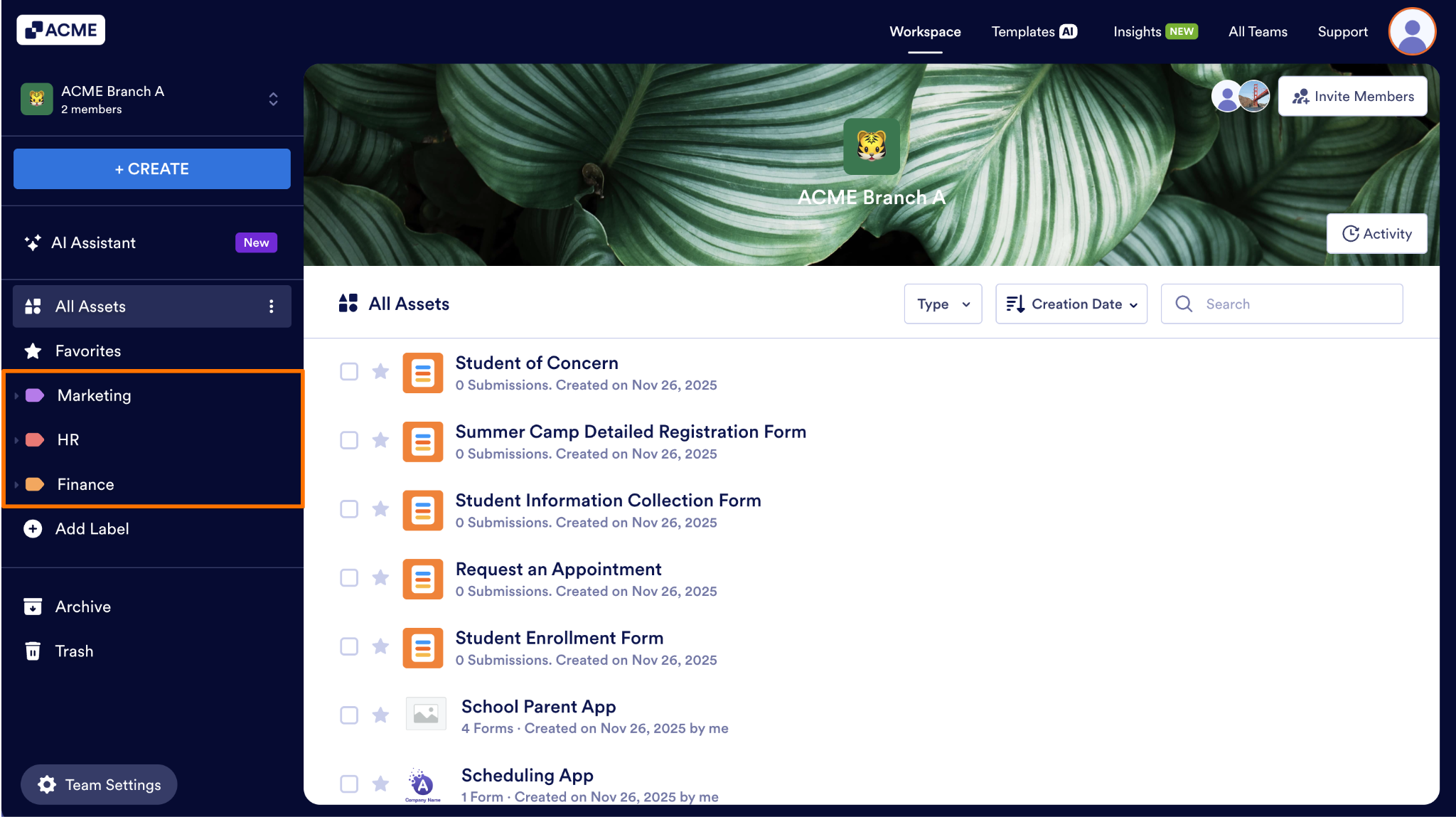
This approach is useful when several internal groups manage or collaborate on different assets. Departments can keep their items grouped logically within the same workspace without having to search through other team’s assets.
Examples: Marketing, HR, Finance

Send Comment: