Users with editing permissions (Team Admin, Creator) can modify Forms within their Team Workspace. Since Team Workspaces are accessed through the My Workspace page, you can edit Team Forms from there. Let’s do it:
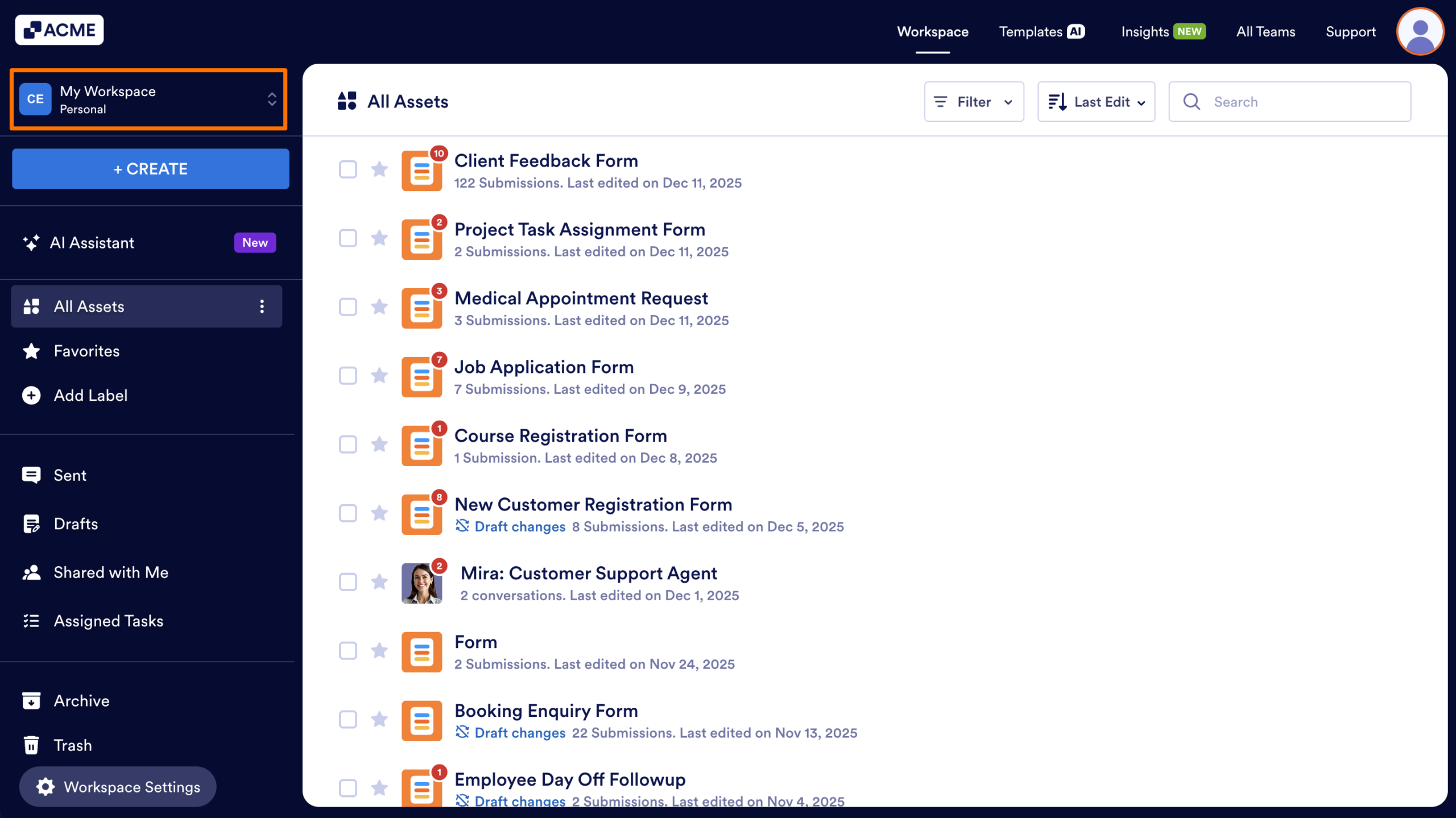
- In the My Workspace page, click on the Workspace picker above the Create button.
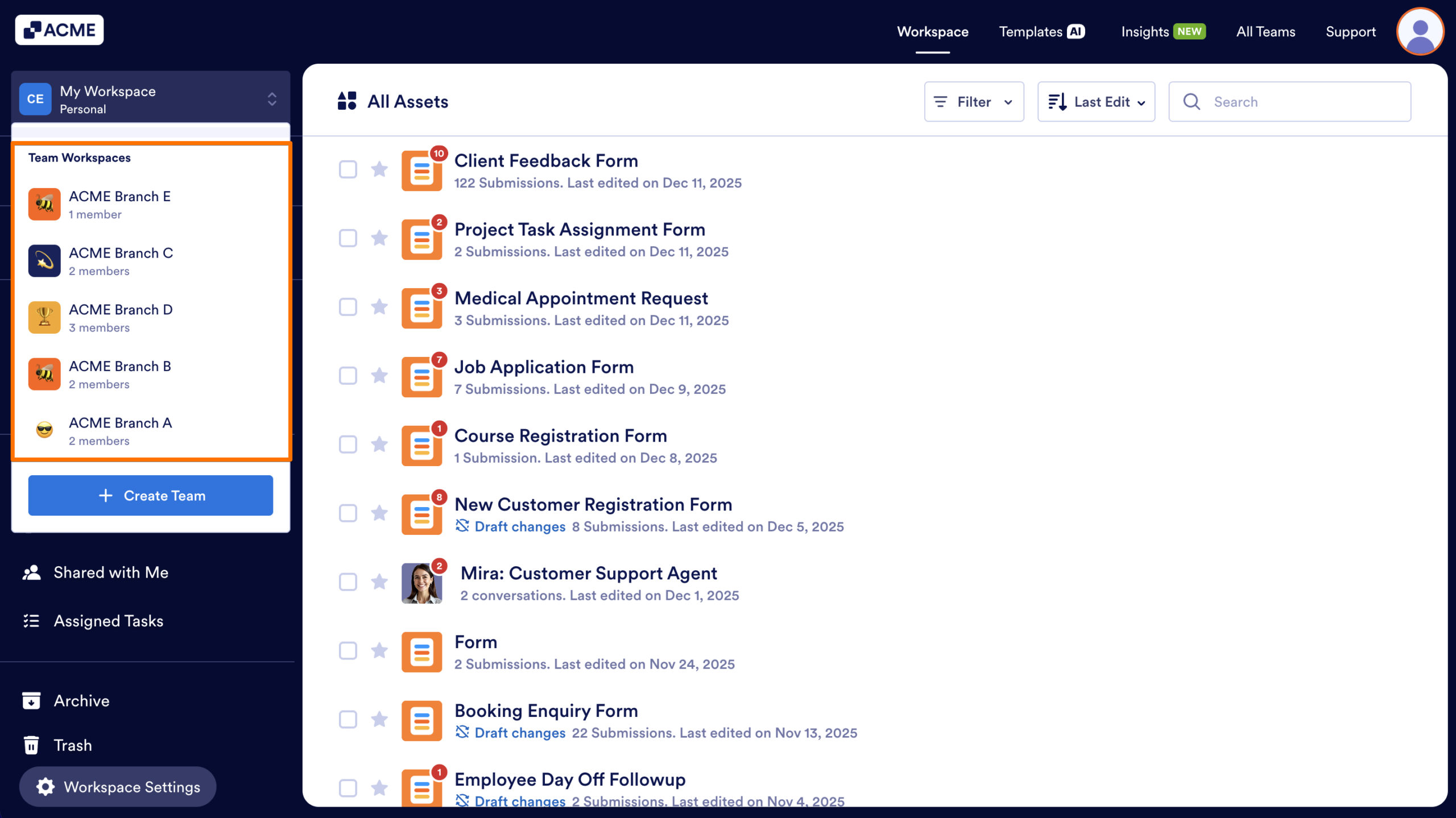
- Then, in the menu that comes up, under Team Workspaces, select the team you want to manage.
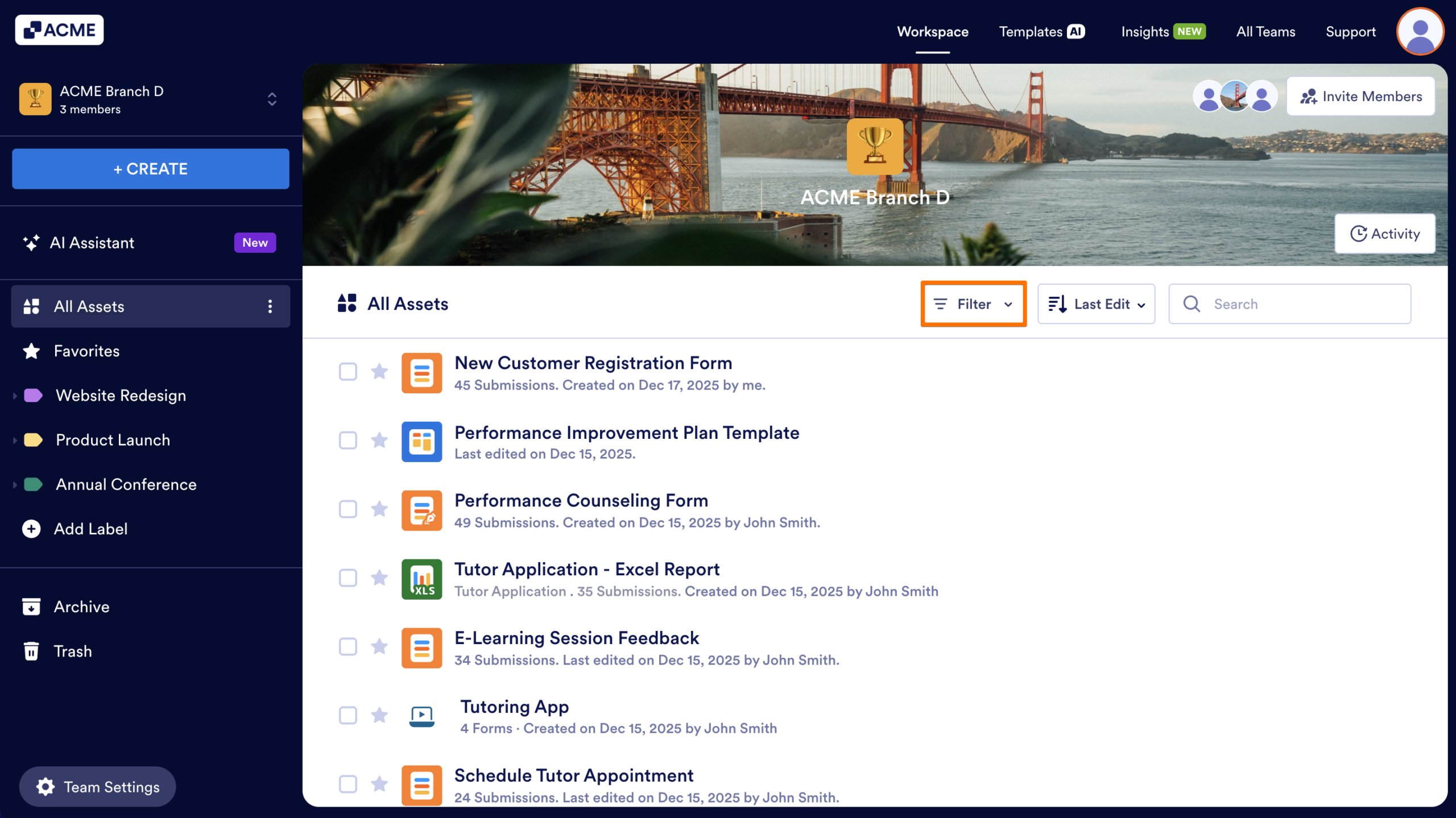
- Now, in your Team Workspace, click on the Filter dropdown in the toolbar.
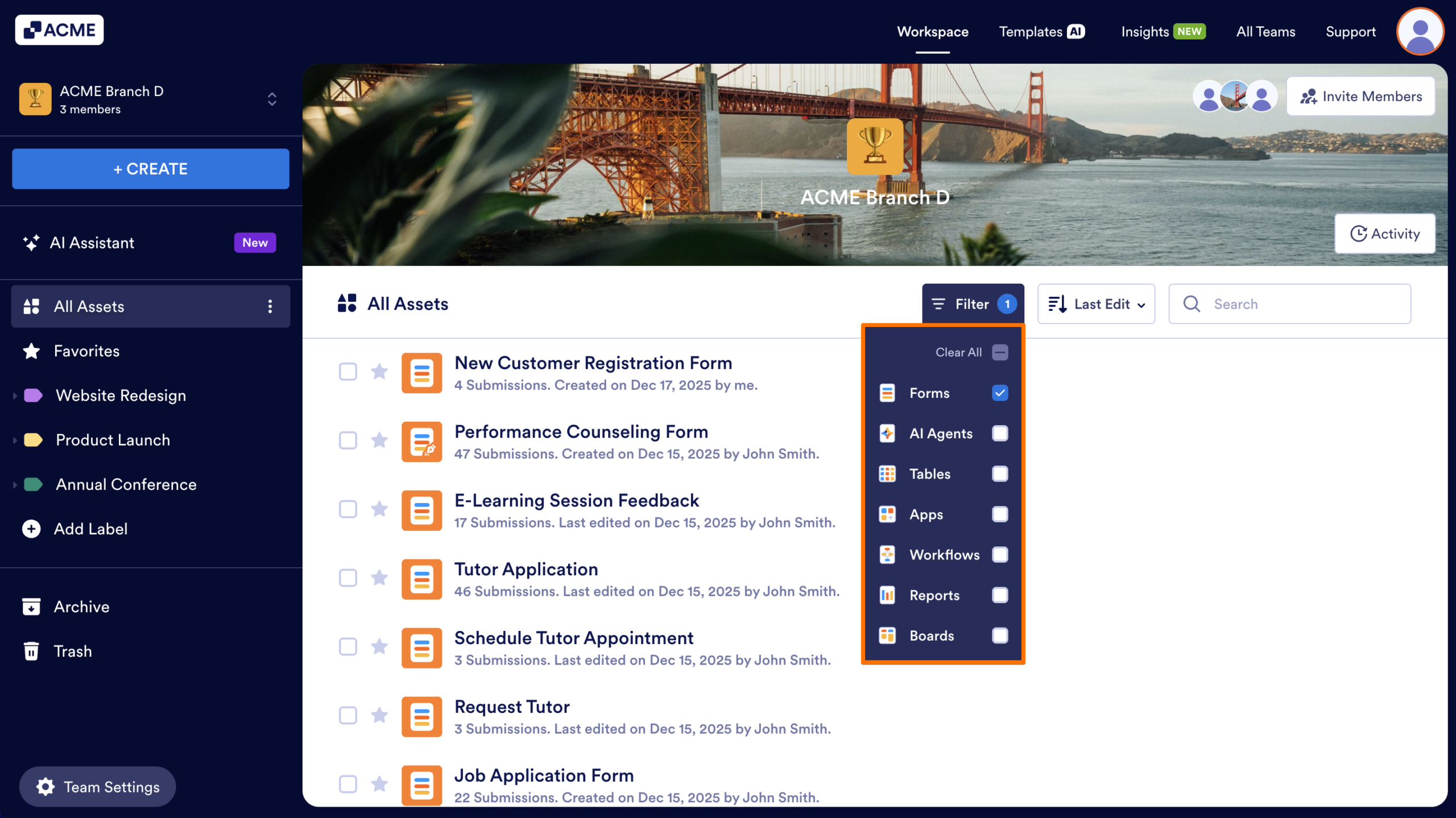
- In the dropdown menu that opens, uncheck the boxes next to all the assets except Forms, so only they’ll be shown on the page.
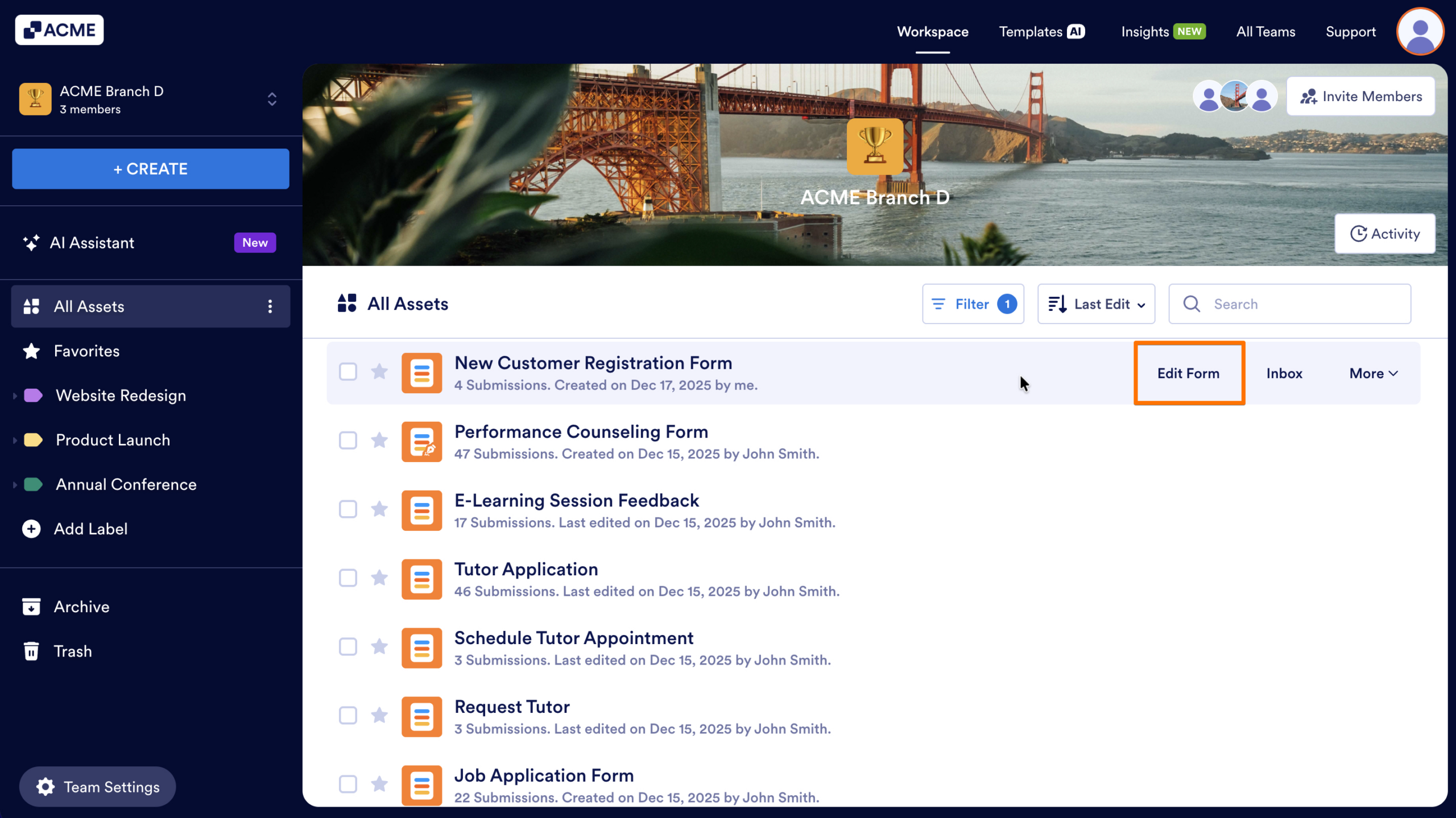
- Next, click on or hover your mouse over the Form that you want to edit, and then click on Edit Form.
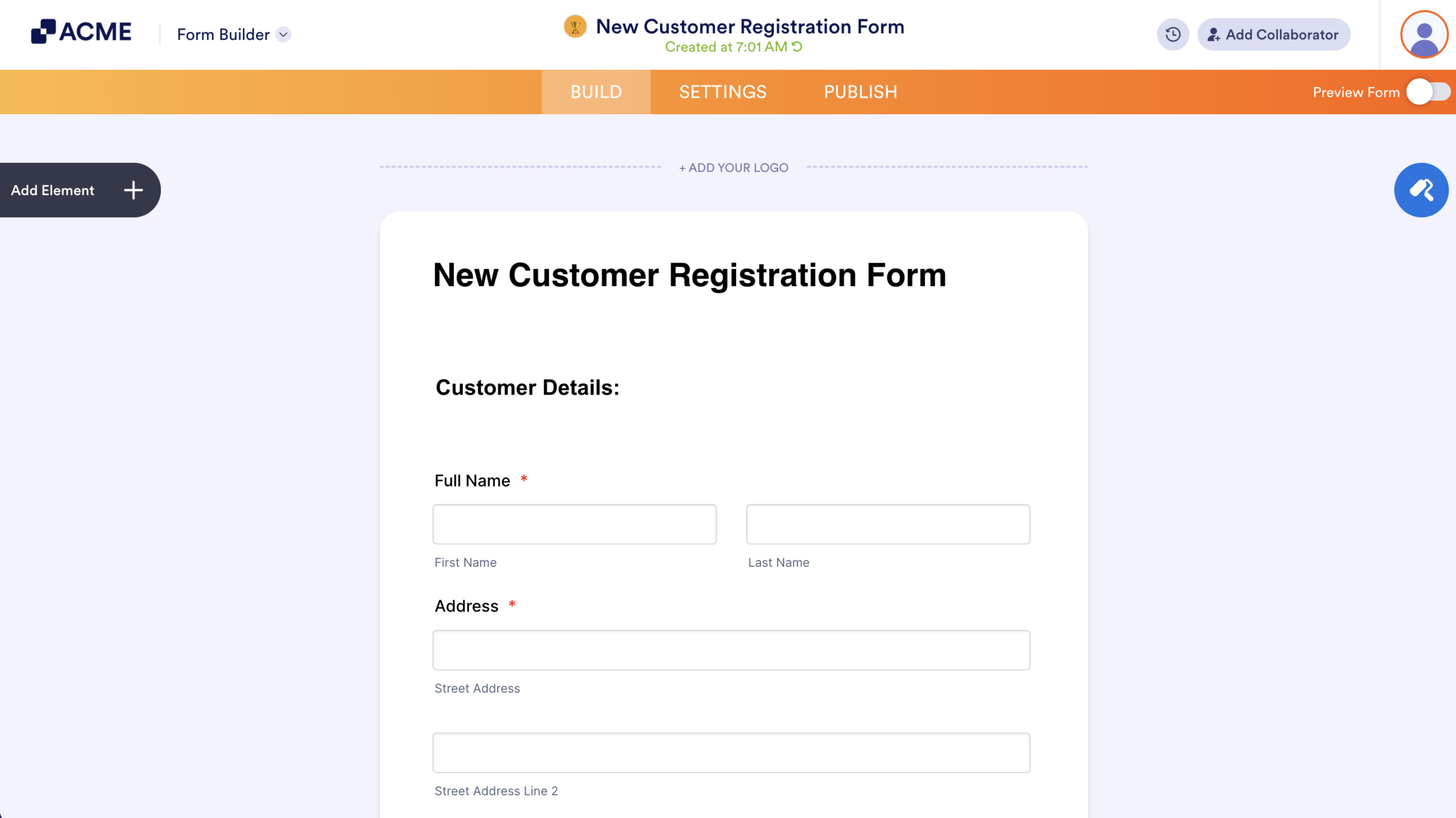
You’ll now be redirected to the Form Builder, where you can start editing your Form.

Send Comment: