Inbox
Learn how to track, search, and manage all of your form submissions with Inbox.
Guides
How to Access Inbox
Inbox introduces an innovative approach to viewing and managing form submissions. It offers advanced search and filter options that make finding, sorting, and grouping your submissions easy. It also allows you to add comments or tags, reply to and...

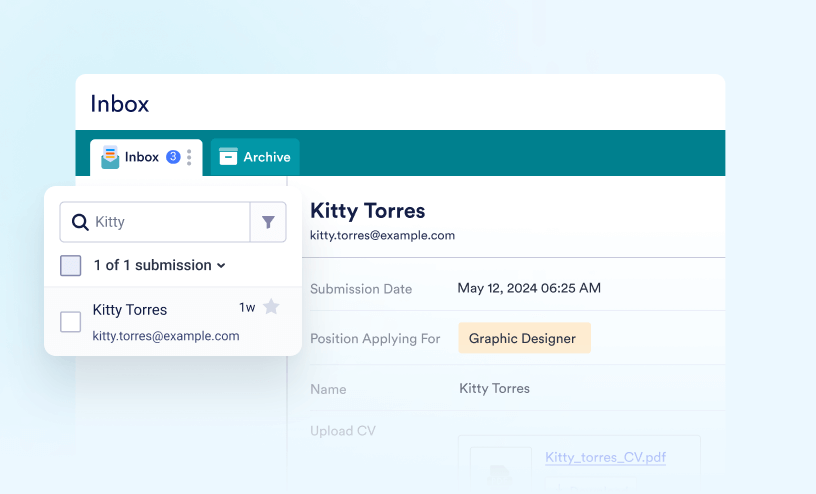
How to Search and Filter Submissions in Form Inbox
Handling a large number of form submissions can sometimes feel like searching for a needle in a haystack—but it doesn’t have to be that way. With built-in search and filter tools, you can easily narrow things down and find the exact submission...

How to Share Your Form Inbox
Inbox lets you share your form’s inbox with colleagues, making it easier to view, collaborate on, and manage form data together. You can also assign specific permissions, allowing others to either view or edit the inbox content. Sharing Your...

How to Add Comments in Inbox
Comments can be added to submissions in the Inbox to keep the full context of your work in one place—from initial review to final follow-up. They’re useful when multiple team members are handling the same submissions, when updates or...

How to Download Submissions in Your Inbox
Downloading submissions gives you flexibility in how you use your data. You can use your preferred tools to analyze and manage the data or share it with others who do not have access to your Jotform account. Downloading submissions also allows...