The workflow toolbar shows different actions depending on your role in the team and how many workflows you select at once. When you select a workflow, you may see one or more of the following options:
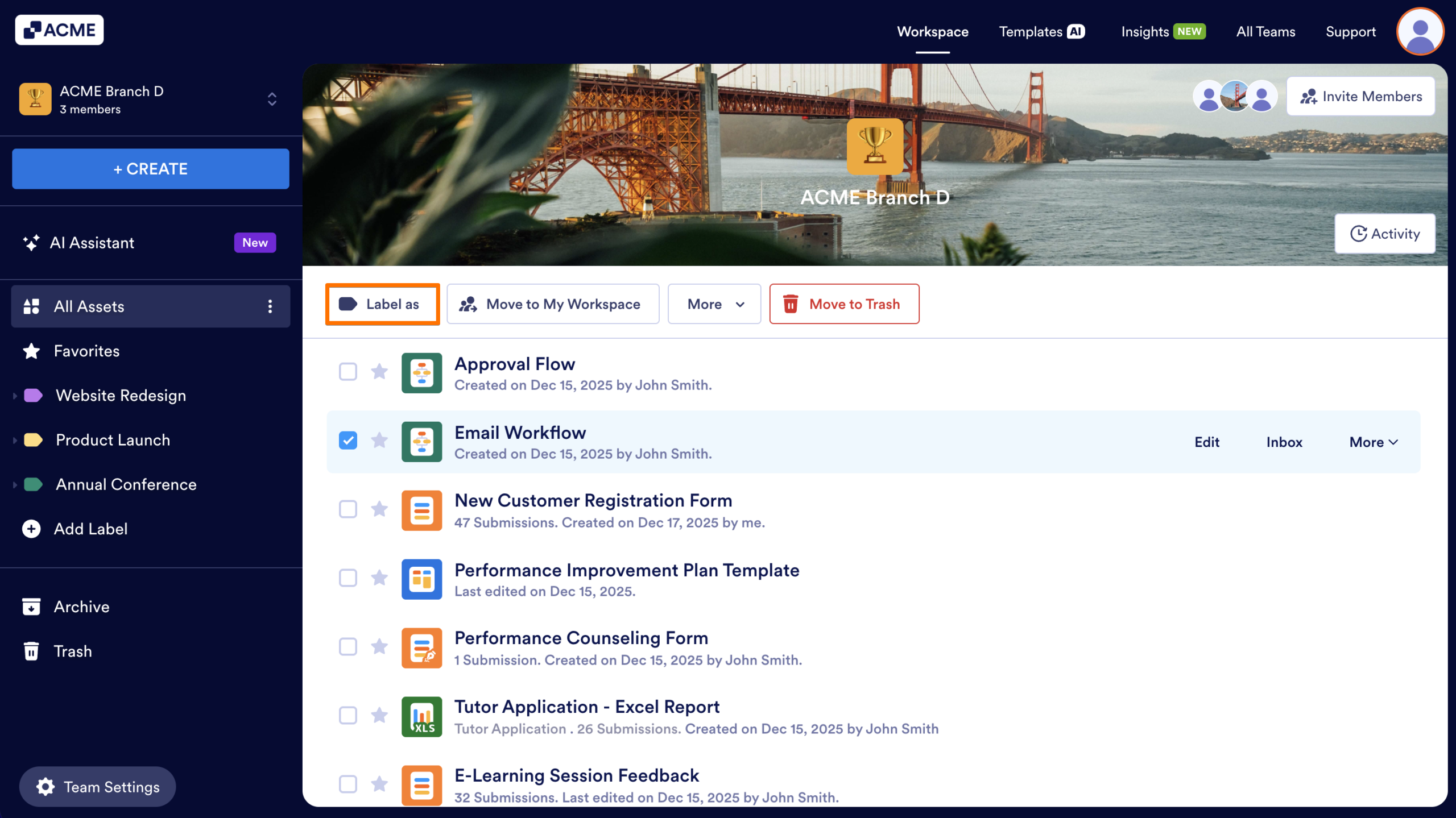
Label As – Assign a label to the workflow to organize and categorize it.
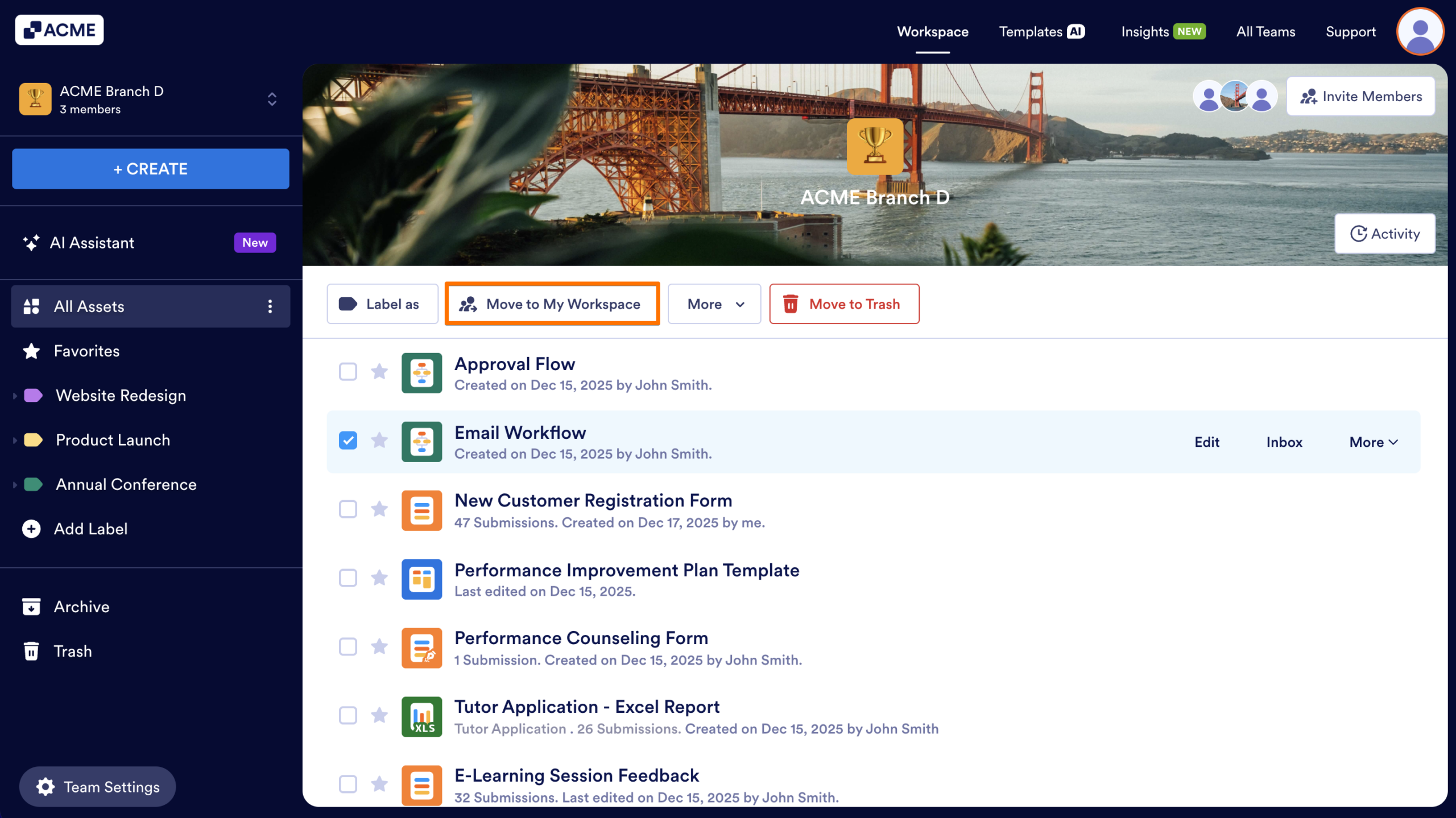
Move to My Workspace – Moves the workflow into your personal workspace.
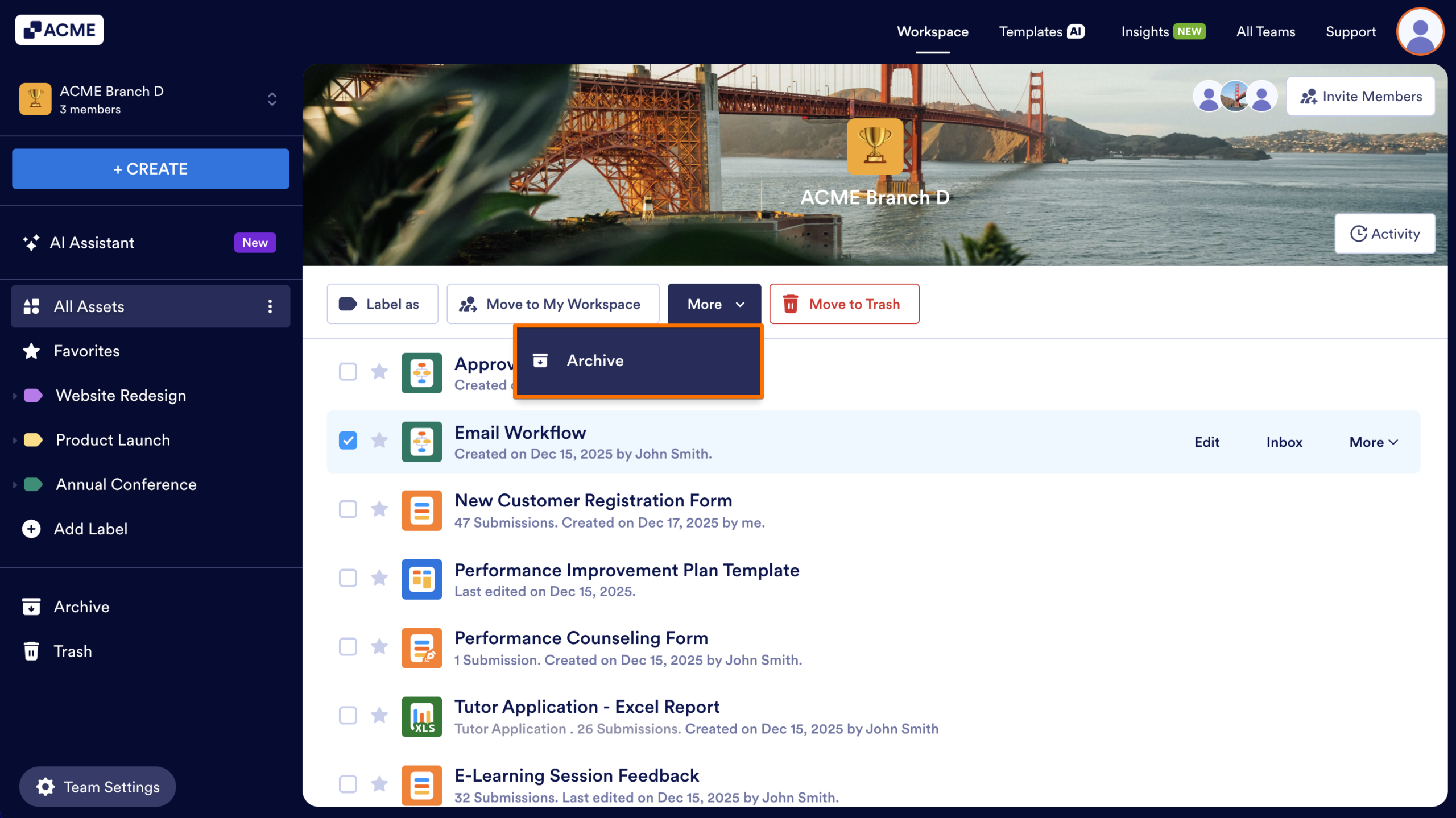
Archive – Hides the workflow from the main workspace view without deleting it.
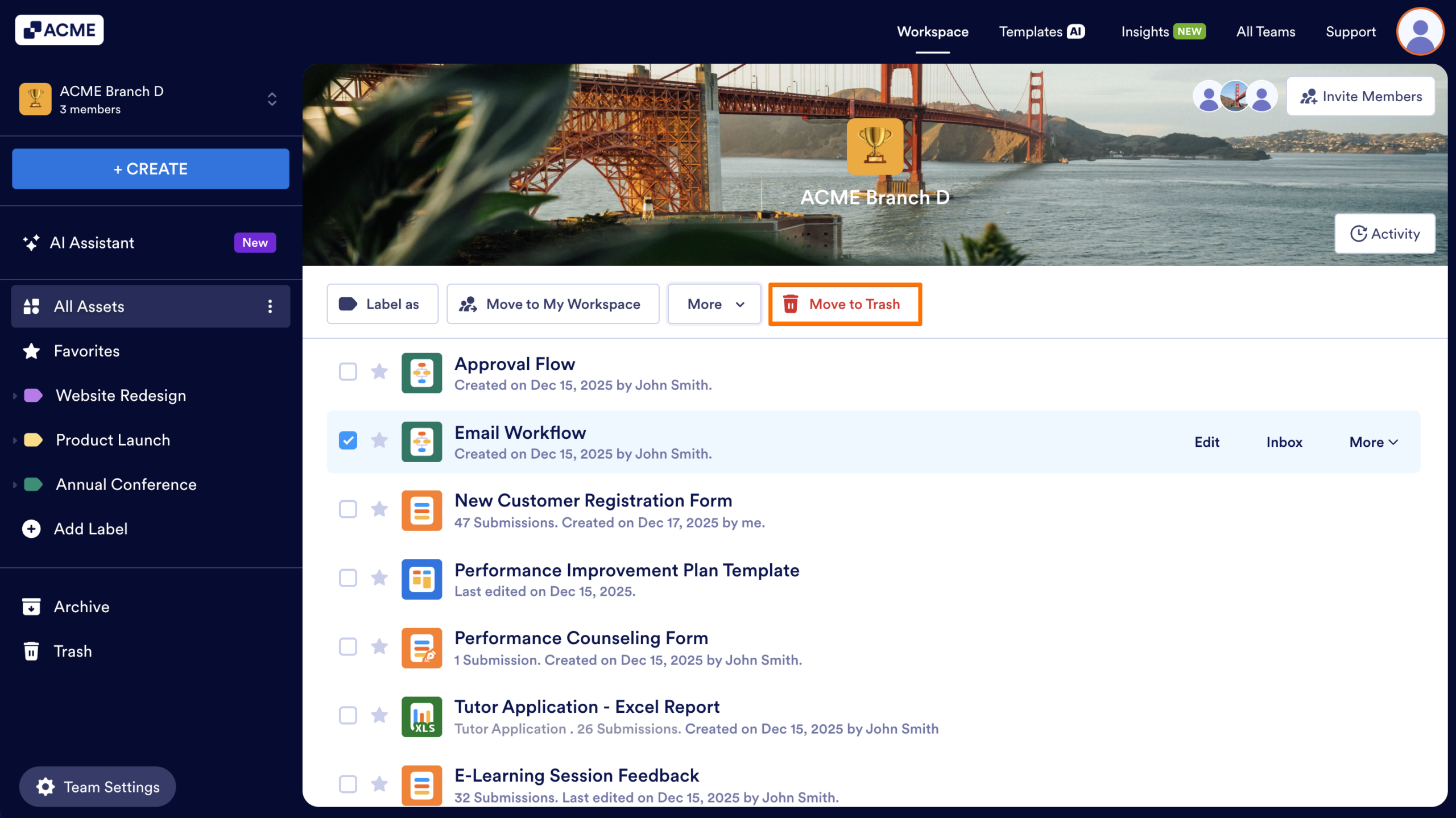
Move to Trash – Removes the workflow from the team workspace and sends it to the Trash.

Send Comment: