A Team Workspace is a shared area where groups in your organization can work together on Forms, Tables, Apps, and Workflows. It allows members to access and manage shared resources in one place, making it easier for teams and departments to stay organized and collaborate effectively.
Personal Workspace vs Team Workspace
Your Personal Workspace contains items owned and managed exclusively by you. These items are visible only to you unless you decide to share them and are ideal for drafts, tests, or work you are not ready to share.
A Team Workspace is shared among multiple members. Assets belong to the team rather than an individual, and permissions are managed by team administrators. These spaces are ideal for department-wide or collaborative projects.
Switching Between Workspaces
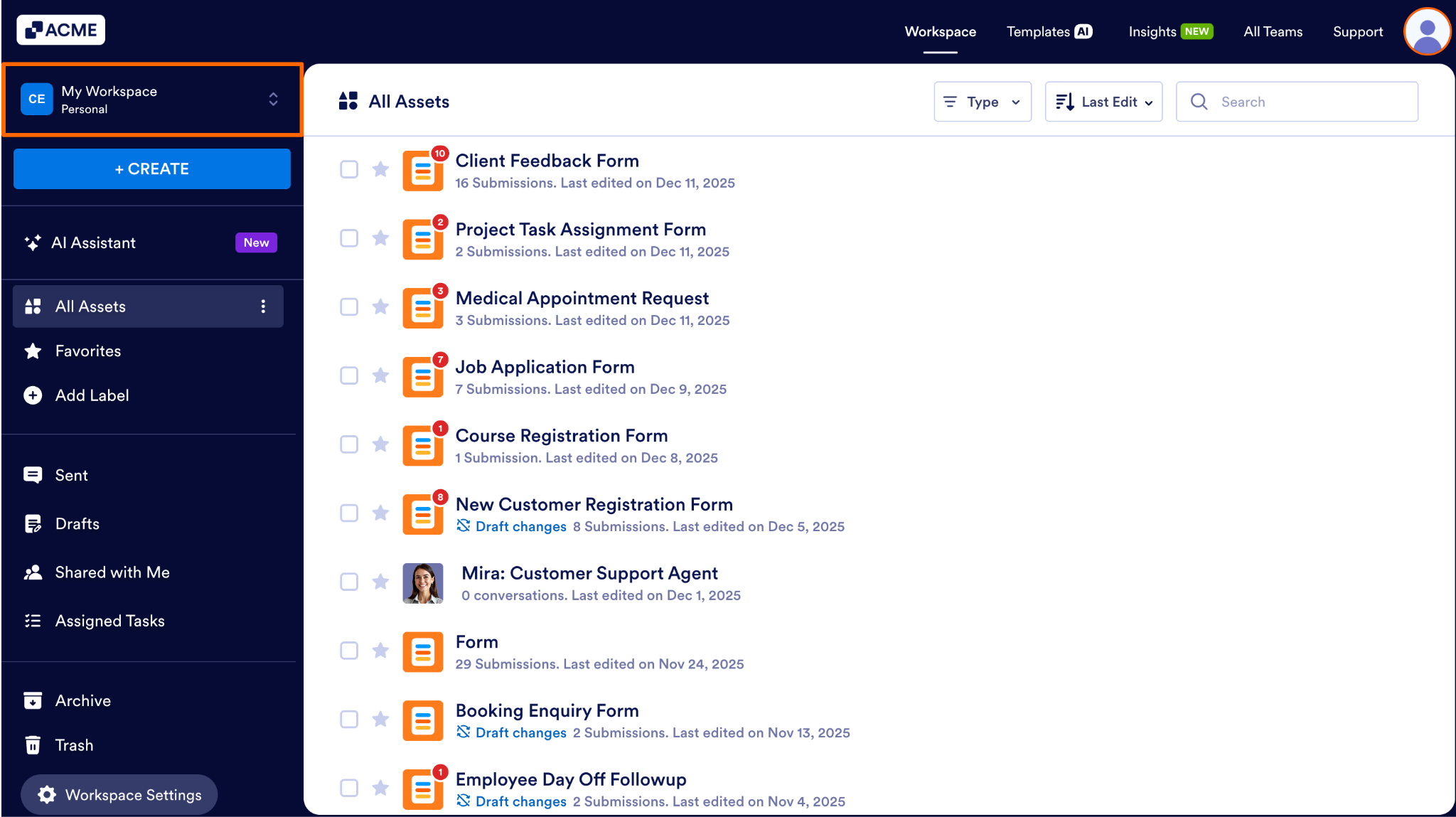
You can easily move between your Personal Workspace and any Team Workspace you belong to.
- First, in My Workspace, click on the workspace name above the Create button.
- Next, in the dropdown, select the workspace you want to see.
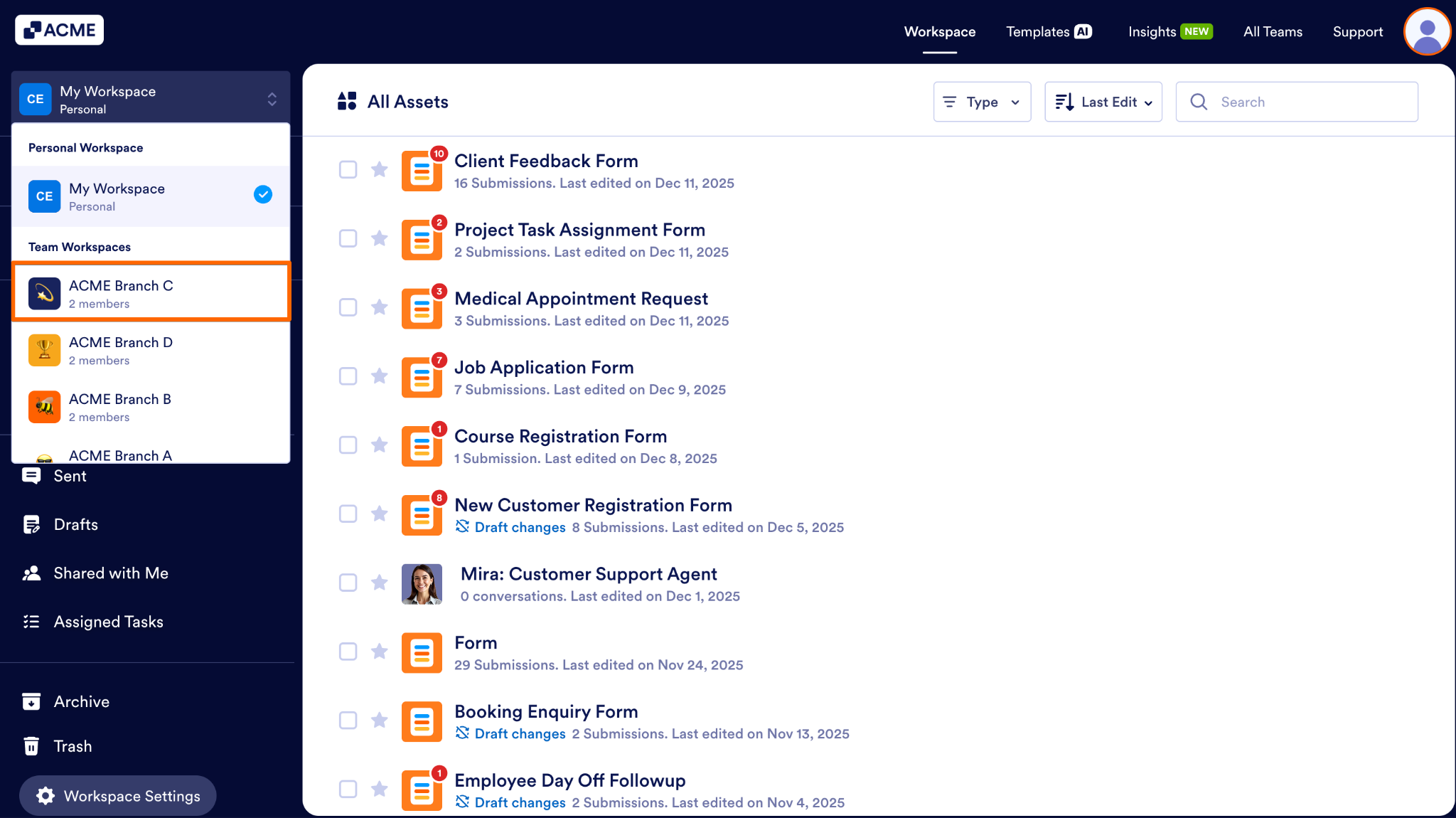
The Workspace will update automatically and display the items stored in the Workspace you selected.
When to Use Team Workspaces
Team Workspaces can be very useful for projects that require cooperation from multiple people. Here are some examples of opportunities to use Team Workspaces:
- When creating resources for a department or project
- When multiple people need shared access to the same Assets or Workflows
- When Assets should remain with the Team even as members change
- When oversight and collaborative management are required.

Send Comment: