Functionele widgets voor websites
Add helpful utility widgets to your website in seconds using Jotform's simple no-code builder.
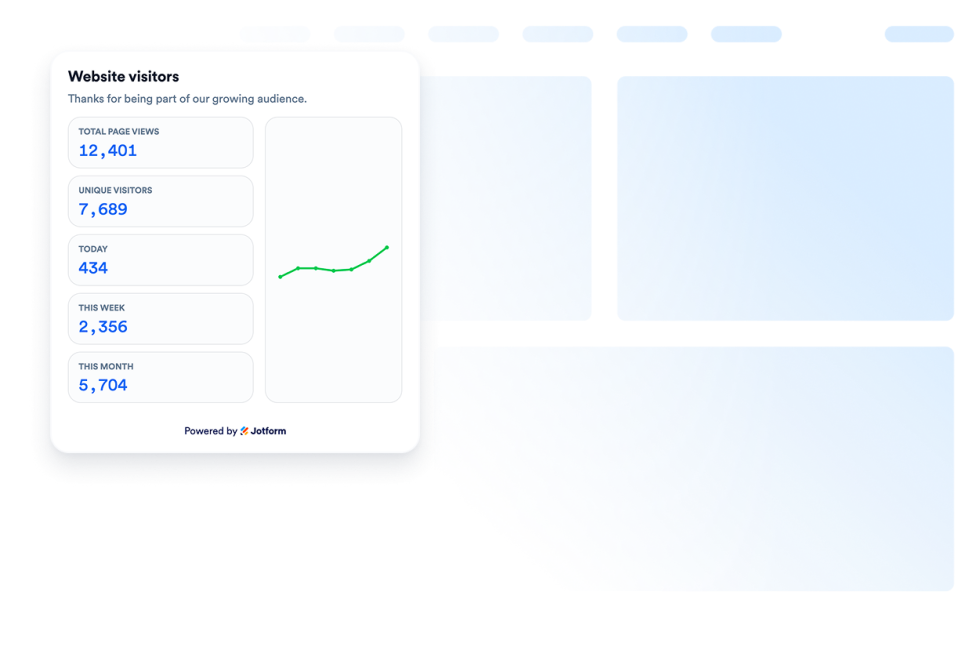
Bezoekersteller
Voeg een widget voor het aantal bezoekers website toe om zonder code een aanpasbare bezoekers teller weer te geven als sociaal bewijs van je pagina-activiteit.
Ga naar categorie:NutsbedrijvenGebruik widget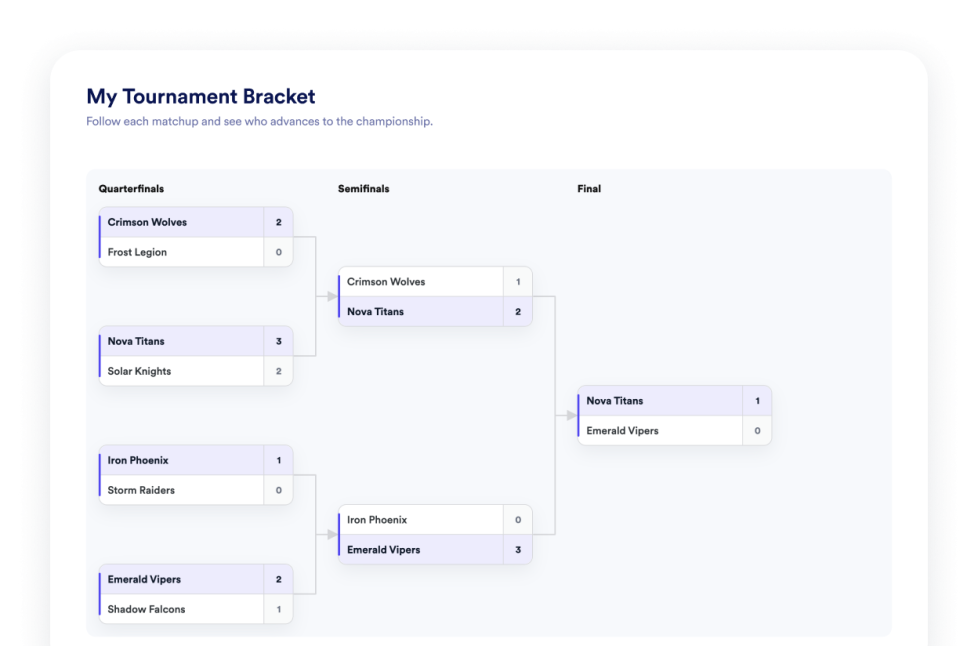
Toernooischema
Maak een widget voor je website om zonder te coderen een toernooischema te ontwerpen. Voeg teams of spelers toe, bepaal de rangschikking, toon wedstrijdresultaten en pas het ontwerp aan.
Ga naar categorie:NutsbedrijvenGebruik widget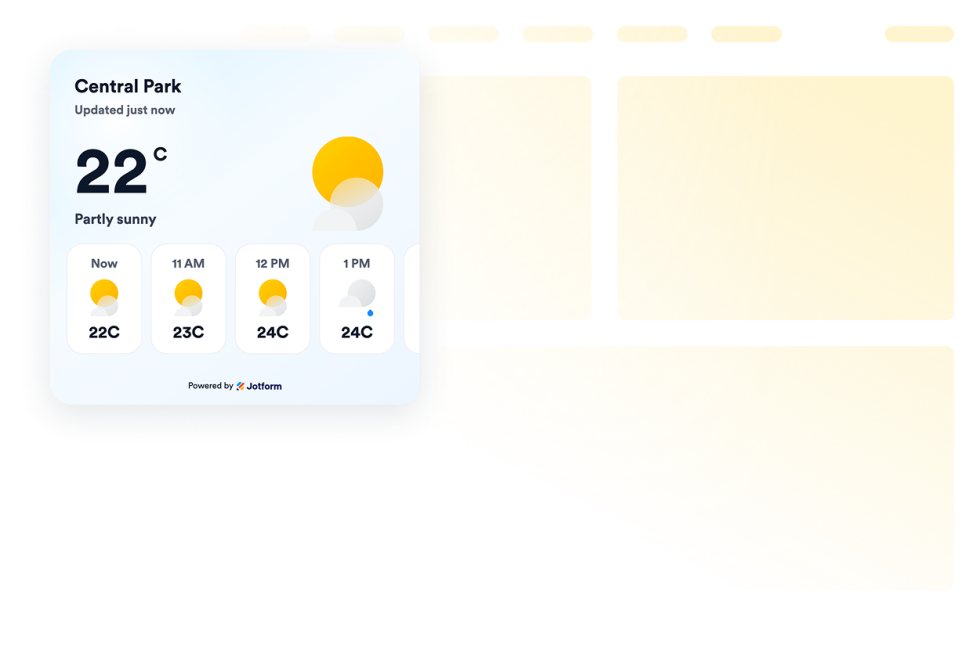
Weer
Voeg weer-widgets toe aan websites om de huidige weersomstandigheden, weersverwachtingen per uur of dag te tonen, het ontwerp aan te passen en ze in te sluiten zonder te coderen.
Ga naar categorie:NutsbedrijvenGebruik widget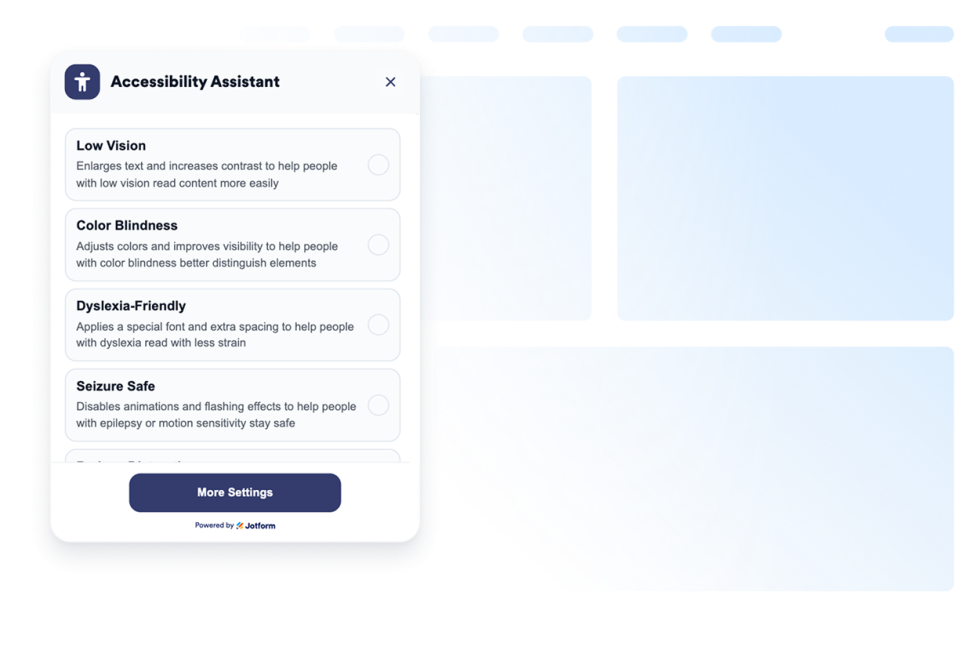
Toegankelijkheid
Voeg een aanpasbare toegankelijkheidswidget toe om bezoekers te helpen het contrast, de tekstgrootte, de afstand en beweging aan te passen. Verbeter de toegankelijkheid van je website met vooraf ingestelde modi en onthoud gebruikersvoorkeuren, helemaal zonder code.
Ga naar categorie:NutsbedrijvenGebruik widget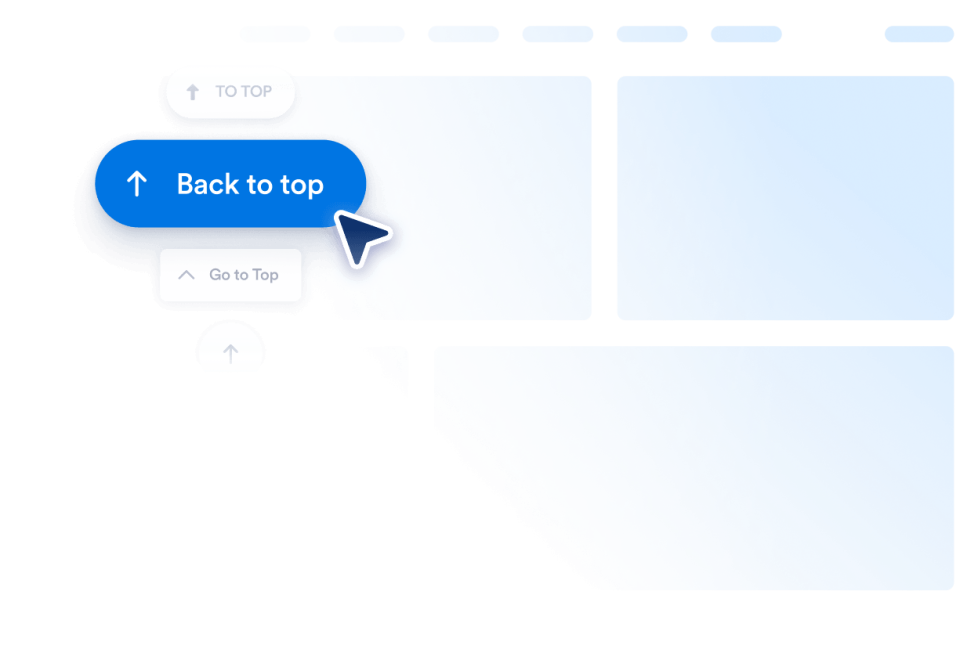
Terug naar boven
Voeg in enkele seconden een 'Terug-naar-boven'-widget toe aan je website. Laat bezoekers direct naar boven scrollen met een aanpasbare knop die je overal kunt insluiten zonder te coderen.
Ga naar categorie:NutsbedrijvenGebruik widget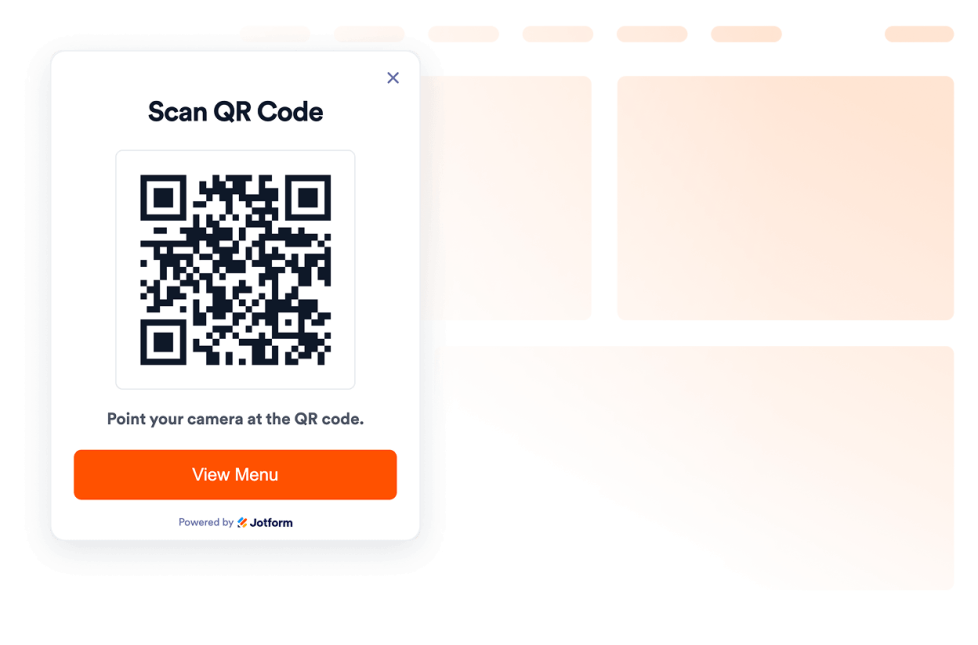
QR-code
Voeg binnen enkele seconden een QR-code toe aan je website. Help bezoekers om menu's, formulieren, downloads, aanbiedingen en evenementlinks te scannen. Zonder programmeren.
Ga naar categorie:NutsbedrijvenGebruik widget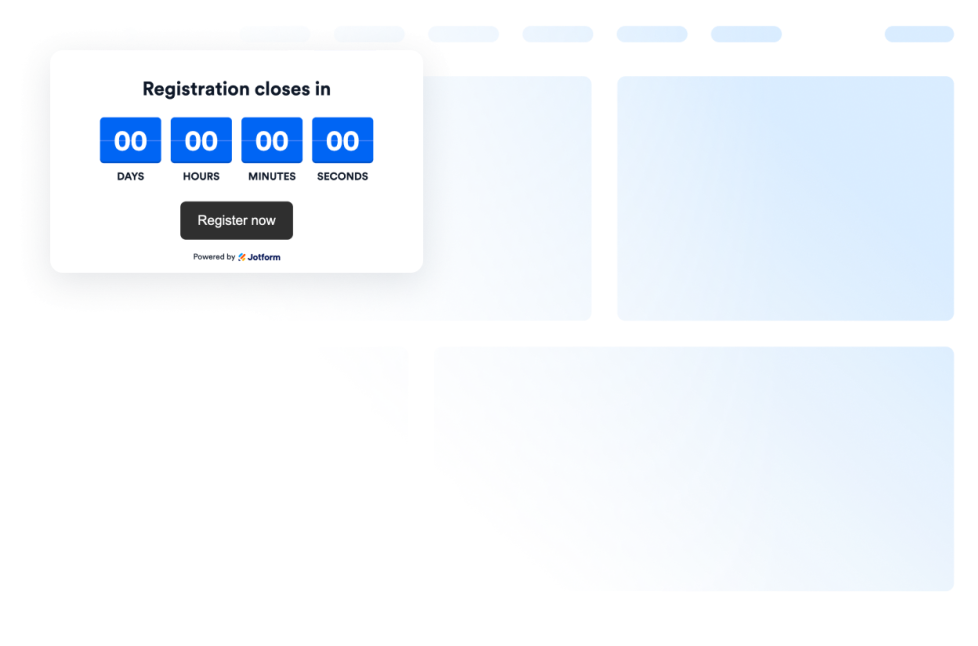
Aftelklok
Add a countdown widget for website pages in seconds. Customize the design and embed a free countdown timer widget for website with Jotform's no-code widget builder.
Ga naar categorie:NutsbedrijvenGebruik widget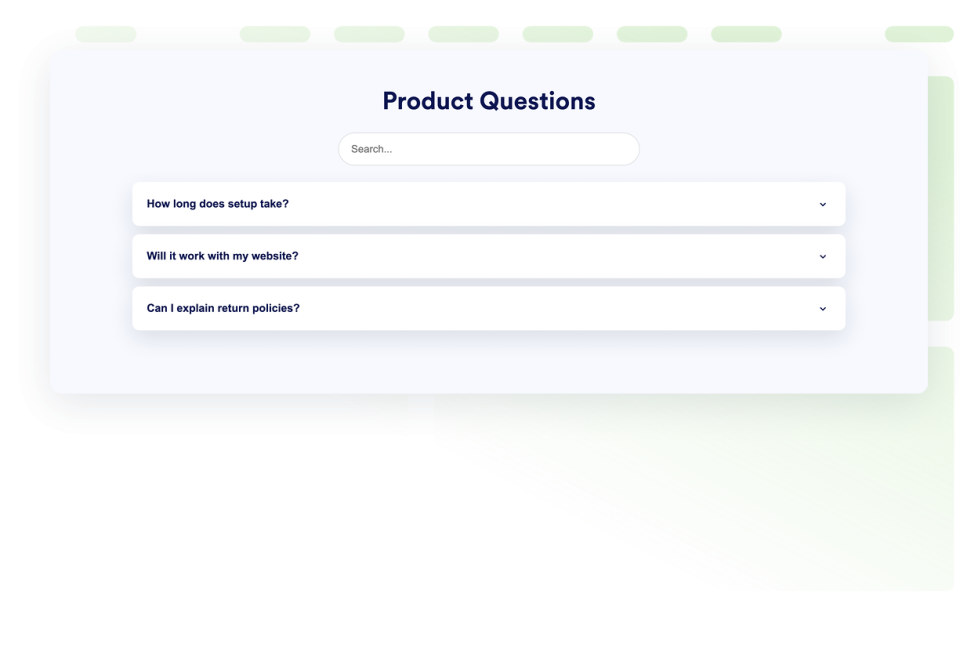
Veelgestelde vragen
Voeg een doorzoekbare faq-widget toe aan je website. Maak accordeon-faq's met aangepaste styling, antwoorden met media en flexibele lay-outs.
Ga naar categorie:NutsbedrijvenGebruik widget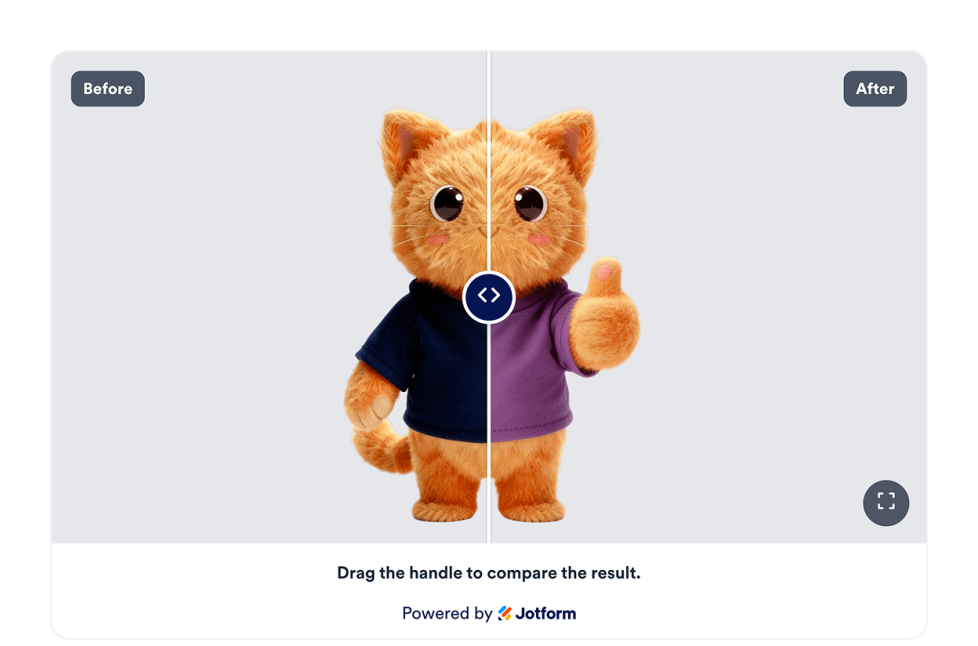
Before and After Slider
Voeg een Before and After Slider-widget aan je website toe om beeldtransformaties te vergelijken met een image slider die horizontale of verticale onthulopties, bijschriften, meerdere vergelijkingsparen, weergave op volledig scherm en responsieve styling biedt.
Ga naar categorie:NutsbedrijvenGebruik widget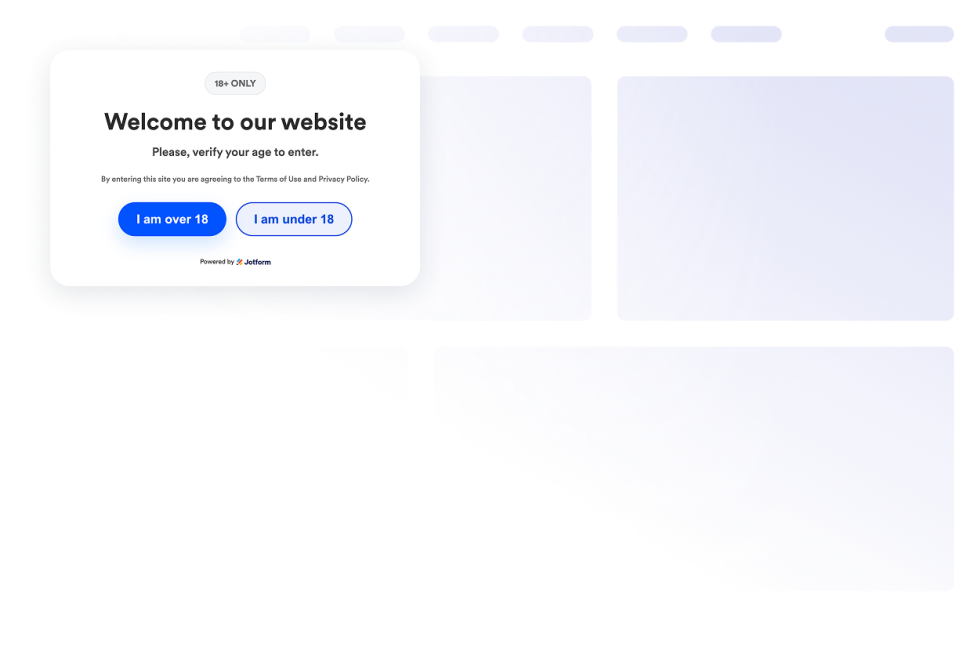
Leeftijdsverificatie
Voeg een widget voor leeftijdscheck toe aan je website om leeftijdsgebonden content af te schermen met aangepaste berichten, verificatiemethoden, het onthouden van bezoekers en styling in je huisstijl.
Ga naar categorie:NutsbedrijvenGebruik widget
Click to Call
Voeg een click-to-call-widget toe aan je website, zodat bezoekers je bedrijf via een zwevende knop kunnen bellen. Pas het telefoonnummer, knoplabel, de kleuren, afmetingen, marges en weergave op desktop of mobiel aan zonder te coderen.
Ga naar categorie:NutsbedrijvenGebruik widget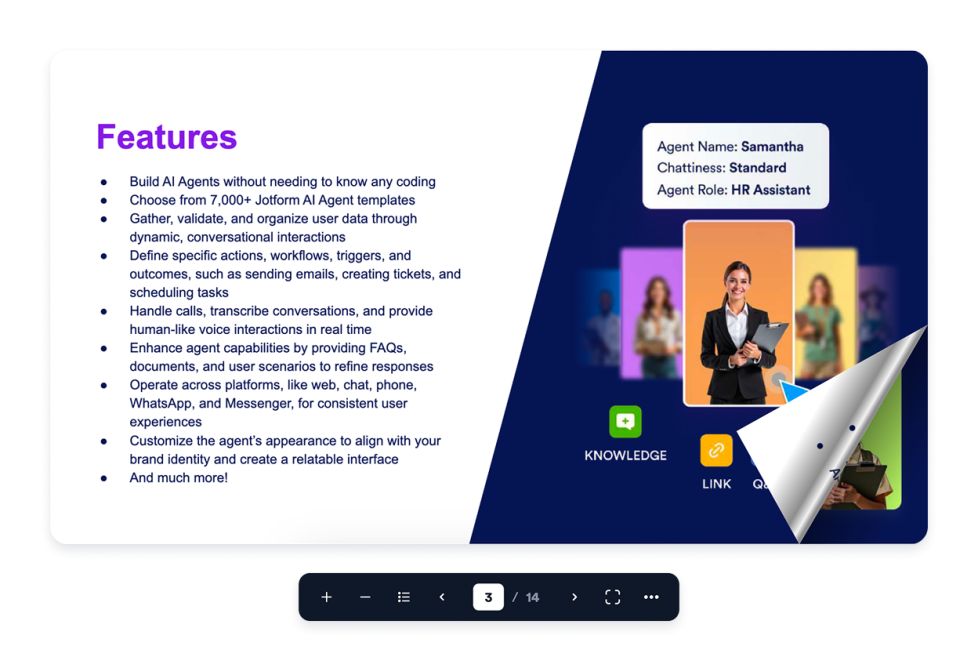
Flipbook
Voeg een interactieve flipbook-widget toe aan je website. Upload een pdf of plak een URL en kies vervolgens de paginamodus, het thema, de zoomfunctie, volledig scherm, downloaden, afdrukken en een responsieve weergave.
Ga naar categorie:NutsbedrijvenGebruik widget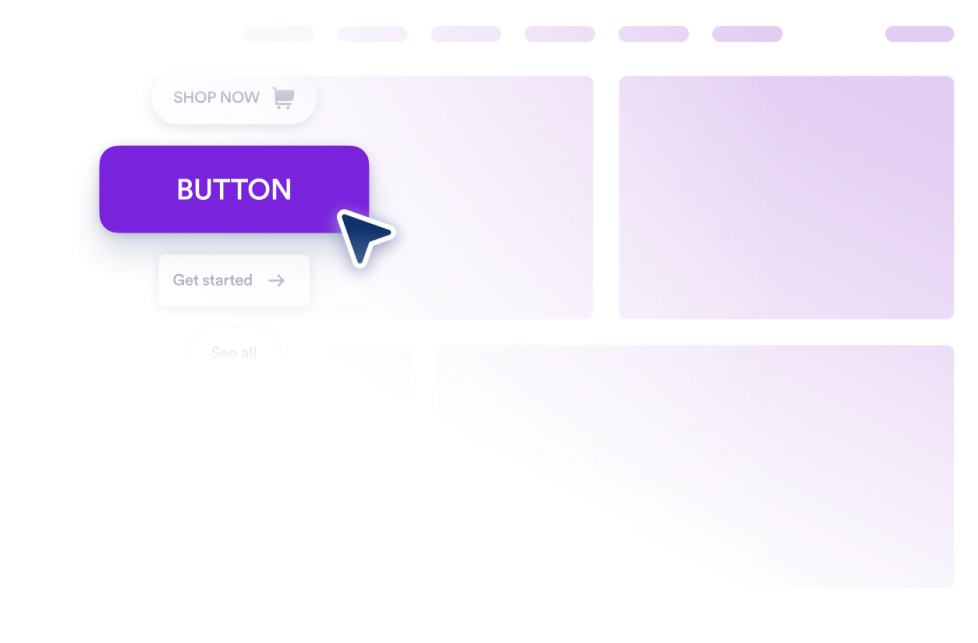
Knop
Voeg een aanpasbare call to action knop-widget toe aan je website voor links, telefoongesprekken, e-mails, chats, sociale profielen en sprongen naar paginasecties.
Ga naar categorie:NutsbedrijvenGebruik widget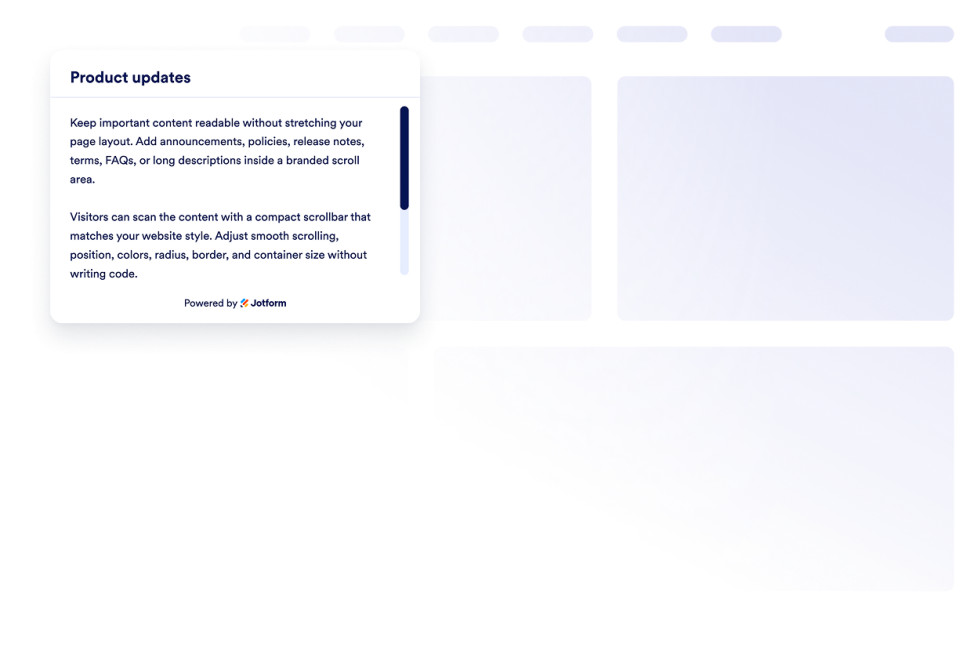
Aangepaste schuifbalk
Voeg een aangepaste schuifbalk-widget toe aan je website. Maak schuifbare contentsecties in je eigen huisstijl en bepaal zelf de breedte, kleuren, positie, randen, afronding en het schuifgedrag.
Ga naar categorie:NutsbedrijvenGebruik widget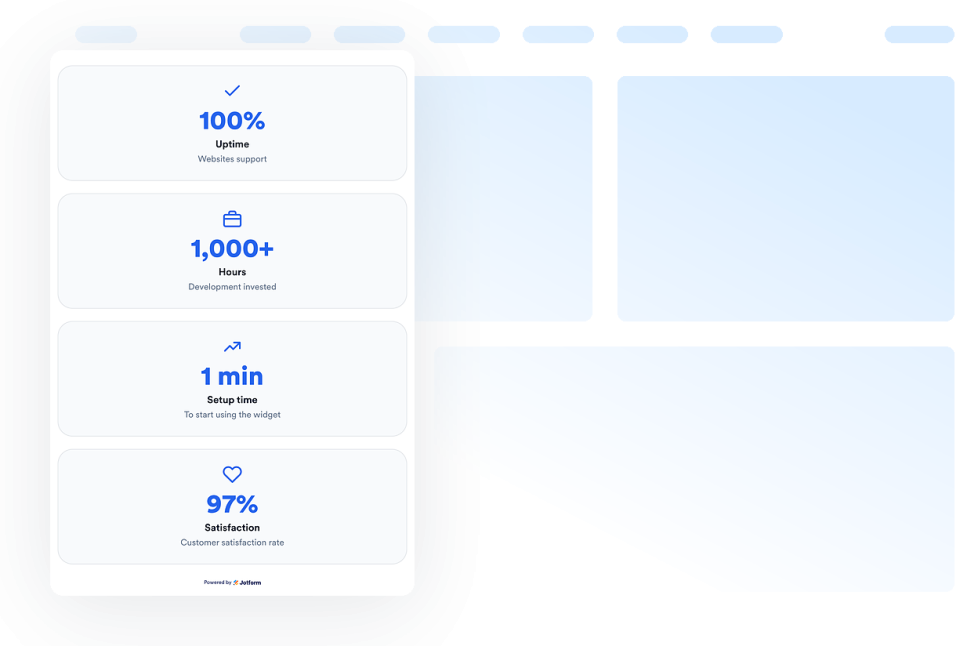
Getallenteller
Voeg een getallenteller-widget toe aan je website om geanimeerde mijlpalen, statistieken, pictogrammen, voorvoegsels, achtervoegsels, links en actuele waarden op basis van JSON-gegevens te tonen.
Ga naar categorie:NutsbedrijvenGebruik widget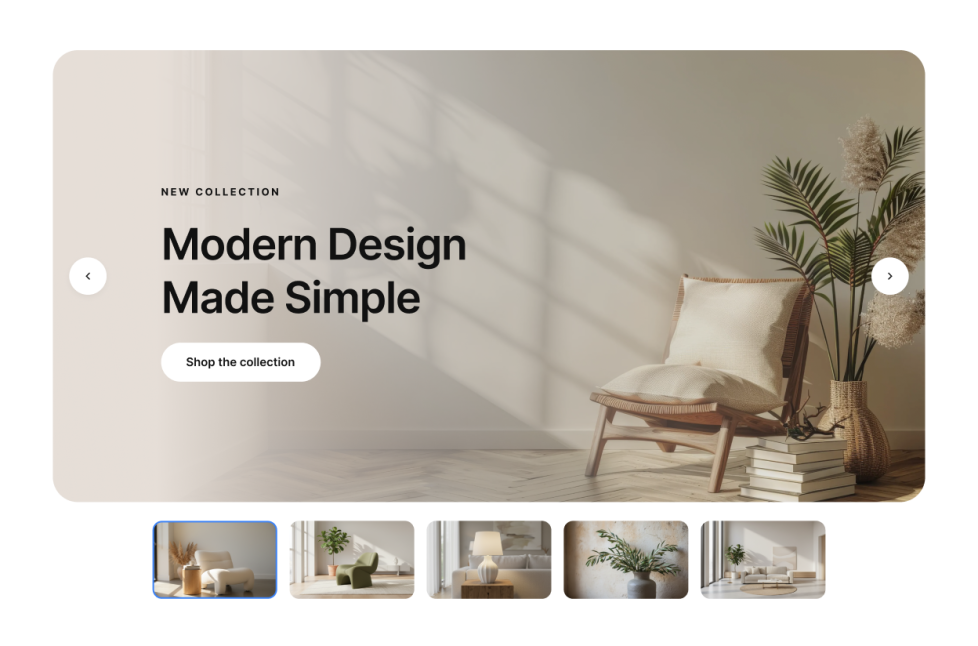
Afbeeldingenslider
Voeg een afbeeldingenslider-widget toe aan je website om afbeeldingen of video's afwisselend te tonen, inclusief badges, tekst, knoppen, automatisch afspelen, overgangen (zoals vervagen of verschuiven) en responsieve navigatie.
Ga naar categorie:NutsbedrijvenGebruik widget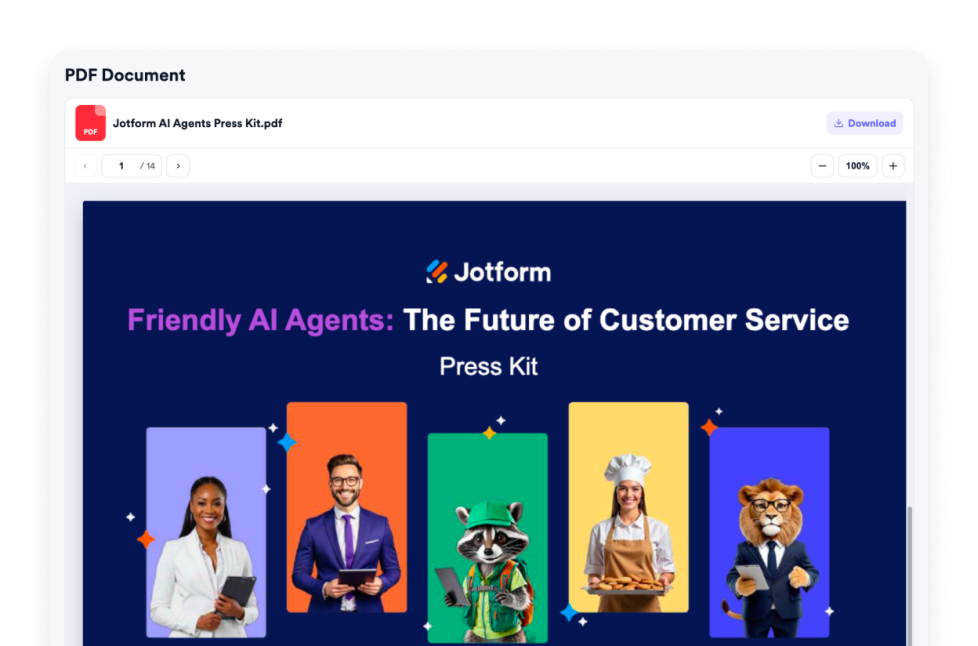
PDF-widget
Voeg een PDF-widget toe aan je website. Upload een PDF of plak een directe link naar een PDF-bestand. Vervolgens kun je het pictogram, de weergaveopties, zoomfunctie, downloadfunctie, kleur, breedte, hoogte en typografie aanpassen.
Ga naar categorie:NutsbedrijvenGebruik widget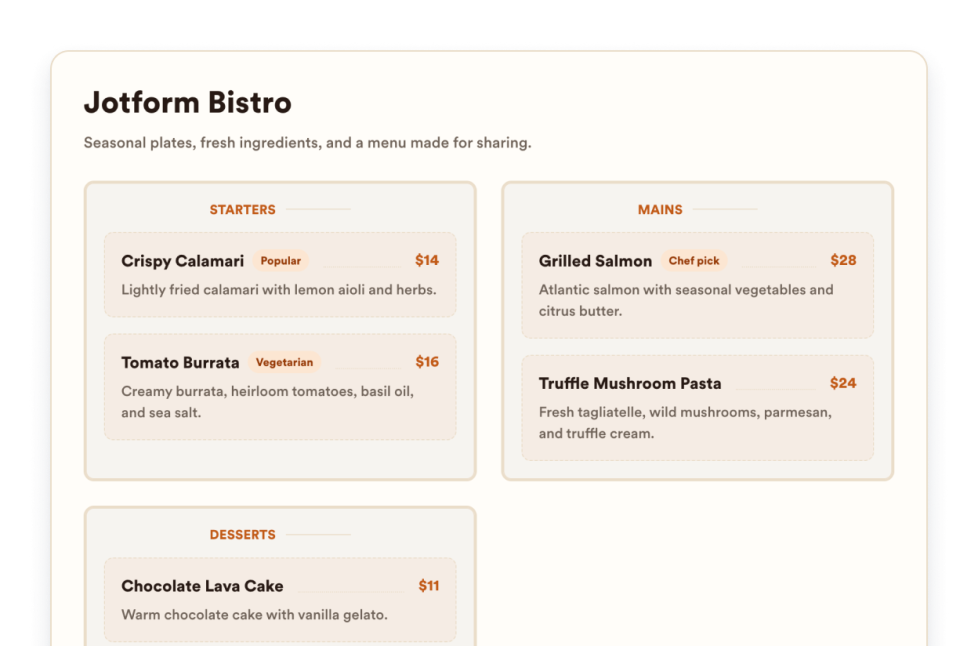
Menukaart
Voeg een mobielvriendelijke menukaart-widget toe aan je website met aanpasbare categorieën, productbeschrijvingen, prijzen, badges, lay-outs, thema's en reserveringslinks.
Ga naar categorie:NutsbedrijvenGebruik widget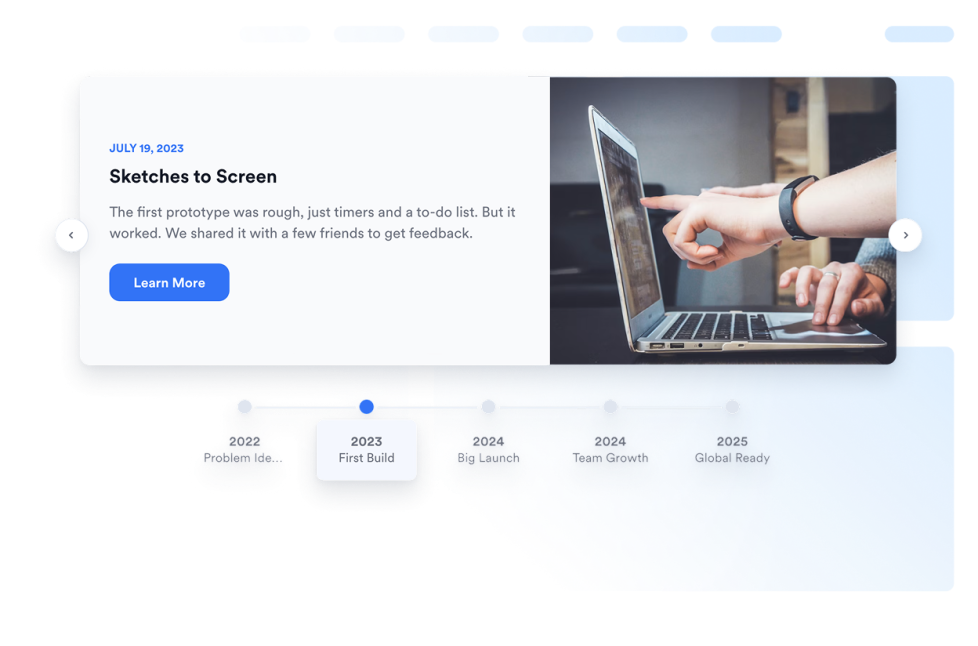
Tijdlijn
Add a Timeline widget to your website to show company history, product launches, event schedules, project milestones, and story-based updates with editable layouts, markers, colors, and media.
Ga naar categorie:NutsbedrijvenGebruik widget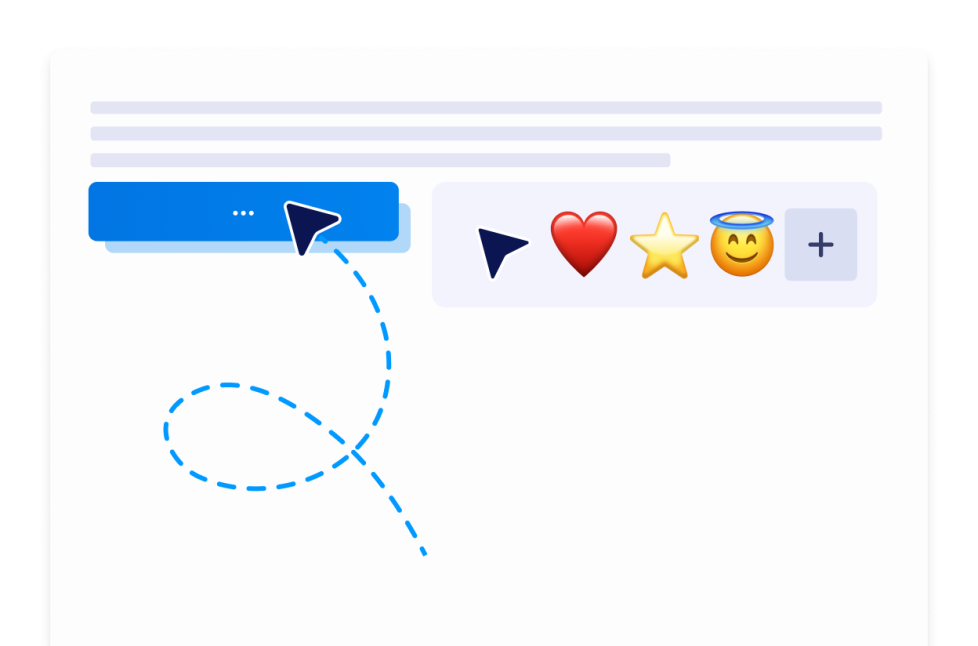
Aangepaste cursor
Met de aangepaste cursor-widget kun je een stijl kiezen, het uiterlijk en de beweging aanpassen, interactieve effecten toevoegen en deze zonder te coderen op je website insluiten.
Ga naar categorie:NutsbedrijvenGebruik widget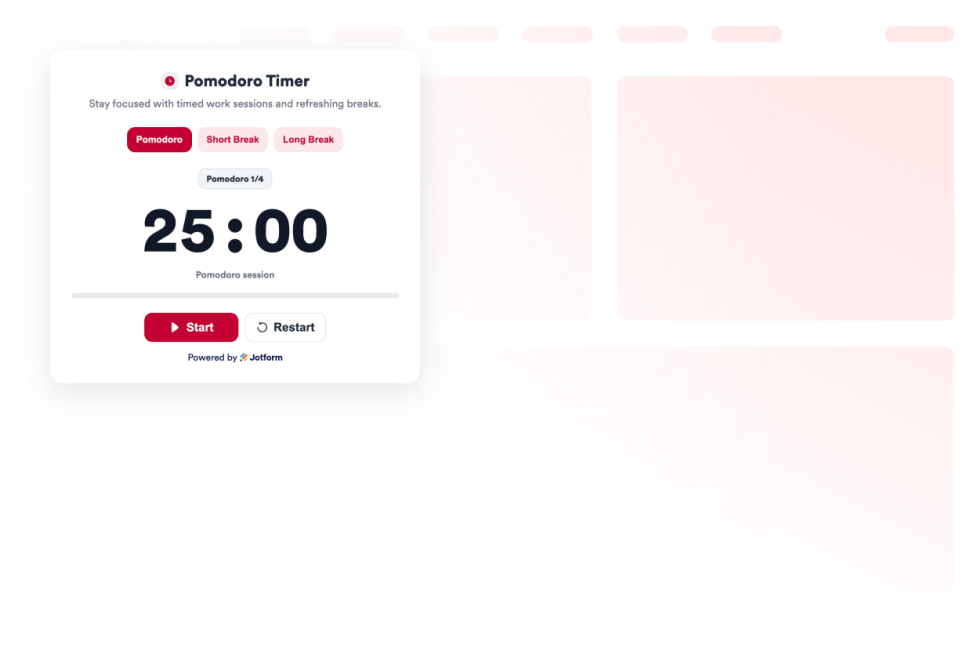
Pomodoro
Voeg een Pomodoro-widget toe aan je website voor productieve werksessies, korte en lange pauzes, alarmgeluiden en een gepersonaliseerd ontwerp.
Ga naar categorie:NutsbedrijvenGebruik widget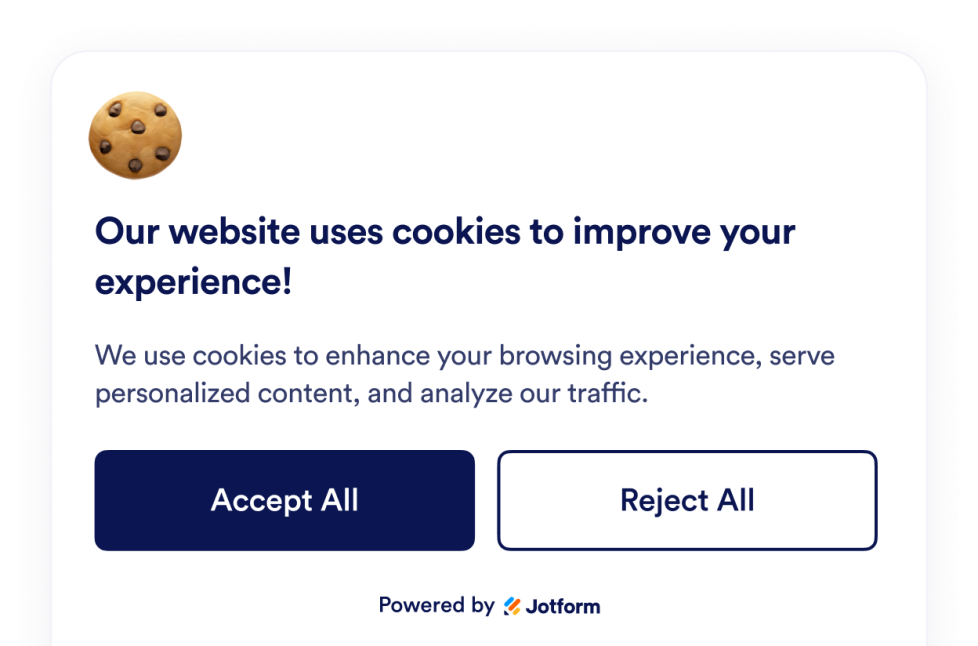
Cookiebanner
Voeg een cookiebanner-widget toe aan je website. Toon een aanpasbare banner, laat bezoekers keuzes maken, toon voorkeurscategorieën en beheer scripts zonder te coderen.
Ga naar categorie:NutsbedrijvenGebruik widget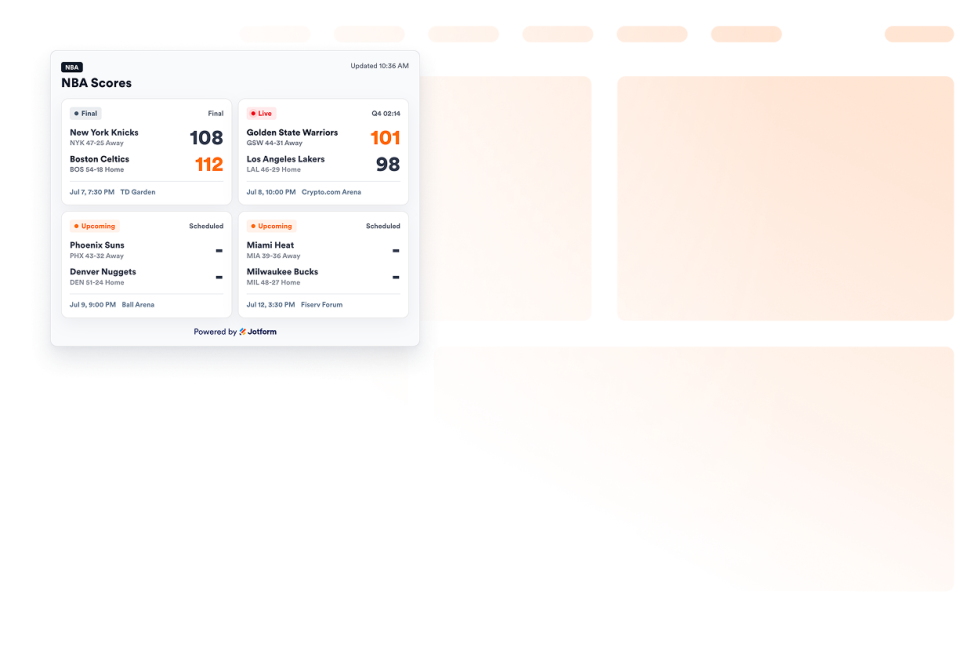
NBA Scores widget
Add an NBA Scores widget to your website to show game cards, live and final statuses, schedules, favorite teams, and scoreboard styling.
Ga naar categorie:NutsbedrijvenGebruik widget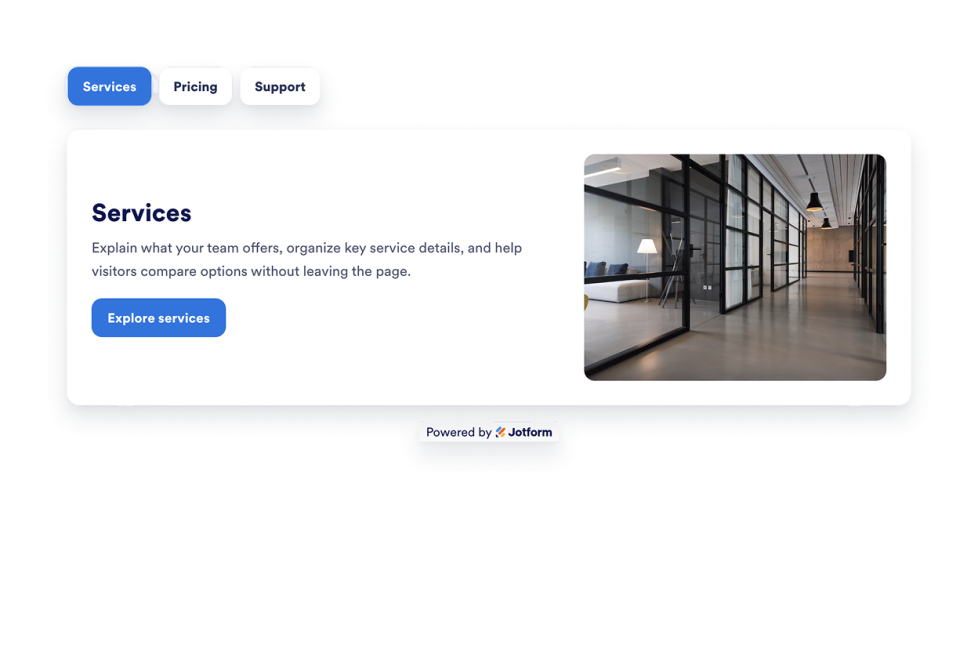
Tabs Widget
Add a customizable Tabs Widget to your website to organize content into clean, clickable sections. Build tabbed layouts for FAQs, features, pricing, menus, portfolios, and more with no code.
Ga naar categorie:NutsbedrijvenGebruik widget
Oeps, geen resultaat gevonden
No results match your search. Please try another keyword.