Number Counter Widget for your website
Highlight the numbers that matter most to your visitors. Use the Number Counter widget to display milestones, achievements, totals, ratings, and key stats in an animated, easy-to-read section that fits your website without coding.
Create Now — It’s Free!

How to create a Number Counter widget
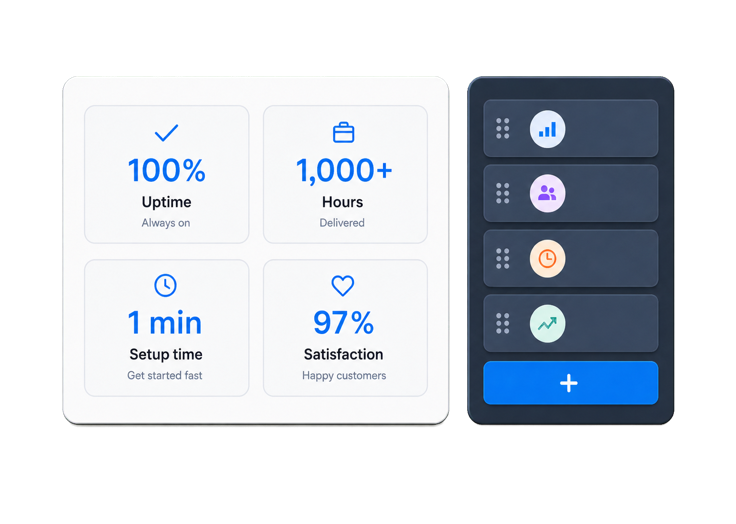
Add your numbers
Add the stats or milestones you want to highlight, such as customers served, projects completed, donations raised, events hosted, or years in business.
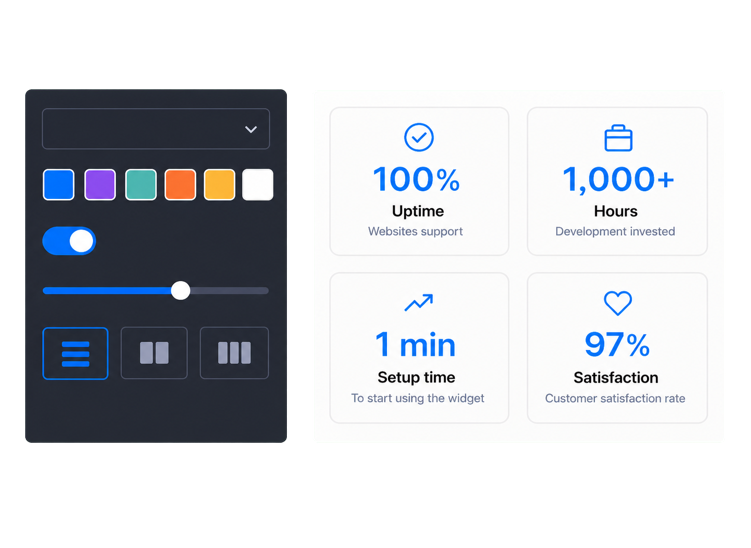
Choose the look
Pick a layout that fits your page, then customize the colors, icons, spacing, and style so your counters match your website.
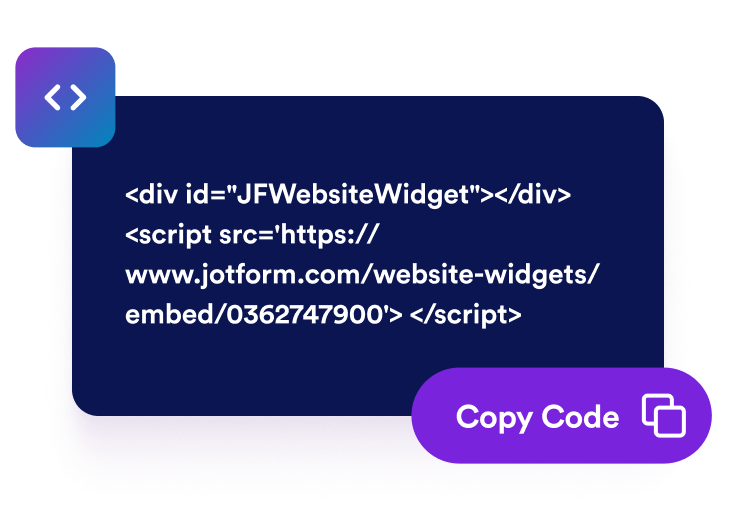
Publish on your website
Preview your counters, copy the embed code, and add the widget to your website without writing code.
Turn important stats into visual proof
Highlight numbers visitors trust
Show meaningful stats like customers served, projects completed, donations raised, ratings, or event registrations. The Number Counter widget helps visitors understand your impact faster than a paragraph of text.

Make milestones easy to scan
Display your achievements in a clean, organized section that works across homepages, landing pages, portfolios, and product pages. Each counter gives visitors a quick reason to keep reading, sign up, donate, book, or contact you.

Refresh stats from your data
Keep important numbers easier to maintain by connecting counters to values from an external JSON endpoint. This is useful for totals, registrations, donations, or other stats that come from an existing data source.

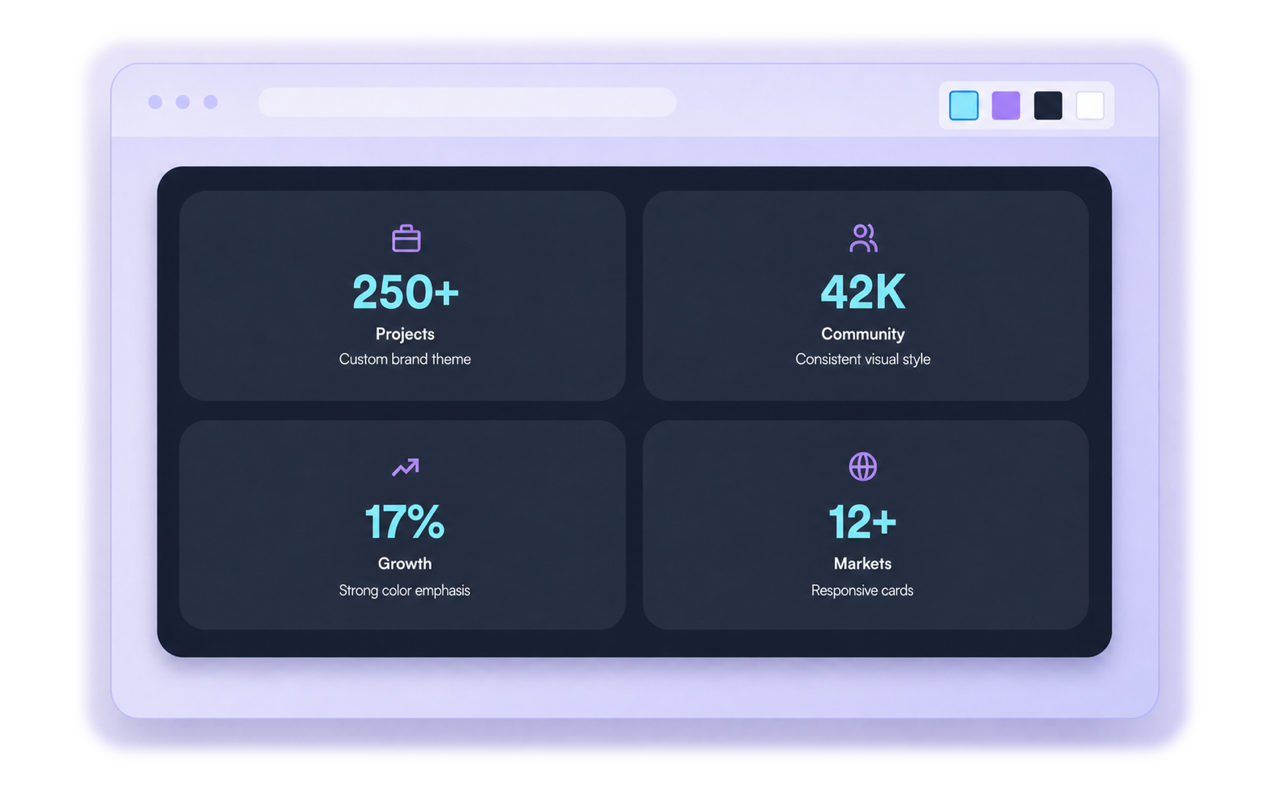
Match counters to your brand
Customize the look of your counters so they feel like a natural part of your website. Adjust the colors, icons, spacing, and visual style to create a polished stats section without rebuilding your page.
Why Jotform Website Widgets stand out
Jotform’s widgets make your website more interactive and increase conversions. There are many tools available, from star ratings and testimonial sliders to social proof popups and media embeds. Add widgets to your forms or landing pages to collect data, display proof, and capture leads — no coding required.
Add Jotform widgets to your website with a simple embed code. Customize the widget, preview how it looks, and paste it into any page that supports custom HTML or embed blocks, all without a developer.
Use Jotform Website Widgets to collect leads, show customer feedback, display social proof, embed media, or add helpful web page tools. Each widget helps visitors interact with your business directly from your website.
If you need help setting up, customizing, embedding, or troubleshooting your widget, Jotform’s customer support team is available 24-7. You can move forward with confidence, knowing that help is there when you need it.
Where to use your Number Counter widget
Use number counters anywhere a compact statistic can build credibility, momentum, or clarity.
Homepages to show customers, projects, ratings, support speed, or company milestones.
Landing pages to reinforce key numbers near signup, booking, or purchase calls to action.
Agency portfolios to display completed projects, industries served, awards, or client satisfaction.
SaaS product pages to highlight uptime, usage, integrations, feature adoption, or support metrics.
Nonprofit pages to show donations, volunteers, campaigns, impact numbers, or community reach.
Event pages to display attendees, speakers, sessions, sponsors, or registration milestones.
Convert leads into paying customers with the Jotform Form Builder
Turn engagement into action with Jotform. Create powerful forms that capture leads, collect payments, and automate responses, all in one place. Every submission lands in your Jotform Inbox, where you can follow up or connect with your favorite apps.
Get Started — It’s Free!
FAQ
What is a Number Counter widget?
A Number Counter widget displays important numbers on your website in an animated, easy-to-read format. You can use it to highlight stats like customers, projects, donations, ratings, years of experience, or event registrations.
Can I create a free number counter widget for my website?
What kinds of numbers can I show?
Can I add more than one counter?
Can the numbers animate?
Can I update counter numbers from a JSON endpoint?
Can I add icons to the counters?
Is this a number counter clicker?
Can I customize the design?
Does the Number Counter widget work on mobile?
Do I need to write code?
Which website platforms support the Number Counter widget?
Can I get help setting up my Number Counter widget?