

How to create a Accessibility widget
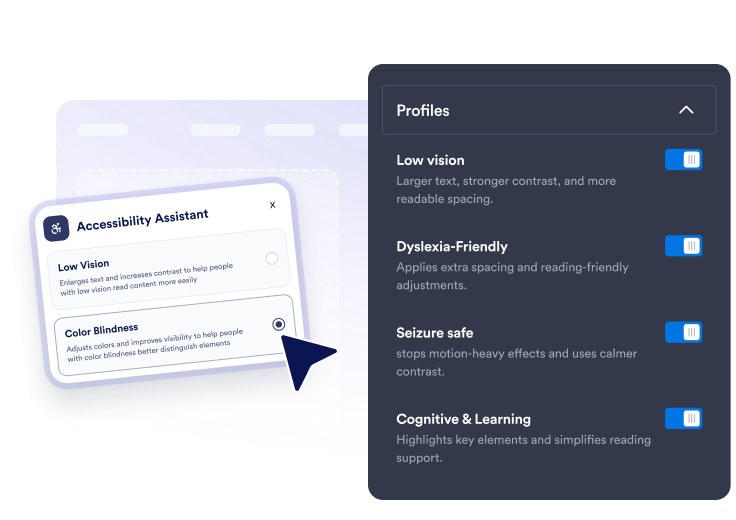
Choose presets and tools
Enable quick presets plus detailed controls for text size, spacing, reading aids, keyboard focus, link highlights, motion, and color modes.
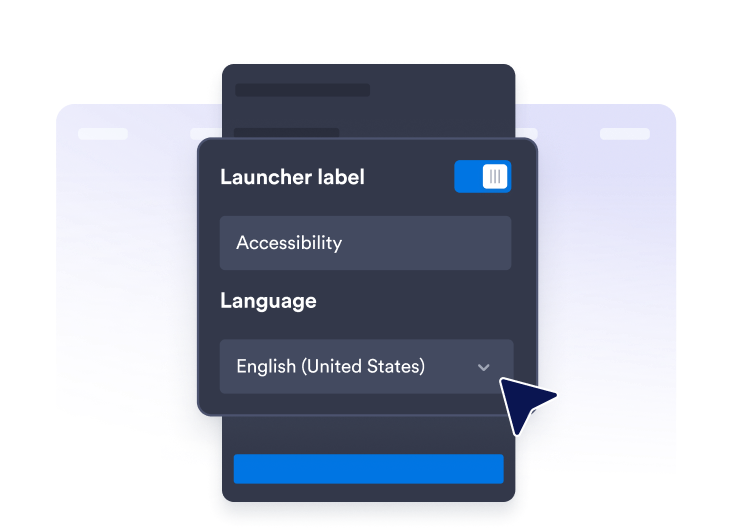
Customize the assistant
Edit panel copy, score messaging, language, launcher position, theme colors, panel width, button size, and preference duration.

Publish it anywhere
Copy the embed code and add the floating accessibility assistant to any page that needs clearer reading and navigation options.
Help visitors adjust your site to their needs
Offer quick accessibility presets
Let visitors apply Low Vision, Color Blindness, Dyslexia-Friendly, Seizure Safe, Reduce Distractions, Motor Assistance, Cognitive & Learning, and Keyboard Navigation presets.
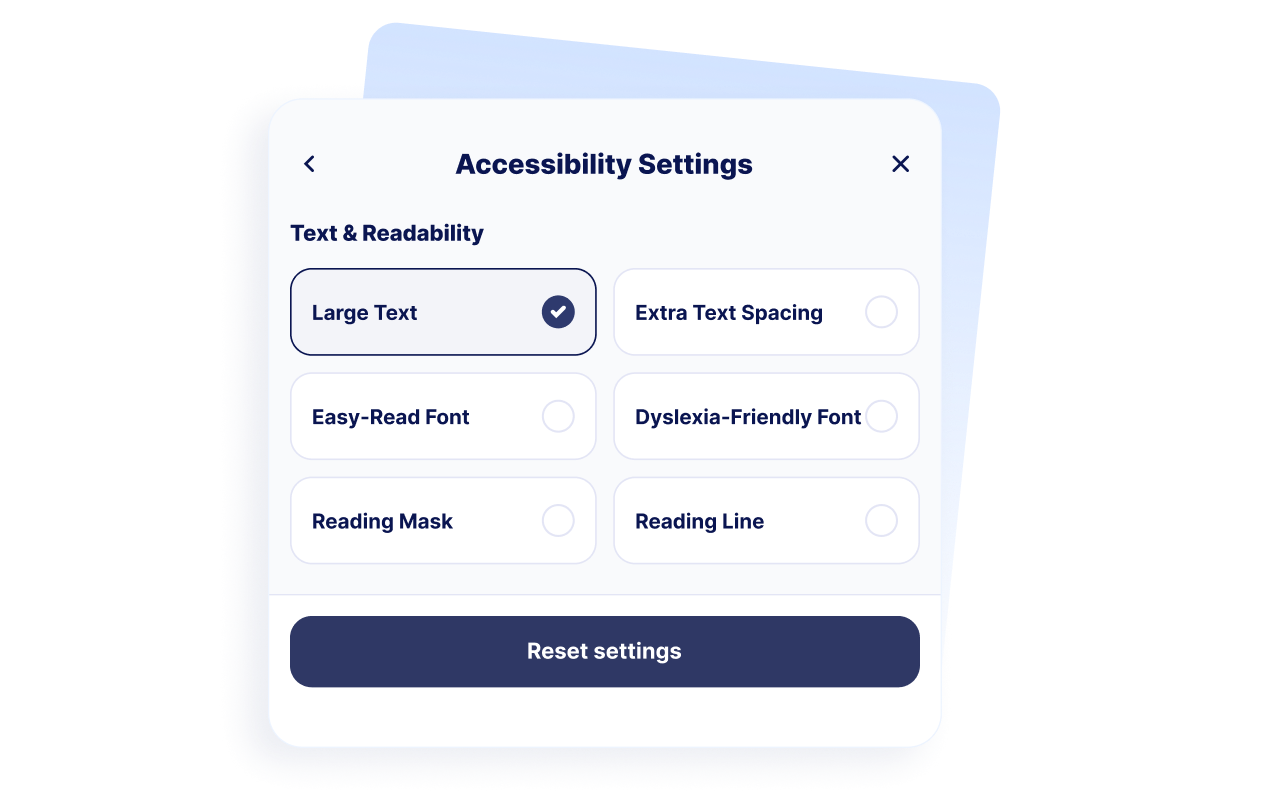
Support reading comfort
Give visitors controls for large text, extra text spacing, easy-read adjustments, dyslexia-friendly spacing, reading mask, and reading line guides.
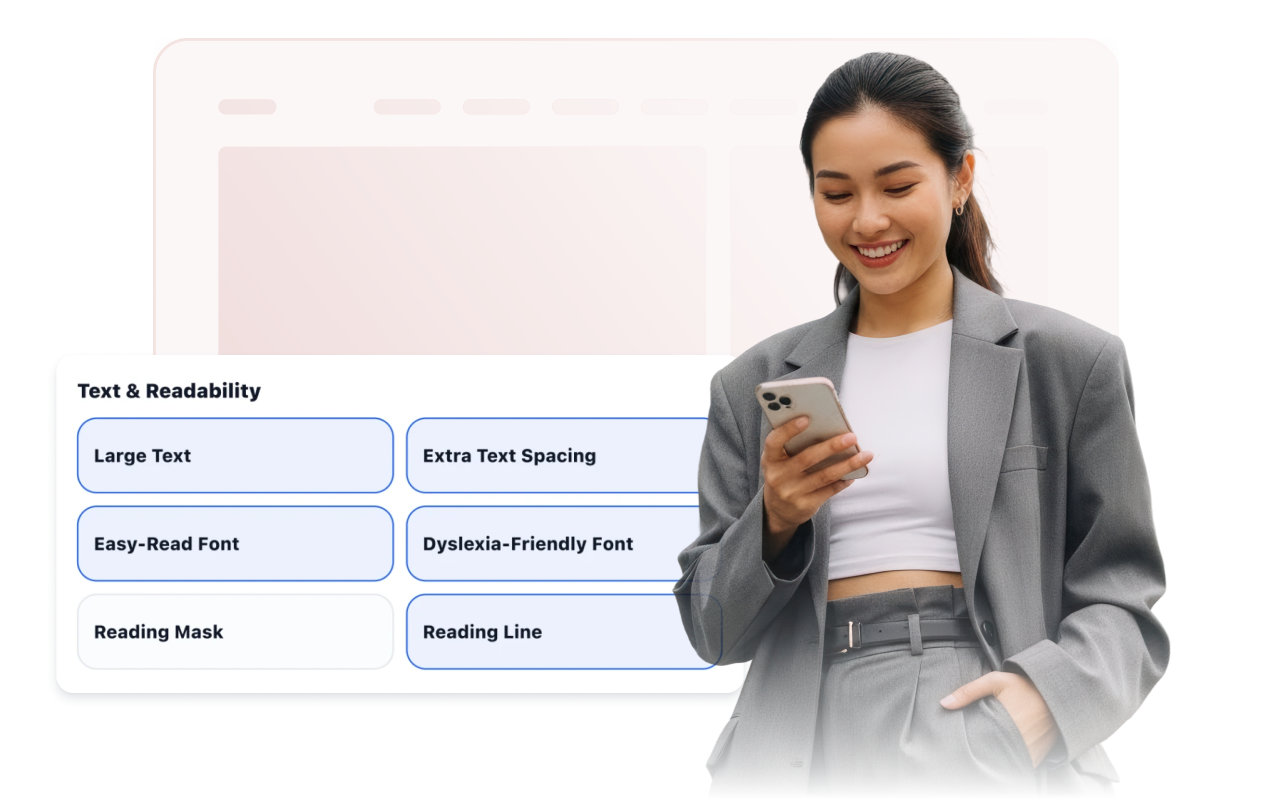
Improve navigation, color, and motion
Expose keyboard focus, large clickable areas, big cursor, highlighted links, stop animation, high contrast, grayscale, inverted colors, and color-blind modes.

Style the launcher and assistant
Adjust launcher position, label visibility, theme preset, panel width, colors, button size, corner radius, display rules, and saved preference duration.
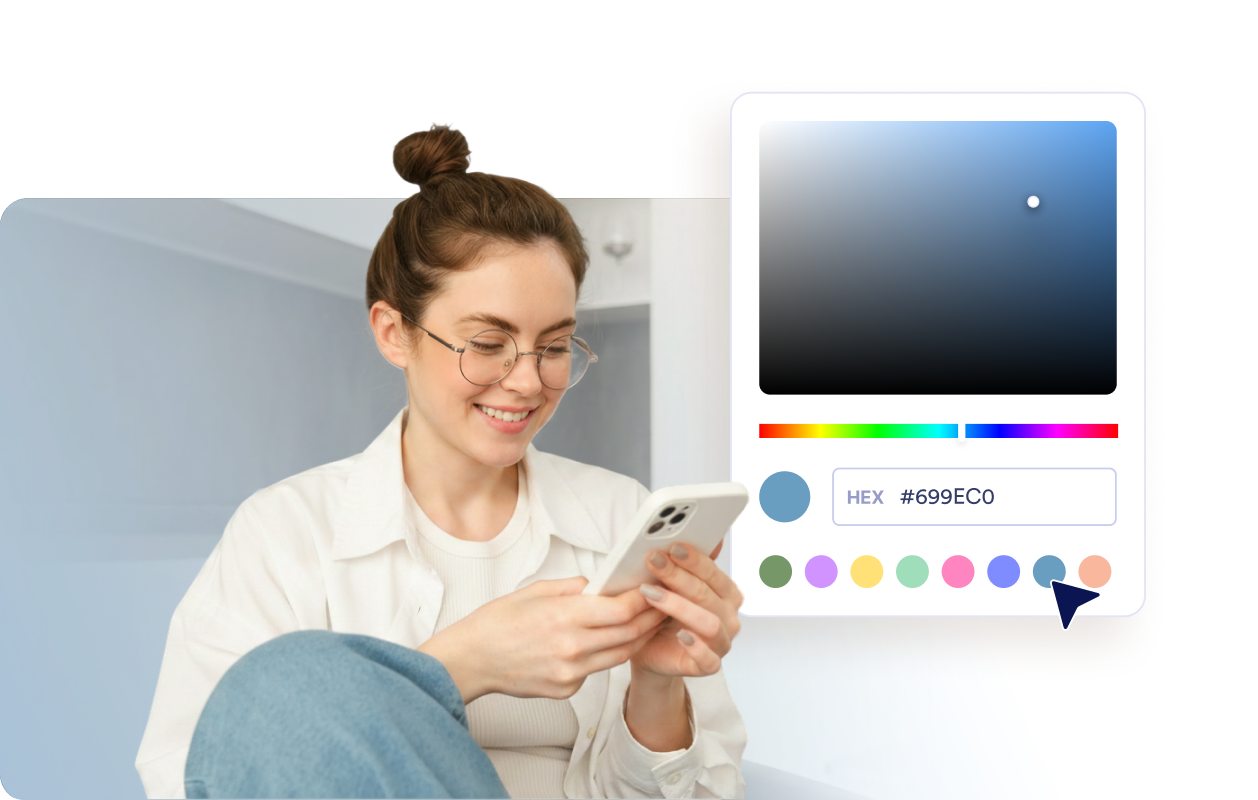
Why Jotform Website Widgets stand out
Jotform’s widgets make your website more interactive and increase conversions. There are many tools available, from star ratings and testimonial sliders to social proof popups and media embeds. Add widgets to your forms or landing pages to collect data, display proof, and capture leads — no coding required.
Add Jotform widgets to your website with a simple embed code. Customize the widget, preview how it looks, and paste it into any page that supports custom HTML or embed blocks, all without a developer.
Use Jotform Website Widgets to collect leads, show customer feedback, display social proof, embed media, or add helpful web page tools. Each widget helps visitors interact with your business directly from your website.
If you need help setting up, customizing, embedding, or troubleshooting your widget, Jotform’s customer support team is available 24-7. You can move forward with confidence, knowing that help is there when you need it.
Where to use your Accessibility widget
Use the widget on important pages where visitors need to read, compare, navigate, or complete tasks comfortably.
Education websites with long resource pages, admissions content, and course information.
Healthcare websites where patients need readable information and appointment details.
Government and public service pages that should be easier for more visitors to navigate.
E-commerce pages where product details, comparisons, and checkout steps need to stay readable.
Support centers where visitors scan help articles and troubleshooting steps.
Content-heavy websites with articles, guides, documentation, or policy pages.
Convert leads into paying customers with the Jotform Form Builder
Turn engagement into action with Jotform. Create powerful forms that capture leads, collect payments, and automate responses, all in one place. Every submission lands in your Jotform Inbox, where you can follow up or connect with your favorite apps.
Get Started — It’s Free!
FAQ
What is an Accessibility widget?
An Accessibility widget adds a floating website toolbar with controls for readability, contrast, color, images, motion, and other browsing preferences. Visitors can open the panel and apply individual adjustments or enabled presets.
Is the Jotform Accessibility Widget free?
Which accessibility presets can I offer?
Which readability tools can visitors use?
Can the widget remember visitor preferences?
Can I customize the accessibility toolbar?
Does the Accessibility Widget guarantee WCAG or ADA compliance?
Does the widget replace an accessibility audit?
Do I need to write code?
Does the Accessibility Widget work on mobile devices?
Which website platforms support the Accessibility Widget?
Can I get help setting up my Accessibility Widget?