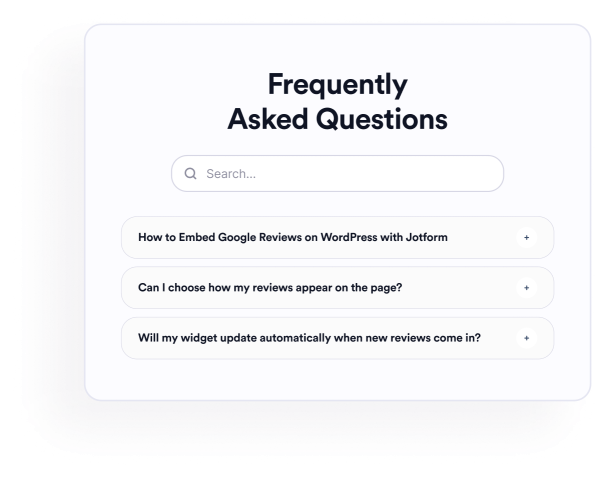

How to create a FAQ widget
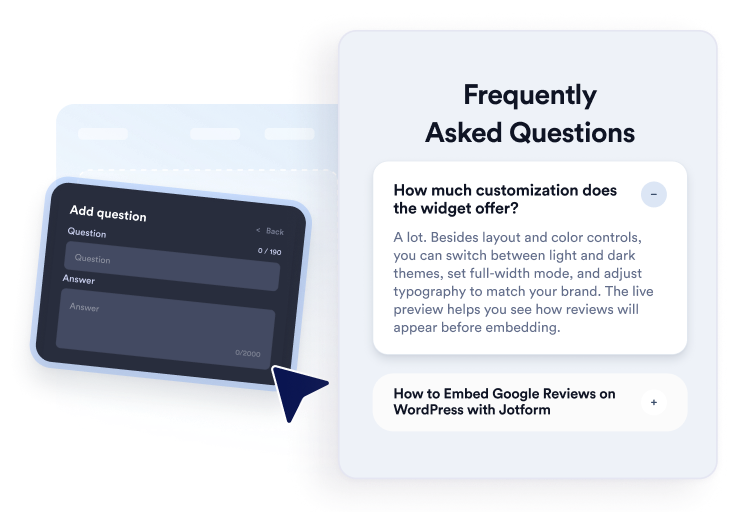
Add your questions
Write and organize answers for product, pricing, support, policy, or onboarding topics. Add links or images when useful, then duplicate, reorder, or remove questions in the visual editor.
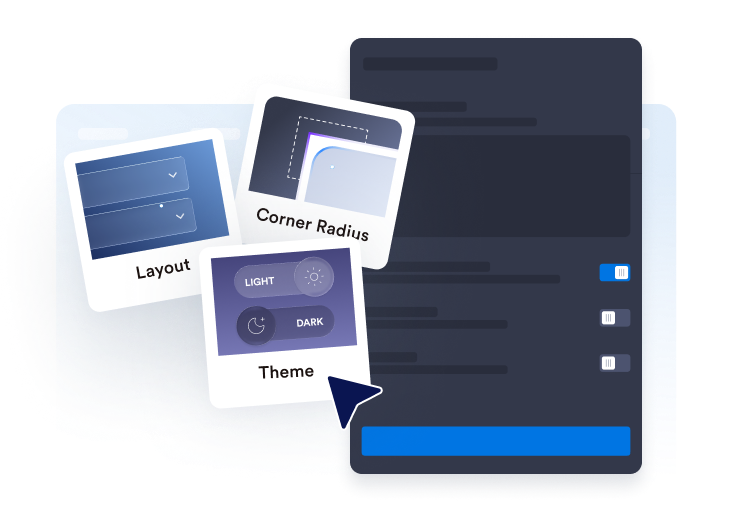
Customize layout and style
Choose an accordion, list, or multicolumn layout. Configure the search bar, icons, question behavior, colors, spacing, and other design settings to fit your FAQ section.

Embed it on your website
Preview the completed FAQ, copy the generated embed code, and paste it into a custom HTML or embed block. Publish the page and test its questions, search, links, and media.
Create helpful, searchable FAQs easily
Organize questions in one editor
Add, duplicate, reorder, and remove questions without rebuilding the section manually. Use rich-text answers to organize product details, billing policies, setup instructions, shipping information, or other topics visitors commonly ask about.
Fit FAQs into different layouts
Choose an accordion for compact question groups, a list for answers that should remain visible, or a multicolumn layout for broader FAQ sections. The right layout can make large collections easier to scan.
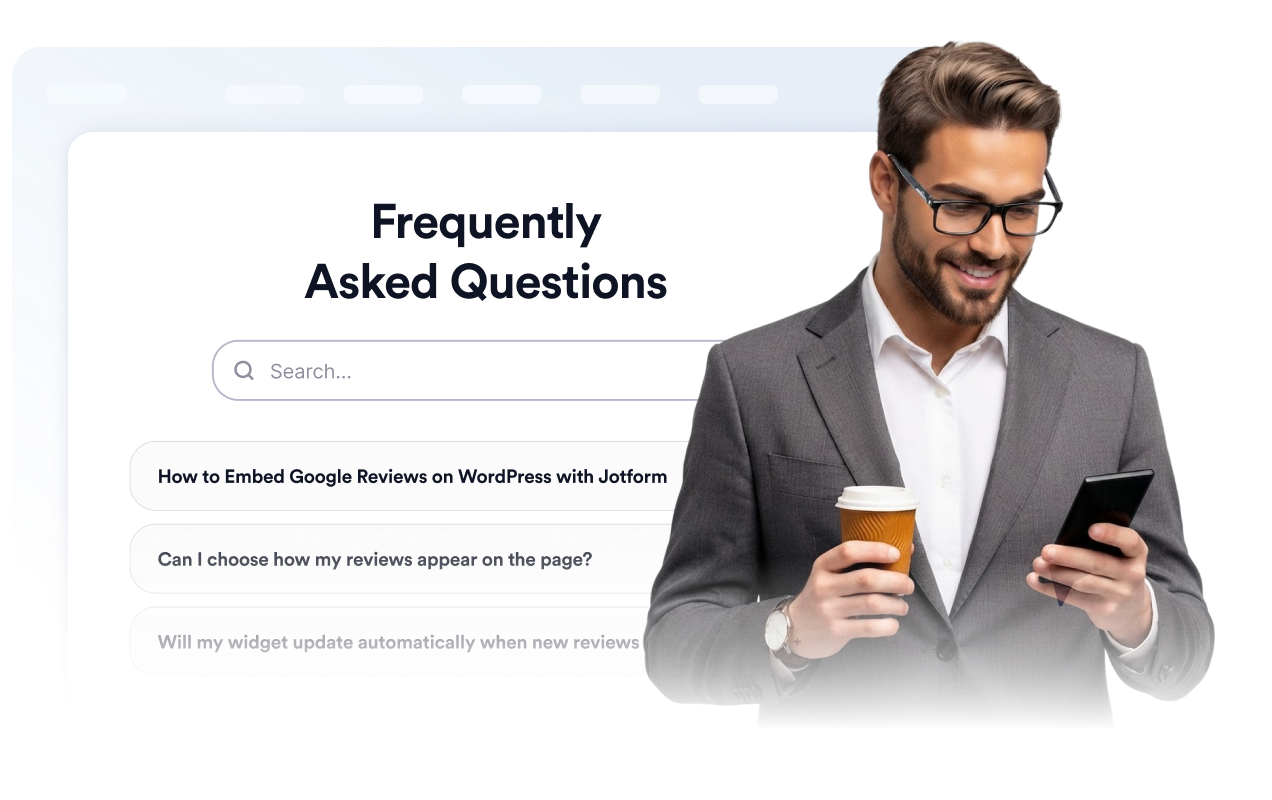
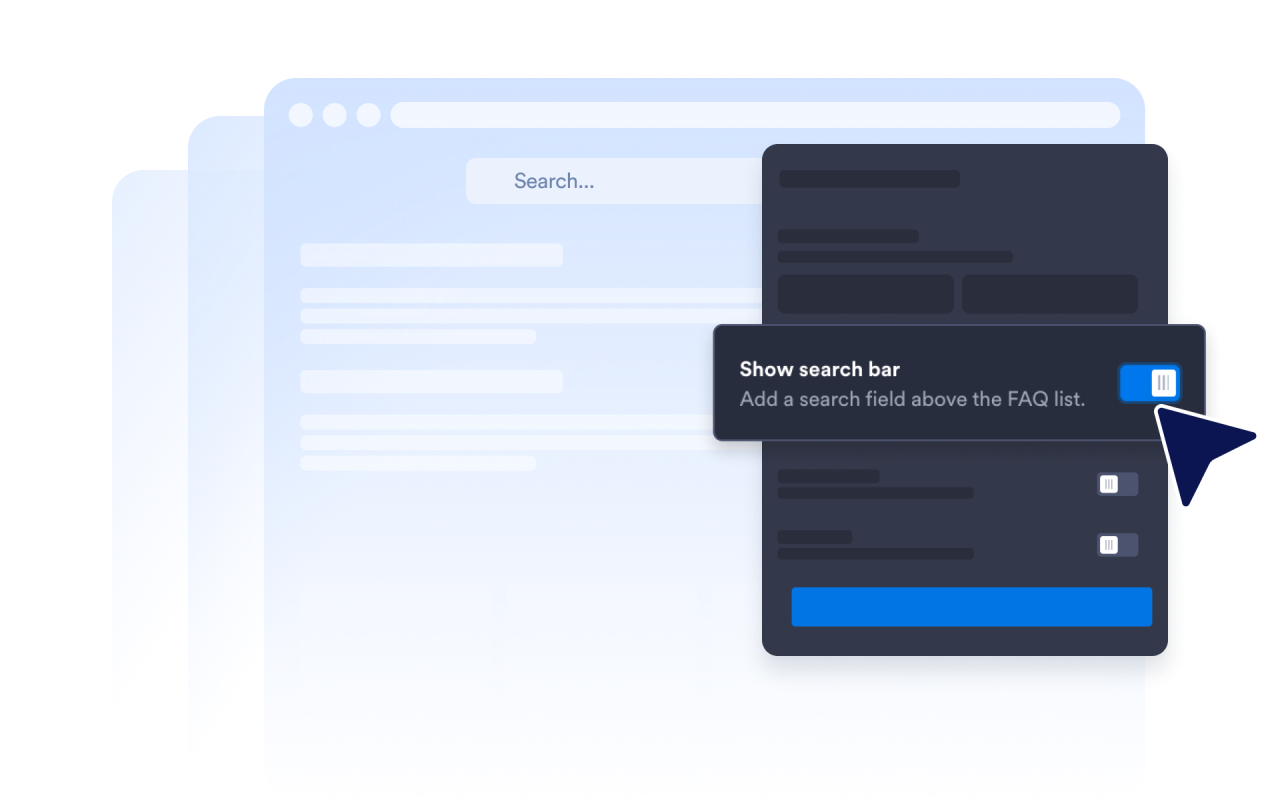
Help visitors search FAQ content
Enable the search bar so visitors can filter questions and answers using keywords. Search is especially useful on help pages and detailed FAQ sections where manually reviewing every question would take longer.
Control how answers expand
Choose the accordion icon and its position, set how many questions initially appear, and decide whether one or multiple answers can remain open. These controls let you shape how visitors explore longer FAQ sections.

Why Jotform Website Widgets stand out
Jotform’s widgets make your website more interactive and increase conversions. There are many tools available, from star ratings and testimonial sliders to social proof popups and media embeds. Add widgets to your forms or landing pages to collect data, display proof, and capture leads — no coding required.
Add Jotform widgets to your website with a simple embed code. Customize the widget, preview how it looks, and paste it into any page that supports custom HTML or embed blocks, all without a developer.
Use Jotform Website Widgets to collect leads, show customer feedback, display social proof, embed media, or add helpful web page tools. Each widget helps visitors interact with your business directly from your website.
If you need help setting up, customizing, embedding, or troubleshooting your widget, Jotform’s customer support team is available 24-7. You can move forward with confidence, knowing that help is there when you need it.
Where to use your FAQ widget
Add the widget to pages where clear answers can help visitors understand their options and decide what to do next.
Product pages to answer questions about features, sizing, setup, compatibility, and delivery.
Pricing pages to clarify plans, trials, billing cycles, cancellations, and upgrades.
Help centers to organize common support questions in a searchable section.
Booking and event pages to explain schedules, locations, refunds, and attendance requirements.
Course and membership pages to answer questions about access, curriculum, payments, and support.
Landing pages to address common concerns before visitors register, book, or submit a form.
Convert leads into paying customers with the Jotform Form Builder
Turn engagement into action with Jotform. Create powerful forms that capture leads, collect payments, and automate responses, all in one place. Every submission lands in your Jotform Inbox, where you can follow up or connect with your favorite apps.
Get Started — It’s Free!
FAQ
What is an FAQ widget?
An FAQ widget is an embeddable question-and-answer section for a website. It helps visitors explore common questions through searchable accordion, list, or multicolumn layouts without navigating to another page.
Is the Jotform FAQ Widget free?
How do I add an FAQ to my website?
Do I need to write code?
How many questions can I add?
Does the FAQ Widget include search?
Which FAQ layouts can I use?
Can multiple FAQ answers stay open?
Can FAQ answers include links, images, or videos?
Can I customize the FAQ design?
Does the FAQ Widget work on mobile devices?
Which website platforms support the FAQ Widget?
Can I get help setting up my FAQ Widget?