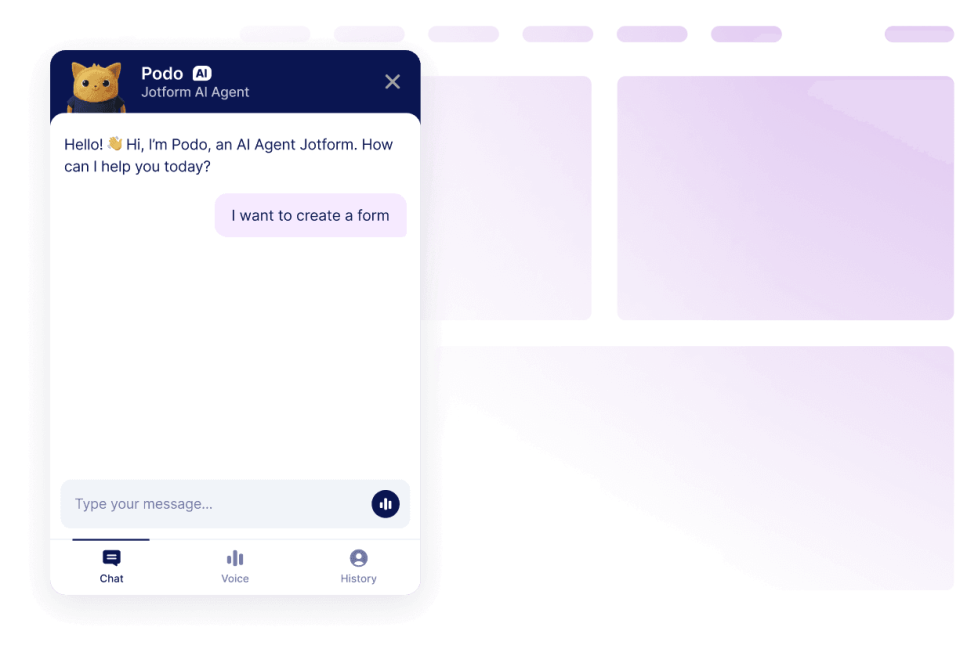
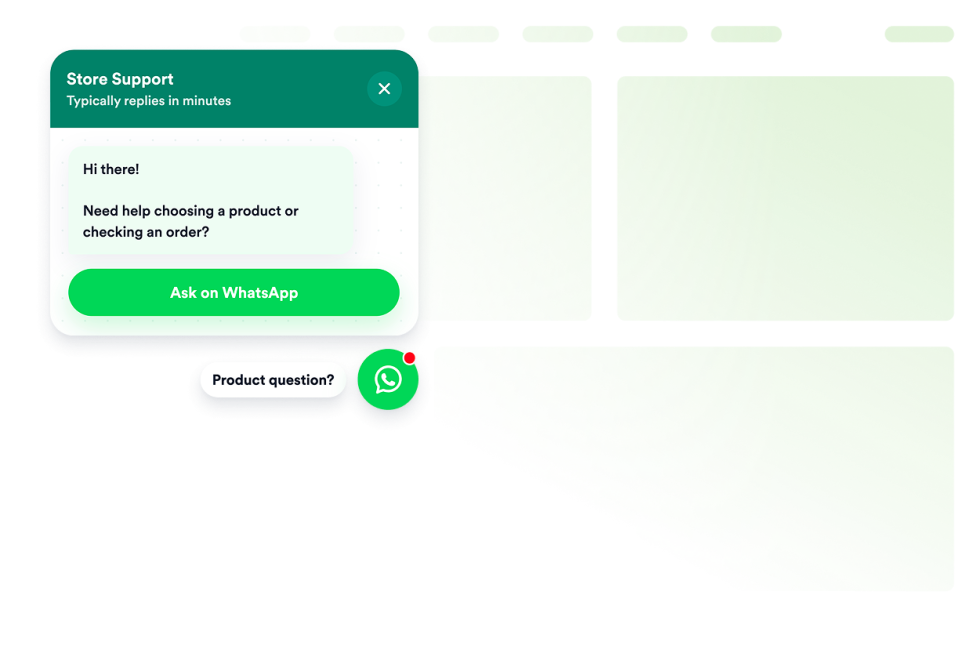
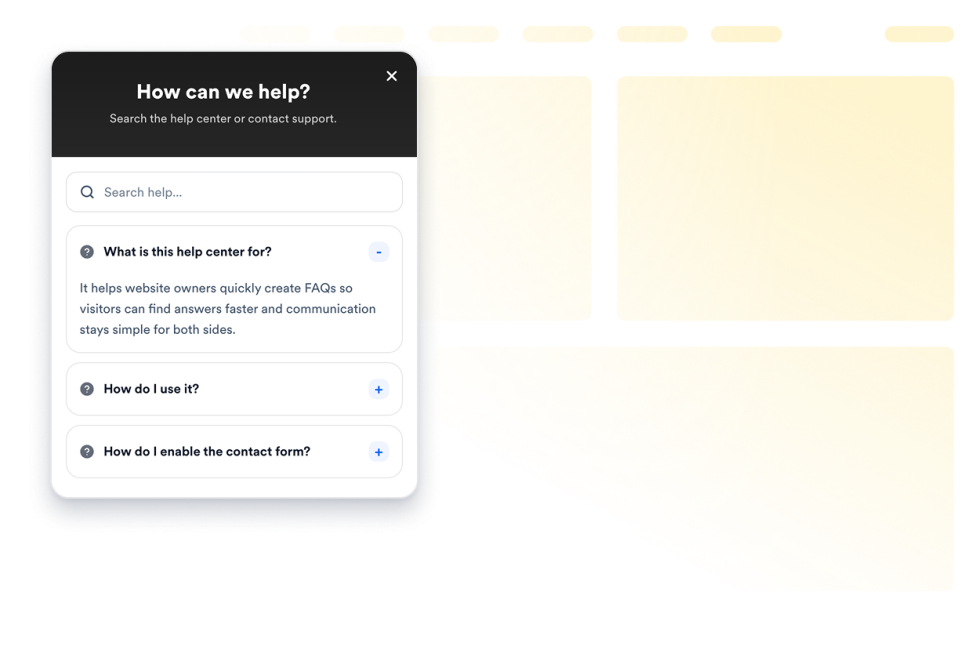
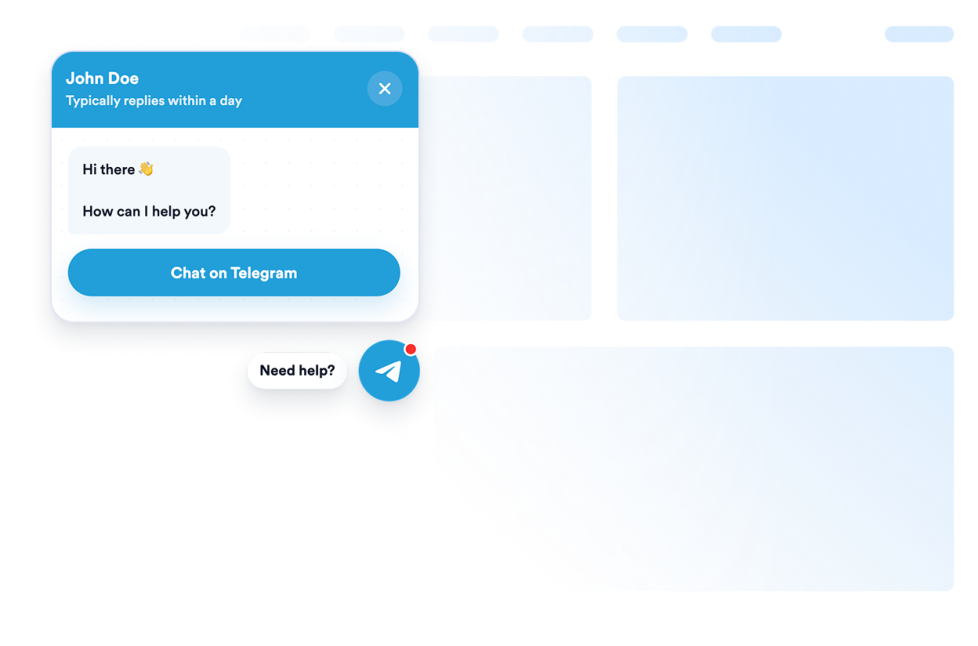
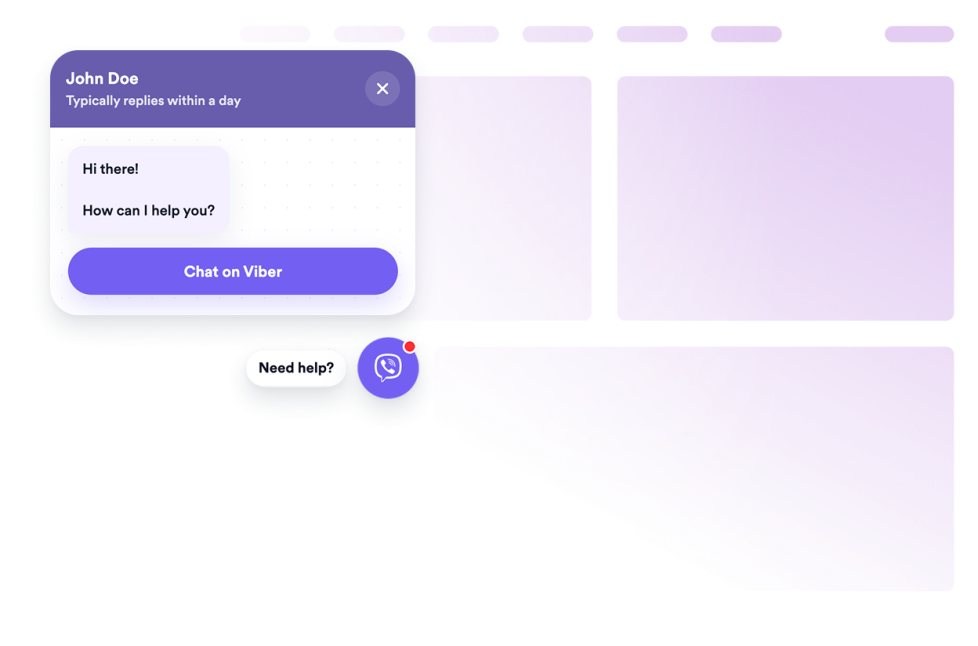
Chat widgets help you give visitors a quick way to contact your business, ask questions, request support, or continue a conversation without custom code. These embeddable widgets can support common visitor needs, such as starting a WhatsApp, Viber, or Telegram conversation, finding help content, or getting more information before taking the next step.
With Jotform’s chat widgets, you can choose a widget, customize its settings, adjust the design, and embed it on your website. Chat widgets work well on homepages, product pages, service pages, booking pages, event pages, support pages, local business websites, and online stores where visitors may need a fast way to reach you or get answers.
What can you do with chat widgets?
Chat widgets can help you:
- Add embeddable chat options to your website without writing code
- Help visitors start conversations through WhatsApp, Viber, Telegram, or other supported chat tools
- Display welcome messages, CTA buttons, chat previews, and contact options
- Support questions about products, services, pricing, bookings, delivery, availability, or support
- Guide visitors from a webpage to the right conversation or help resource
- Customize the widget’s message, button text, colors, size, placement, badge, and display options
- Keep contact options visible on desktop and mobile pages
Popular chat widget use cases
Chat widgets can be used across different parts of a website based on the type of help visitors need. For example, a WhatsApp Chat widget can help visitors contact your business from any page, with a customizable chat button, a welcome message, and an optional message field. A Viber Chat widget can help visitors open the right Viber conversation through a phone number, business profile, community link, or supported Viber URL.
Chat widgets are especially useful when a page needs to reduce friction before a visitor takes action. They can support product questions, service requests, appointment inquiries, event details, local business questions, support requests, lead capture, and customer follow-up by giving visitors a familiar way to continue the conversation.
Easy chat widgets for customer questions and support
Embeddable chat widgets are useful for small teams, SMBs, online stores, local businesses, service providers, clinics, salons, restaurants, real estate teams, agencies, event teams, and support teams that want to offer quick contact options without relying on a developer or designer.
With Jotform, users can choose a chat widget, customize the greeting, contact details, CTA, placement, and design, copy the embed code, and add it to their website without custom code. This makes it easier to answer questions, support visitors, collect context before a conversation begins, or guide visitors toward a booking, purchase, quote, or next action from one no-code builder.
Related guides
To learn more about setting up and managing widgets, users can read Jotform’s guide on managing website widgets. The guide explains that users can create new widgets, edit existing widgets, copy embed codes, control widget visibility, and organize your widget assets from the My Website Widgets page.
What are chat widgets?
Chat widgets are embeddable website tools that give visitors a quick way to contact a business, ask questions, request help, or open a conversation through a supported chat platform.
Where should I use chat widgets?
You can use chat widgets on homepages, product pages, service pages, pricing pages, booking pages, event pages, support pages, online stores, and local business websites. The best placement depends on where visitors may need help before they contact you, book, buy, or sign up.
Can I customize chat widgets?
Yes. Chat widgets can usually be customized before they are embedded. Depending on the widget, you can adjust welcome messages, agent names, CTA text, colors, sizing, badges, rounded corners, mobile display, placement, and other design options.
Do chat widgets require coding?
No. Jotform chat widgets can be added without custom coding. After customizing a widget, users can embed it on a website using the provided embed code.