Pomodoro Widget for your website
Help visitors stay focused with a customizable Pomodoro timer. Set work sessions, short breaks, long breaks, sequence behavior, built-in or custom MP3 alarms, colors, and responsive display settings in a no-code builder.
How to create a Pomodoro widget
Set your focus sessions
Choose Pomodoro, short break, and long break durations, then edit the labels visitors see.
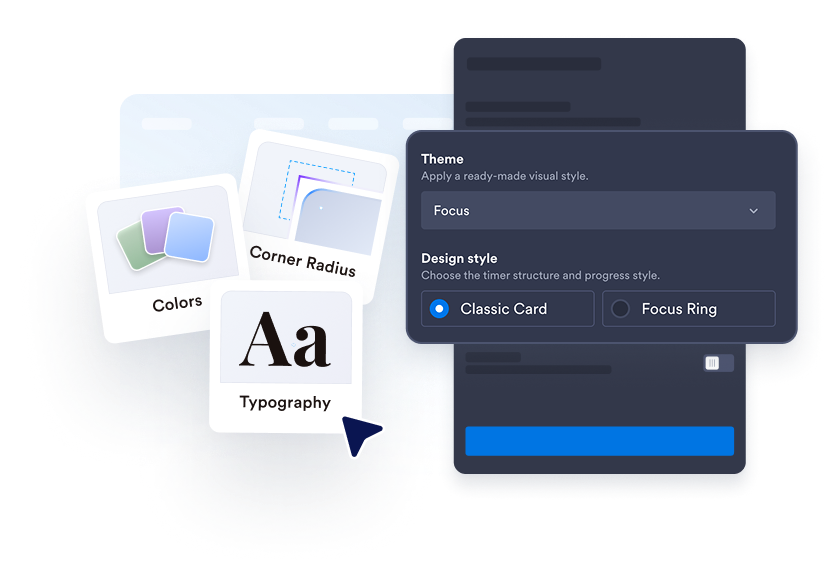
Customize the timer style
Match your site with presets, colors, sizing, rounded corners, shadows, and custom CSS.
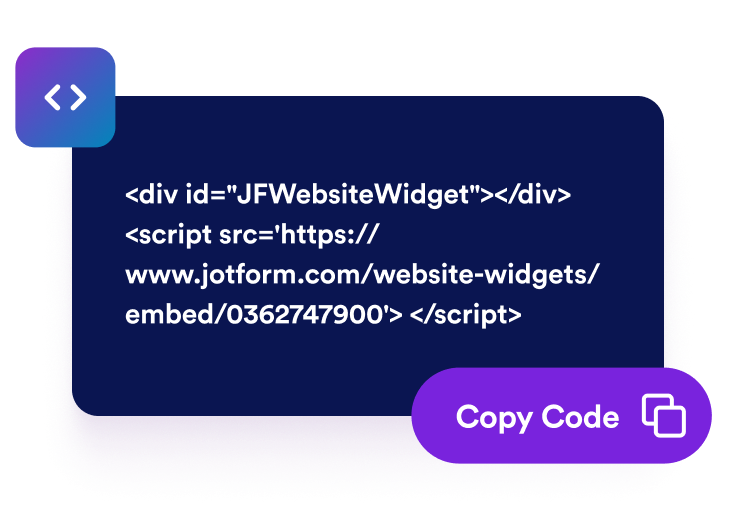
Embed it on your website
Preview the responsive timer, copy the embed code, and add it anywhere people need a focus cue.
Create a focus timer that fits your page
Set work and break durations
Configure Pomodoro, short break, and long break timers with editable labels so the widget fits study, work, training, or wellness routines.
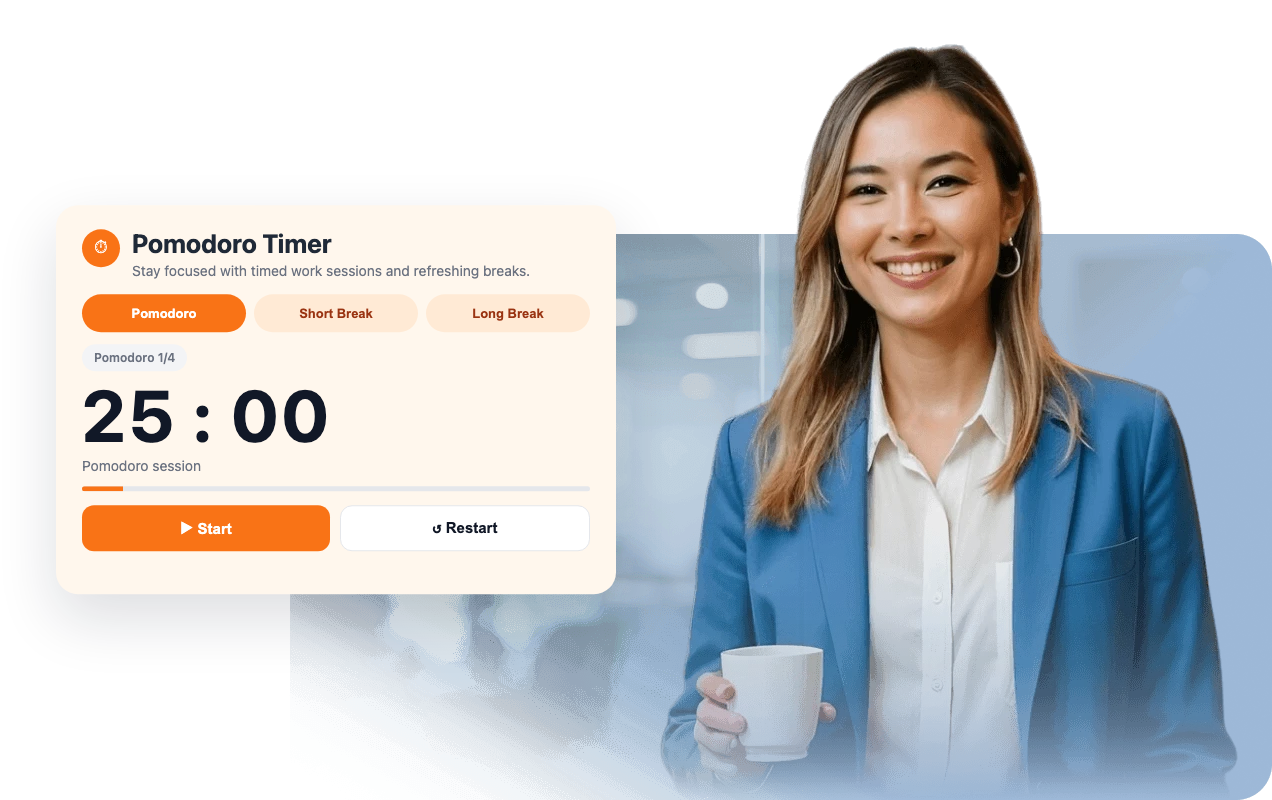
Guide visitors through a Pomodoro sequence
Automatically move from focus sessions to short breaks and show a long break after a configurable number of completed Pomodoros.

Give visitors simple timer controls
Visitors can switch timer modes, start, pause, and restart without leaving your page. Button labels are editable for your audience.
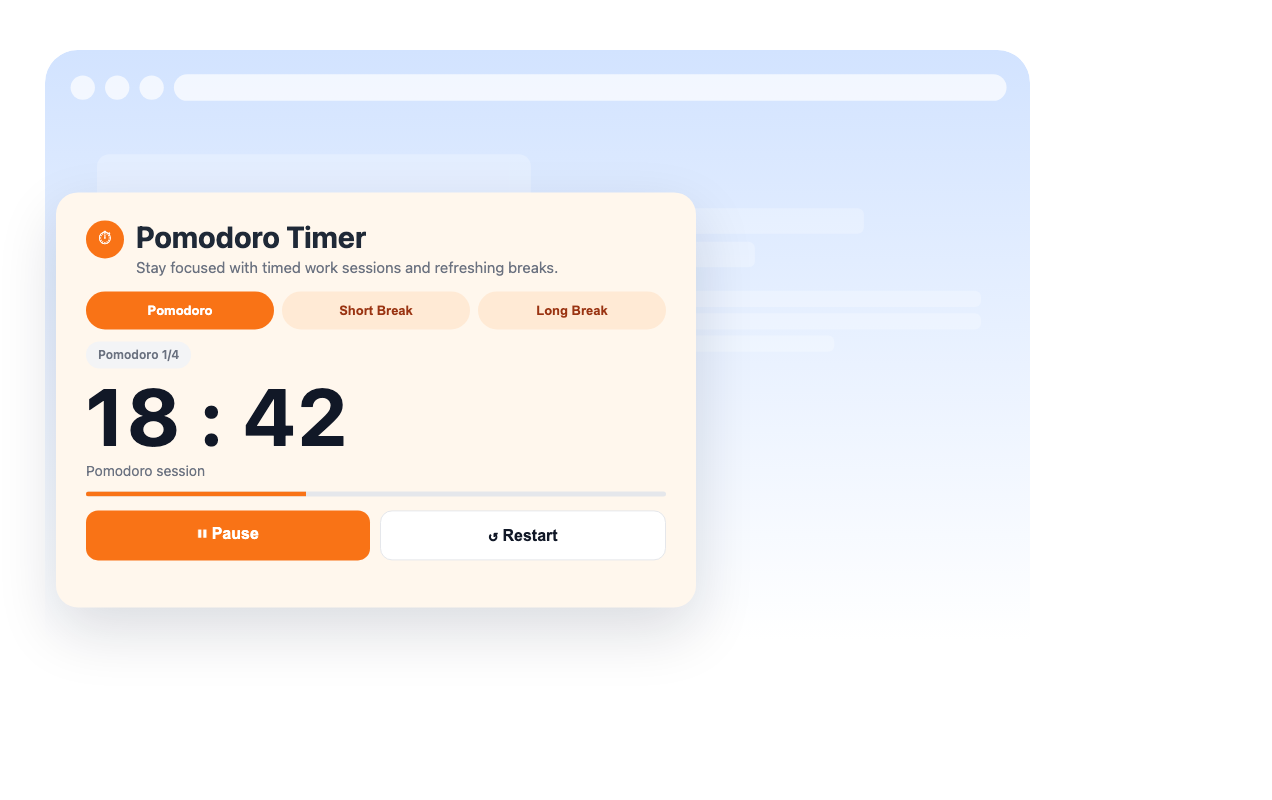
Match the timer to your brand
Choose design styles, calm presets, or custom colors, then tune typography sizes, card width, padding, border radius, shadows, and scoped custom CSS.
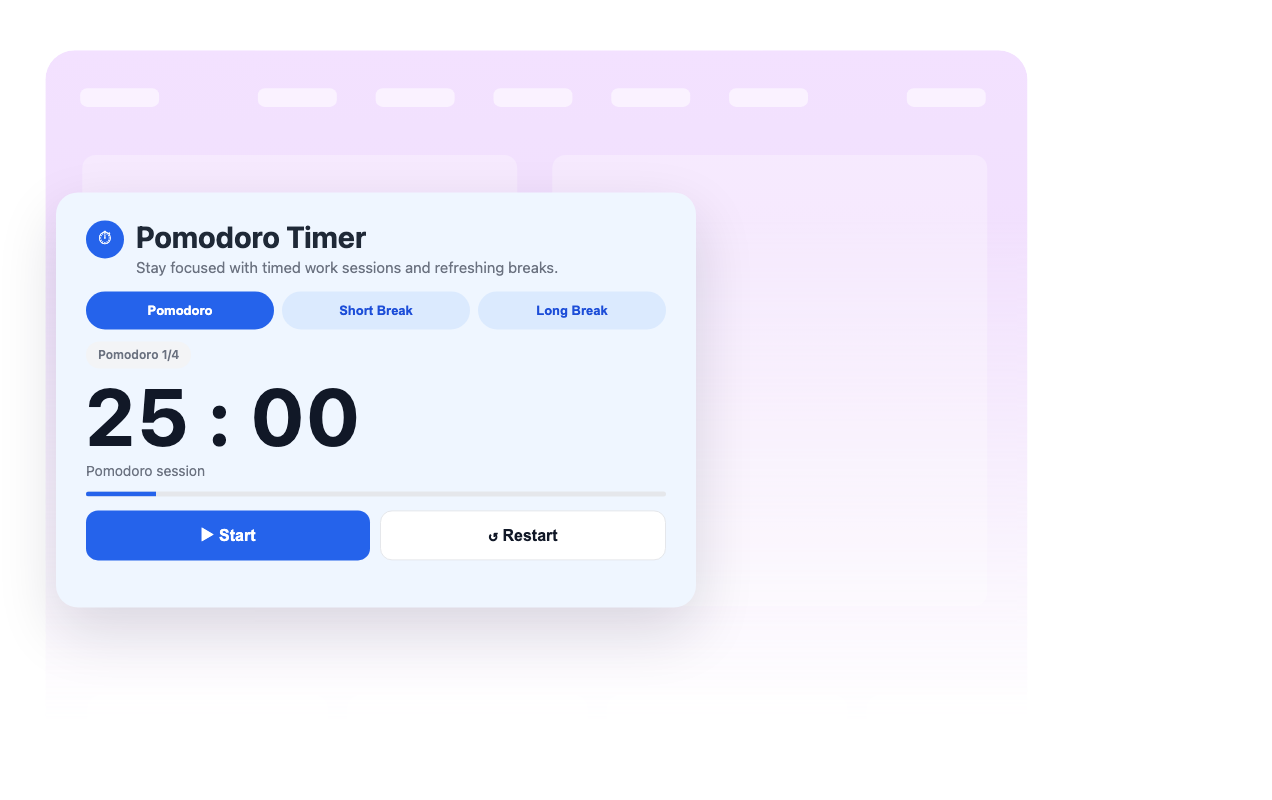
Why Jotform Website Widgets stand out
Jotform’s widgets make your website more interactive and increase conversions. There are many tools available, from star ratings and testimonial sliders to social proof popups and media embeds. Add widgets to your forms or landing pages to collect data, display proof, and capture leads — no coding required.
Add Jotform widgets to your website with a simple embed code. Customize the widget, preview how it looks, and paste it into any page that supports custom HTML or embed blocks, all without a developer.
Use Jotform Website Widgets to collect leads, show customer feedback, display social proof, embed media, or add helpful web page tools. Each widget helps visitors interact with your business directly from your website.
If you need help setting up, customizing, embedding, or troubleshooting your widget, Jotform’s customer support team is available 24-7. You can move forward with confidence, knowing that help is there when you need it.
Where to use your Pomodoro Widget
Add the widget anywhere visitors benefit from a visible focus timer and built-in breaks.
Online course pages to help students work through lessons in manageable focus sessions.
Productivity blogs to give readers a practical timer alongside articles and worksheets.
Team intranets to support shared focus sprints and break reminders.
Study resource pages to give learners a simple Pomodoro routine without another app.
Wellness pages to balance focused work with recurring short and long breaks.
Personal dashboards to keep a lightweight timer near tasks, goals, or planning tools.
Convert leads into paying customers with the Jotform Form Builder
Turn engagement into action with Jotform. Create powerful forms that capture leads, collect payments, and automate responses, all in one place. Every submission lands in your Jotform Inbox, where you can follow up or connect with your favorite apps.
Get Started — It’s Free!
FAQ
What is a Pomodoro Widget?
A Pomodoro Widget is an embedded timer that alternates focused work sessions with short and long breaks. It helps website visitors stay on task without opening a separate timer app.
Can I change the Pomodoro time?
Can visitors pause or restart the timer?
Does it support automatic Pomodoro sequences?
Can I customize the design?
Does it play an alarm?
Does it work on mobile?
Do I need to write code?