Free E-commerce Widgets for Websites

Promote products, sales, events, and offers with no-code e-commerce widgets that help visitors take action on your website.
Banner

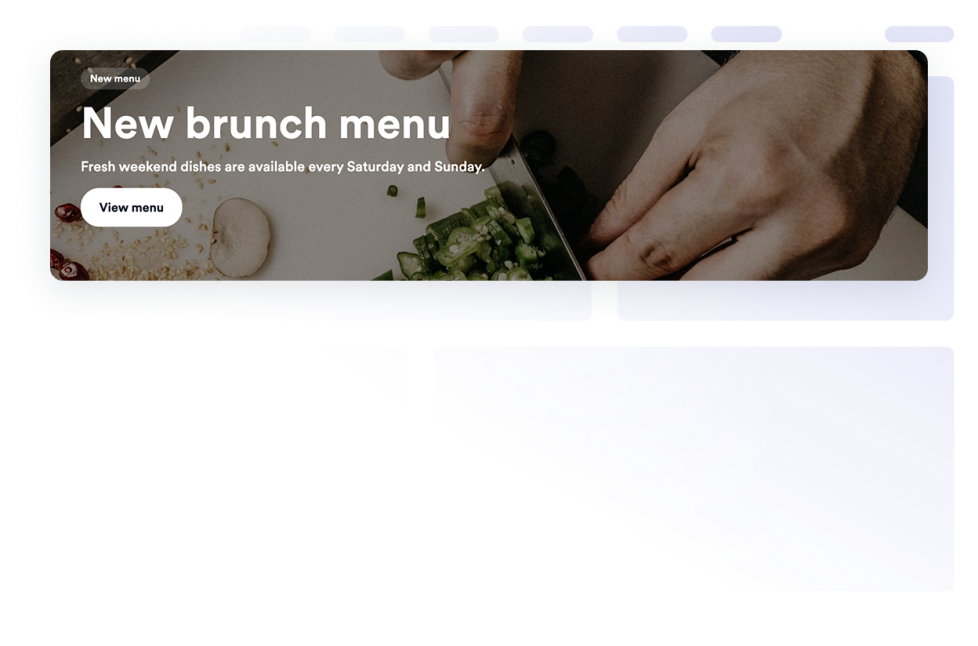
Add a Banner widget to your website for promotions, announcements, sales, events, coupons, countdowns, forms, images, videos, buttons, and clickable campaign banners.

Go to Category:E-commerceUse Widget
Popup

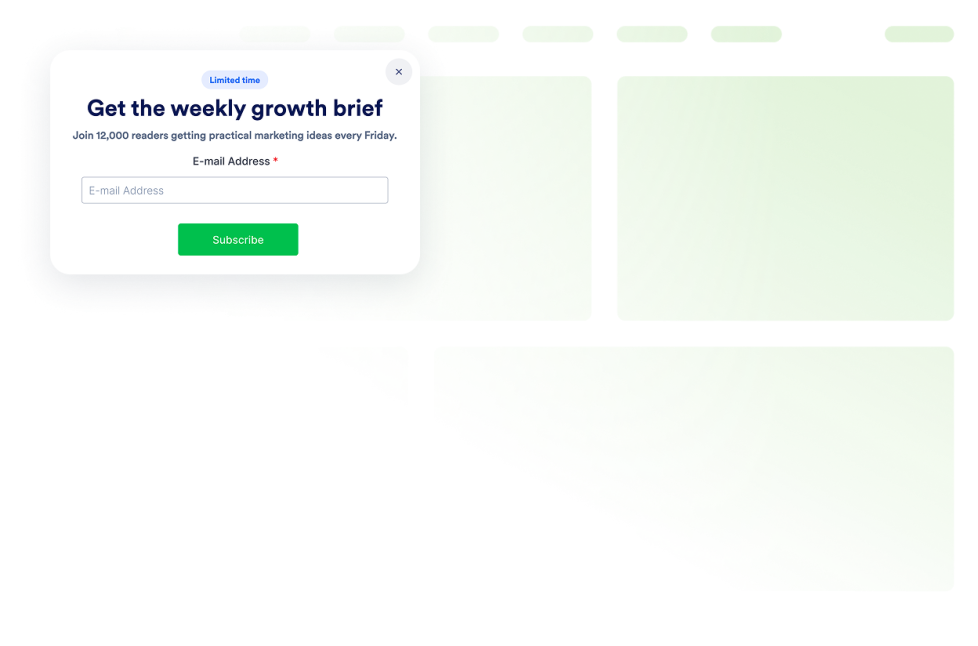
Add a Popup widget to your website for lead capture, announcements, discounts, newsletter signups, exit offers, and fixed bars. Build and embed it with Jotform.

Go to Category:E-commerceUse Widget
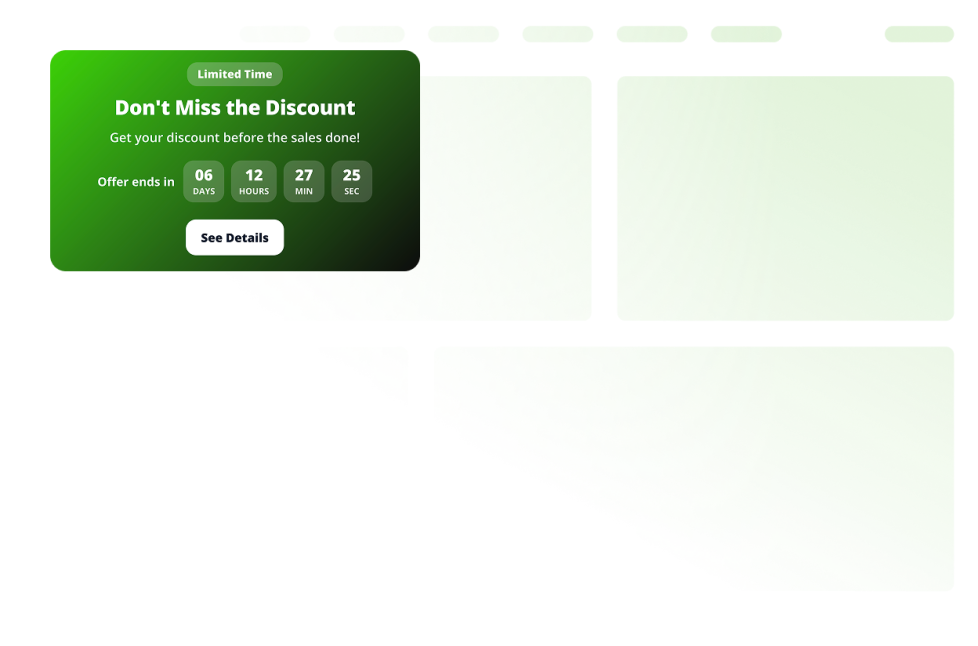
Announcement Bar

Add an Announcement Bar widget to your website for sales, launches, shipping notices, events, coupons, updates, and time-sensitive messages.

Go to Category:E-commerceUse Widget

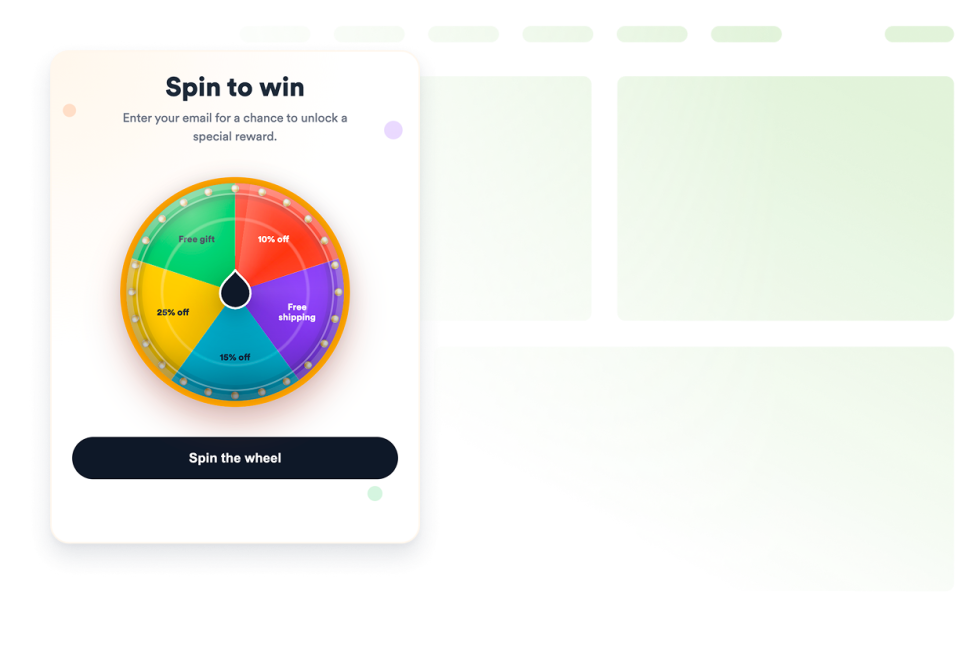
Spinning Wheel

Add a customizable spinning wheel widget to your website to run giveaways, collect leads, promote offers, and boost engagement without code.

Go to Category:E-commerceUse Widget
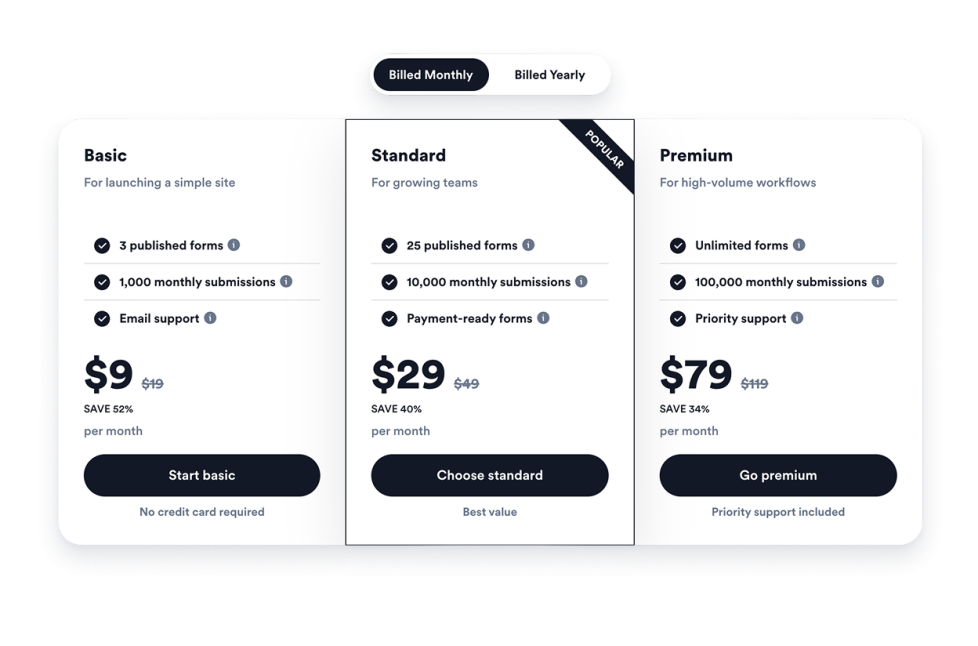
Pricing Table

Compare plans, highlight features, and drive conversions with a customizable Pricing Table Widget for any website.

Go to Category:E-commerceUse Widget
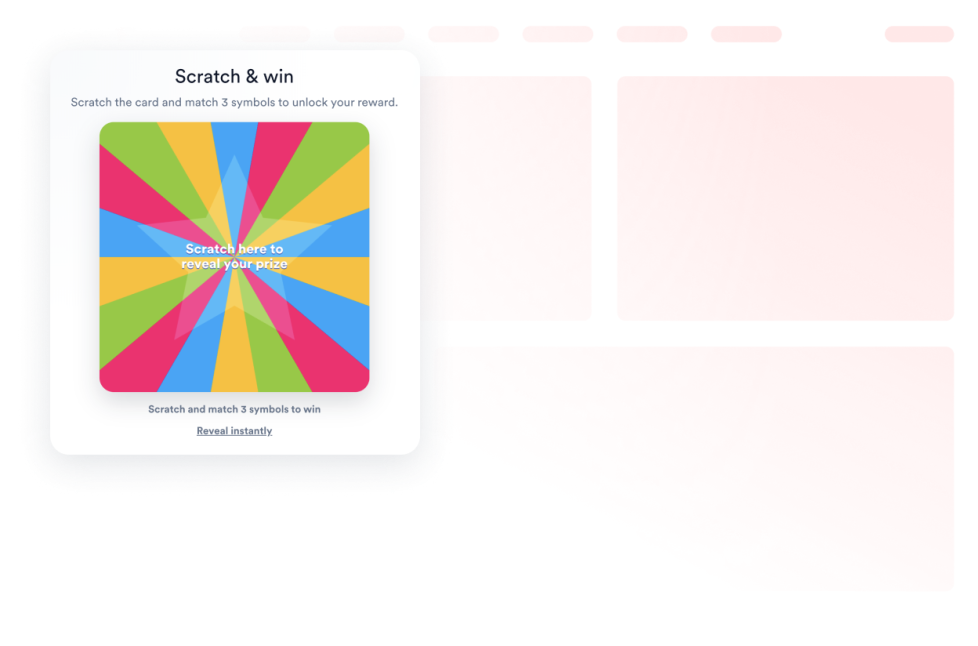
Scratch Card

Add a customizable scratch card widget to your website to run giveaways, collect leads, promote offers, and boost engagement without code.

Go to Category:E-commerceUse Widget

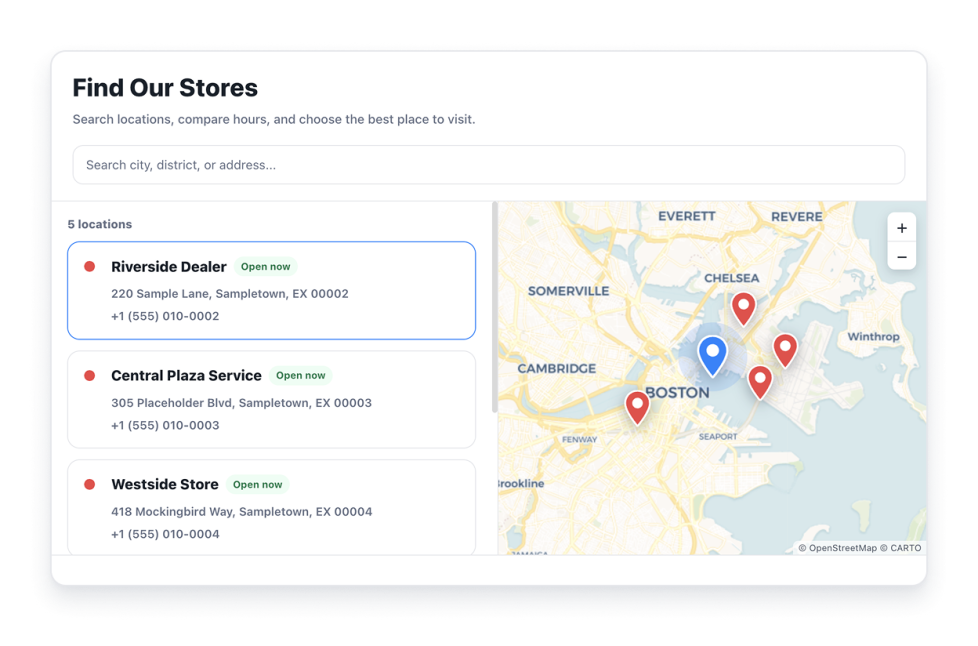
Store Locator Widget

Create a free store locator widget for your website with searchable locations, an interactive map, filters, store hours, directions, and custom styling.

Go to Category:E-commerceUse Widget

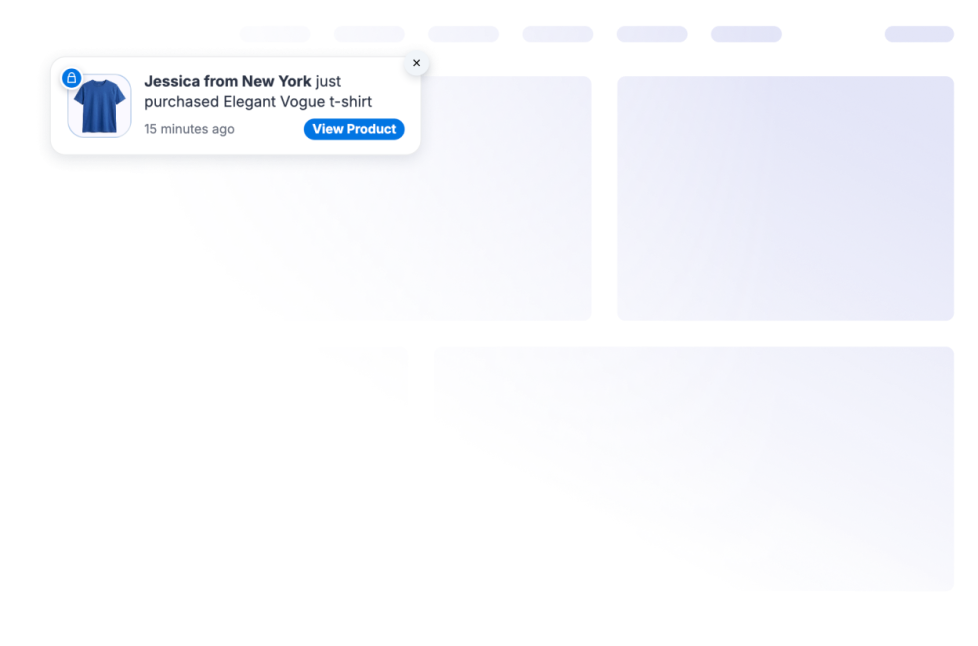
Sales Notification Widget

Display real-time sales notifications on your website to build trust, create urgency, and boost conversions. Customize your sales notification widget and embed it in minutes—no coding required.

Go to Category:E-commerceUse Widget

Size Chart

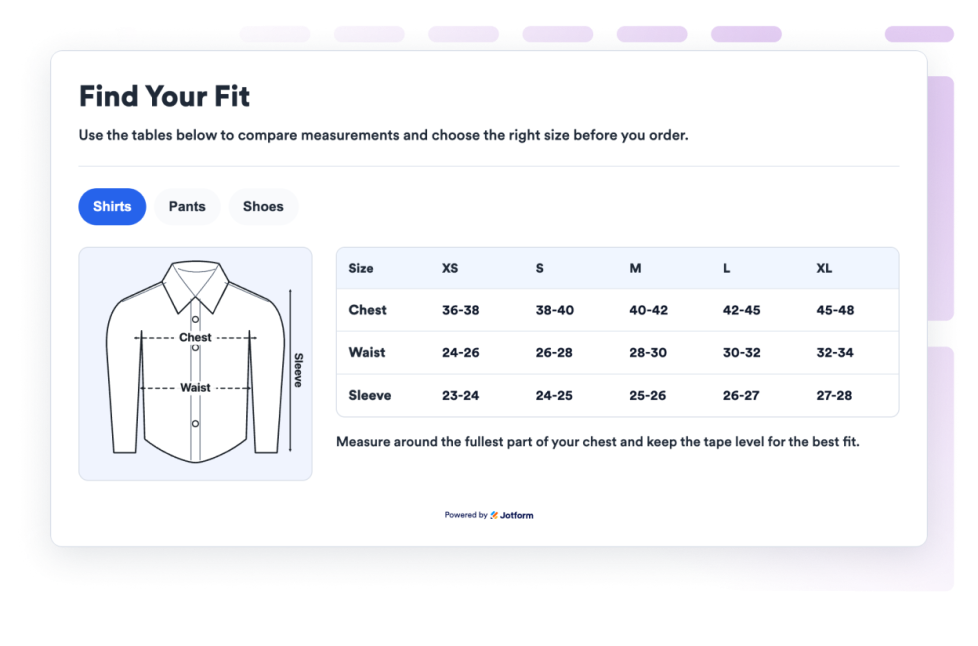
Add a Size Chart widget to your website so that shoppers can compare measurements, switch product categories, view guide images, and choose sizes without code.

Go to Category:E-commerceUse Widget

Smart App Banner

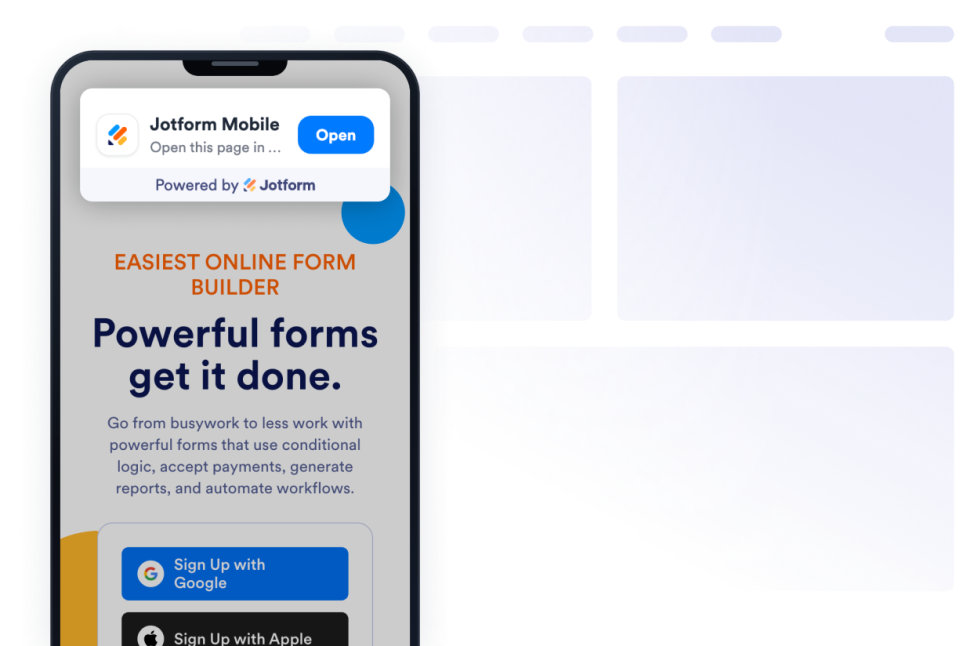
Add a Smart App Banner Widget to your website to promote your mobile app, direct visitors to the right app store, and customize the banner design with no code.

Go to Category:E-commerceUse Widget

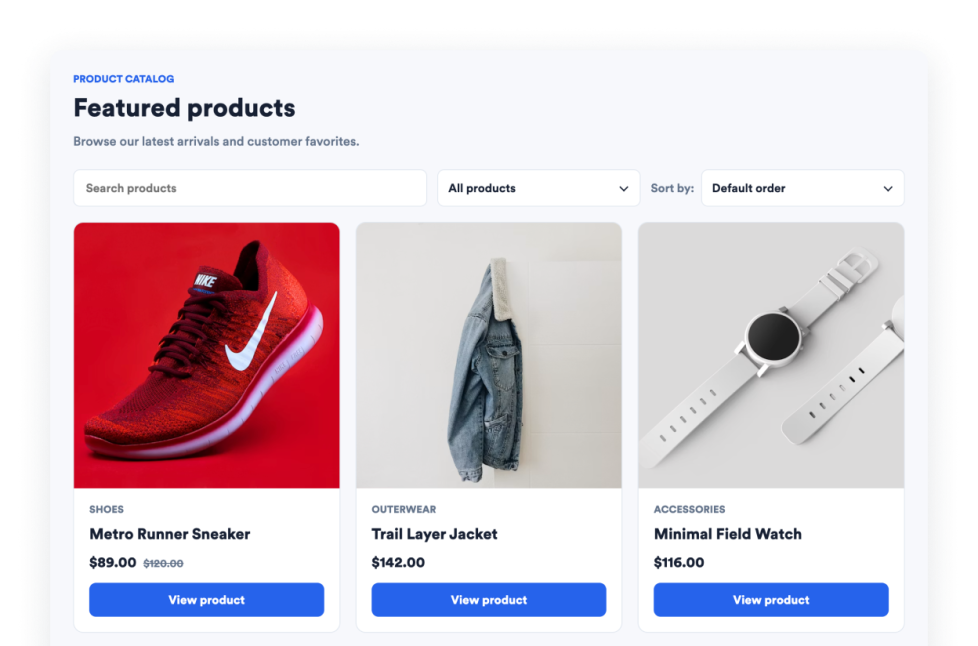
Product Catalog

Add a Product Catalog widget to your website to showcase products with images, descriptions, pricing, categories, and customizable layouts that help visitors browse and discover your offerings.

Go to Category:E-commerceUse Widget
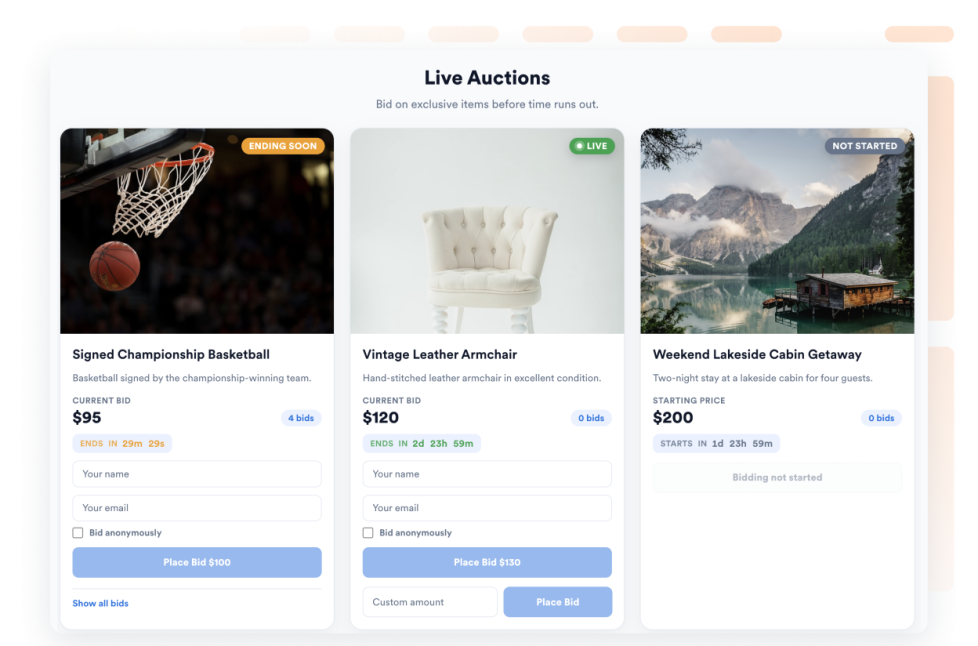
Auction

Showcase auction lots on your website with images, descriptions, starting prices, bid increments, and a live countdown to each lot's end time. Visitors can place the next available bid or enter a custom bid amount, all without writing code.

Go to Category:E-commerceUse Widget
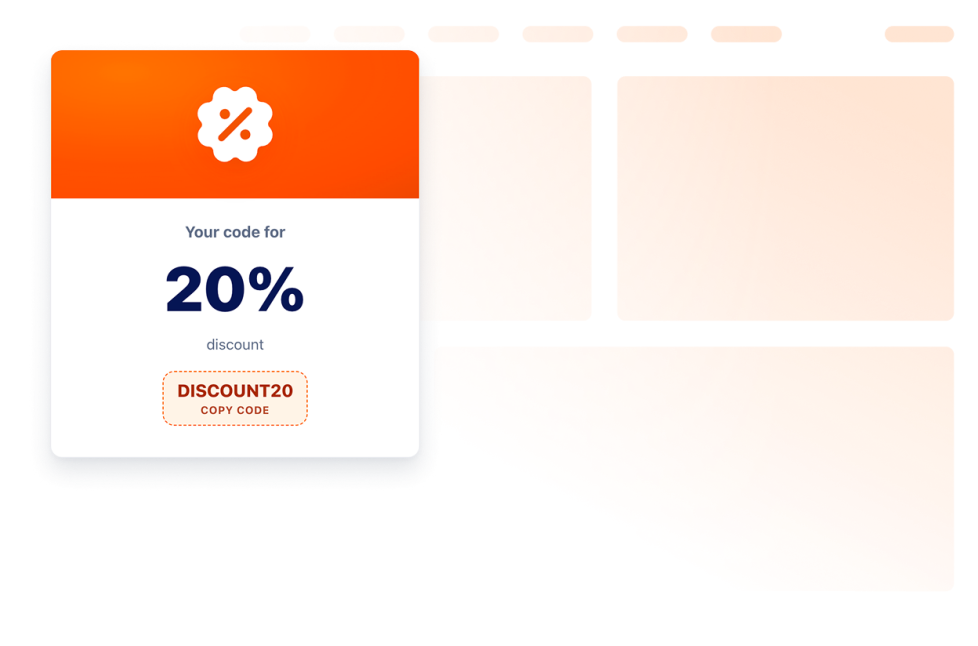
Coupon

Embed a coupon widget to your website in seconds. Display discount codes, offers, deals, and cart-recovery promos. Style each offer to match your brand.

Go to Category:E-commerceUse Widget

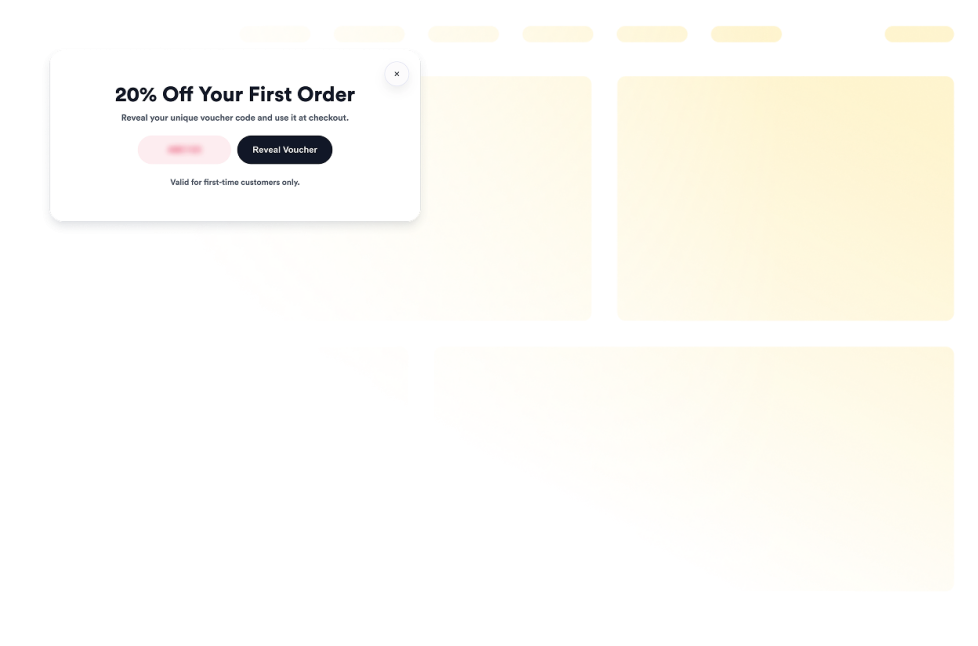
Vouchers

Add vouchers to your website in seconds. Customize the design, choose how your offer appears, and embed it with Jotform’s no-code website widget builder.

Go to Category:E-commerceUse Widget

Product Recommendations

Add a free Product Recommendations widget to your website. Showcase curated product suggestions with customizable layouts and embed them without coding.

Go to Category:E-commerceUse Widget
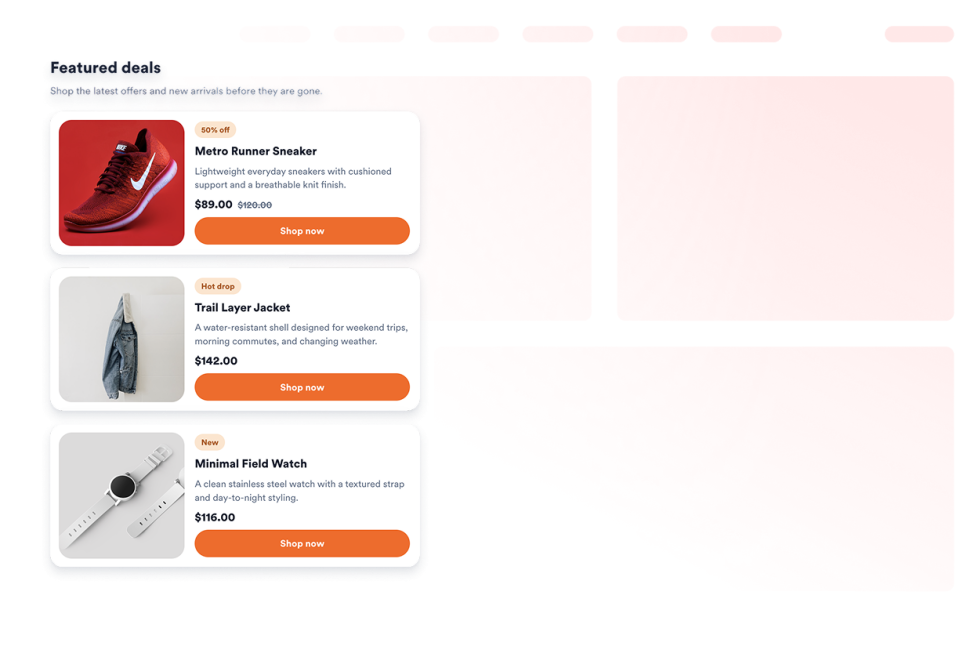
Product Cards

Add a Product Cards widget to your website. Curate up to six products with images, prices, badges, and CTA buttons, then style the grid with no code.

Go to Category:E-commerceUse Widget
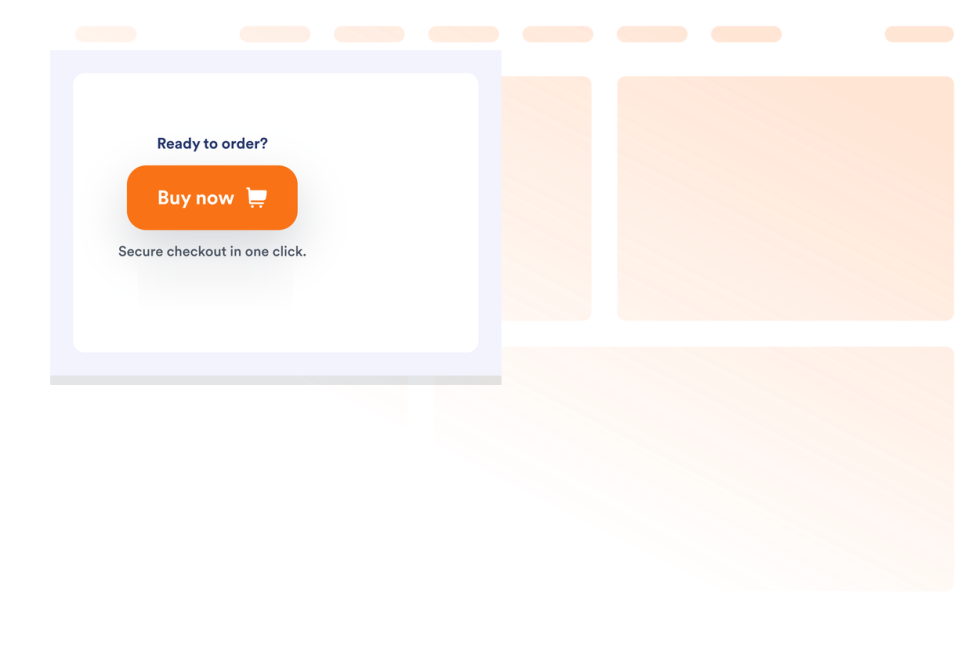
Buy Button

Add a Buy Button widget to send shoppers to product, cart, checkout, or payment URLs with a customizable purchase CTA.

Go to Category:E-commerceUse Widget
About E-commerce Widgets

E-commerce widgets help you promote products, sales, events, offers, store details, and purchase actions on your website without custom code. These embeddable widgets can support common shopping and campaign needs, such as showing banners, displaying coupons, adding product cards, sharing store locations, comparing pricing, or guiding visitors to checkout.

With Jotform’s e-commerce widgets, you can choose a widget, customize its settings, adjust the design, and embed it on your website. E-commerce widgets work well on online stores, product pages, landing pages, pricing pages, campaign pages, event pages, restaurant websites, and service websites where visitors may need clear offers, product information, or purchase paths.

What can you do with e-commerce widgets?

E-commerce widgets can help you:

  • Promote sales, product launches, events, coupons, and special offers
  • Add embeddable product sections such as product cards, product catalogs, and product recommendations
  • Display pricing tables, buy buttons, vouchers, auctions, and size charts
  • Show store locations, sales notifications, announcement bars, popups, and campaign banners
  • Help visitors compare products, understand offers, find stores, choose sizes, or move toward checkout
  • Customize layouts, colors, buttons, messages, and display options to match your website
  • Keep visitors on your website instead of sending them to another tool or campaign page

Popular e-commerce widget use cases

E-commerce widgets can be used across different parts of a website based on what visitors need before they take action. For example, a Banner widget or Announcement Bar widget can promote sales, shipping notices, product launches, or limited-time offers, while a Coupon widget or Vouchers widget can highlight discounts and deals. A Product Catalog widget can help visitors browse products with images, pricing, categories, and descriptions, and a Buy Button widget can send shoppers to a product, cart, checkout, or payment URL.

E-commerce widgets are especially useful when a page needs to make product information, offers, or purchase actions easier to find. They can support product discovery, campaign promotion, lead capture, store visits, pricing comparison, size selection, auctions, discounts, and checkout actions in a compact section.

Easy e-commerce widgets for online stores and campaigns

Embeddable e-commerce widgets are useful for small teams, SMBs, online stores, local businesses, creators, restaurants, agencies, event teams, and service providers that want to promote products, offers, or purchase actions without relying on a developer or designer.

With Jotform, users can choose an e-commerce widget, customize product details, offers, buttons, layouts, and display settings, copy the embed code, and add it to their website without custom code. This makes it easier to highlight campaigns, showcase products, share discounts, guide shoppers, or move visitors toward a purchase or signup action from a single no-code builder.

Related guides

To learn more about setting up and managing widgets, users can read Jotform’s guide on managing website widgets. The guide explains that users can create new widgets, edit existing widgets, copy embed codes, control widget visibility, and organize your widget assets from the My Website Widgets page.

E-commerce Widgets FAQ

What are e-commerce widgets?

E-commerce widgets are embeddable website tools that help display products, offers, pricing, coupons, store details, purchase buttons, campaign messages, or shopping-related information directly on a webpage.

Where should I use e-commerce widgets?

You can use e-commerce widgets on online stores, product pages, pricing pages, landing pages, checkout-related pages, campaign pages, event pages, restaurant websites, and local business websites. The best placement depends on whether visitors need to browse products, compare pricing, use a coupon, find a store, or take action.

Can I customize e-commerce widgets?

Yes. E-commerce widgets can usually be customized before they are embedded. Depending on the widget, you can adjust product details, pricing, images, buttons, offers, layouts, colors, spacing, display rules, and other design options.

Do e-commerce widgets require coding?

No. Jotform e-commerce widgets can be added without custom coding. After customizing a widget, users can embed it on a website using the provided embed code.