Audio widgets help you add music, podcasts, radio streams, voice recordings, and sound clips to your website without custom code. These embeddable widgets can support a variety of audio content, including podcast episodes, playlists, embedded Spotify content, live radio, interviews, lessons, announcements, and branded audio clips.
With Jotform’s audio widgets, you can choose a widget, customize its settings, adjust the design, and embed it on your website. Audio widgets work well on blogs, creator websites, media pages, course pages, event pages, community pages, portfolio pages, radio websites, and business websites where visitors may want to listen directly on the page.
What can you do with audio widgets?
Audio widgets can help you:
- Add embeddable audio content to your website without writing code
- Share podcasts, playlists, radio streams, voice recordings, or sound clips
- Let visitors listen to audio directly from your page
- Add podcast previews, interview clips, course audio, music sections, or branded audio updates
- Customize player layout, colors, labels, display options, and audio details based on the widget
- Keep visitors on your website instead of sending them to another audio platform right away
Popular audio widget use cases
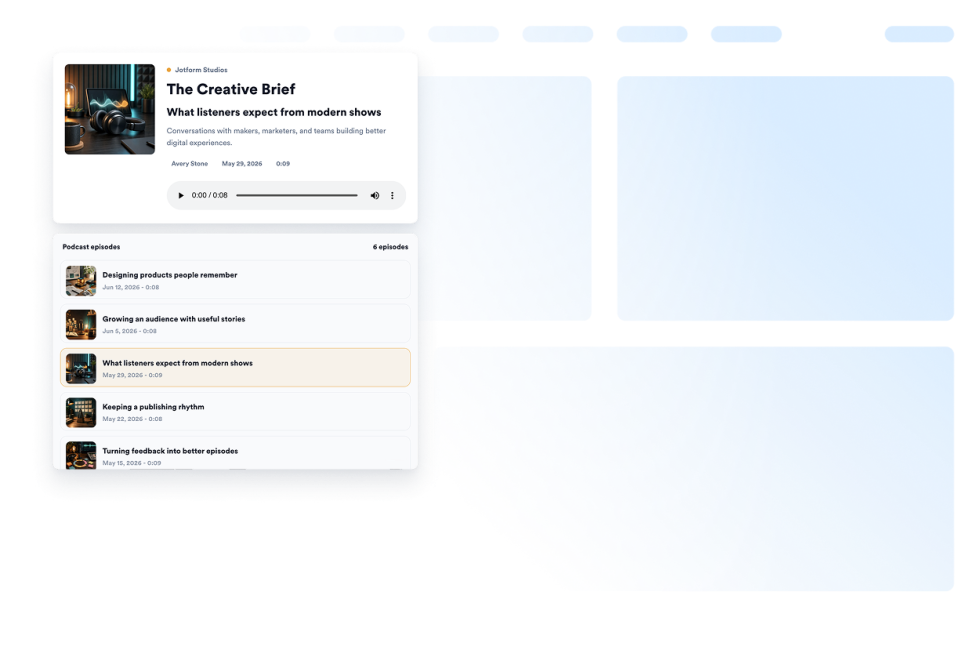
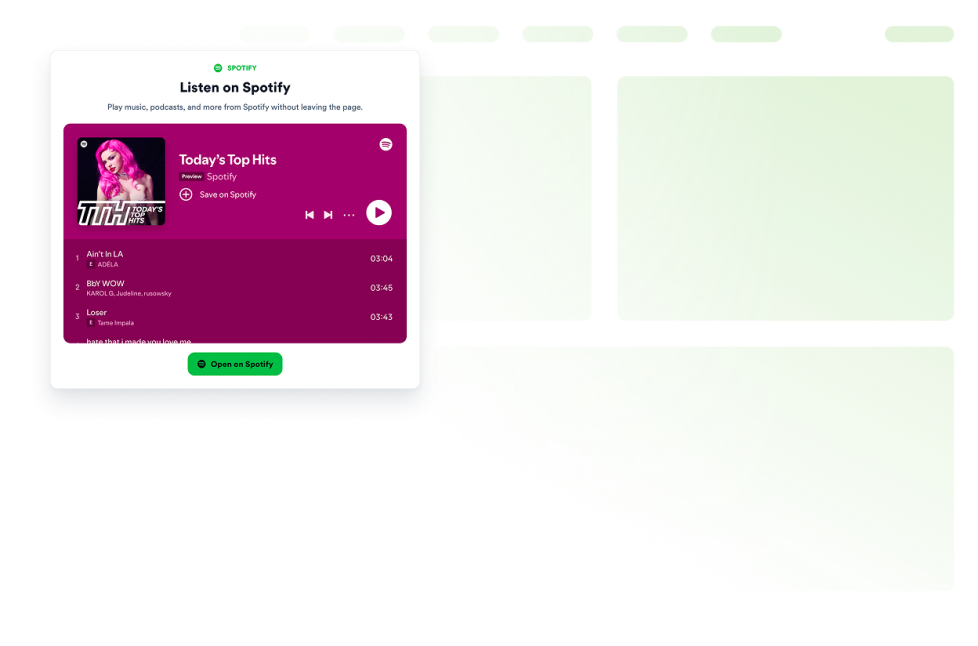
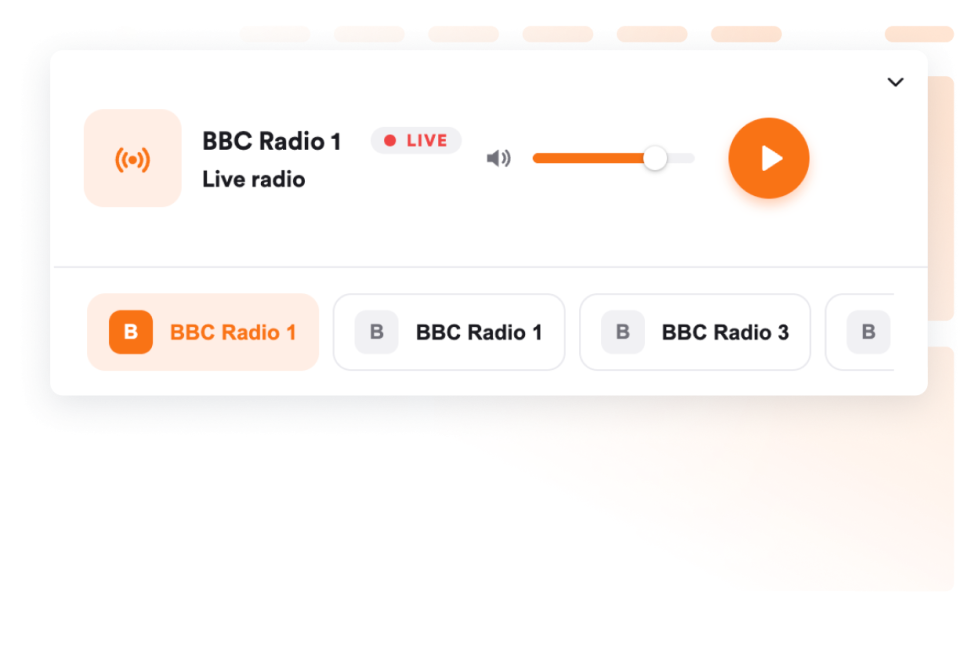
Audio widgets can be used across different parts of a website based on what visitors need to hear. For example, a Podcast widget can help creators, educators, media brands, and businesses share episodes, interviews, lessons, or community updates directly on a webpage. A Spotify Embed widget can help display playlists, albums, artists, or podcast content from Spotify, while a Radio Player widget can support live or scheduled audio streams for stations, communities, events, or organizations.
Audio widgets are especially useful when a page needs to add listening options without making visitors leave the site. They can support podcast discovery, course previews, music promotion, radio listening, event updates, creator portfolios, media pages, and community announcements in a compact section.
Easy audio widgets for creators, media pages, and communities
Embeddable audio widgets are useful for creators, podcasters, educators, media teams, musicians, radio stations, community managers, event teams, nonprofits, agencies, and small businesses that want to share audio content without relying on a developer or designer.
With Jotform, users can choose an audio widget, customize the player content and design, copy the embed code, and add it to their website without custom code. This makes it easier to publish podcasts, share music, add audio previews, support listeners, or guide visitors toward a subscription, signup, event, or next action from one no-code builder.
Related guides
To learn more about setting up and managing widgets, users can read Jotform’s guide on managing website widgets. The guide explains that users can create new widgets, edit existing widgets, copy embed codes, control widget visibility, and organize your widget assets from the My Website Widgets page.
What are audio widgets?
Audio widgets are embeddable website tools that let visitors listen to podcasts, music, playlists, radio streams, voice recordings, or sound clips directly on a webpage.
Where should I use audio widgets?
You can use audio widgets on blogs, media pages, podcast pages, course pages, event pages, portfolio pages, community pages, radio websites, and business websites. The best placement depends on whether visitors need to hear an episode, preview a lesson, listen to music, follow a stream, or explore audio content.
Can I customize audio widgets?
Yes. Audio widgets can usually be customized before they are embedded. Depending on the widget, you can adjust player layout, colors, labels, audio details, display settings, spacing, and other design options.
Do audio widgets require coding?
No. Jotform audio widgets can be added without custom coding. After customizing a widget, users can embed it on a website using the provided embed code.