Button Widget for your website
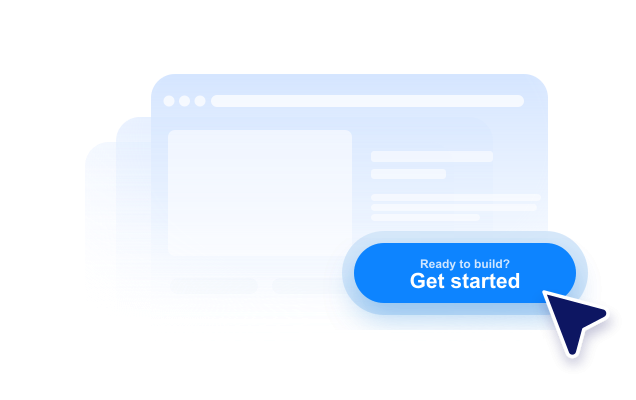
Create a no-code CTA button that sends visitors to the right next step. Link to a page, start a call, open an email, launch a chat, or scroll to a page section with a button you can style and embed anywhere.
Create Now — It’s Free!

How to create a Button widget
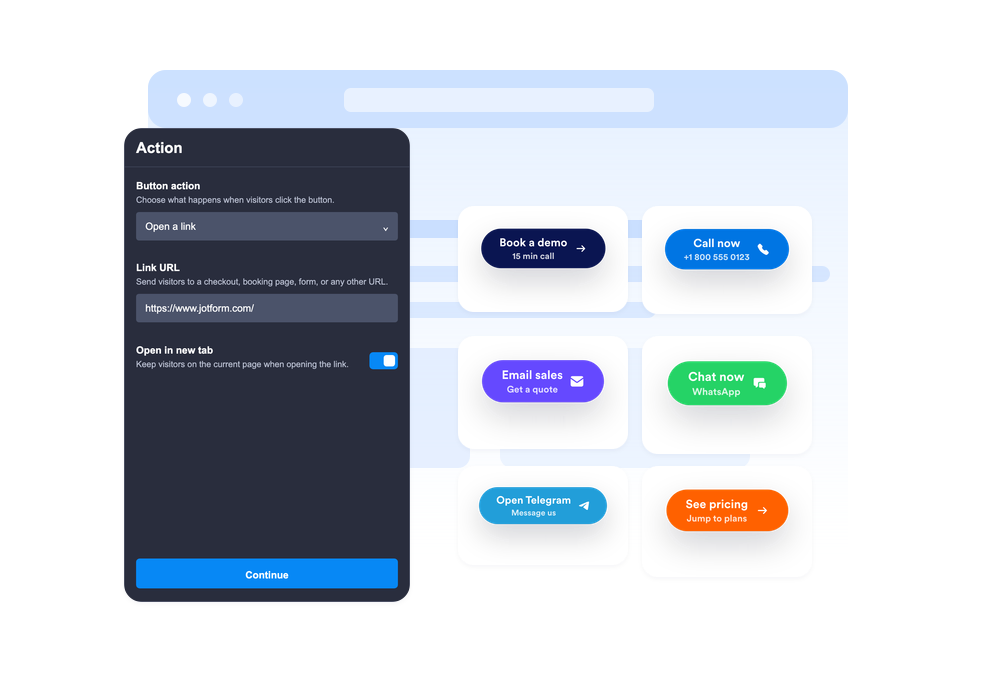
Choose the button action
Select whether the button opens a link, starts a phone call, creates an email, opens WhatsApp or Telegram, or scrolls to a page section.
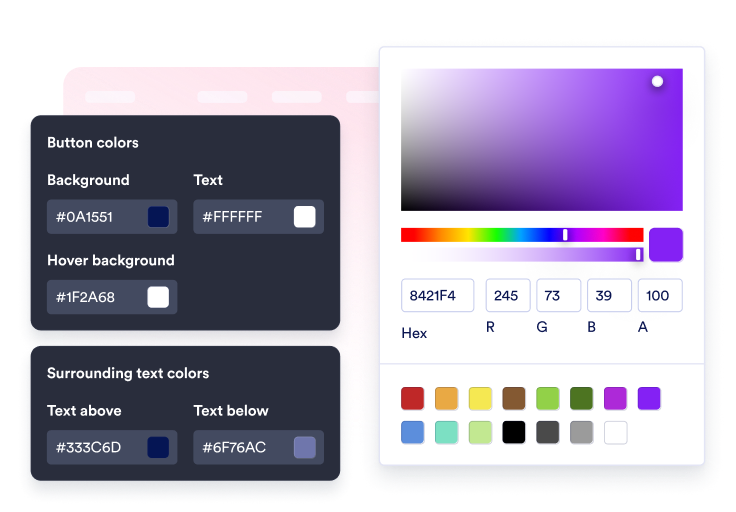
Customize content and style
Edit the label, optional second line, surrounding text, icon, colors, size, corner radius, shadow, and placement.

Embed it on your site
Preview the CTA in context, copy the generated embed code, and publish the button on your website without custom code.
Guide visitors to the next action in one click
Connect the button to multiple actions
Use one widget for sales links, sign-up forms, support emails, phone calls, WhatsApp chats, Telegram chats, social profile links, or smooth section jumps.
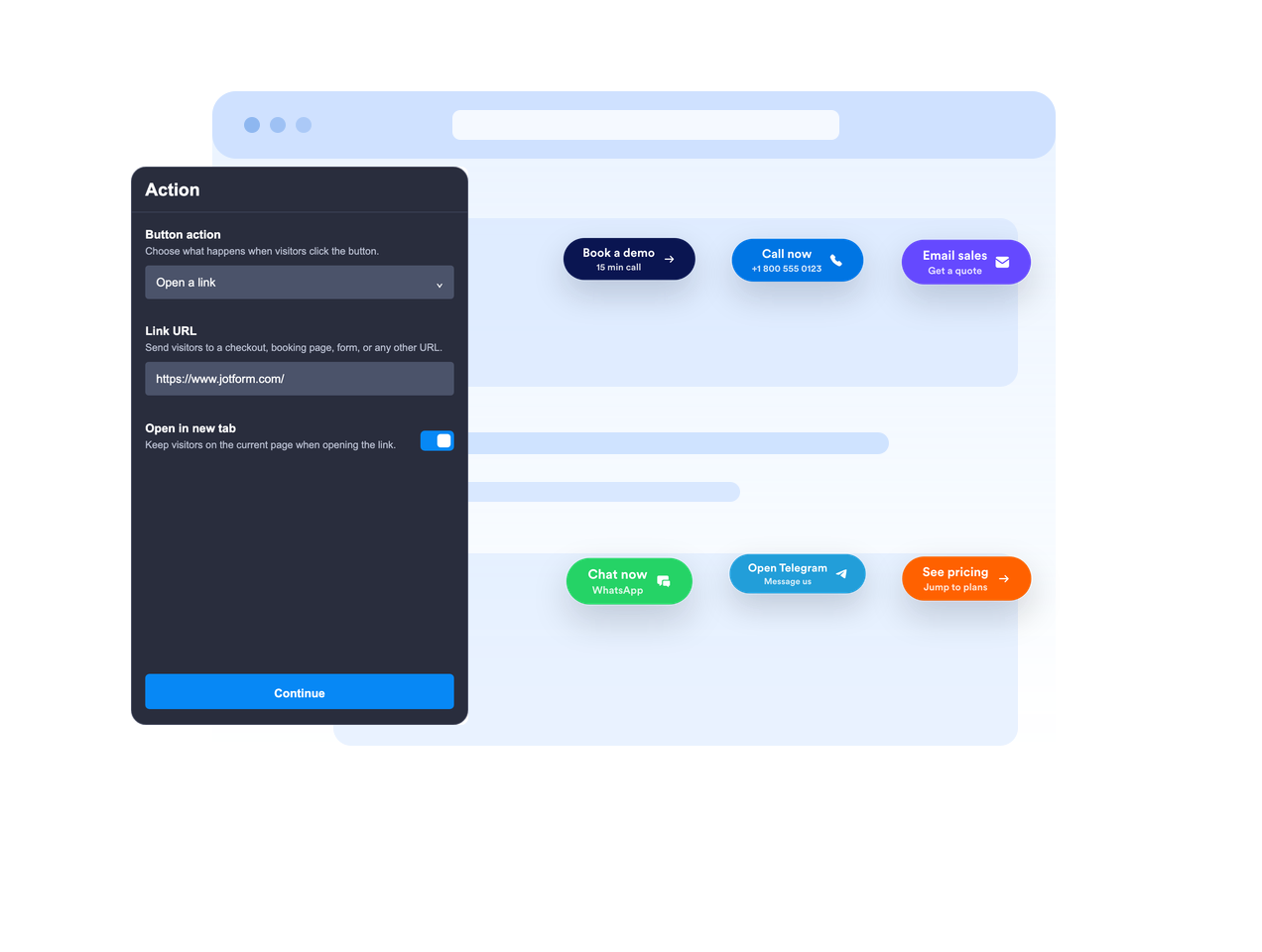
Place it inline or keep it floating
Embed the button in page content or let it float in a fixed screen position so the call to action stays visible while visitors scroll.

Make the CTA message clear
Use a primary label, optional second line, text above, and text below to give visitors enough context before they click.
Match your website style
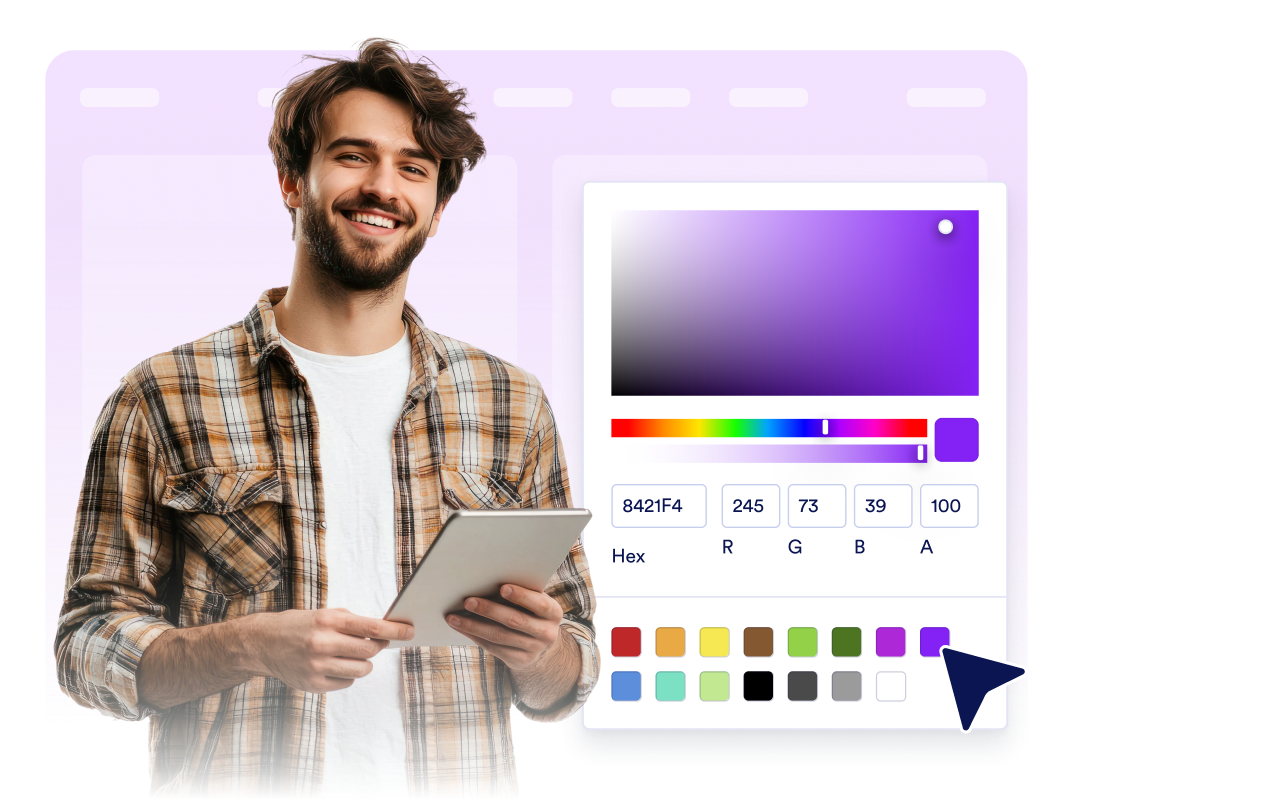
Adjust icon placement, button height, padding, font size, colors, hover color, corner radius, shadow, device visibility, branding, and scoped custom CSS.
Why Jotform Website Widgets stand out
Jotform’s widgets make your website more interactive and increase conversions. There are many tools available, from star ratings and testimonial sliders to social proof popups and media embeds. Add widgets to your forms or landing pages to collect data, display proof, and capture leads — no coding required.
Add Jotform widgets to your website with a simple embed code. Customize the widget, preview how it looks, and paste it into any page that supports custom HTML or embed blocks, all without a developer.
Use Jotform Website Widgets to collect leads, show customer feedback, display social proof, embed media, or add helpful web page tools. Each widget helps visitors interact with your business directly from your website.
If you need help setting up, customizing, embedding, or troubleshooting your widget, Jotform’s customer support team is available 24-7. You can move forward with confidence, knowing that help is there when you need it.
Where to use your Button widget
Add a Button widget anywhere visitors need a clear next step, especially on pages where the primary action should stay easy to find.
Landing pages to send visitors to sign-up forms, pricing, checkout, booking, or demo requests.
Product pages to highlight add-to-cart, shop-now, contact-sales, or request-a-quote actions.
Support pages to start email, phone, WhatsApp, or Telegram conversations from a single CTA.
Blog posts and long-form guides to jump readers to forms, downloads, offers, or relevant sections.
Social campaign pages to send visitors to Instagram, Facebook, TikTok, X, Pinterest, or other profile links.
Mobile pages where a compact floating CTA can make calling, chatting, or buying faster.
Convert leads into paying customers with the Jotform Form Builder
Turn engagement into action with Jotform. Create powerful forms that capture leads, collect payments, and automate responses, all in one place. Every submission lands in your Jotform Inbox, where you can follow up or connect with your favorite apps.
Get Started — It’s Free!
FAQ
What is a Button widget?
A Button widget is a customizable call-to-action button you can embed on your website. It can open links, calls, emails, chats, and page sections.
What actions can the button perform?
Can the button float on the screen?
Can I customize the button text?
Can I use an icon?
Can I match the design to my website?
Does the Button widget work on mobile?
Do I need to write code?