Free Age Verification Widget for Your Website
Place a customizable age verification popup before restricted website content. Jotform’s Age Verification Widget lets you set the minimum age, choose a confirmation method, customize the messaging, remember approved visitors, and embed the age gate without coding.
How to create a Age Verification widget
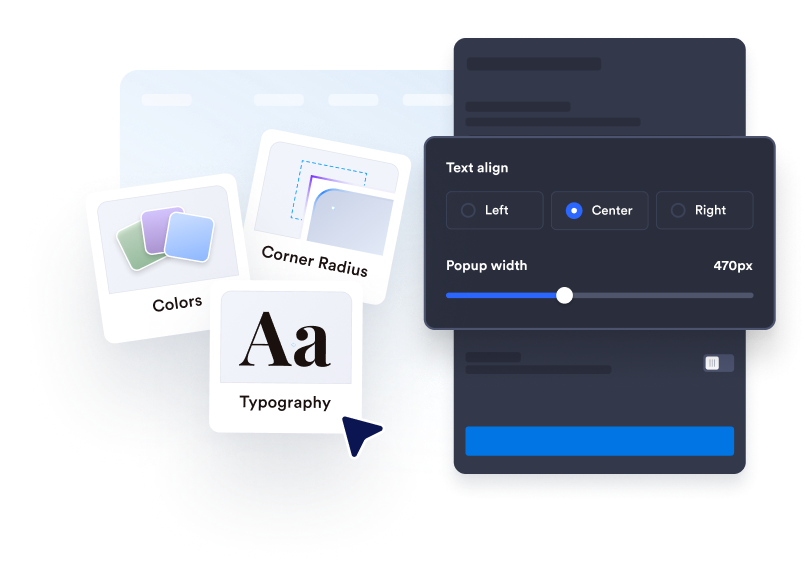
Customize the age gate
Write your verification message, edit the button text, and add any supporting legal information. Customize the colors, width, corners, and optional media to match your website.
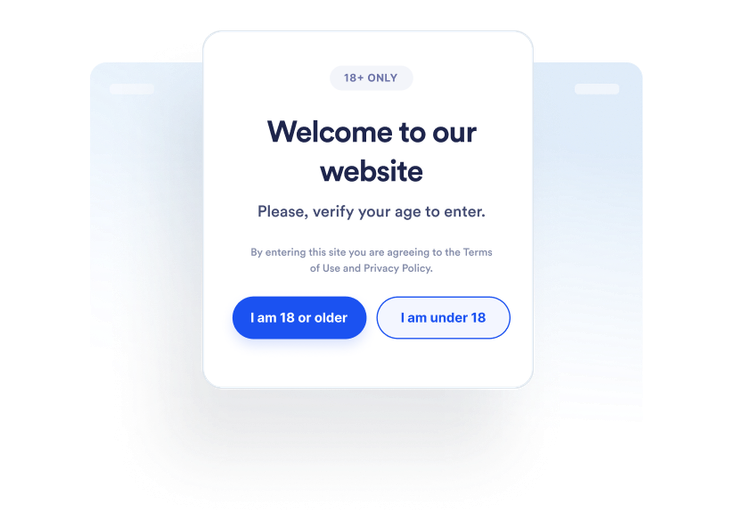
Set visitor behavior
Choose how visitors confirm their age and what happens when they do not meet the requirement. You can also decide whether approved visitors are remembered and for how long.
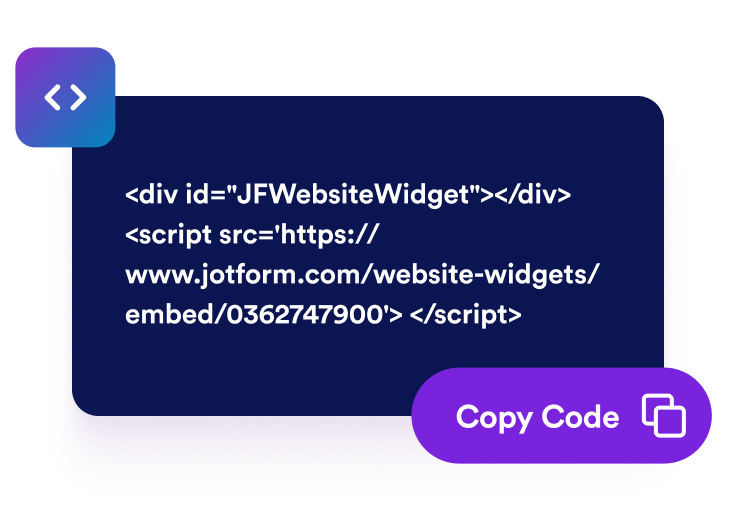
Embed it anywhere
Preview and publish the widget, copy the generated embed code, and paste it into a custom HTML or embed block on pages that require an age check.
Place age checks before restricted website content
Ask visitors to confirm eligibility
Display an age verification popup before visitors continue to restricted products, events, communities, or media. Set a minimum age between 5 and 100 based on the requirement you need to communicate.
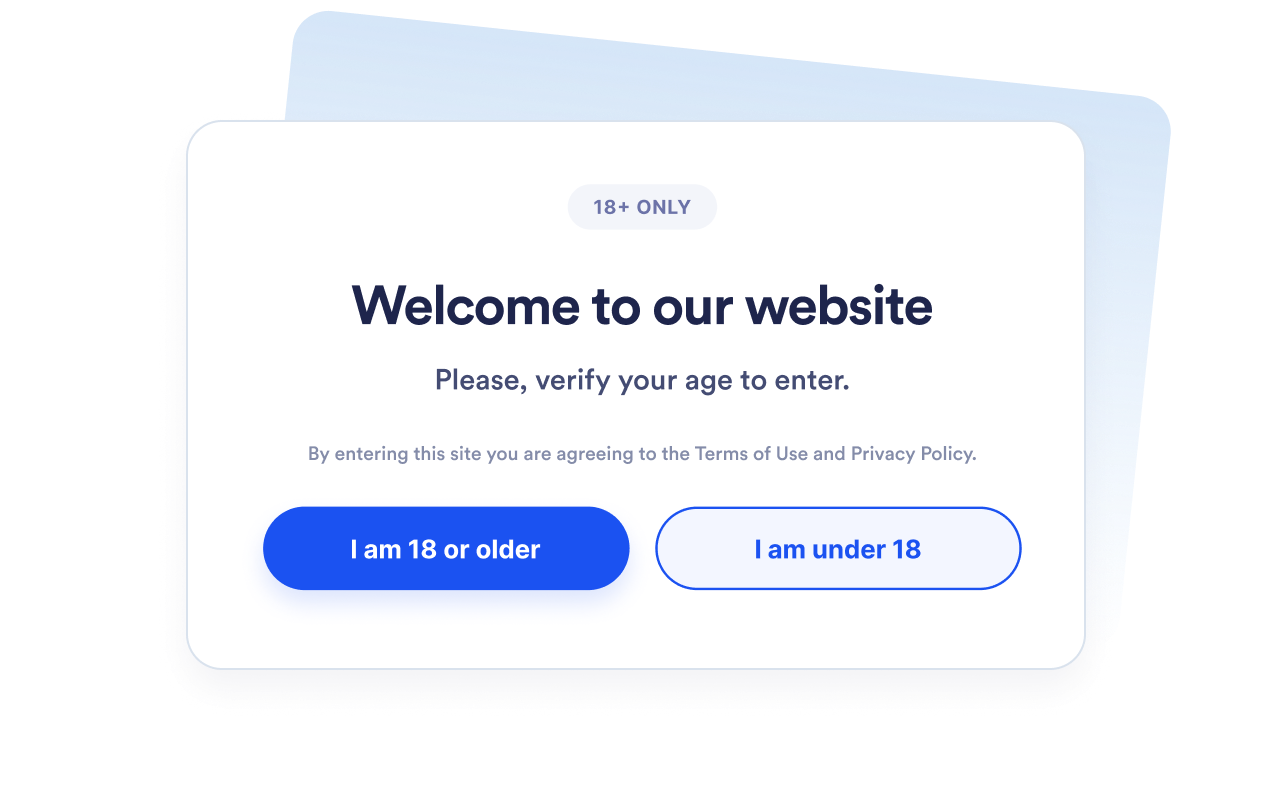
Choose the right verification method
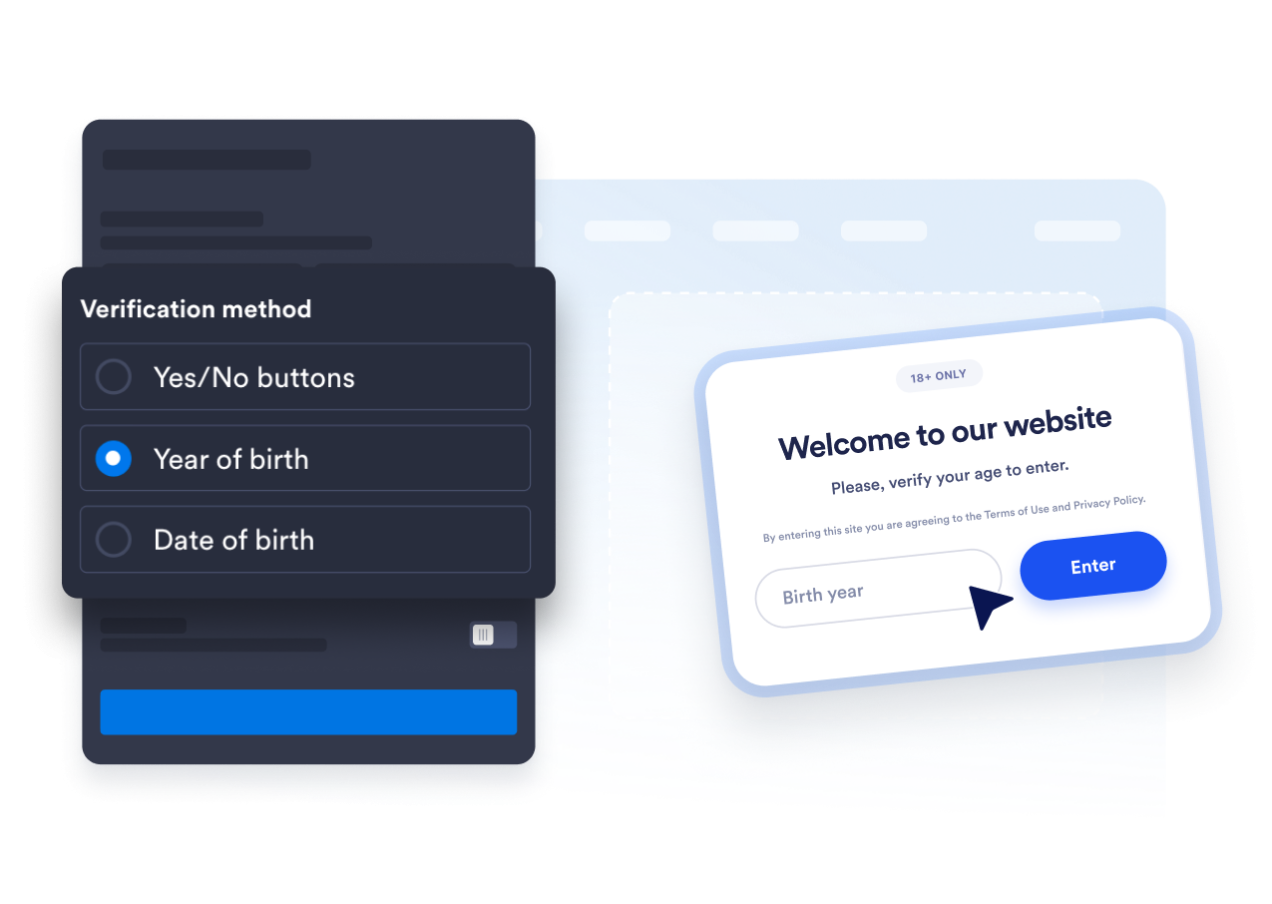
Use yes-or-no confirmation buttons, request a birth year, or ask visitors for their complete date of birth. This lets you choose between a quick acknowledgment and a more detailed age-calculation flow.
Match the popup to your website
Edit the heading, caption, buttons, underage message, and supporting legal note. You can also customize colors, popup width, corner radius, and optional media so the age gate fits your brand.

Avoid repeated age confirmation prompts
Remember approved visitors for the current session, one day, seven days, one month, six months, or one year. This reduces repeated interruptions when eligible visitors return during the selected period.

Why Jotform Website Widgets stand out
Jotform’s widgets make your website more interactive and increase conversions. There are many tools available, from star ratings and testimonial sliders to social proof popups and media embeds. Add widgets to your forms or landing pages to collect data, display proof, and capture leads — no coding required.
Add Jotform widgets to your website with a simple embed code. Customize the widget, preview how it looks, and paste it into any page that supports custom HTML or embed blocks, all without a developer.
Use Jotform Website Widgets to collect leads, show customer feedback, display social proof, embed media, or add helpful web page tools. Each widget helps visitors interact with your business directly from your website.
If you need help setting up, customizing, embedding, or troubleshooting your widget, Jotform’s customer support team is available 24-7. You can move forward with confidence, knowing that help is there when you need it.
Where to use your Age Verification widget
Place the widget before pages where visitors should confirm that they meet an age requirement before viewing content or continuing.
Alcohol and beverage stores to request age confirmation before visitors browse regulated products.
Tobacco and vape websites to place an eligibility check before restricted product content.
Event and nightlife pages to confirm age requirements before ticketing or registration.
Membership communities to gate mature or age-restricted areas before entry.
Media and entertainment pages to request confirmation before displaying mature content.
Promotional landing pages to communicate age requirements before visitors access an offer.
Convert leads into paying customers with the Jotform Form Builder
Turn engagement into action with Jotform. Create powerful forms that capture leads, collect payments, and automate responses, all in one place. Every submission lands in your Jotform Inbox, where you can follow up or connect with your favorite apps.
Get Started — It’s Free!
FAQ
What is an Age Verification widget?
An Age Verification widget displays a popup asking visitors to confirm that they meet a minimum age requirement before continuing. It can use confirmation buttons, a birth year, or a complete date of birth.
Is the Jotform Age Verification widget free?
How do I add age verification to my website?
Do I need to write code?
Which age verification methods are available?
Can I change the minimum age?
What happens when a visitor is underage?
Can approved visitors be remembered?
Can I control which pages display the popup?
Does the widget verify a visitor’s identity?
Which website platforms support the Age Verification widget?
Can I get help setting up my Age Verification widget?