Free HTML Quiz Maker
Jotform’s HTML quiz maker is a no-code builder that allows anyone to create interactive quizzes and embed them directly into websites. Use it to design custom assessments from scratch or use 20,000+ templates, grading responses automatically and gathering data for analysis. The tool generates the necessary embed code for you, making it easy to publish quizzes that track performance and engage users.
Szablony
Explore HTML Quiz Templates
Don’t have time to build your own quiz? No problem! Choose one of our ready-made quiz templates to get your creativity going. Then customize your quiz to match your needs and send it to your audience to start gathering responses.
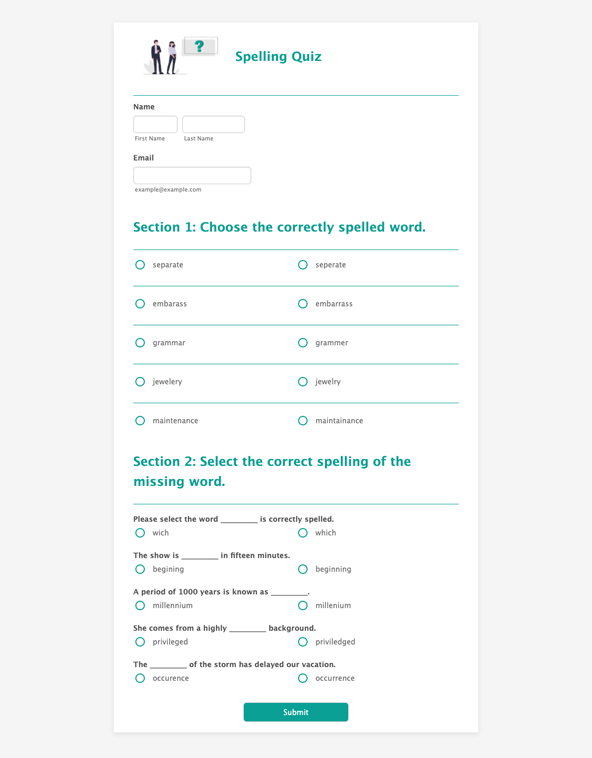
Quiz ortograficzny
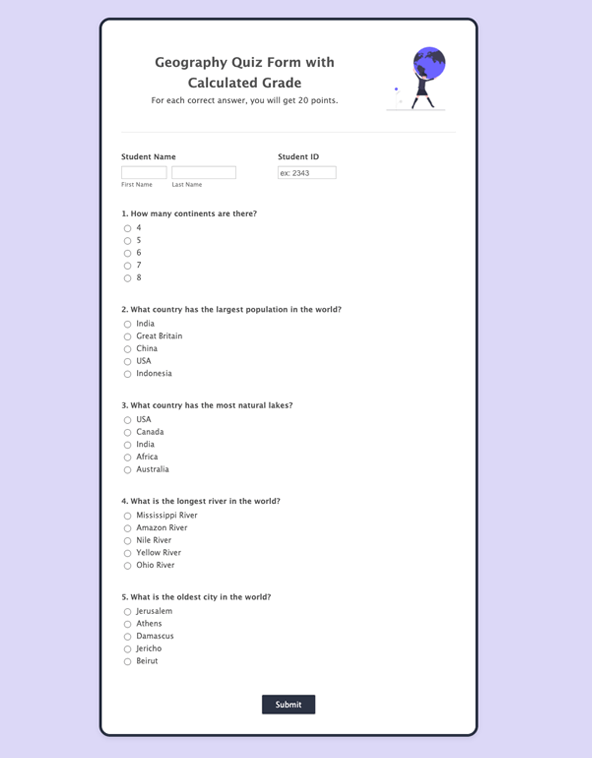
Geography Quiz
Quiz o Przyjaciołach

Benefits
Build Custom Quizzes in Seconds
Drag-and-Drop HTML Quiz Builder
Build a quiz with an HTML quiz maker that uses a drag-and-drop builder instead of code. Add images or videos, then adjust fonts, colors, and logos to match the quiz design. This makes it easier to publish a quiz that looks consistent with the rest of a website or portal.
Manage and Visualize Data
Review quiz responses in one place after participants submit answers. Send form submissions to Jotform Tables so responses are organized in a spreadsheet-style workspace that can be filtered and categorized. Create visual reports from the same response data when a team needs a shareable summary of results.
Embed Your Quizzes
Publish quizzes by embedding them directly on a website using Jotform’s embed code. Share the same quiz as a direct link or with a scannable QR code when people need quick access from a phone. These options help teams place the quiz where the audience already is, instead of sending people to a separate destination.
Track Results from Anywhere
Check quiz results from any device so teams can monitor performance without being tied to a desktop. Use mobile submission alerts to get notified when new responses arrive, then open the response data to review what changed. This makes it easier to follow quiz activity during events, classes, or campaigns that run outside normal office hours.
Zaświadczenia