
Using Insights, you can compare forms from all metrics across different periods of time. Want to see how the form did on Christmas? What about for the last year? This process is the same for every section of Form Insights, and filters stay the same when you change tabs, so you can compare across a variety of metrics. Let’s walk through how to change this together:
How to Select Date Range in Form Insights
You can follow the steps below to select a date range:
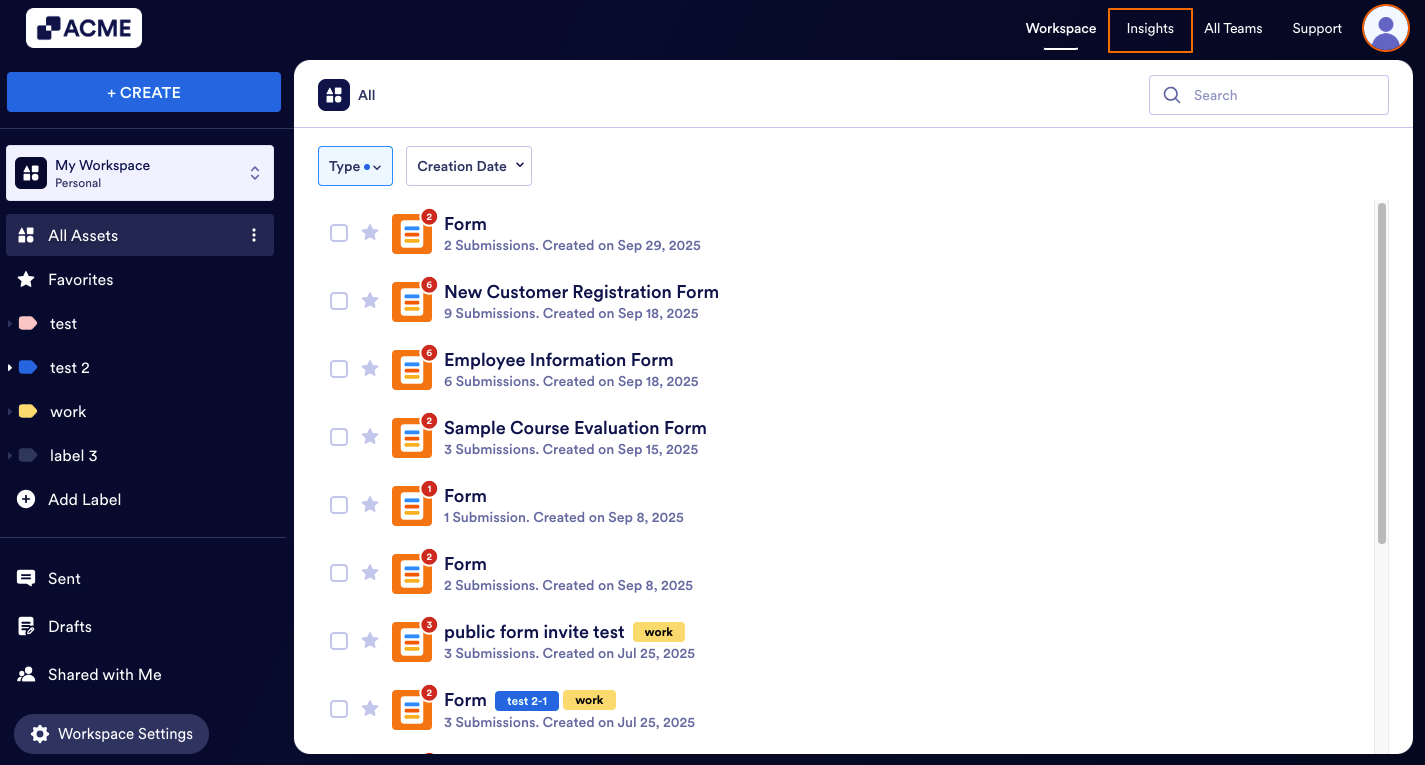
- In My Workspace, click on Insights in the upper-right hand corner of the page.
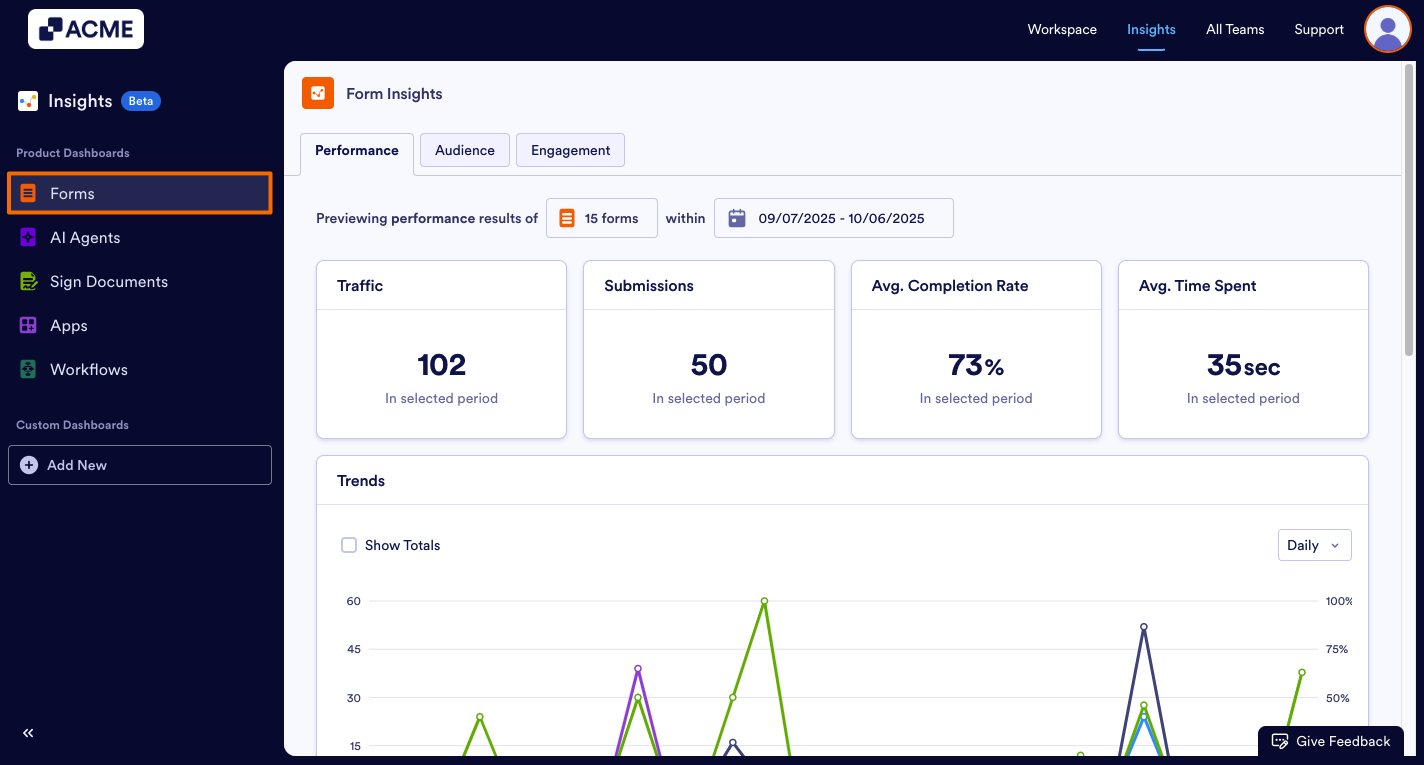
- Next, click on Forms on the left-hand side of the page.
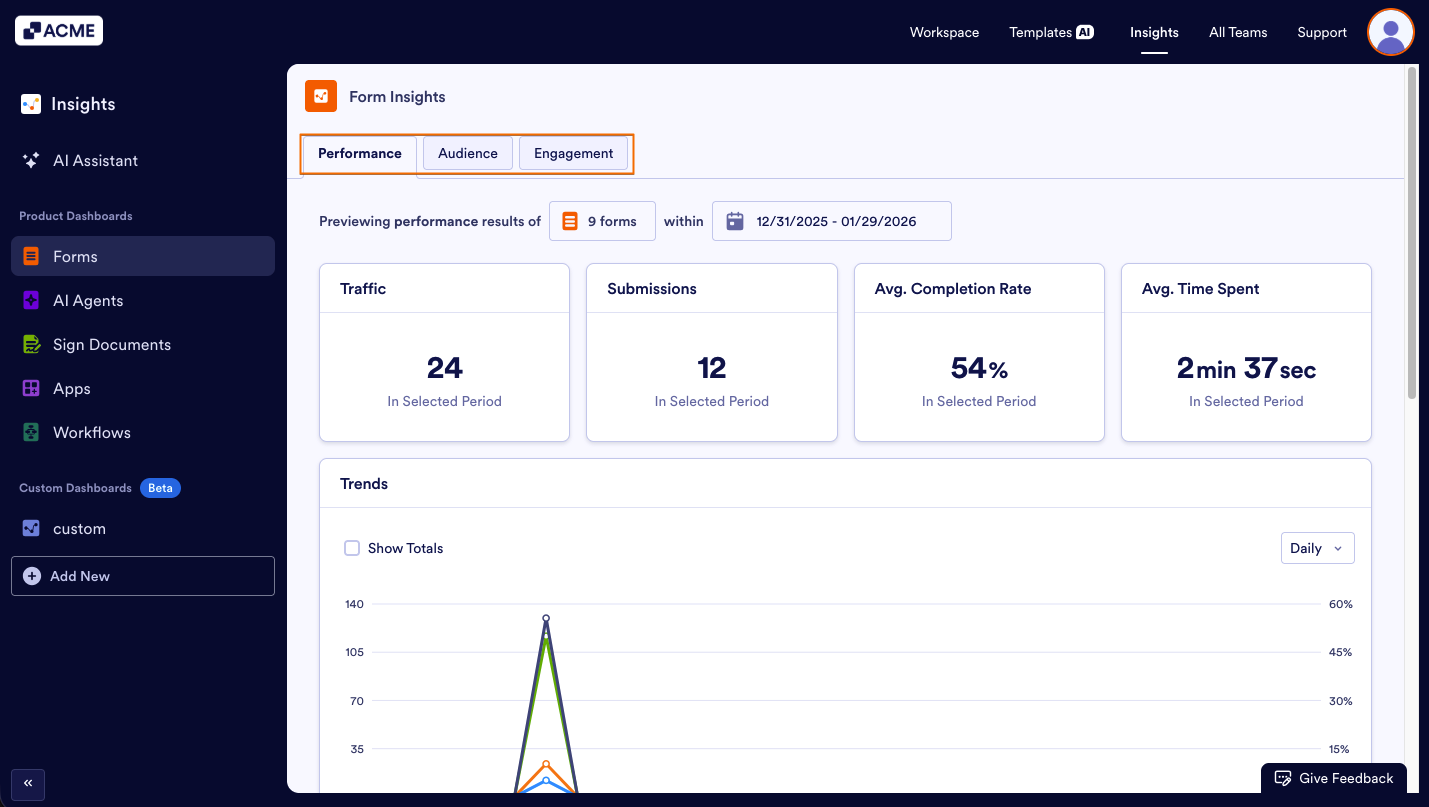
- Select either the Performance, Audience, or Engagement tab.
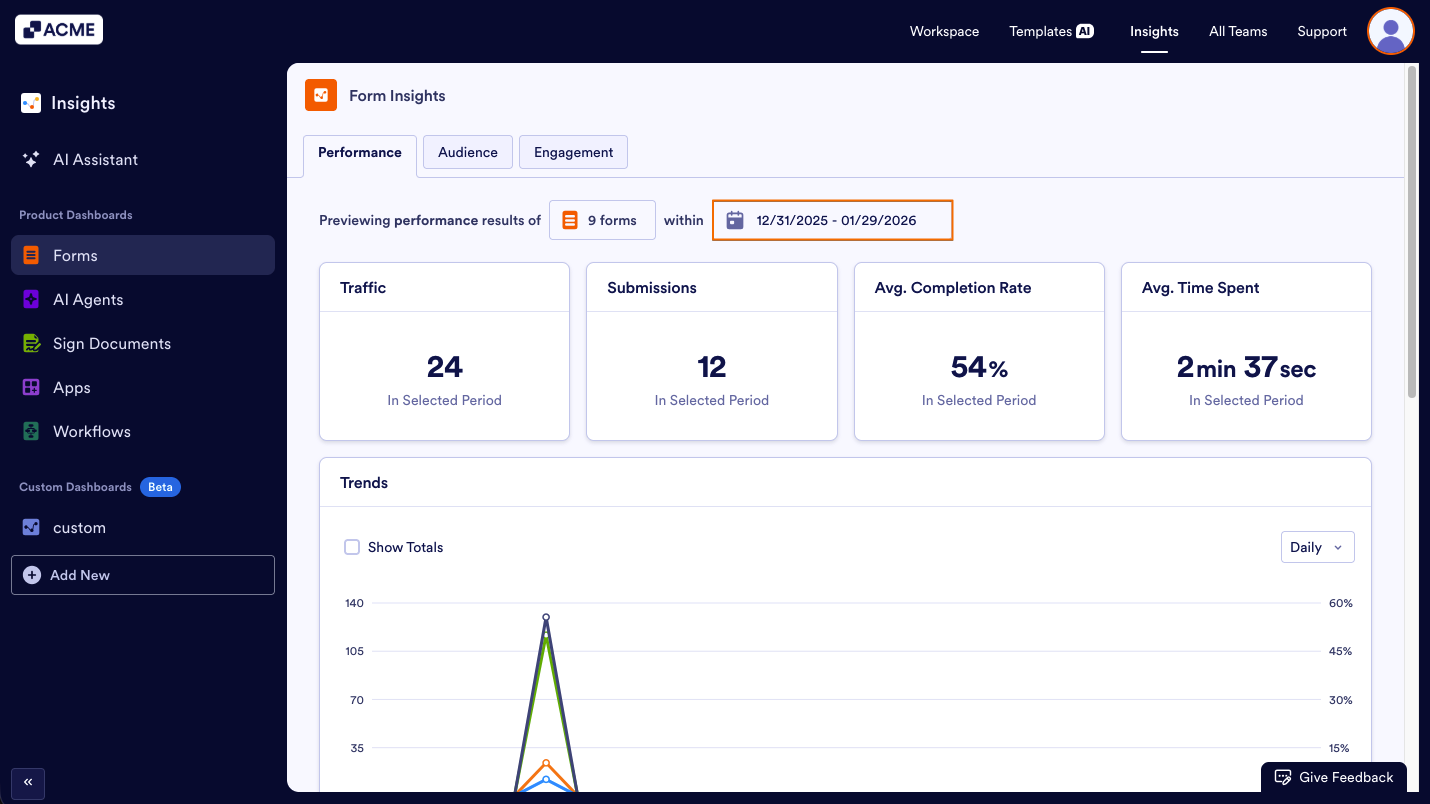
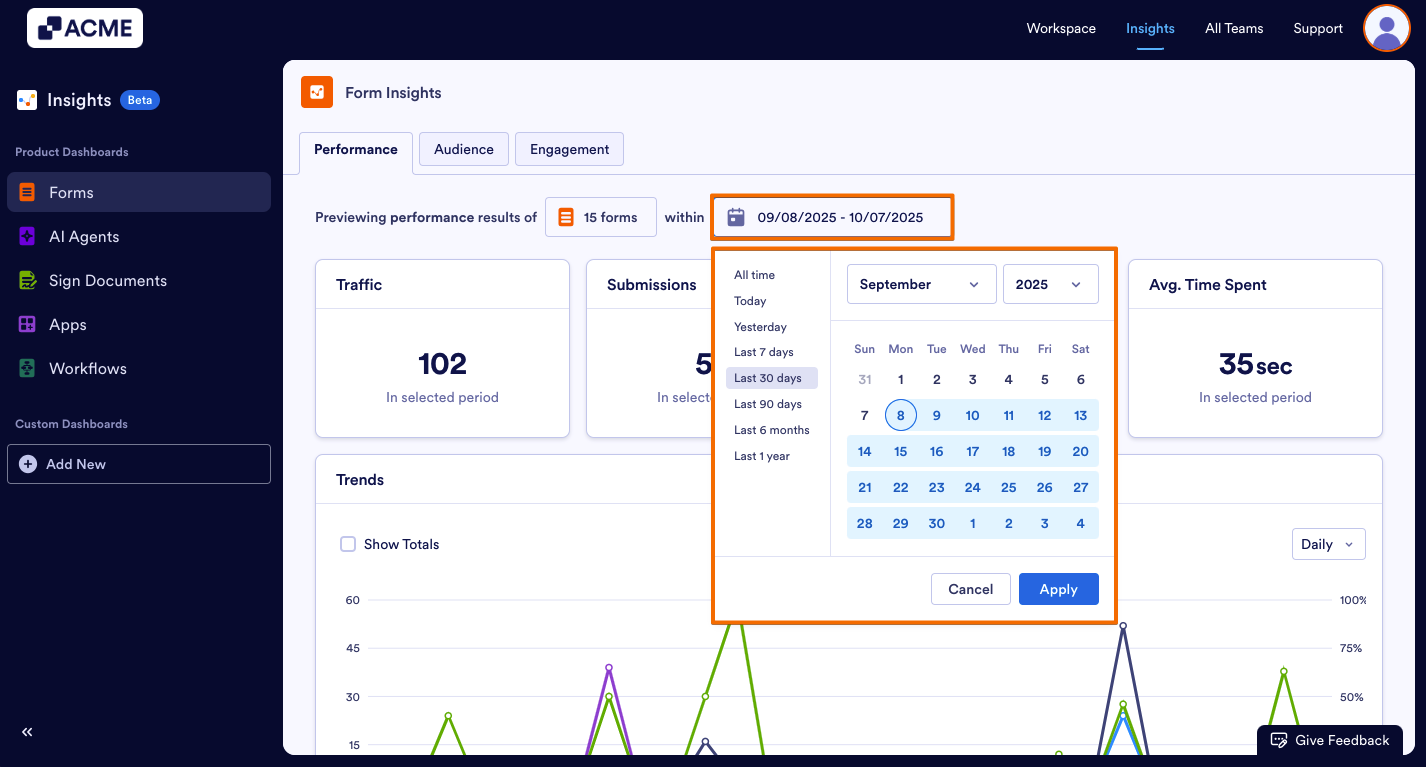
- Then click on the date range.
- Next, select your preferred custom date range or one of the predefined ranges, such as All Time, Today, Yesterday, or Last 1 year.
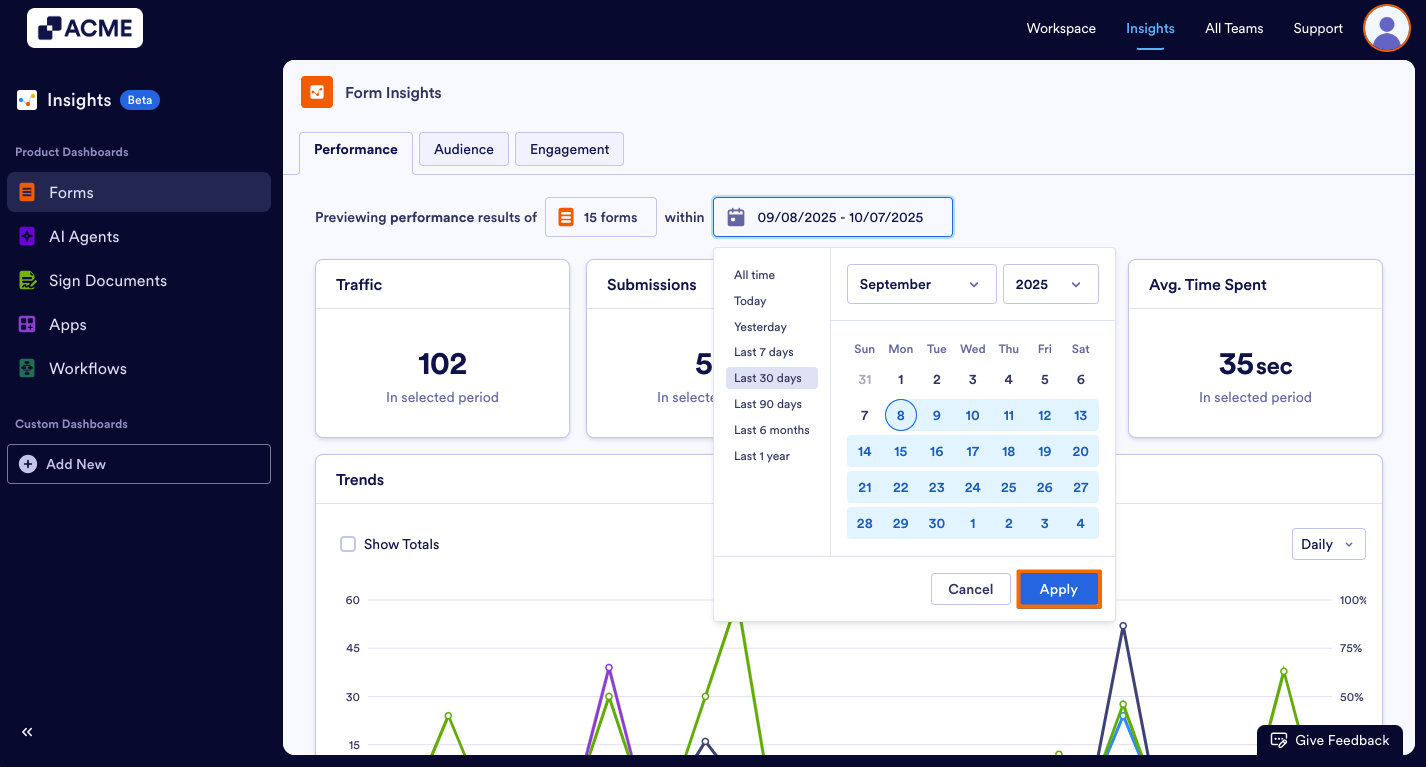
- Finally, click on Apply.
Troubleshooting Tips
- If no data appears, check that the form has submissions within the selected timeframe.
- If you aren’t seeing any submissions, you can check the Table for the forms to make sure that there are submissions in the date range.
- Depending on the date range you’ve selected, some options might not be available. For example, if your date range for the tab is set to last seven days, you won’t be able to select monthly or yearly
See also:















Send Comment: