What is a Brand Kit
A Brand Kit gives you a smarter, scalable way to keep every form and workspace visually consistent. Instead of manually adding logos and colors to each form, you can centralize all your brand assets and have them automatically applied anywhere you work. With AI-powered analysis and color suggestions, the Brand Kit quickly generates on-brand themes, helping your team create polished designs without extra effort or design expertise.
 How to Manage and Update the Organization’s Brand Kit from the Admin Console
 How to Implement the Brand Kit Across Other Pages from the Admin Console
 How to Create and Manage Form Theme Organization-Wide from the Admin Console
 How to Customize Organization-wide Settings in the Admin Console
 How to Manage AI Generated Form Templates Organization-Wide from the Admin Console
Accessing the Brand Kit
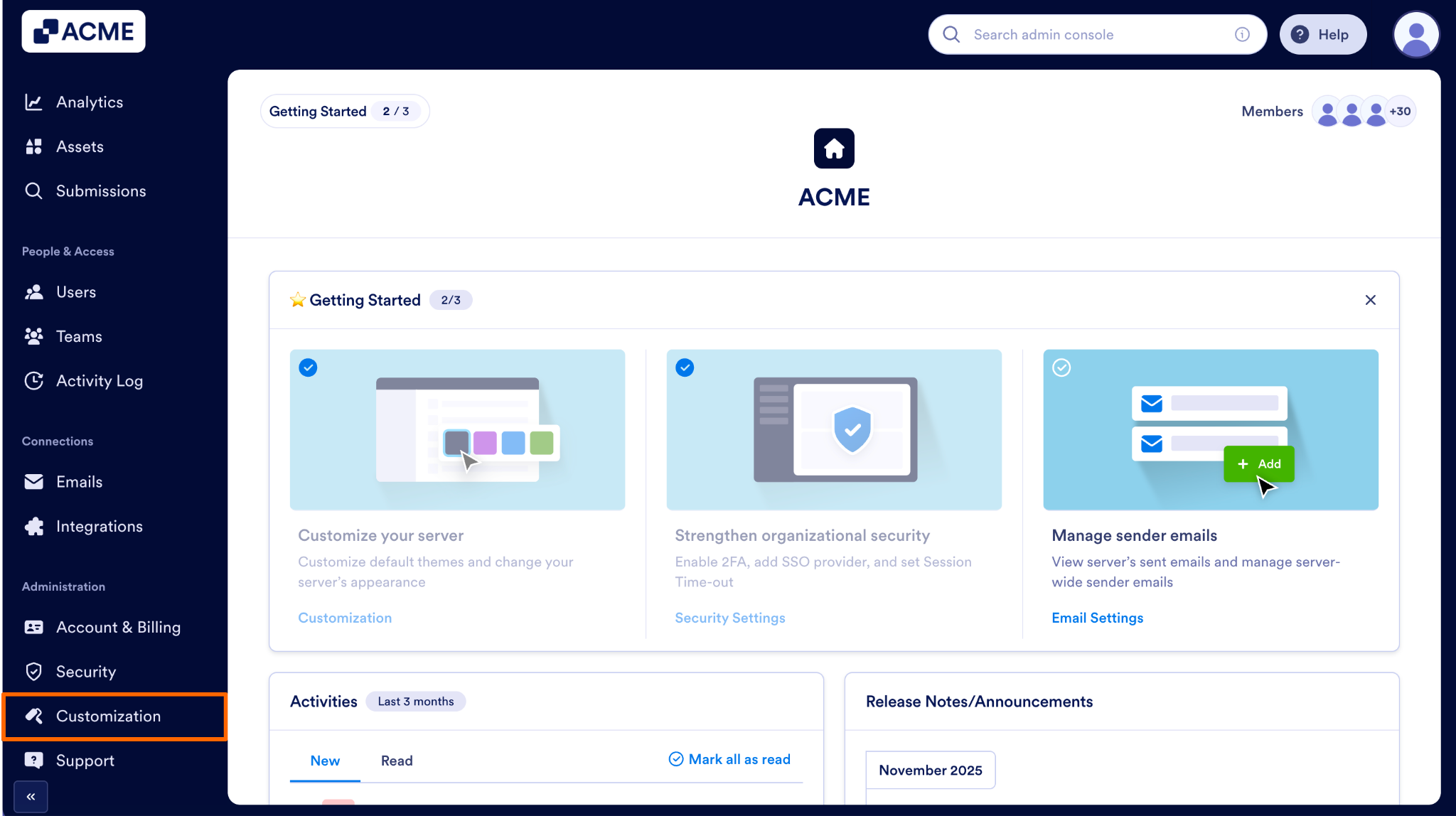
- First, in the Admin Console, in the menu on the left, click on Customization.
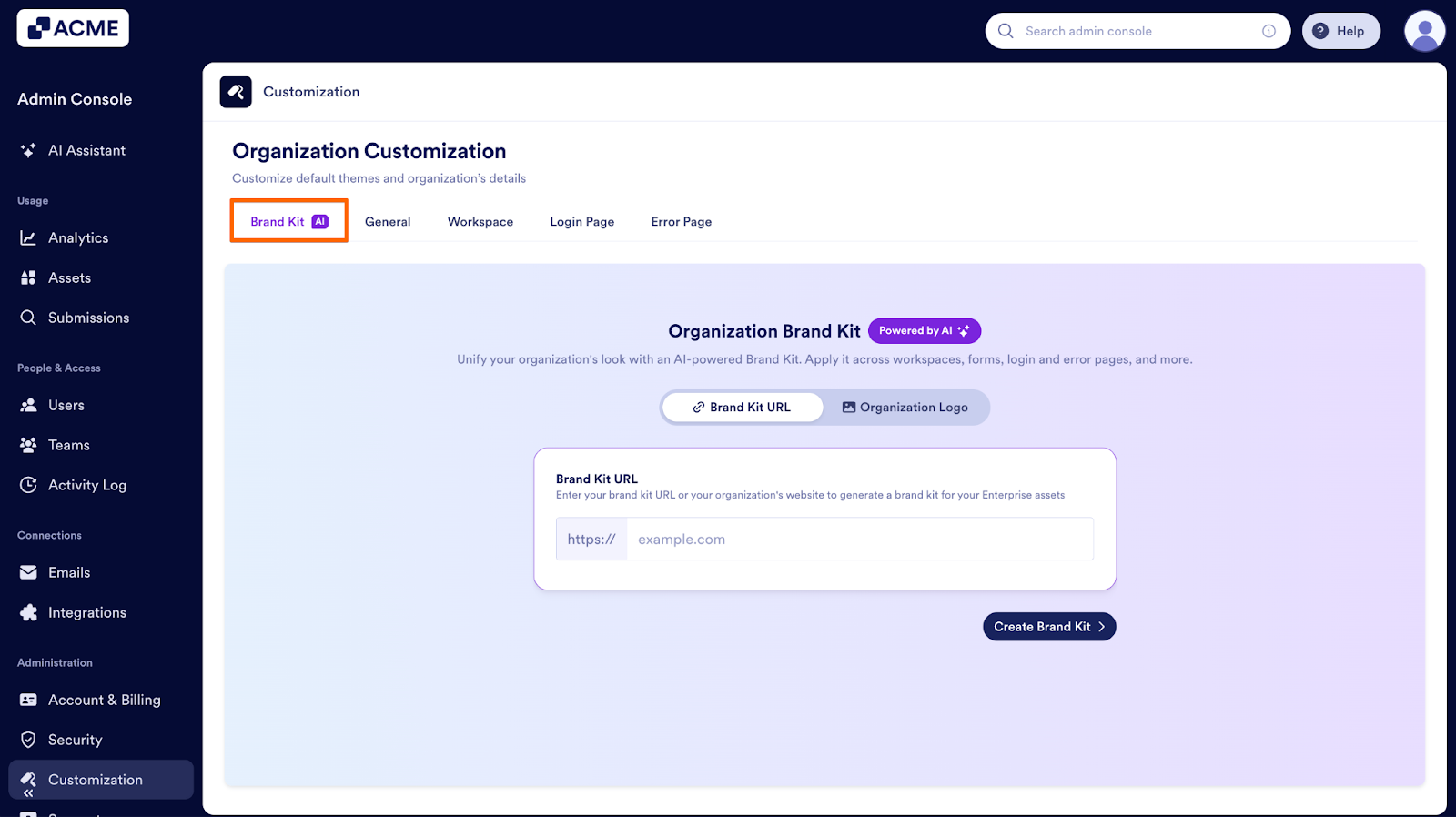
- Next, select the Brand Kit tab at the top of the page.
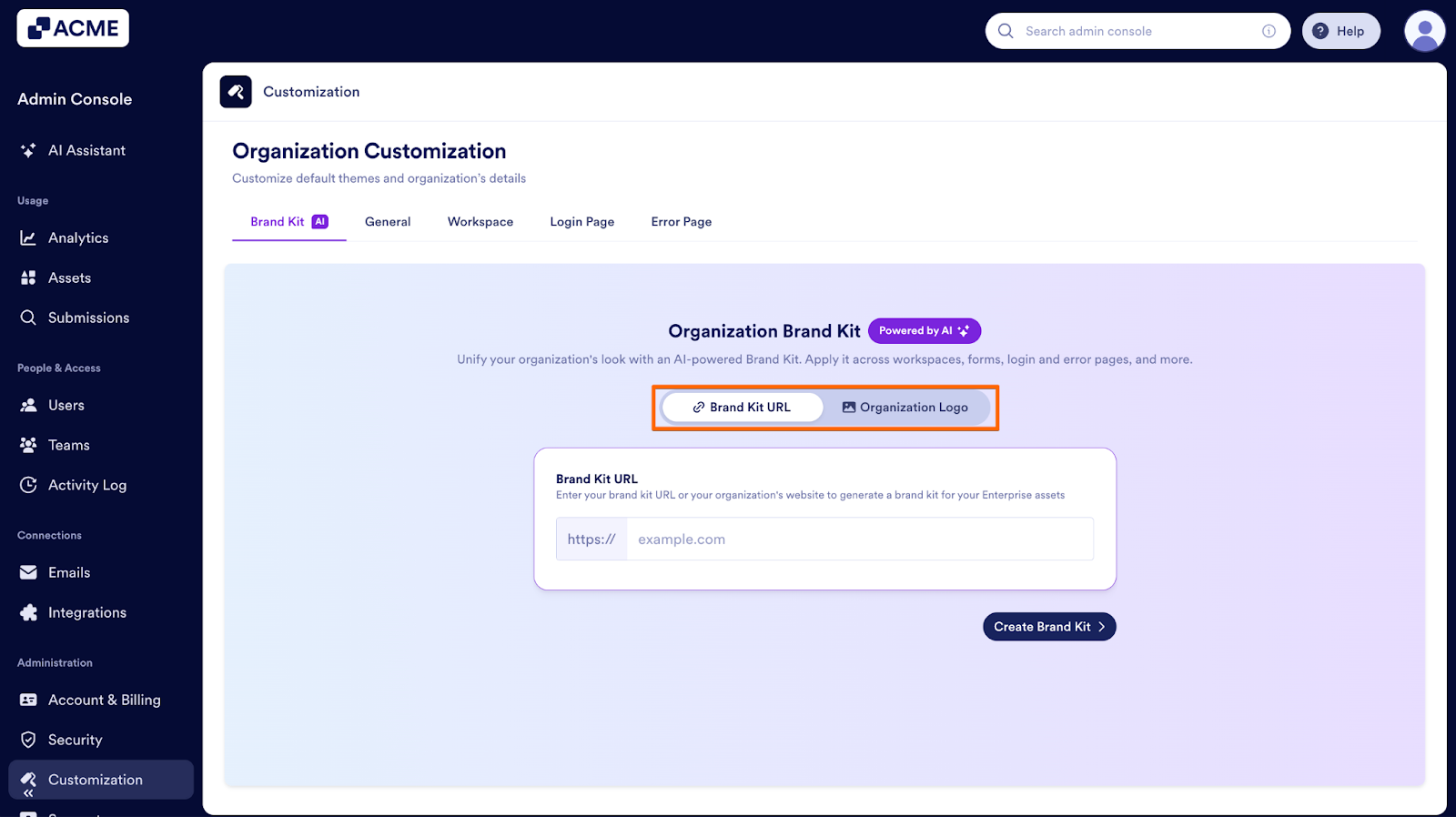
Finally, at the top of the Brand Kit area, you’ll see two options for generating your brand kit:
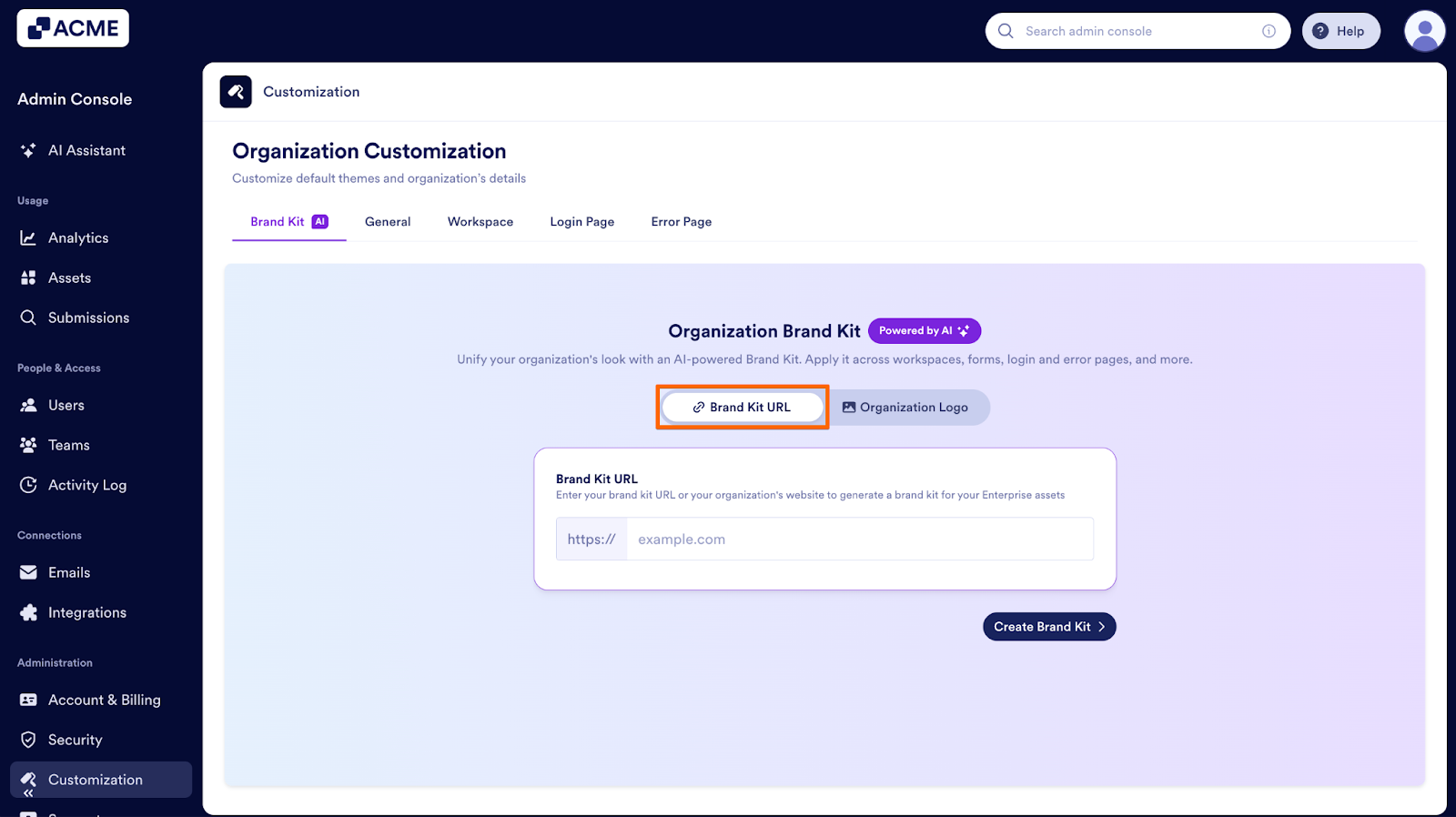
Brand Kit URL
With Brand Kit, you can pull your organization’s brand assets from the internet. You can use this option if your organization already has:
- A public brand page
- A designed website representing brand colors and assets
- A published digital style guide
The system will extract your brand colors, typography, and relevant assets from your website using AI. Here’s how to set it up:
- First, in the Brand Kit tab, select Brand Kit URL.
- Next, enter your website URL and click on Create Brand Kit.
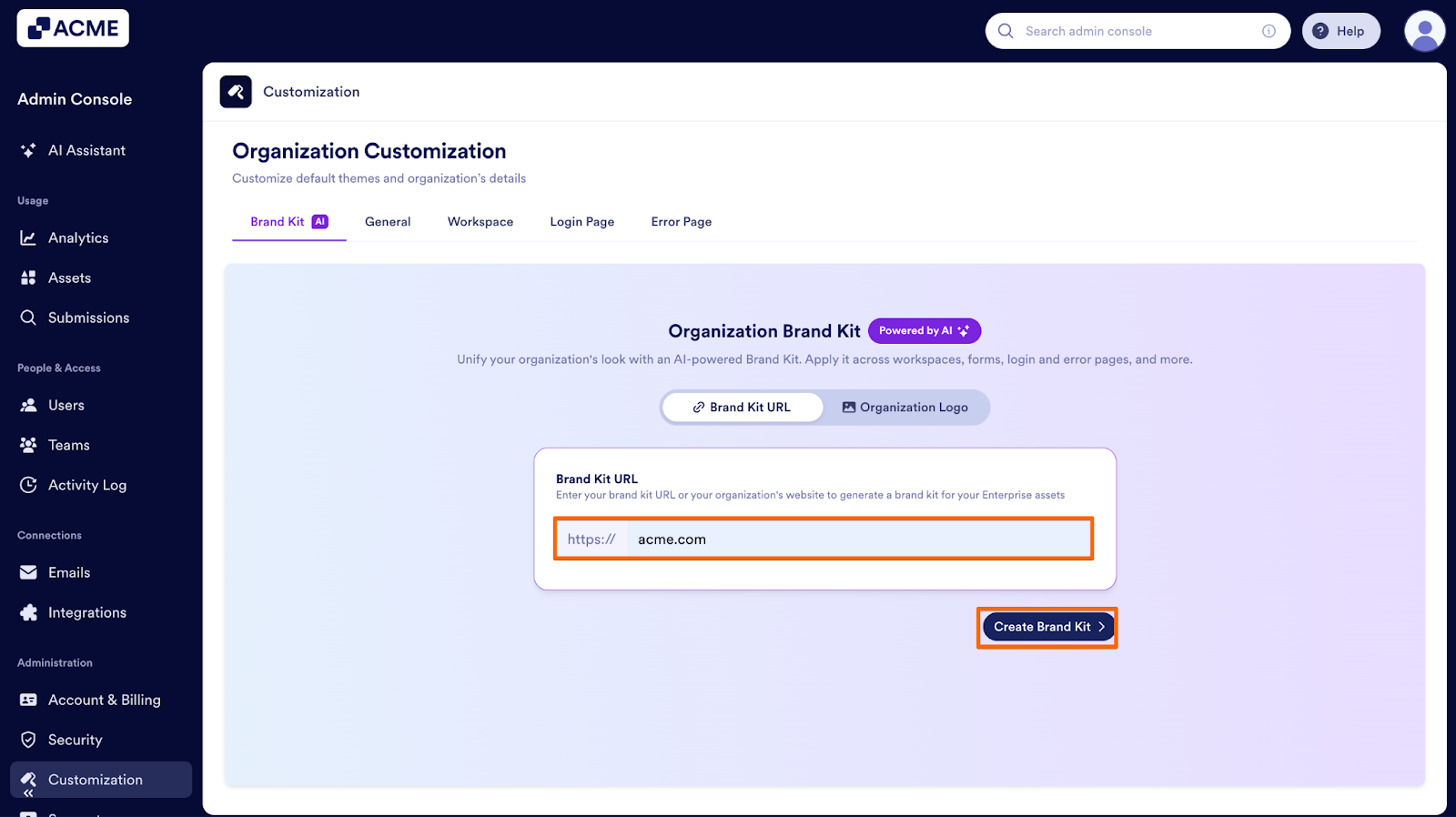
- Then, click on Save Brand Kit.
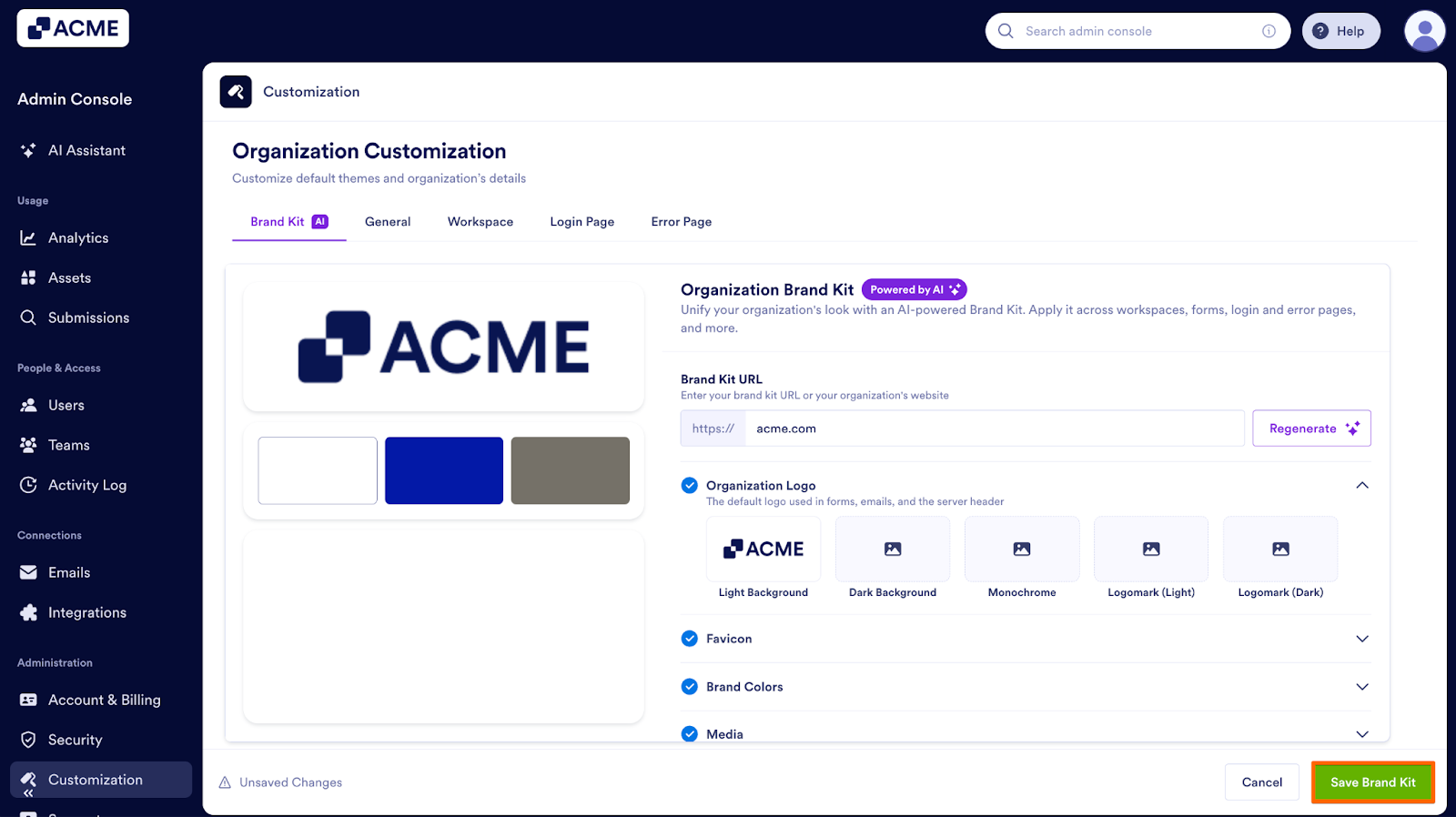
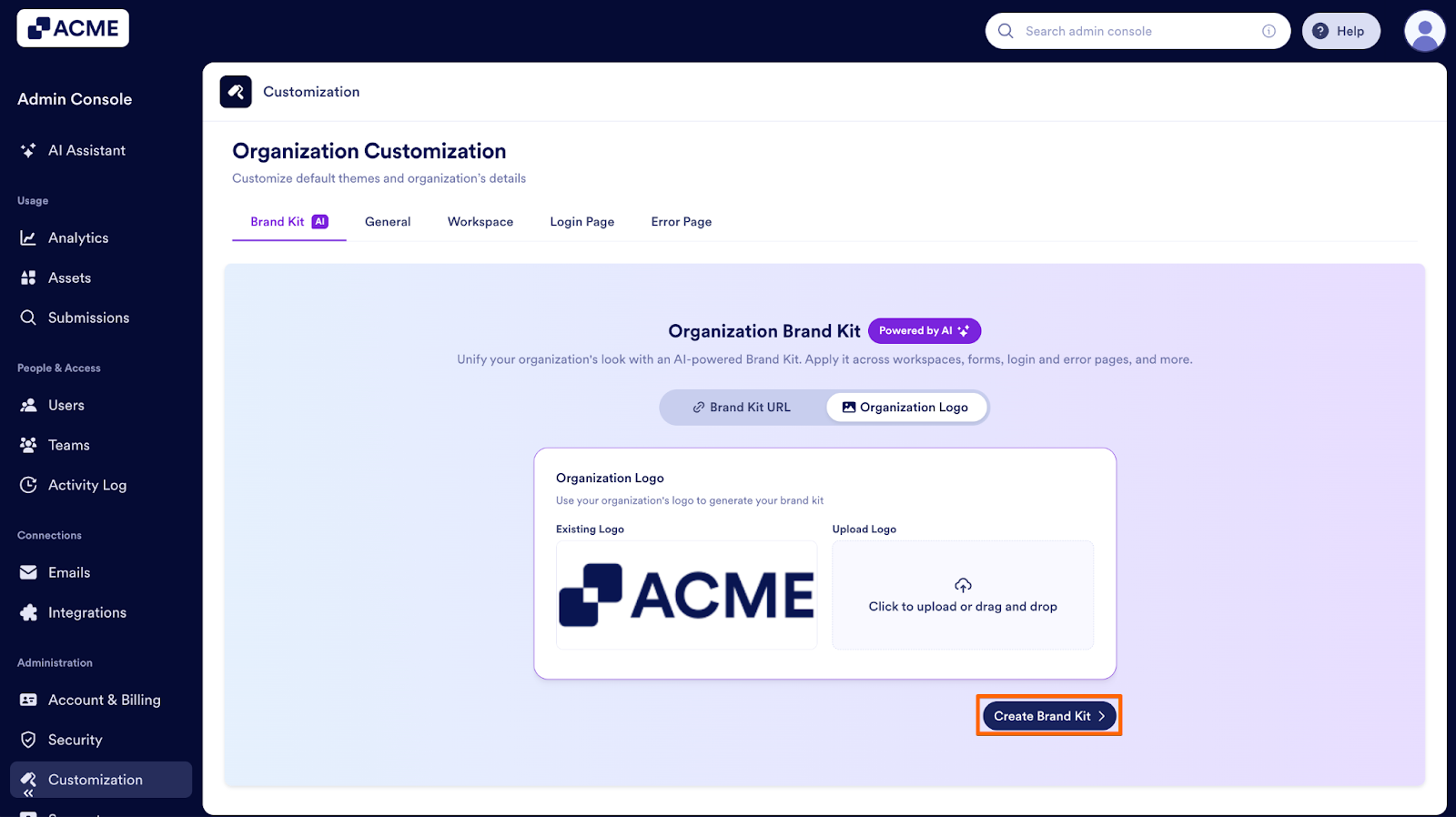
Organization Logo
A Brand Kit can also use your logo to determine your organization’s branding. Use this if you prefer to upload a logo and let the AI detect colors and generate a brand palette from it.
- First, in the Brand Kit tab, select Organization Logo.
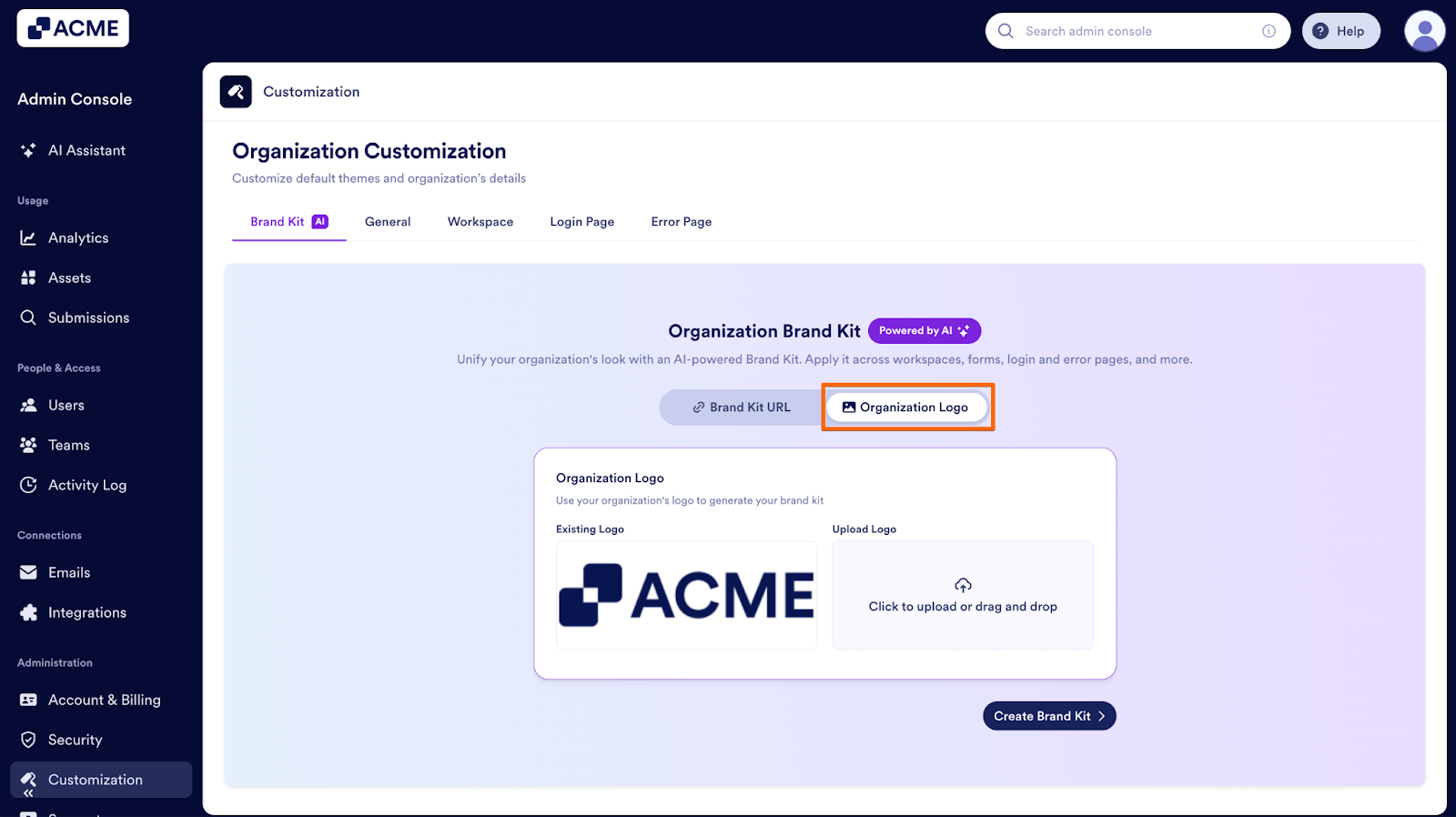
- Next, if you don’t have a logo uploaded or want to use a new logo, upload a new file under Upload Logo.
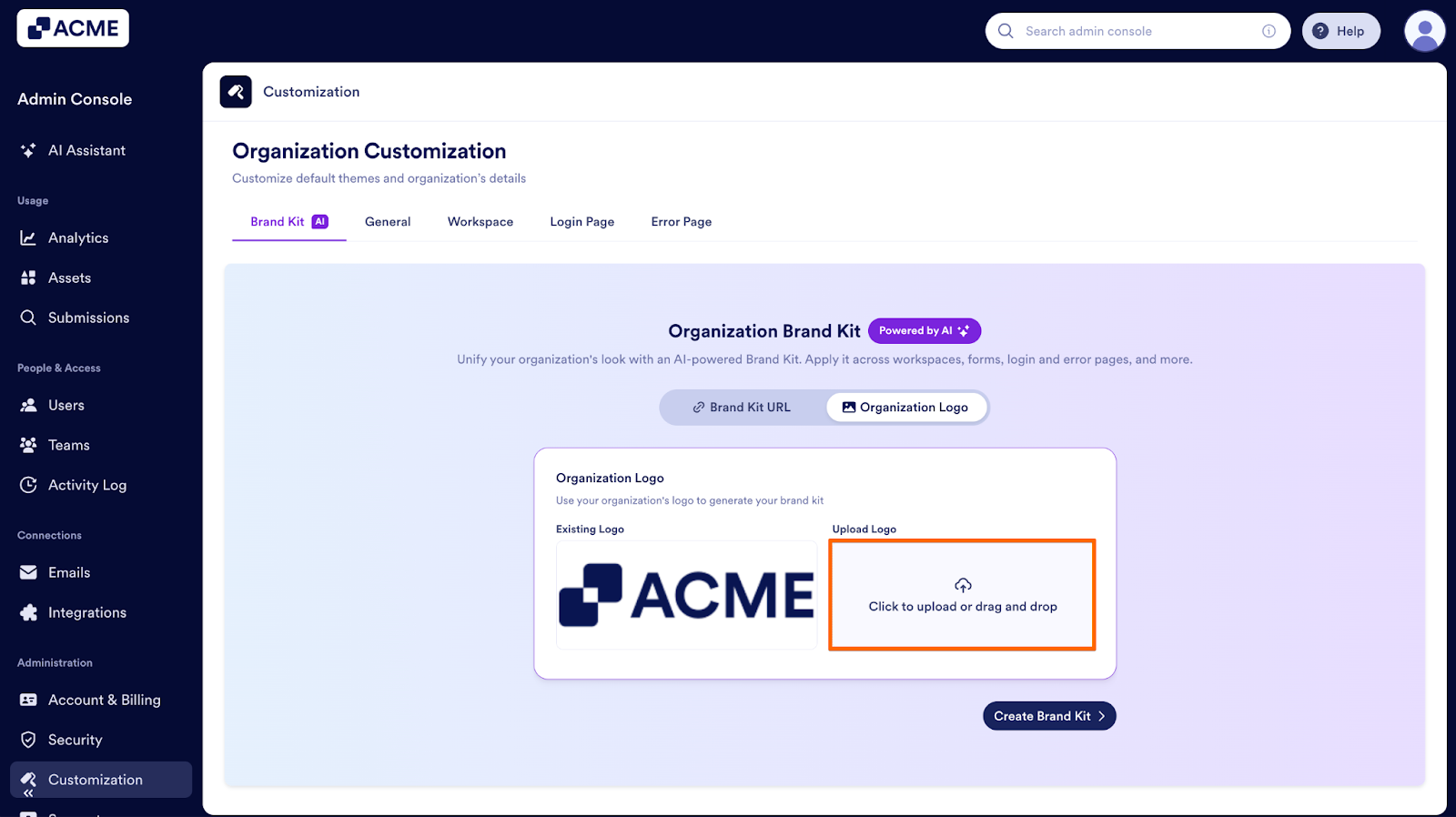
- Next, click on Create Brand Kit.
- Finally, click on Save Brand Kit.
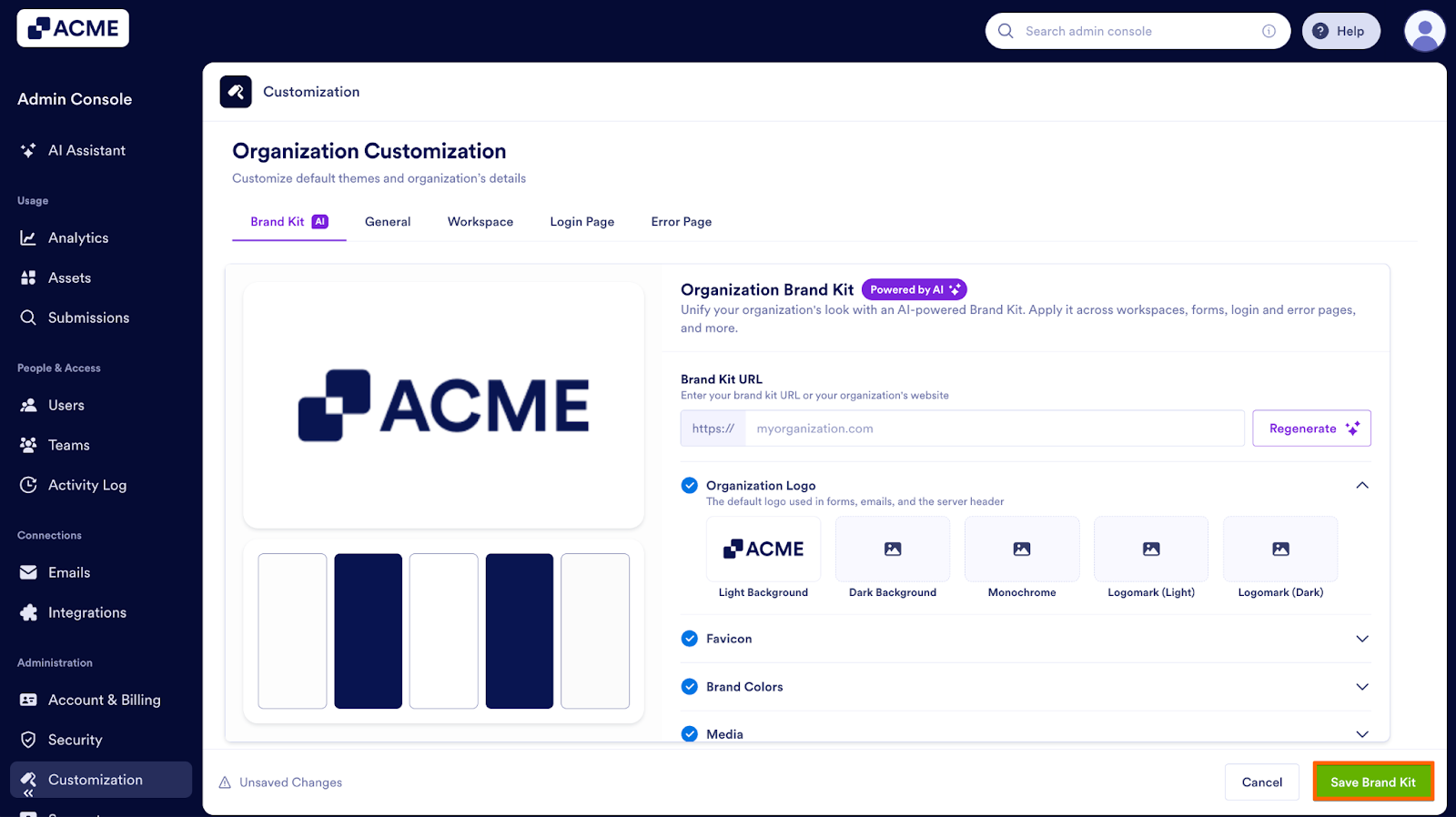
Once you have your brand kit you can update it by adding additional assets to it.

Send Comment: