This guide explains how to access all teams in the organization and how to navigate them.
How to Access Teams
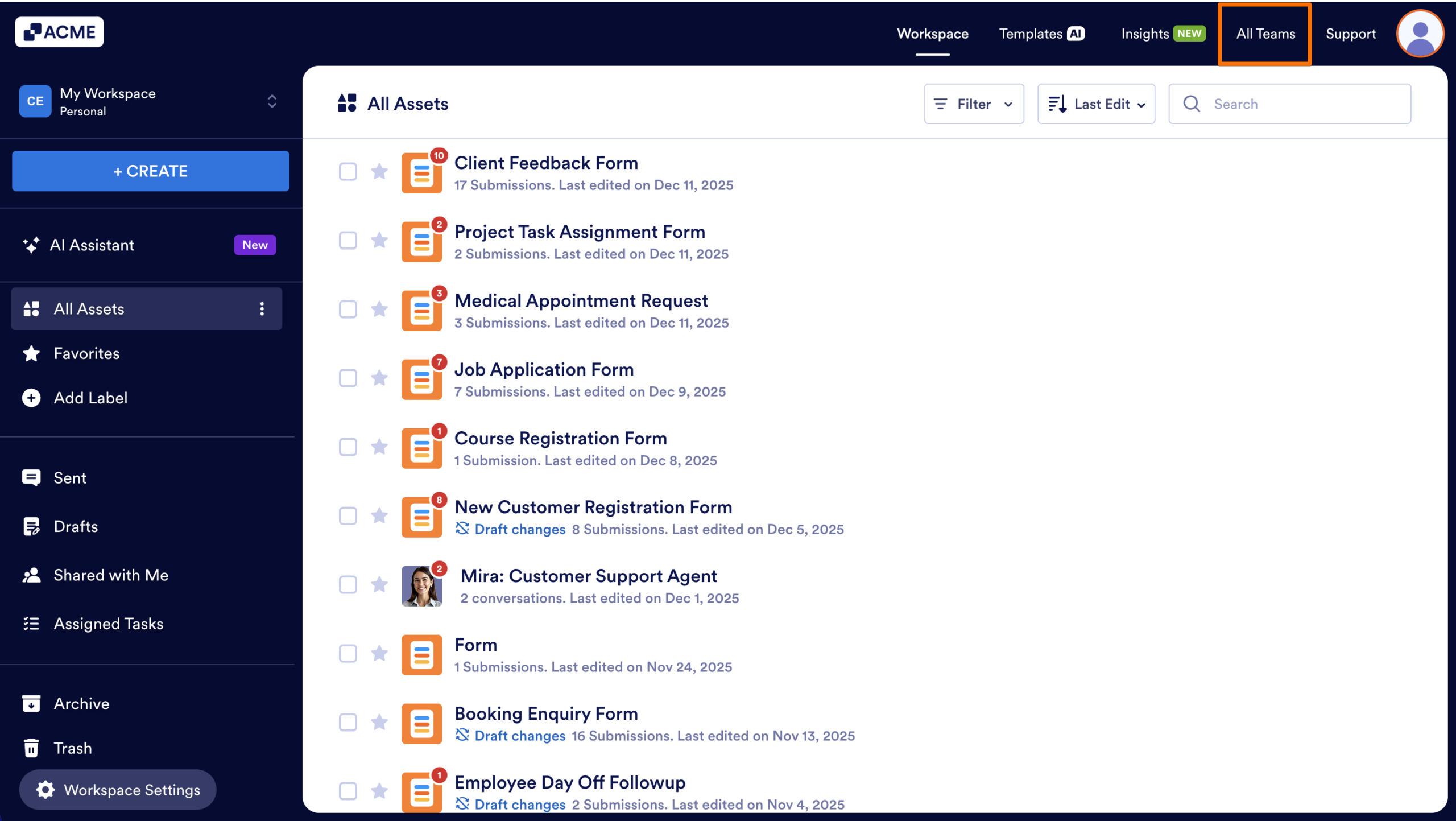
You can access Team from My Workspace, by clicking All Teams on the right side of the top bar.
Exploring the Teams Directory
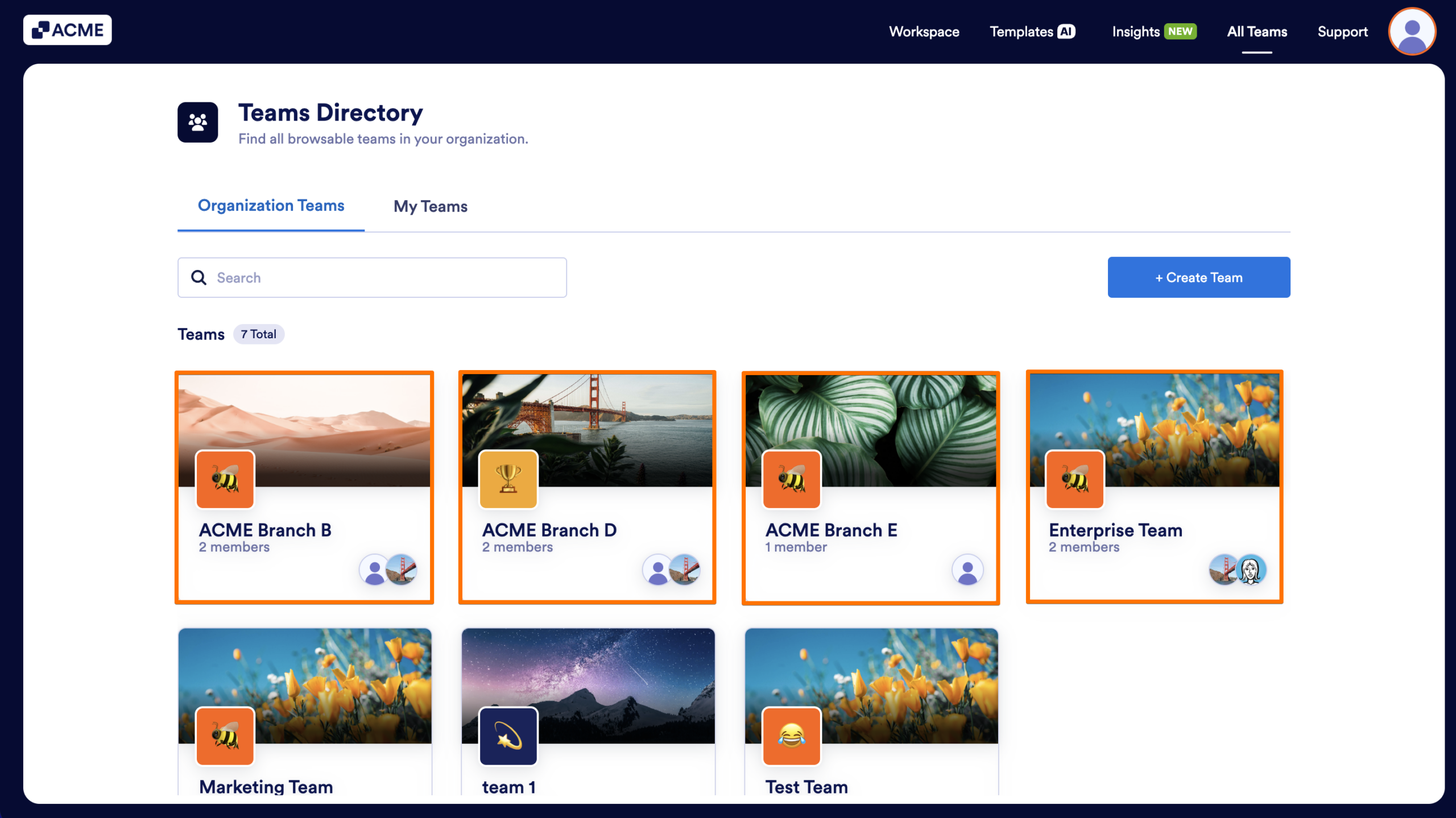
After clicking All Teams, you’re taken to the Teams Directory—a centralized place where you can browse every team in the organization.
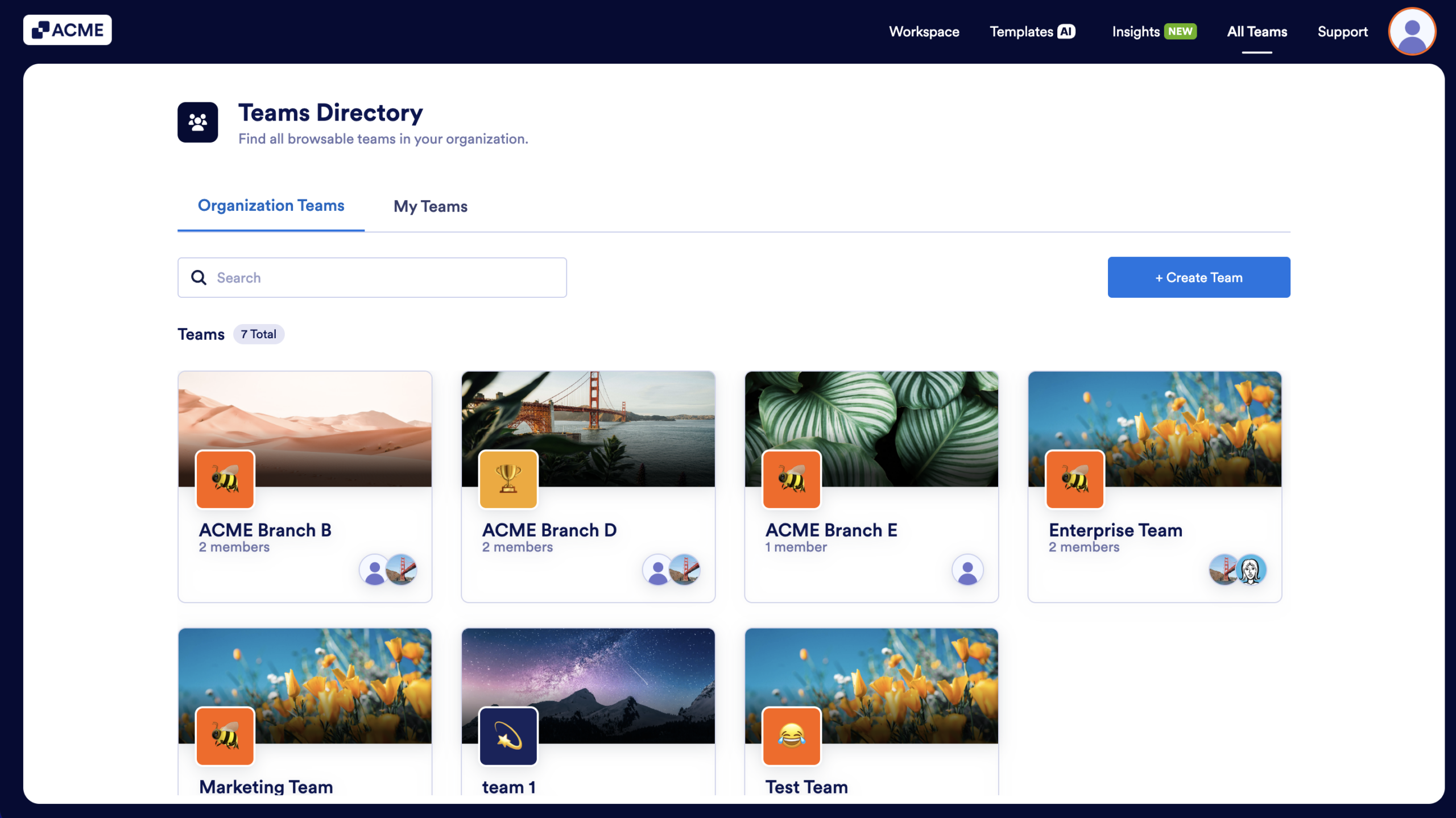
At the top of the screen, you will see two tabs that will let you switch between all the Teams on the server and the Teams you personally belong to.
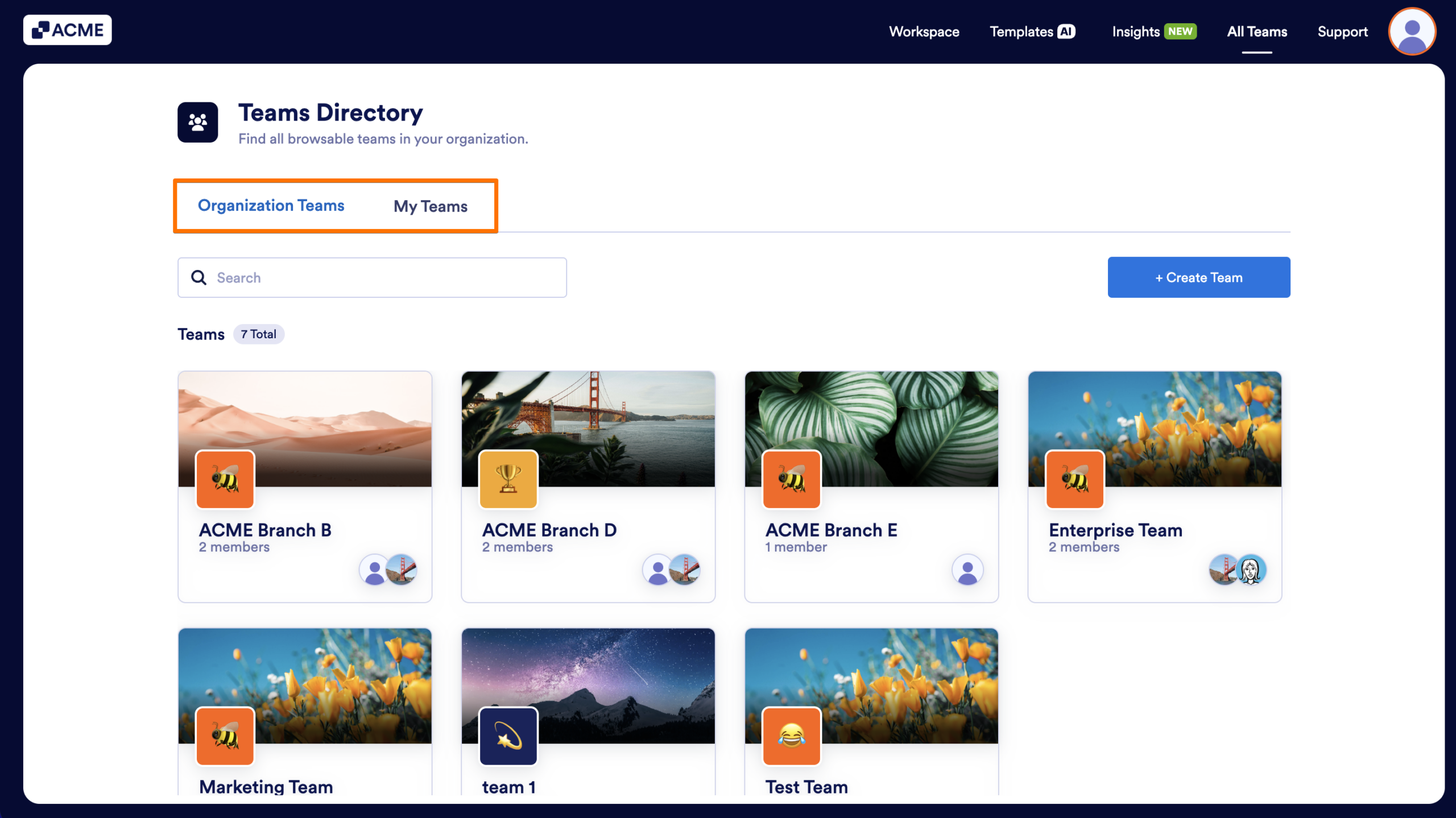
A search bar allows you to quickly narrow down the list of Teams.
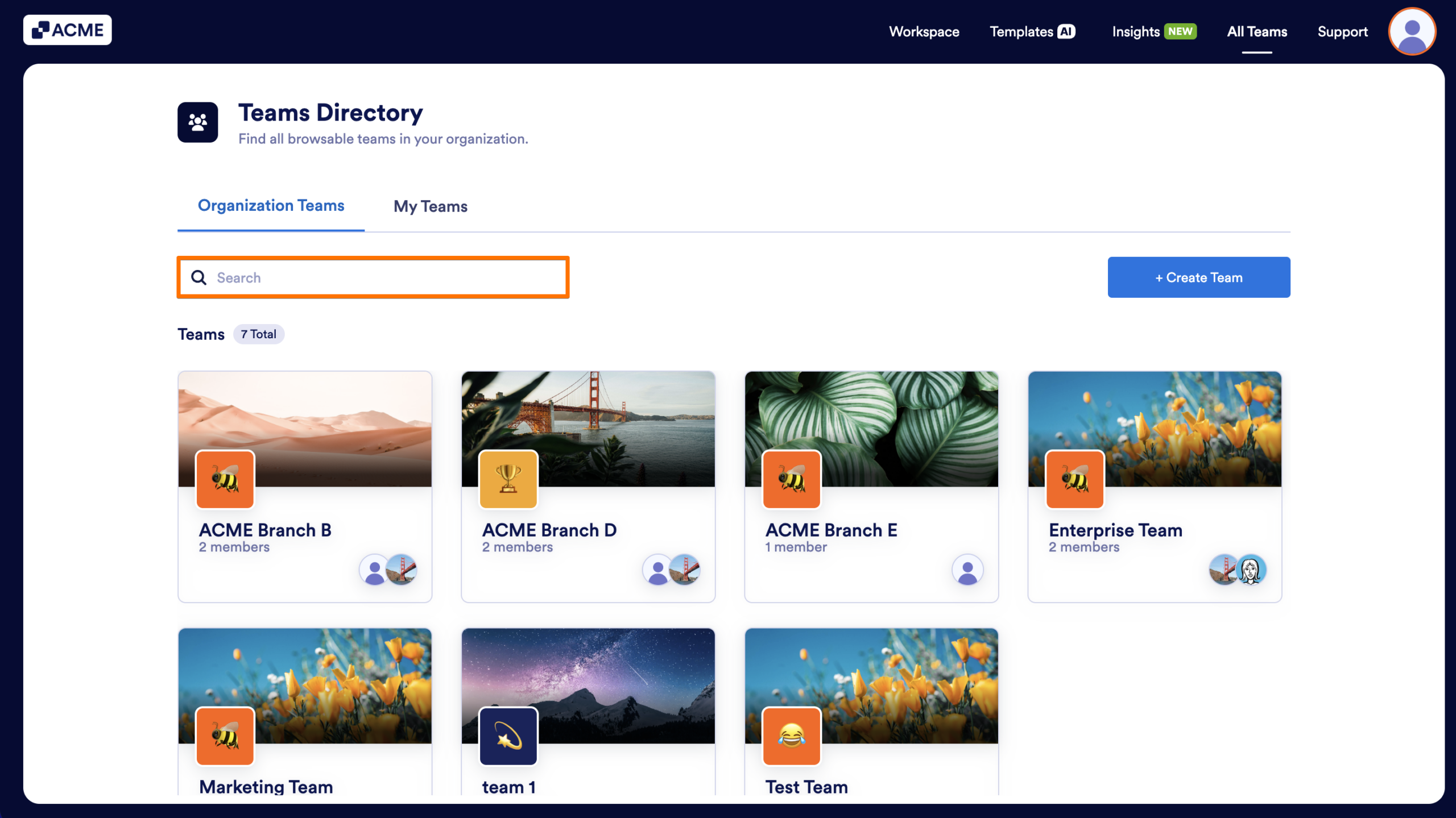
Teams appear as cards arranged in a grid, each displaying a cover image, a Team icon, the team’s name, and the number of members of the Team.
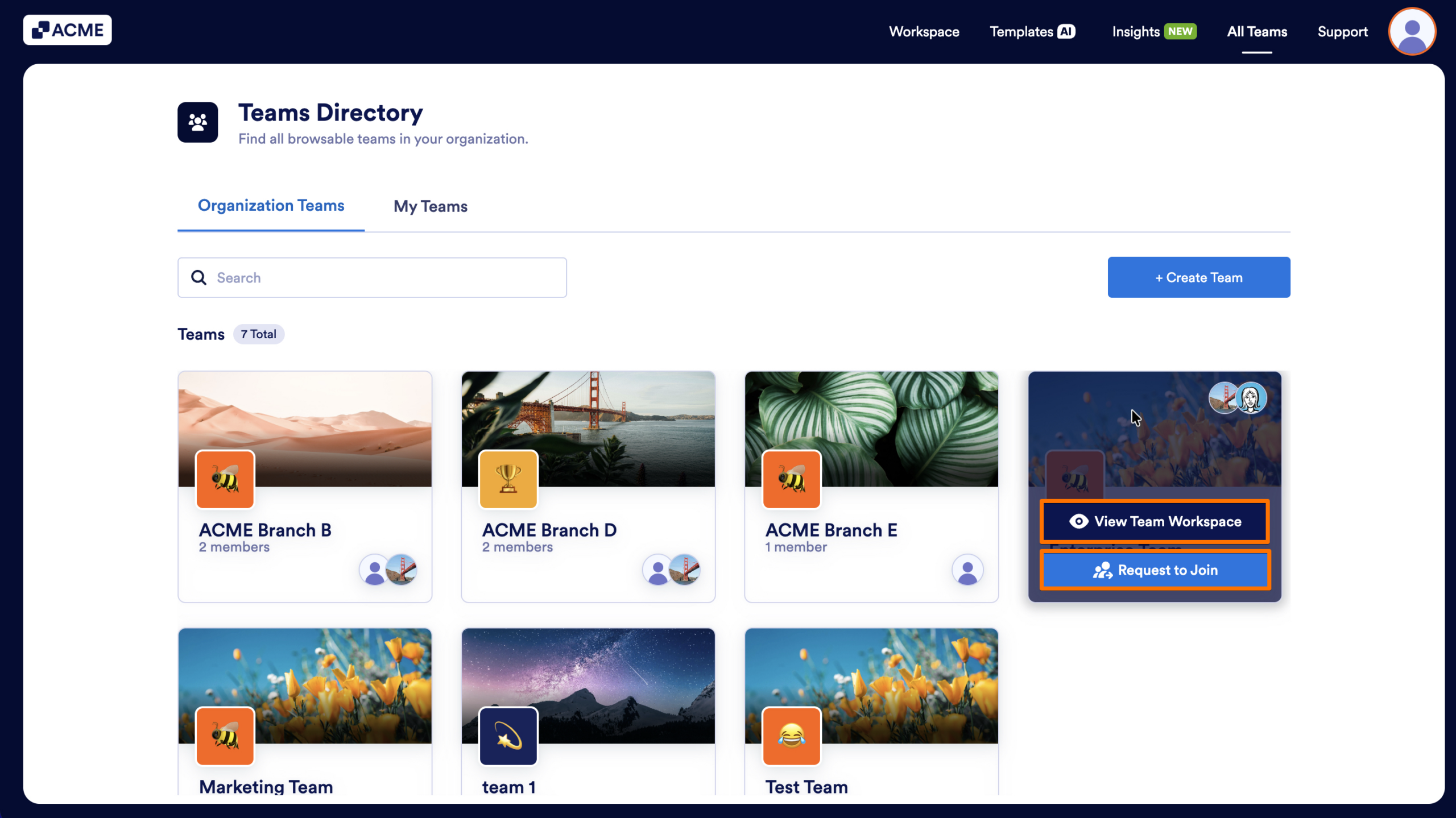
While hovering over a team, you’ll always see the View Team Workspace button, and if you’re not a member, you’ll also see a Request to Join button.
If you are an Admin user for your server, you can manage all of your teams and their assets from here. To learn more about it, check out How to Manage All Teams as the Server Admin.

Send Comment: