Form Management
- "List all active forms created this month"
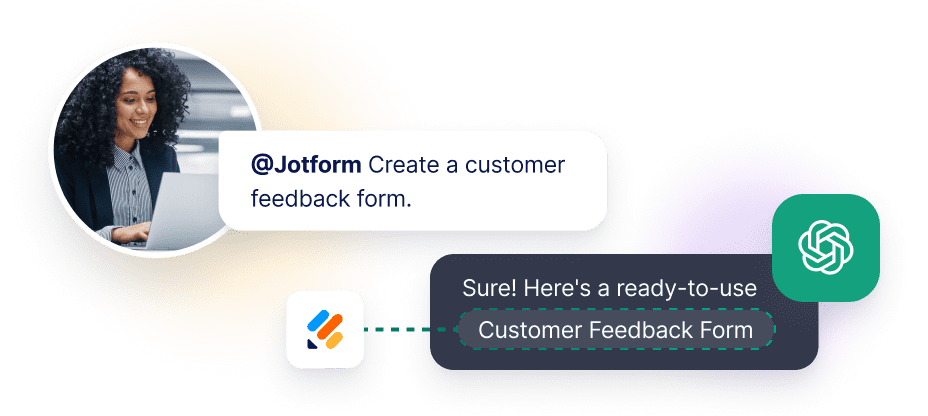
- "Create a new feedback form to collect customer reviews"
- "Clone my registration form and rename it for the spring event"
- "Show me all forms that haven't been updated in 90 days"
Empower your AI assistants to create, edit, and manage Jotform forms using natural language commands. Seamlessly integrate Jotform's powerful form-building capabilities into your favorite AI-powered development tools.
Go to chatgpt.com/apps and search for “Jotform” in the official store.
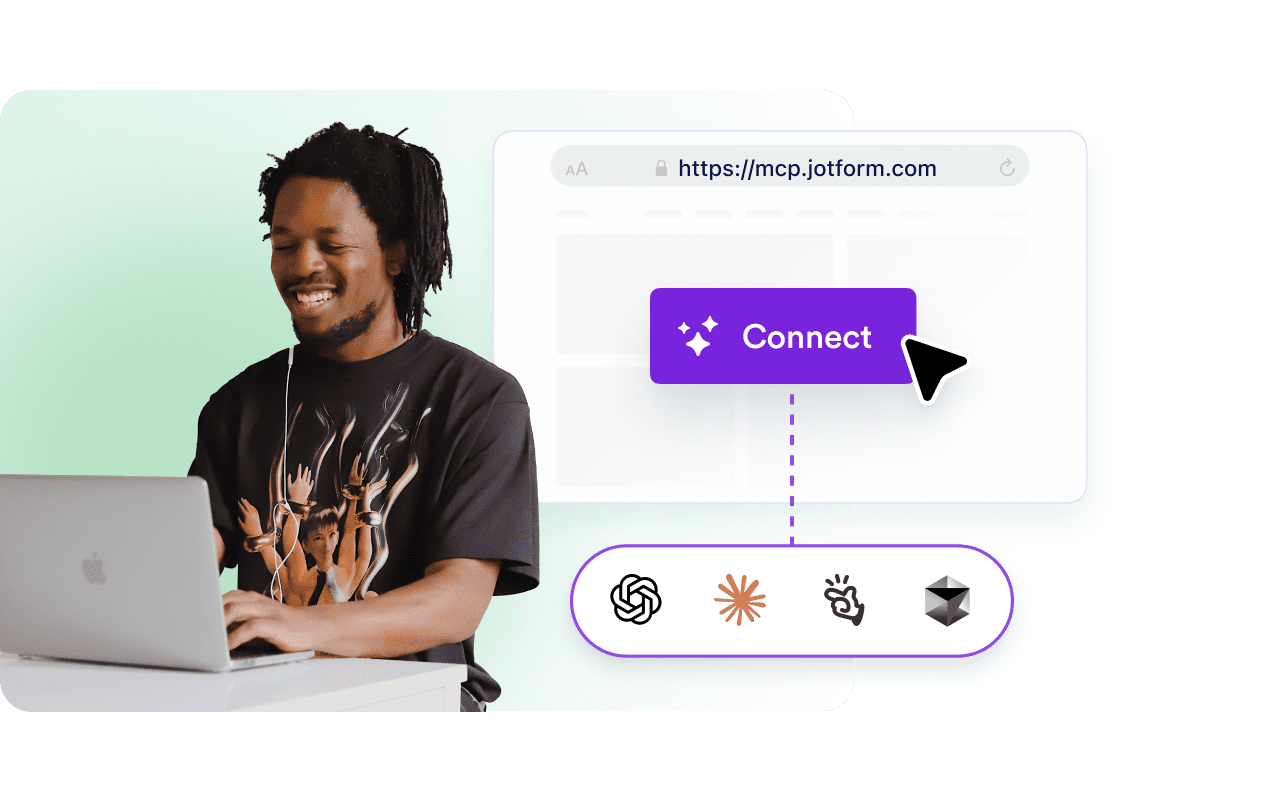
Select the Jotform tile and click the “Connect” button to link your accounts.
Sign in to your Jotform account when prompted to securely grant ChatGPT access to your forms.
Once the status is “Connected,” mention @Jotform in any chat to begin managing your data.
Log in to Claude.ai, click your profile, and select “Connectors” from the menu.
Search for “Jotform” in the partner library and click the “Connect” button.
Authorize the connection via the secure Jotform login window to sync your workspace.
Ensure the Jotform connector is toggled “On” in your chat settings to start querying your submissions.
Sign in to Manus and navigate to the “Connectors” or “Apps” tab in your dashboard.
Find the official Jotform application in the list of verified partners.
Click “Connect” and sign in to Jotform to authorize Manus to interact with your form workflows.
Your Jotform tools are now live. Ask Manus to summarize form results or generate new forms via simple prompts.
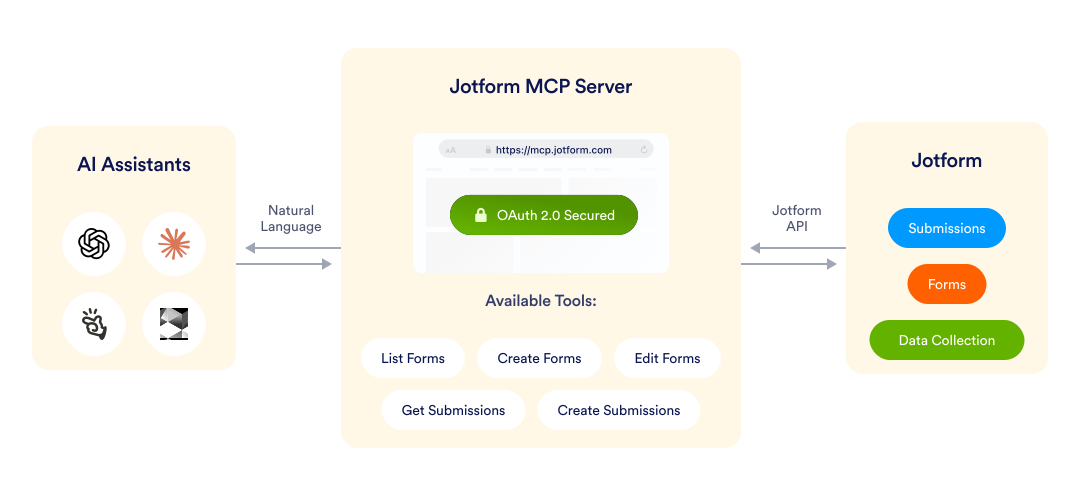
The Jotform MCP (Model Context Protocol) server lets you control Jotform directly from AI assistants like ChatGPT, Claude, Manus, and Cursor using simple conversational commands. Instead of clicking through your dashboard, you can ask your AI to "create a customer feedback form" or "show me this week's form submissions" and get instant results.
Integrate Jotform’s powerful form data and automation tools directly into your AI workflow using MCP. Follow these steps to configure Jotform as an MCP server across the industry's leading platforms.
Point any MCP‑enabled client to this address to begin connecting your AI assistant to Jotform.
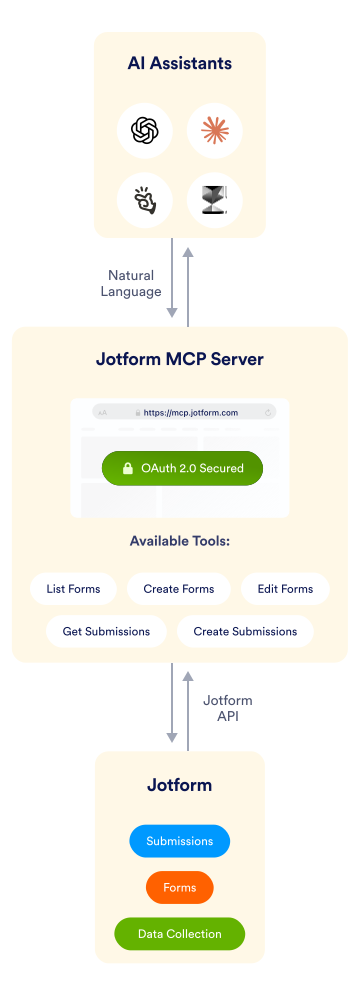
Built on the open Model Context Protocol specification, the Jotform MCP server provides programmatic access to your forms and submissions through any MCP-compatible client. This ensures seamless interoperability across various AI tools and development environments, allowing you to manage forms from anywhere.
The service is actively maintained with new capabilities being added based on real-world usage patterns. More tools and integrations are coming soon.
Integrate Jotform with popular AI assistants and development environments through the Model Context Protocol. Simply point your MCP-compatible client to https://mcp.jotform.com, authorize the connection, and start managing your forms through conversational AI commands. Compatible with ChatGPT, Claude, Manus, Cursor, and other MCP-enabled platforms.
Transform how you build and manage online forms with AI-powered automation. The Jotform MCP server bridges the gap between your AI assistant and Jotform's comprehensive form-building platform, enabling you to create surveys, collect data, retrieve submissions, and modify forms using simple natural language requests—no manual navigation required.
Manage your Jotform forms without leaving your AI assistant or development environment. Save time, reduce context-switching, and automate form workflows through natural language commands.
Common commands you can use:
Control your entire form workflow through five powerful tools, accessible via simple AI commands. Whether you're building new forms, analyzing submissions, or automating workflows, Jotform MCP integrates seamlessly into your development environment.
| Tool | Description | Use it when you need to |
|---|---|---|
| Form List (form_list) | Get the list of your forms | Find specific forms, check form status, or audit your form collection |
| Create Form (create_form) | Build new forms from scratch | Launch surveys, create sign-up forms, prototype new data collection workflows or more |
| Edit Form (edit_form) | Modify existing form structure and settings | Add fields, update text, change logic, or adjust form configuration |
| Create Submission (create_submission) | Make a submission to an existing form | Test forms, import data, or create sample submissions for QA |
| Get Submissions (get_submissions) | Retrieve and filter form responses | Analyze data, export responses, or integrate with your data pipeline |
This MCP is actively maintained and more tools will come soon. Follow our updates for new capabilities like form analytics, template management, and advanced workflow automation.
When you add the Jotform MCP server to a client, the client opens an OAuth consent screen that lets you authorize the connection to your Jotform data. OAuth runs through a Jotform App and is required for every user the first time they connect. Only workspace admins can install the Jotform MCP app.
Bearer‑token access is not supported; OAuth 2.0 is required for all connections.
The MCP server follows the same per‑user API limits as the Jotform REST API:
| Plan | Requests per minute |
|---|---|
| Free | 60 |
| Enterprise | 600 |
If you exceed the limit, the server returns an HTTP 429 response with a Retry-After header.