Free Online PDF Editor
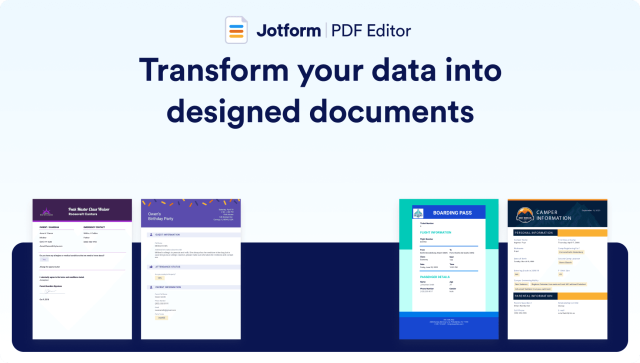
Automatically create polished, designed documents
Jotform PDF Editor automatically turns collected form responses into professional, secure PDF documents that you can share with colleagues and customers. Easily generate custom PDF files online!
Whether you need to create a contract, generate an invoice for payments, document event attendee registration information, or prepare an inspection report, Jotform PDF Editor helps you edit PDF files and automatically create polished documents with the data you collect.
How to transform your data into custom PDF documents online
Create, design, and download PDFs effortlessly.
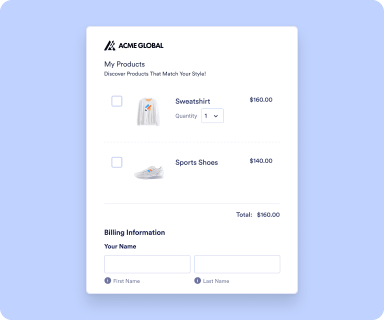
Create Form
Create an online form with the Jotform Form Builder and share it with your audience.
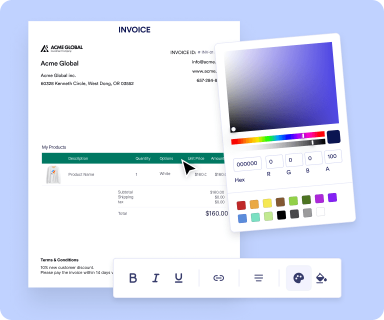
Design your PDF
Each form submission will then be turned into a PDF document automatically.
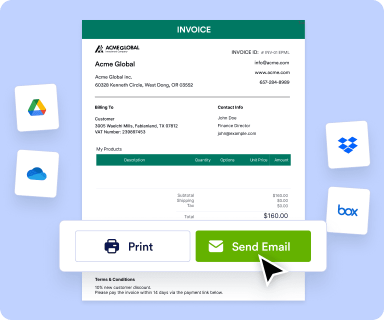
Share Document
Share, store, print, download, and edit PDFs online.
Power your internal workflow
Create professional-looking documents with the data you collect. Send PDF invoices to your customers, organize job applications, or prepare proposals for potential clients. Produce any and every type of document you need, to more easily communicate with your clients and colleagues.



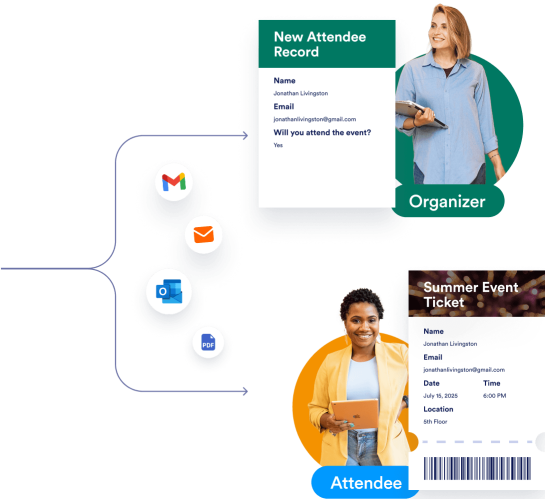
PDF templates for your every need
Create PDFs in seconds with ready-made templates you can customize to match your brand. View your PDFs in Adobe Acrobat or Preview, or instantly send them to cloud storage platforms like Google Drive or Dropbox.
Discover Jotform PDF Editor on YouTube
Learn Jotform PDF Editor with tutorials, feature walkthroughs, product demos, and expert tips. Watch more on our YouTube channel.


TESTIMONIALS
What our users say about our online PDF Editor
Explore Free PDF Editor
Discover Jotform PDF Editor
PDF Editor FAQ
What is a PDF editor?
A PDF editor is a tool that allows you to edit PDFs.
What is a PDF editor used for?
What are the advantages of Jotform PDF Editor?
What is Jotform PDF Editor?
What are the differences between PDF forms and PDF documents?
What is the difference between an online form and a PDF form?
Can PDF forms and PDF documents be updated over time?
How can I access Jotform PDF Editor?
Can you repurpose an existing form and send it as a PDF?
Do I need to create a PDF document from scratch with the information I collect?
How many PDF forms and PDF documents can I create?
Can I import my own PDF document into Jotform?
Which pricing plans include Jotform PDF Editor?
Can HIPAA accounts use Jotform PDF Editor?
Is Jotform PDF Editor supported by Enterprise accounts?
Can I attach a PDF document to notification or autoresponder emails?
Can I show submission data in Jotform PDF Editor based on the condition in the form?
Can I use PDF forms offline?
Which software(s) should I use to submit a PDF form?
Can I use all form fields, integrations, and widgets on PDF forms?