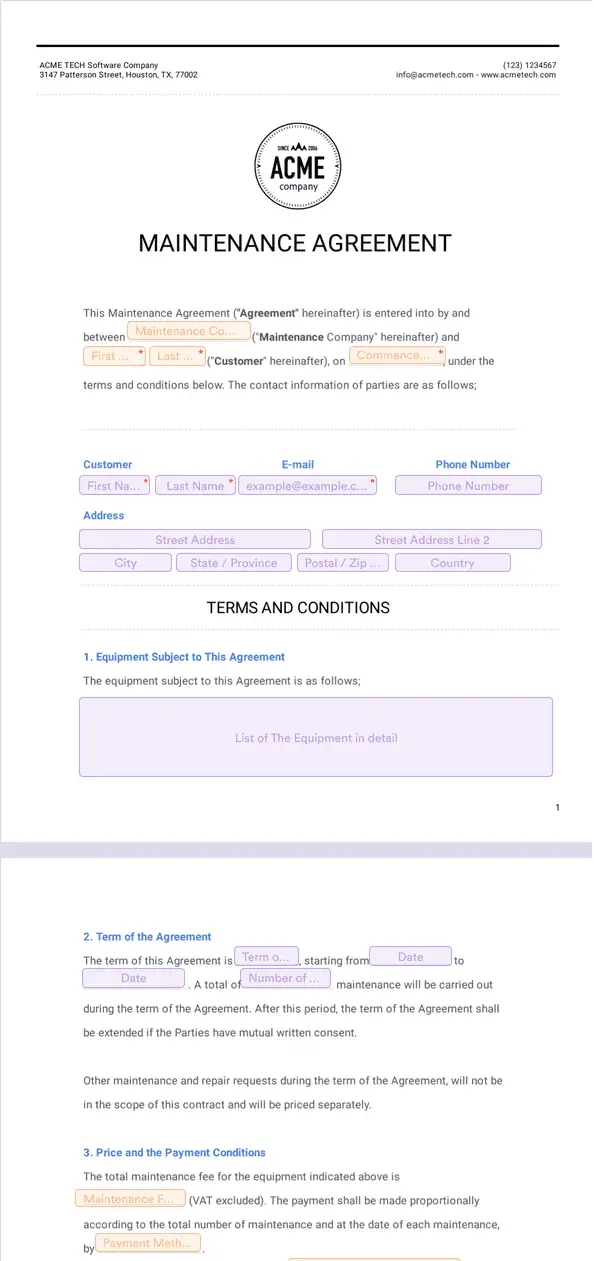
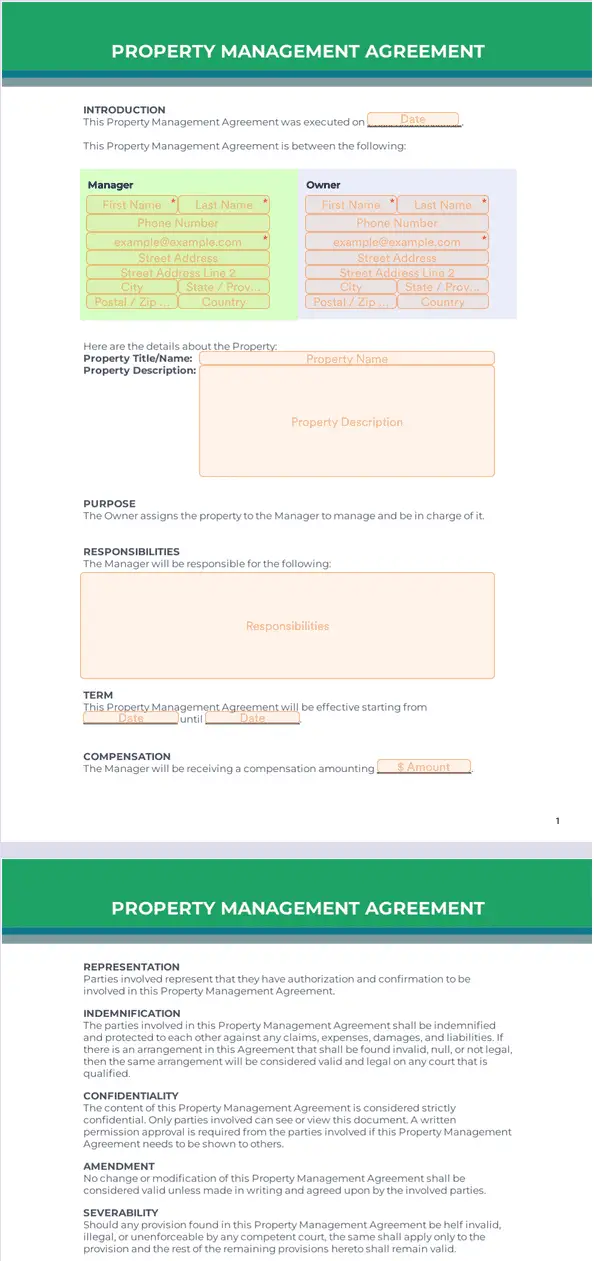
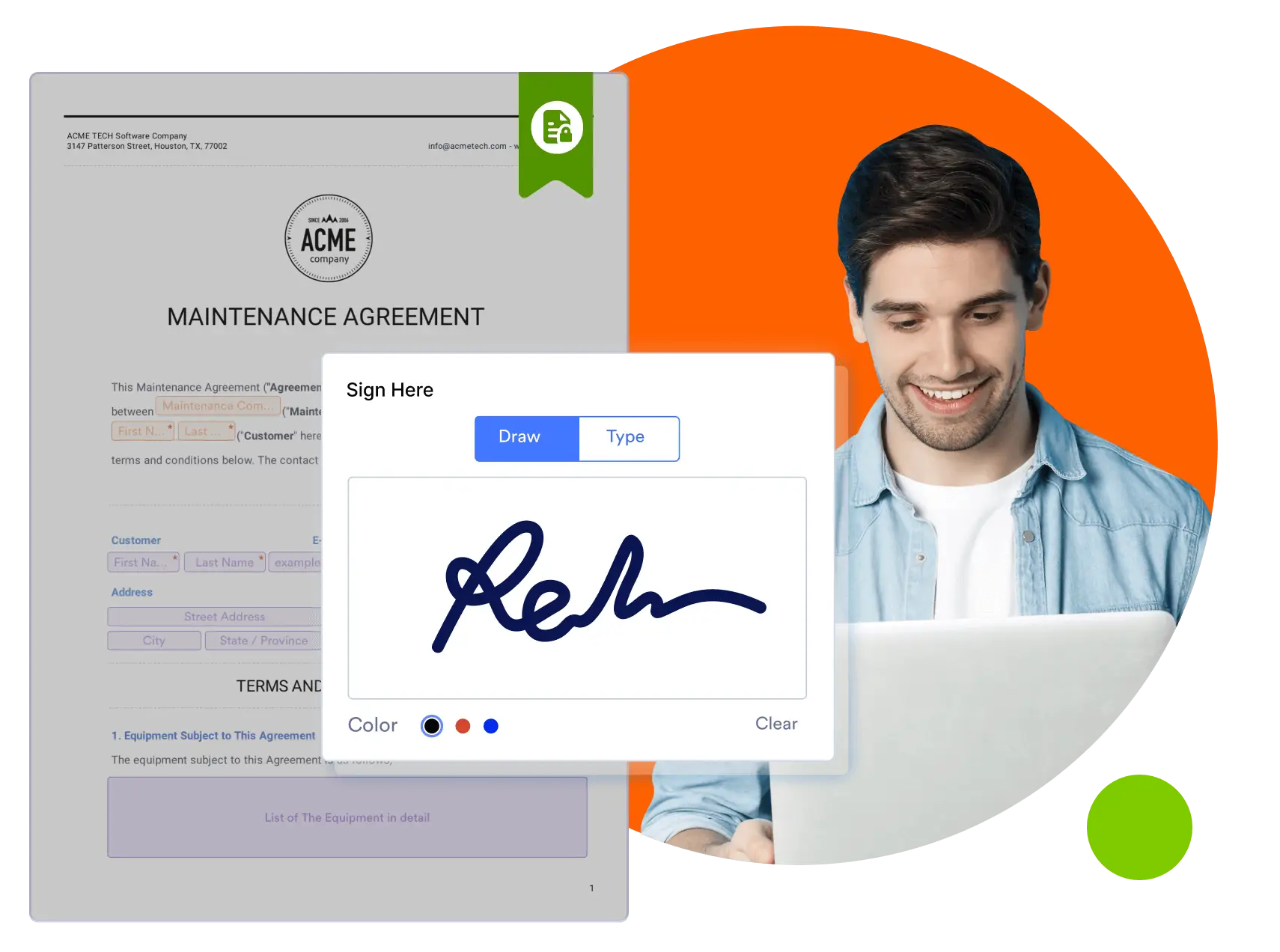
Jotform’s electronic signature for facilities is an e-signature solution for facility services teams to create e-signable documents and simplify contract signing with Jotform Sign. Upload files to generate documents with automatic field detection, then send them to collect signatures and reduce paperwork. Track facility contract signing from start to finish in one workflow.
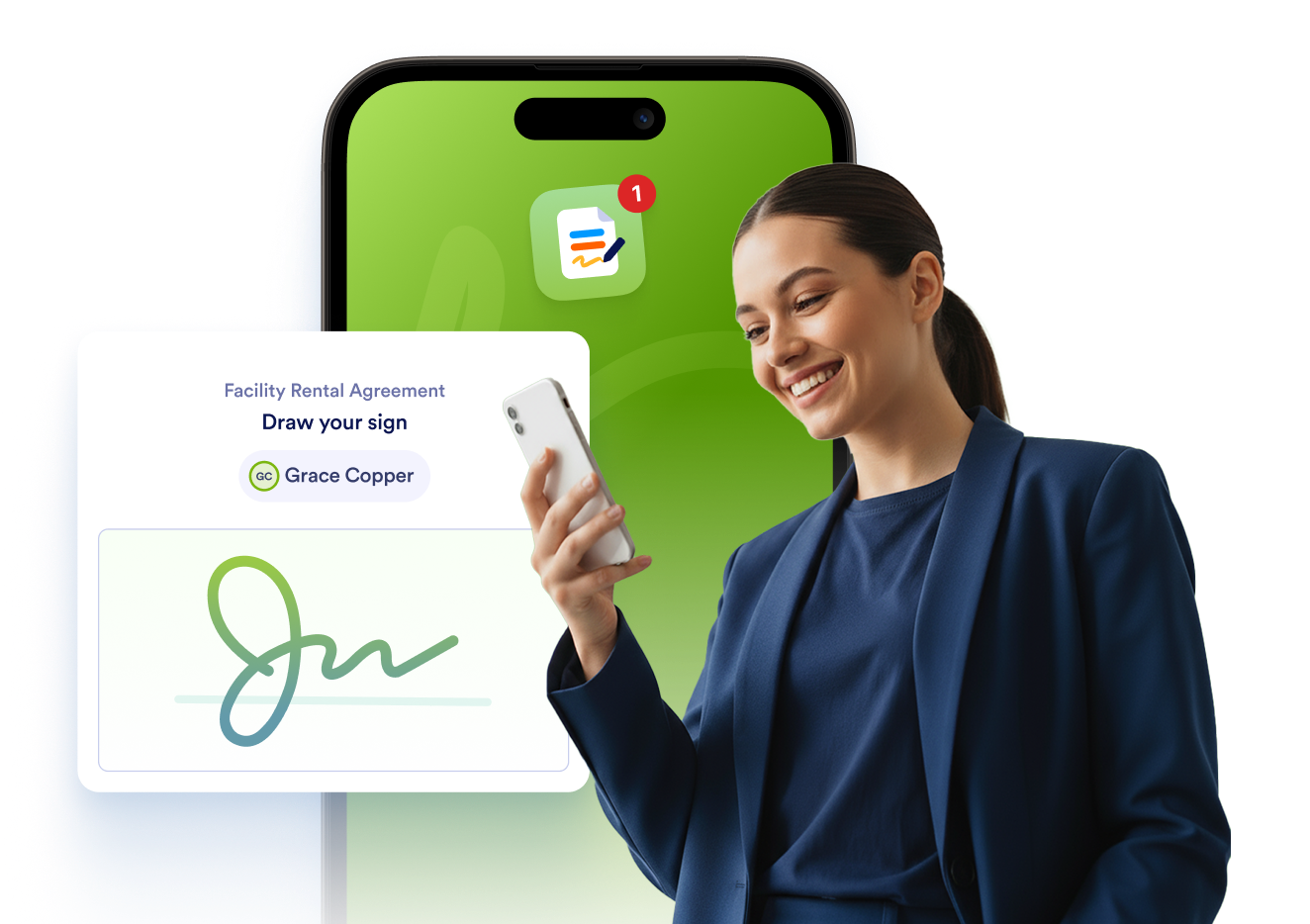
Jotform Sign Mobile is the simplest way to sign, send, and track documents from your phone.


Templates
Don’t know where to start? Not a problem. Just pick one of our ready-made facility sign templates. Customize it to your liking and send it out for signatures in just minutes.
Benefits
Use an electronic signature for facilities to automate how maintenance agreements, work orders, and vendor contracts are signed and filed. Jotform Sign lets you create documents from templates or upload existing PDFs, then use automatic field detection to place fillable fields faster. Set up workflows and automatic email reminders so each document moves to the right signer without manual follow-up.
Jotform Sign documents can be signed on smartphones, tablets, or desktop computers without installing special software. Tenants, contractors, and staff can review and complete facility agreements from anywhere, which helps prevent delays tied to in-person paperwork. Because documents are mobile-friendly by default, facility teams can collect signatures on-site or in the field.
Add multiple signers, assign roles, and define the signing order to manage complex facility approval processes in one place. Jotform Sign provides an audit trail that records signer actions, so facility managers can track who signed and when. Teams can monitor document status in the Jotform Sign dashboard and send reminders if a signature is pending.
Jotform Sign protects facility documents with encrypted forms and a 256-bit SSL connection. The platform is designed to support GDPR, CCPA, and PCI friendly features when collecting and storing document data. Access codes and digital certificates can be added to signed documents for additional control and verification. These security features help facility teams protect sensitive lease, vendor, and maintenance information
Use Jotform Sign for your facility services company lease agreements, contracts, and more.
Make your facility’s lease-signing process as seamless as possible with Jotform Sign. Build a standardized lease agreement to use again and again — updating policies and terms as needed.
Whenever you need a contract, you can build it in Jotform Sign to share directly with your tenants or landlords. View and approve all finished contracts from one centralized platform.
Create work orders forms for tenants to fill out when something needs to be fixed. Customize and embed documents directly into your facility tenant portal for easy access.
Ensure that your HR department has access to professional forms for all application, suspension, and promotion requests. Create HR forms from scratch or use one of our ready-made HR templates.
Disclaimer: The information provided in this guide is for general informational purposes only and is not intended to constitute legal advice. While we strive to keep the information accurate and up-to-date, laws and regulations vary by jurisdiction and can change frequently. Should you have specific legal questions about any of the information on this site, you should consult with a licensed attorney in your area.