# Jotform Sign Mobile: Document Signing App for 2026

## Jotform Sign Mobile

# Free document signing app

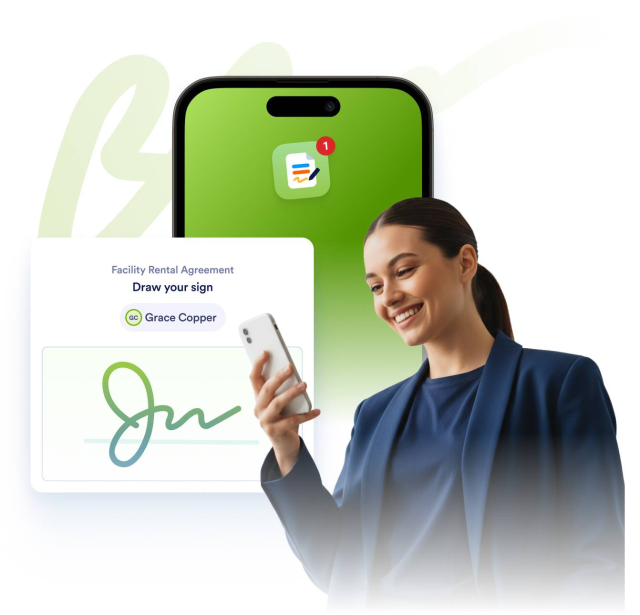
**Jotform Sign Mobile** is the simplest way to sign, send, and track documents from your phone. This free mobile **e-signature app** helps you finalize contracts, approvals, and forms anytime, anywhere.

[Scan the QR code to get the Jotform Sign Mobile on your device](https://jotformsign.go.link/5kO2w)

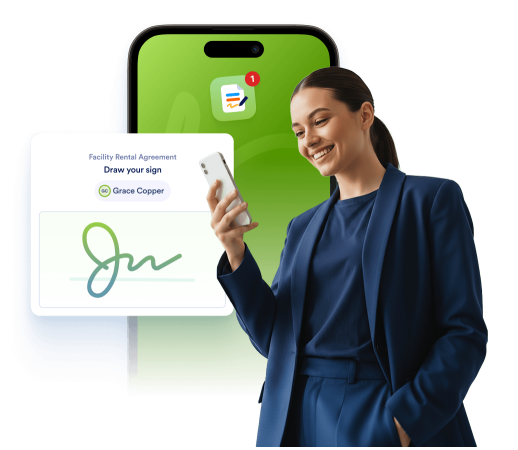
![Image 1: Smiling man signing a Facility Rental Agreement on his phone using Jotform Sign.](https://cdn.jotfor.ms/image/r/aHR0cHM6Ly9jZG4uam90Zm9yLm1zL3AvcHJvZHVjdHMvc2lnbi9tb2JpbGUvYXNzZXRzL2ltZy1taW4vaG9tZXBhZ2UvaGVyby9oZXJvLWltYWdlLmpwZw==/hero-image.png?w=1024&t=1)

## How to Use **Jotform Sign Mobile**

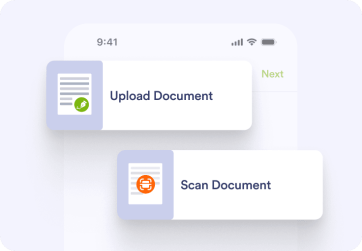
![Image 2: Upload or scan your document](https://cdn.jotfor.ms/image/r/aHR0cHM6Ly9jZG4uam90Zm9yLm1zL3AvcHJvZHVjdHMvc2lnbi9tb2JpbGUvYXNzZXRzL2ltZy1taW4vaG9tZXBhZ2UvaG93LTEucG5n/how-1.png?w=1024&t=1)

### Upload or scan your document

Start with any file from your phone or scan a paper copy using your camera.

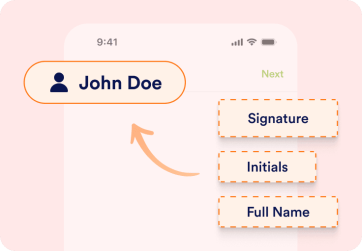
![Image 3: Add signers and fields](https://cdn.jotfor.ms/image/r/aHR0cHM6Ly9jZG4uam90Zm9yLm1zL3AvcHJvZHVjdHMvc2lnbi9tb2JpbGUvYXNzZXRzL2ltZy1taW4vaG9tZXBhZ2UvaG93LTIucG5n/how-2.png?w=1024&t=1)

### Add signers and fields

Insert boxes for signatures and other fields, then invite participants by email, or in person.

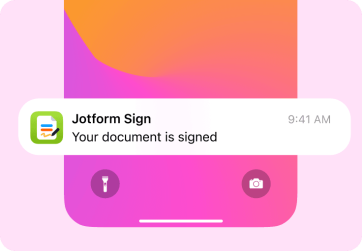
![Image 4: Track, notify, and finalize](https://cdn.jotfor.ms/image/r/aHR0cHM6Ly9jZG4uam90Zm9yLm1zL3AvcHJvZHVjdHMvc2lnbi9tb2JpbGUvYXNzZXRzL2ltZy1taW4vaG9tZXBhZ2UvaG93LTMucG5n/how-3.png?w=1024&t=1)

### Track, notify, and finalize

Get notified as each person signs. Once signing is complete, your document is securely stored and accessible in your Jotform account.

## Built to keep your work **moving**

Jotform Sign Mobile comes packed with practical tools that help you manage every signature task from your phone. Each feature is designed to keep your document workflow simple, fast, and completely mobile-friendly.

### Work from anywhere, sign everywhere

Complete, send, and manage documents right from your smartphone. Stay productive whether you’re traveling or meeting clients in person.
![Image 5: Jotform Sign notifications showing signed documents.](https://cdn.jotfor.ms/image/r/aHR0cHM6Ly9jZG4uam90Zm9yLm1zL3AvcHJvZHVjdHMvc2lnbi9tb2JpbGUvYXNzZXRzL2ltZy1taW4vaG9tZXBhZ2UvZmVhdHVyZS0xLnBuZw==/feature-1.png?w=40&t=1)

### Collect instant in-person signatures

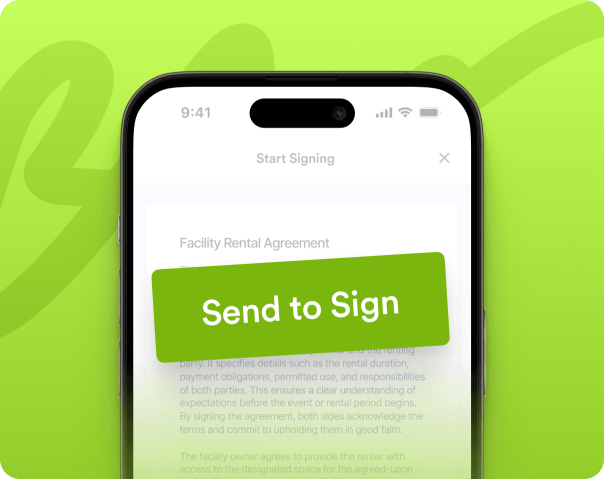
Gather multiple signatures face to face with just a few taps — ideal for contracts, rental agreements, or project approvals in the field.

![Image 6: Phone screen with ‘Send to Sign’ button for document signing.](https://cdn.jotfor.ms/image/r/aHR0cHM6Ly9jZG4uam90Zm9yLm1zL3AvcHJvZHVjdHMvc2lnbi9tb2JpbGUvYXNzZXRzL2ltZy1taW4vaG9tZXBhZ2UvZmVhdHVyZS0yLnBuZw==/feature-2.png?w=40&t=1)

### Turn paper documents into digital forms

Use your phone’s camera to scan a paper document and make it instantly signable. No more waiting until you’re back at the office to print and sign.

![Image 7: Two people reviewing a signed document on a tablet.](https://cdn.jotfor.ms/image/r/aHR0cHM6Ly9jZG4uam90Zm9yLm1zL3AvcHJvZHVjdHMvc2lnbi9tb2JpbGUvYXNzZXRzL2ltZy1taW4vaG9tZXBhZ2UvZmVhdHVyZS0zLnBuZw==/feature-3.png?w=40&t=1)

### Track and manage every document

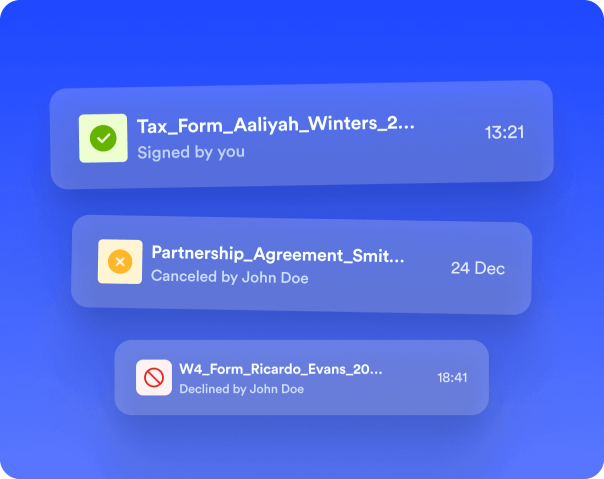
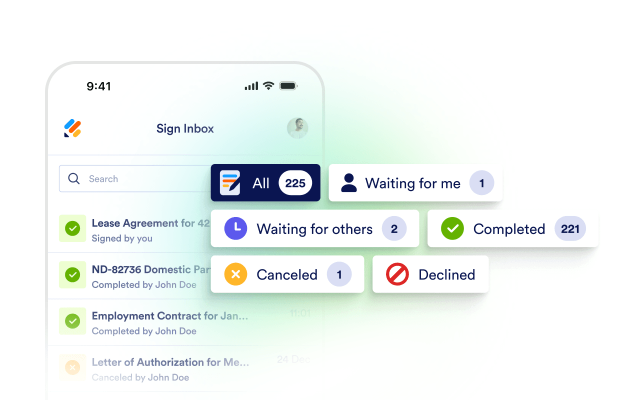
Monitor signer progress in real time, view completed files, and get instant alerts when a signature is added — all inside your Sign Inbox.
![Image 8: Jotform Sign document statuses: signed, canceled, and declined.](https://cdn.jotfor.ms/image/r/aHR0cHM6Ly9jZG4uam90Zm9yLm1zL3AvcHJvZHVjdHMvc2lnbi9tb2JpbGUvYXNzZXRzL2ltZy1taW4vaG9tZXBhZ2UvZmVhdHVyZS00LnBuZw==/feature-4.png?w=40&t=1)

### Work faster with instant notifications

Receive alerts the moment someone signs or a document needs your attention. Real-time updates help you respond quickly and complete approvals without delays.
![Image 9: Document scanning icon representing digital document processing.](https://cdn.jotfor.ms/image/r/aHR0cHM6Ly9jZG4uam90Zm9yLm1zL3AvcHJvZHVjdHMvc2lnbi9tb2JpbGUvYXNzZXRzL2ltZy1taW4vaG9tZXBhZ2UvZmVhdHVyZS01LnBuZw==/feature-5.png?w=40&t=1)

### Keep every document secure

All signatures and documents are stored safely within your Jotform account, giving you peace of mind and easy access anytime.
![Image 10: Secure documents with a padlock icon representing data protection.](https://cdn.jotfor.ms/image/r/aHR0cHM6Ly9jZG4uam90Zm9yLm1zL3AvcHJvZHVjdHMvc2lnbi9tb2JpbGUvYXNzZXRzL2ltZy1taW4vaG9tZXBhZ2UvZmVhdHVyZS02LnBuZw==/feature-6.png?w=40&t=1)

## Smart tools to make **signing effortless**

![Image 11: Sign existing documents](https://cdn.jotfor.ms/image/r/aHR0cHM6Ly9jZG4uam90Zm9yLm1zL3AvcHJvZHVjdHMvc2lnbi9tb2JpbGUvYXNzZXRzL2ltZy1taW4vaG9tZXBhZ2UvZmVhdHVyZXMvMS5wbmc=/1.png?w=40&t=1)

### Sign existing documents

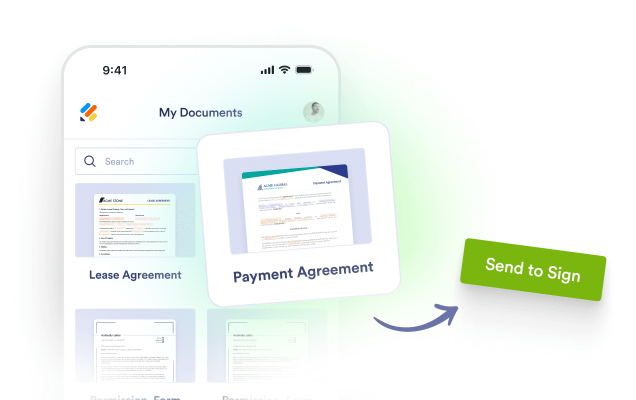
Upload contracts, invoices, or agreements from your phone and add your signature in just a few taps. You can also reuse previously signed files to speed up future workflows.
![Image 12: Sign in person](https://cdn.jotfor.ms/image/r/aHR0cHM6Ly9jZG4uam90Zm9yLm1zL3AvcHJvZHVjdHMvc2lnbi9tb2JpbGUvYXNzZXRzL2ltZy1taW4vaG9tZXBhZ2UvZmVhdHVyZXMvMi5wbmc=/2.png?w=40&t=1)

### Sign in person

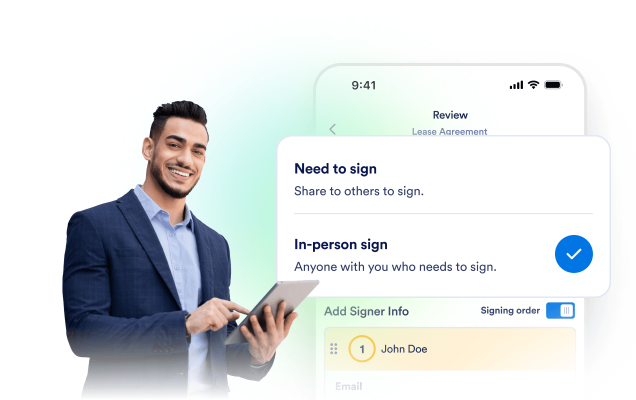
Collect one or more signatures when meeting clients or teammates in person, and finalize documents with just a few taps.
![Image 13: Scan to Sign](https://cdn.jotfor.ms/image/r/aHR0cHM6Ly9jZG4uam90Zm9yLm1zL3AvcHJvZHVjdHMvc2lnbi9tb2JpbGUvYXNzZXRzL2ltZy1taW4vaG9tZXBhZ2UvZmVhdHVyZXMvMy5wbmc=/3.png?w=40&t=1)

### Scan to Sign

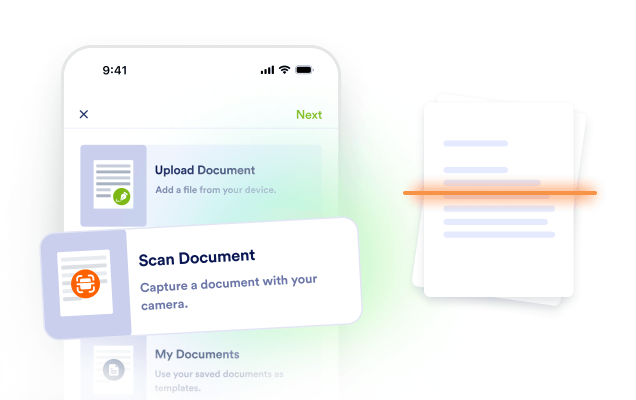
Take a photo of any paper document and instantly turn it into a digital version. Thanks to the built-in scanner, it’s ready to sign in no time.
![Image 14: Invite others to sign](https://cdn.jotfor.ms/image/r/aHR0cHM6Ly9jZG4uam90Zm9yLm1zL3AvcHJvZHVjdHMvc2lnbi9tb2JpbGUvYXNzZXRzL2ltZy1taW4vaG9tZXBhZ2UvZmVhdHVyZXMvNC5wbmc=/4.png?w=40&t=1)

### Invite others to sign

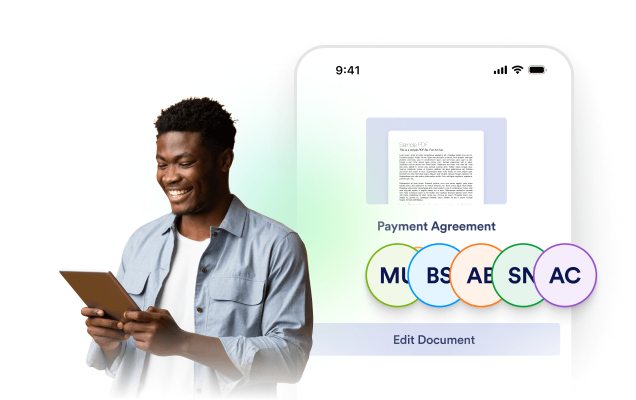
Share documents securely via email or link so others can sign from their own devices. Each signer follows a simple, guided experience that makes signing easy, regardless of their location.
![Image 15: Track and manage in one place](https://cdn.jotfor.ms/image/r/aHR0cHM6Ly9jZG4uam90Zm9yLm1zL3AvcHJvZHVjdHMvc2lnbi9tb2JpbGUvYXNzZXRzL2ltZy1taW4vaG9tZXBhZ2UvZmVhdHVyZXMvNS5wbmc=/5.png?w=40&t=1)

### Track and manage in one place

View all your active and completed signature flows from your Sign Inbox. You can monitor signer progress, make edits, or reuse templates as needed.

## Jotform Sign Mobile

All-in-one document signing app — built for mobile professionals

[**Download Jotform Sign App**Scan the QR code using your device to get Jotform Sign](https://jotformsign.go.link/imQFx)

![Image 16: Jotform Sign Mobile app preview on phone](https://cdn.jotfor.ms/image/r/aHR0cHM6Ly9jZG4uam90Zm9yLm1zL3AvcHJvZHVjdHMvc2lnbi9tb2JpbGUvYXNzZXRzL2ltZy1taW4vaG9tZXBhZ2UvZG93bmxvYWQtc2VjdGlvbi9pbWFnZS1uLnBuZw==/image-n.png?w=40&t=1)

## FAQ

*    
### Do I need to have a Jotform account to use the Jotform Sign Mobile app? Yes, you need a Jotform account to use the Jotform Sign Mobile app.

Create an account to access, manage, and securely store your documents and signatures across devices. Your account ensures proper authentication, audit trails, and the ability to track signing status for all recipients.   
*    
### Can I use my existing Jotform account with the Jotform Sign Mobile app? Yes, you can use your existing Jotform account with the Jotform Sign Mobile app.

Sign into the Jotform Sign Mobile app using your current Jotform credentials, and all your documents will sync automatically. This ensures a seamless experience across web and mobile, including access to your existing settings, teams, and permissions.   
*    
### Does it work with a stylus/Apple Pencil? Yes, Jotform Sign Mobile works seamlessly with styluses, including Apple Pencil.

You can draw precise signatures with natural handwriting on compatible iOS and Android devices. Pressure sensitivity and palm rejection are supported where available, ensuring smooth, accurate signing and markup.   
*    
### Is the Jotform Sign Mobile app free? Yes, the Jotform Sign Mobile app is free to download and use.

You can install the app at no cost and start creating, sending, and signing documents right away.   
*    
### Do my customers need to download the Jotform Sign Mobile app? No, customers don’t need to download the Jotform Sign Mobile app to sign a document.

They can review and sign documents in a web browser via the link you send. If they do download the app and use their accounts, they’ll be able to track, manage, and revisit their signed documents in one place.   
*    
### What is the best e-signature app? Jotform Sign Mobile is the best e-signature app for most users.

It’s free, remarkably easy to use, and produces signatures that are in line with many compliance standards. With a clean mobile experience and seamless web access, it covers everything from simple approvals to formal agreements without friction.   
*    
### How can I create my signature on my phone? You can create a reusable mobile signature in just a minute.

Create a free account, then draw or type your signature in Jotform Sign Mobile. Your signature is securely saved and can be reused across all documents, speeding up approvals without requiring you to repeat the setup.   
*   
 
### How can I use printed documents with the Jotform Sign Mobile app? 

Here’s how to bring printed paperwork into Jotform Sign Mobile and get it ready to sign.

    1.   Open the app: Launch Jotform Sign Mobile and tap Sign Document.
    2.   Scan your pages: Choose Scan, point the camera at each printed page, and capture the image. The app auto-detects edges; you can crop the image, rotate it, or apply filters for clarity.
    3.   Combine multiple scans: Keep scanning to add more pages; save them as a single multipage document.
    4.   Merge with a digital file: If you already have a PDF, import it and merge it with your scanned pages to create one combined document.
    5.   Organize and save: Reorder pages, rename the file, and save it to your account for easy tracking.
    6.   Prepare and send for signature: Add fields (signature, date, initials) and send to recipients; you can track signature status right from the app.

*   
 
### Can multiple people sign a document on the Jotform Sign Mobile app? 

Yes, multiple people can sign on a single device using In-Person Sign.

    1.   Open the app: Launch Jotform Sign Mobile.
    2.   Invite to sign: Tap Invite to Sign.
    3.   Prepare the document: Upload or select your document and add required fields.
    4.   Add signers: Enter signer details and assign fields to each person.
    5.   Start in-person signing: Choose In-Person Sign and tap Start Signing.
    6.   Complete and notify: Each signer completes their fields on the same device; everyone receives a confirmation email with the signed document attached.

*    
### Can I set up a signing order and reminders? Yes, you can set up a signing order. Reminders are enabled automatically.

Define the signing order so recipients sign sequentially or in parallel, depending on your workflow. Automatic reminders will notify pending signers to complete their actions, ensuring documents move forward without manual follow-ups.   
*    
### Is there an audit trail? Yes, every document includes a detailed, unchangeable audit trail.

Each signed document records time stamps, signer emails, IP/device details, and all actions taken (signed, declined, forwarded). This audit log is tamper-proof and accessible for compliance and record-keeping, providing clear, legally defensible traceability from send to completion.   

View More