Need to build a new form? In My Workspace, you can start the process, either from scratch, an existing form, a file, or even a template. This guide will walk through different ways to create a form in your personal workspace. For help creating a form in a Team Workspace, check out our guide How to Create Forms in a Team Workspace.
Using the Create Form Button
The Create button can be used to create a new form, as well as other assets. Let’s walk through the process of using it to start a new form:
- In My Workspace, click on the Create button in the upper left-hand corner of the workspace sidebar.
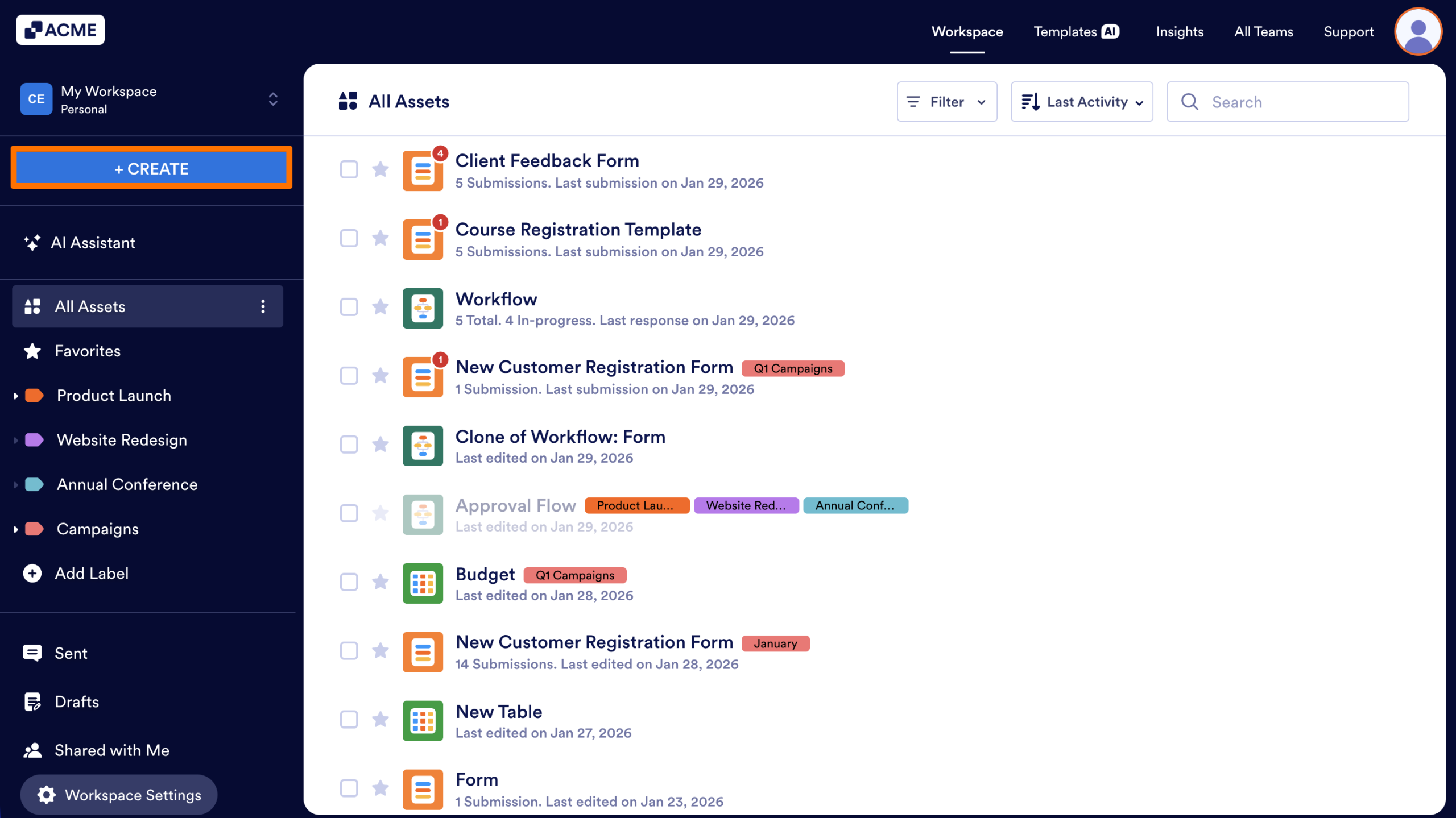
- On the next page, select Form.

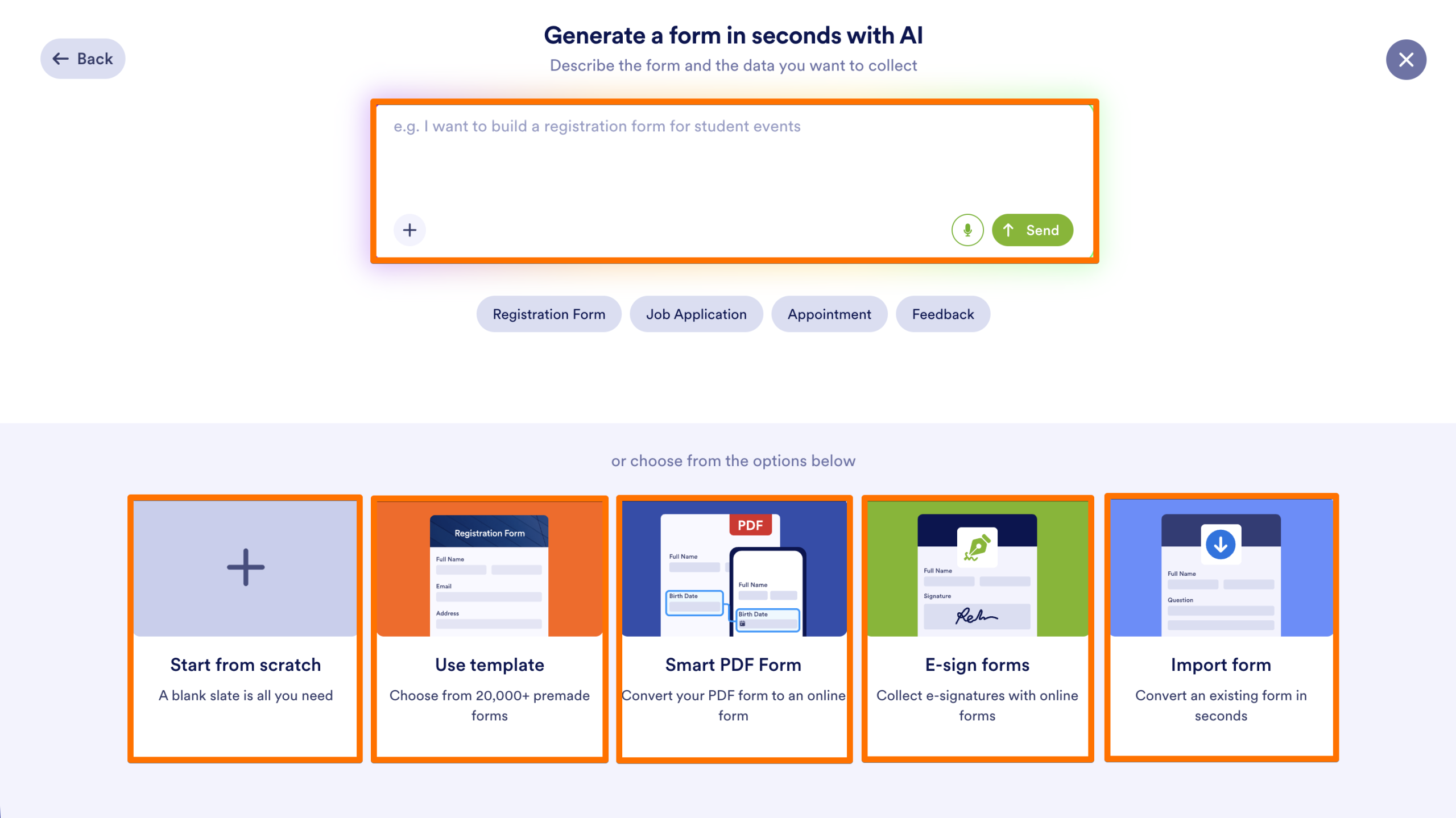
- Then, select how you’d like to build the form:
- Generate it with AI
- Start From Scratch: Build your form, field by field, using either the Classic or Card form.
- Classic Form: Display all questions on a single page, or split your form into multiple pages. Ideal for longer, complex forms.
- Card Form: Display one question at a time in a highly interactive and mobile-friendly layout. Ideal for shorter forms.
- Smart PDF Form: Convert your PDF into a form and automatically fill out the PDF after submission.
- Use Template: Build your form based on thousands of pre-made designs – keep the template as-is or customize it for your unique use case.
- E-sign Forms: Build a form, field-by-field, specifically for electronic signatures using Jotform’s Sign Automation.
- Import Form: Clone an existing form from an existing form or a URL.
- From a web page: Enter a URL to clone an existing public form or web page layout.
- Clone your existing form: Select a form already in your account to create an identical copy.
Clone an Existing Form
You can use the action menu in My Workspace to quickly clone a form, without having to use the Create button.
- In My Workspace, hover over the form you’d like to clone.
- Click on More to open the action menu.
- Then, under Form, select Clone.
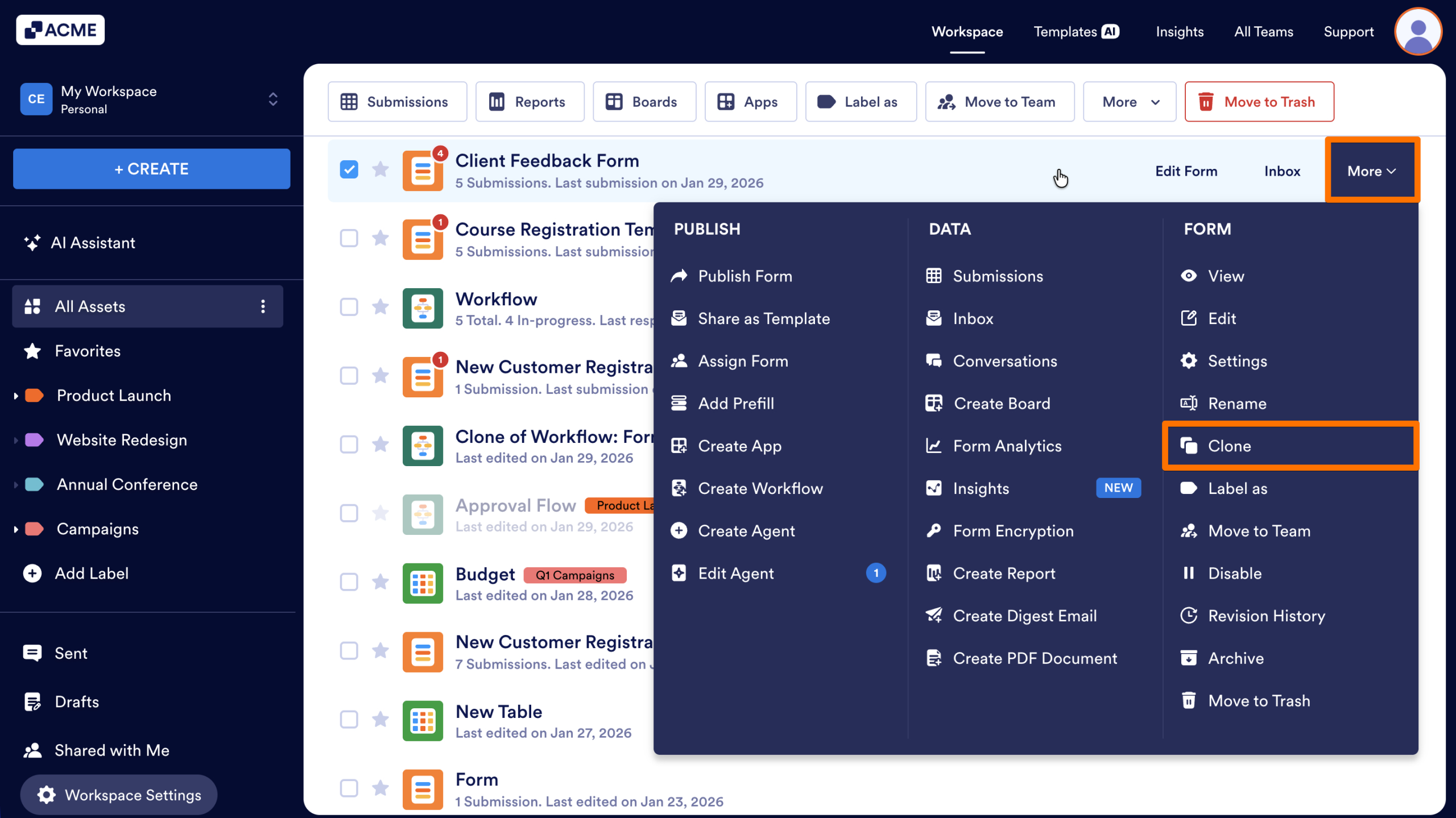
An exact copy of the form, including settings, conditional logic, and emails, will open in a new tab where you can edit and apply updates without changing the original form.

Send Comment: