Utility Widgets for Websites
Add helpful utility widgets to your website in seconds using Jotform's simple no-code builder.
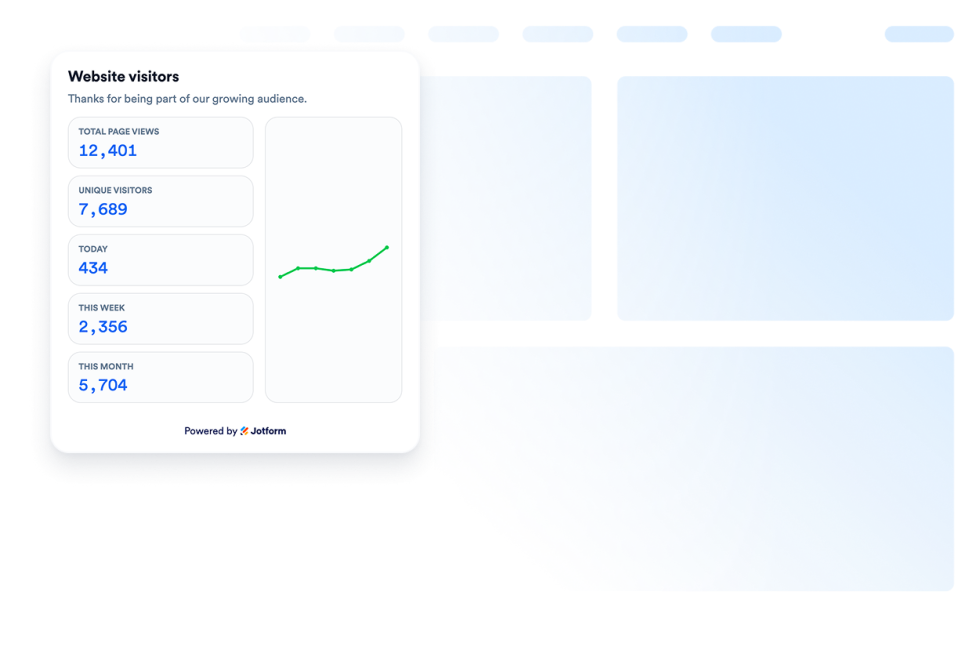
訪問者カウンター
ウェブサイトにアクセスカウンターウィジェットを追加して、ページの活動状況を示すカスタマイズ可能なノーコードの訪問者数カウンターを表示しましょう。
カテゴリーへ移動:ユーティリティウィジェットを使う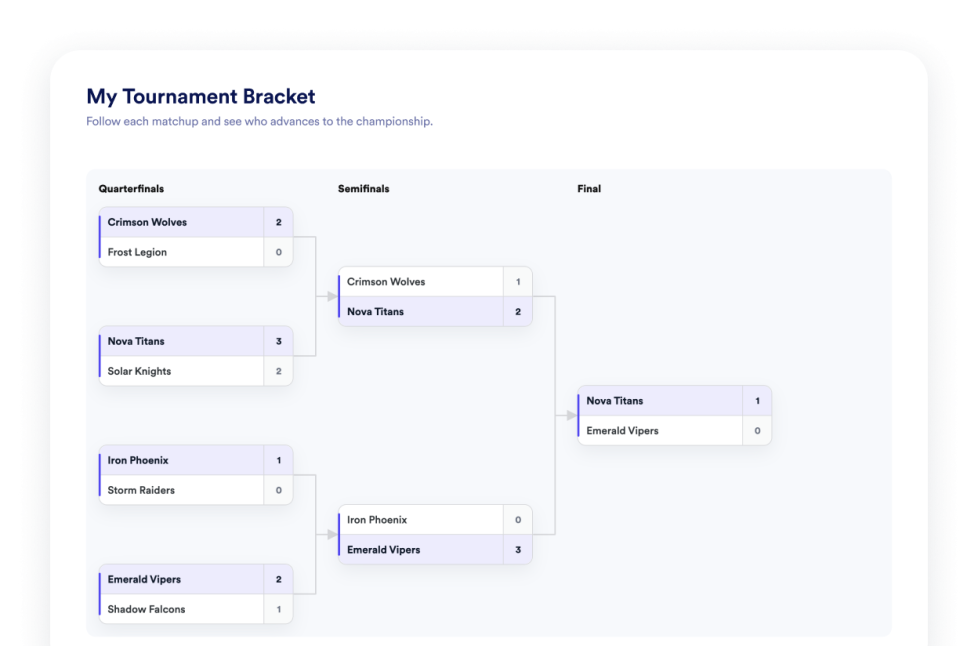
トーナメント表
ウェブサイト用のノーコード式トーナメント表作成ウィジェットを作成します。チームや選手を追加し、シード順位を設定し、試合結果を表示して、トーナメント表のデザインをカスタマイズできます。
カテゴリーへ移動:ユーティリティウィジェットを使う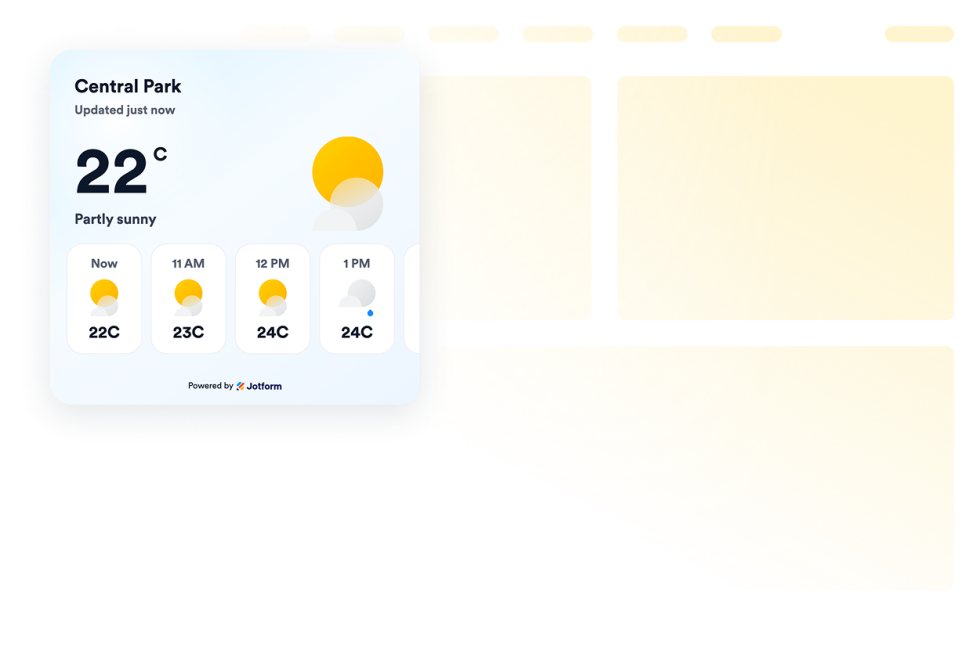
天気
ウェブサイト用の天気ウィジェットを追加して、現在の天気状況、1時間ごとの予報、または日別予報を表示できます。デザインをカスタマイズし、コード不要で埋め込むことができます。
カテゴリーへ移動:ユーティリティウィジェットを使う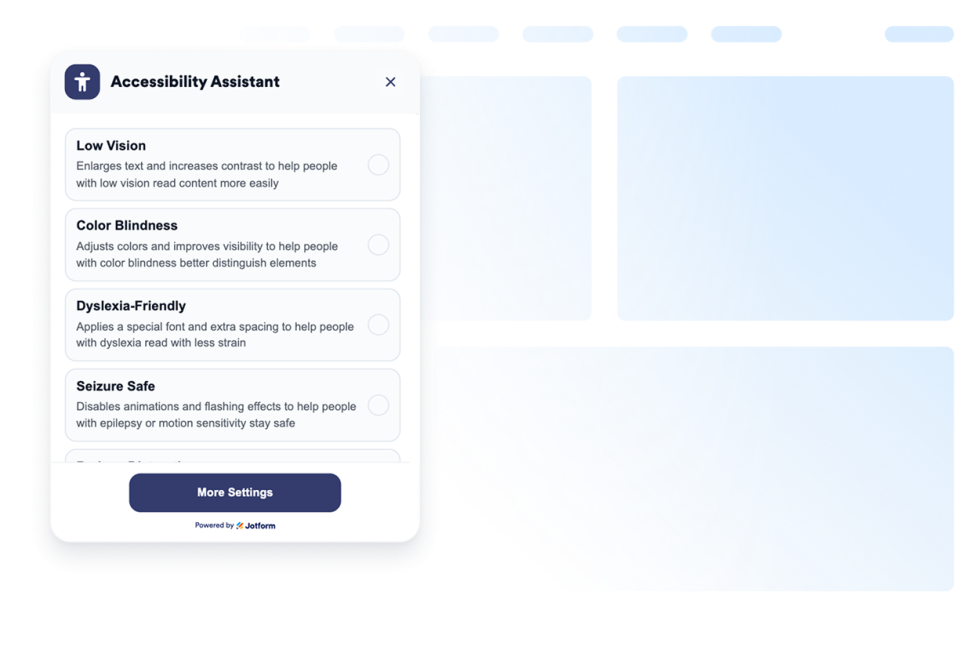
アクセシビリティ
カスタマイズ可能なウェブアクセシビリティウィジェットを追加して、訪問者がコントラスト、文字サイズ、間隔、動きを調整できるようにしましょう。あらかじめ用意されたアクセシビリティ対応モードを提供し、ユーザーの設定を記憶できます。コーディングは不要です。
カテゴリーへ移動:ユーティリティウィジェットを使う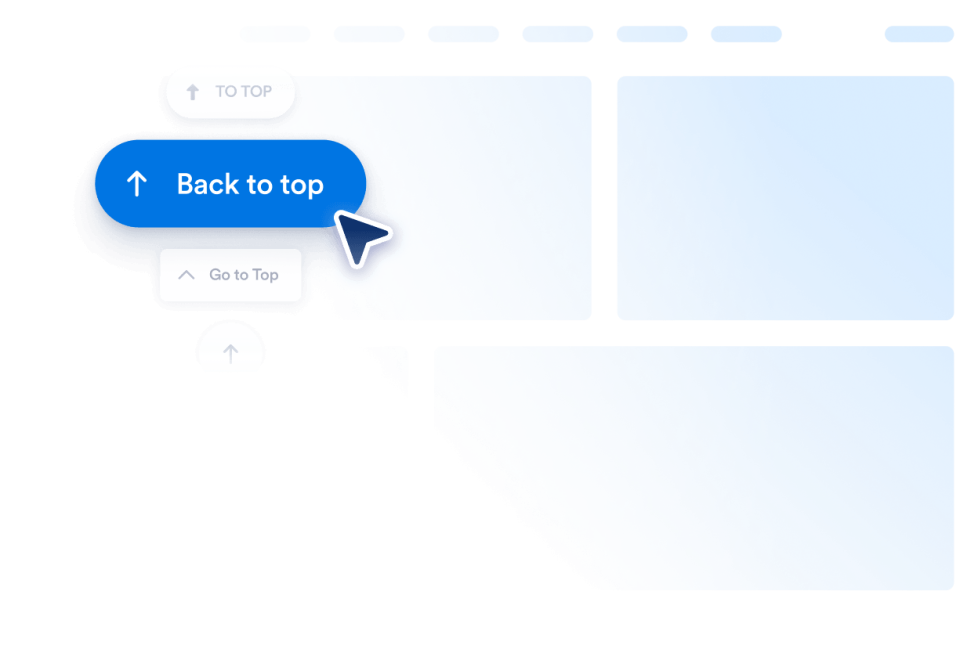
トップに戻る
ウェブサイトに数秒で、トップへ戻るウィジェットを追加できます。カスタマイズ可能なノーコードボタンを自由に埋め込んで、訪問者がスムーズにページ上部へ移動できるようにします。
カテゴリーへ移動:ユーティリティウィジェットを使う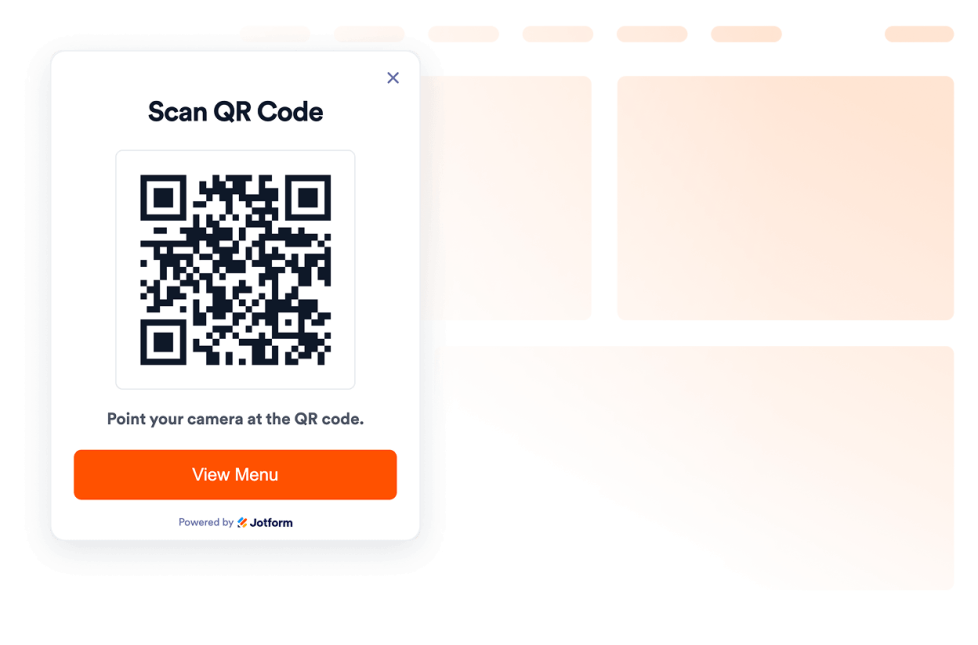
QRコード
ウェブサイトにQRコードを数秒で追加できます。訪問者がメニュー、フォーム、ダウンロード、特典、イベントのリンクなどに簡単にアクセスできるようにします。コーディングは不要です。
カテゴリーへ移動:ユーティリティウィジェットを使う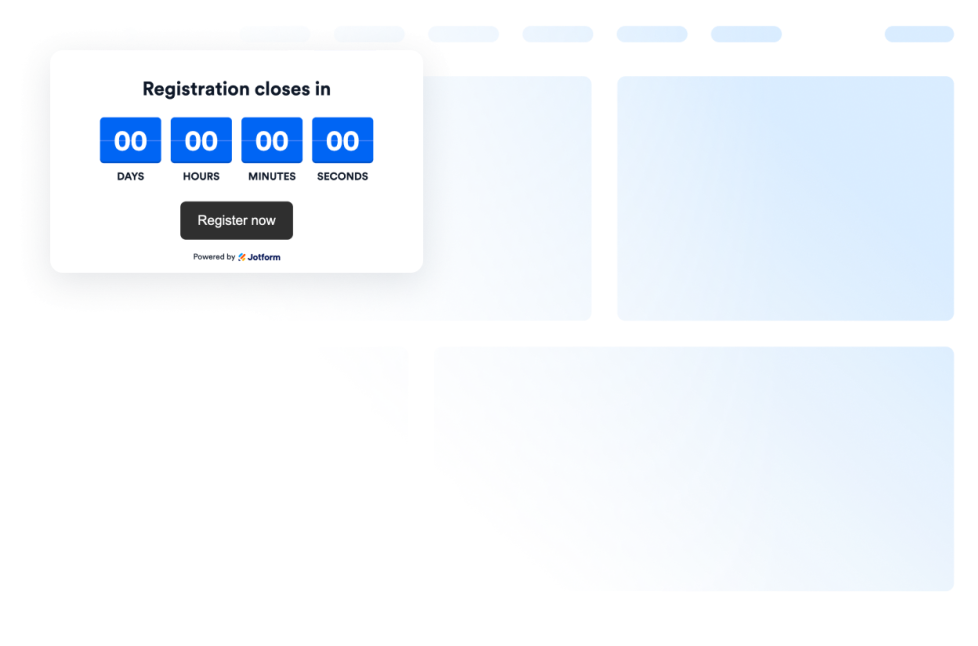
Countdown Timer
Add a countdown widget for website pages in seconds. Customize the design and embed a free countdown timer widget for website with Jotform's no-code widget builder.
カテゴリーへ移動:ユーティリティウィジェットを使う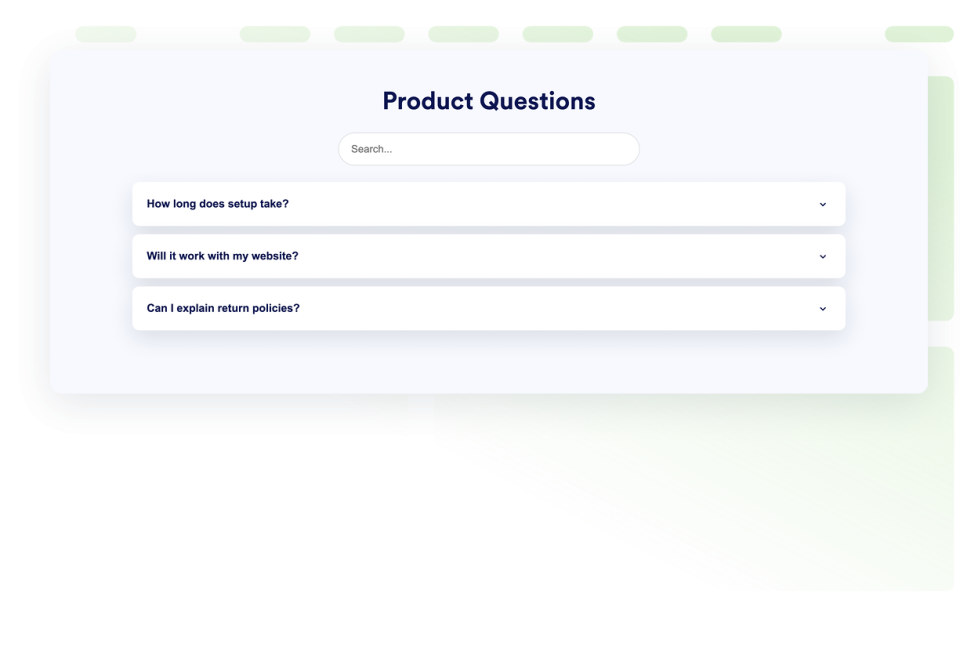
よくある質問 (FAQ)
検索可能なFAQウィジェットをウェブサイトに追加できます。カスタムスタイル、画像や動画を含む回答、柔軟なレイアウトに対応したアコーディオン形式のFAQを作成できます。
カテゴリーへ移動:ユーティリティウィジェットを使う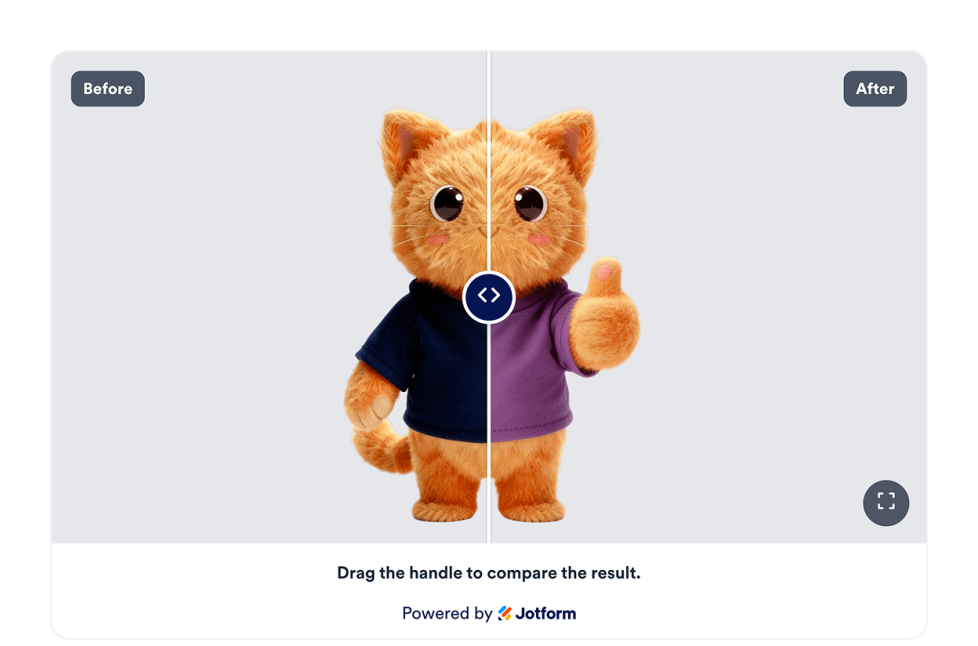
ビフォーアフタースライダー
Webサイトにビフォーアフタースライダーウィジェットを追加して、画像の変化を比較できます。水平または垂直方向のスライダー、キャプション、複数の比較画像ペア、全画面表示、レスポンシブ対応のスタイルを設定できます。
カテゴリーへ移動:ユーティリティウィジェットを使う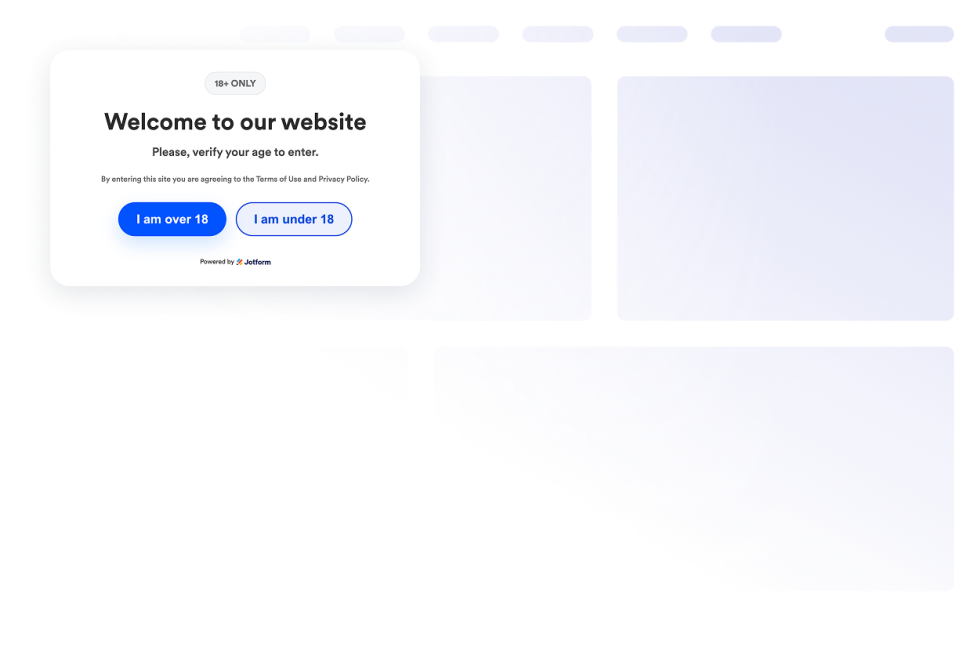
年齢確認
年齢確認ウィジェットをウェブサイトに追加すれば、年齢制限のあるコンテンツへのアクセスを制御できます。メッセージ、確認方法、訪問者の確認状態の記憶、ブランドに合わせたスタイルをカスタマイズできます。
カテゴリーへ移動:ユーティリティウィジェットを使う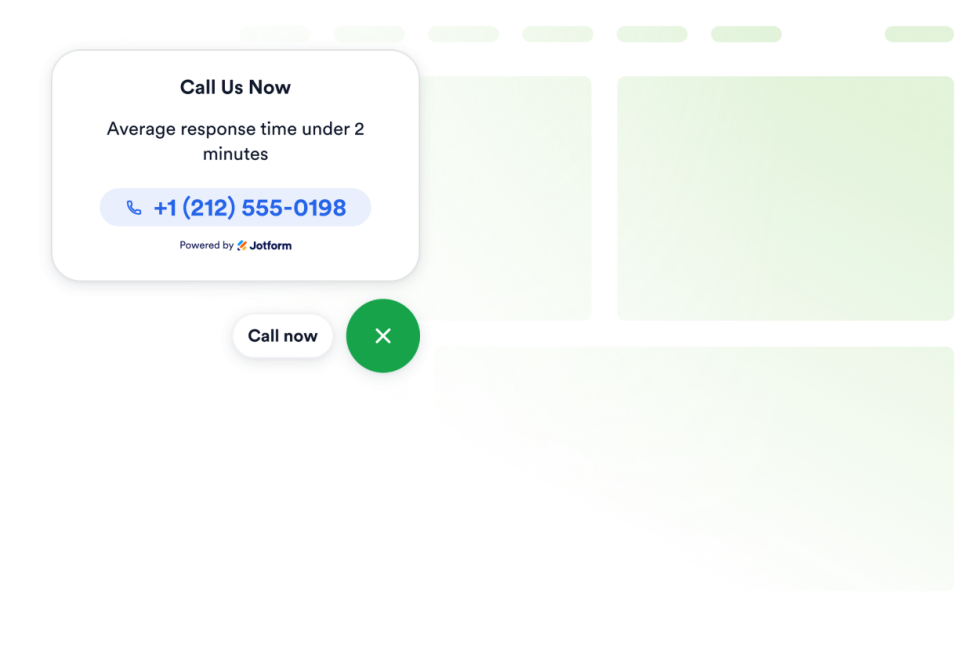
Click to Call
Add a Click to Call widget to your website so visitors can reach your business from a floating call button. Customize the phone number, button label, colors, sizing, spacing, and desktop or mobile visibility without coding.
カテゴリーへ移動:ユーティリティウィジェットを使う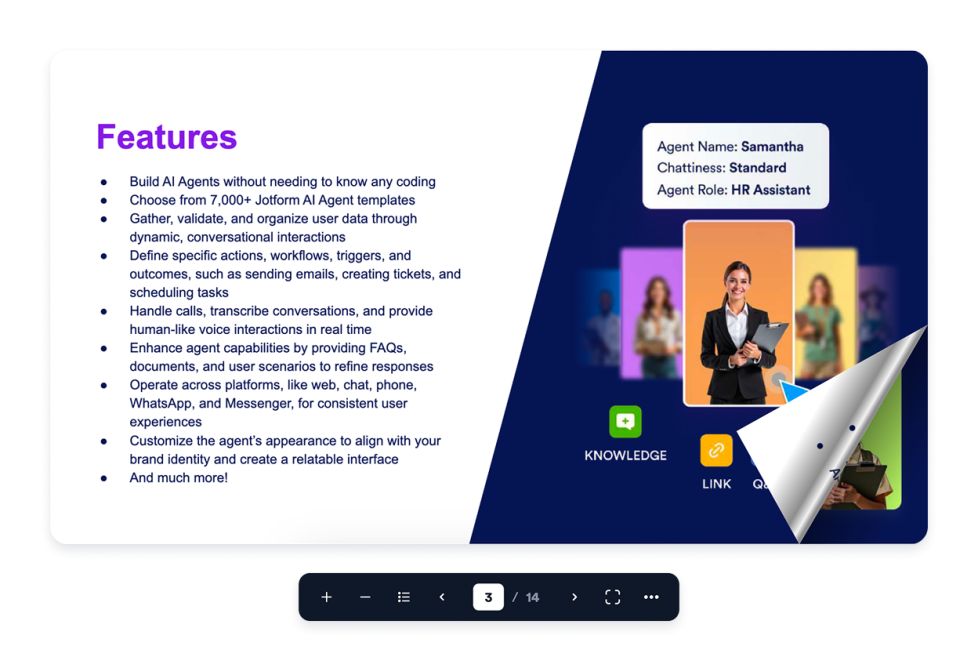
Flipbook
Add an interactive Flipbook widget to your website. Upload a PDF or paste a PDF URL, then choose page mode, stage theme, zoom, fullscreen, download, print, and responsive display.
カテゴリーへ移動:ユーティリティウィジェットを使う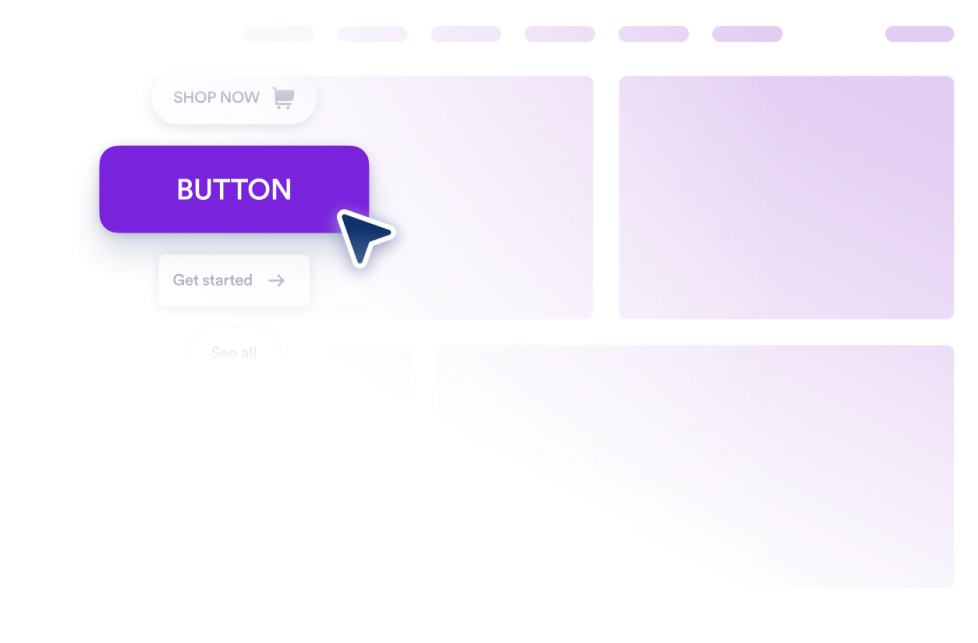
ボタン
リンクや通話、メール、チャット、ソーシャルプロフィール、ページ内ジャンプに対応するカスタマイズ可能なボタンウィジェットを、あなたのウェブサイトに追加できます。
カテゴリーへ移動:ユーティリティウィジェットを使う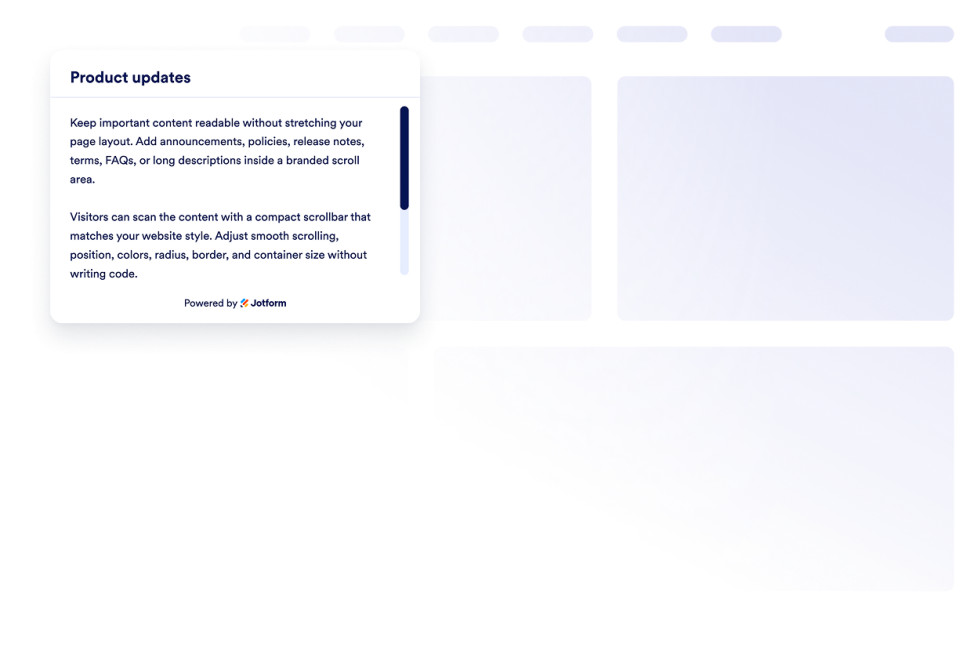
Custom Scrollbar
Add a custom scrollbar widget to your website. Create branded scrollable content areas with custom width, colors, position, border, radius, and scroll behavior.
カテゴリーへ移動:ユーティリティウィジェットを使う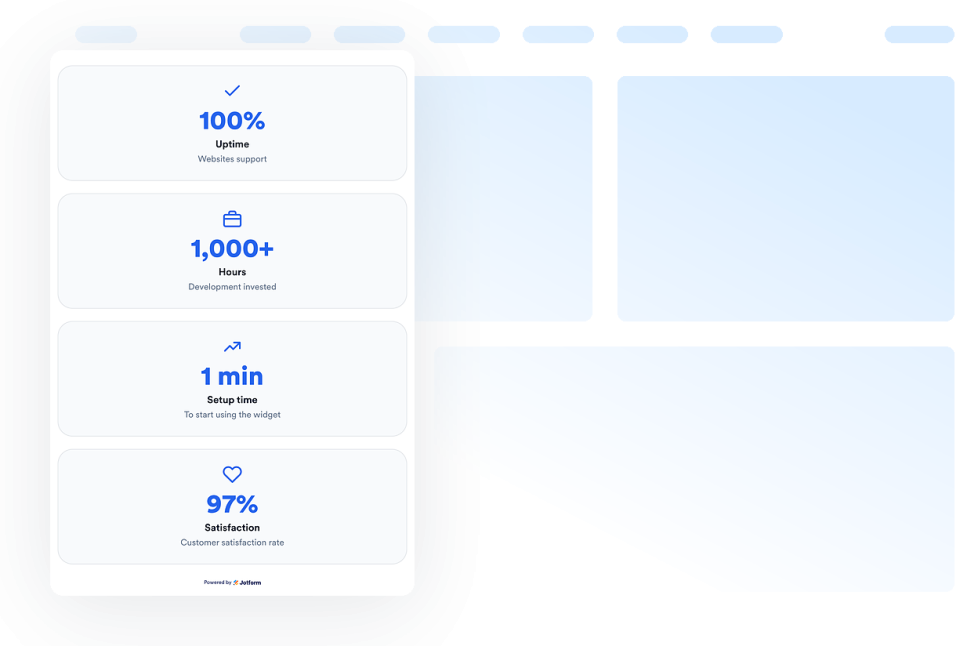
Number Counter
Add a Number Counter widget to your website to display animated milestones, statistics, icons, prefixes, postfixes, links, and live JSON-backed values.
カテゴリーへ移動:ユーティリティウィジェットを使う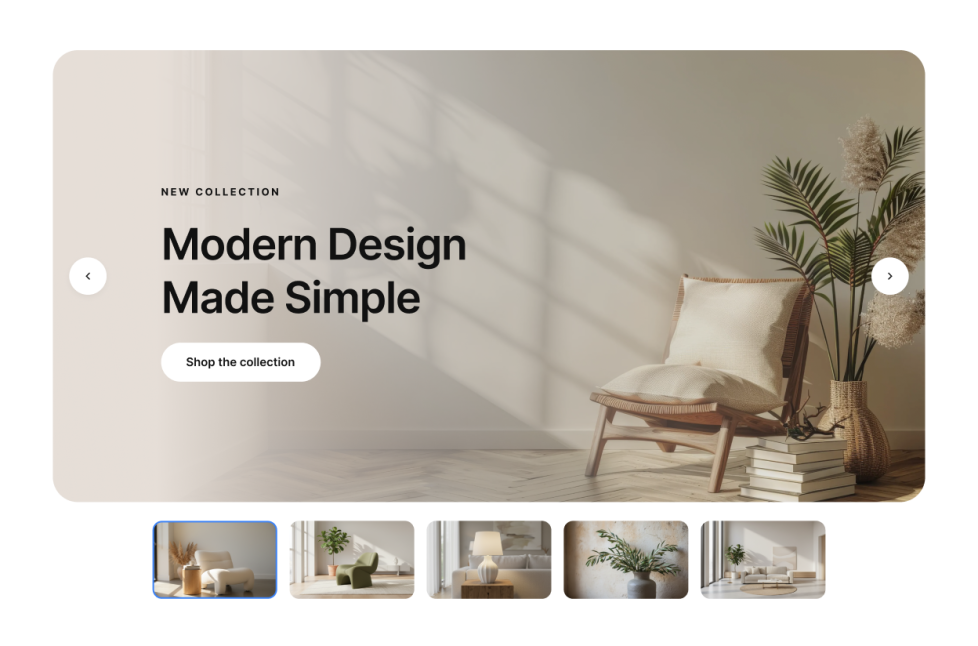
画像スライダー
Add a Image Slider widget to your website to rotate image or video slides with badges, text, buttons, autoplay, fade or slide transitions, and responsive navigation.
カテゴリーへ移動:ユーティリティウィジェットを使う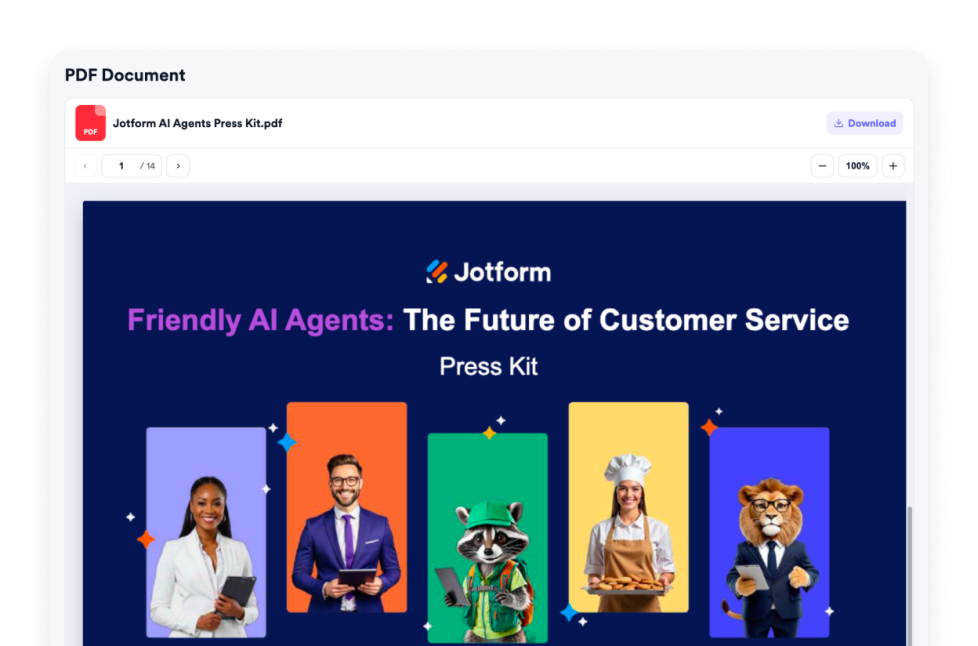
PDF Embed
Add a PDF Embed widget to your website. Upload one PDF or paste a direct PDF link, then customize viewer controls, zoom, download, icon, color, width, height, and typography.
カテゴリーへ移動:ユーティリティウィジェットを使う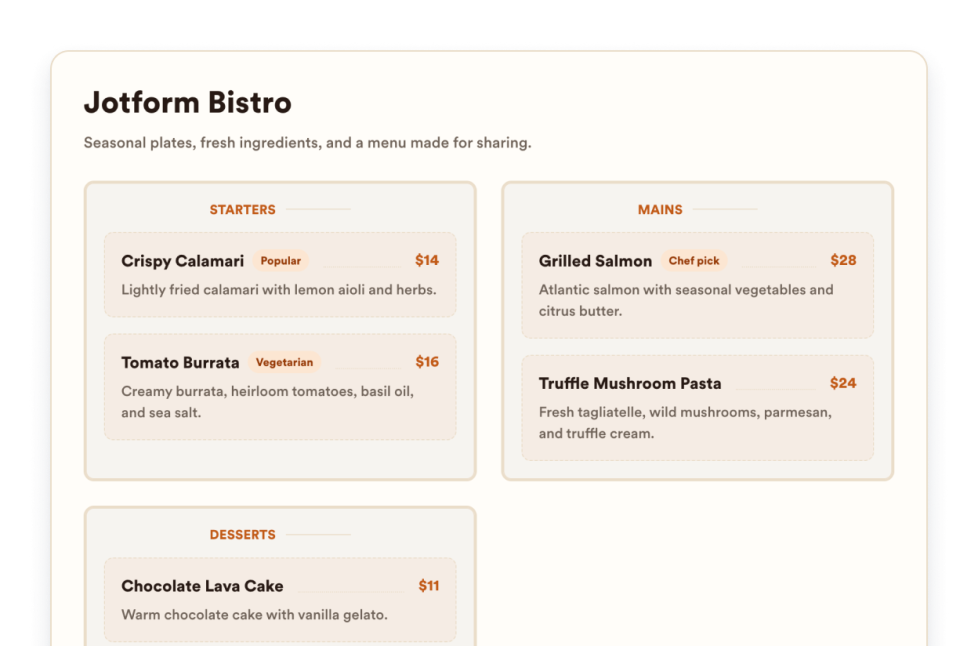
飲食店のメニュー
Add a responsive menu widget to your website with editable categories, item descriptions, prices, badges, layouts, themes, and reservation links.
カテゴリーへ移動:ユーティリティウィジェットを使う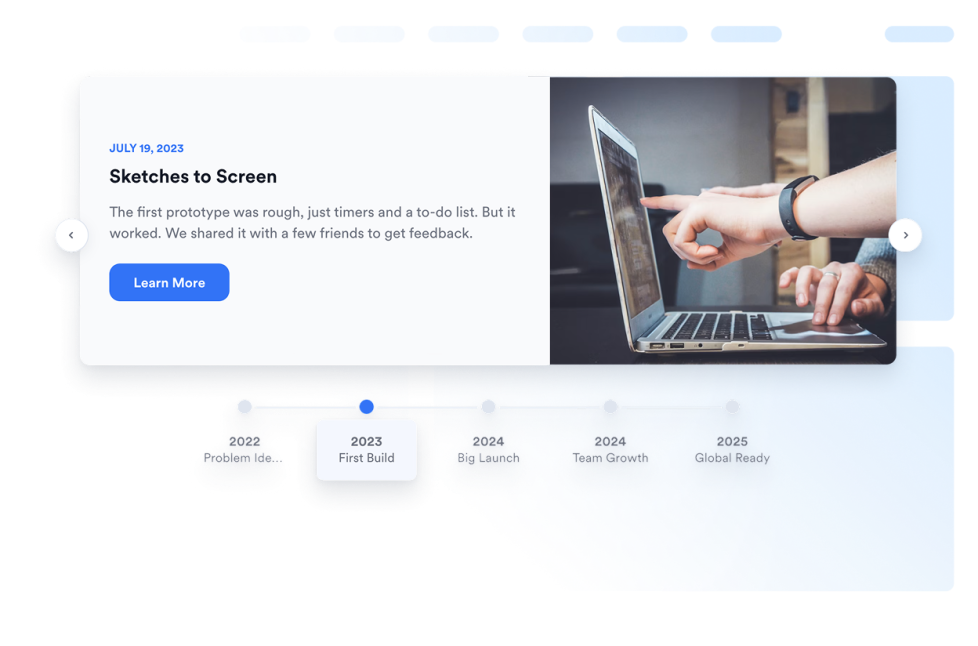
Timeline
Add a Timeline widget to your website to show company history, product launches, event schedules, project milestones, and story-based updates with editable layouts, markers, colors, and media.
カテゴリーへ移動:ユーティリティウィジェットを使う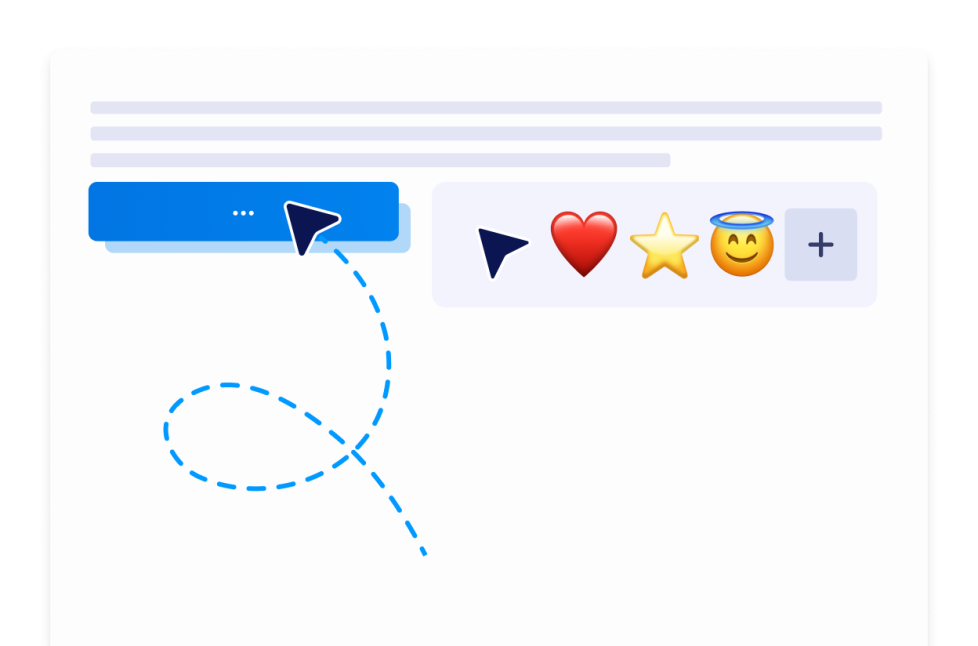
Custom Cursor
With the Custom Cursor Widget, you can choose a cursor style, customize how it looks and moves, add interactive effects, and embed it on your website without coding.
カテゴリーへ移動:ユーティリティウィジェットを使う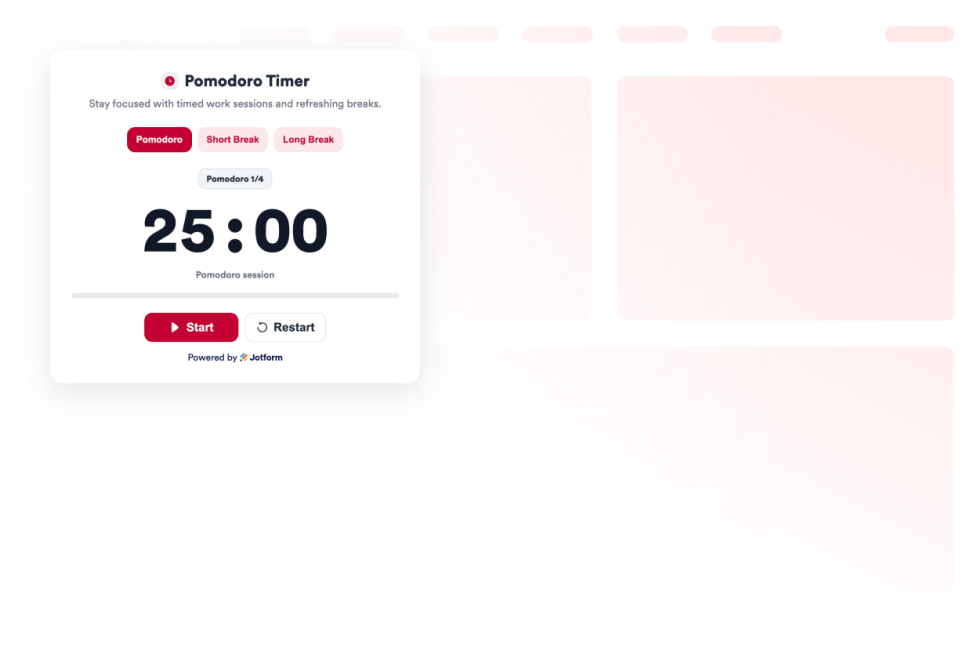
Pomodoro
Add a Pomodoro Widget to your website for focused work sessions, short breaks, long breaks, alarm sounds, and custom styling.
カテゴリーへ移動:ユーティリティウィジェットを使う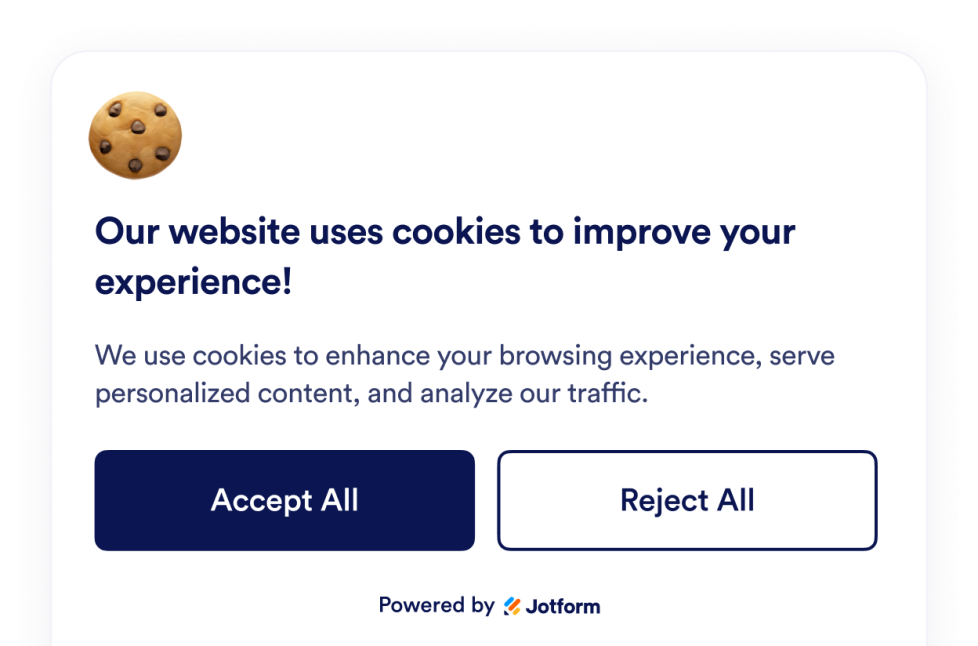
Cookie Consent
Add a Cookie Consent widget to your website. Show a customizable cookie banner, collect visitor choices, display preference categories, and control scripts without code.
カテゴリーへ移動:ユーティリティウィジェットを使う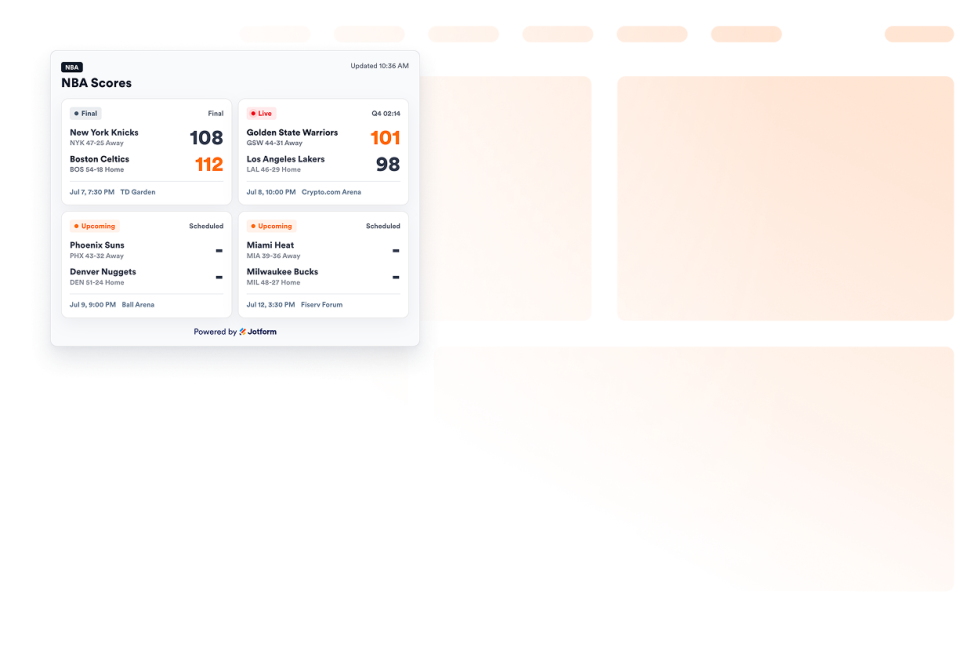
NBA Scores widget
Add an NBA Scores widget to your website to show game cards, live and final statuses, schedules, favorite teams, and scoreboard styling.
カテゴリーへ移動:ユーティリティウィジェットを使う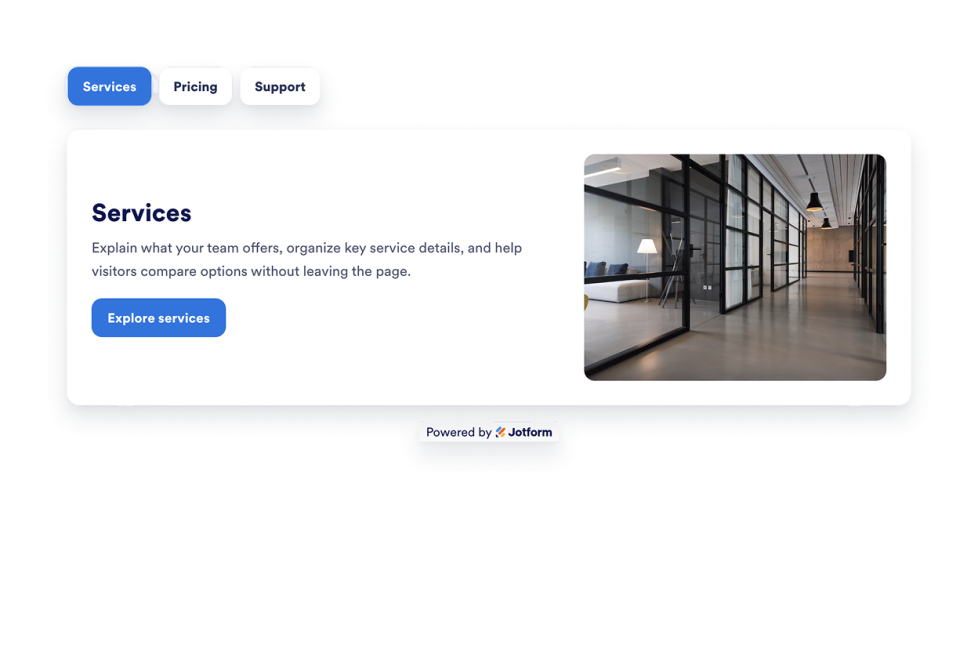
Tabs Widget
Add a customizable Tabs Widget to your website to organize content into clean, clickable sections. Build tabbed layouts for FAQs, features, pricing, menus, portfolios, and more with no code.
カテゴリーへ移動:ユーティリティウィジェットを使う
結果が見つかりませんでした
No results match your search. Please try another keyword.