Free Visitor Counter Widget for Your Website
Show your website’s page views and IP-based unique visitor counts with a free, customizable Visitor Counter Widget. Choose the metrics and time periods to display, add an optional activity chart, and match your website’s style without coding.
How to create a Visitor Counter widget
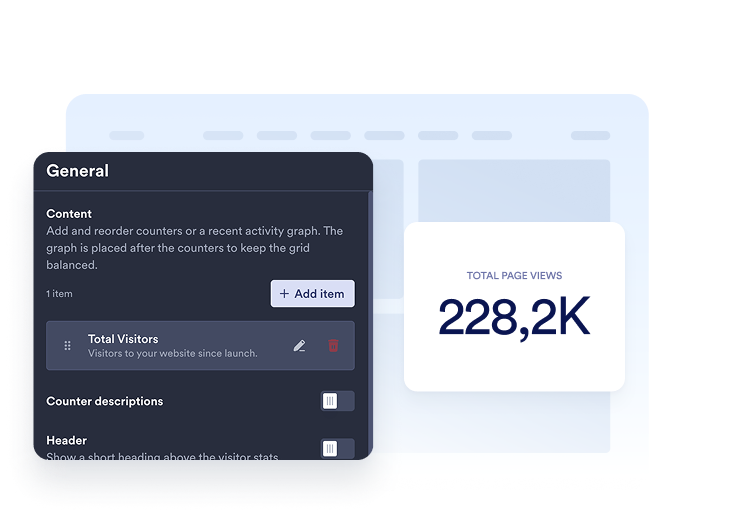
Choose your metrics
Add the counters you want to display. Choose a time period and select page views or unique visitors for each item, then customize its title and description.
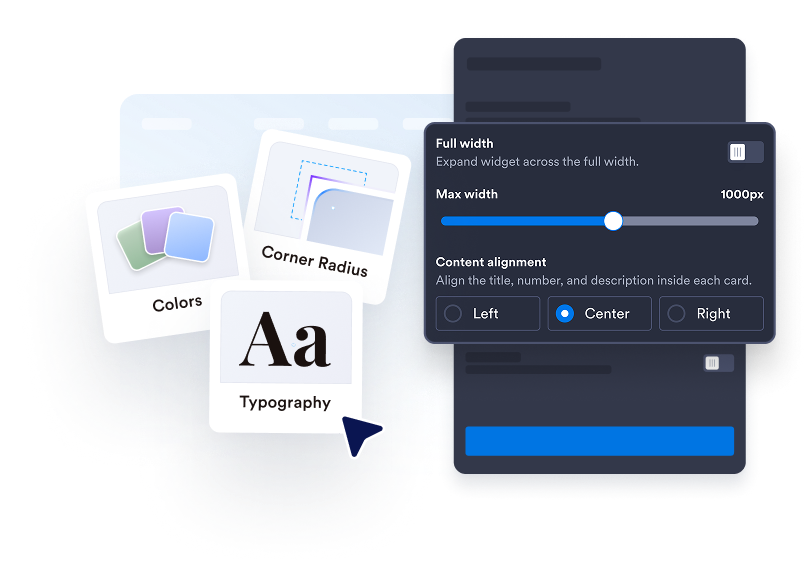
Customize your counter
Choose Cards, Inline, Mini, or Vertical. Adjust colors, spacing, number formatting, and width. Add a line, area, bar, or pie chart in supported layouts.

Embed it on your website
Paste the embed code into a custom HTML or embed block, then publish your page to display the website widget.
Make your website activity easy to see
Choose the numbers that matter
Display page views or IP-based unique visitors for today, yesterday, this week, this month, this year, or all time. Add multiple counters, reorder them, and write a clear title and description for each.
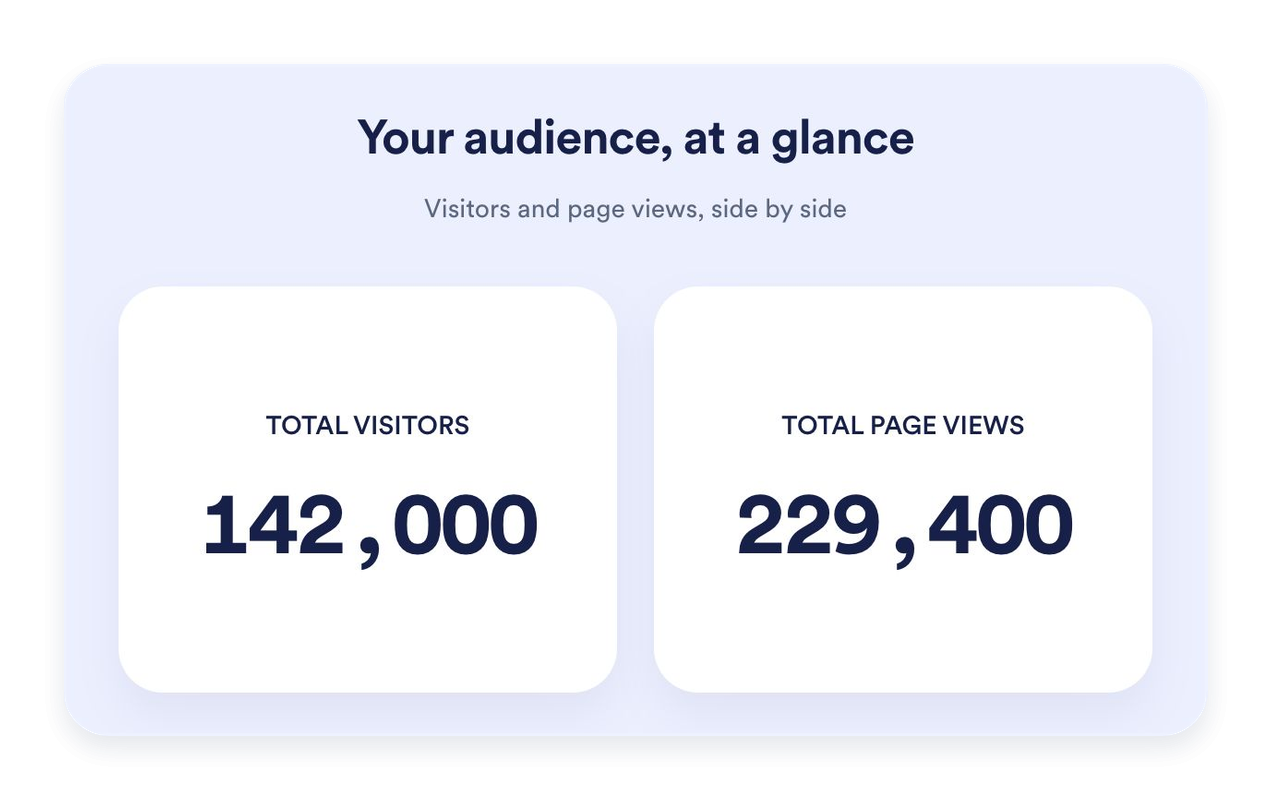
Find the right fit for your page
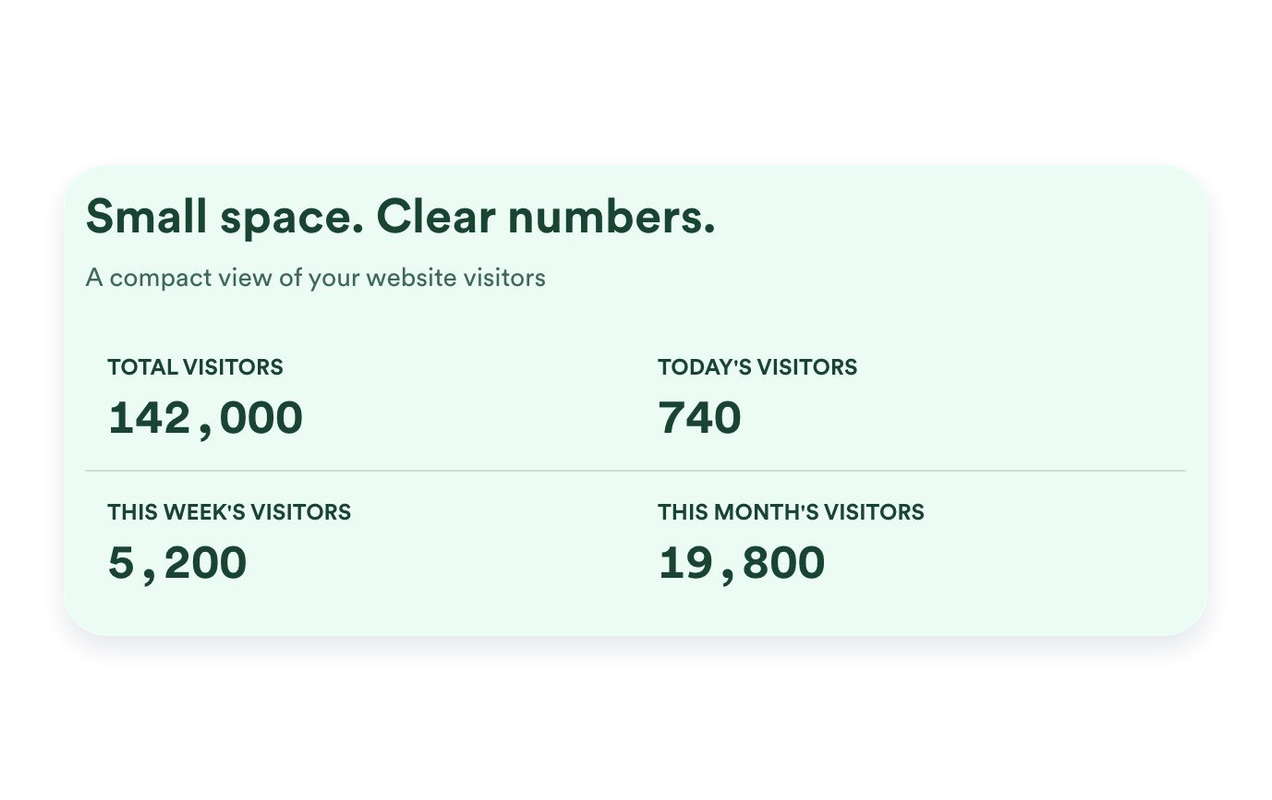
Use Cards to highlight individual metrics, Inline for a compact section, Mini for a simple count-only display, or Vertical for a stacked layout. Set a maximum width and adjust spacing to fit your website.
Put recent activity in context
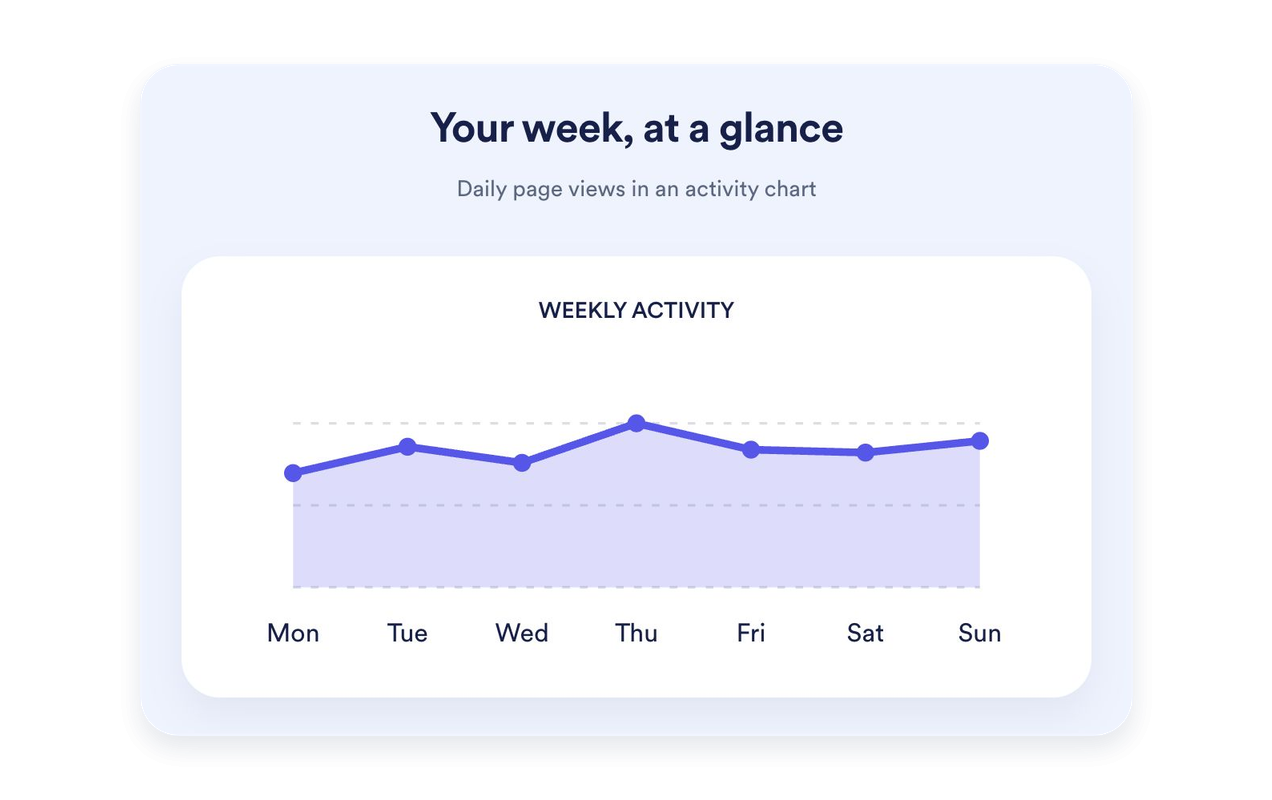
Show the last seven days of page views as a line, area, bar, or pie chart. Give the chart its own title and description. Charts are available in Cards, Inline, and Vertical; Mini keeps the focus on counts.
Style your counter to match your website
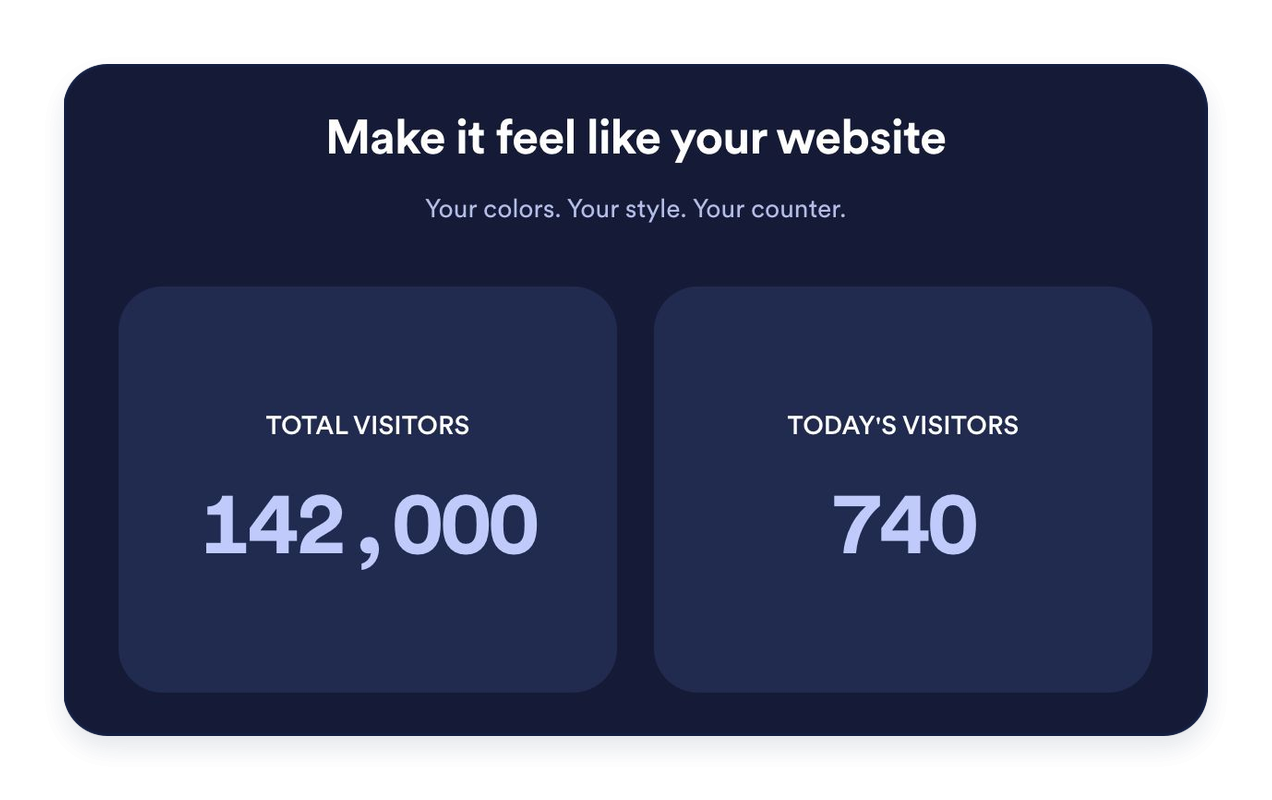
Choose light, dark, or custom colors. Customize backgrounds, typography, number formatting, card corners, and alignment. Add an optional heading and message to introduce your stats.
Why Jotform Website Widgets stand out
Jotform’s widgets make your website more interactive and increase conversions. There are many tools available, from star ratings and testimonial sliders to social proof popups and media embeds. Add widgets to your forms or landing pages to collect data, display proof, and capture leads — no coding required.
Add Jotform widgets to your website with a simple embed code. Customize the widget, preview how it looks, and paste it into any page that supports custom HTML or embed blocks, all without a developer.
Use Jotform Website Widgets to collect leads, show customer feedback, display social proof, embed media, or add helpful web page tools. Each widget helps visitors interact with your business directly from your website.
If you need help setting up, customizing, embedding, or troubleshooting your widget, Jotform’s customer support team is available 24-7. You can move forward with confidence, knowing that help is there when you need it.
Where to use your Visitor Counter widget
Place a visitor counter where a short summary of website activity is useful. Choose the metrics and layout that fit the page.
Website homepages: Highlight all-time page views or recent activity near your main content.
Blog footers: Add an Inline or Mini counter without taking attention away from your articles.
Landing pages: Use Cards to give selected metrics a clear, readable presentation.
Sidebars: Stack counters in a Vertical layout for narrower page areas.
Community websites: Display page views and IP-based unique visitor counts with clear labels.
Event and launch pages: Highlight today’s or this week’s recorded activity.
Convert leads into paying customers with the Jotform Form Builder
Turn engagement into action with Jotform. Create powerful forms that capture leads, collect payments, and automate responses, all in one place. Every submission lands in your Jotform Inbox, where you can follow up or connect with your favorite apps.
Get Started — It’s Free!
FAQ
What is a Visitor Counter Widget?
A Visitor Counter Widget displays recorded page views and IP-based unique visitor counts on your website. Choose which counters and time periods to show, customize their appearance, and embed the widget without coding.
How are page views and unique visitors counted?
Can I choose which counters appear?
Can I set a starting value?
Which layouts are available?
Can I add a graph?
Can I customize the design?
Do I need to code to add the counter?
Does the counter work on mobile?
Is the Visitor Counter Widget free?
Which website platforms are supported?