
Free Weather Widget for Your Website

Help visitors check current conditions and upcoming forecasts without leaving your website. Jotform's Weather Widget helps you to choose a location, select an hourly, daily, detailed, current-weather, or temperature-only view, customize the design, and embed the free website widget without coding.

How to add a Weather widget

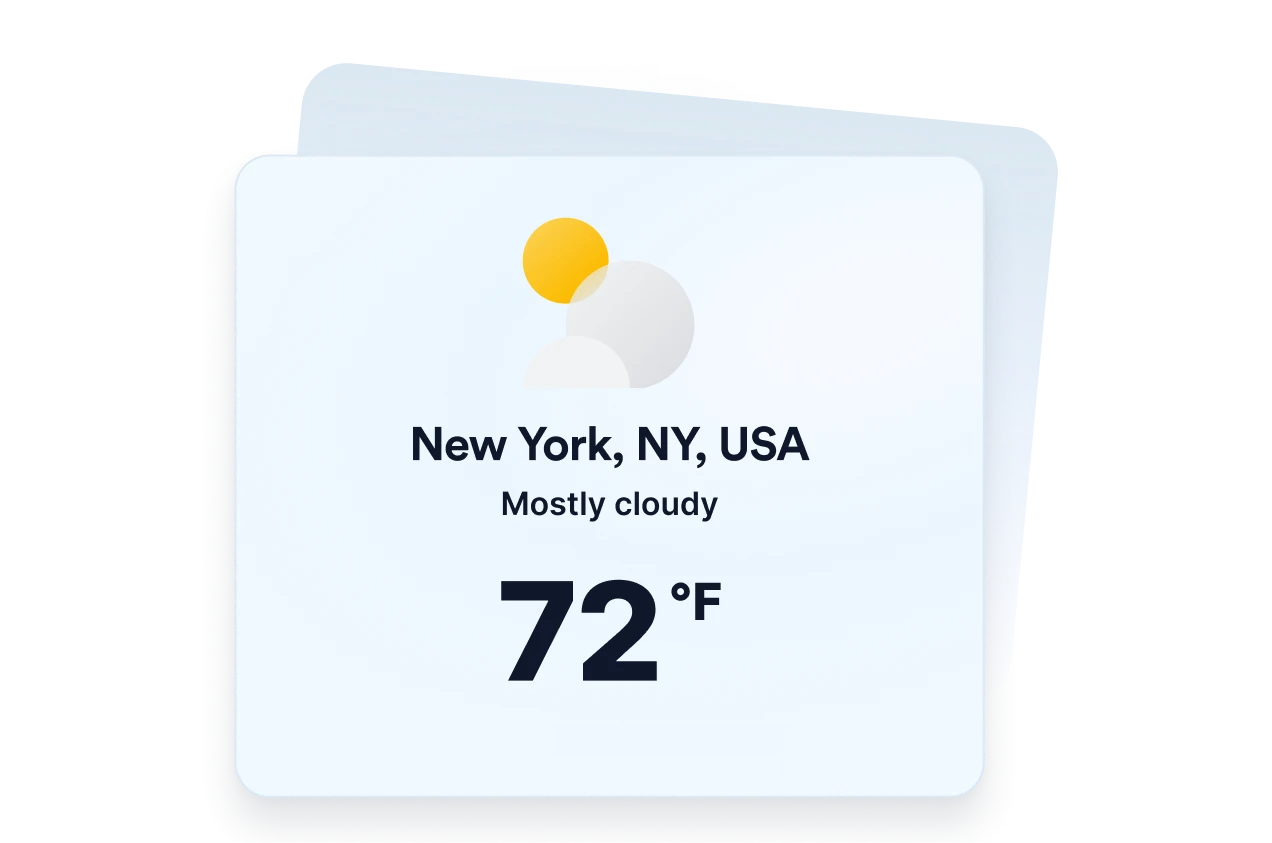
Choose your weather location

Choose your weather location

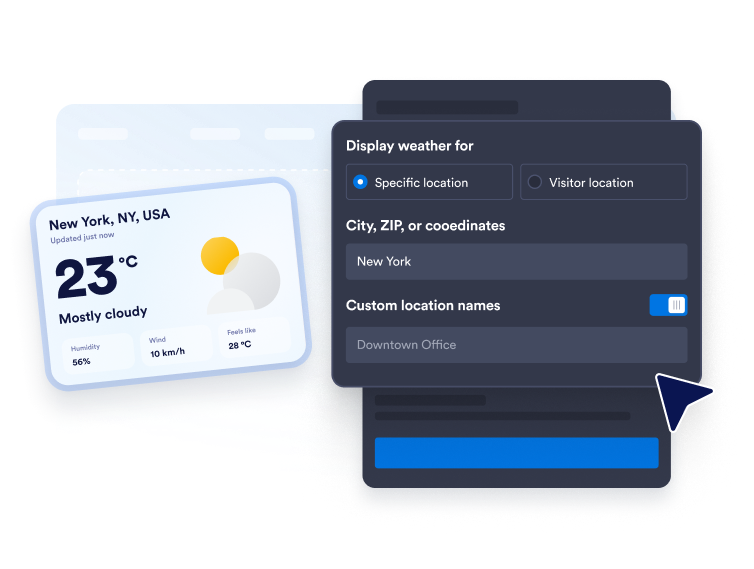
Enter a city, ZIP code, or coordinates for a fixed forecast. You can also use visitor-location mode when you want the widget to display weather based on the visitor’s location.

Customize the forecast display

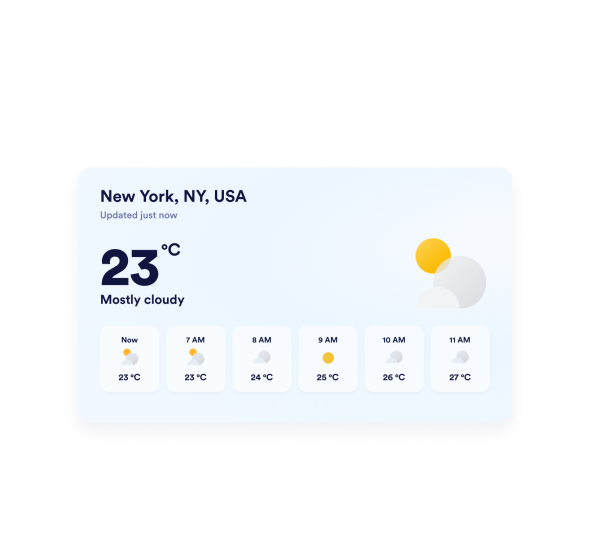
Customize the forecast display

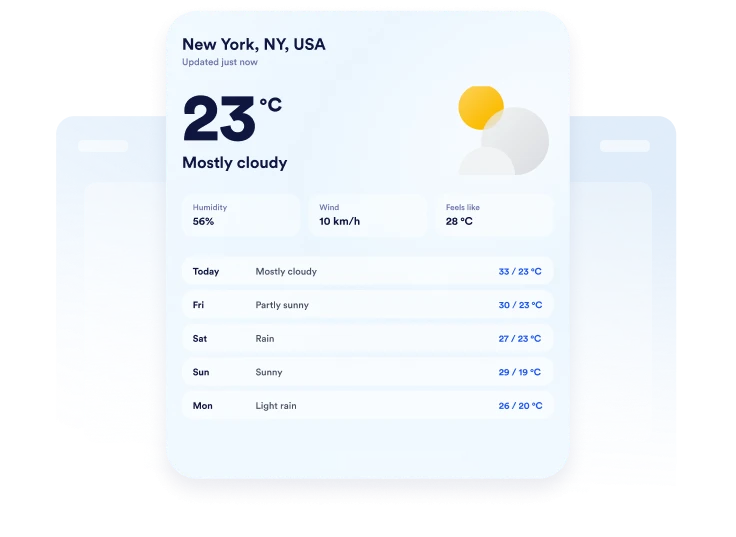
Choose Fahrenheit or Celsius, set the forecast length, and decide which details to show. Depending on the layout, you can include temperature, humidity, wind, and feels-like information.

Embed it on your website

Embed it on your website

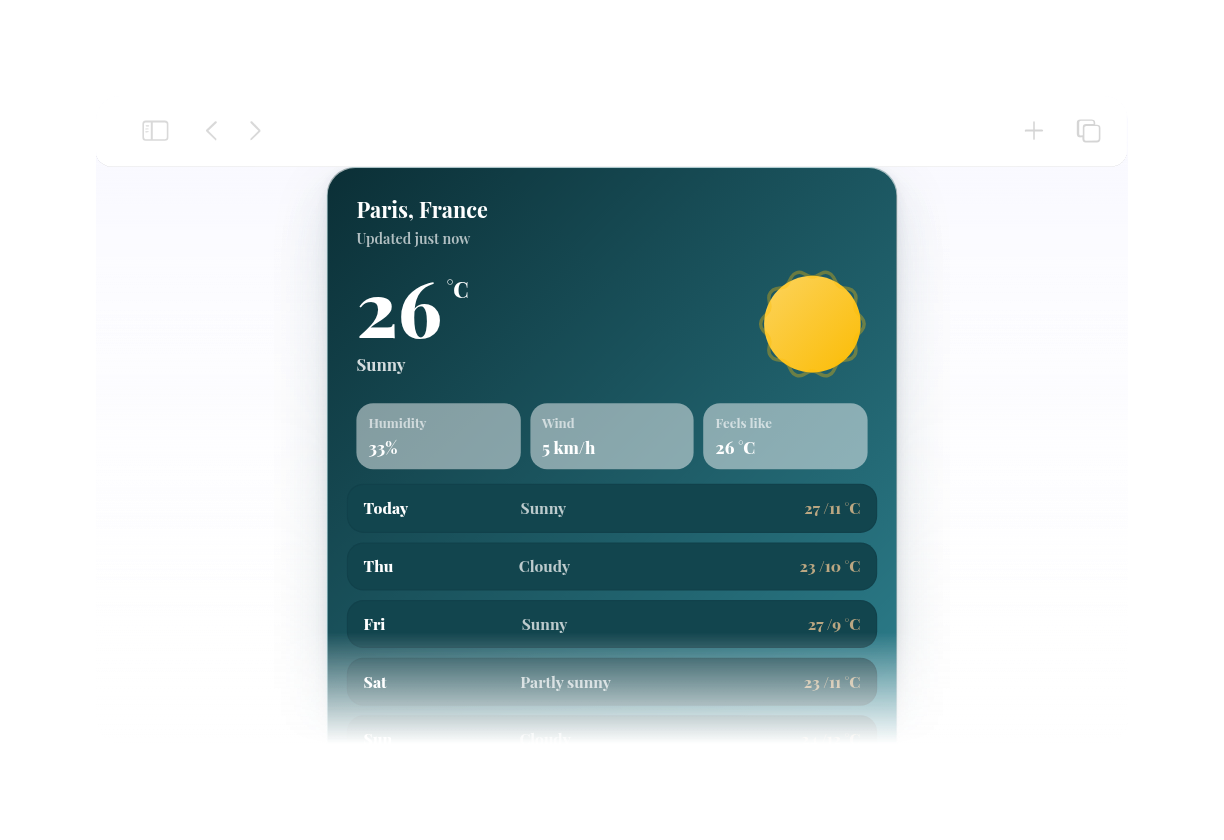
Customize the colors, preview the responsive weather card, and copy the generated embed code. Paste it into a custom HTML or embed block, then publish your page and check the display.

Show local weather in flexible website layouts

Show weather for chosen locations

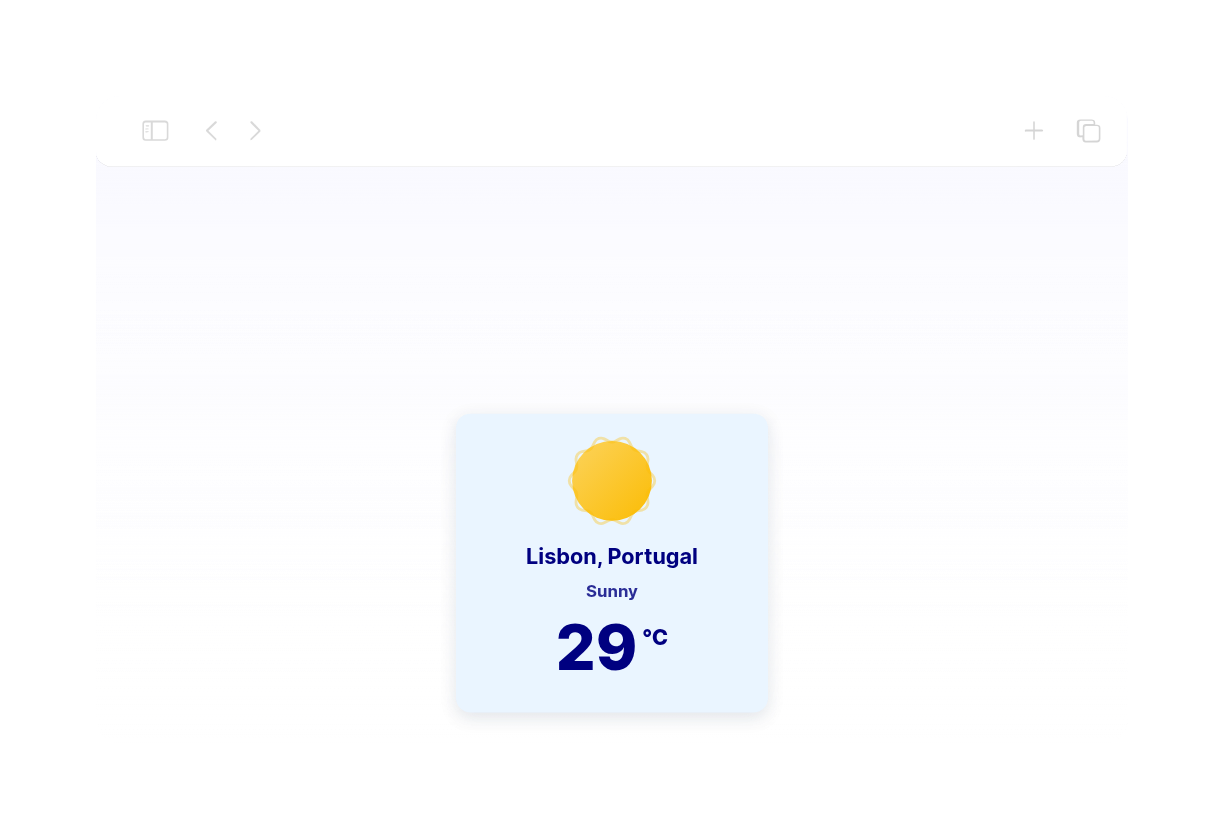
Display weather for a city, ZIP code, or set of coordinates that matters to your audience. Add a custom location label to make the forecast more relevant to a hotel, venue, school, tour destination, or local business.

Show weather for chosen locations

Choose the right forecast view

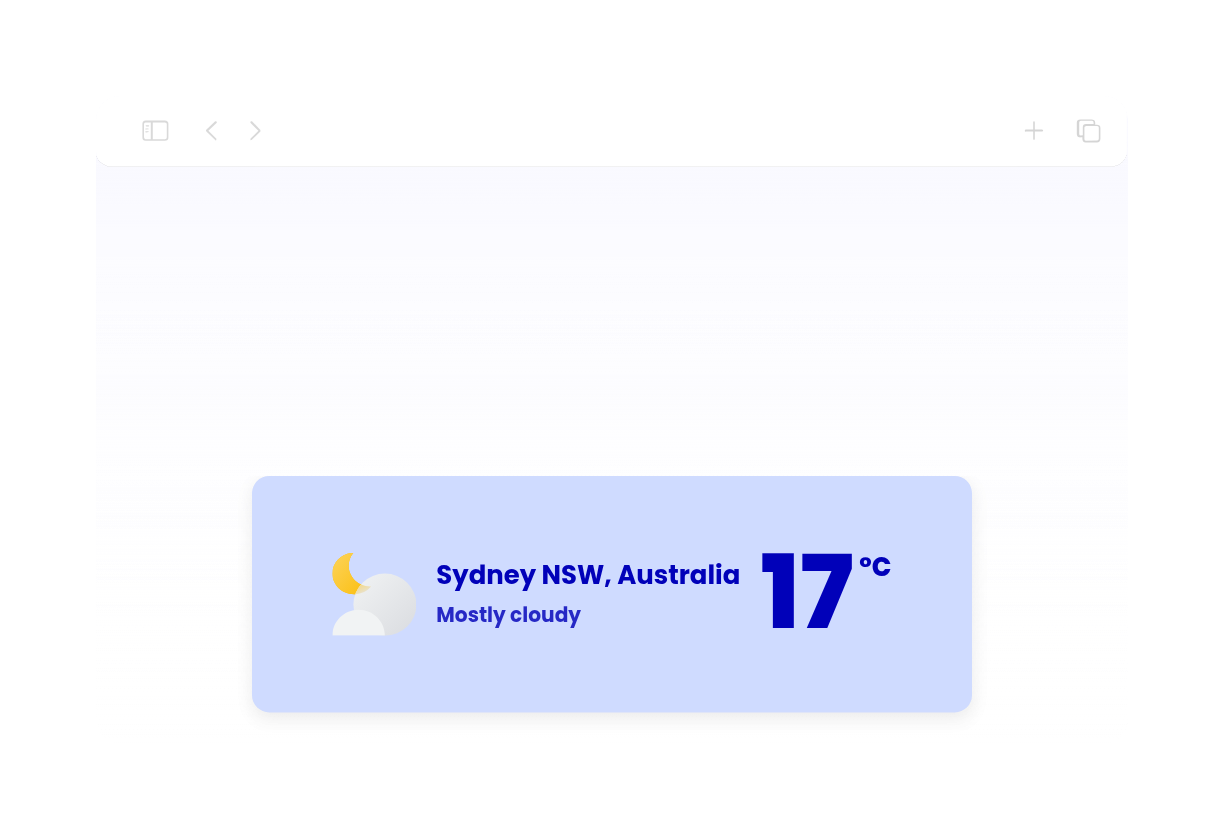
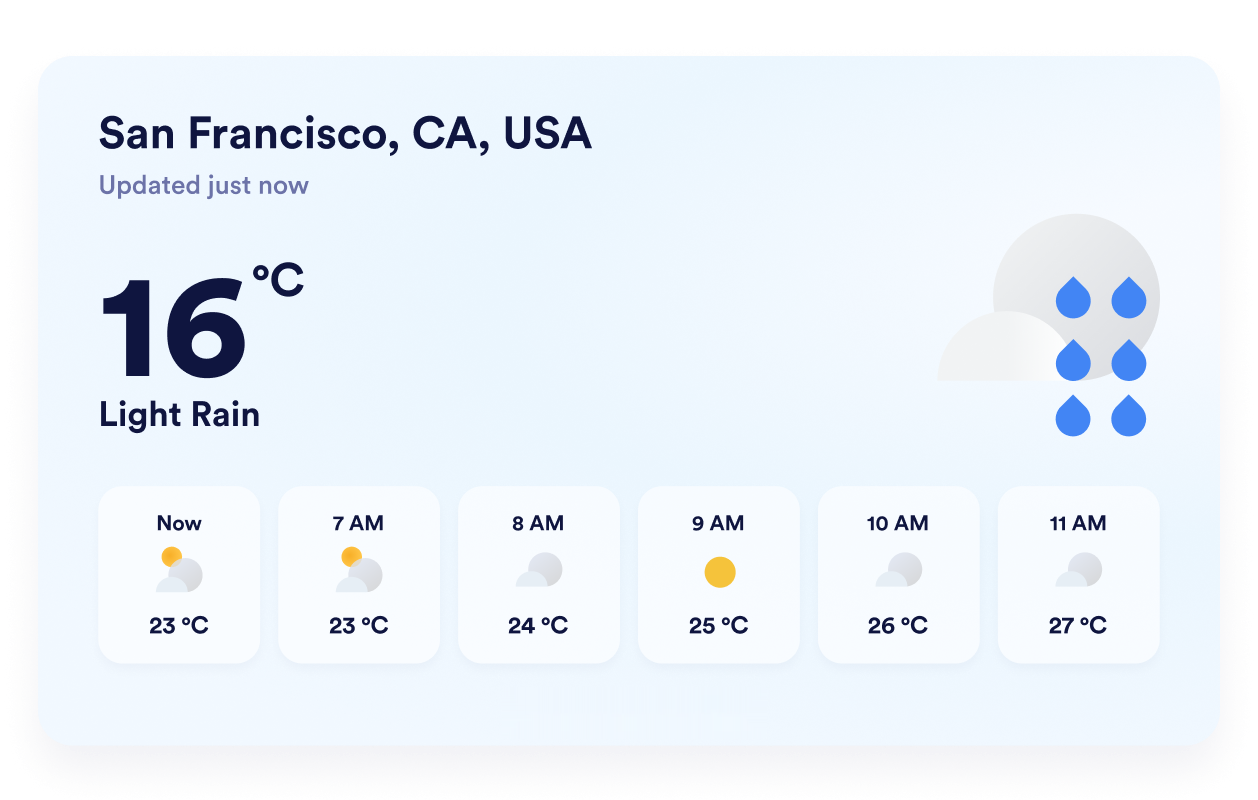
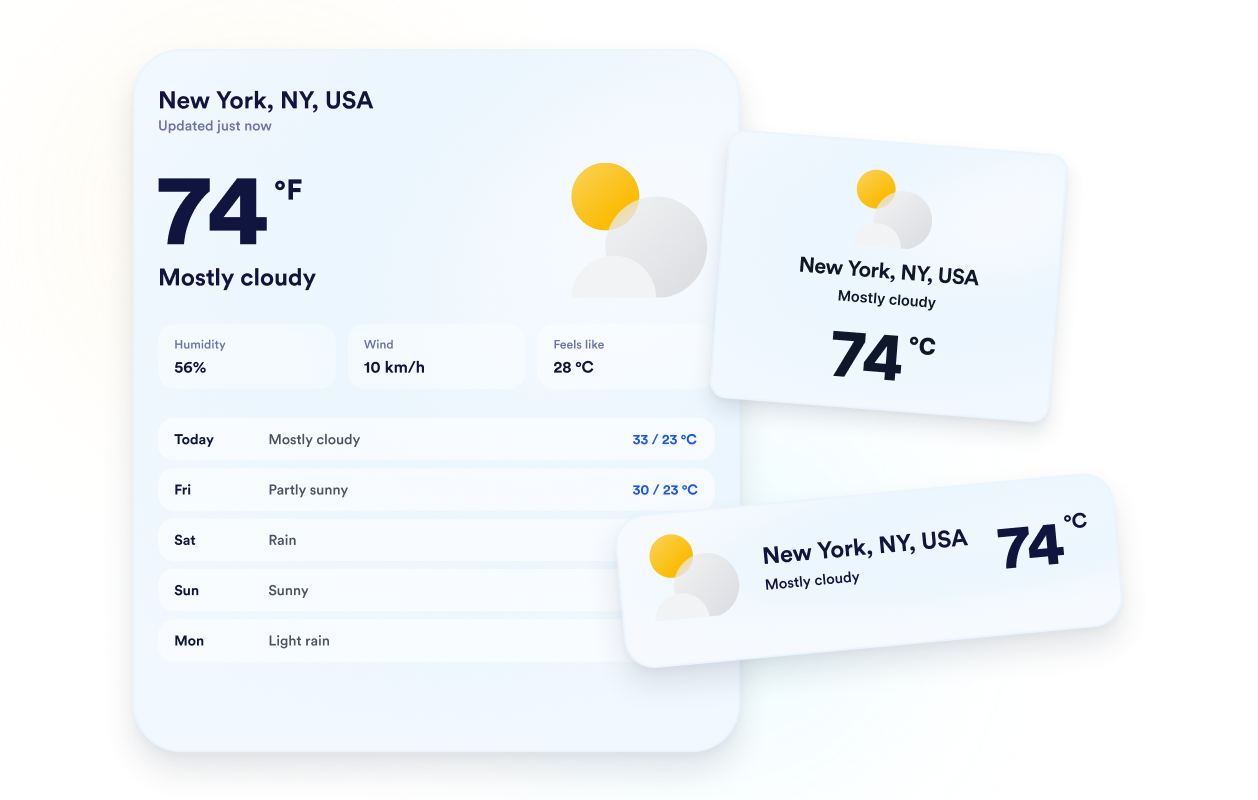
Select a detailed, daily, hourly, current-weather, or temperature-only layout based on your available space. This flexibility lets you present a complete forecast or keep the widget focused on the weather details visitors need most.

Choose the right forecast view

Match forecasts to your website

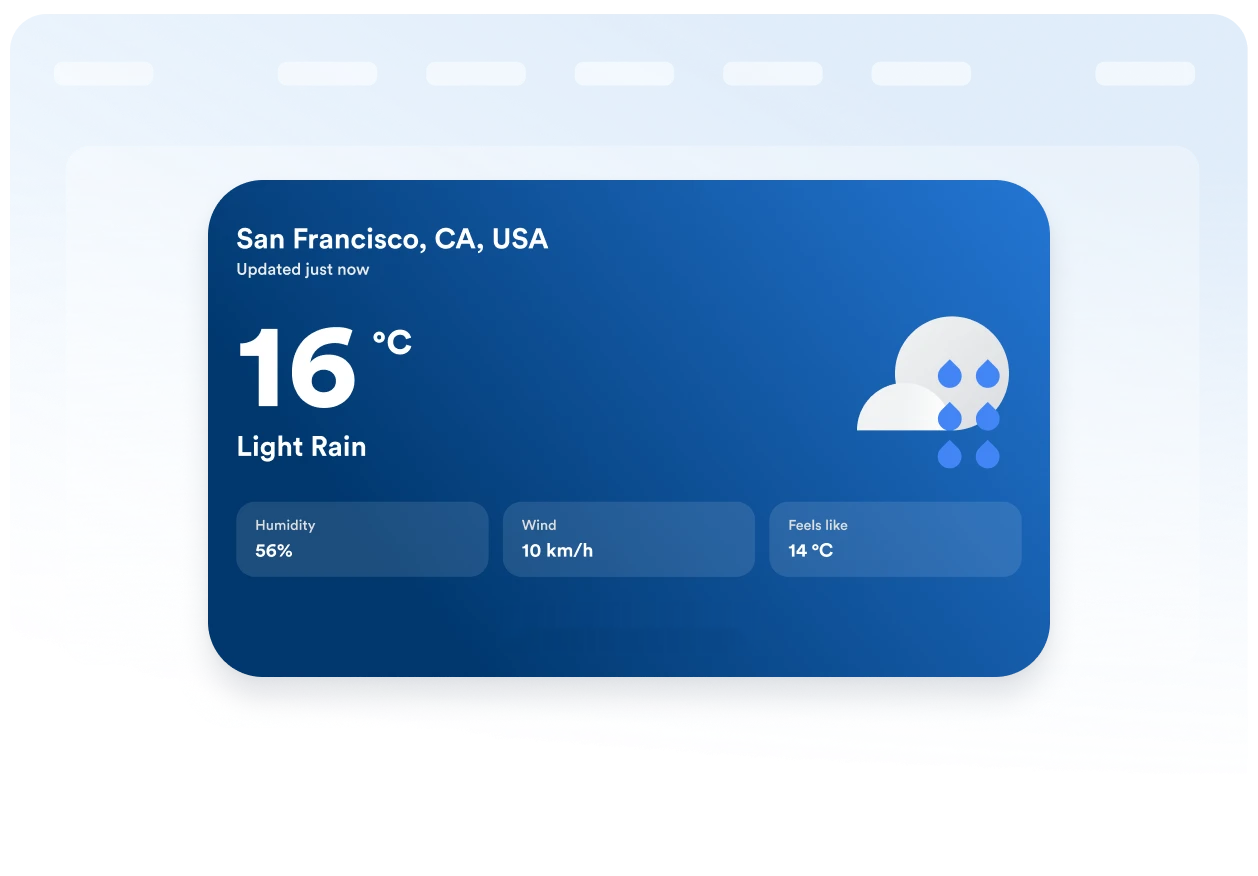
Choose a themed background or solid color, then adjust the card, forecast rows, text, accent colors, width, and corner radius. These visual controls help the weather widget fit naturally into your existing page design.

Match forecasts to your website

Keep units and labels clear

Display temperatures in Fahrenheit or Celsius and translate the widget’s core labels for your audience. Responsive behavior and desktop and mobile visibility controls help keep weather information clear across different screen sizes.

Keep units and labels clear

Why Jotform Widgets stand out

Jotform’s widgets make your website more interactive and conversion-ready. From star ratings and testimonial sliders to social proof pop-ups and media embeds, you can combine tools inside your forms or landing pages to collect data, display proof, and capture leads without writing code.

Embed widgets without coding

Add Jotform widgets to your website with a simple embed code. Customize the widget, preview how it looks, and paste it into any page that supports custom HTML or embed blocks to all platforms, no developer required.

Build more interactive pages

Use Jotform Website Widgets to collect leads, show customer feedback, display social proof, embed media, or add helpful on-page tools. Each widget helps visitors interact with your business directly from the page.

Get support when you need it

If you need help setting up, customizing, embedding, or troubleshooting your widget, Jotform’s customer support team is available 24/7. You can move forward with confidence, knowing help is there when you need it.

Where to use your Weather widget

Add relevant weather information to pages where conditions may affect a visitor’s plans, preparation, or decision.

Hotel and resort pages to help guests prepare for local conditions before their stay.

Event pages to show attendees the expected weather before an outdoor or in-person event.

Tour and activity pages to help travelers plan clothing, equipment, and booking dates.

School and community pages to share local conditions with families, students, and residents.

Sports and recreation pages to help visitors prepare for outdoor games, facilities, or activities.

Local business websites to provide useful weather context before customers visit.

Convert leads into paying customers with Jotform Form Builder

Turn engagement into action with Jotform. Create powerful forms that capture leads, collect payments, and automate responses, all in one place. Every submission lands in your Jotform Inbox, ready to follow up or connect with your favorite apps.

Get Started - It’s Free!
Convert leads into customers

FAQ

  • What is a Weather widget?

    A Weather widget displays current conditions and forecast information directly on a website. Depending on the selected layout, visitors can review temperatures, daily or hourly forecasts, humidity, wind, and feels-like conditions without leaving the page.

  • Is the Jotform Weather widget free?

  • Can I choose which location the widget displays?

  • Can the widget use a visitor’s location?

  • Which weather forecast layouts can I use?

  • Can I show weather details besides temperature?

  • Can I use Celsius instead of Fahrenheit?

  • Can I customize the weather widget’s design?

  • Does the Weather widget work on mobile devices?

  • Do I need to write code to create a Weather widget?

  • Which website platforms support the Weather widget?

  • Can I get help setting up my Weather widget?