Free Meeting Voting App Builder
Jotform’s meeting voting app is a free, no-code way to collect votes and feedback during meetings to support faster decision-making. With this meeting voting app, you can build a voting app with Jotform Apps, capture responses digitally instead of manual voting, and review results to make more data-driven decisions. Use it in corporate or community settings to increase participation and keep meetings organized.
შაბლონები
Meeting App Templates
Not sure where to start? Choose one of our ready-made app templates, then drag and drop for quick and easy customization — no coding required.
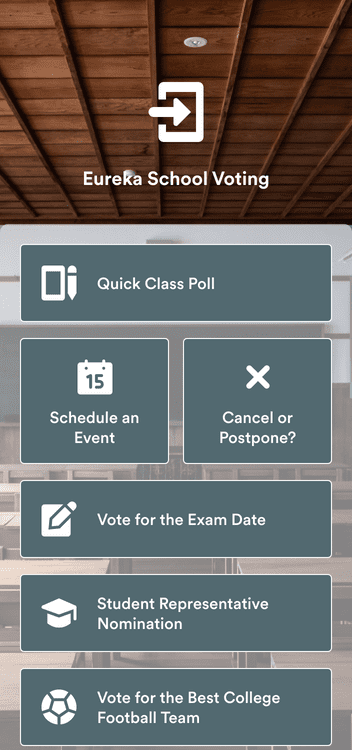
Voting App
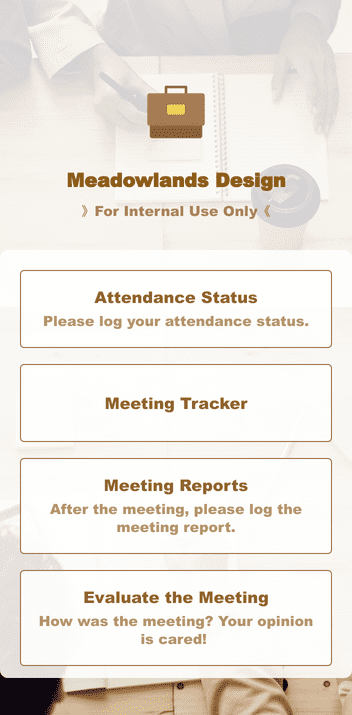
Meeting Management App
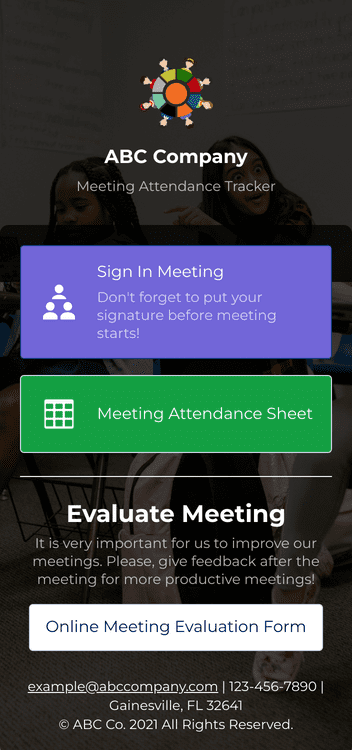
Meeting Sign In App
Benefits
Create a Custom Meeting Voting App
Intuitive Drag-and-Drop App Builder
Build a meeting voting app in minutes using a drag-and-drop app builder, so setup doesn’t require coding. Add questions, text, images, links, buttons, and widgets directly in the editor as you design the voting flow. This makes it easier to run polls or structured votes in meetings without switching tools.
თავსებადი ნებისმიერ მოწყობილობასთან
Participants can use the voting app on a smartphone, tablet, or computer. Jotform Apps works on Android, iOS, Windows, and macOS, so people can join from the device they already have. This helps increase participation for in-person and remote meetings.
Track and Manage Your Data
Store voting submissions in Jotform Tables so results stay organized in one place. View voting data as a spreadsheet, calendar, or cards to review outcomes in the format that fits the meeting. New submissions auto-populate the table, so the latest results are always available when it’s time to decide.
Get Advanced Sharing and Privacy Options
Share the voting app by email, social media, or QR code so participants can open it quickly. Set permission controls so the right people can access the app and submit votes. You can also require participants to sign up and log in before accessing the app, which helps protect data and supports accurate voting results.
სარეკომენდაციო წერილები
What our users say about Jotform
Learn how to create apps with Jotform
You can build faster, more efficient mobile apps using Jotform. In this quick tutorial, learn how to add different types of app elements, manage settings, and insert features in seconds..

Frequently Asked Questions
All your questions about Jotform — answered. Check out our FAQs for answers to common questions, or contact our support team for further information.
What are the purposes of voting apps for meetings?
Voting apps for meetings are primarily used to drive decision-making within a team or group of people. Meeting participants can vote on different preferences or courses of action, and the option with the most votes can indicate group consensus. Voting apps for meetings can also be used to prioritize tasks or projects and gather feedback from participants to inform future decisions. Other benefits of these voting apps are time management, planning and logistics, knowledge assessment, and participant engagement.
How do I create a voting app for meetings?
Creating a voting app for meetings is easy with Jotform Apps! Simply navigate to our free, no-code app builder, where you can drag and drop to add forms, widgets, and product lists. You can even include your personal branding to build a fully customized app that can be downloaded onto any smartphone, tablet, or computer. Once the app looks good to go, share it via social media, link, email, or QR code to expand your user base effortlessly.
How do I create a meeting time poll?
Meeting time polls are a great tool to help determine a time when your participants can meet next. The best part? You don’t have to know how to code to use them!
To get started, find a template from our poll directory, or start from scratch. Then add and customize time slots so participants can submit the option that works best for them. All submissions will instantly be sent to your Jotform Inbox, where you can review them to schedule future meetings.
Do I need coding skills to use Jotform’s app builder?
You don’t need to know any coding to use Jotform’s app builder. Our drag-and-drop format makes it easy to add or rearrange elements, widgets, products, and much more. Plus, we offer extensive customization options, so you can build the perfect app to suit your organization’s branding and needs.
How secure is the data submitted through the app?
Data submitted through your Jotform app is kept safe and secure. Jotform uses a 256-bit SSL connection, offers encryption features, and has PCI-DSS Level 1 certification. Jotform follows GDPR and CCPA regulations — so you can rest easy knowing that all app data is protected.
What types of voting elements can I add to my app?
Jotform offers 80+ free app elements to make your app or store stand out. You can use videos, maps, social media links, data grids, testimonials, and much more! We make it easy for you to manage your analytics, surveys, and images from the convenience of one customizable app.