AI Chatbot for Webflow

Quickly build an AI Chatbot for Webflow. Deliver an AI-powered experience with real-time answers, improved engagement, and effortless interactions.

Key features

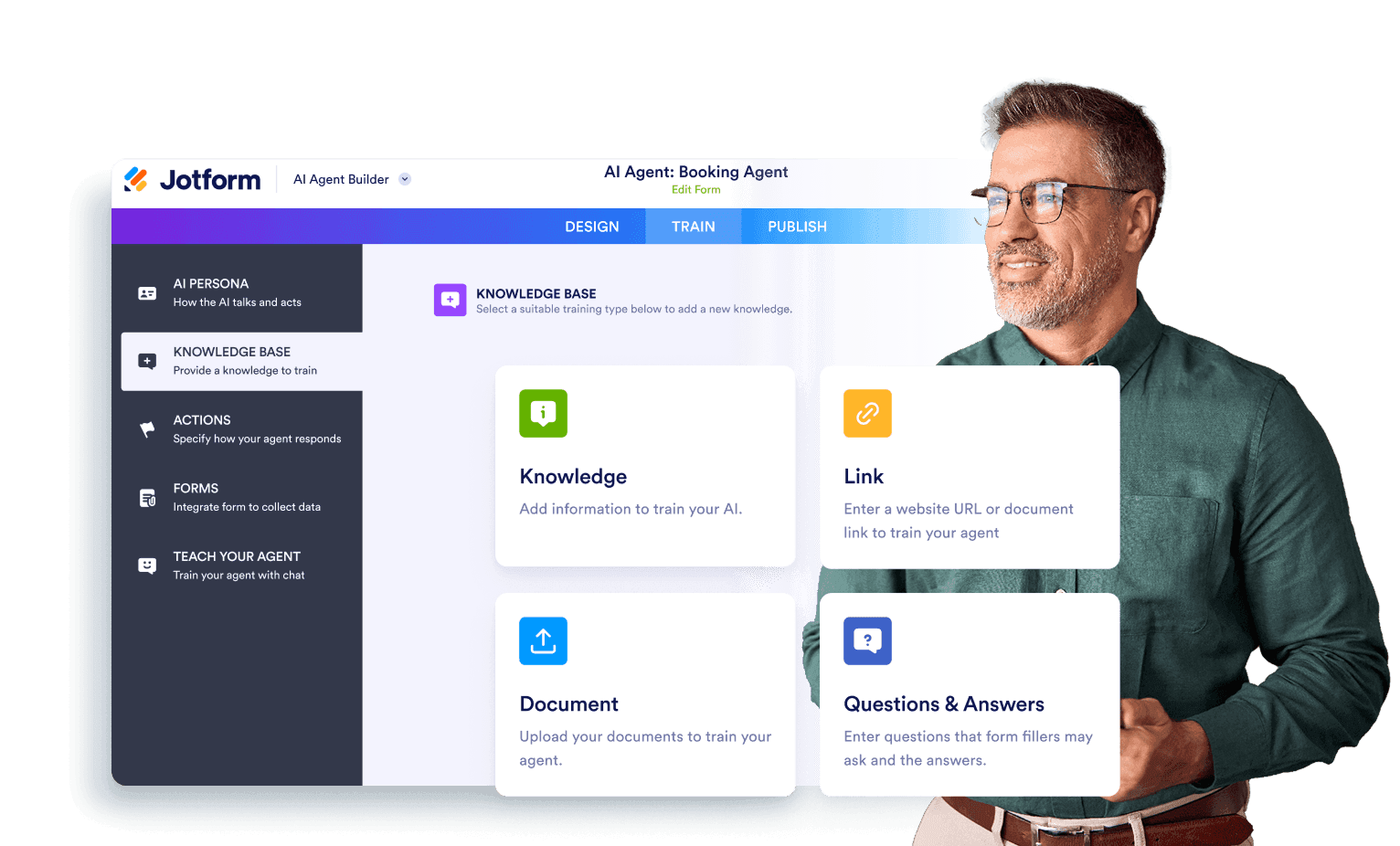
The AI Agent Builder offers knowledge, website links, documents, and questions and answers as sources for training an agent.

Chatbot customization and training

Simply choose your Webflow site, and the AI Chatbot will train itself with your website’s information. Tailor your AI Chatbot’s responses, tone, and appearance effortlessly. Add more information to its knowledge base with specific data, FAQs, and business insights to deliver personalized interactions that align with your brand and customer needs. When you’re done, embed the chatbot on your website or share it over your channel of choice.
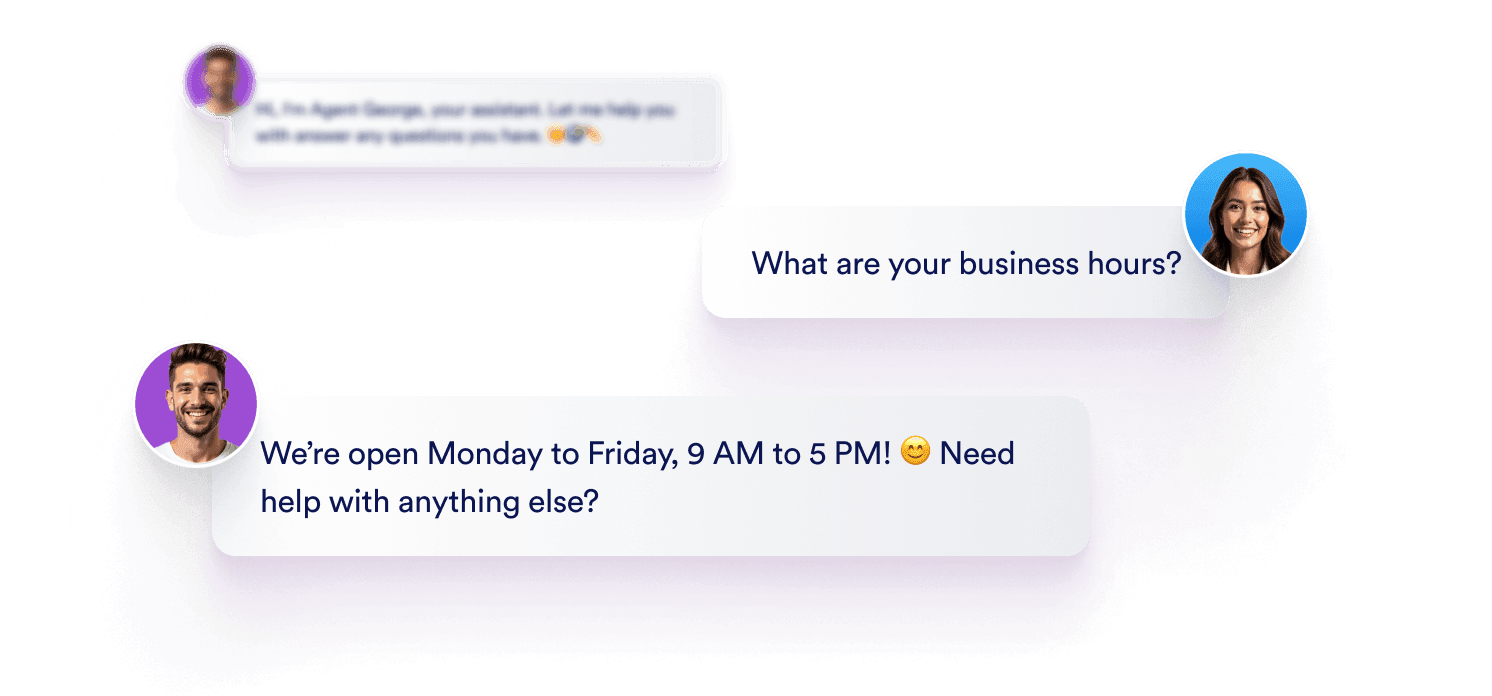
In a sample chat, a visitor asks about business hours and the AI agent replies that the business is open Monday to Friday, 9 AM to 5 PM.

Instant support

Provide real-time, accurate answers to customer inquiries without overwhelming your support team. Your AI Chatbot is available 24-7. Whether users ask about business hours, product details, or policies, your AI Chatbot ensures they instantly get the information they need.

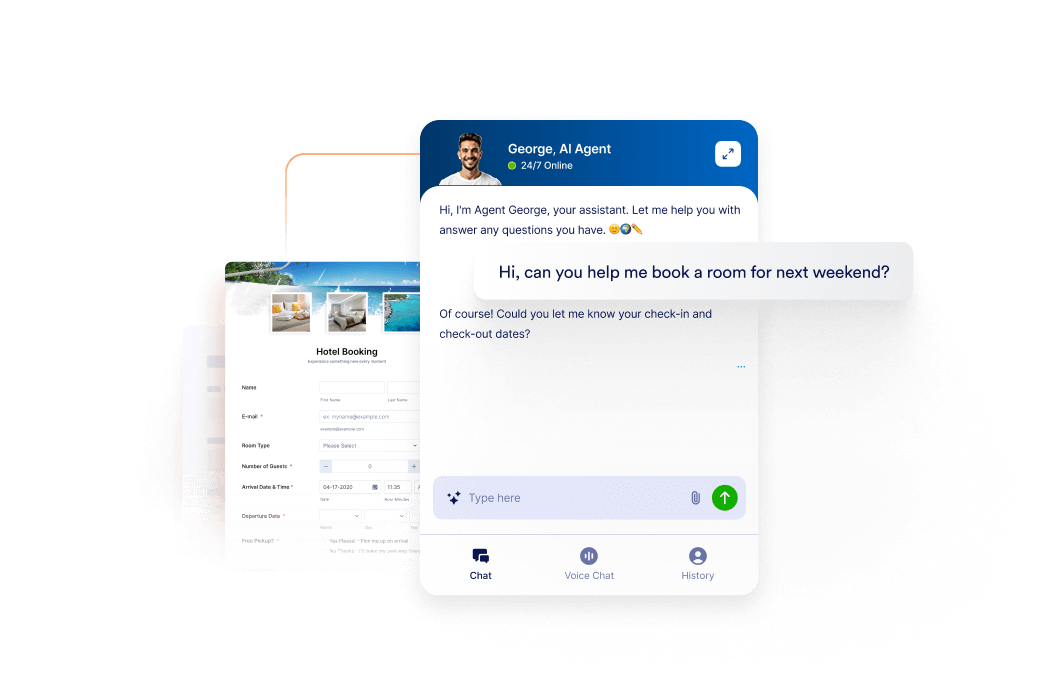
In a sample hotel booking chat, the AI agent asks a visitor for check-in and check-out dates.

Smart form assistance

Link your AI Chatbot with forms to provide users with a guided form-filling experience. Reduce errors, ensure correct data entry, and increase the number of completed forms.

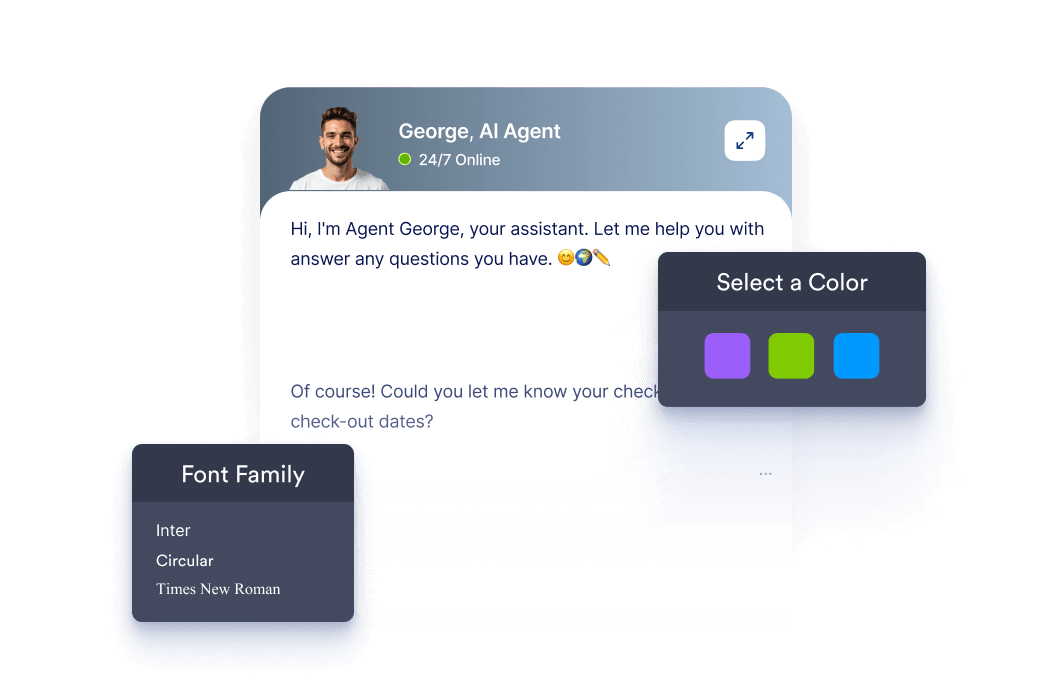
Chatbot appearance settings offer a choice of font families and chat colors.

Customizable branding

Customize your chatbot’s appearance to adhere to your brand guidelines. Adjust colors, fonts, and styles to make your AI Chatbot feel like a natural part of your website.

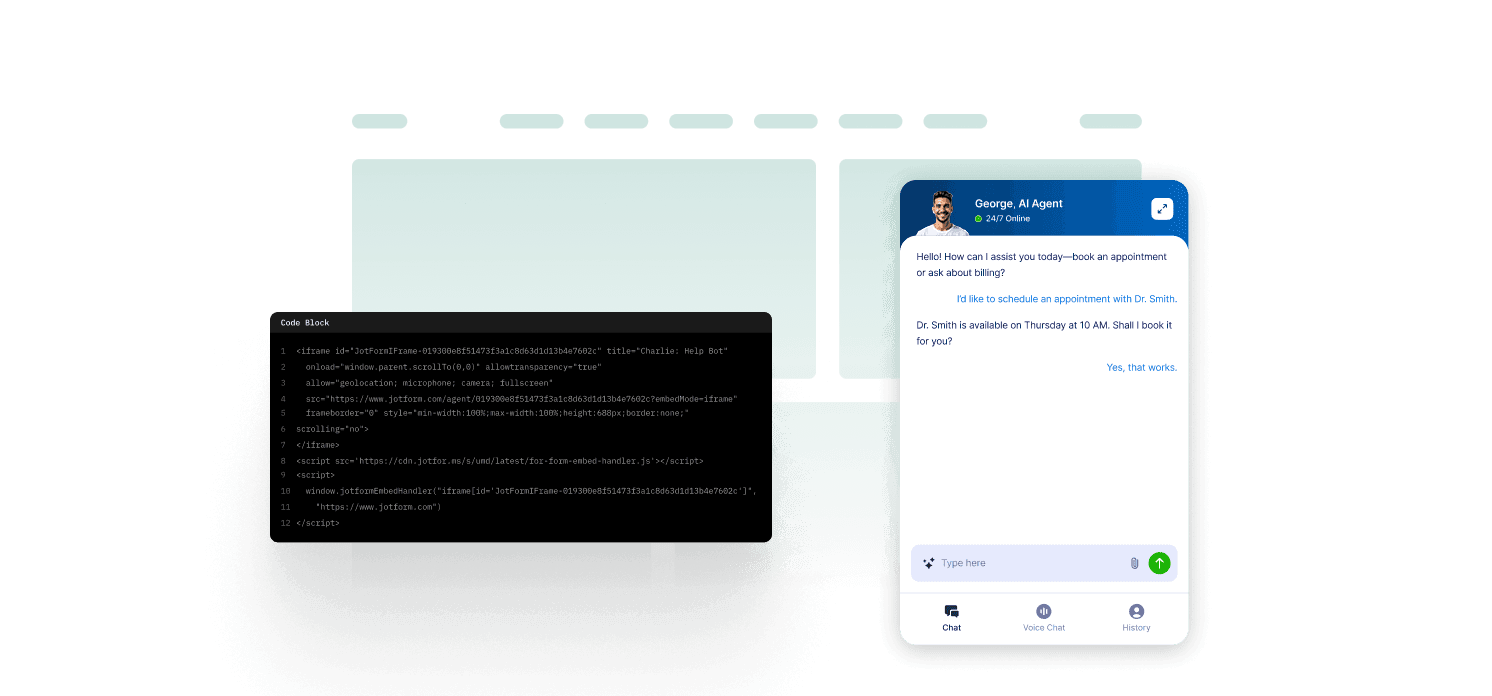
A code snippet illustrates embedding an AI chatbot in a website.

Embed anywhere

Easily add your AI Chatbot to your website with a simple embed code. Whether on landing pages, contact forms, or FAQ sections, ensure users get instant support exactly where they need it — no complex setup required.

Jotform AI Chatbot for WordPress!

Easily create, train, and embed AI-powered chatbots directly in WordPress—no shortcodes or coding required!

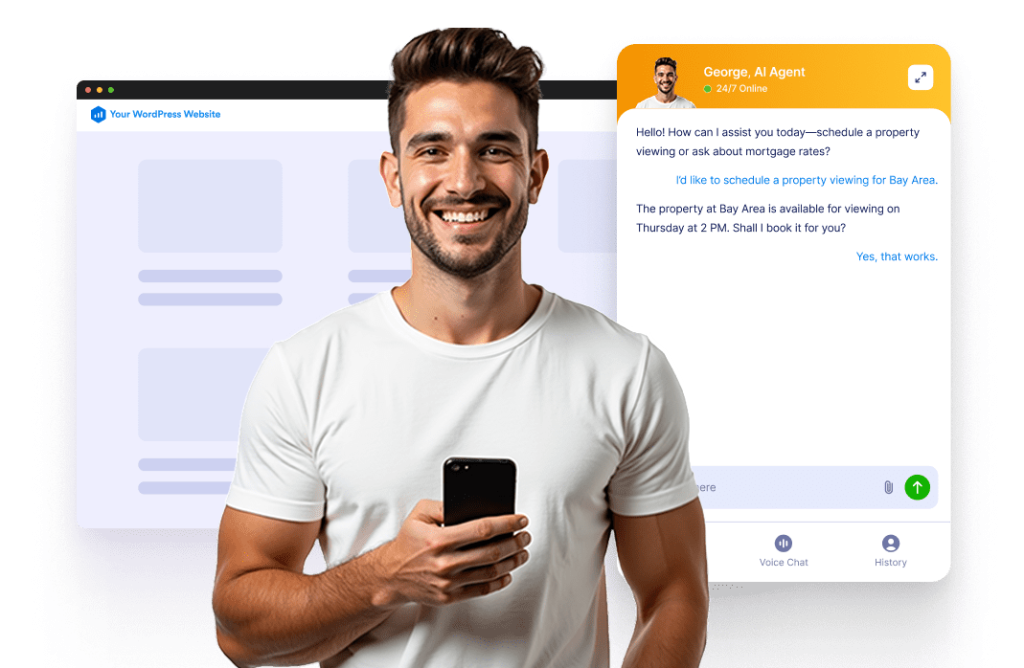
A WordPress website displays an AI chatbot offering to schedule a property viewing while a man holds a phone.

Use Cases

Pricing

Launch a chatbot that learns from your website
Try It Now
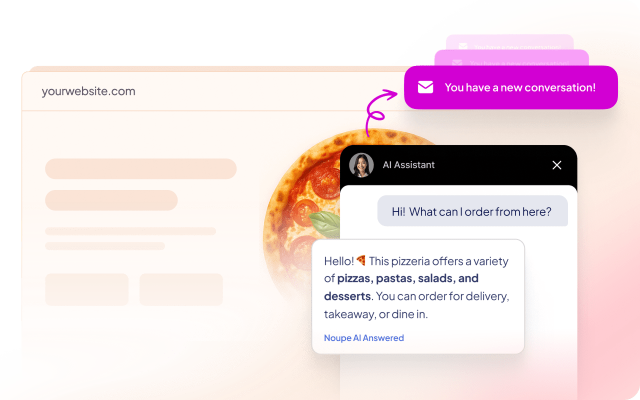
A sample Noupe chatbot on a pizzeria website answers a visitor's question about available food and ordering options. A sample Noupe chatbot on a pizzeria website answers a visitor's question about available food and ordering options.

FAQ

  • What is the Jotform AI Chatbot Webflow Plugin?

    The Jotform AI Chatbot for Webflow is a powerful tool that transforms your website into an interactive experience. It empowers your users with real-time answers and seamless form-filling assistance, all while aligning perfectly with your brand. Whether you’re looking to improve customer support, boost engagement, or streamline user interactions, this chatbot is designed to make your website smarter and more user-friendly.

  • How does the Jotform AI Chatbot for Webflow work?

  • Do I need technical expertise to use the Jotform AI Chatbot for Webflow?

  • Can I customize the chatbot to match my Webflow site’s design?

  • What tasks can the Jotform AI Chatbot for Webflow handle?

  • How do I train the Jotform AI Chatbot for Webflow?

  • Does the Jotform AI Chatbot for Webflow integrate with other tools?

  • Can the Jotform AI Chatbot for Webflow collect user information?

  • Is the Jotform AI Chatbot for Webflow secure?

  • How can the Jotform AI Chatbot for Webflow benefit my website?