# Jotform AI Chatbot for Canva | Add AI Chat to Canva Designs

# Jotform AI Chatbot for Canva

## Add an AI Chatbot to your Canva designs

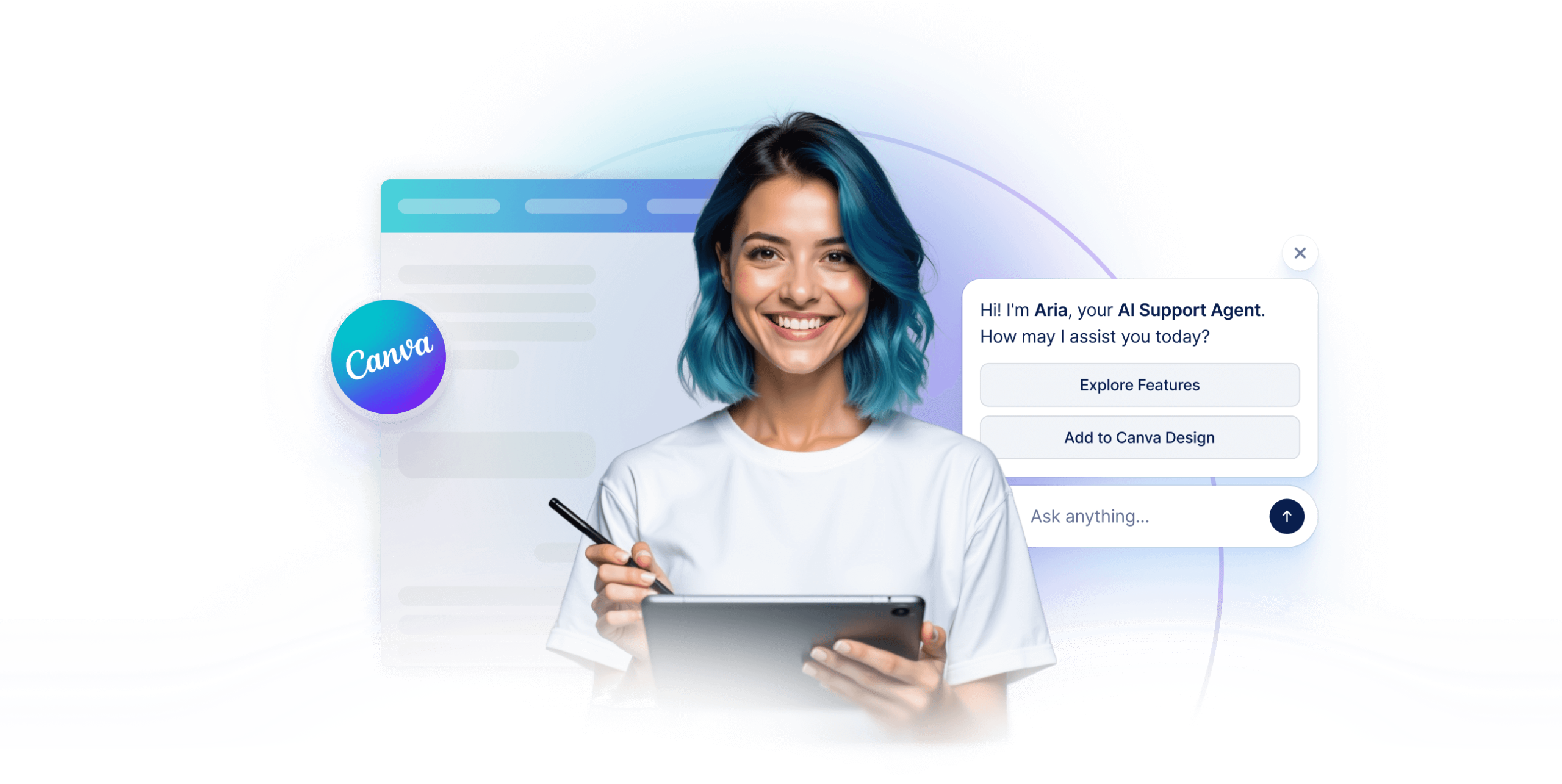
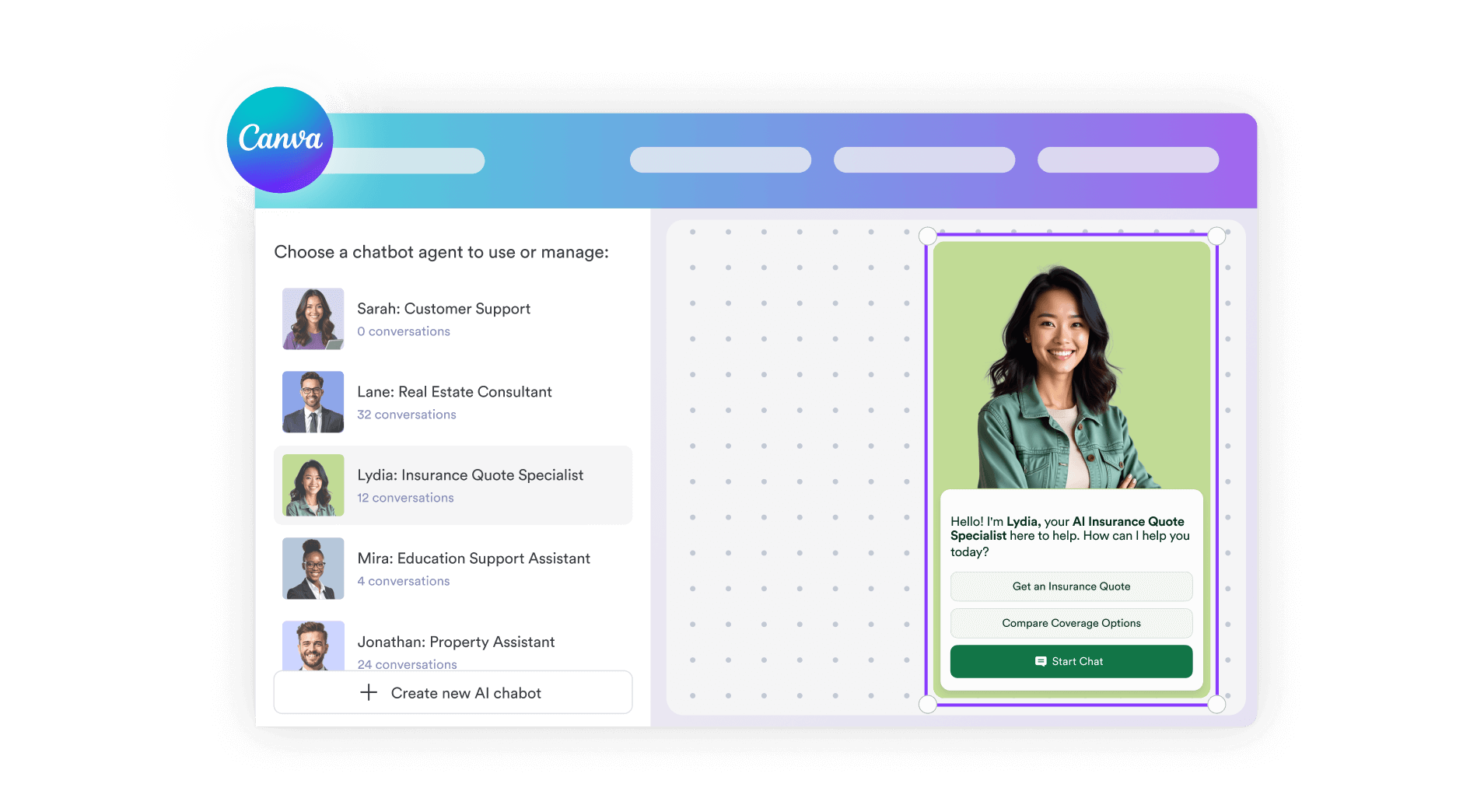
Turn static Canva designs into interactive experiences. Add a fully functional AI chatbot directly inside Canva. No code, no switching tools, no design compromises.

Engage visitors, answer questions, collect leads, and guide users to forms or actions while maintaining on-brand consistency and keeping everything within your Canva workflow.

[Add AI Chatbot to Canva](https://link.jotform.com/jIK4UE5BIk)

![Image 1: Jotform Canva Agent Image](https://cdn.jotfor.ms/image/r/aHR0cHM6Ly9jZG4uam90Zm9yLm1zL3AvYWktY2hhdGJvdC9hc3NldHMvaW1nLW1pbi9jYW52YS9oZXJvLWltYWdlLnBuZw==/hero-image.png?w=2560&t=1)

## How it works

![Image 2: Add the Chatbot in Canva](https://cdn.jotfor.ms/image/r/aHR0cHM6Ly9jZG4uam90Zm9yLm1zL3AvYWktY2hhdGJvdC9hc3NldHMvaW1nLW1pbi9jYW52YS9ob3dpdC0xLnBuZw==/howit-1.png?w=1104&t=1)

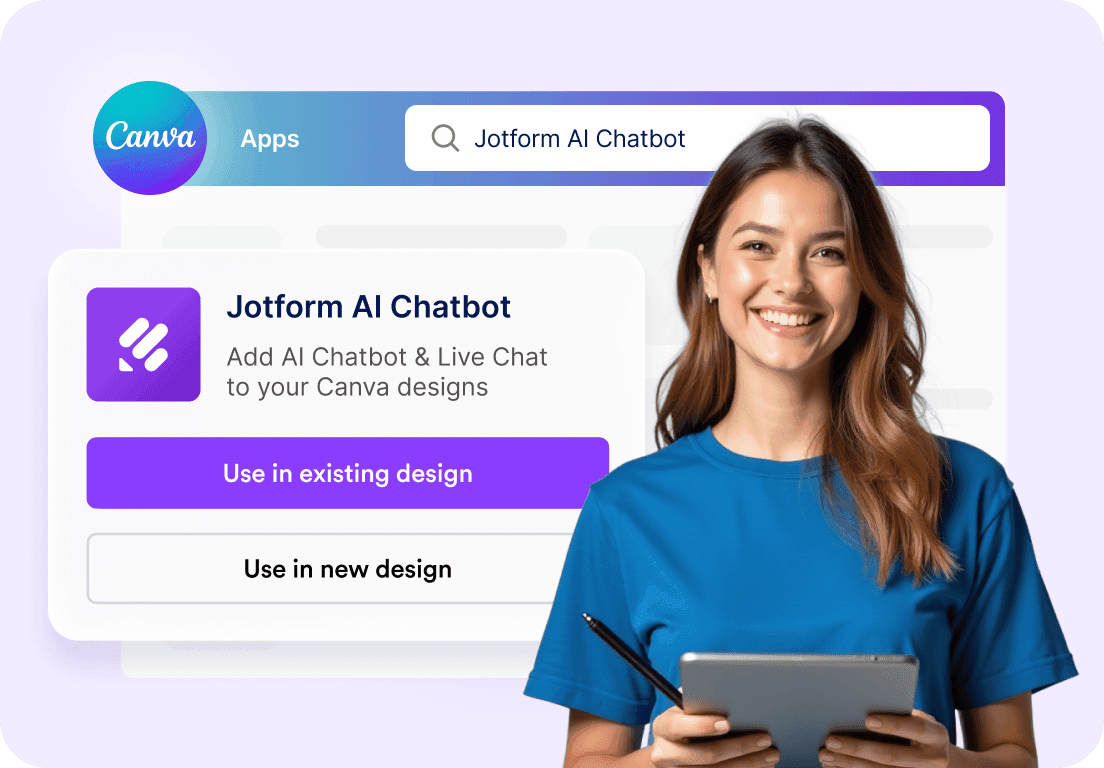
### Add the Chatbot in Canva

Open the Jotform AI Chatbot app from the Canva App Store and drop it directly into your design. No embeds, no external links, and no coding required.
![Image 3: Customize it to match your design](https://cdn.jotfor.ms/image/r/aHR0cHM6Ly9jZG4uam90Zm9yLm1zL3AvYWktY2hhdGJvdC9hc3NldHMvaW1nLW1pbi9jYW52YS9ob3dpdC0yLnBuZw==/howit-2.png?w=1104&t=1)

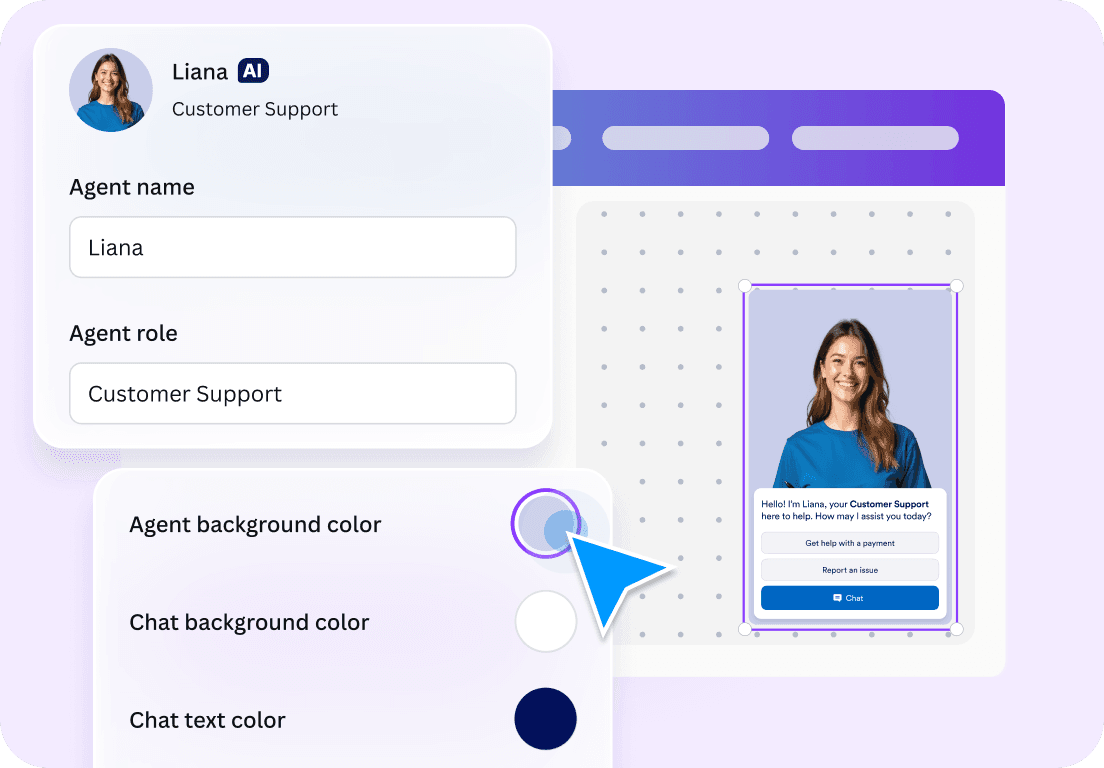
### Customize it to match your design

Edit colors, button styles, avatars, welcome messages, and call-to-action buttons right inside Canva. Your chatbot blends naturally with your layout and visual style.
![Image 4: You’re ready to go!](https://cdn.jotfor.ms/image/r/aHR0cHM6Ly9jZG4uam90Zm9yLm1zL3AvYWktY2hhdGJvdC9hc3NldHMvaW1nLW1pbi9jYW52YS9ob3dpdC0zLnBuZw==/howit-3.png?w=1104&t=1)

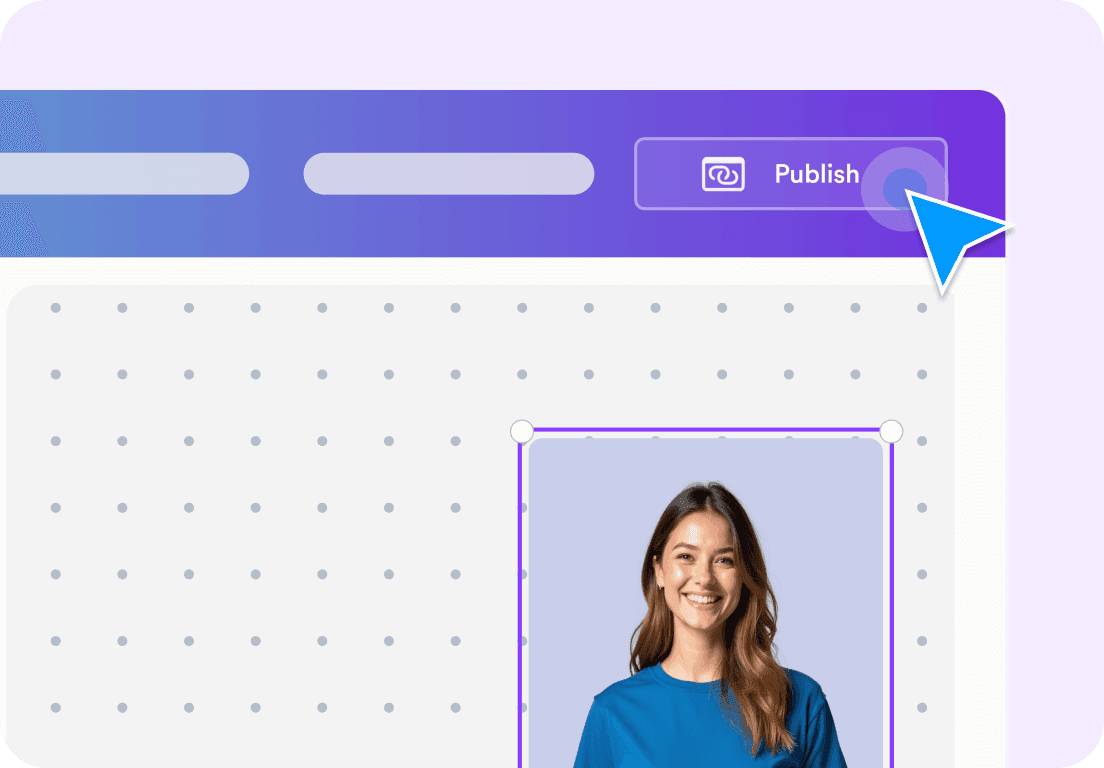
### You’re ready to go!

Publish your design with a live AI chatbot that can answer questions, collect leads, book appointments, or guide visitors to forms. All powered by Jotform AI.
[Add AI Chatbot to Canva](https://link.jotform.com/jIK4UE5BIk)

## Why Canva creators use Jotform AI Chatbot

![Image 5: Built for Canva, not added as an afterthought](https://cdn.jotfor.ms/image/r/aHR0cHM6Ly9jZG4uam90Zm9yLm1zL3AvYWktY2hhdGJvdC9hc3NldHMvaW1nLW1pbi9jYW52YS9iZW50by0xLnBuZw==/bento-1.png?w=40&t=1)

### Built for Canva, not added as an afterthought

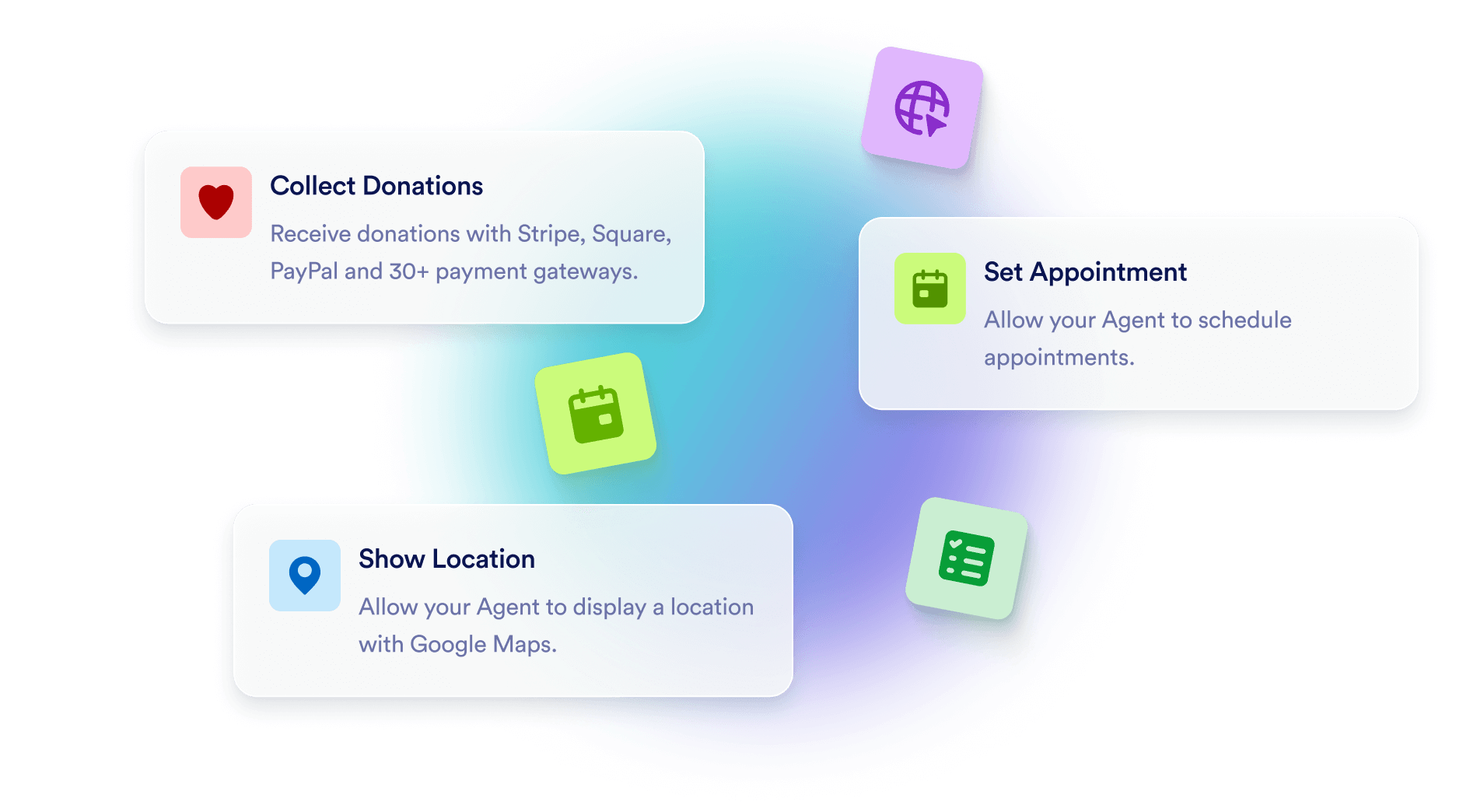
Jotform AI Chatbot for Canva is a native integration. It works seamlessly within Canva designs, ensuring your layout remains intact and your user experience remains seamless.
![Image 6: Turn designs into interactive experiences](https://cdn.jotfor.ms/image/r/aHR0cHM6Ly9jZG4uam90Zm9yLm1zL3AvYWktY2hhdGJvdC9hc3NldHMvaW1nLW1pbi9jYW52YS9iZW50by0yLnBuZw==/bento-2.png?w=40&t=1)

### Turn designs into interactive experiences

Instead of static visuals, visitors can ask questions, explore offers, or get help in real time directly within your Canva page or site.
![Image 7: Pull knowledge from your Canva content](https://cdn.jotfor.ms/image/r/aHR0cHM6Ly9jZG4uam90Zm9yLm1zL3AvYWktY2hhdGJvdC9hc3NldHMvaW1nLW1pbi9jYW52YS9iZW50by0zLnBuZw==/bento-3.png?w=40&t=1)

### Pull knowledge from your Canva content

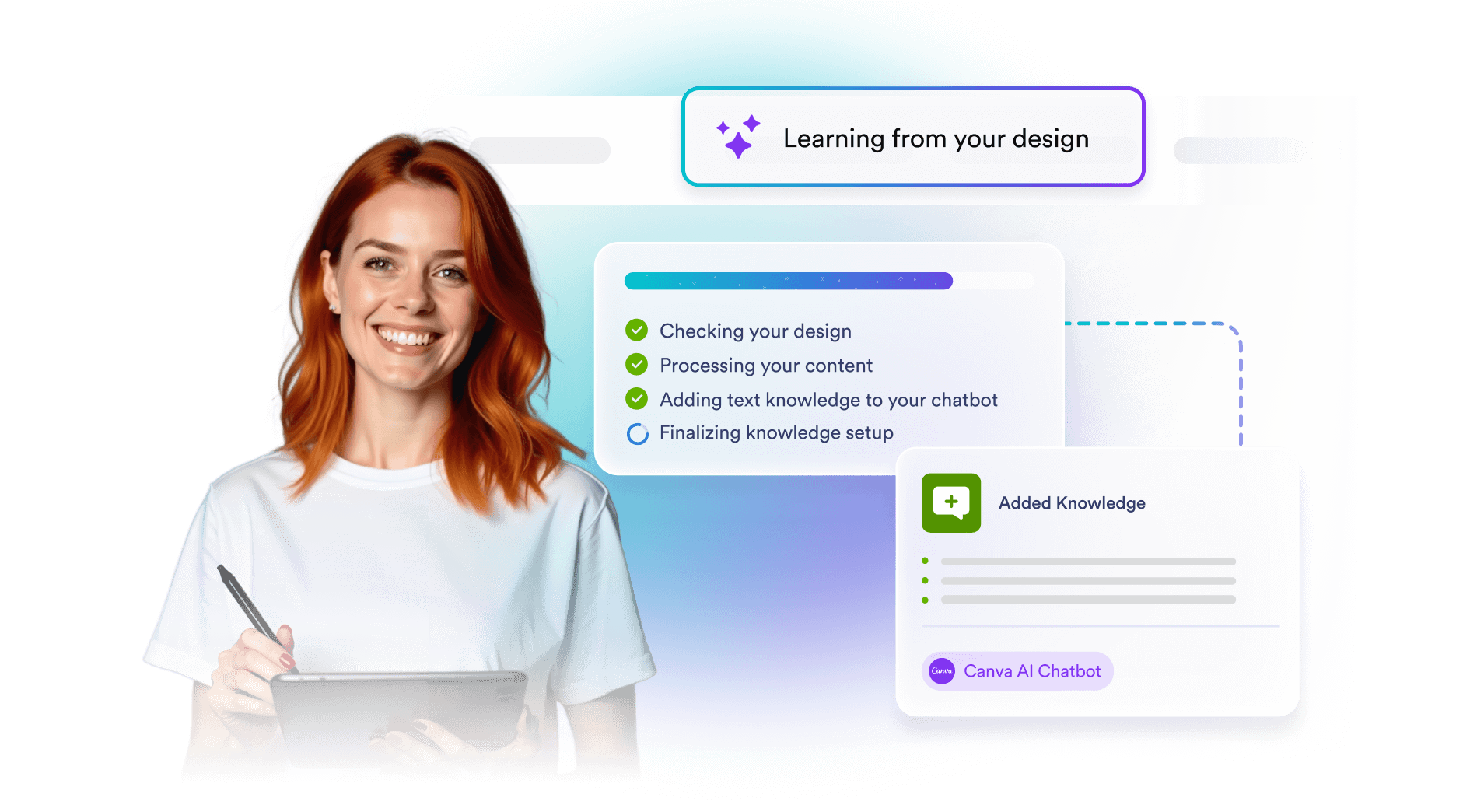
The chatbot can use text from your Canva designs as its knowledge source, allowing it to give context-aware answers based on what you’ve already created.
![Image 8: Capture leads without disrupting the flow](https://cdn.jotfor.ms/image/r/aHR0cHM6Ly9jZG4uam90Zm9yLm1zL3AvYWktY2hhdGJvdC9hc3NldHMvaW1nLW1pbi9jYW52YS9iZW50by00LnBuZw==/bento-4.png?w=40&t=1)

### Capture leads without disrupting the flow

Collect contact details, route users to forms, or connect conversations to your CRM all through natural chat interactions that feel effortless for visitors.

## Pricing

Monthly

Yearly

Save up to 20%

### Starter

**FREE*** All Features Included

Get Started

*   **5 Chatbots** AI Chatbot Limit  
*   **100** Monthly Conversations  
*   **10,000** Monthly Sessions  
*   **50 Minutes** Monthly Voice Call  
*   **250** Monthly SMS  
*   **10M Characters** Knowledge Base  
*   **Phone Number Add-On**  

Form Limits

Get Started

### Bronze

$**34**

/month

Billed annually

Get Started

*   **25 Chatbots** AI Chatbot Limit  
*   **1,000** Monthly Conversations  
*   **100,000** Monthly Sessions  
*   **100 Minutes** Monthly Voice Call  
*   **300** Monthly SMS  
*   **20M Characters** Knowledge Base  
*   **Phone Number Add-On**  

Form Limits

Get Started

Best Value

### Silver

$**39**

/month

Billed annually

Get Started

*   **50 Chatbots** AI Chatbot Limit  
*   **2,500** Monthly Conversations  
*   **1,000,000** Monthly Sessions  
*   **200 Minutes** Monthly Voice Call  
*   **500** Monthly SMS  
*   **50M Characters** Knowledge Base  
*   **Phone Number Add-On**  

Form Limits

Get Started

### Gold

$**99**

/month

Billed annually

Get Started

*   **100 Chatbots** AI Chatbot Limit  
*   **10,000** Monthly Conversations  
*   **2,000,000** Monthly Sessions  
*   **300 Minutes** Monthly Voice Call  
*   **750** Monthly SMS  
*   **100M Characters** Knowledge Base  
*   **Phone Number Add-On**  

Form Limits

Get Started

### Enterprise

**Custom Price**

Get a Quote

*   **Unlimited** AI Chatbot Limit  
*   **Unlimited** Monthly Conversations  
*   **Unlimited** Monthly Sessions  
*   **1,000 Minutes** Monthly Voice Call  
*   **1,000** Monthly SMS  
*   **Unlimited** Knowledge Base  
*   **Phone Number Add-On**  

Form Limits

Contact Sales

## Your Canva Designs, Now Interactive

Add an AI chatbot directly to your Canva designs and let it engage visitors in real time. **Jotform AI Chatbot for Canva** helps answer questions, collect leads, and guide users without leaving Canva or disrupting your design.

[Add AI Chatbot to Canva](https://link.jotform.com/jIK4UE5BIk)![Image 9: Banner bg](https://cdn.jotfor.ms/p/ai-chatbot/assets/img-min/canva/banner-bg.svg)

## FAQ

*    
### What is the Jotform AI Chatbot for Canva? The Jotform AI Chatbot for Canva is an app that lets Canva users add an interactive live chat and chatbot experience to their designs. It brings Jotform’s AI-powered conversational features directly into Canva, allowing users to create and customize interactions without any coding.   
*    
### How do I install and start using Jotform AI Chatbot for Canva? Start by searching for Jotform AI Chatbot in the Canva Apps Marketplace, then click 'Use in existing design' or 'Use in new design'. Next, click Connect to log into your Jotform account or create a free account, then follow the on-screen steps to set up the app. Once connected, you can make or select an AI agent and embed it directly into your Canva design to add a live chat and chatbot experience.   
*    
### Do I need a Jotform account to use the app? You can create and try a chatbot as a guest without a Jotform account. However, to manage data, customize the chatbot further, and access advanced settings such as adding knowledge, you’ll need to log in to a Jotform account. You can easily sign in with your existing account or create a new one for free.   
*    
### Can I embed my existing AI Agents into my Canva designs? Yes. You can log into your Jotform account within the Canva app and choose from a listing of your existing AI Agents to embed directly into your Canva design.   
*    
### How do I embed an AI Chatbot into my Canva design? You can embed an AI Chatbot into your Canva design by opening the Jotform AI Chatbot app in Canva. Once the app is open, click Create to generate a new chatbot or log in to select one from your existing agents. The chatbot will then appear directly on your Canva design, where you can adjust its appearance and position before publishing.   
*    
### Will my Jotform AI Chatbot work on all Canva designs? The Jotform AI Chatbot operates only on published online designs. It is not supported in offline or static Canva projects.   
*    
### Can I access the conversations initiated through my Canva design? Where can I view them? Yes. You can view all conversations started through your Canva design. They are available in the Conversations section of the Jotform AI Agent Builder.   
*    
### How can I customize an AI Chatbot for my brand? You can customize the Jotform AI Chatbot directly within Canva by editing basic visual elements such as buttons, chat background, text color, and the agent’s avatar to match your design. For advanced customization, such as adding knowledge, creating actions, and defining chatbot behavior, use the Jotform AI Agent Builder.   
*    
### How do I train my AI Chatbot? Training your AI Chatbot is flexible and straightforward. You can train it using methods such as URL crawling, document uploads, direct text input, and custom Q&As. When you create a new chatbot in Canva, it also automatically learns from the content in your design, and adds it as knowledge.   
*    
### Can the AI Chatbot automatically learn from my Canva design? Yes. If you create a new chatbot in the Canva app, it can automatically use your design content as its knowledge source. If you add an existing agent, it will not pull knowledge from the Canva design.   

View More