# Adobe AI Presentation Maker Alternative | Jotform AI Agents

# Adobe AI Presentation Maker Alternative

Whether you’re a designer, educator, or business storyteller, Jotform’s Adobe-style AI presentation maker transforms your content into a slide deck that looks like it was handcrafted — but built in minutes. Upload a document, and watch it become a presentation complete with visuals, layout, and real-time narration.

## How it works

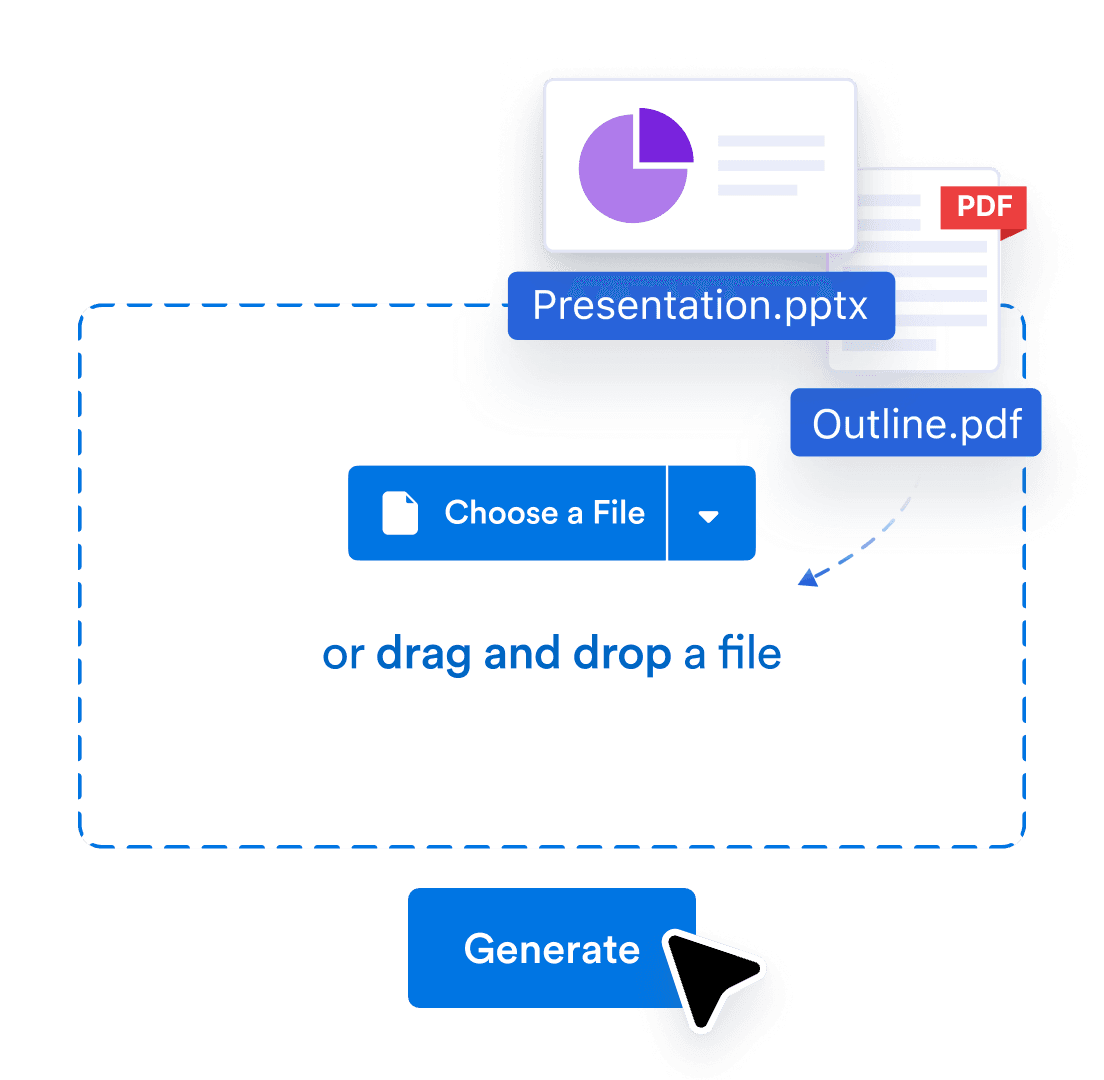
![Image 1: Upload](https://cdn.jotfor.ms/image/r/aHR0cHM6Ly9jZG4uam90Zm9yLm1zL3AvYWkvcHJlc2VudGF0aW9uLWFnZW50L2Fzc2V0cy9pbWctbWluL2Fkb2JlLWV4cHJlc3Mtc2xpZGVzL2hvd2l0LTEucG5n/howit-1.png?w=1104&t=1)

### Upload

Upload your PDF or PPTX, or share link of Google Slides. We’ll turn it into an interactive, voice-narrated experience.

![Image 2: Customize](https://cdn.jotfor.ms/image/r/aHR0cHM6Ly9jZG4uam90Zm9yLm1zL3AvYWkvcHJlc2VudGF0aW9uLWFnZW50L2Fzc2V0cy9pbWctbWluL2Fkb2JlLWV4cHJlc3Mtc2xpZGVzL2hvd2l0LTIucG5n/howit-2.png?w=1104&t=1)

### Customize

Edit the script, change the voice and language, and tweak how people interact with your agent and brand.
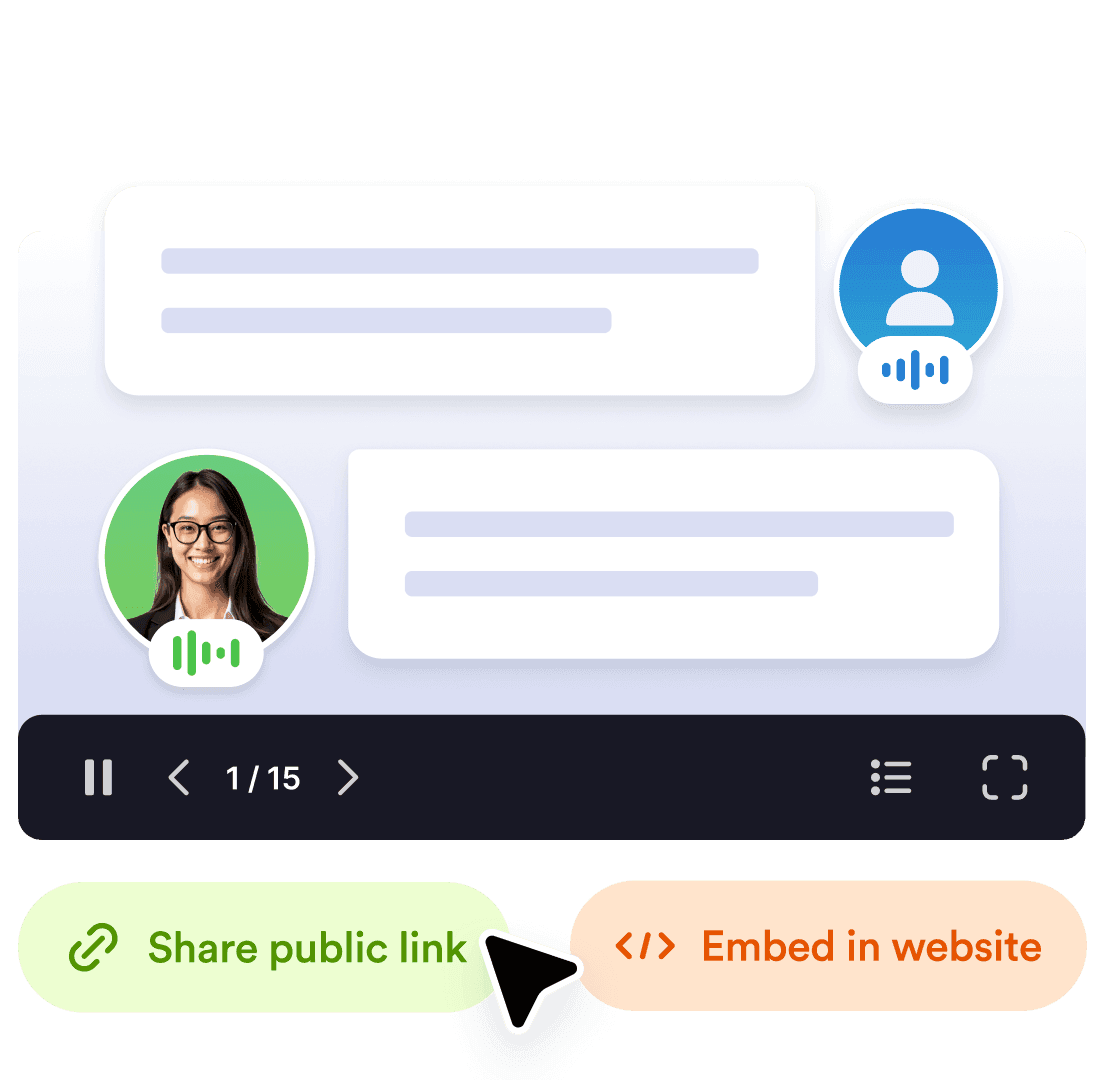
![Image 3: Share](https://cdn.jotfor.ms/image/r/aHR0cHM6Ly9jZG4uam90Zm9yLm1zL3AvYWkvcHJlc2VudGF0aW9uLWFnZW50L2Fzc2V0cy9pbWctbWluL2Fkb2JlLWV4cHJlc3Mtc2xpZGVzL2hvd2l0LTMucG5n/howit-3.png?w=1104&t=1)

### Share

Send a link or embed it anywhere. Your audience can explore, ask question and get answers in real time.

## Smarter way to present with Jotform

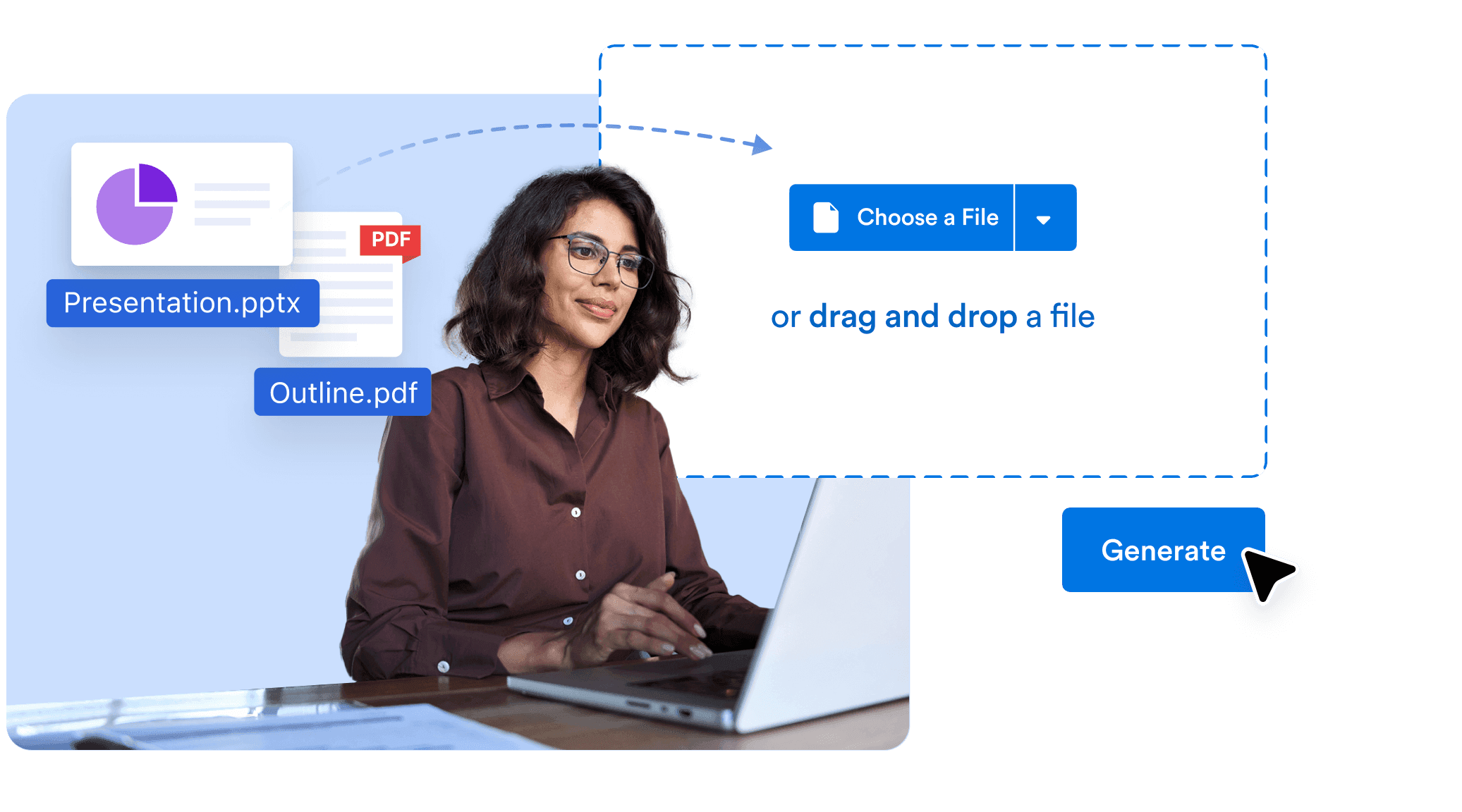
## Visually rich presentations generated instantly

Upload any content — a PDF, outline, text document, or presentation file — and let the AI handle the creative heavy lifting. It generates a polished, brand-worthy slide deck with structured flow, layout, and visuals that reflect a professional design style.
![Image 4: Visually rich presentations generated instantly](https://cdn.jotfor.ms/image/r/aHR0cHM6Ly9jZG4uam90Zm9yLm1zL3AvYWkvcHJlc2VudGF0aW9uLWFnZW50L2Fzc2V0cy9pbWctbWluL2Fkb2JlLWV4cHJlc3Mtc2xpZGVzLzEucG5n/1.png?w=2073&t=1)

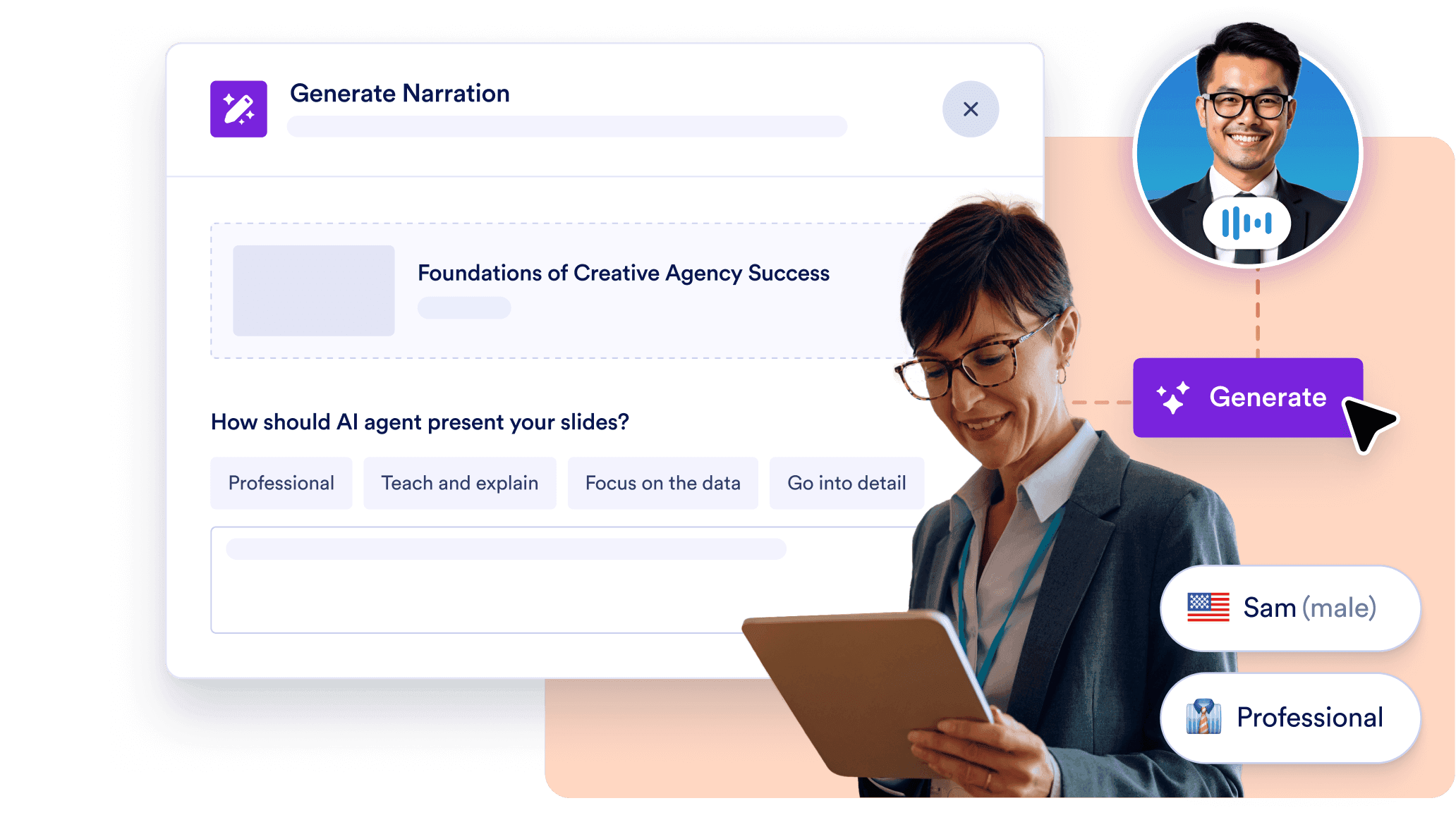
## AI-Powered voice narration for every slide

Your presentation comes to life with automated narration. Choose from multiple AI voices, accents, tones, and languages. Edit what the AI says for each slide to make sure your message is delivered with precision and personality — no voice recording needed.
![Image 5: AI-Powered voice narration for every slide](https://cdn.jotfor.ms/image/r/aHR0cHM6Ly9jZG4uam90Zm9yLm1zL3AvYWkvcHJlc2VudGF0aW9uLWFnZW50L2Fzc2V0cy9pbWctbWluL2Fkb2JlLWV4cHJlc3Mtc2xpZGVzLzIucG5n/2.png?w=40&t=1)

## Live viewer interaction with AI Q&A

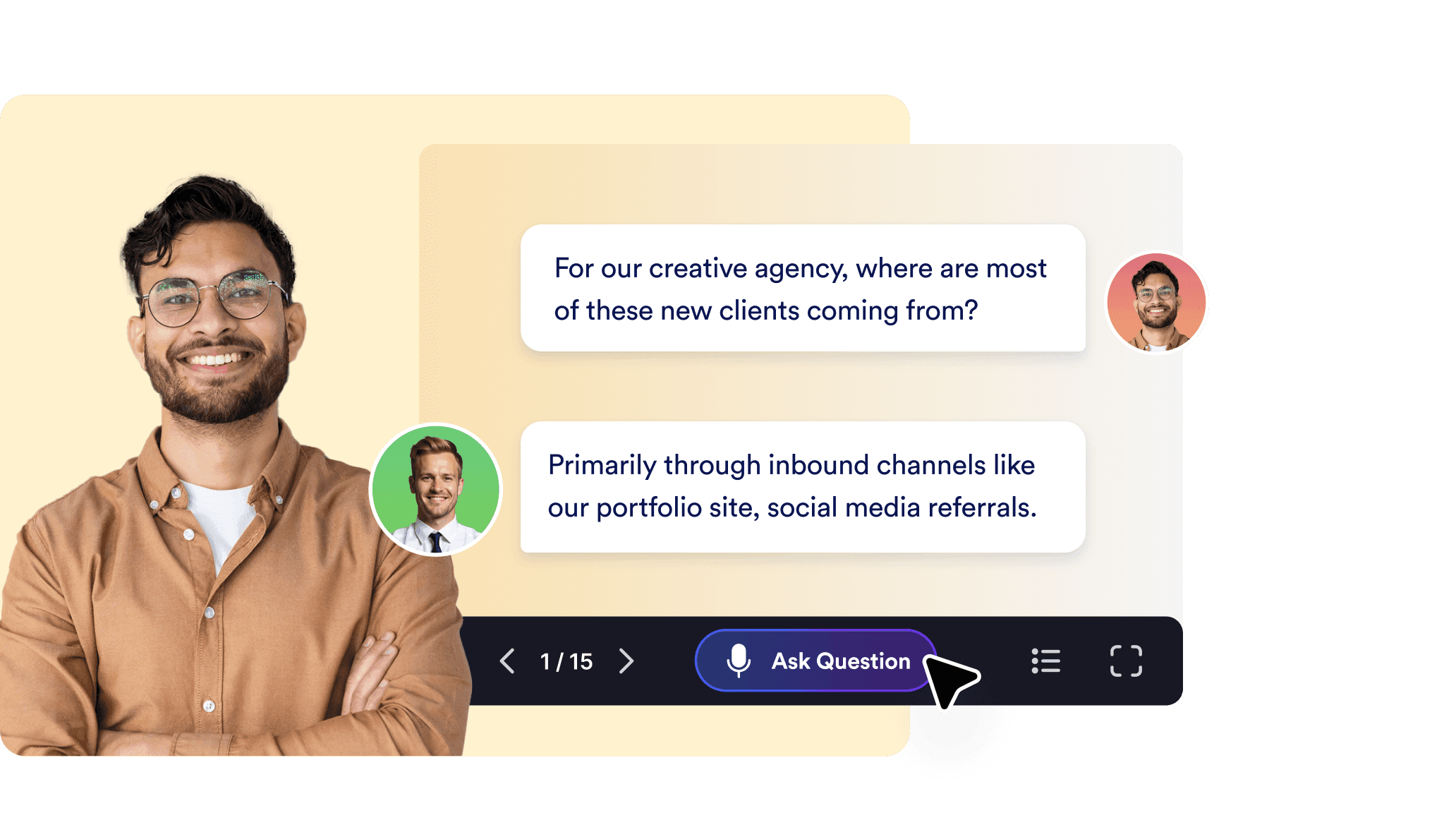
Keep your audience engaged by allowing them to ask questions during the presentation. The AI responds in real time, referencing both slide content and background knowledge. It’s perfect for creative pitches, live workshops, or interactive product demos.
![Image 6: Live viewer interaction with AI Q&A](https://cdn.jotfor.ms/image/r/aHR0cHM6Ly9jZG4uam90Zm9yLm1zL3AvYWkvcHJlc2VudGF0aW9uLWFnZW50L2Fzc2V0cy9pbWctbWluL2Fkb2JlLWV4cHJlc3Mtc2xpZGVzLzMucG5n/3.png?w=40&t=1)

## Full creative control over design and content

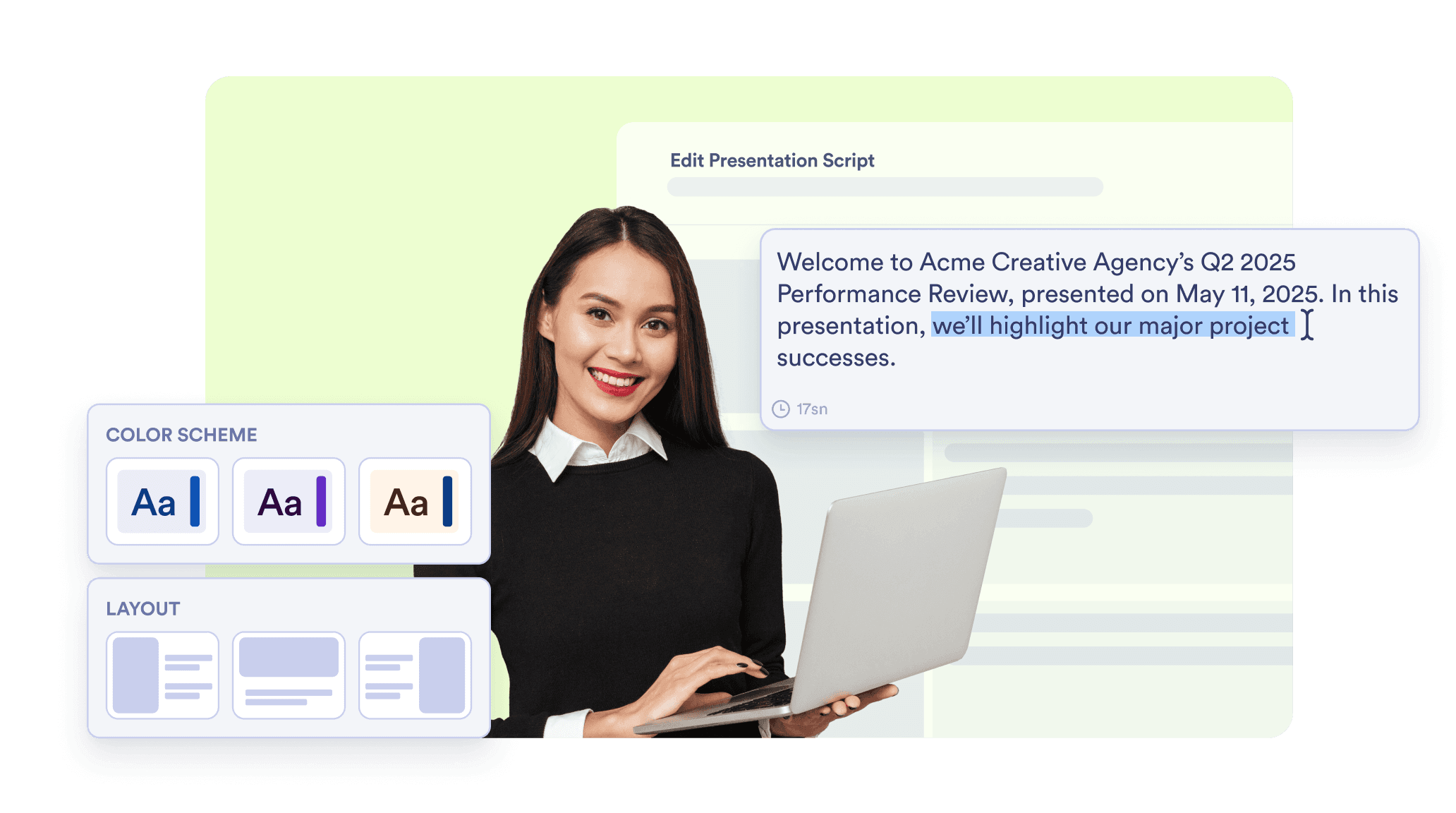
The AI provides a strong foundation — but you stay in charge. You can rewrite slide content, regenerate visuals, and adjust the theme, layout, and tone. Whether you want a clean corporate look or a bold creative flair, everything is customizable in a few clicks.
![Image 7: Full creative control over design and content](https://cdn.jotfor.ms/image/r/aHR0cHM6Ly9jZG4uam90Zm9yLm1zL3AvYWkvcHJlc2VudGF0aW9uLWFnZW50L2Fzc2V0cy9pbWctbWluL2Fkb2JlLWV4cHJlc3Mtc2xpZGVzLzQucG5n/4.png?w=40&t=1)

## Shareable, multilingual, and action-ready

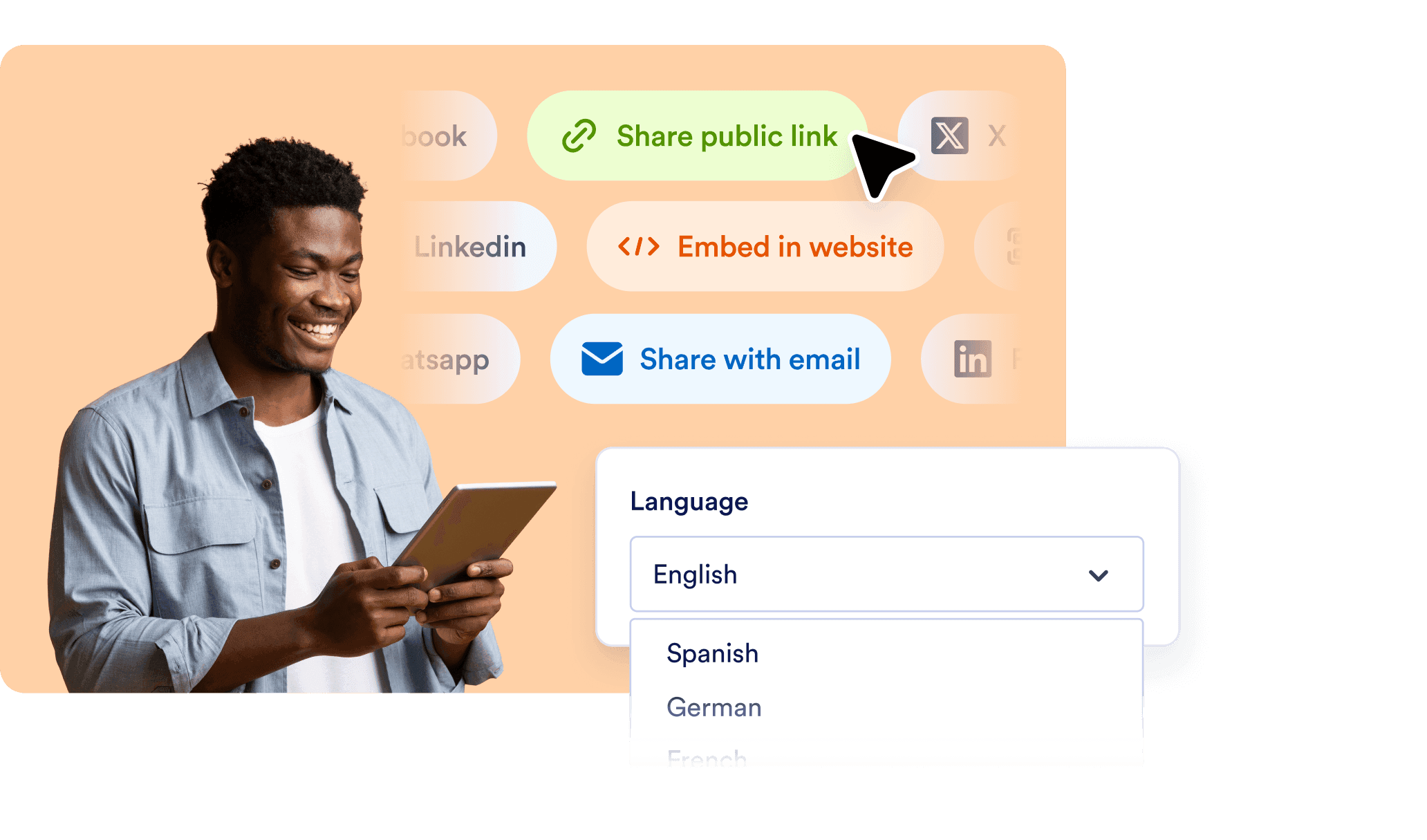
Every presentation has its own link you can share, embed, or present live. The platform supports narration and interaction in multiple languages, and you can embed forms or add follow-up steps to collect feedback, registrations, or leads — all within the presentation.
![Image 8: Shareable, multilingual, and action-ready](https://cdn.jotfor.ms/image/r/aHR0cHM6Ly9jZG4uam90Zm9yLm1zL3AvYWkvcHJlc2VudGF0aW9uLWFnZW50L2Fzc2V0cy9pbWctbWluL2Fkb2JlLWV4cHJlc3Mtc2xpZGVzLzUucG5n/5.png?w=40&t=1)

## Don’t Just Present — Have a Conversation

Turn your content into beautifully designed, narrated presentations — automatically. Jotform’s AI-driven presentation maker blends smart automation with design freedom.

[**Try it now** — It’s Free](https://www.jotform.com/workspace/new?assetCreationType=ai-agent&initialChannel=presentation&from=presentationLanding)

## FAQ

*    
### What is an Adobe-style AI presentation maker? An Adobe-style AI presentation maker is a creative tool that combines design intelligence with automation. Jotform’s Presentation AI Agent lets you upload content — such as documents, outlines, or presentations — and instantly transforms it into a visually appealing, fully narrated presentation. It’s designed for users who value strong visual aesthetics without sacrificing speed or simplicity.   
*    
### What kind of content can I use to generate a presentation? You can start with a variety of formats, including PDF files, Google Docs, Word documents, PowerPoint presentations, or even plain text. The AI automatically detects structure, identifies key points, and turns them into a professional-quality slide deck with visual hierarchy and flow.   
*    
### How customizable are the slides and visuals? Every slide is fully editable. After the presentation is generated, you can change text, swap images, regenerate visual layouts, and apply different design themes or tones. You can maintain creative control while benefiting from an AI-powered head start — ideal for those who prefer to fine-tune style and storytelling.   
*    
### Does it support voice narration? Yes, each slide is narrated automatically using lifelike AI voices. You can select your preferred voice, accent, tone, and speaking style. If you want to refine the narration, you can edit what the AI says on each slide. This allows you to deliver polished, brand-aligned voiceovers — without any manual recording or post-production work.   
*    
### Can my audience interact with the presentation? Absolutely. Presentations created with Jotform’s Presentation AI Agent are interactive by design. Viewers can ask questions during the session, and the AI responds in real time based on slide content and contextual understanding. This level of engagement turns your presentation into a conversation — perfect for creative pitches, classes, or client walkthroughs.   
*    
### Is it suitable for multilingual presentations or international teams? Yes. The AI can narrate slides and respond to questions in multiple languages. If your presentation is in Spanish, French, German, Turkish, or other supported languages, it will be presented naturally to viewers. The AI can also detect and reply in the viewer’s own language during Q&A, ensuring an inclusive, global-ready experience.   
*    
### Can I use this for multiple projects or campaigns? You can create and manage multiple presentations within a single workspace. Each presentation is individually linked and can use shared design preferences, narration styles, and interactive settings. This makes it easy to produce multiple campaigns, proposals, or lessons while maintaining visual and voice consistency across your brand.   
*    
### Is there support for forms or user actions inside the presentation? You can enrich your presentations by embedding forms that collect input from viewers. Whether you want to capture feedback, receive registrations, book appointments, or collect creative briefs — it can all be done from within the presentation environment, without sending users elsewhere.   
*    
### How do I share or publish my AI-generated presentation? Every presentation has a unique, shareable link that you can distribute via email, post online, or embed on your website or client portal. Viewers can access it asynchronously or join in live sessions with AI narration and interaction. No downloads or additional software are required.   
*    
### Who is this presentation tool best suited for? This AI presentation maker is ideal for designers, agencies, marketers, educators, consultants, and creators who want to elevate their message with beautiful, interactive visuals. If you regularly use tools like Adobe Creative Cloud and care about how your work looks, this platform gives you professional results with a fraction of the effort.   

View More