# Canva AI Presentation Generator Alternative | Jotform AI Agents

# Canva AI Presentation Generator Alternative

With Jotform’s Canva AI presentation generator, you simply upload your content — and AI creates an eye-catching presentation with layouts, visuals, and real-time narration. Whether you’re presenting to clients, training a team, or pitching an idea, you can interact with your audience live and let them ask questions during the show. No design skills or editing tools required — just smart, fast, presentation magic.

## How it works

![Image 1: Upload](https://cdn.jotfor.ms/image/r/aHR0cHM6Ly9jZG4uam90Zm9yLm1zL3AvYWkvcHJlc2VudGF0aW9uLWFnZW50L2Fzc2V0cy9pbWctbWluL2NhbnZhLXNsaWRlcy9ob3dpdC0xLnBuZw==/howit-1.png?w=1104&t=1)

### Upload

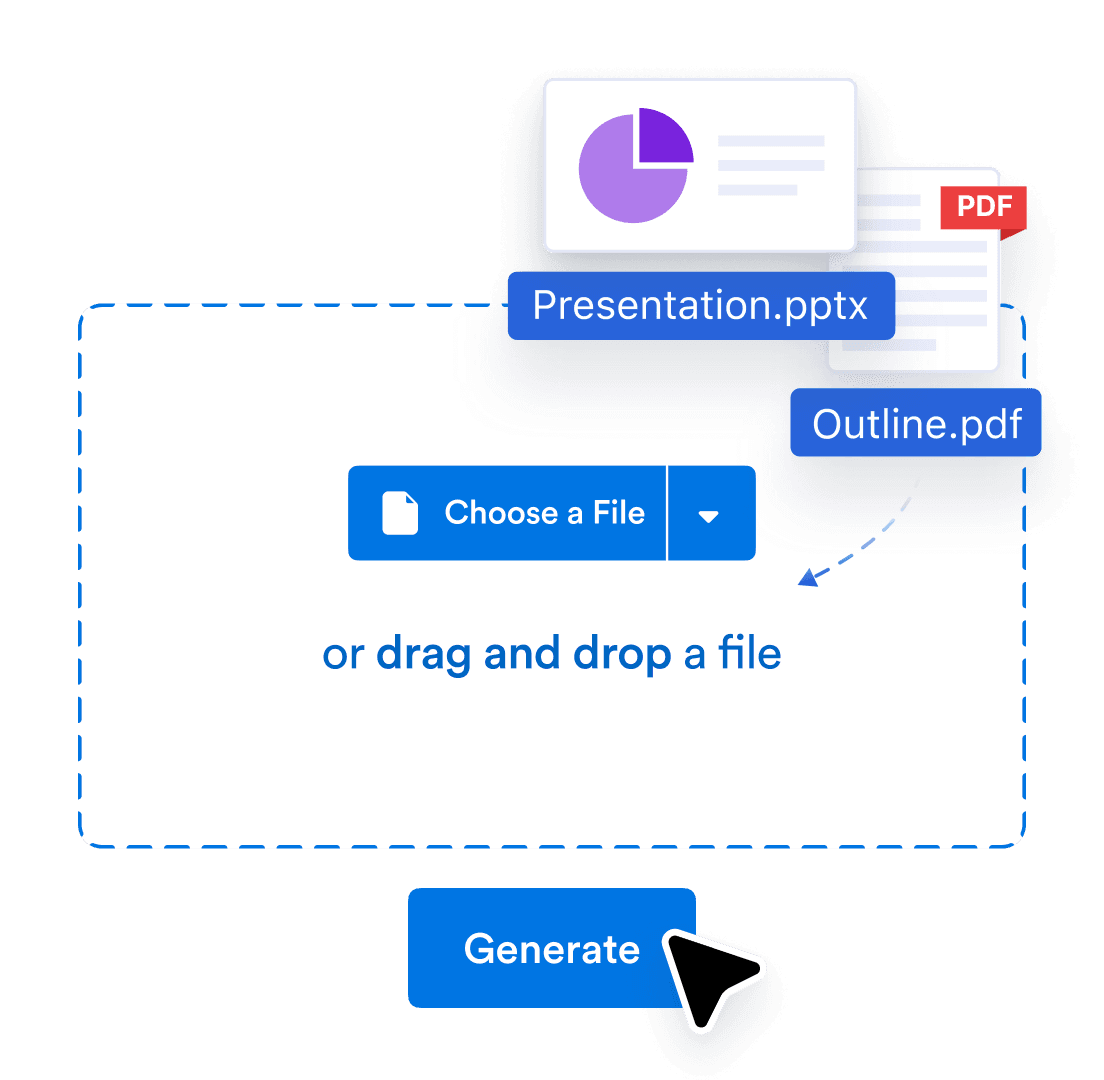
Upload your PDF or PPTX, or share link of Google Slides. We’ll turn it into an interactive, voice-narrated experience.

![Image 2: Customize](https://cdn.jotfor.ms/image/r/aHR0cHM6Ly9jZG4uam90Zm9yLm1zL3AvYWkvcHJlc2VudGF0aW9uLWFnZW50L2Fzc2V0cy9pbWctbWluL2NhbnZhLXNsaWRlcy9ob3dpdC0yLnBuZw==/howit-2.png?w=1104&t=1)

### Customize

Edit the script, change the voice and language, and tweak how people interact with your agent and brand.
![Image 3: Share](https://cdn.jotfor.ms/image/r/aHR0cHM6Ly9jZG4uam90Zm9yLm1zL3AvYWkvcHJlc2VudGF0aW9uLWFnZW50L2Fzc2V0cy9pbWctbWluL2NhbnZhLXNsaWRlcy9ob3dpdC0zLnBuZw==/howit-3.png?w=1104&t=1)

### Share

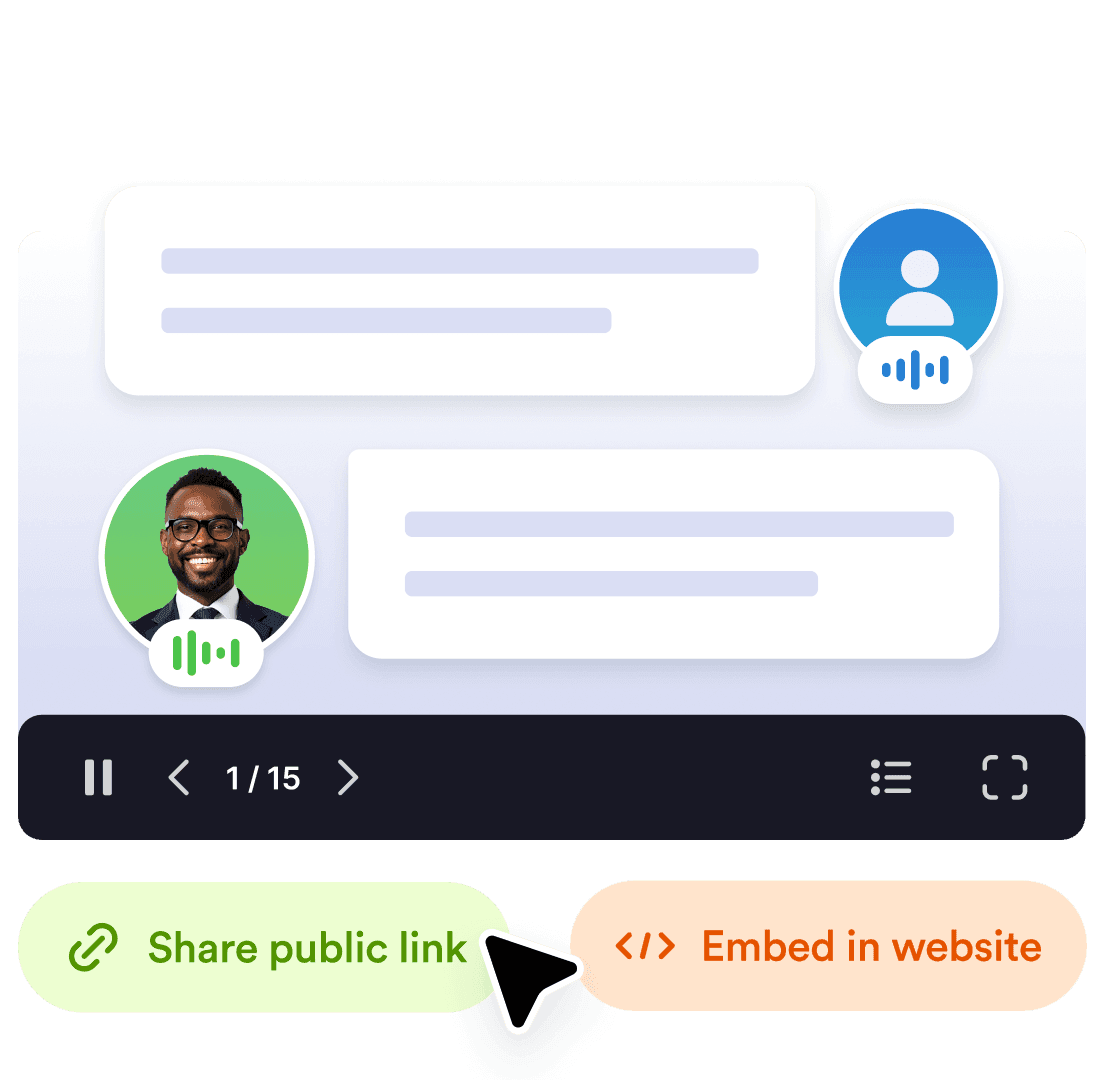
Send a link or embed it anywhere. Your audience can explore, ask question and get answers in real time.

## Smarter way to present with Jotform

## Instantly turn documents into presentations

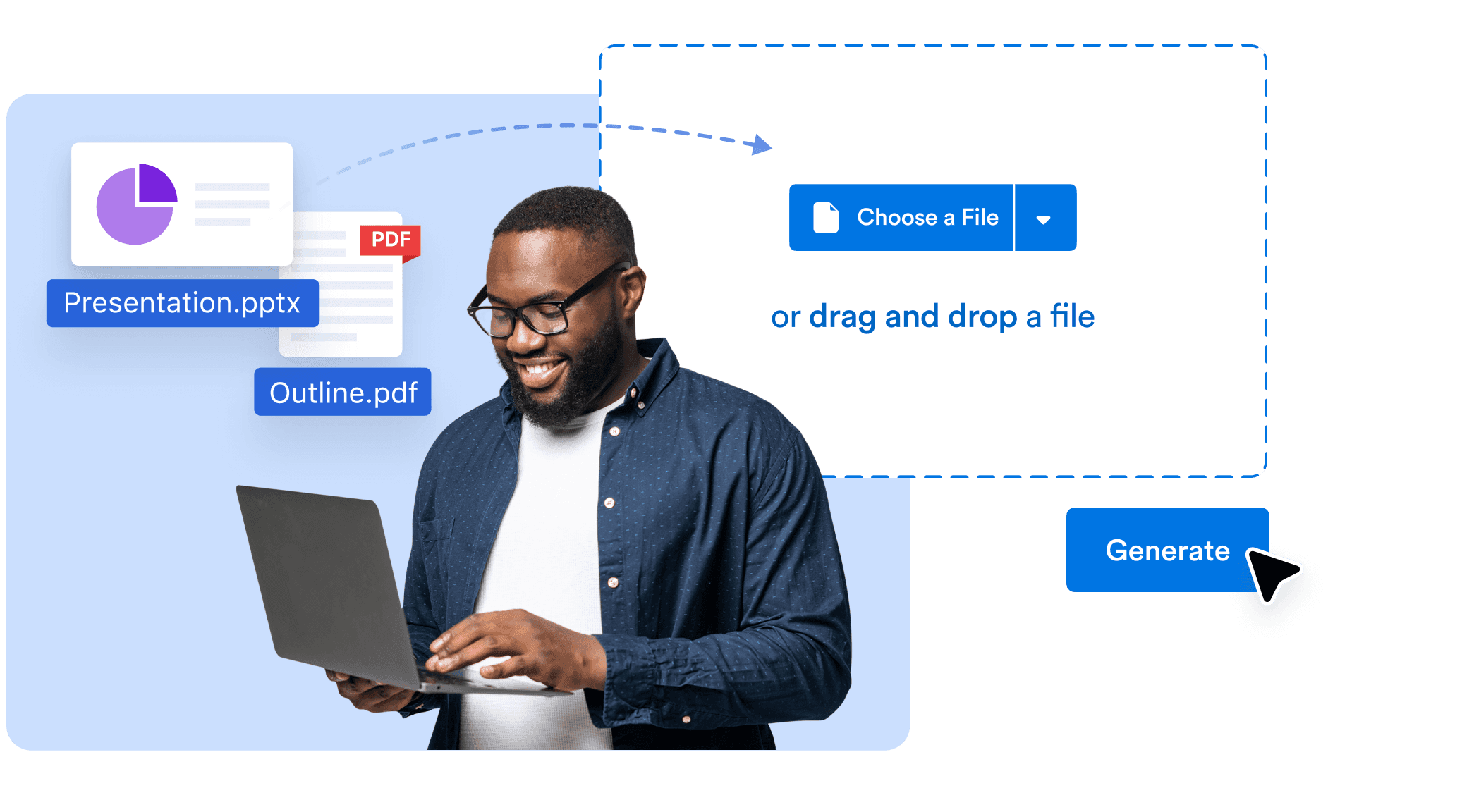
Upload a PDF, Google Doc, PPTX, or text — and let AI convert it into a complete, professionally designed slide deck. Visuals, structure, and flow are all handled in seconds so you can focus on delivering your message.
![Image 4: Instantly turn documents into presentations](https://cdn.jotfor.ms/image/r/aHR0cHM6Ly9jZG4uam90Zm9yLm1zL3AvYWkvcHJlc2VudGF0aW9uLWFnZW50L2Fzc2V0cy9pbWctbWluL2NhbnZhLXNsaWRlcy8xLnBuZw==/1.png?w=2073&t=1)

## AI voice narration built in

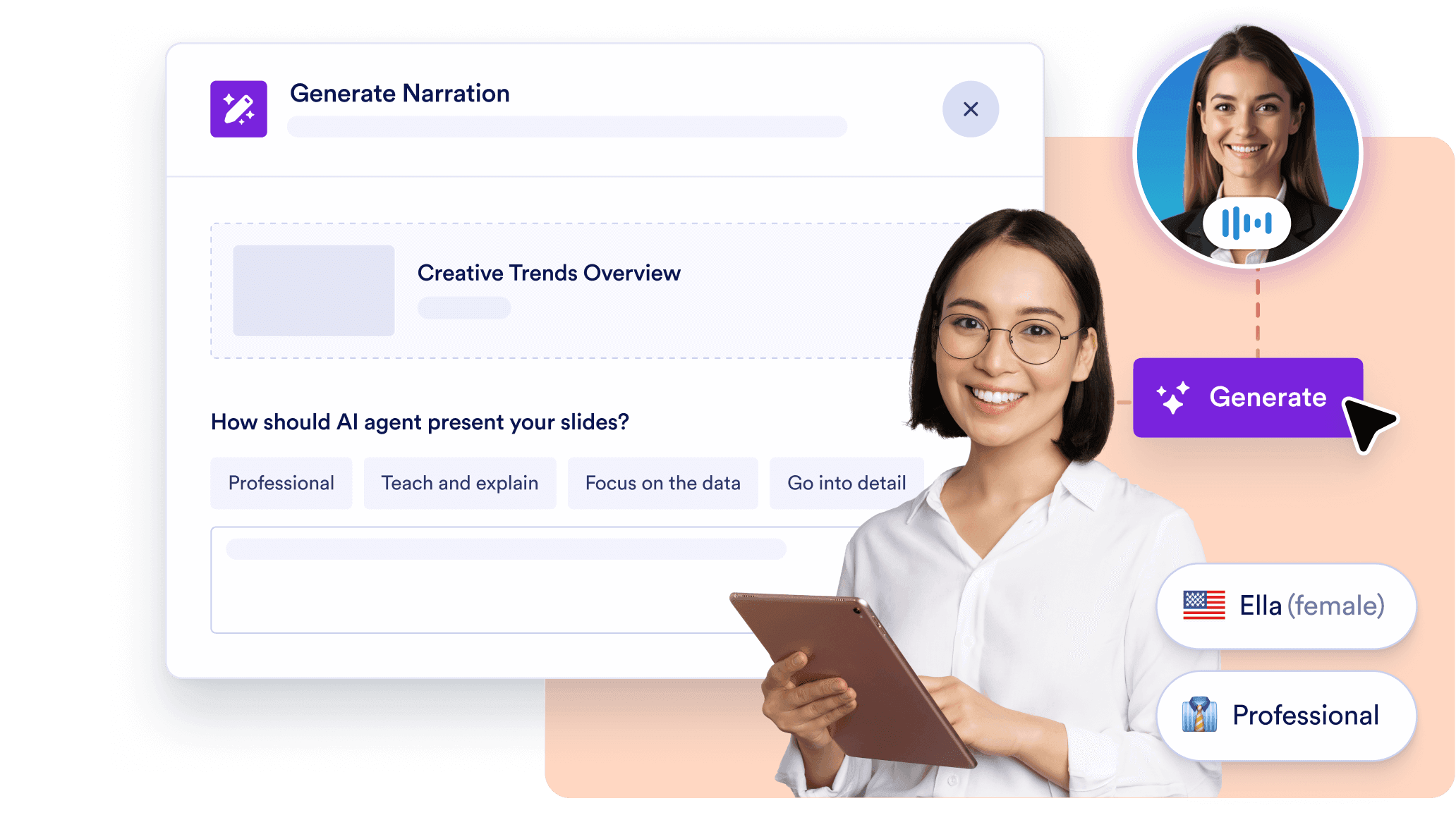
No need to record audio. Each slide is narrated by an AI voice that guides your audience through the presentation. You choose the voice, tone, language, and can even customize the narration script for each slide.
![Image 5: AI voice narration built in](https://cdn.jotfor.ms/image/r/aHR0cHM6Ly9jZG4uam90Zm9yLm1zL3AvYWkvcHJlc2VudGF0aW9uLWFnZW50L2Fzc2V0cy9pbWctbWluL2NhbnZhLXNsaWRlcy8yLnBuZw==/2.png?w=40&t=1)

## Live audience interaction with Q&A

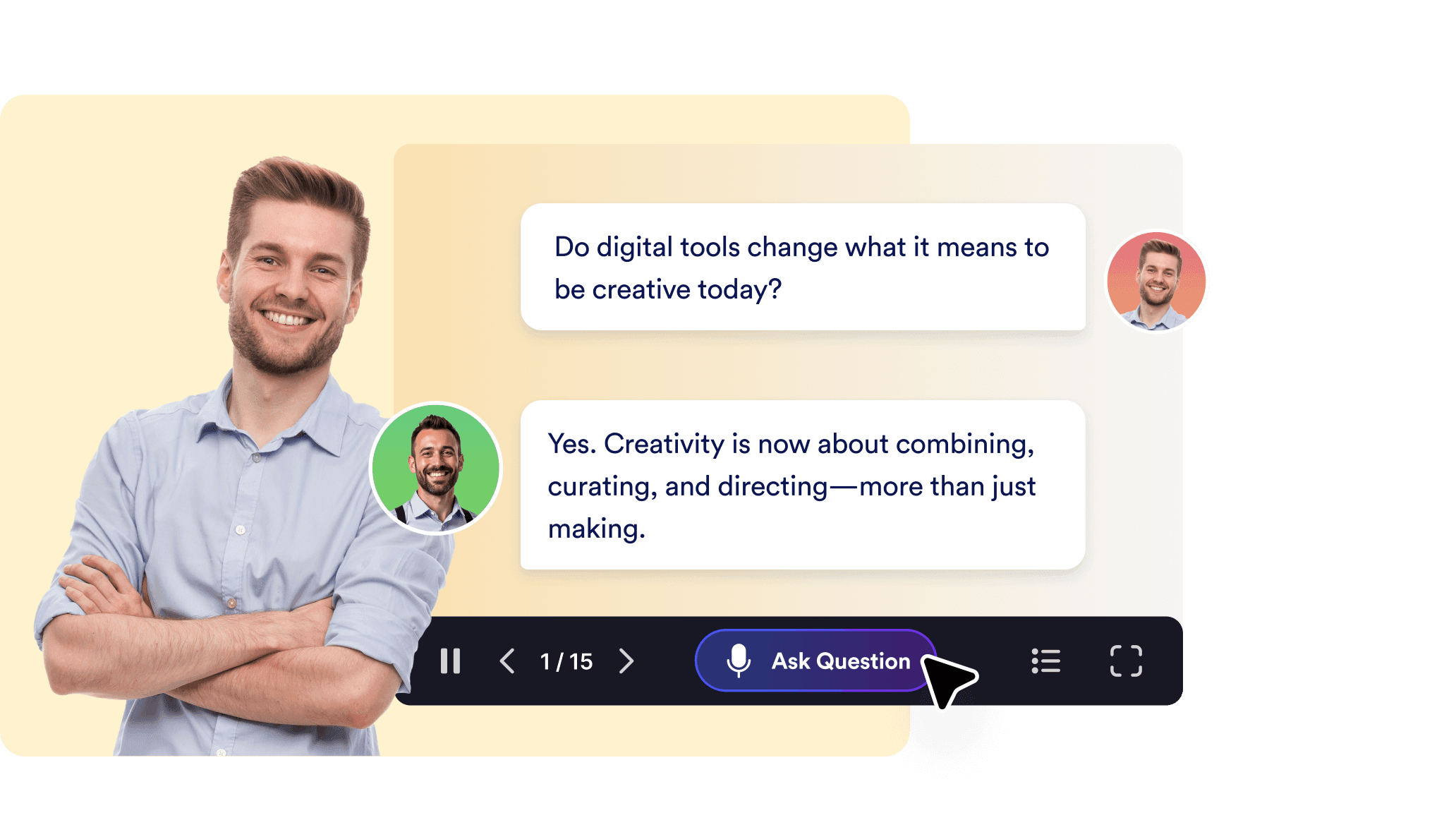
Keep viewers engaged with real-time interactivity. Your audience can ask questions during the presentation, and the AI will respond on the spot — turning one-way slide decks into dynamic conversations.
![Image 6: Live audience interaction with Q&A](https://cdn.jotfor.ms/image/r/aHR0cHM6Ly9jZG4uam90Zm9yLm1zL3AvYWkvcHJlc2VudGF0aW9uLWFnZW50L2Fzc2V0cy9pbWctbWluL2NhbnZhLXNsaWRlcy8zLnBuZw==/3.png?w=40&t=1)

## Fully editable slide designs and styles

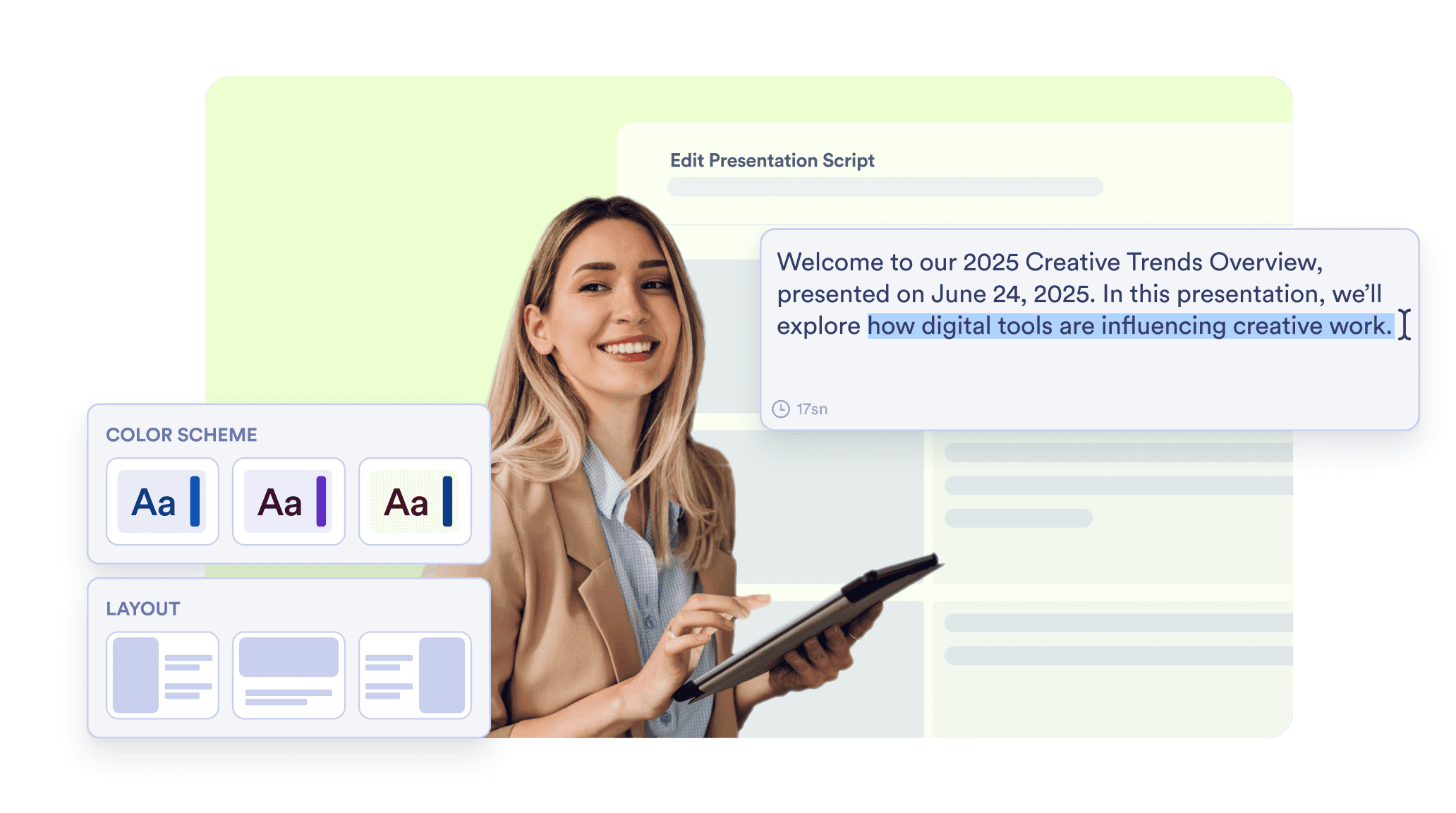
Easily adjust any part of your presentation. Regenerate visuals, rewrite slide content, change presentation styles, or refine narration — all in a simple, no-code editor designed for speed and creativity.
![Image 7: Fully editable slide designs and styles](https://cdn.jotfor.ms/image/r/aHR0cHM6Ly9jZG4uam90Zm9yLm1zL3AvYWkvcHJlc2VudGF0aW9uLWFnZW50L2Fzc2V0cy9pbWctbWluL2NhbnZhLXNsaWRlcy80LnBuZw==/4.png?w=40&t=1)

## Multilingual, shareable, and always ready

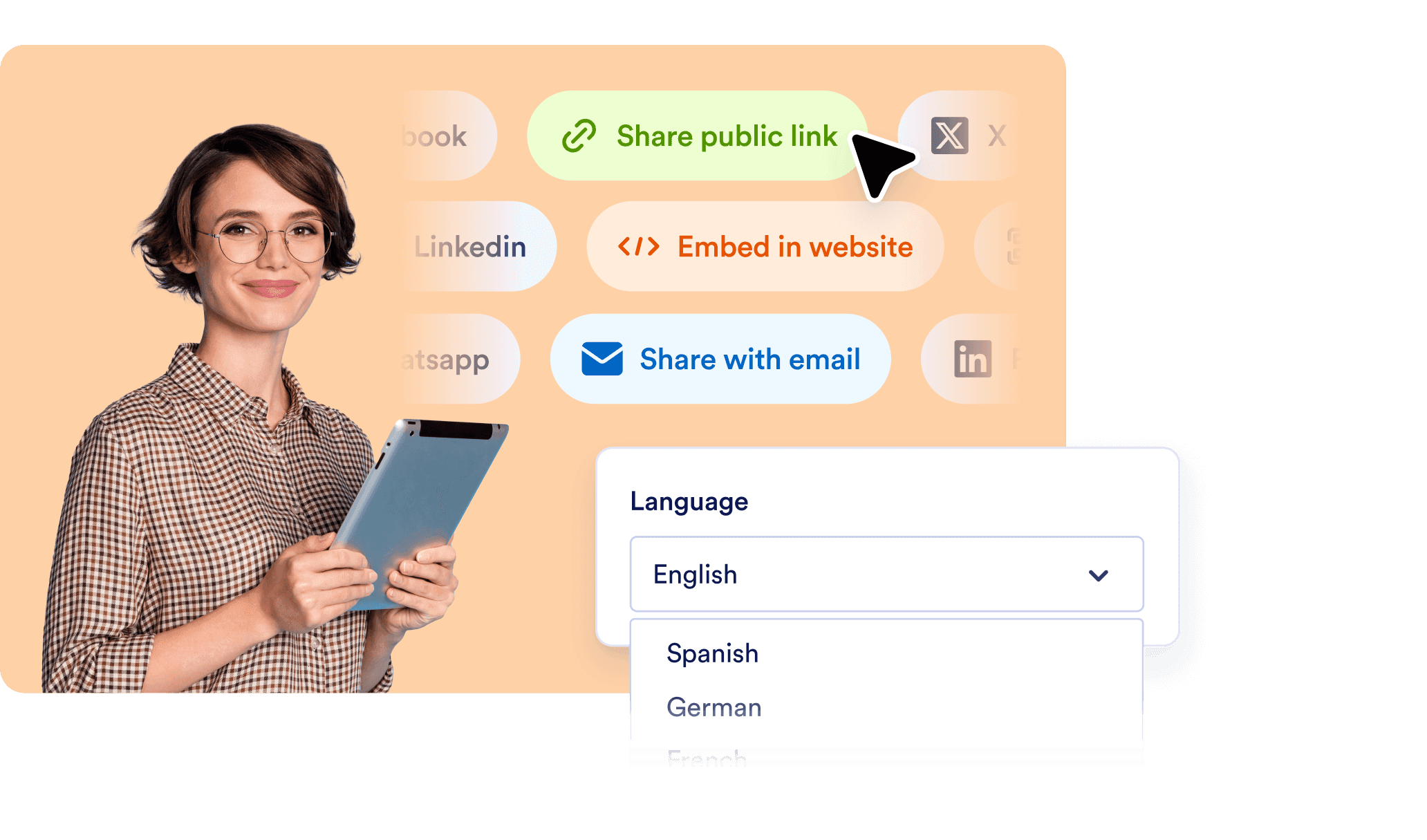
Narrate and interact in over a dozen languages. Generate shareable links for each presentation and use built-in integrations like forms and scheduling to take action right from your slides.
![Image 8: Multilingual, shareable, and always ready](https://cdn.jotfor.ms/image/r/aHR0cHM6Ly9jZG4uam90Zm9yLm1zL3AvYWkvcHJlc2VudGF0aW9uLWFnZW50L2Fzc2V0cy9pbWctbWluL2NhbnZhLXNsaWRlcy81LnBuZw==/5.png?w=40&t=1)

## Don’t Just Present — Have a Conversation

Generate beautiful presentations from documents in seconds. Narrate slides with lifelike AI voices. Let viewers ask questions — live.

[**Try it now** — It’s Free](https://www.jotform.com/workspace/new?assetCreationType=ai-agent&initialChannel=presentation&from=presentationLanding)

## FAQ

*    
### What is an AI presentation generator and how does Jotform’s version work? An AI presentation generator uses artificial intelligence to automatically create slides based on your written content or prompt you provide. With Jotform, you simply upload a document such as a PDF, and the system instantly generates a clean, well-designed slide deck. It also narrates each slide using an AI voice, giving your audience a guided experience without the need for manual design or recording.   
*    
### What types of files can I upload to generate a presentation? You can upload various file types including PDFs, PowerPoint presentations (PPTX), Google Slides, and or document files. Jotform’s AI analyzes the structure of your content and converts it into a visually engaging presentation without requiring any formatting on your part.   
*    
### Can I edit the slides after they’re generated? Yes, the entire presentation is editable after generation. You can update the text on each slide, regenerate images and layouts, or change the overall design style. The narration for each slide is also customizable — you can modify the script, adjust the tone, and select a voice that fits your audience or brand personality. This ensures that every detail reflects your intent while still saving you significant preparation time.   
*    
### Does it include voice narration for the slides? Yes, each slide in your presentation is automatically narrated by an AI voice. You have the ability to choose from different voices, languages, accents, and tones to match your brand or audience. The narration script for each slide can be edited to ensure clarity, consistency, and the right messaging throughout the presentation.   
*    
### Can my audience ask questions during the presentation? Your audience can interact with your presentation in real time by asking questions at any point during the session. The AI is capable of providing immediate responses that are context-aware and relevant to the current slide content. This interactive layer turns a traditional presentation into a two-way conversation, keeping viewers engaged and helping them better understand your material.   
*    
### Is the AI Presenter multilingual? Yes, the Presentation AI Agent supports multiple languages for both narration and audience interaction. If your content is written in a particular language, the AI will automatically narrate it in that language. Moreover, it can understand and respond to audience questions in the language they use, providing a seamless experience for international or multilingual audiences.   
*    
### Can I use the Presentation AI Agent for more than one presentation? You can manage multiple presentations within a single Presentation AI Agent setup. Each presentation is given its own unique link, making it easy to organize and share different sessions. At the same time, they can all benefit from shared branding, narration preferences, and a connected knowledge base, streamlining your workflow across projects or departments.   
*    
### Can I track how viewers engage with my presentations? The platform is designed to support user engagement tracking features. This includes insights into which slides were viewed, how long viewers spent on each section, and what types of questions they asked. These analytics can help you evaluate content effectiveness and better understand your audience’s interests and behavior.   
*    
### Is it possible to collect feedback or responses from the audience? You can enhance your presentations by embedding interactive elements like forms that collect responses from viewers. These forms can be used to gather feedback, register attendees, capture leads, or deliver quizzes and surveys. This makes your presentations not only engaging but also actionable.   
*    
### How can I share my AI-generated presentation? Once your presentation is ready, you’ll receive a dedicated link that can be shared via email, messaging apps, social media, or embedded on your website. This allows your audience to access the presentation at any time — either as a live, interactive session or as an on-demand narrated experience.   

View More