# Google Slides AI Generator Alternative | Jotform AI Agents

# Google Slides AI Generator Alternative

Jotform’s AI-powered Google Slides generator creates beautiful slides from your content, adds real-time narration with a customizable AI voice, and turns every presentation into an interactive experience. Whether you're pitching a product, training a team, or sharing insights, your audience can ask questions and get instant answers — all while following along.

## How it works

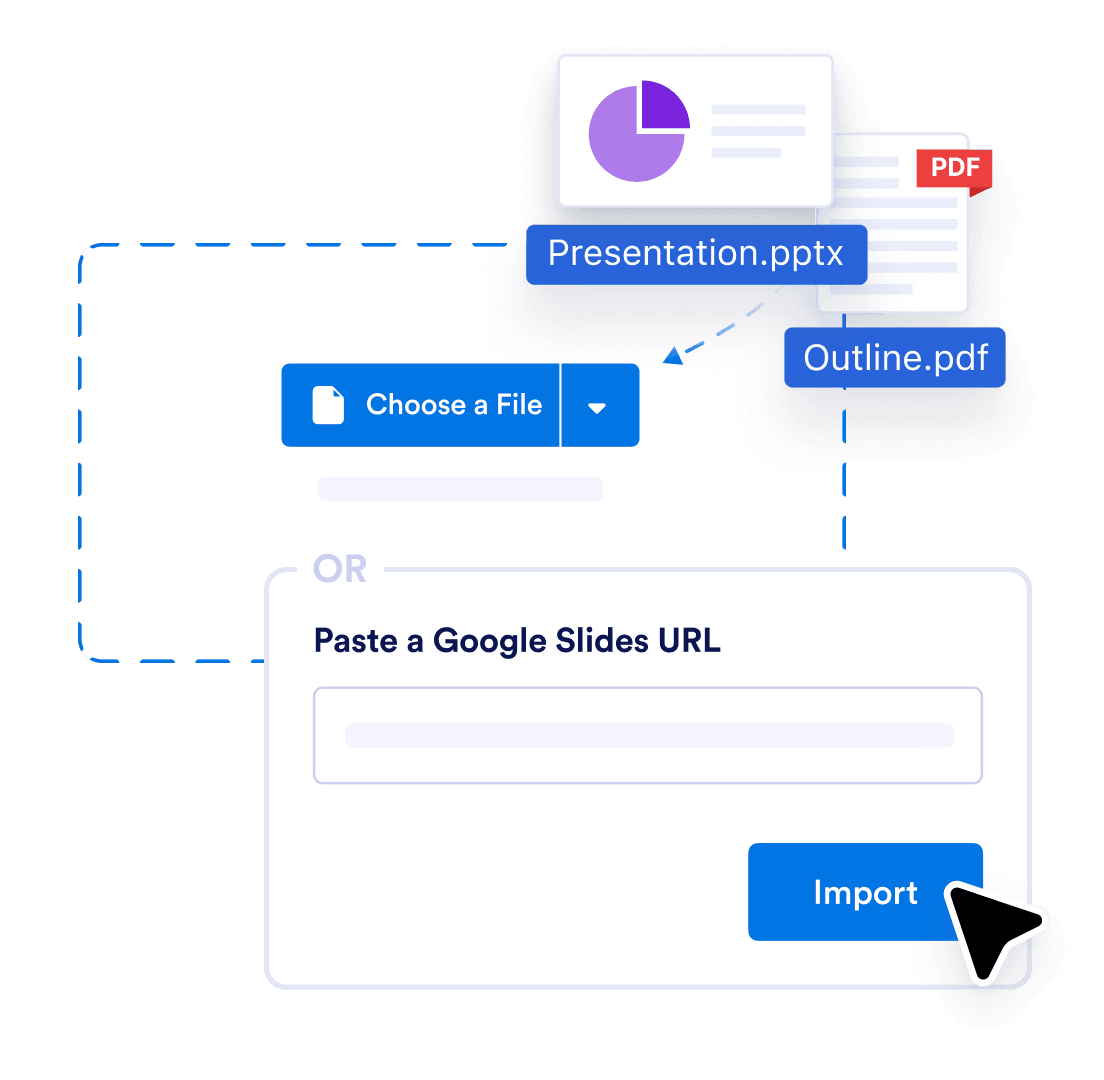
![Image 1: Upload](https://cdn.jotfor.ms/image/r/aHR0cHM6Ly9jZG4uam90Zm9yLm1zL3AvYWkvcHJlc2VudGF0aW9uLWFnZW50L2Fzc2V0cy9pbWctbWluL2dvb2dsZS1zbGlkZXMvaG93aXQtMS5wbmc=/howit-1.png?w=1104&t=1)

### Upload

Upload your PDF or PPTX, or share link of Google Slides. We’ll turn it into an interactive, voice-narrated experience.

![Image 2: Customize](https://cdn.jotfor.ms/image/r/aHR0cHM6Ly9jZG4uam90Zm9yLm1zL3AvYWkvcHJlc2VudGF0aW9uLWFnZW50L2Fzc2V0cy9pbWctbWluL2dvb2dsZS1zbGlkZXMvaG93aXQtMi5wbmc=/howit-2.png?w=1104&t=1)

### Customize

Edit the script, change the voice and language, and tweak how people interact with your agent and brand.
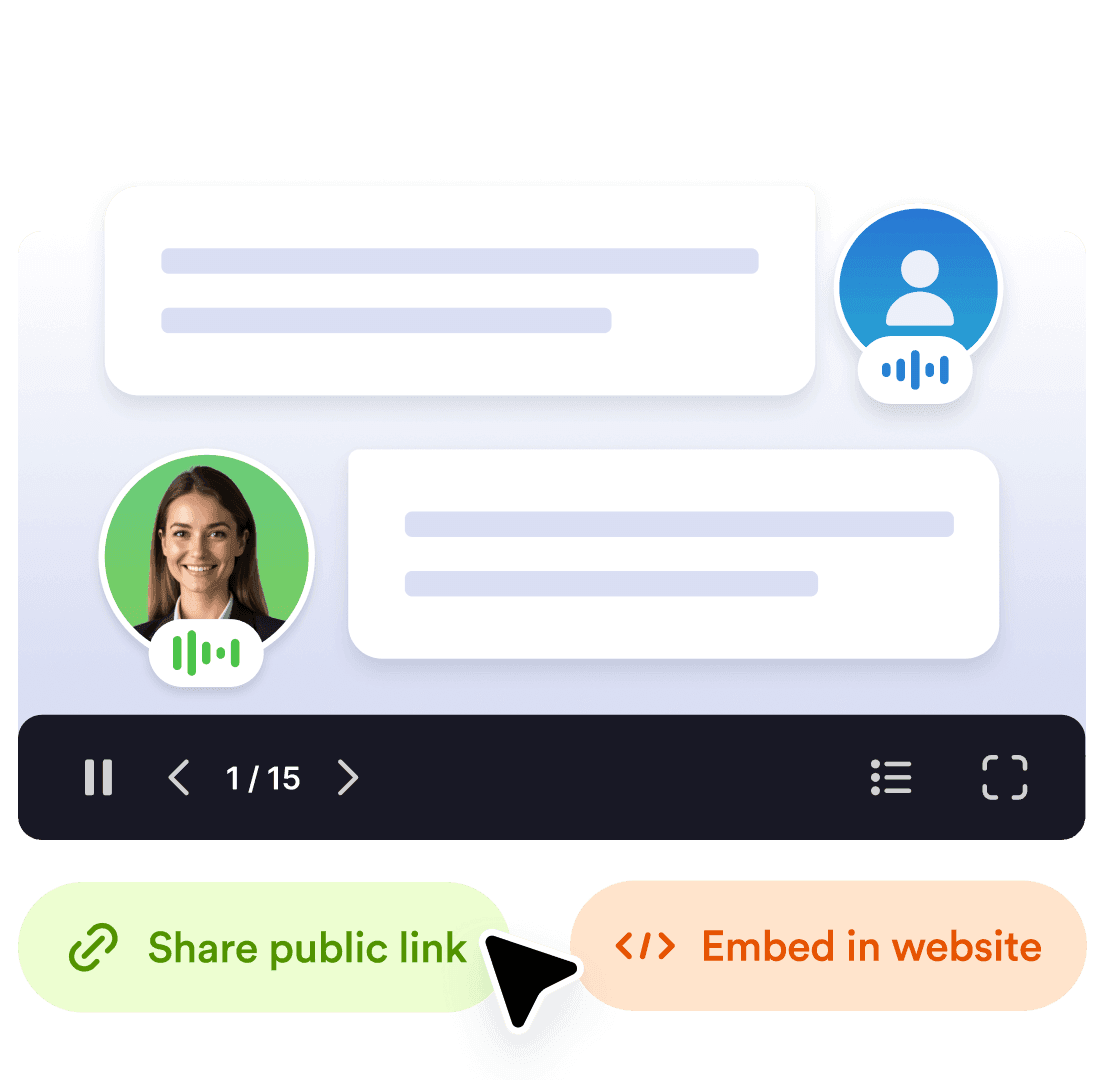
![Image 3: Share](https://cdn.jotfor.ms/image/r/aHR0cHM6Ly9jZG4uam90Zm9yLm1zL3AvYWkvcHJlc2VudGF0aW9uLWFnZW50L2Fzc2V0cy9pbWctbWluL2dvb2dsZS1zbGlkZXMvaG93aXQtMy5wbmc=/howit-3.png?w=1104&t=1)

### Share

Send a link or embed it anywhere. Your audience can explore, ask question and get answers in real time.

## Smarter way to present with Jotform

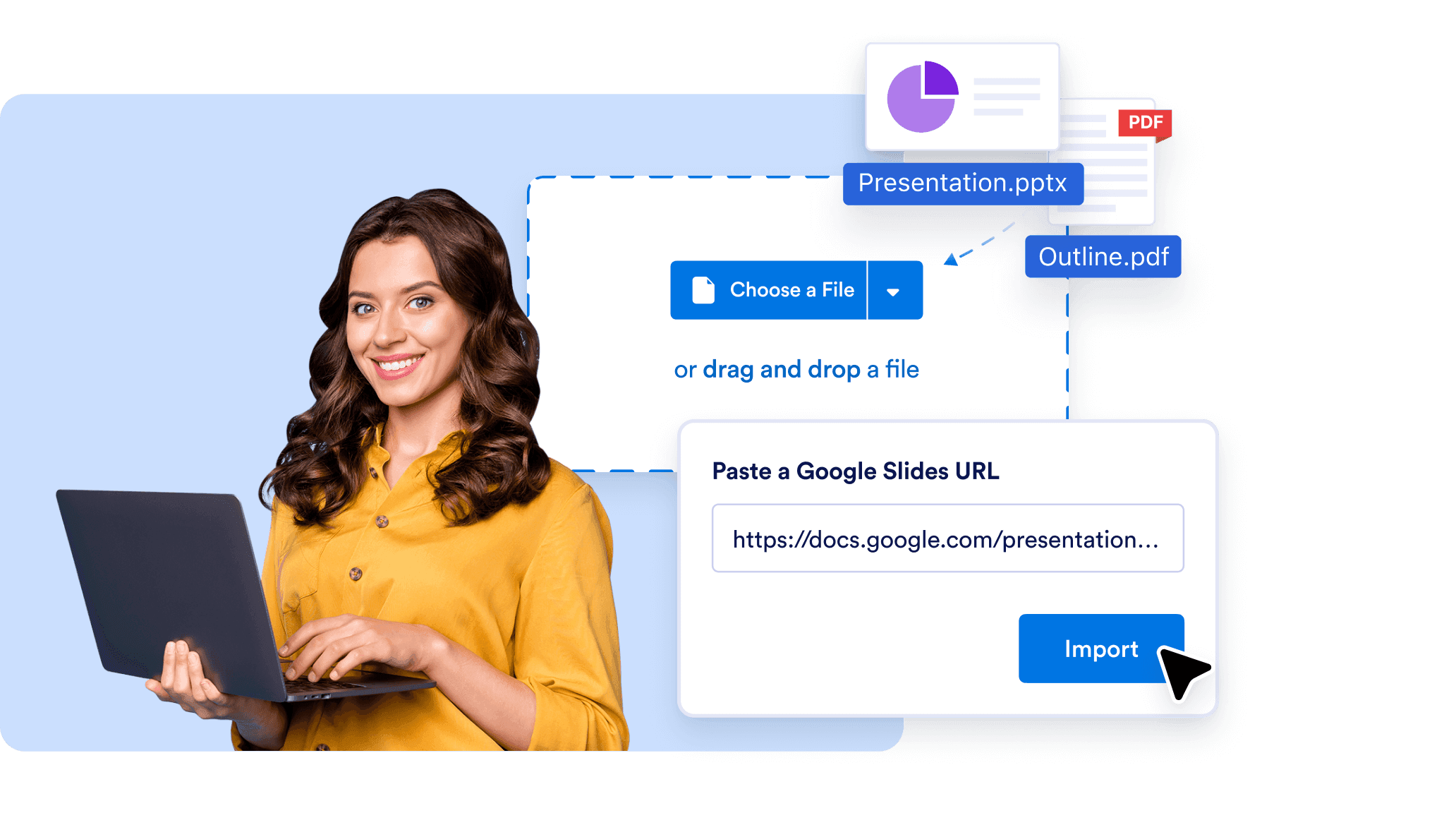
## Auto-convert documents into stunning presentations

Upload any document — and let AI do the rest. Jotform transforms your content into polished, professional slides with visual layouts, themes, and images. Works with PDF, PPTX, and Google Slides formats.
![Image 4: Auto-convert documents into stunning presentations](https://cdn.jotfor.ms/image/r/aHR0cHM6Ly9jZG4uam90Zm9yLm1zL3AvYWkvcHJlc2VudGF0aW9uLWFnZW50L2Fzc2V0cy9pbWctbWluL2dvb2dsZS1zbGlkZXMvMS5wbmc=/1.png?w=2064&t=1)

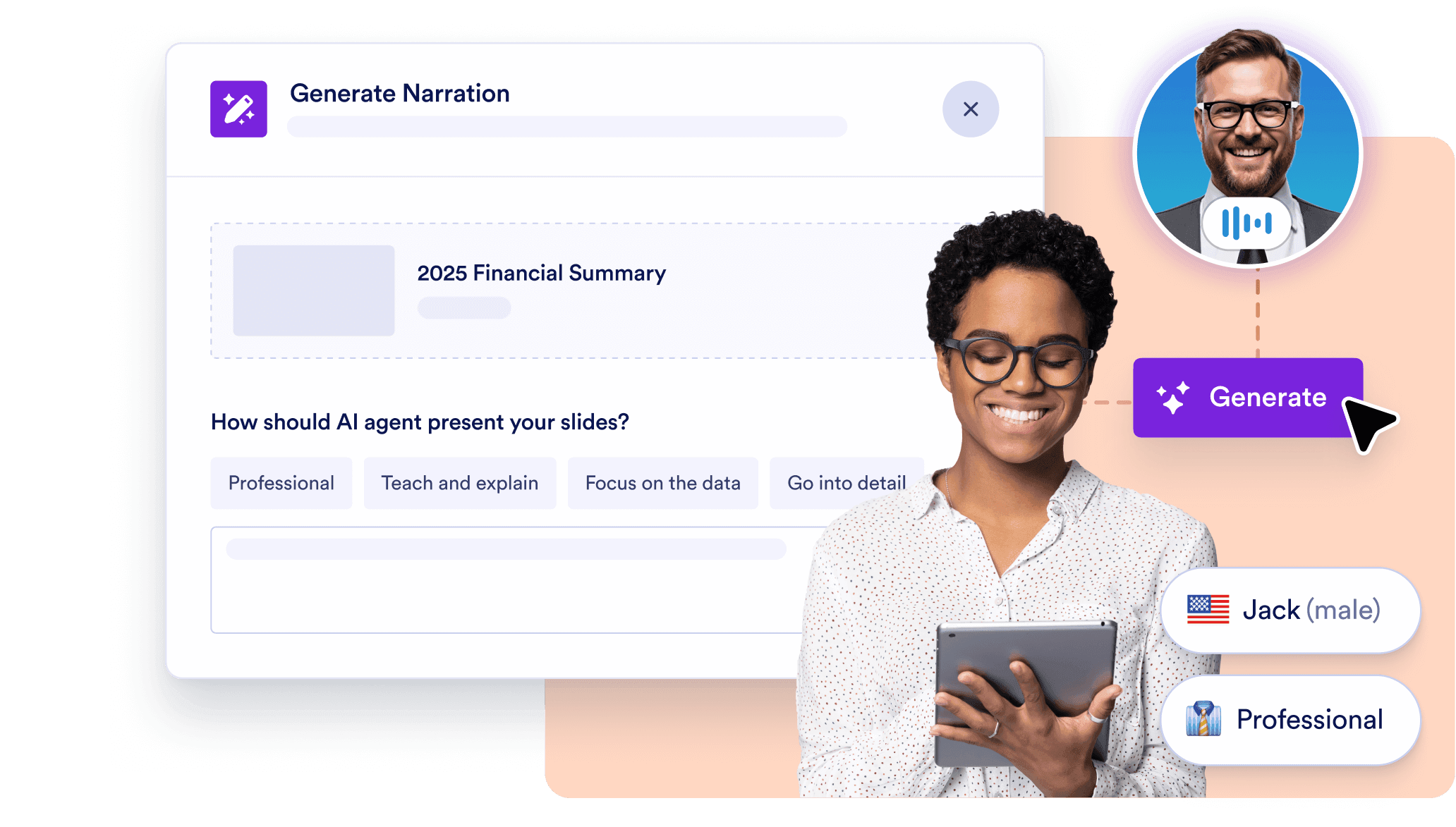
## AI-powered slide narration

No need to record voiceovers. Each slide is narrated by a lifelike AI voice while viewers follow along — just like a guided Google Slides presentation. You control the script, tone, and pace.
![Image 5: AI-powered slide narration](https://cdn.jotfor.ms/image/r/aHR0cHM6Ly9jZG4uam90Zm9yLm1zL3AvYWkvcHJlc2VudGF0aW9uLWFnZW50L2Fzc2V0cy9pbWctbWluL2dvb2dsZS1zbGlkZXMvMi5wbmc=/2.png?w=40&t=1)

## Live viewer interactions & Q&A

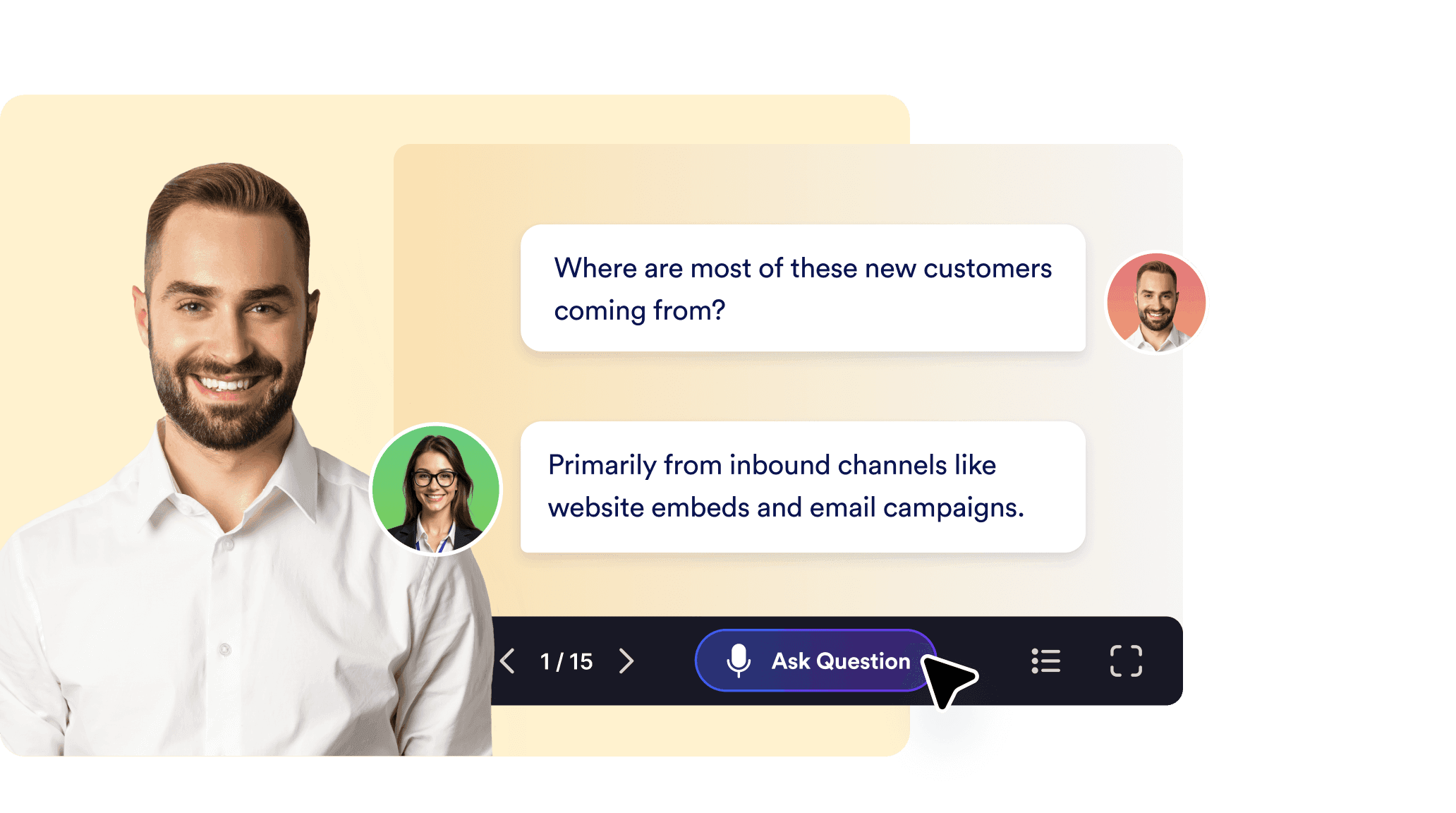
Make your presentation two-way. Viewers can ask questions or request clarifications in real time, and the AI responds with relevant, slide-aware answers. Perfect for sales demos, trainings, or product walkthroughs.
![Image 6: Live viewer interactions & Q&A](https://cdn.jotfor.ms/image/r/aHR0cHM6Ly9jZG4uam90Zm9yLm1zL3AvYWkvcHJlc2VudGF0aW9uLWFnZW50L2Fzc2V0cy9pbWctbWluL2dvb2dsZS1zbGlkZXMvMy5wbmc=/3.png?w=40&t=1)

## Full editing & style control

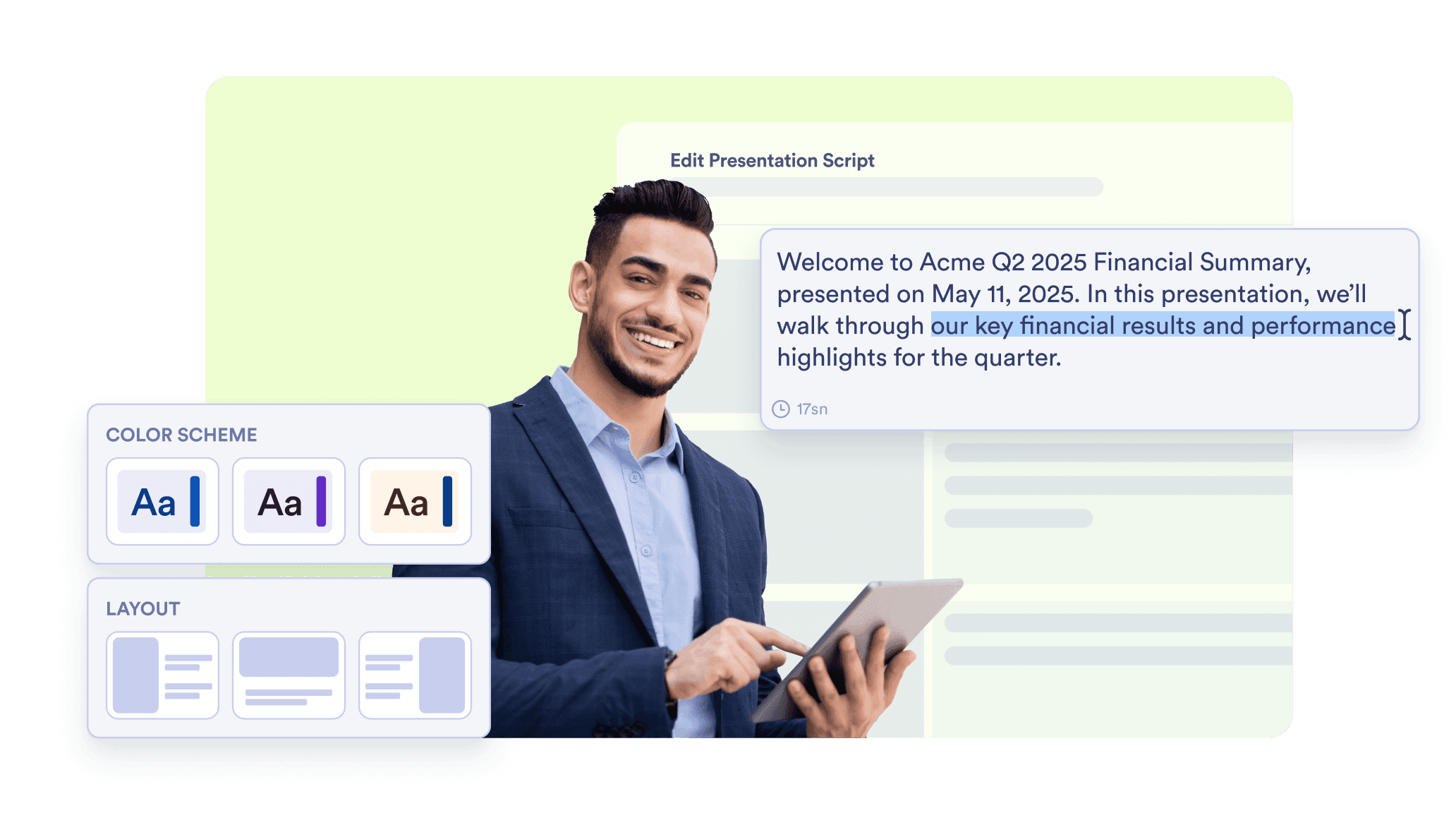
Need to tweak the slides or narration? You can regenerate slides, swap visuals, change presentation styles, and rewrite narration content on the fly — all without leaving the platform.
![Image 7: Full editing & style control](https://cdn.jotfor.ms/image/r/aHR0cHM6Ly9jZG4uam90Zm9yLm1zL3AvYWkvcHJlc2VudGF0aW9uLWFnZW50L2Fzc2V0cy9pbWctbWluL2dvb2dsZS1zbGlkZXMvNC5wbmc=/4.png?w=40&t=1)

## Multi-language & brand-ready customization

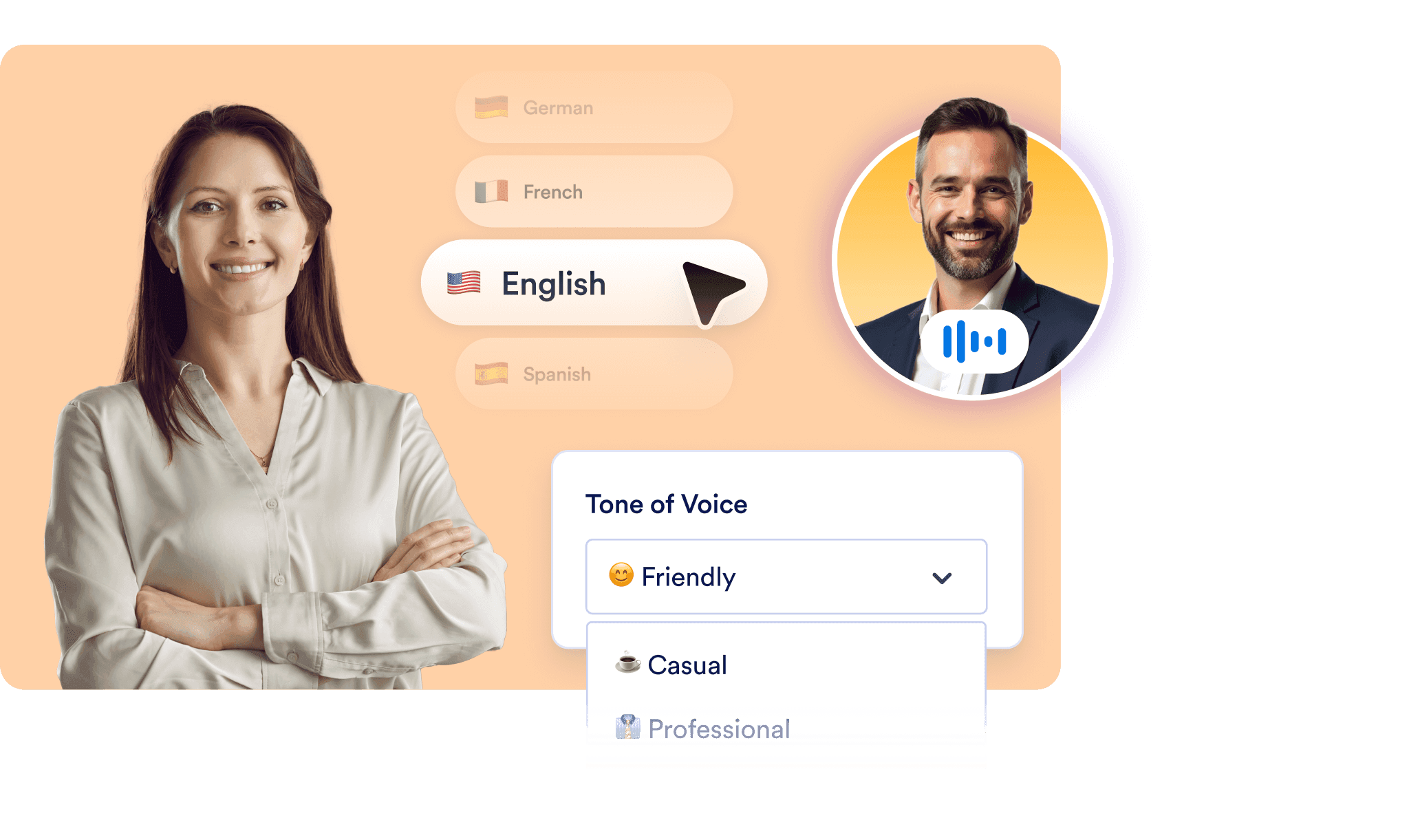
Present in any language — automatically. Choose your AI Presentation Agent’s avatar, accent, voice, and even personality to match your audience and brand identity.
![Image 8: Multi-language & brand-ready customization](https://cdn.jotfor.ms/image/r/aHR0cHM6Ly9jZG4uam90Zm9yLm1zL3AvYWkvcHJlc2VudGF0aW9uLWFnZW50L2Fzc2V0cy9pbWctbWluL2dvb2dsZS1zbGlkZXMvNS5wbmc=/5.png?w=40&t=1)

## Don’t Just Present — Have a Conversation

Generate beautiful presentations from documents in seconds. Narrate slides with lifelike AI voices. Let viewers ask questions — live.

[**Try it now** — It’s Free](https://www.jotform.com/workspace/new?assetCreationType=ai-agent&initialChannel=presentation&from=presentationLanding)

## FAQ

*    
### What is Jotform’s Google Slides AI Generator? Jotform’s AI presentation tool transforms documents into interactive, narrated presentations — similar to Google Slides, but powered by AI. You upload a PDF, PPTX, or Google Slides file (or even a simple text document), and the AI instantly generates professional-looking slides, adds voice narration, and enables live Q&A with your audience.   
*    
### How is this different from Google Slides or PowerPoint? Unlike traditional tools, Jotform’s Presentation AI Agent does the heavy lifting for you — no manual design, formatting, or narration recording required. It automatically creates, narrates, and even responds to viewer questions in real time. Plus, you can control the style, voice, and language to fit your brand or audience.   
*   
 
### Can I edit the AI-generated slides and narration? 

Absolutely. You can:

    *   Regenerate any slide or visual element.
    *   Edit slide text manually.
    *   Rewrite or fine-tune the AI narration for each slide.
    *   Change the tone, pacing, and even the avatar’s voice or accent.

This gives you full creative control while saving hours of production time.

*    
### Can I upload an existing Google Slides or PowerPoint file? Yes. Jotform supports PDF, PPTX, and Google Slides formats. Just upload your file, and the system converts it into an interactive, narrated AI presentation within seconds — ready to share or customize further.   
*   
 
### Does it support live interaction with viewers? 

Yes! This is one of the most powerful features. During your presentation, viewers can:

    *   Ask questions at any time.
    *   Request clarification on slides.
    *   Get real-time, voice or text-based responses from the AI.

This transforms static slide decks into dynamic, two-way experiences.

*    
### Can the presentation be narrated in different languages? Yes. The AI can narrate in the original language of your content and also respond to viewer questions in the language they use. This multilingual capability makes it ideal for global teams, international students, or diverse audiences.   
*   
 
### Is it possible to brand or customize the presenter? 

Definitely. You can:

    *   Choose a voice, tone, and accent.
    *   Set a presenter avatar or style that reflects your brand.
    *   Control the narration style (e.g., casual, formal, enthusiastic).

It’s built to fit your tone and visual identity.

*   
 
### Can I collect leads or feedback at the end of a presentation? 

Yes — and more. Soon, you’ll be able to:

    *   Embed forms at the end of your presentations.
    *   Let users book appointments, sign up, pay, or complete quizzes.
    *   Trigger different follow-up actions based on viewer input.

It’s perfect for webinars, sales funnels, onboarding, and training use cases.

*   
 
### How do I share a presentation? 

Each presentation gets its own unique link. You can:

    *   Share it by URL.
    *   Embed it on your website.
    *   Include it in an email or chat.

You can also manage multiple presentations under one AI agent and reuse knowledge and settings across them.

View More