Clover payment processing helps businesses accept payments online through the forms they already use to take orders, registrations, bookings, and donations. With Jotform, you can create a polished payment experience without building a checkout from scratch.
Build a custom payment form with Jotform’s drag-and-drop online form builder. No coding required
Connect your Clover account in the Payment Integrations settings and configure the payment field for your form.
Publish or share your form, then start accepting payments online through a checkout experience designed for your customers.
A Better Way to Turn Forms into Payment Experiences
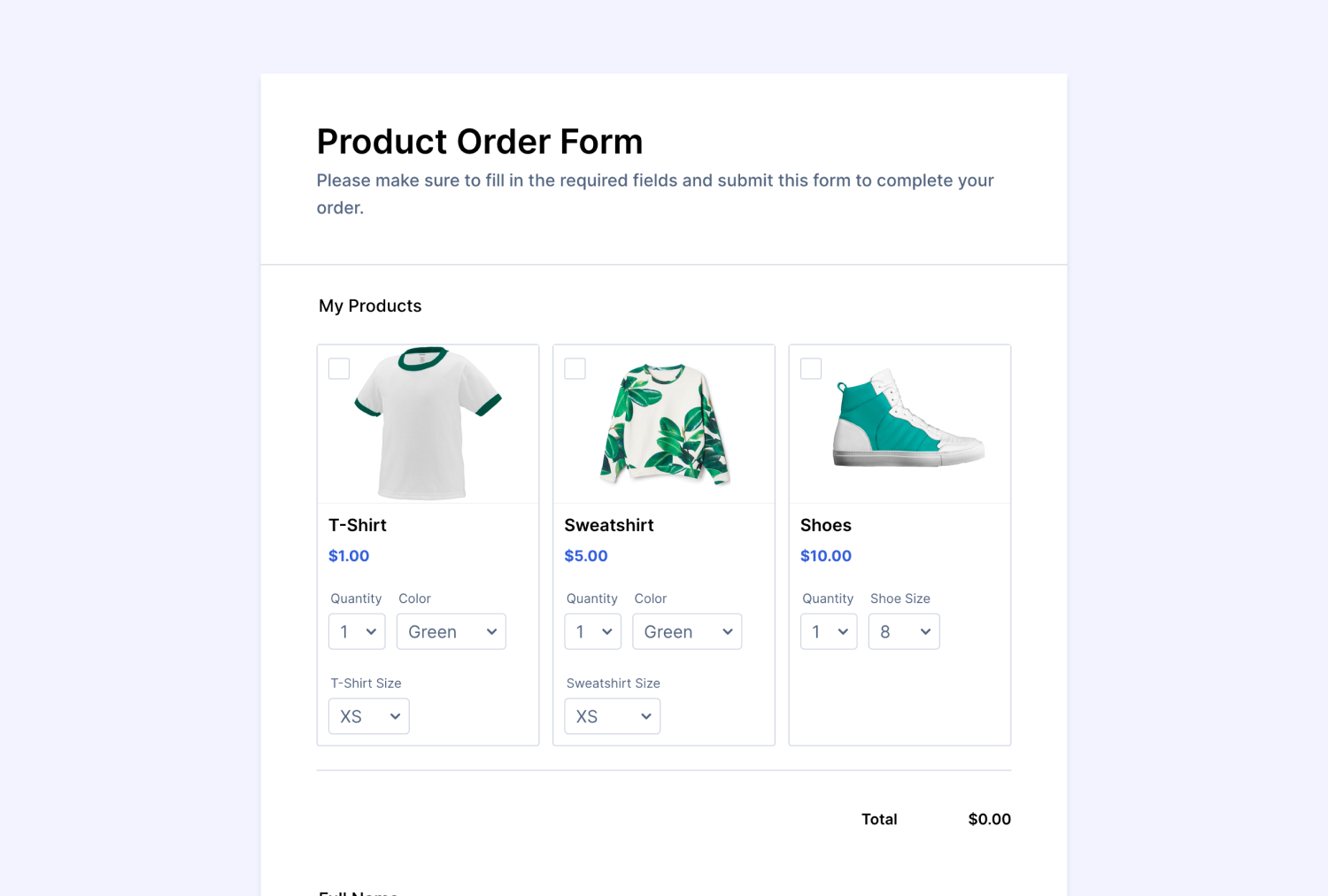
No matter what you sell, book, or organize, Jotform makes it easy to collect payments online with Clover. Create a custom payment form for orders, appointments, registrations, or invoices, then share it wherever your customers are. With Jotform’s drag-and-drop form builder, you can add products, pricing, customer details, and conditional questions without coding.
Build a payment flow that fits the way your business works. Connect Clover to your form to bring payment collection into the same experience. Customers can complete their details and pay in one simple flow, while you keep every submission organized in Jotform.
Build a custom online payment form, connect Clover, and start collecting payments through Jotform.
Clover payment processing helps businesses accept payments. With the Jotform integration, you can add Clover to a payment form and collect payments as part of an online form workflow.