Google Drive is a great way to share your files among different devices. Integrating your form with Google Drive takes less than a minute. Once you complete the integration, a copy of the data and uploaded files will instantly go to your Google Drive when a form filler submits your form.


Setting up Google Drive Integration
To integrate your form with Google Drive
- In the Form Builder, navigate to the Settings tab at the top middle of the page.
- Select Integrations on the left panel.
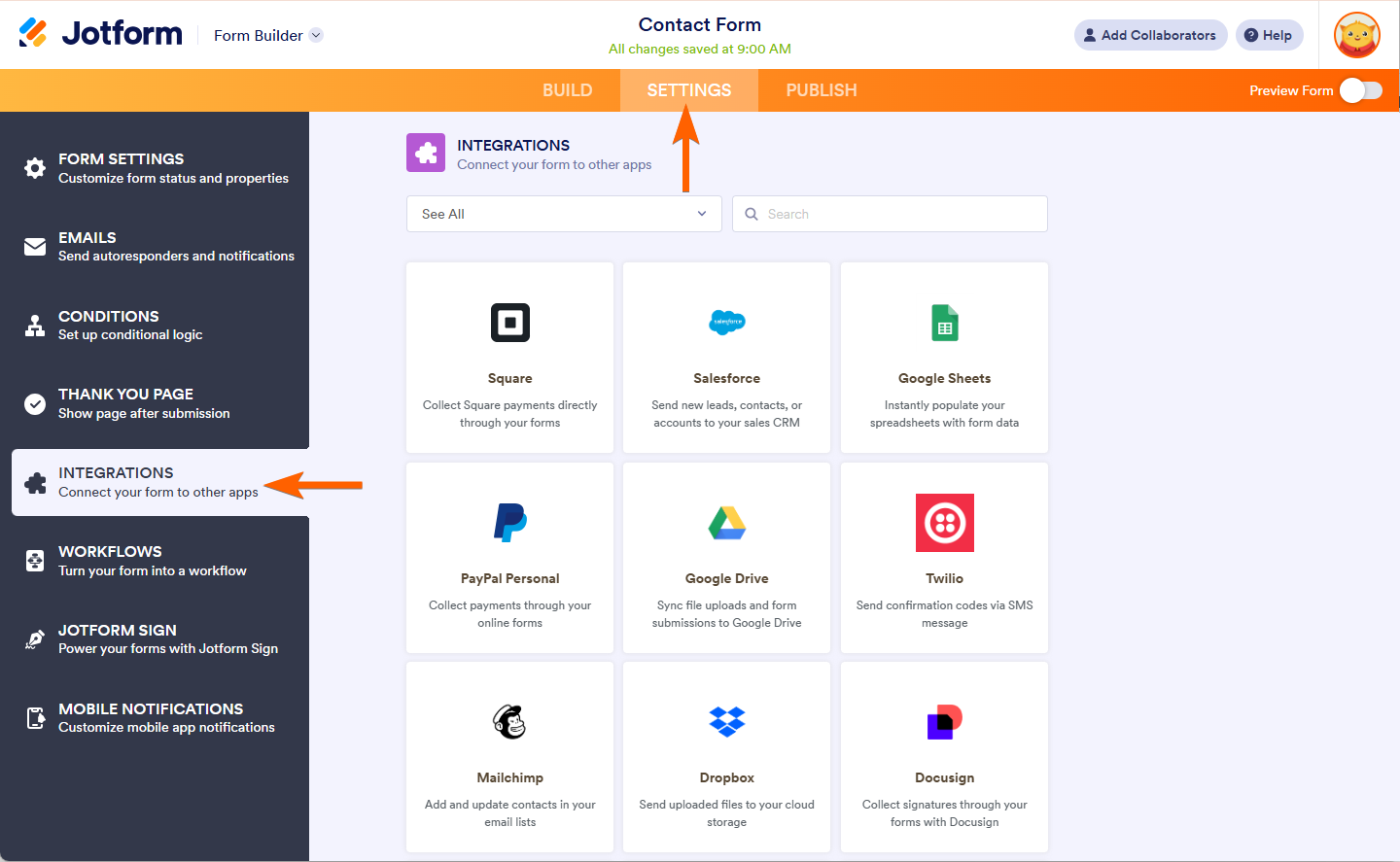
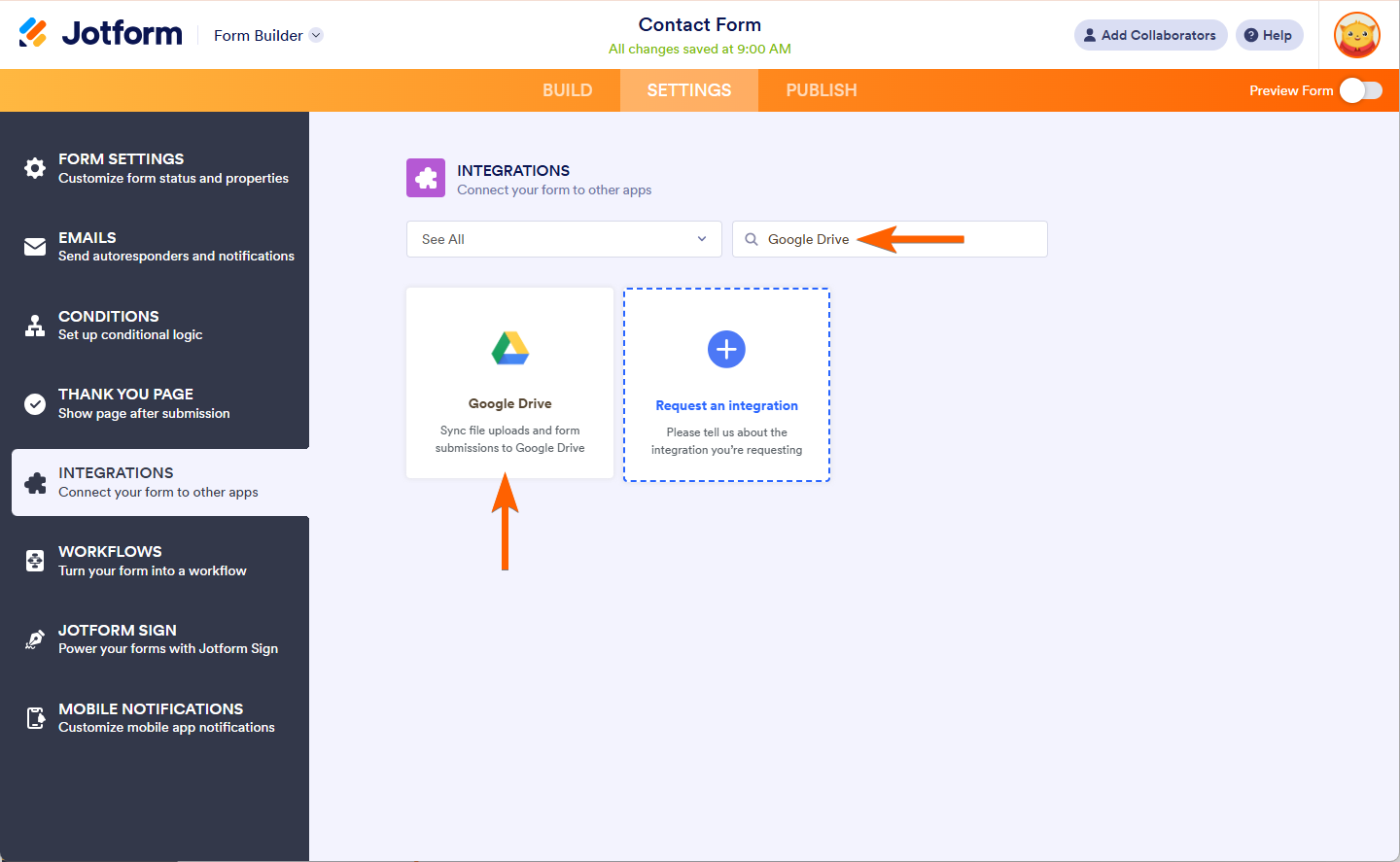
- Search for and click Google Drive from the list.
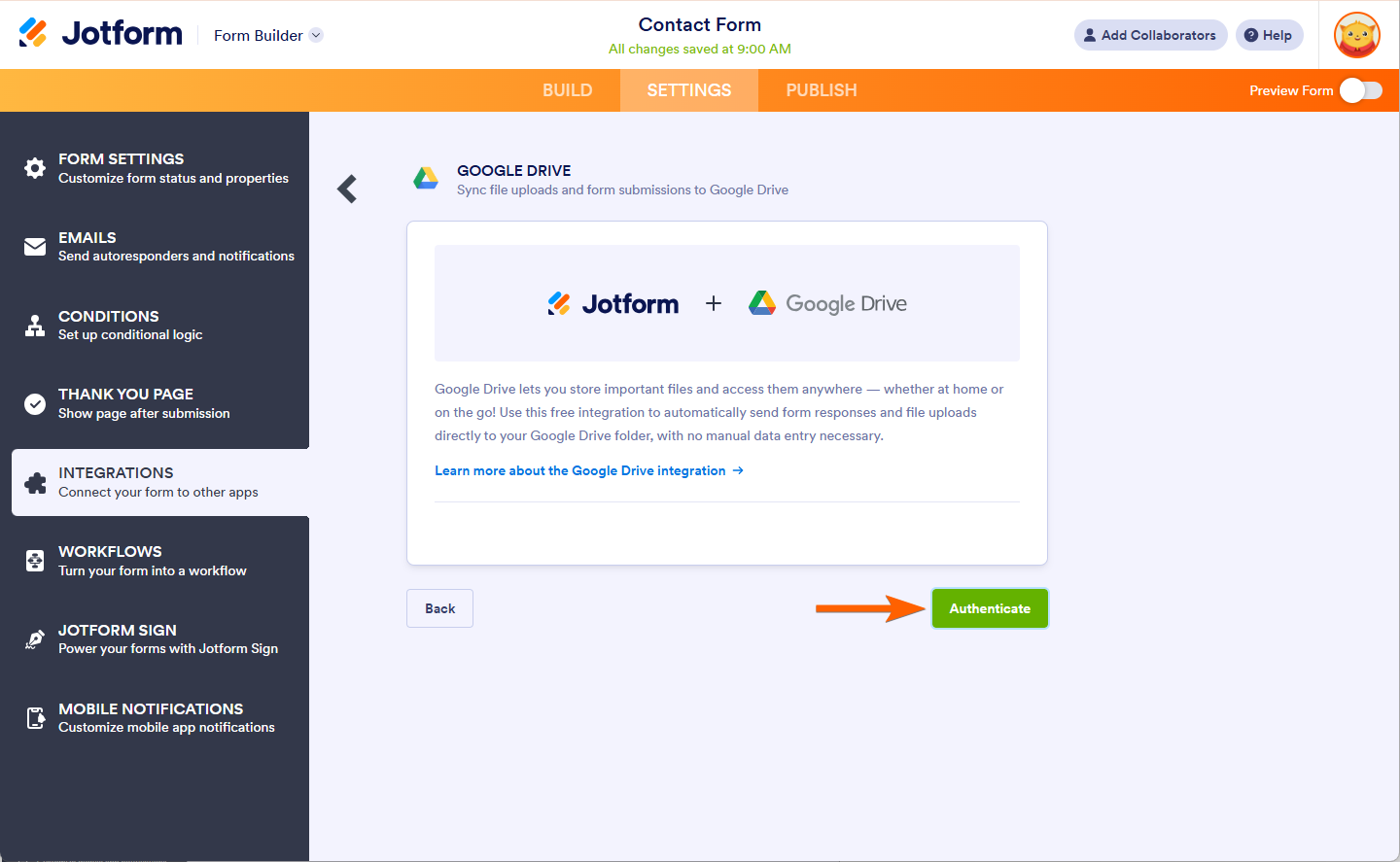
- Click on Authorize button to connect your Google Drive Account.
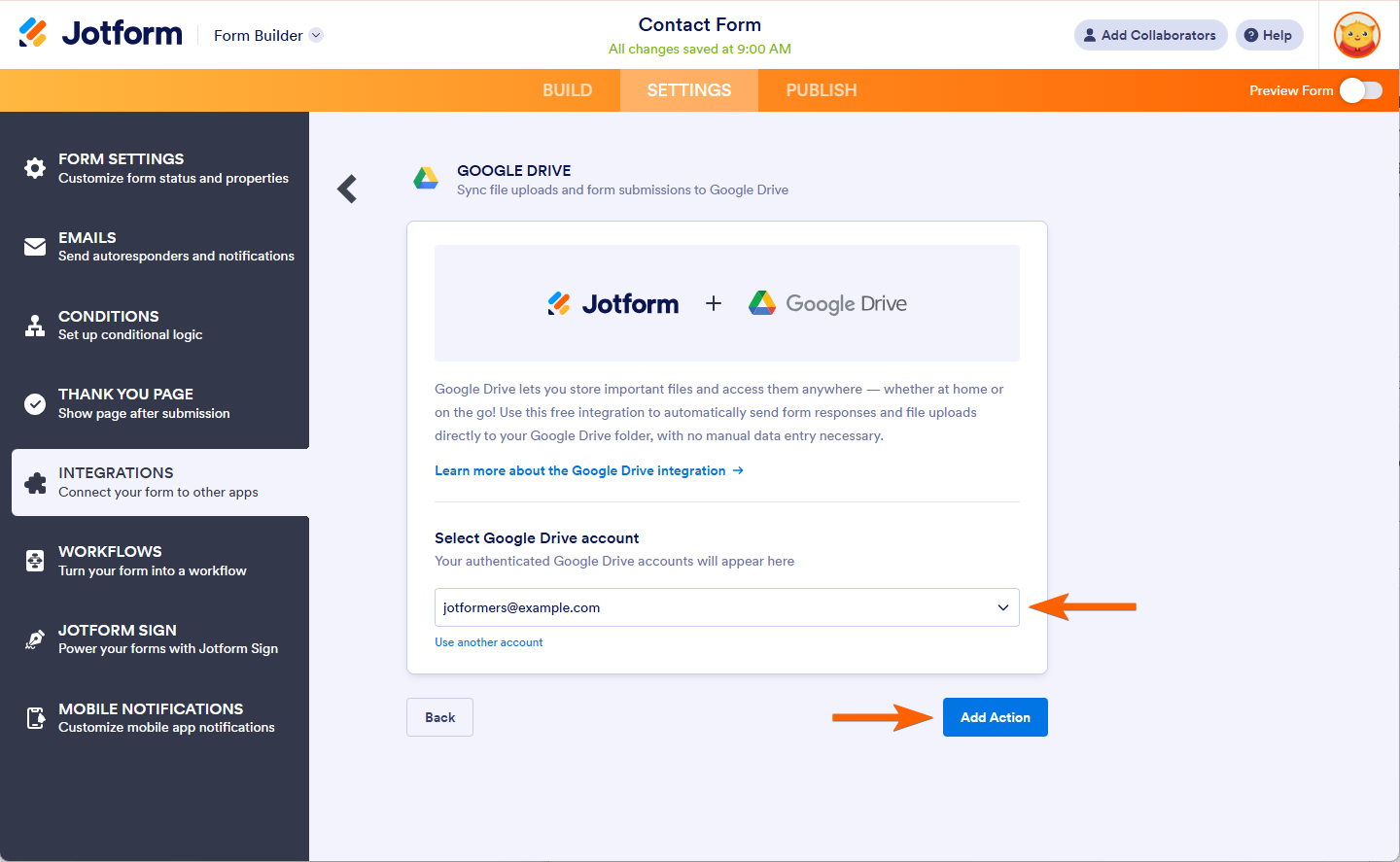
For previously authenticated accounts, choose the account to use, then click the Add Action button. If you don’t see the account you wish to use in the dropdown, click the Add another account to add it.
- Now set up your integrations accordingly:
- Folder Name — Specify the name of the folder where your files will be saved.
- Create Subfolders for Submissions — Enable this option to automatically create a subfolder for each submission.
- Send Submission PDFs to Google Drive — Choose the PDF document to upload and send it directly to your Google Drive folder.
- Send Uploaded Files to Google Drive — Turn this on to transfer uploaded files from your form to your Google Drive.
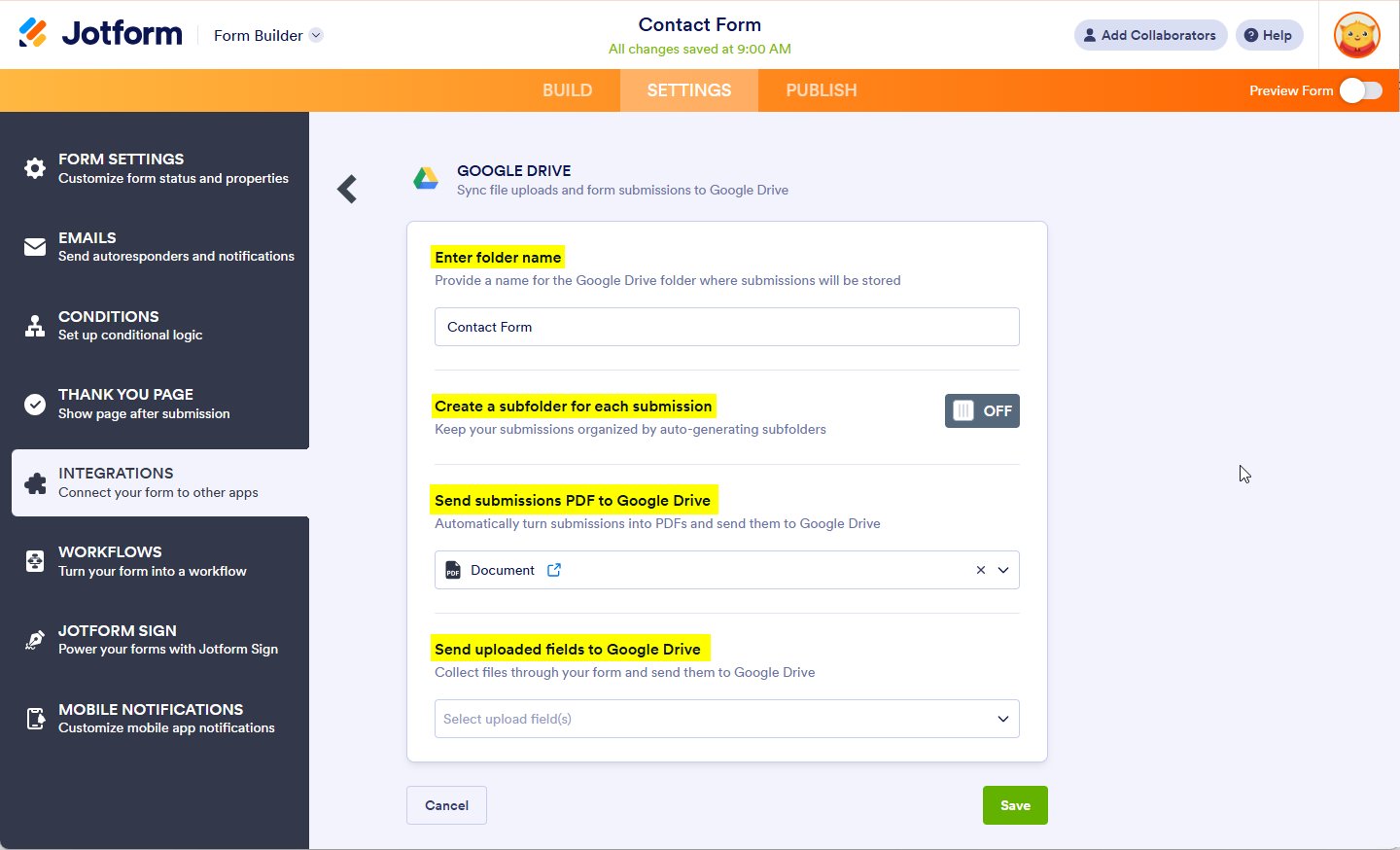
- Finally, click the Save button to complete the integration.
Notes
- When the Create Subfolders for Submissions option is enabled, you can also set your subfolder name for each submission.
- You can rename your PDF by following the guide on How to Assign a Custom File Name to Your PDF Report.
Managing Google Drive Integration Actions
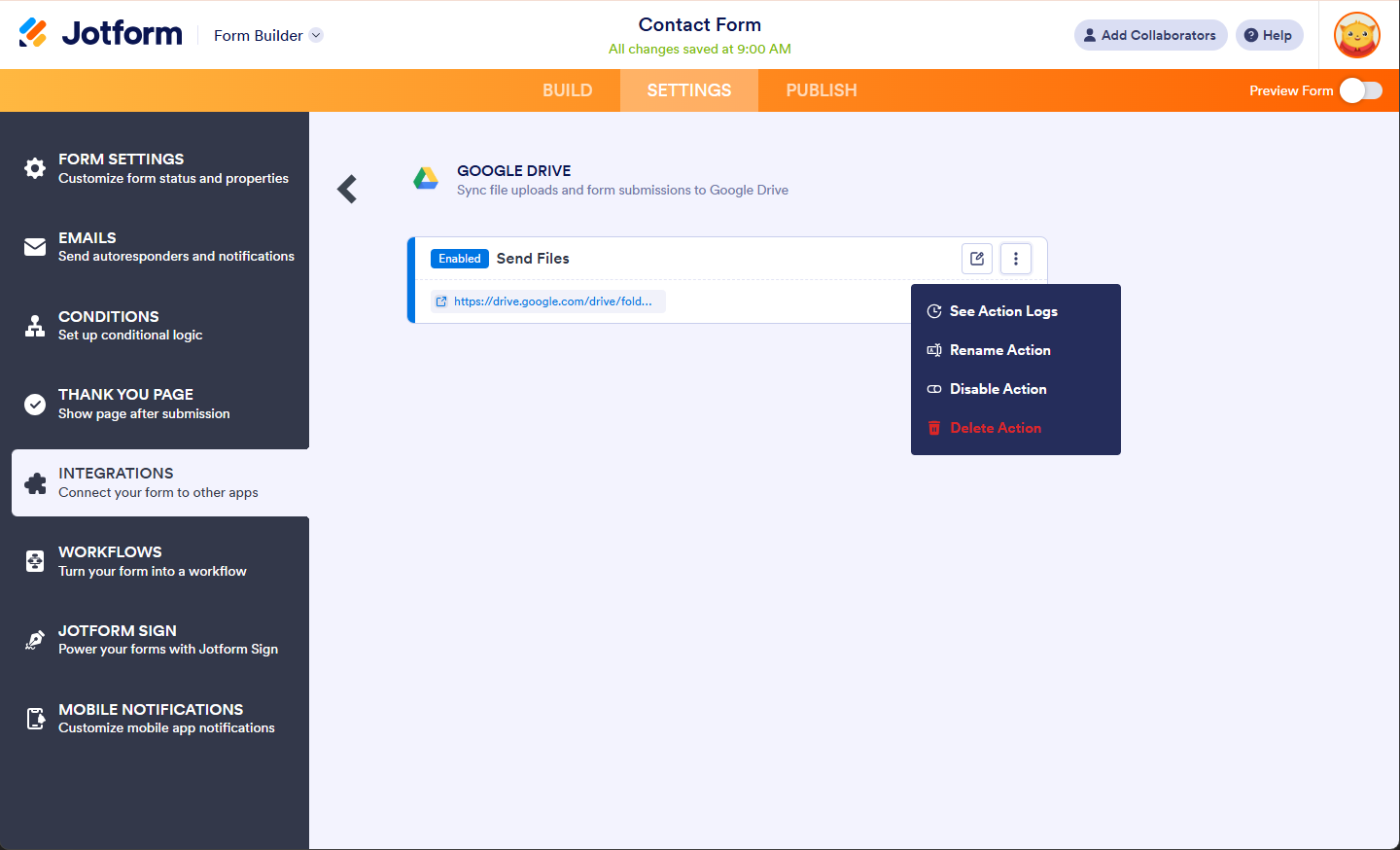
After saving the integration, you can see the created link going to your Google Drive Folder. If you hover your mouse over the created action, you’ll see the Edit Action (pencil icon) and the More (three-dotted vertical icon) options to the right. The More option includes the following:
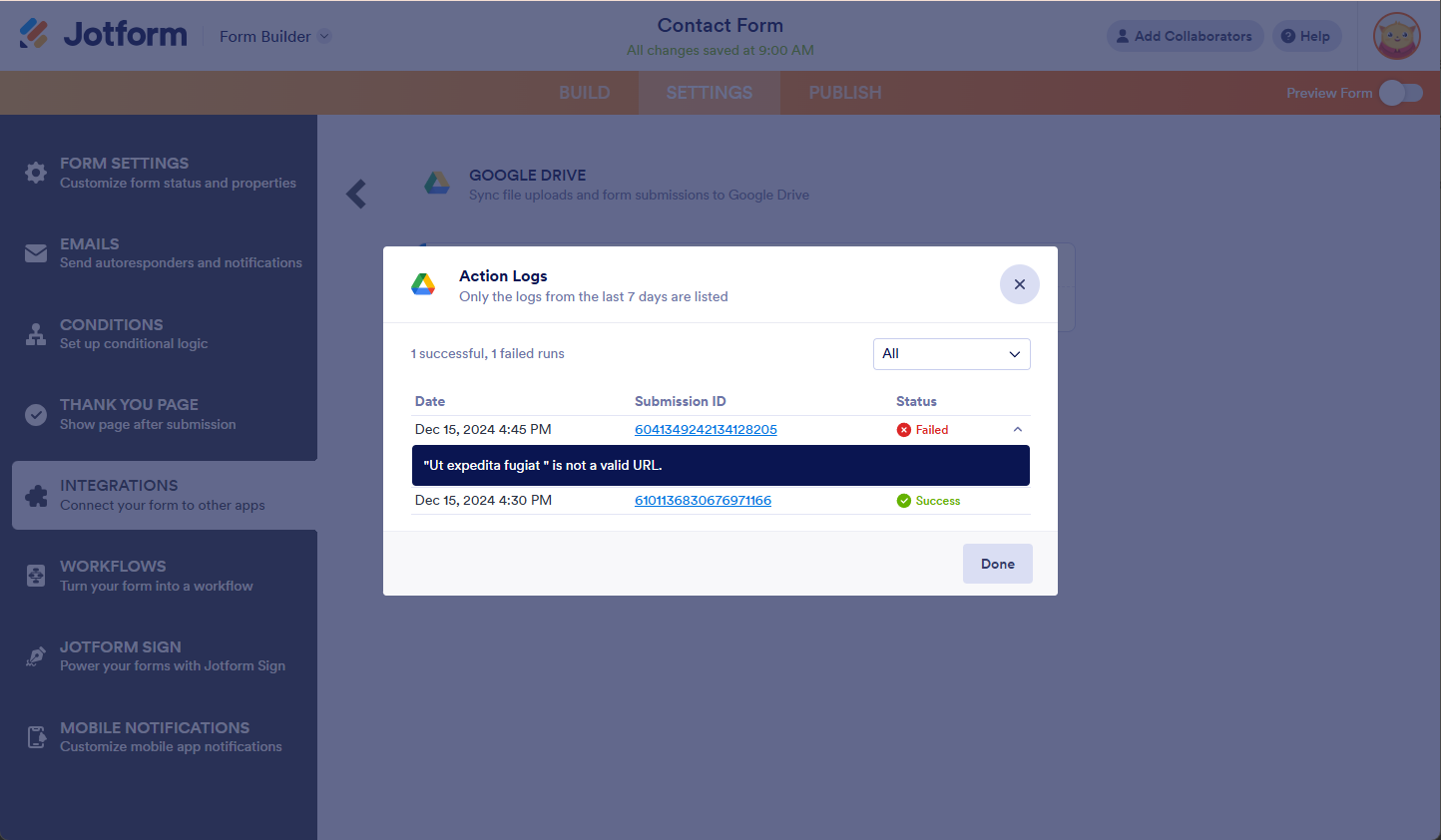
- See Action Logs — This section will display your Google Drive successful and failed runs. It’s useful when troubleshooting issues.
- Rename Action — If you want to personalize the action’s title.
- Disable Action — This option is useful to temporarily stop the integration from sending data.
- Delete Action — If you want to delete the action/integration from your form.
The Action Logs will display the integration logs for the last 7 days. Click the Downward Arrow on the error to view the error message or the reason for the failure.

Send Comment:
61 Comments:
March 27, 2026
Jotform, please integrate with another google products like google sites. It'll be better if we can add the form in to website
March 3, 2026
JotForms, this is soo out of date. The links to the question answers are all gone. It makes it look like JotForms is lacking. There were many questions about sending the forms to a shared drive in Google, but no answers are available. Disappointing.
December 22, 2025
How do I get the final approved version in my drive not just the version that was originally submitted?
October 31, 2025
I too, would like to see the ability to choose where the files land. I need this to go to a shared drive as the drive of the account I use for jotform is about to have mydrive disabled.
September 2, 2025
We need to be able to connect with a shared Drive, please make it happen!
August 13, 2025
I need to create form for collecting photos on Google Drive, but the form will collect two numbers: 1) facility code, 2) equipment code. Is it possible to create file name with two numbers: facility code_equipment code?
Now I have indicate such rule, but there is incorrect result: facility code_facility code.
How to solve it?
August 7, 2025
Voting for routing to a specified folder in a Shared Drive as well!
August 5, 2025
Voting for routing to a specified folder in a Shared Drive as well! The missing last piece of the puzzle.
July 29, 2025
We also would love to see the ability to connect a Shared Drive as well!
June 23, 2025
Hey!
Thanks for this integration. But it would be great if we could specify an existent folder to store the documents.
I see many people requesting this for more than a year so it would be great to have it prioritized :)
June 17, 2025
I would love to see the ability to connect a Shared Drive as well!
May 9, 2025
Is it possible to direct the submissions into a Shared Drive in Google? It seems to direct only to My Drive. I tried putting the shared folder ID into the Folder ID, but it didn't work.
March 7, 2025
How to disconnect a google drive account to integrate a new one
January 16, 2025
I have set up integration with Google Drive. Unfortunately I set it up after the Jotform went live. Is there a way to sent submissions created prior to the integration over to the Google Drive account automatically or would the integration just work for the submissions going forward?
December 19, 2024
I have seen other comments inquiring about a potential feature that will allow for different forms to be integrated with the same Google drive folder so that submissions from each form go into the same folder. Is this possible? Similarly, can you set up the integration so that submissions go into an existing folder in Google drive? Thanks so much.
December 16, 2024
I wanted to use an existing subfolder (not a new folder) where submissions will be stored. I also tried to use the existing folder link address but Jotform creates a new folder with the link address name. I've just read different previous comments that the feature was escalated to developers and wanted to double-check if it was available. Thank you very much.
October 15, 2024
Hola buenas tardes, actualmente tengo la integración de jotforms con airtable, tengo un formulario en jot y quisiera que el pdf que se genera despues de cada envío, se guarde ese documento dentro de mi base de datos en airtable en un campo de documento es posible realizar esta funsión?
September 13, 2024
How do I push previous submissions through to google drive?
September 2, 2024
I do not get the option to choose which folder the responses are syncing. It is creating new folders in My Drive. I have an existing folder where I need the responses to sync with.
July 3, 2024
Well,,, How can I add the uploaded files to a file that was previously in Google Drive?
June 5, 2024
If I have auto update enabled for Drive and delete a submission from Jotform, will it then delete the submission from Google Drive after 30 days?
May 25, 2024
Can I send existing entries to a Google Drive?
April 19, 2024
I want to put the pdf in an existing folder in my Google Drive. Why can't I choose from my existing folders OR create a new one?? When I type the name of my existing folder, it is not recognized. Instead, a new folder with the same name is created. So frustrating!
February 29, 2024
Once the Gdrive integration is set up, there doesn't seem to be a way to go back and edit the set up. I missed renaming the folder name with the form fields, and I had to start all over. I wish you had a 'go back' and edit button.
January 21, 2024
How do you upload forms that have already been submitted prior to integration?