Browser Notification Widget for your website
Grab attention and re-engage visitors with an animated browser-style notification that slides, fades, bounces, or zooms into the corner of your page. Add a title, message, image, and button, play an optional chime, and control timing, position, frequency, and targeting, all with a free, no-code widget you can embed anywhere.
Create Now — It’s Free!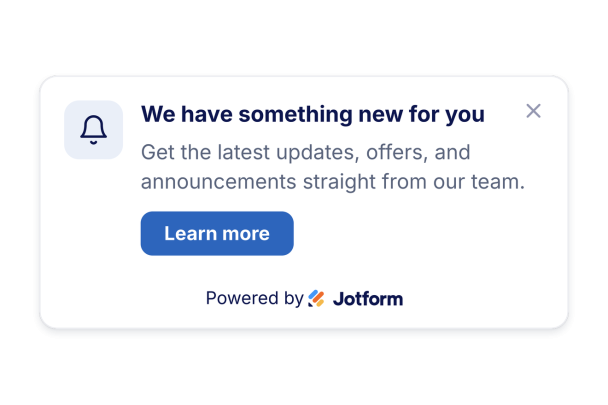

How to create a Browser Notification widget
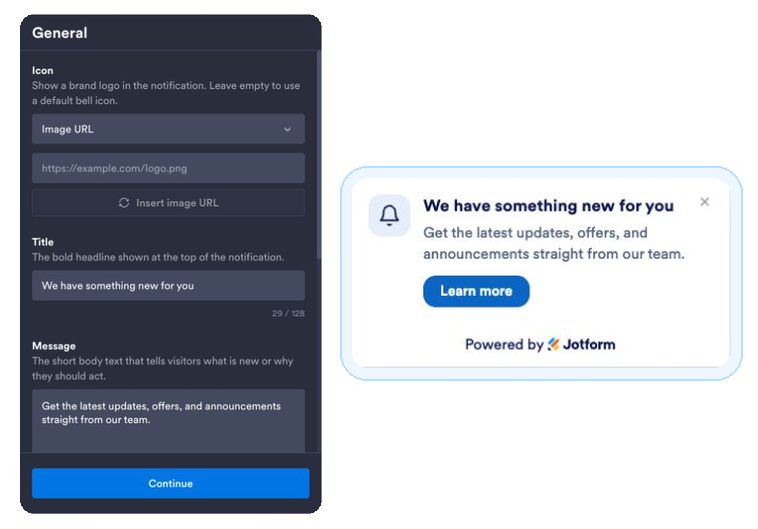
Write your notification
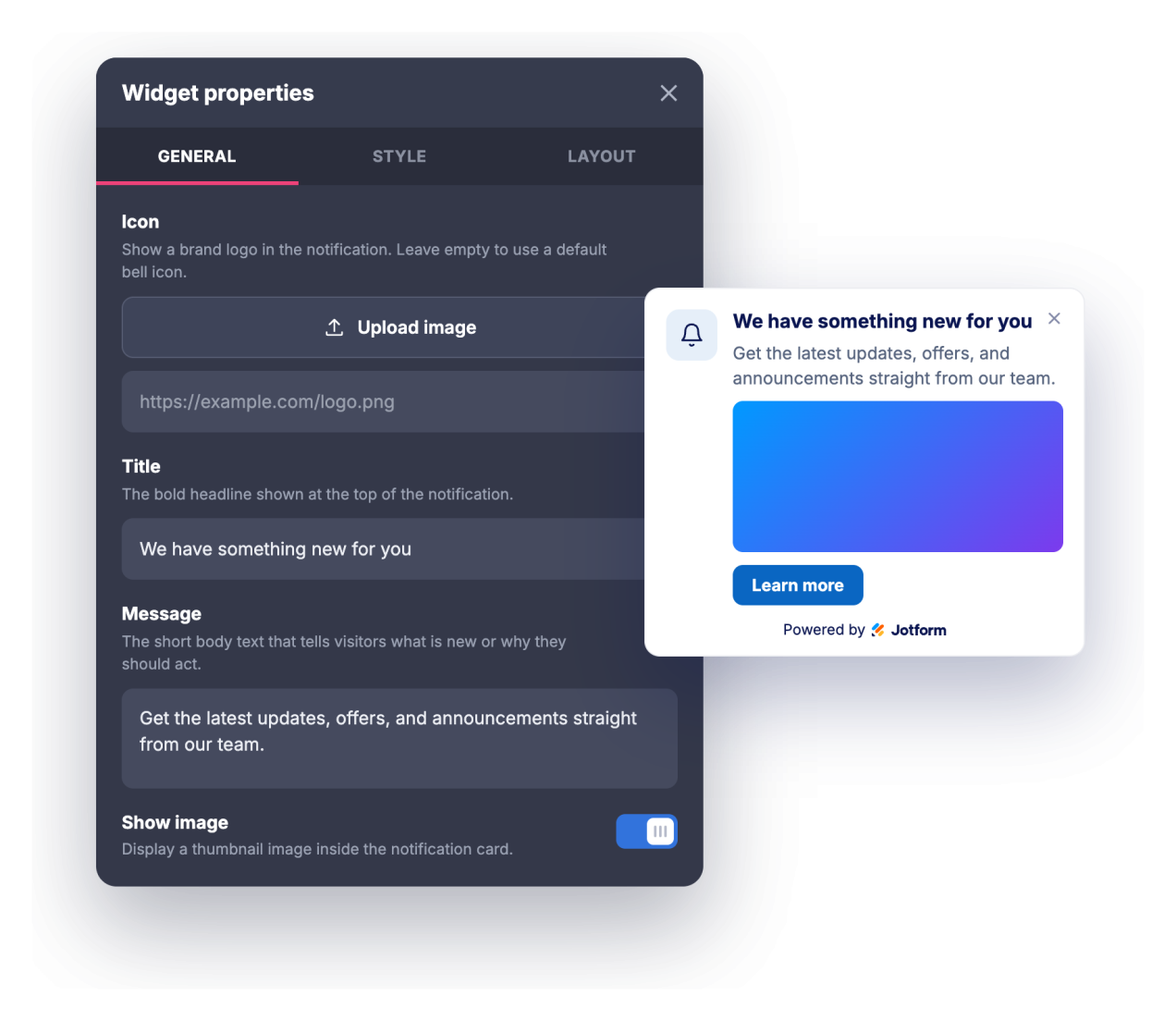
Add a title, message, optional icon or image, and a call-to-action button link.
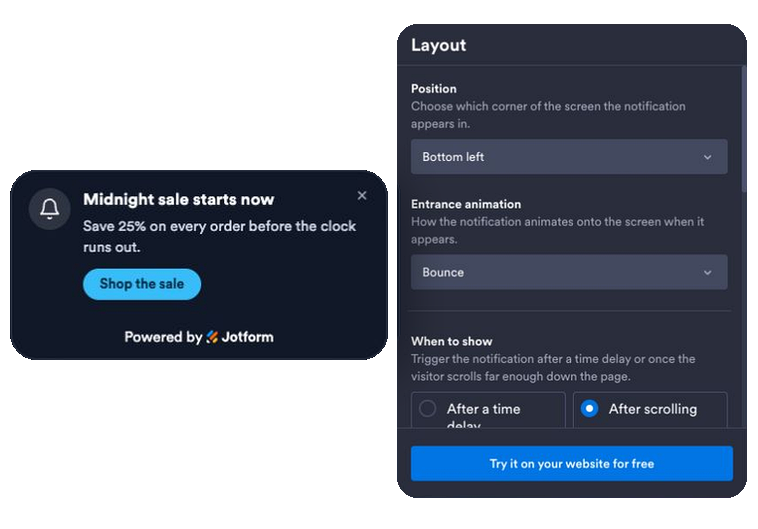
Set animation, timing, and rules
Pick an entrance animation, choose a time or scroll trigger, turn on an optional sound or a real browser notification, and set the position, frequency, pages, and devices that show it.
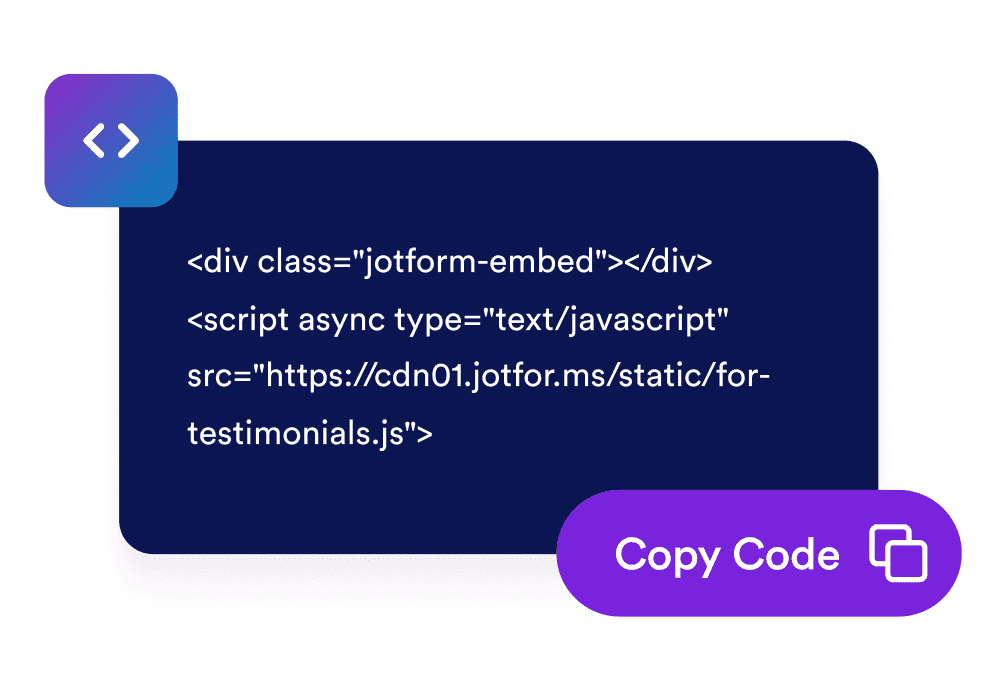
Embed it on your site
Copy the generated embed code and paste it anywhere on your website to launch the notification instantly.
Turn passive visits into engagement
Deliver a timely message that gets noticed
A browser-style notification card animates into the corner of your page with a title, message, and button, so promotions, updates, and announcements are seen without interrupting the whole screen.
Match your brand in a few clicks
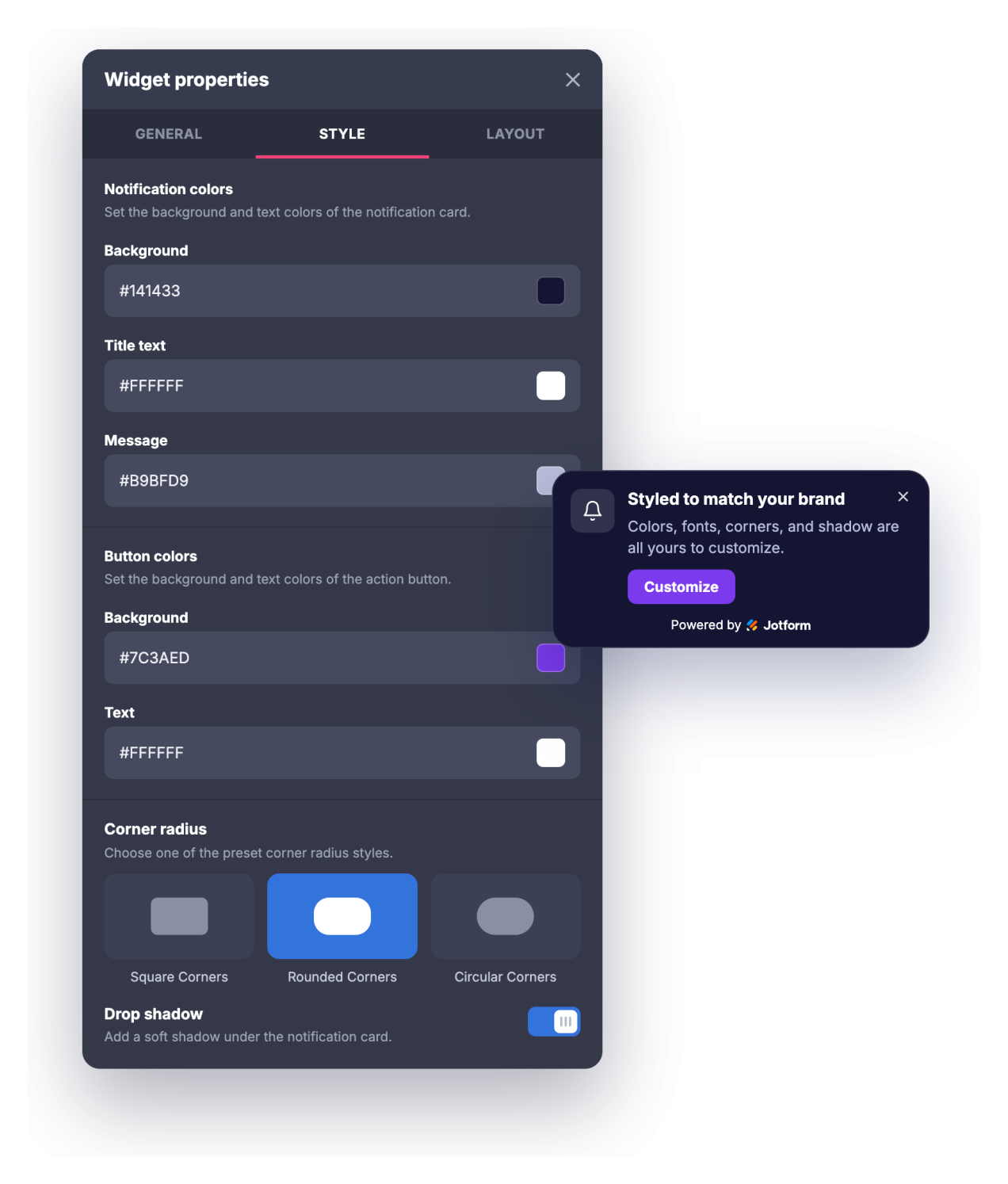
Adjust the background, title, message, and button colors, title and message sizes, corner radius, and drop shadow so the notification looks like a natural part of your site instead of a generic popup.
Pull visitors back and control frequency
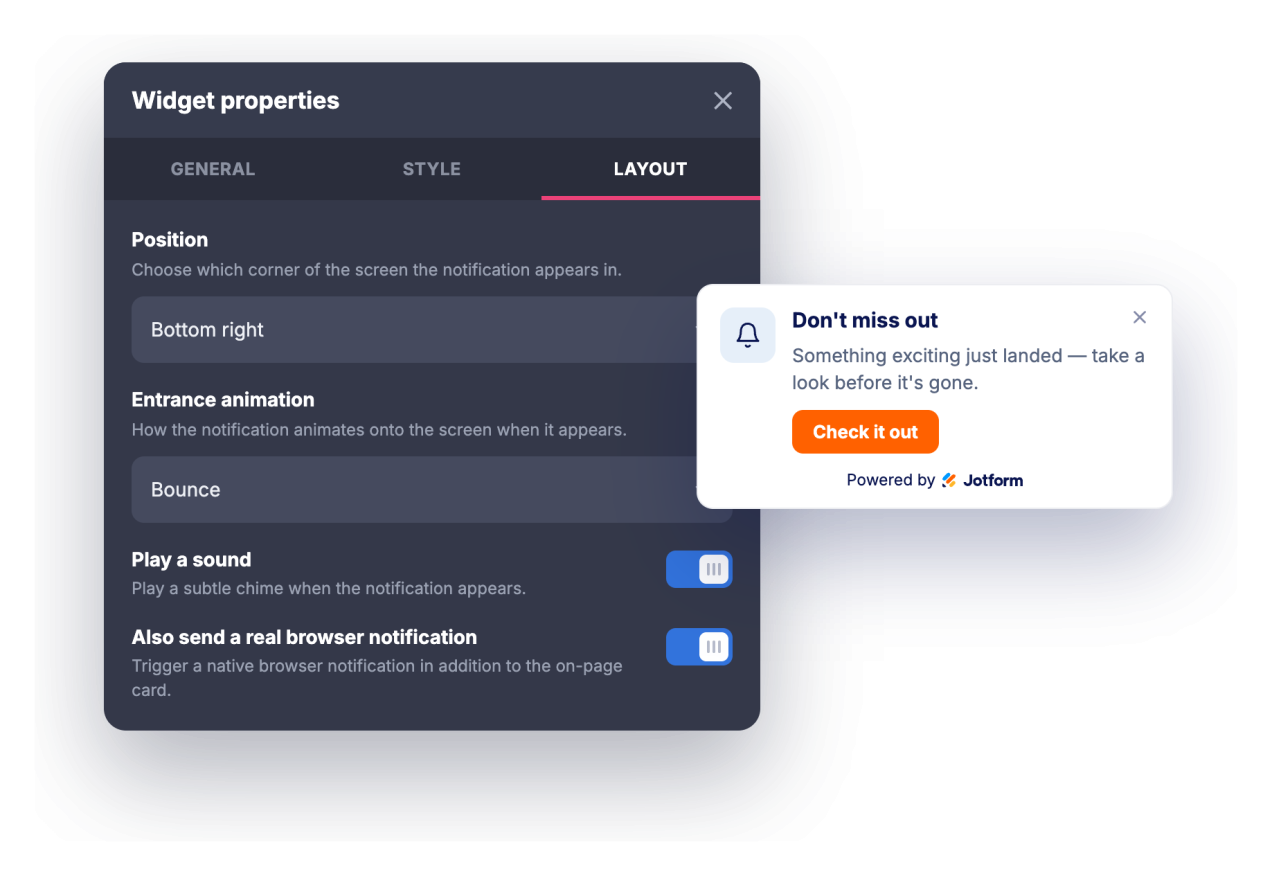
Draw attention with an optional chime or a real browser notification visitors can opt into, then set a show delay or scroll trigger, an auto-close timer, and how often the notification returns.
Target the right pages and devices
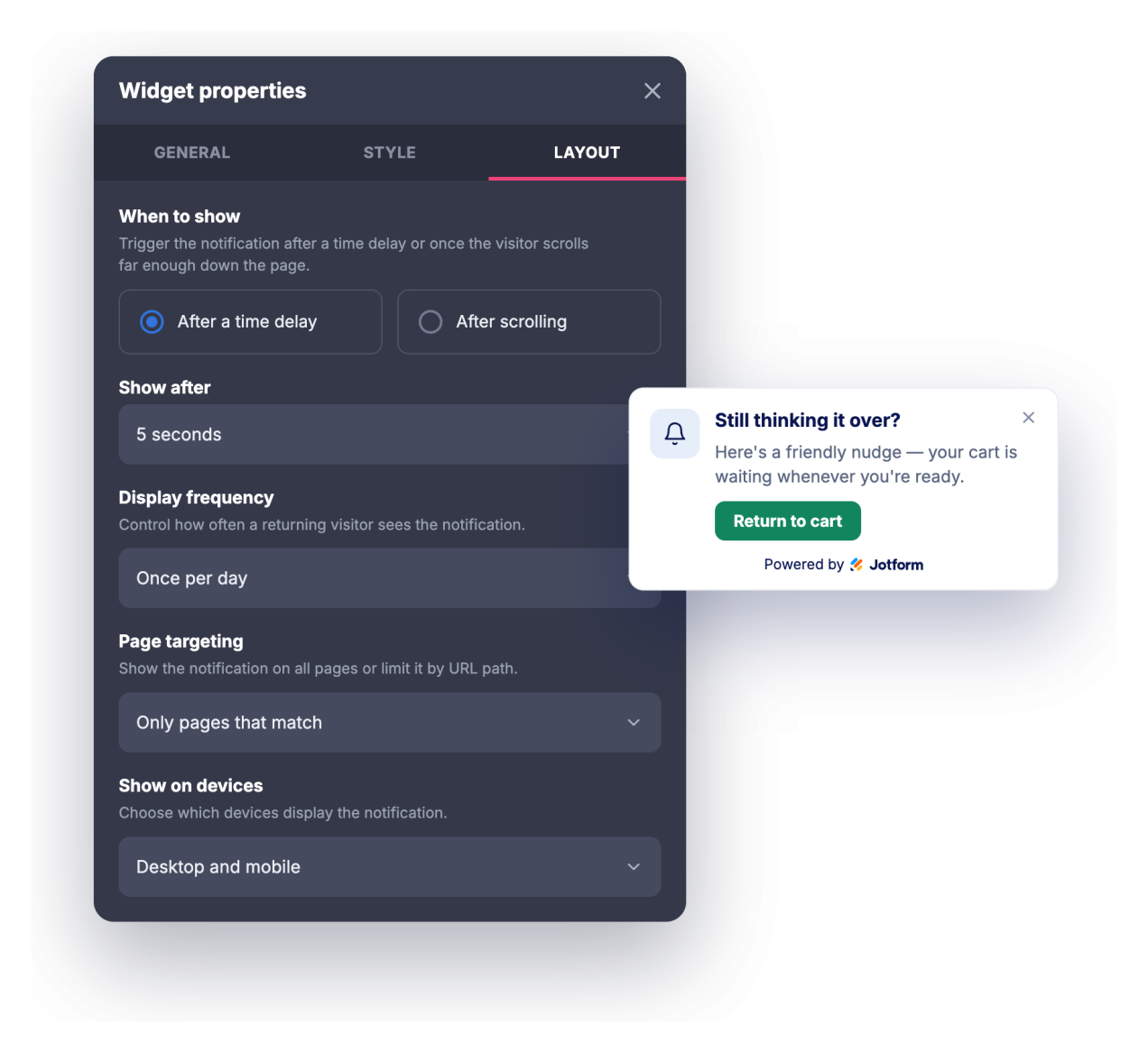
Show the notification on every page, only on pages whose URL matches, or everywhere except matching pages, then choose whether it appears on desktop, mobile, or both.
Why Jotform Website Widgets stand out
Jotform’s widgets make your website more interactive and increase conversions. There are many tools available, from star ratings and testimonial sliders to social proof popups and media embeds. Add widgets to your forms or landing pages to collect data, display proof, and capture leads — no coding required.
Add Jotform widgets to your website with a simple embed code. Customize the widget, preview how it looks, and paste it into any page that supports custom HTML or embed blocks, all without a developer.
Use Jotform Website Widgets to collect leads, show customer feedback, display social proof, embed media, or add helpful web page tools. Each widget helps visitors interact with your business directly from your website.
If you need help setting up, customizing, embedding, or troubleshooting your widget, Jotform’s customer support team is available 24-7. You can move forward with confidence, knowing that help is there when you need it.
Where to use your Browser Notification widget
Use the widget wherever a short, well-timed message can move visitors toward the next step without taking over the page.
Landing pages to highlight a limited-time offer, launch, or lead magnet as soon as visitors arrive
Online stores to announce sales, free-shipping thresholds, discount codes, or restocks in a corner notification
Blogs and content sites to promote a newsletter, related post, or gated resource while readers scroll
SaaS and product pages to surface new features, changelogs, webinars, or trial prompts to the right visitors
Event and course pages to push registration deadlines, early-bird pricing, or schedule reminders
Support and documentation pages to point users to status updates, new guides, or contact options
Convert leads into paying customers with the Jotform Form Builder
Turn engagement into action with Jotform. Create powerful forms that capture leads, collect payments, and automate responses, all in one place. Every submission lands in your Jotform Inbox, where you can follow up or connect with your favorite apps.
Get Started — It’s Free!
FAQ
What is the Browser Notification widget?
The Browser Notification widget is an embeddable card, styled like a browser notification, that animates into the corner of your website to show a title, message, image, and call-to-action button. It offers entrance animations, an optional sound, typography controls, and timing and targeting rules. Visitors who allow it can also receive a real browser notification while they are on your site.
What can I animate?
Can it play a sound?
Do visitors need to grant permission?
Can I control when the notification appears?
Can I show it only on certain pages?
Can I customize the design?
Does it work on mobile devices?
Do I need to write code to use it?
Is the Browser Notification widget free?